Entertainment
HP Inc.
PC
Windows 10 version 17763.0 or higher
English (United States)
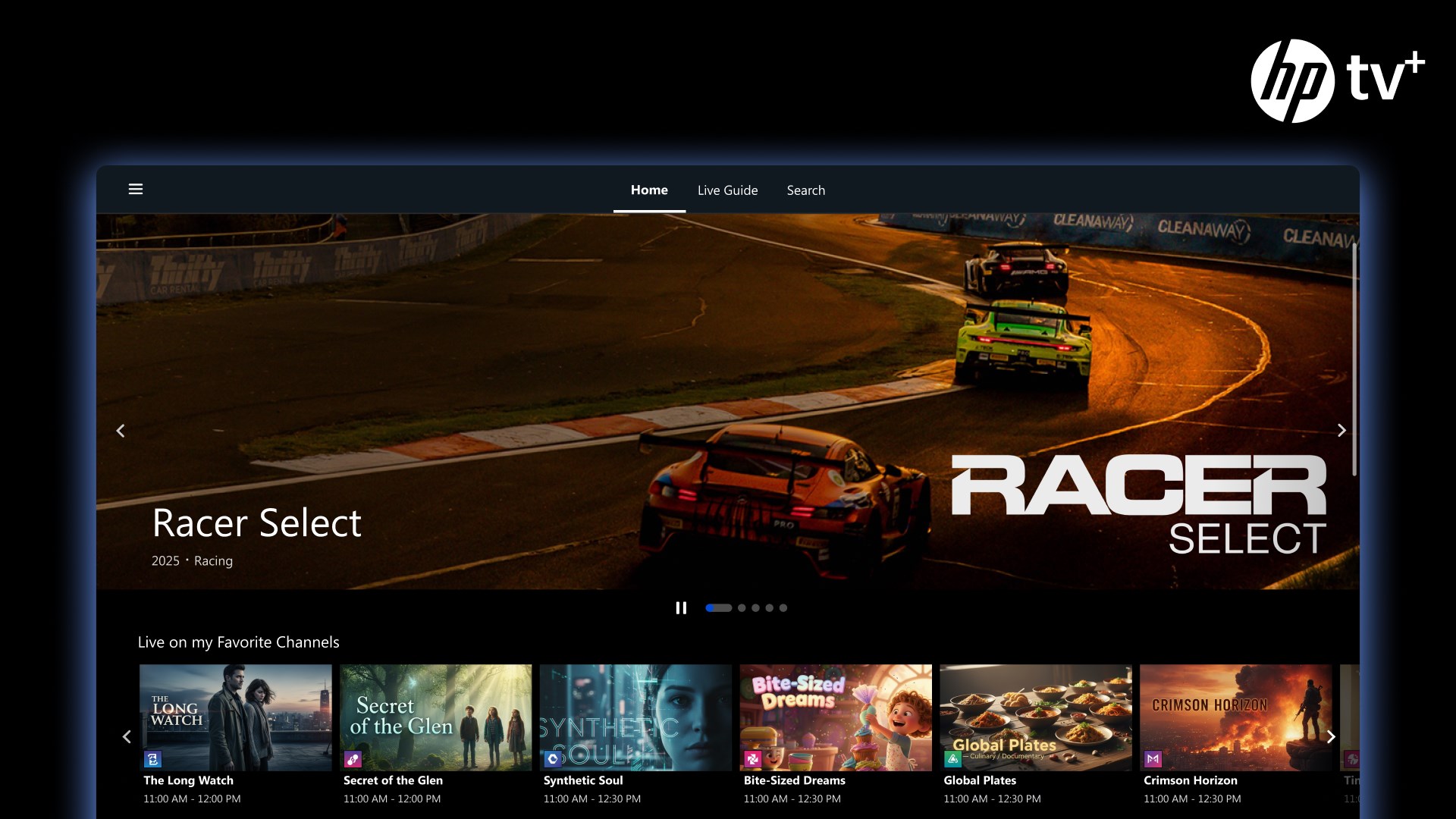
HP TV+ is a versatile entertainment app designed to deliver personalized video streaming experiences directly to your Windows device. With its sleek interface and intelligent content curation, it aims to bring a tailored viewing journey to everyday users seeking convenience and variety.
Developed and published by HP Inc., HP TV+ for Windows positions itself as a user-centric streaming platform that leverages advanced content algorithms to enhance viewer engagement. Its core features include highly personalized content recommendations, an intuitive interface that simplifies navigation, and seamless integration with Windows systems, creating a smooth entertainment hub for users.
Target Audience: Casual viewers, tech enthusiasts, and HP device users who want a straightforward, personalized video streaming experience without the clutter of multiple apps.
Imagine sinking into your favorite chair with a cup of coffee as the screen lights up with a curated selection of shows and movies—HP TV+ is that friendly companion that transforms your Windows device into a personalized cinema. Its smart algorithms work behind the scenes to understand your preferences, constantly refining what pops up to ensure each visit feels fresh and relevant.
One of HP TV+'s standout features is its sophisticated content discovery algorithm. It analyzes your viewing habits, selecting movies, series, and documentaries that align with your tastes—much like a friend recommending your next favorite watch based on your interests. Unlike other apps that offer a generic mix, HP TV+ focuses on relevance, making each browsing session feel tailored and satisfying. This personalized approach minimizes endless scrolling and helps you find your next binge comfortably.
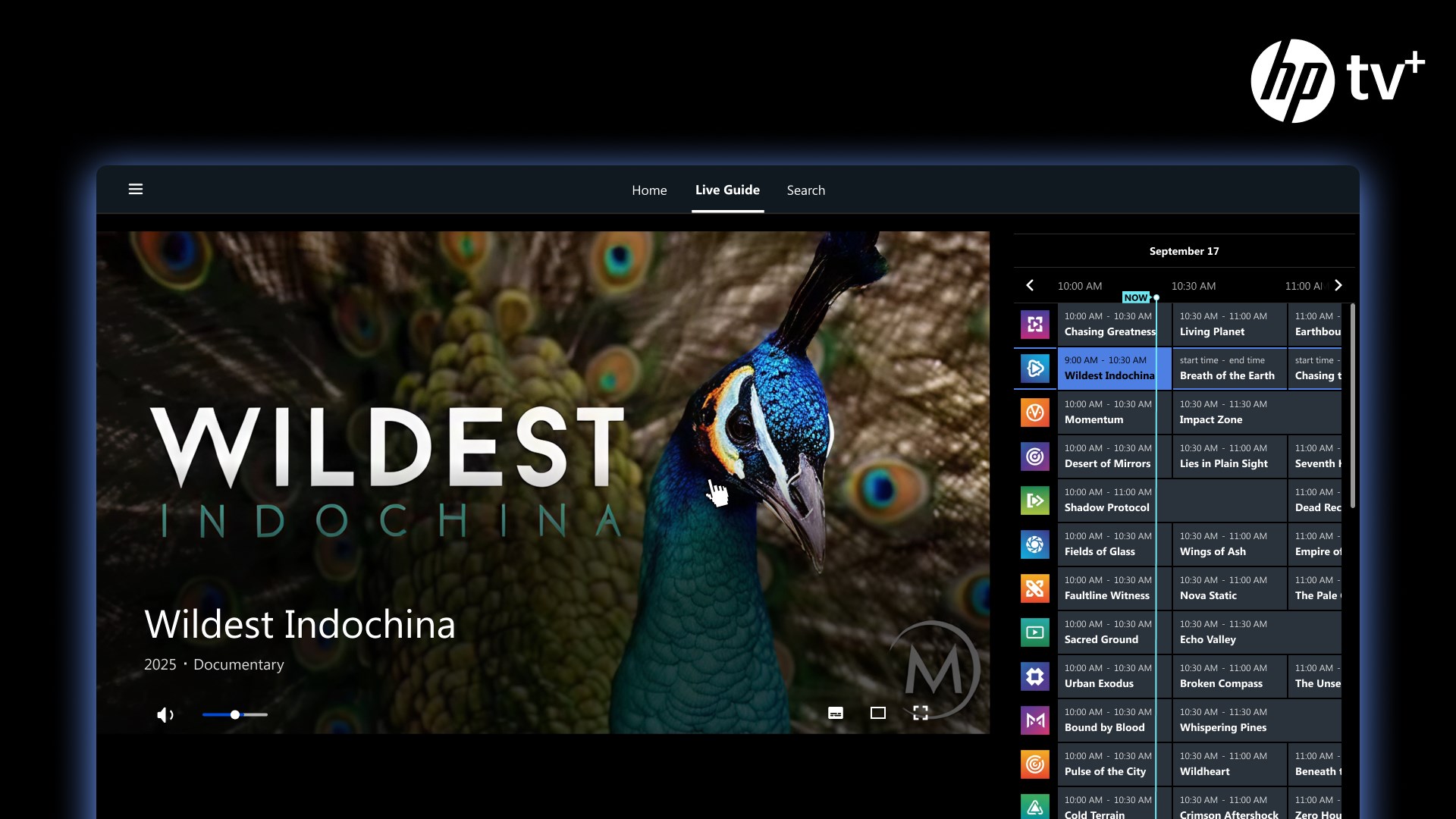
The app's interface resembles a well-organized media library—clean, attractive, and easy to navigate. Discovering new content feels like flipping through a curated collection in a cozy bookstore, with smooth transitions and click-to-play features. Also, the learning curve is gentle; even new users find themselves quickly acclimated, making the experience accessible without overwhelming complexity.
HP TV+ stands out with its seamless integration into the Windows environment. Whether pinning the app to your taskbar or utilizing it alongside other productivity tools, it feels natural and unobtrusive. This enables multitasking—watch a show while browsing the web, or listen to content in the background—enhancing overall user productivity and entertainment flow.
While many streaming apps focus solely on content delivery, HP TV+ differentiates itself through its potent combination of personalized algorithms and tight Windows integration. Its content recommendation engine isn't just a random shuffle; it continually adapts, learning from your viewing patterns to serve more relevant suggestions—much like a personal assistant who understands your evolving tastes. This level of tailored content discovery is a significant advantage over generic entertainment platforms, ensuring that users spend less time searching and more time enjoying.
HP TV+ strikes a commendable balance between simplicity and smart features. For users seeking a personalized, easy-to-navigate streaming app that plays well within the Windows ecosystem, it offers a compelling experience. Its intelligent content recommendations and smooth interface make it worth trying, especially for those already within the HP device family or who value curated media tailored to their preferences.
While not yet rivaling the giants in sheer content volume, its focused personalization and seamless usability make it a worthy addition to your entertainment lineup. If you're looking for an app that learns your tastes and adapts accordingly, HP TV+ could become your go-to viewing partner—quietly intelligent, reliably friendly, and pleasingly personalized.
User-friendly interface
High video quality
Wide content selection
Seamless integration with Windows devices
Offline viewing option
Limited regional availability
Occasional buffering issues
Subscription costs not clearly detailed
Limited parental controls
App stability issues on some devices

for Windows
 5
5

for Windows
4.8

for Windows
4.8

for Windows
4.8

for Windows
4.7

for Windows
4.6

for Windows
4.6

for Windows
4.6

for Windows
4.6

for Windows
4.6

for Windows
4.6
for Windows
4.6

for Windows
5

for Windows
5

for Windows
5

for Windows
5
for Windows
5

for Windows
5

for Windows
5

for Windows
5

for Windows
5

for Windows
5