Productivity
PC, Mobile, Surface Hub, HoloLens
Windows 10 version 18362.0 or higher
Arabic, English, English (United States), French, German, Indonesian, Japanese, Korean, Persian/Farsi, Portuguese (Brazil), Russian, Spanish, Turkish
In an era where online privacy and seamless internet access are paramount, Hotspot Shield VPN for Windows emerges as a straightforward yet powerful tool to safeguard your digital presence while unlocking a world of unrestricted content. Designed by Pango Inc., this app combines essential VPN functionalities with user-friendly features, making it a go-to choice for everyday users seeking security and convenience.
Hotspot Shield VPN offers a suite of features tailored to enhance privacy and browsing experience. Its standout aspects include:
Designed for everyday internet users—from travelers and remote workers to casual browsers—Hotspot Shield VPN ensures that privacy doesn't come at the expense of ease and speed.
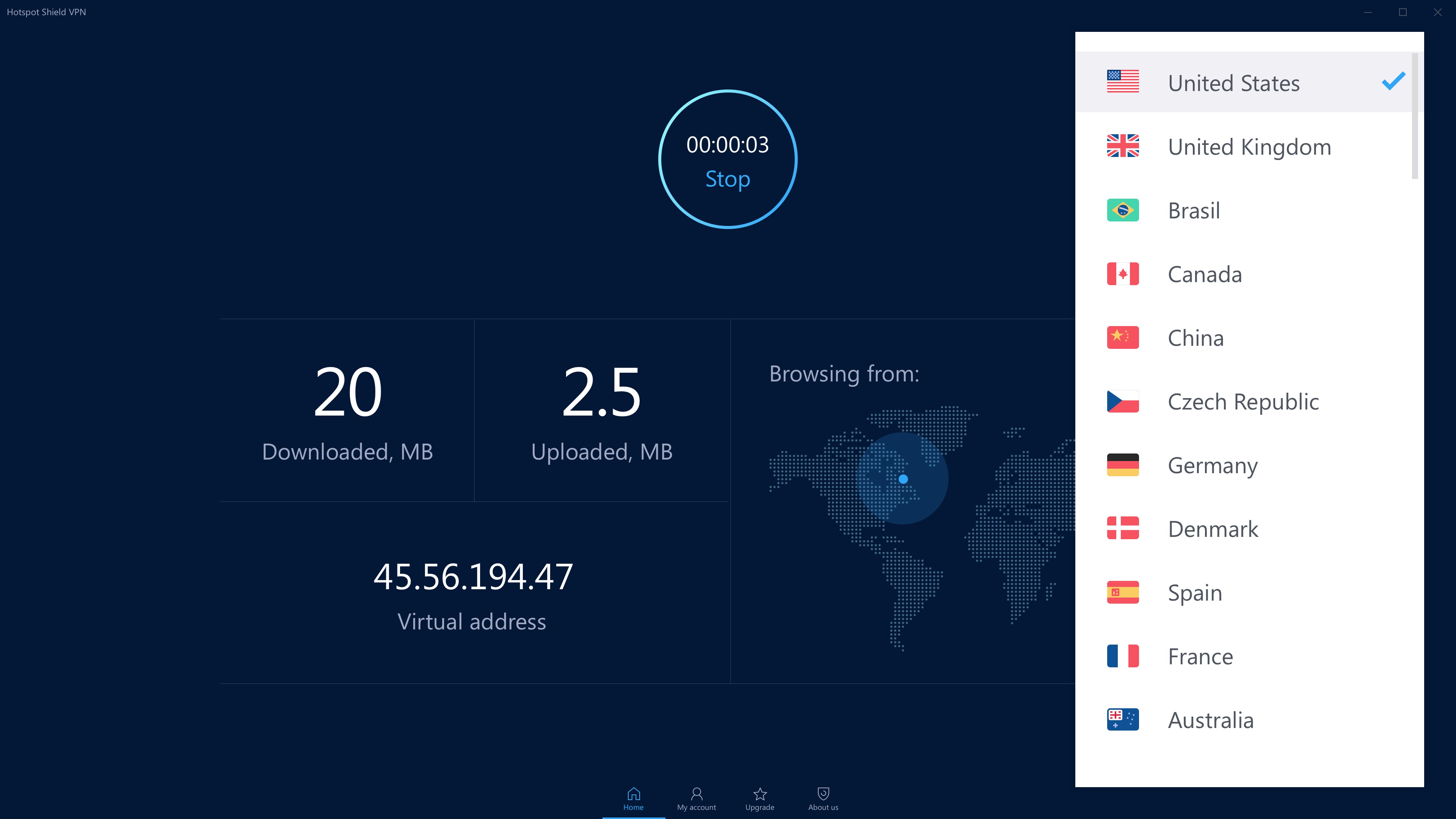
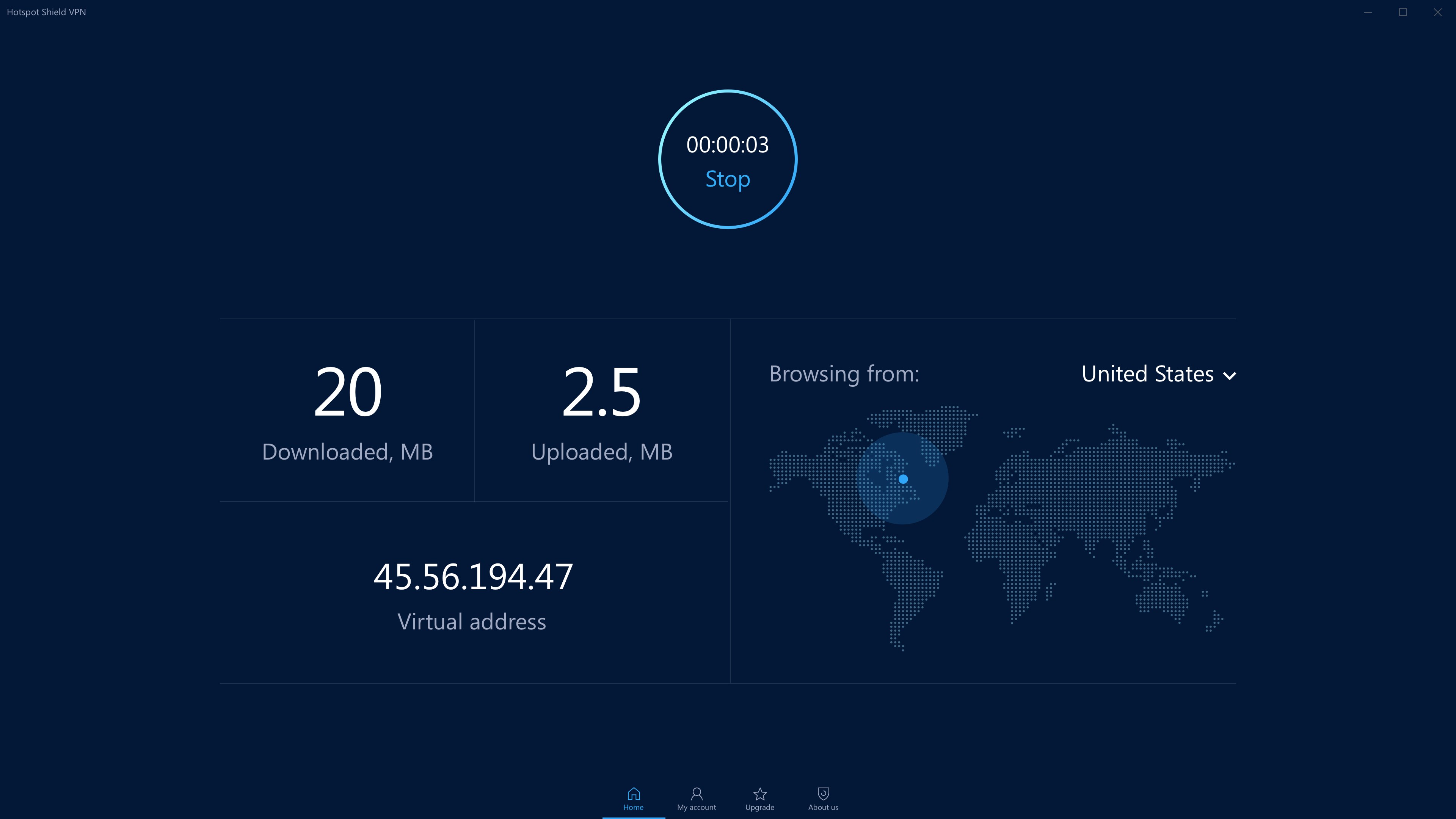
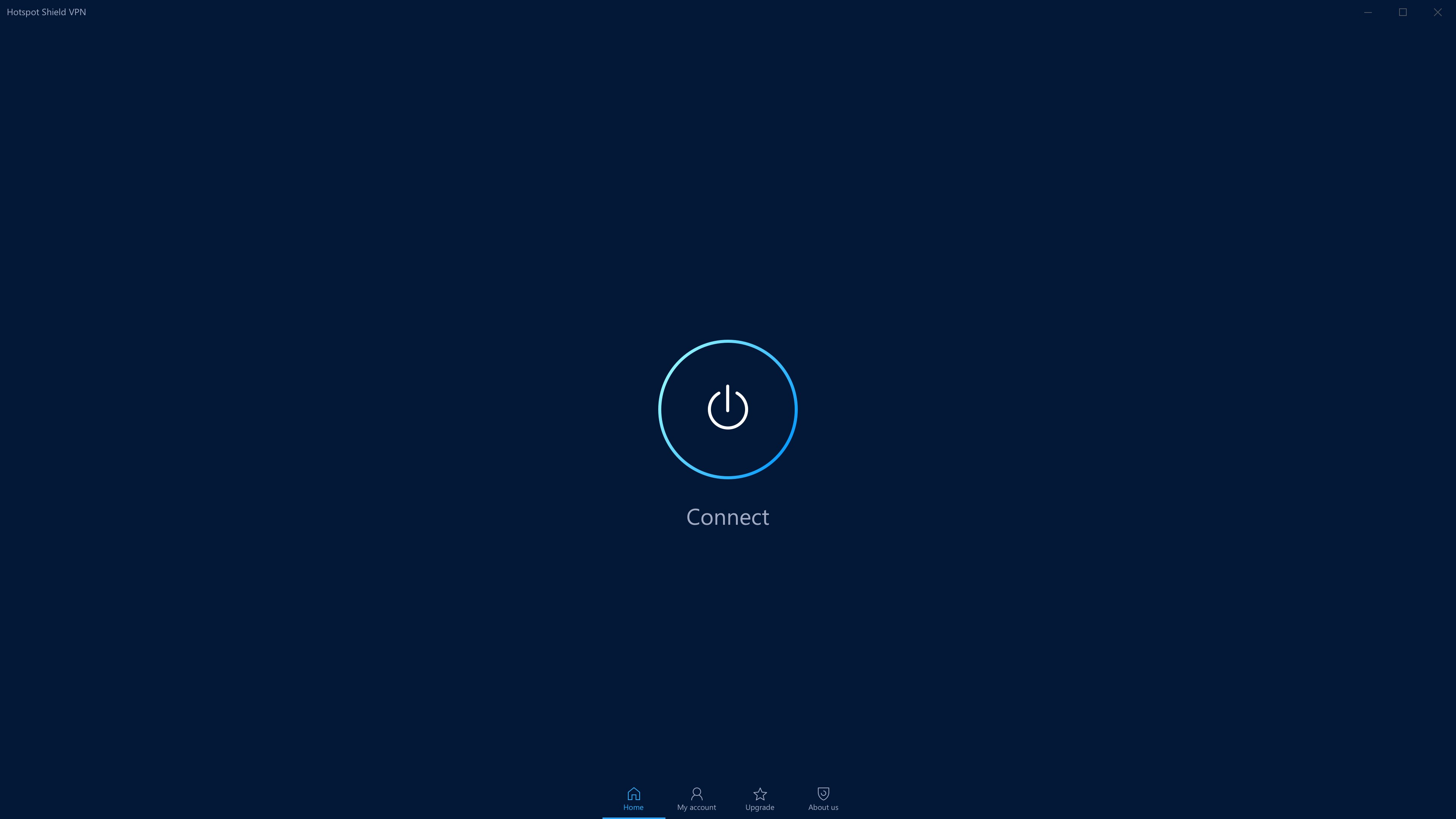
Launching the app feels like stepping into a sleek, digital command center—clear, uncluttered, yet packed with essential information. The interface employs a dark theme with vibrant action buttons that guide you intuitively through connection processes. Even first-time users will find the layout accessible; a prominent 'Connect' button sits front and center, making it straightforward to activate the VPN.
Connecting to a server is as simple as clicking a button, with real-time status updates ensuring you're always aware of your connection health. The app responds swiftly, with minimal lag or glitches, akin to sliding smoothly on well-oiled machinery. Navigating the settings—such as switching servers or toggling features—is intuitive, with tooltips that clarify functions without overwhelming.
From a user experience standpoint, Hotspot Shield strikes a fine balance: it offers enough customization for power users while remaining accessible for novices. The learning curve is gentle, similar to adjusting to a familiar but feature-rich smartphone interface, making it ideal for quick setup and ongoing use.
While many VPNs boast a multitude of features, Hotspot Shield distinguishes itself primarily with its focus on workflow efficiency and reducing cognitive load. Its streamlined design minimizes unnecessary complexity, allowing users to focus on what truly matters: secure, quick internet access.
One of the most notable aspects is its automatic server optimization. Instead of manually selecting from dozens of options, the app intelligently chooses the fastest and most stable server, saving users the mental effort and time. This feature acts like a GPS for your digital journey, guiding you smoothly through the vast landscape of available servers.
Furthermore, Hotspot Shield's design emphasizes clarity of function—features are logically grouped, and default settings are optimized for usability, reducing the cognitive burden often associated with complex VPN configurations. Such thoughtful integration streamlines workflows, making privacy protection a natural extension of your browsing, rather than an additional task to master.
In summary, Hotspot Shield VPN for Windows is a well-rounded, user-centric solution that focuses on essential VPN functionalities wrapped in an accessible, efficient package. If your priority is a reliable, straightforward tool that integrates seamlessly into your daily internet routine without overwhelming you with options, this app is highly recommended.
While more advanced users seeking granular configuration might find it somewhat limited, for the average user, it offers the perfect balance: strong security, ease of use, and minimal cognitive load. I would suggest giving it a try if you're looking for an efficient, neat VPN experience that feels less like navigating a maze and more like cruising down an open highway.
Strong Security Features
High-Speed Connections
Easy-to-Use Interface
Wide Server Network
Built-in Malware Protection
Limited Free Usage
Connection Stability Issues
Presence of Ads in Free Version
Uncertain Privacy Policy Details
Occasional Slow Server Response

for Windows
 5
5

for Windows
5

for Windows
4.9

for Windows
4.9

for Windows
4.9

for Windows
4.8

for Windows
4.8

for Windows
4.8

for Windows
4.8

for Windows
4.8

for Windows
4.8

for Windows
4.8

for Windows
5
for Windows
5

for Windows
5

for Windows
5

for Windows
5

for Windows
5

for Windows
5

for Windows
5

for Windows
5
for Windows
5