Photo & video
PC, Surface Hub, HoloLens
Windows 10 version 17763.0 or higher
English (United States)
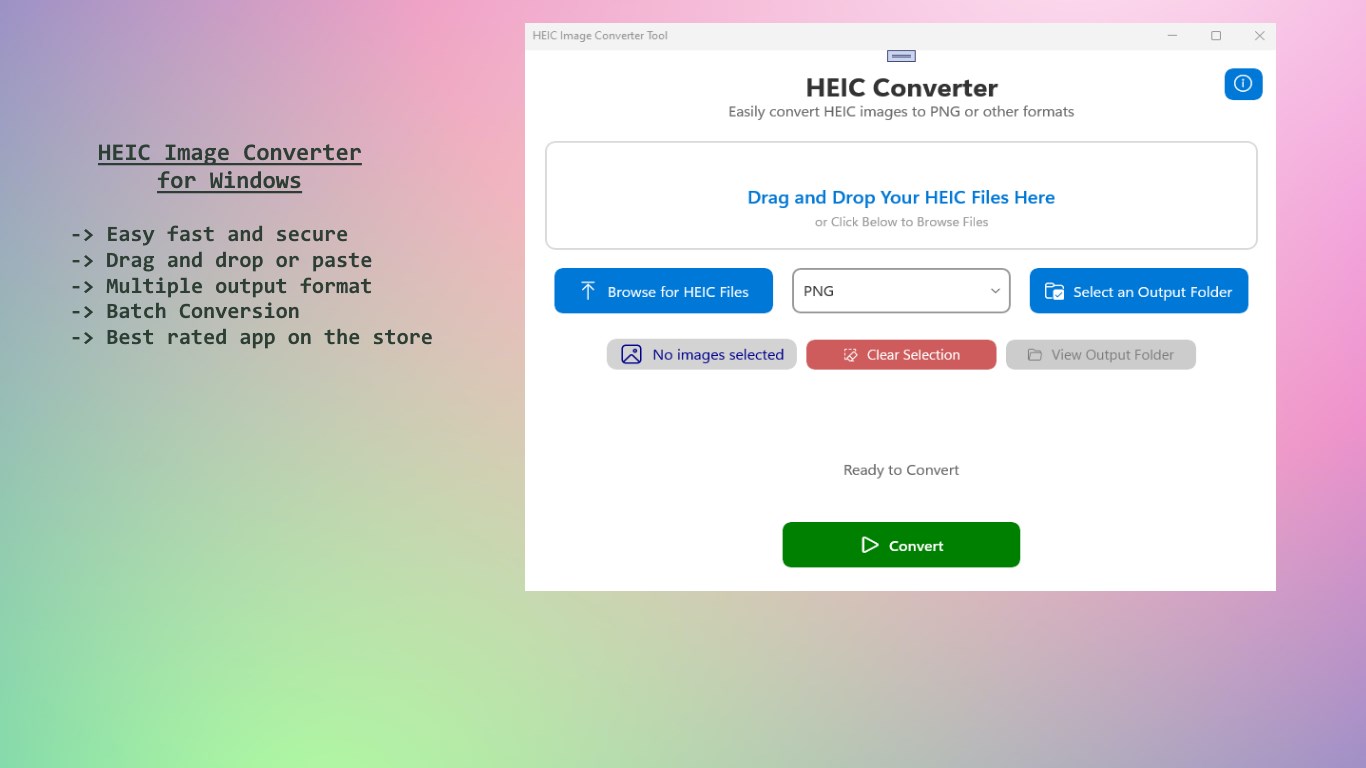
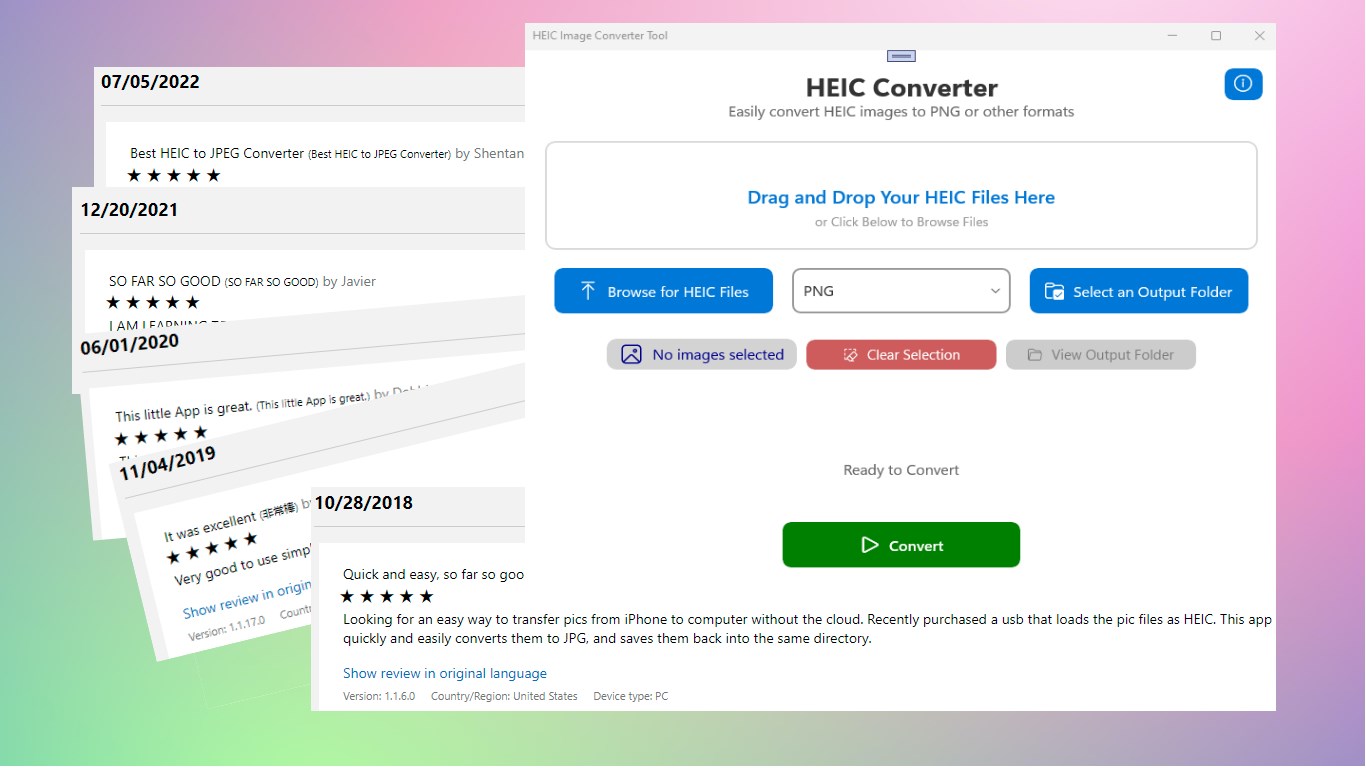
HEIC Image Converter by SoftPard Tech is a straightforward Windows application designed to effortlessly convert HEIC images into widely supported formats like JPEG, PNG, BMP, and GIF—perfect for users needing quick fixes and compatibility.
Developed by SoftPard Tech, a company well-versed in creating practical and user-friendly image management tools, this app reflects their commitment to simplifying image handling processes. Their focus is on streamlining conversions without compromising quality, making it accessible for all levels of users.
Stepping into HEIC Image Converter is like entering a well-organized art gallery—clean, straightforward, and inviting. The interface's minimalist design, with neatly arranged buttons and clear labels, ensures that users can navigate without confusion. As you load images, a smooth drag-and-drop feature makes batching effortless, akin to organizing your photographs on a virtual corkboard.
The primary draw is its conversion engine. Once images are loaded, selecting your desired output format is a breeze—think of it as choosing the right frame for a picture. The app handles multiple files at once, scaling efficiently, so users can process dozens of images without lag. The quality preservation option makes sure your photos look crisp and vibrant after conversion, akin to preserving a perfect memory on a new canvas.
The interface's clarity and minimalism make learning curve negligible—it's as easy as snapping your fingers. The app responds swiftly to commands, providing a seamless workflow that feels more like chatting with a helpful friend than wrestling with complex software. This fluidity ensures that even casual users can enjoy a smooth, frustration-free experience.
Unlike many other image converters that focus solely on one aspect of image processing, HEIC Image Converter's standout feature is its commitment to quality retention combined with batch processing—think of it as having a trusty, fast assistant who never drops the ball. While most tools might struggle to handle large batches without slowing down or compromise on quality, this app manages both with admirable efficiency. Its targeted focus on HEIC specifically, along with a user-centric design, makes it particularly suitable for users transitioning from Apple devices or dealing with large libraries of HEIC images.
Given its straightforward operation, reliable conversion quality, and focus on batch processing, I would recommend this app to anyone who frequently encounters HEIC images and needs a quick, dependable solution. Whether you're a casual user who just wants to convert a few photos or a professional managing a vast image collection, HEIC Image Converter offers a practical and streamlined experience without the clutter of unnecessary features.
Supports multiple output formats
Batch processing capability
High-quality image preservation
User-friendly interface
Fast conversion speed
Limited editing features during conversion
Occasional compatibility issues with very large HEIC files
Basic customization options for output quality
No built-in image previews before conversion
Lack of support for older Windows versions

for Windows
 5
5

for Windows
4.9

for Windows
4.8

for Windows
4.8

for Windows
4.8

for Windows
4.7

for Windows
4.7

for Windows
4.7

for Windows
4.7
for Windows
4.7

for Windows
4.7

for Windows
4.7

for Windows
5

for Windows
5

for Windows
5

for Windows
5

for Windows
5

for Windows
5

for Windows
5

for Windows
5

for Windows
5

for Windows
5