Utilities & tools
PC, Mobile, Surface Hub, HoloLens
Windows 10 version 18362.0 or higher
English (United States)
If you've ever struggled with incompatible image formats or complex conversion tools, HEIC Converter by Moonlight Tidal Technology offers a straightforward solution. Designed to bridge the gap between modern image formats and everyday usability, this app promises to make image conversion an effortless task right on your Windows device.
HEIC Converter is a versatile utility that enables you to convert images seamlessly across formats like HEIC, JPEG, PNG, and more. Its primary role is to simplify image format management, especially focusing on HEIC images commonly found on newer devices.
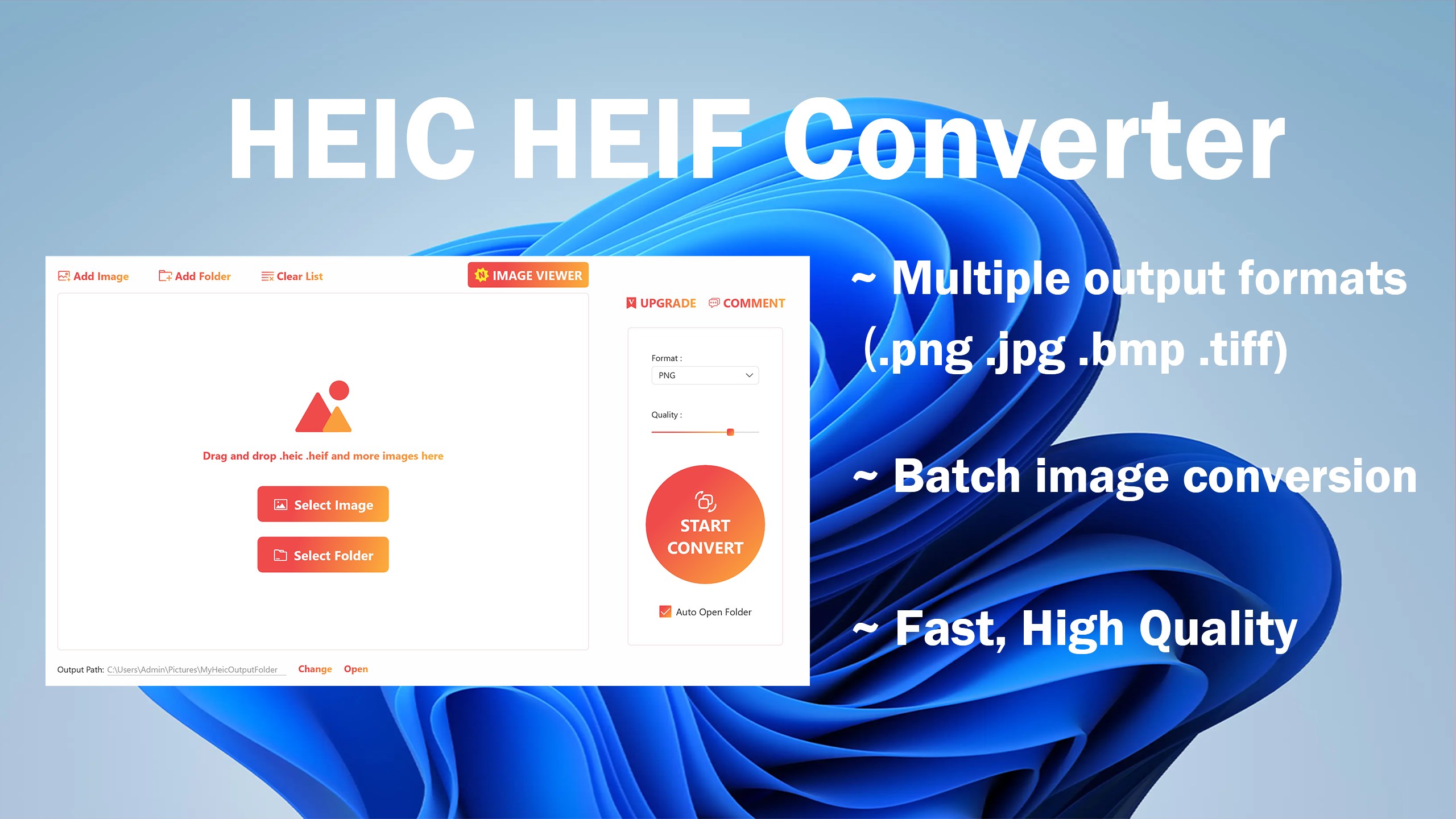
Developed by Moonlight Tidal Technology, the application boasts a user-friendly interface designed for quick and efficient conversions. Main highlights include:
This app is ideal for photographers, graphic designers, or casual users who frequently encounter HEIC files or need quick conversions for compatibility, sharing, or editing purposes.
Imagine this scenario: you're prepping a presentation, and suddenly, you realize your images are in HEIC format, which isn't supported by your editing software or presentation platform. Enter HEIC Converter — your digital translator turning those high-efficiency files into universally friendly formats without breaking a sweat.
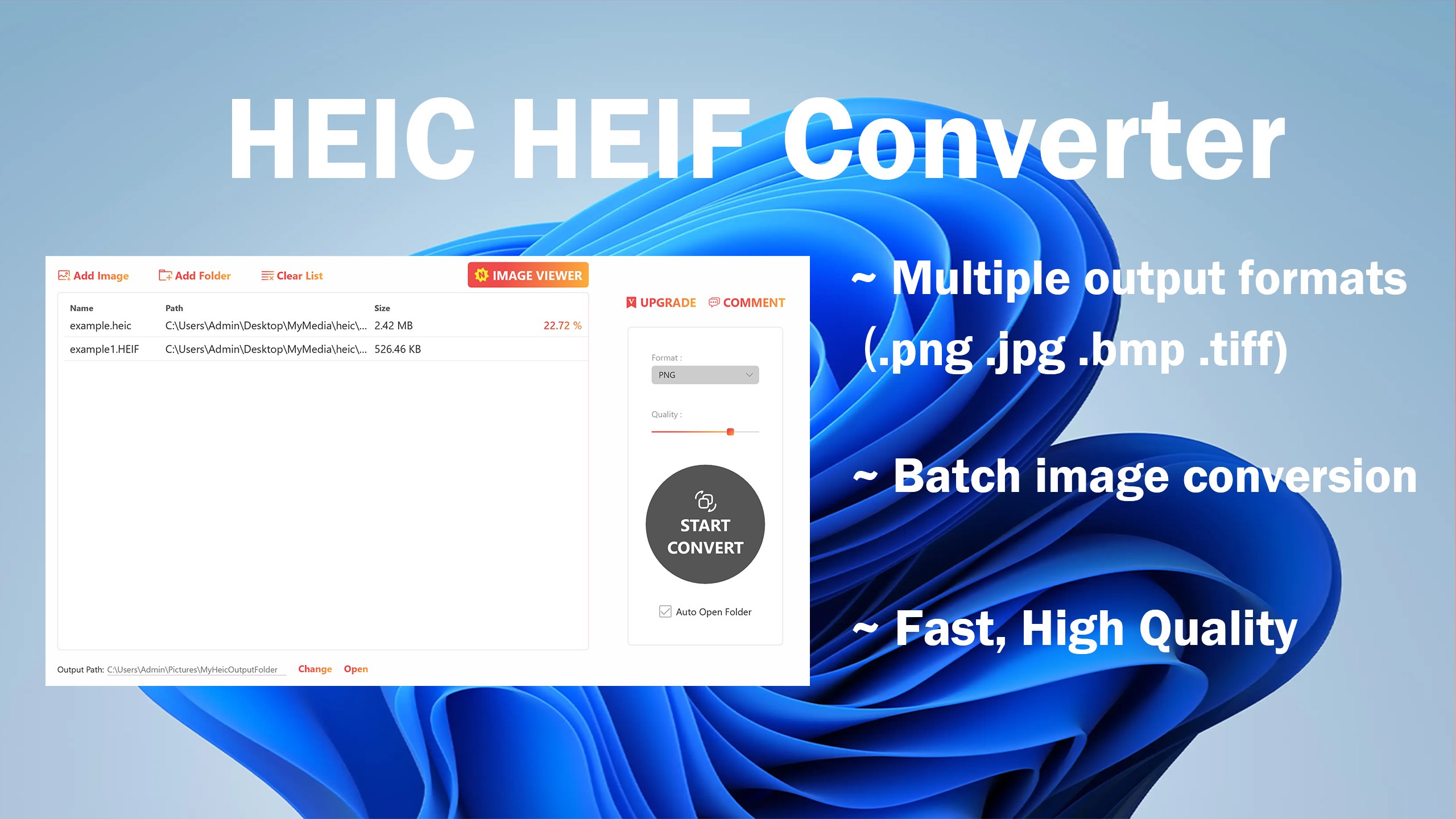
HEIC Converter excels at translating images from one format to another effortlessly. Its standout feature is the support for multiple image formats coupled with batch processing. Think of it as a skilled chef who can prepare a large feast in one go; you simply load your images, pick your target format, and let the app work its magic. Unlike some tools that are single-use or clunky, HEIC Converter handles multiple files in parallel, which is a real time-saver. And the best part? It preserves the image quality, so your processed photos look as sharp as the originals, not blurry or compressed.
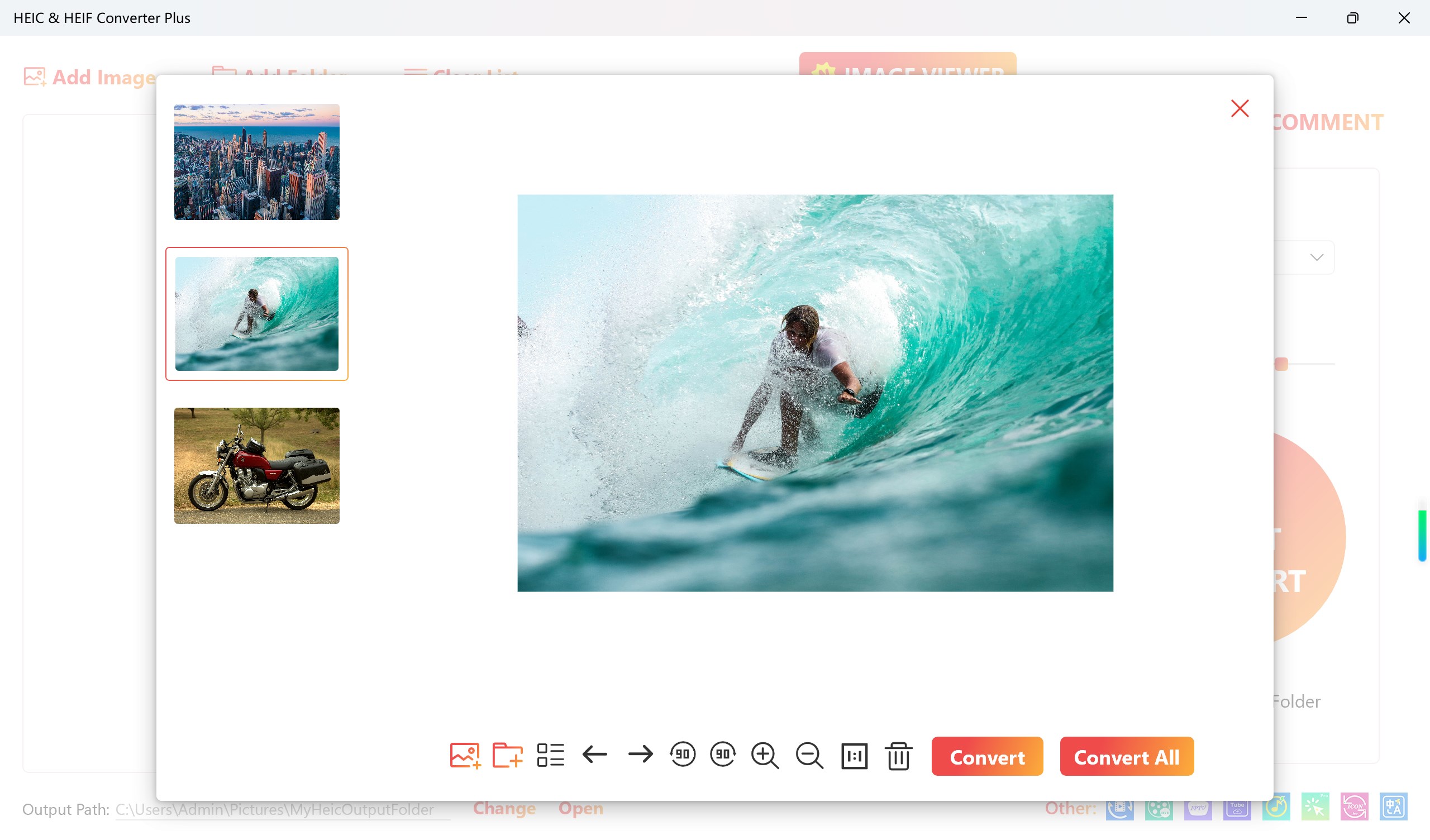
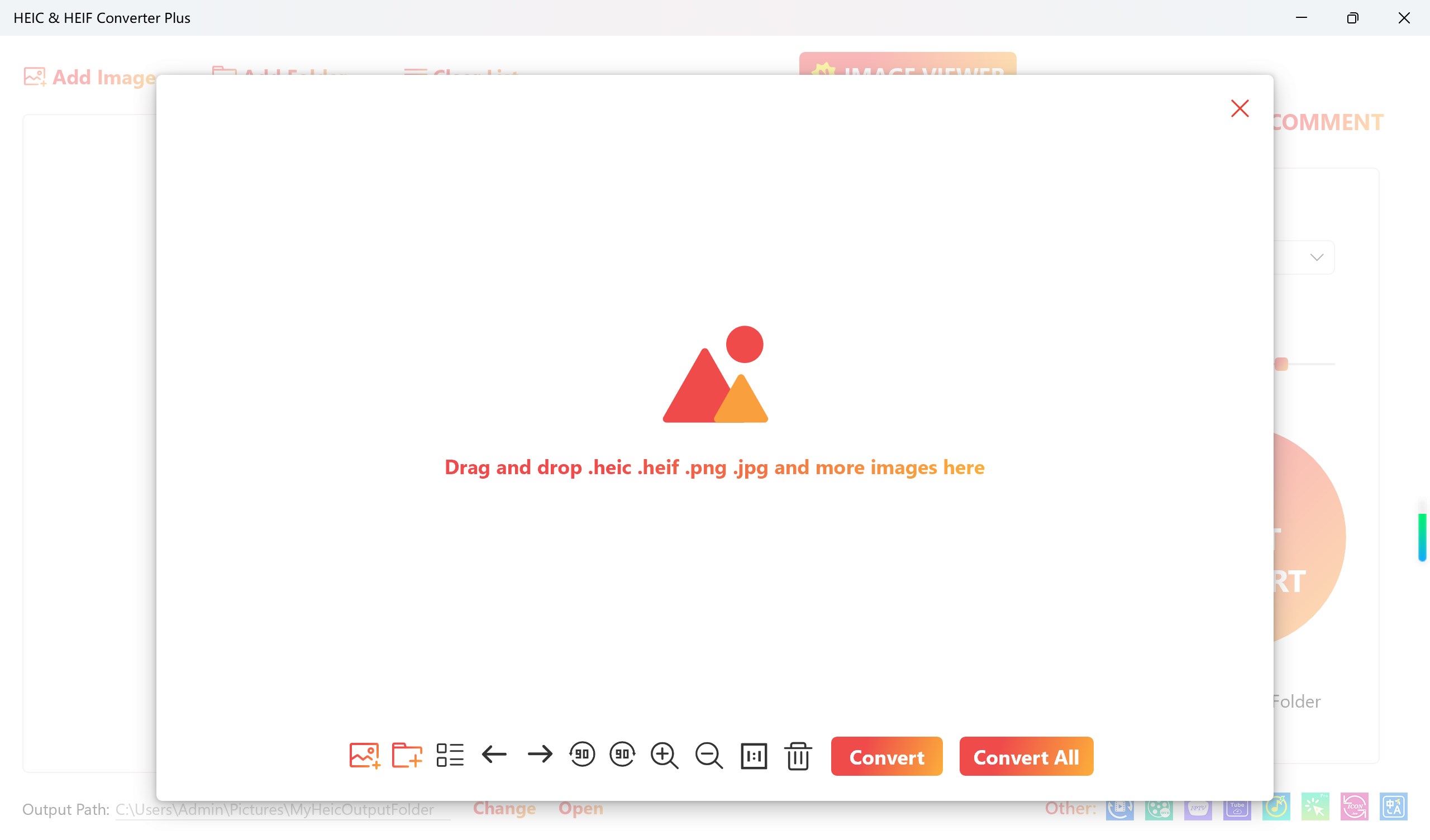
Despite being a powerful utility, HEIC Converter boasts a clean, minimalistic interface that even the most tech-phobic can navigate comfortably. From drag-and-drop support to clear buttons, everything is designed to feel intuitive. The conversion process is swift, almost like flipping a switch — select files, choose your output format, click convert, and you're done. Users report that the app responds quickly with no lag, making the experience enjoyable rather than a chore. The learning curve? Nearly flat, perfect for users of all ages and tech backgrounds.
While many image converters exist, HEIC Converter distinguishes itself through its focus on HEIC files, ensuring high fidelity and easy batch processing. Unlike generic image tools that require complex settings or lack support for niche formats, this app zeroes in on HEIC conversion with a streamlined experience. Think of it as a specialized translator versus a multilingual dictionary — it does one thing well, making your workflow smoother. Its ability to handle multiple images at once without sacrificing quality makes it stand out among the many utilities cluttering the market.
In conclusion, HEIC Converter by Moonlight Tidal Technology is a reliable, easy-to-use tool tailored to modern image management needs. Whether you're a professional photographer needing quick format adjustments or a casual user seeking compatibility, this app ticks the essential boxes. Its most compelling features — high-quality batch conversion and an intuitive interface — ensure it remains a valuable addition to your digital toolbox.
While it doesn't boast overly flashy features, its focused functionality and user-centric design make it a solid recommendation. I'd suggest giving it a try if you often deal with HEIC files or need reliable image format conversions with minimal fuss. Simply put, it's like having a friendly, efficient assistant at your side for all your image transformation needs.
High Compatibility
Fast Conversion Speed
User-Friendly Interface
Multiple Format Support
Bulk Processing Capability
Limited Editing Features
No Built-in Cloud Storage
Occasional Conversion Errors
Limited Customization Options
Free Version Restrictions

for Windows
 5
5

for Windows
5

for Windows
5

for Windows
5

for Windows
5

for Windows
4.9

for Windows
4.9

for Windows
4.9

for Windows
4.9

for Windows
4.9

for Windows
4.9

for Windows
4.9

for Windows
5

for Windows
5

for Windows
5
for Windows
5

for Windows
5

for Windows
5

for Windows
5

for Windows
5

for Windows
5

for Windows
5