Photo & video
WunderApps GmbH
PC, Surface Hub, HoloLens
Windows 10 version 17763.0 or higher
English (United States)
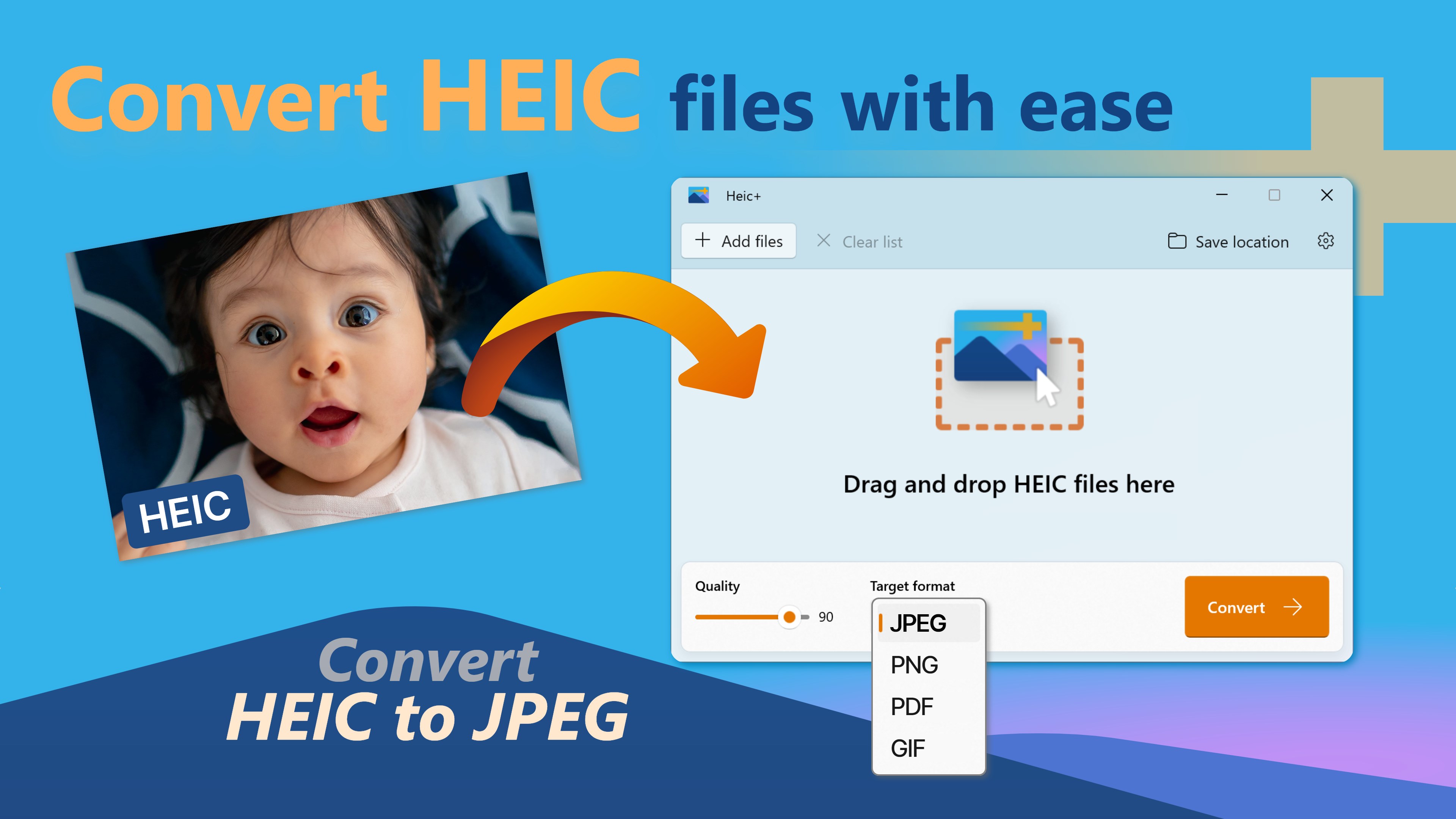
HEIC+ for Windows by WunderApps GmbH is a versatile application designed to streamline the viewing, converting, and managing of HEIC image files directly on Windows platforms. It aims to bridge the gap between Apple's high-efficiency image format and Windows users who need a seamless way to handle these files without resorting to complex software or cloud services.
Developed by WunderApps GmbH and published by Tim Grabinat, this app benefits from a background rooted in providing practical and user-centric software solutions. WunderApps GmbH specializes in crafting tools that enhance digital workflows, particularly in image and media management.
Stepping into the app feels like opening a well-organized digital photo album—clean, elegant, and inviting. The interface utilizes a familiar Windows-style layout, reducing the learning curve. Navigating through images is smooth and responsive; zooming, scrolling, and switching between files happen without noticeable lag, which is especially impressive considering the app's lightweight nature.
For newcomers, the learning curve is gentle. The straightforward menus and clear icons mean you don't need a tech degree to figure out how to preview or convert images. Even users unfamiliar with HEIC formats will find the step-by-step guidance intuitive and hassle-free.
While many photo viewers or converters exist, HEIC+ for Windows distinguishes itself with its focus on simplicity paired with powerful batch processing. The app's ability to handle multiple files at once without sacrificing speed or quality makes it a breath of fresh air in a crowded market. Moreover, it emphasizes image fidelity—preserving original details during conversion—which is crucial for photographers or professionals who demand high accuracy.
Another unique selling point is its seamless integration within the Windows environment. Unlike standalone converters that may require external software or online tools, HEIC+ feels like an extension of your system—fast, reliable, and privacy-conscious.
Overall, I would recommend HEIC+ for Windows as a practical, user-friendly solution for managing HEIC images. It's particularly suitable for users who frequently work with Apple-formatted images and need quick conversions without losing quality. Its batch processing feature is a real game-changer for those managing large photo libraries.
If your workflow involves dealing with HEIC files regularly—be it for personal photography or professional projects—this app deserves a spot in your toolkit. Its straightforward design and core strengths make complicated tasks simple, allowing you to focus more on creativity and less on technical hurdles. Consider giving it a try—you might just find it becomes your go-to companion for HEIC images!
supports HEIC file conversion efficiently
User-friendly interface
Fast processing speeds
Built-in editing tools
Supports batch processing
Limited advanced editing features
Occasional minor crashes during large batch conversions
No cloud backup or sync capabilities
Limited language options for interface
Requires internet connection for certain features

for Windows
 5
5

for Windows
4.9

for Windows
4.8

for Windows
4.8

for Windows
4.8

for Windows
4.7

for Windows
4.7

for Windows
4.7

for Windows
4.7

for Windows
4.7

for Windows
4.7

for Windows
4.7

for Windows
5

for Windows
5

for Windows
5

for Windows
5

for Windows
5

for Windows
5

for Windows
5

for Windows
5

for Windows
5

for Windows
5