Classics
Larocque
PC
Windows 10 version 19041.0 or higher
English (United States), French
Hearts Classic for Windows, developed and published by Larocque, is a digital adaptation of the timeless card game beloved by many. Designed to bring the nostalgic charm of Hearts to your computer, it offers a simple yet engaging experience perfect for casual gamers and card game enthusiasts alike.
Larocque's Hearts Classic isn't just another digital card game; it's a thoughtfully crafted rendition that bridges classic gameplay with modern convenience. Its key features make it stand out in the crowded field of online card games.
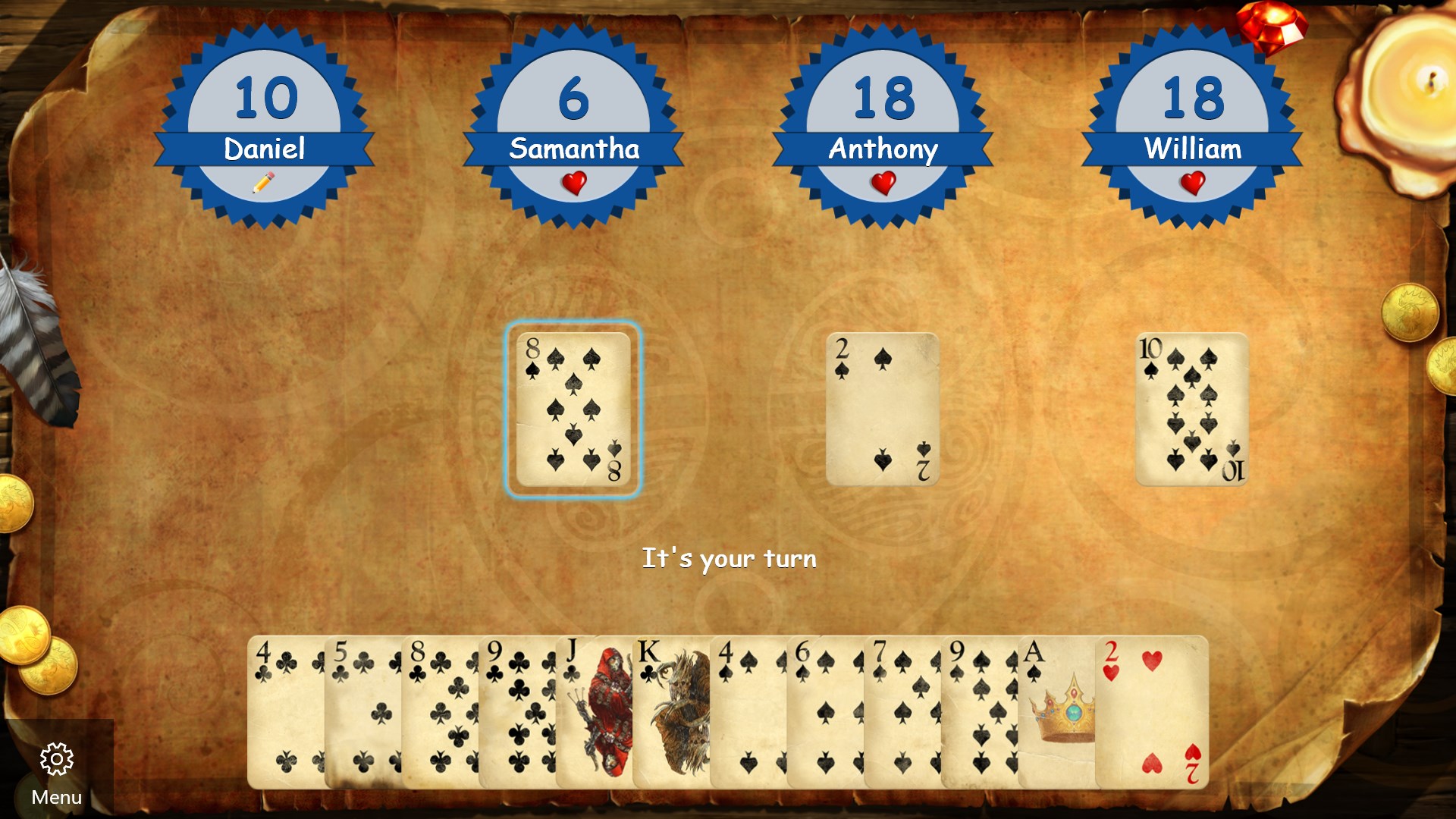
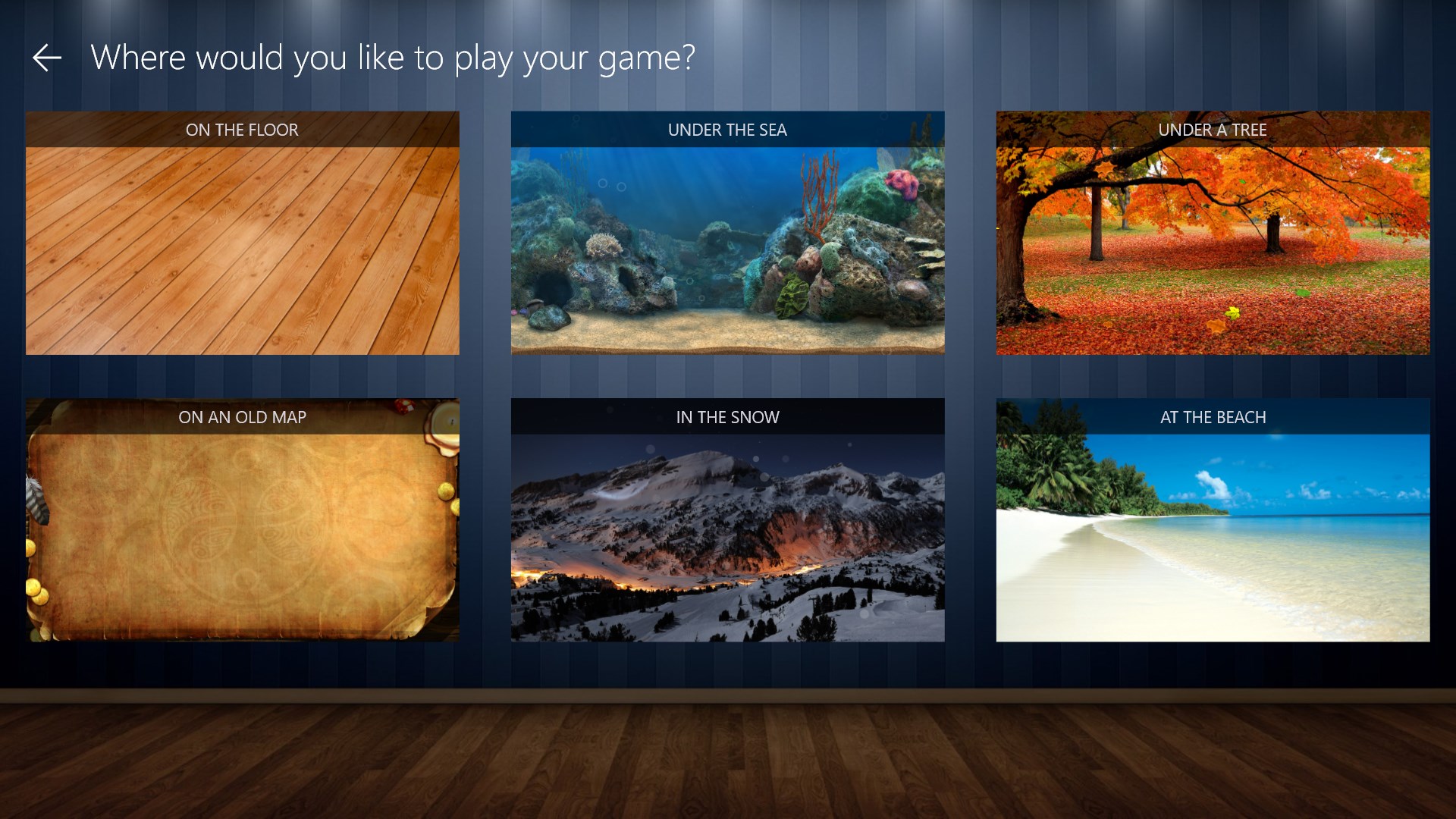
The game boasts a clean, intuitive interface reminiscent of traditional card tables, but with a modern polish that makes navigation effortless. Brightly colored cards and a well-organized layout help players focus on the game without unnecessary distraction. Transitioning from hand to hand flows seamlessly, making each turn feel natural—as if you're sitting around a real table. For new players, the interface's simplicity shortens the learning curve, allowing quick immersion into the gameplay.
One of the standout features is its intelligent AI opponents. Designed to mimic human strategies, these bots provide a challenging yet enjoyable experience for both novices and seasoned players. The game operates smoothly, with minimal lag or glitches, making every round satisfying and frustration-free. The smoothness of play ensures that even lengthy sessions remain engaging without frustrating stalls or delays, akin to a well-oiled machine.
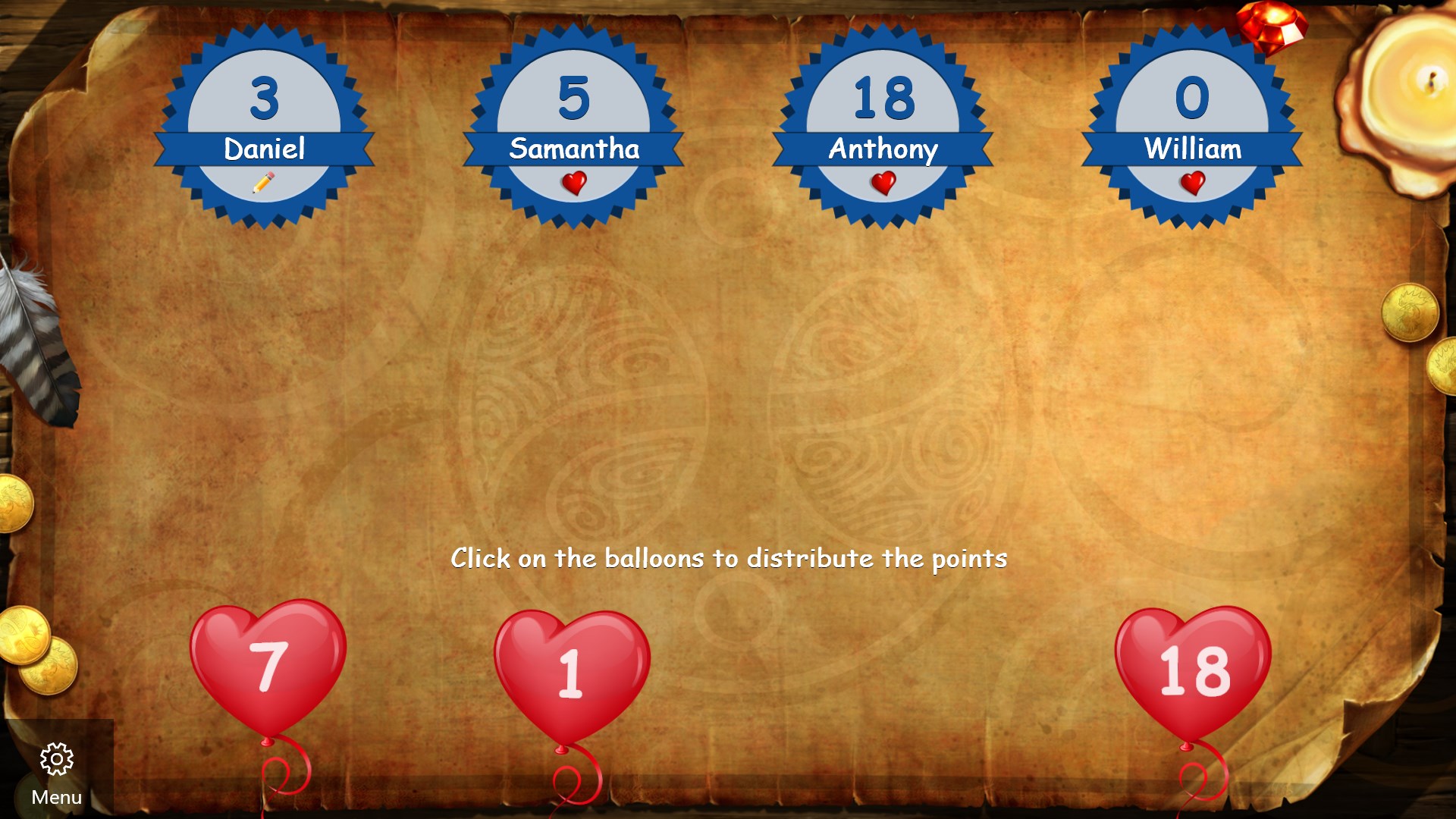
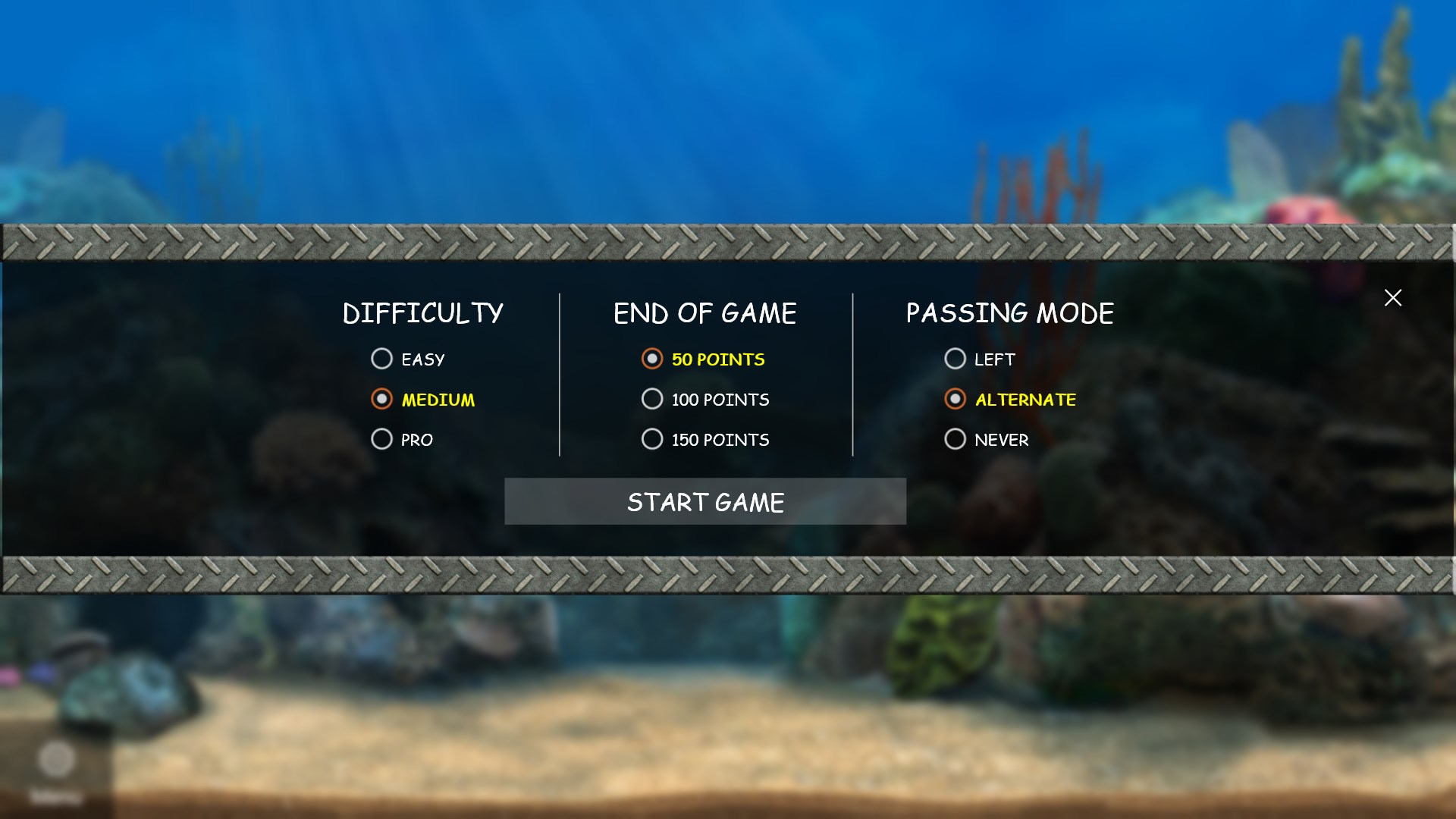
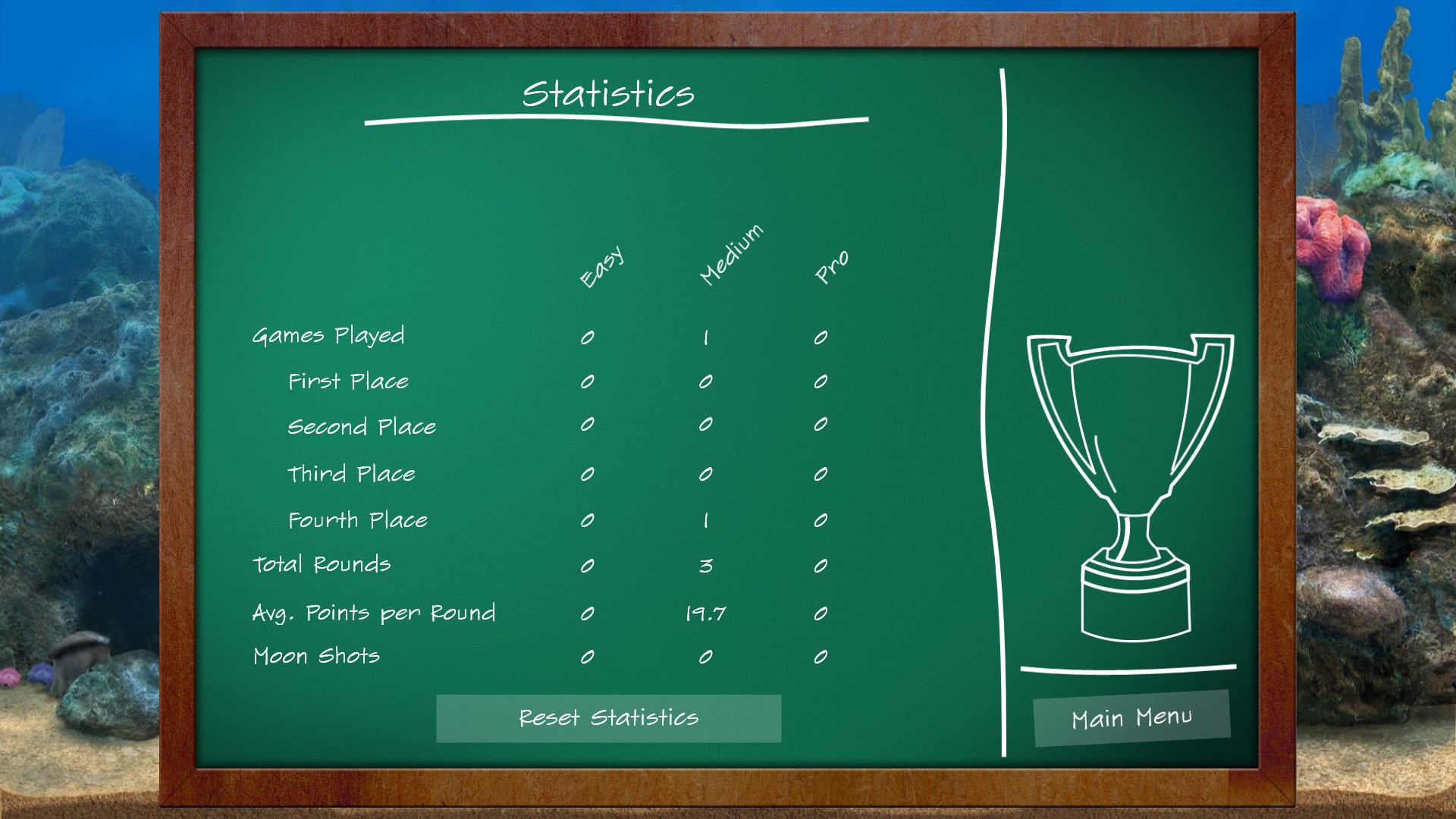
Among its most distinctive qualities are its customizable options and optional game modes. Unlike typical Hearts apps, Larocque's version allows players to tweak rule settings—such as passing methods and scoring variations—perfect for those who prefer a personalized touch. Additionally, the game includes a hand history review system and performance stats, offering players insights into their strategies and progress. These features serve as a digital coach, helping players refine their skills and understand game dynamics better.
While many Hearts apps exist, Larocque's Hearts Classic highlights clarity and player-friendly customization as its primary strengths. Its focus on delivering a clean, distraction-free environment, combined with intelligent AI, creates an experience that feels both authentic and adaptable. Unlike overly flashy or overly complicated variants, this version respects the traditional gameplay, making it accessible for all ages and skill levels. This emphasis on quality and user-centric features gives it a noticeable edge over some free-to-play alternatives cluttered with ads or distracting elements.
Overall, Hearts Classic for Windows is a well-rounded, thoughtfully designed digital card game that appeals to both nostalgic players and newcomers. Its smooth performance, elegant UI, and customizable features make it a worthy addition to any casual gaming collection. If you enjoy classic card games and seek a reliable, user-friendly version of Hearts, this app is definitely worth a try. I'd recommend it for anyone looking for a straightforward yet engaging way to enjoy a timeless game—perfect for a quick break or a friendly match.
Intuitive User Interface
Engaging Visuals and Sound Effects
Smooth Performance on Most Devices
Offline Play Capability
Free to Download and Play
Limited Game Modes
Basic Customization Options
Occasional Minor Bugs
No Multiplayer or Online Features
Lack of Tutorial or Help Section

for Windows
 4.9
4.9

for Windows
4.9

for Windows
4.9

for Windows
4.8

for Windows
4.8

for Windows
4.8

for Windows
4.8

for Windows
4.7

for Windows
4.7

for Windows
4.7

for Windows
4.7

for Windows
4.7

for Windows
5

for Windows
5

for Windows
5

for Windows
5

for Windows
5

for Windows
5

for Windows
5

for Windows
5

for Windows
5

for Windows
5