Card & board
PC, Mobile, Surface Hub, HoloLens
Windows 10 version 19041.0 or higher
English, English (United States)
Imagine sitting by the fireplace on a cozy evening, a bowl of popcorn on your lap, as you dive into a game that blends the nostalgic charm of traditional card games with modern digital finesse. Hardwood Hearts for Windows offers that inviting experience—combining timeless gameplay with polished presentation, making it a delightful choice for casual players and Hearts enthusiasts alike. Developed by Silver Creek Entertainment, this app aims to bring the social, strategic fun of Hearts to your Windows device with ease and elegance.
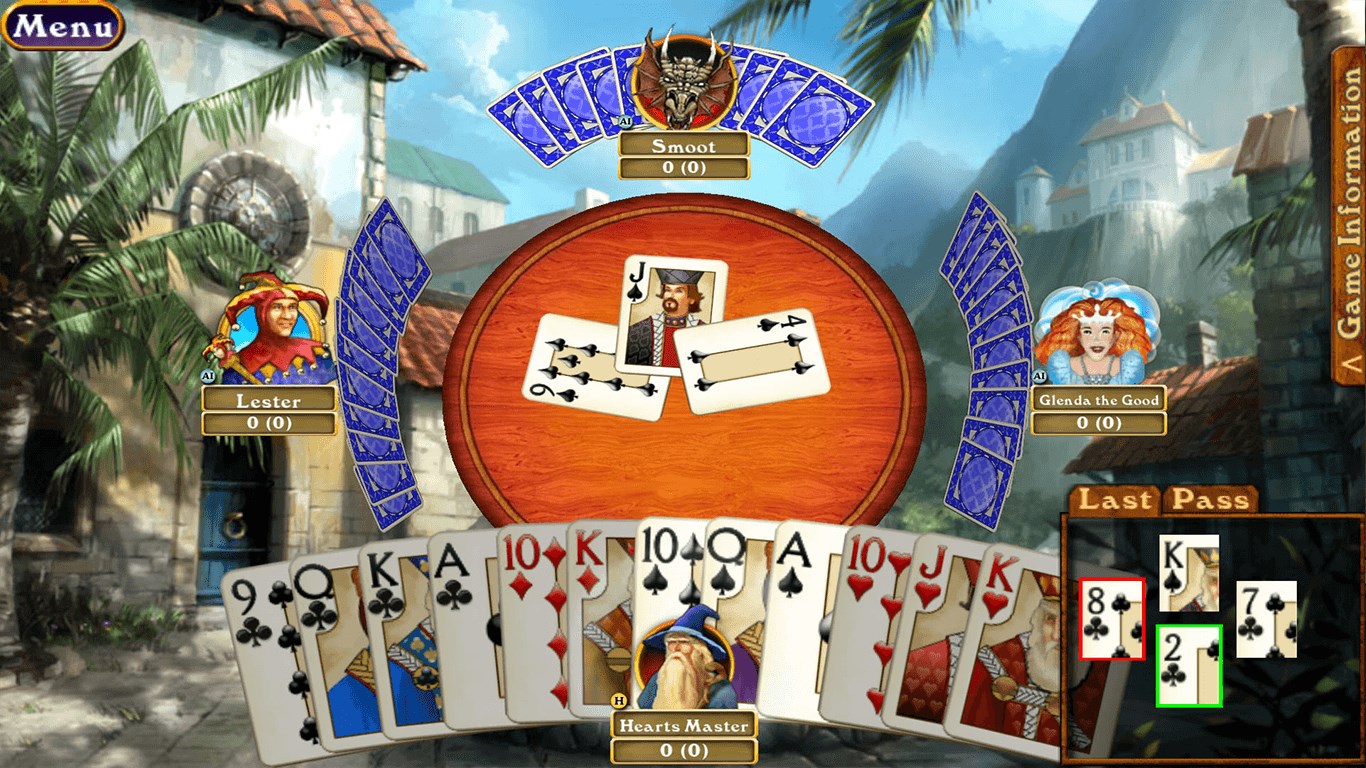
The app boasts a clean, vibrant interface that captures the warmth of a hardwood table, complemented by intuitive controls. Whether you're a seasoned Hearts player or new to the game, navigating through menus, understanding game status, and managing your cards is effortless. The interface's thoughtful layout minimizes clutter, allowing players to focus entirely on the game itself—much like a well-designed game board that invites focus and strategic thinking.
Playing Hardwood Hearts feels remarkably fluid, thanks to its optimized performance. Card movements are seamless, animations are smooth yet unobtrusive, and responses to inputs are immediate. This responsiveness ensures no frustration during critical moments; whether you're passing cards or playing a winning trick, the game's flow mimics the natural pace of real-world Hearts, keeping players immersed and engaged.
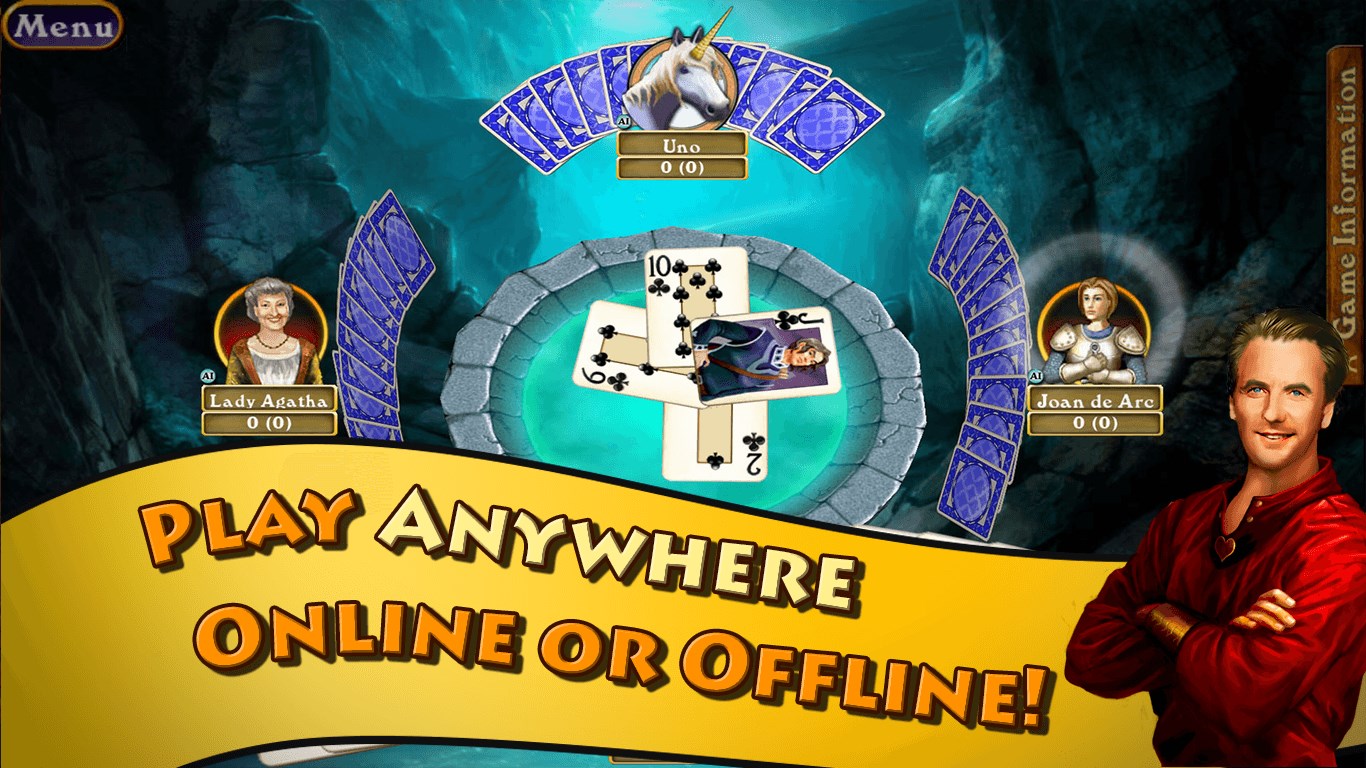
The most distinctive aspect of Hardwood Hearts is its intelligent game customization and multiplayer options. Players can choose to play against AI opponents with adjustable difficulty, making it suitable for beginners or seasoned strategists aiming for a challenge. Moreover, the app enables online multiplayer, allowing friends to connect remotely and enjoy Hearts together—restoring the social fabric of the game in a virtual setting. This blend of single-player versatility and social connectivity is where Hardwood Hearts shines brightest.
From the moment you launch Hardwood Hearts, you're greeted with a warm, inviting interface that feels like opening a well-loved card table. The controls are precise—dragging the cards feels natural, and the game's menus are uncluttered with logical navigation paths. The game operates smoothly across various Windows devices, even on lower-end machines, which speaks to its well-optimized performance. New players will appreciate the tutorial hints and adaptive difficulty modes, easing the learning curve and encouraging prolonged engagement.
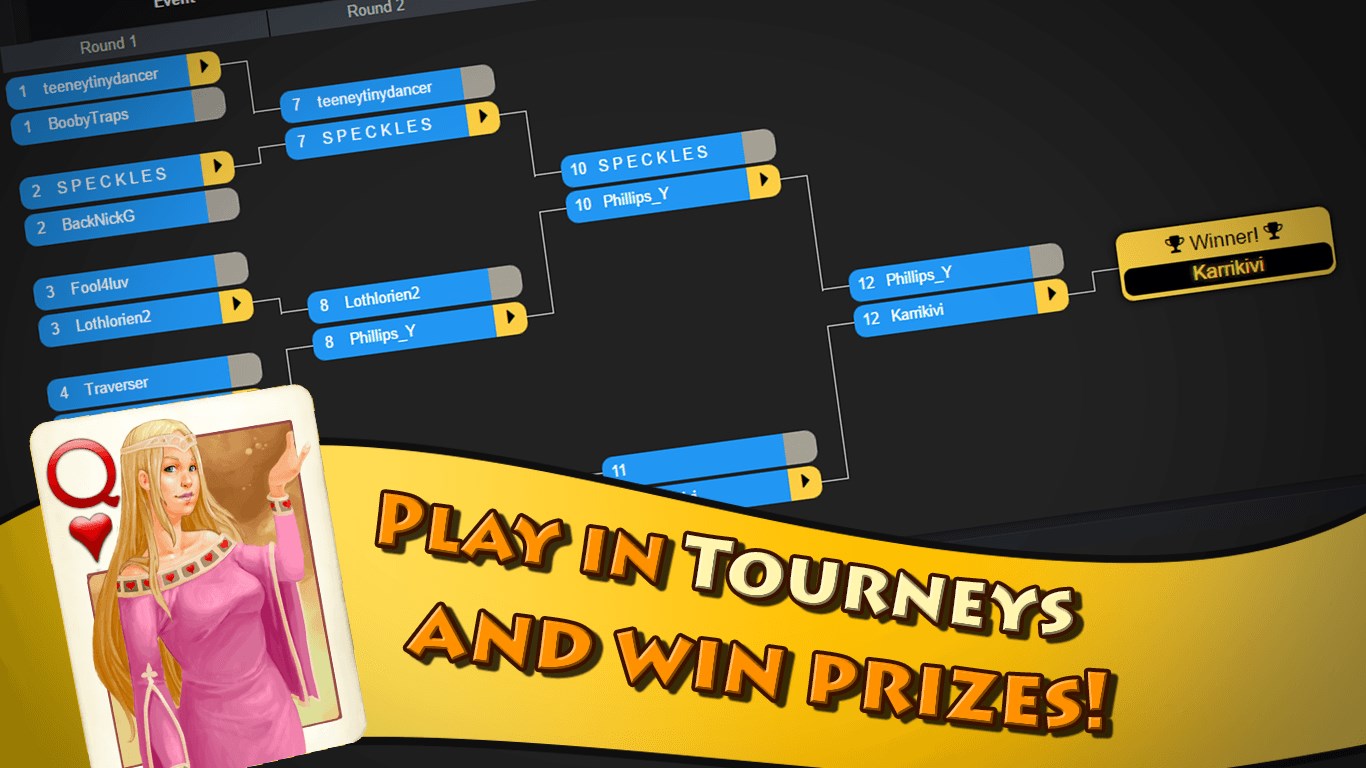
Compared to other digital Hearts applications, Hardwood Hearts distinguishes itself with its refined visuals and thoughtful user experience. Many apps tend to prioritize flashy interventions or overly complex interfaces that can distract from the gameplay. Here, the focus remains on ease of use and aesthetic appeal—think of it as a well-crafted wooden game table: sturdy, attractive, and comfortable to play on. Plus, its multiplayer functionality allows you to challenge friends or join online tournaments, elevating the game from a solitary pastime to a social experience.
What sets Hardwood Hearts apart are its polished visual aesthetic and the robust multiplayer feature—that combination makes for an experience that is both relaxing and engaging. Its interface design is reminiscent of a finely carved hardwood surface, exuding warmth and inviting prolonged sessions. Additionally, the ability to customize AI difficulty and connect with friends makes it versatile for different user preferences.
If you enjoy strategic card games with a touch of social interaction, Hardwood Hearts is definitely worth trying. It serves as a reliable, beautifully crafted digital adaptation of the classic game that balances simplicity and depth. I'd recommend it to casual players seeking an elegant digital Hearts experience and to seasoned players who want a reliable, feature-rich platform for online play.
In conclusion, Hardwood Hearts effectively preserves the charm of traditional Hearts while incorporating thoughtful design and modern functionalities. It's not only a game but a cozy gathering place in your digital device—perfect for relaxing nights or friendly competitions with loved ones across distances.
Intuitive User Interface
Engaging Gameplay Modes
Offline Play Support
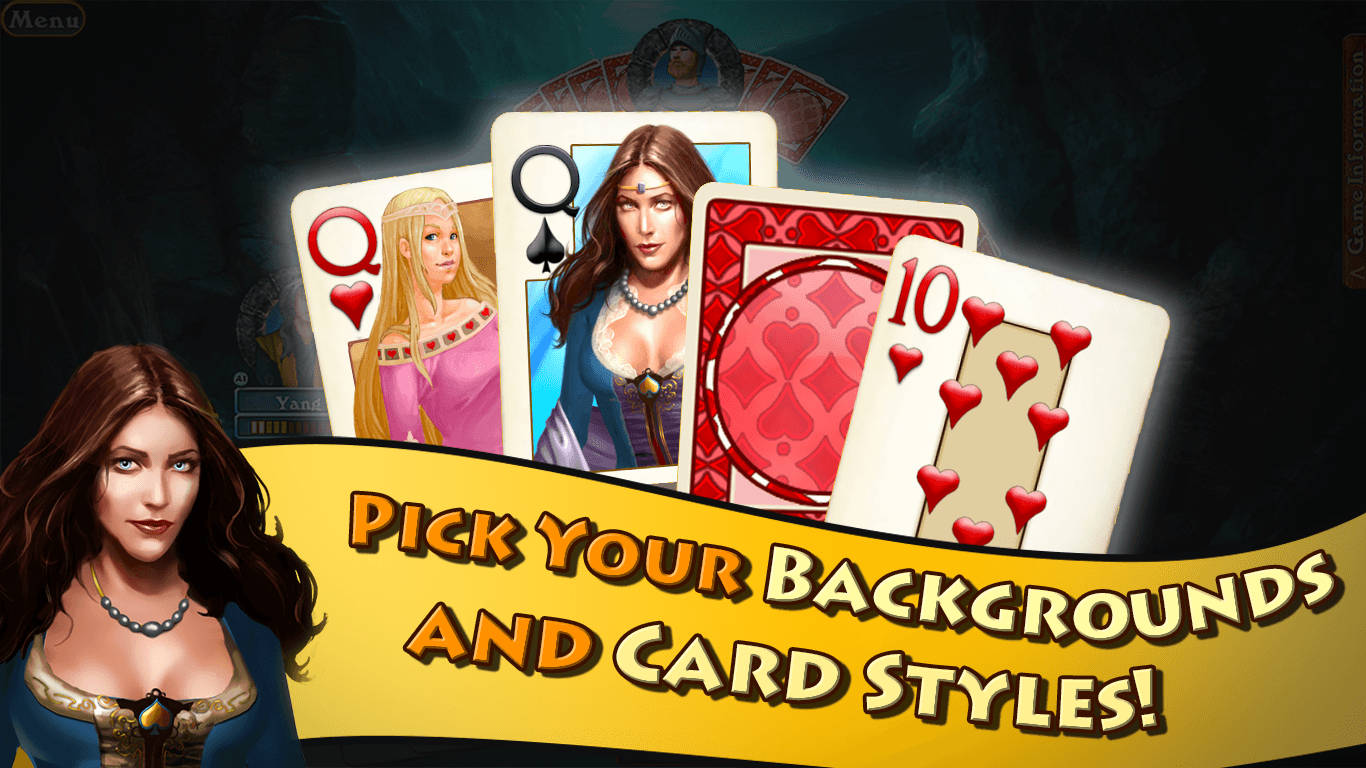
Customizable Settings
Graphically Appealing
Limited Multiplayer Options
Occasional Advertisement Intrusions
Lack of Tutorial for Beginners
Limited Customization Options
Performance Fluctuations on Some Devices

for Windows
 4.9
4.9

for Windows
4.8

for Windows
4.8

for Windows
4.8

for Windows
4.8

for Windows
4.8

for Windows
4.8

for Windows
4.7

for Windows
4.7

for Windows
4.7

for Windows
4.7

for Windows
4.7

for Windows
5

for Windows
5

for Windows
5

for Windows
5

for Windows
5

for Windows
5

for Windows
5

for Windows
5

for Windows
5

for Windows
5