Developer tools
Opticos Studios
PC
Windows 10 version 18335.0 or higher
Not specified
Not specified
English (United States)
GWSL (Graphical Windows Subsystem for Linux) for Windows is an innovative application designed to integrate Linux graphical environments directly into Windows operating system, bringing the best of both worlds into one user-friendly platform.
Developed and published by Opticos Studios, a team committed to enhancing cross-platform development tools, GWSL aims to simplify accessing Linux GUI applications on Windows. With a focus on usability and integration, this team offers a robust solution for developers and enthusiasts alike looking for a smoother Linux experience within Windows.
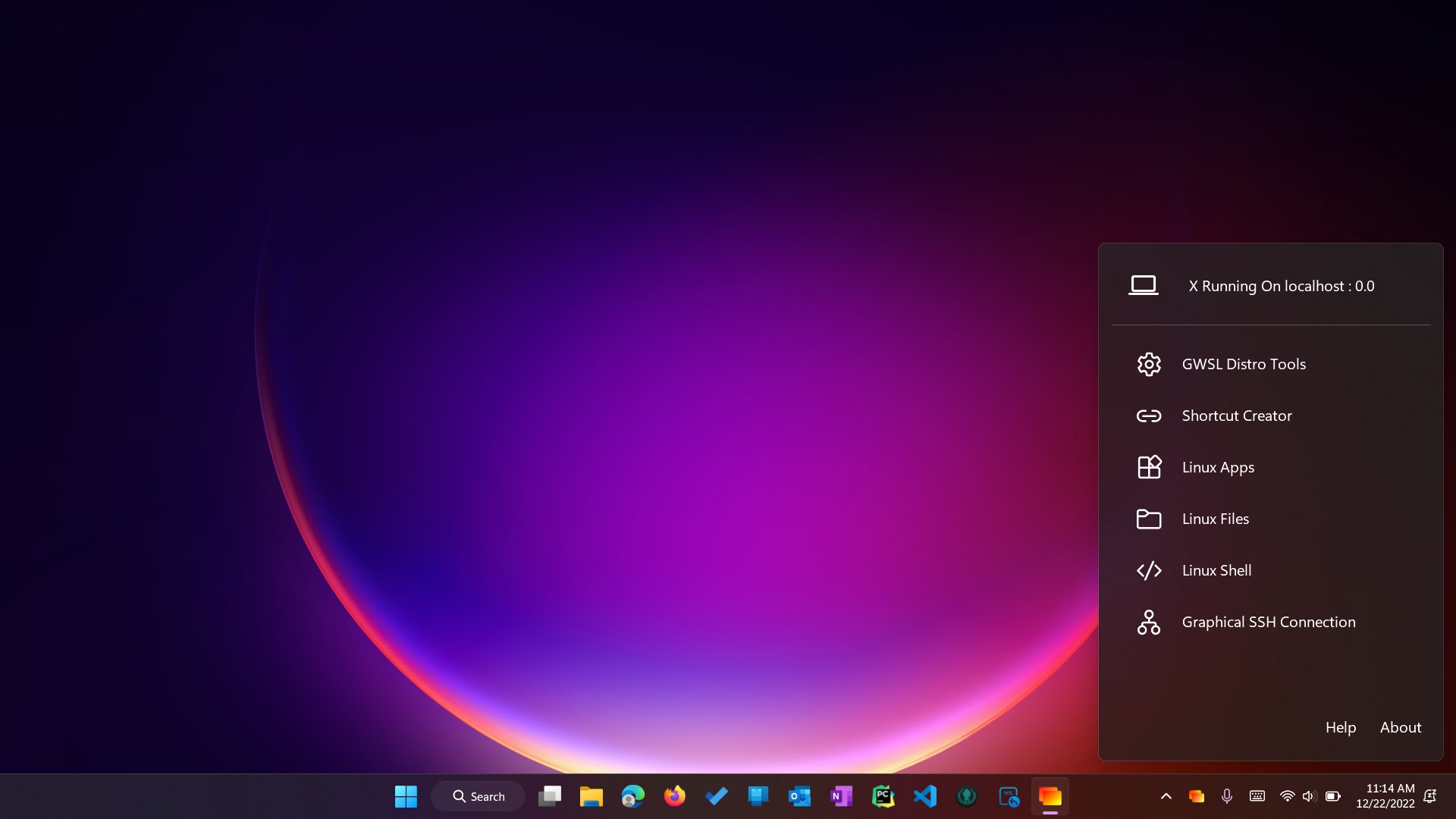
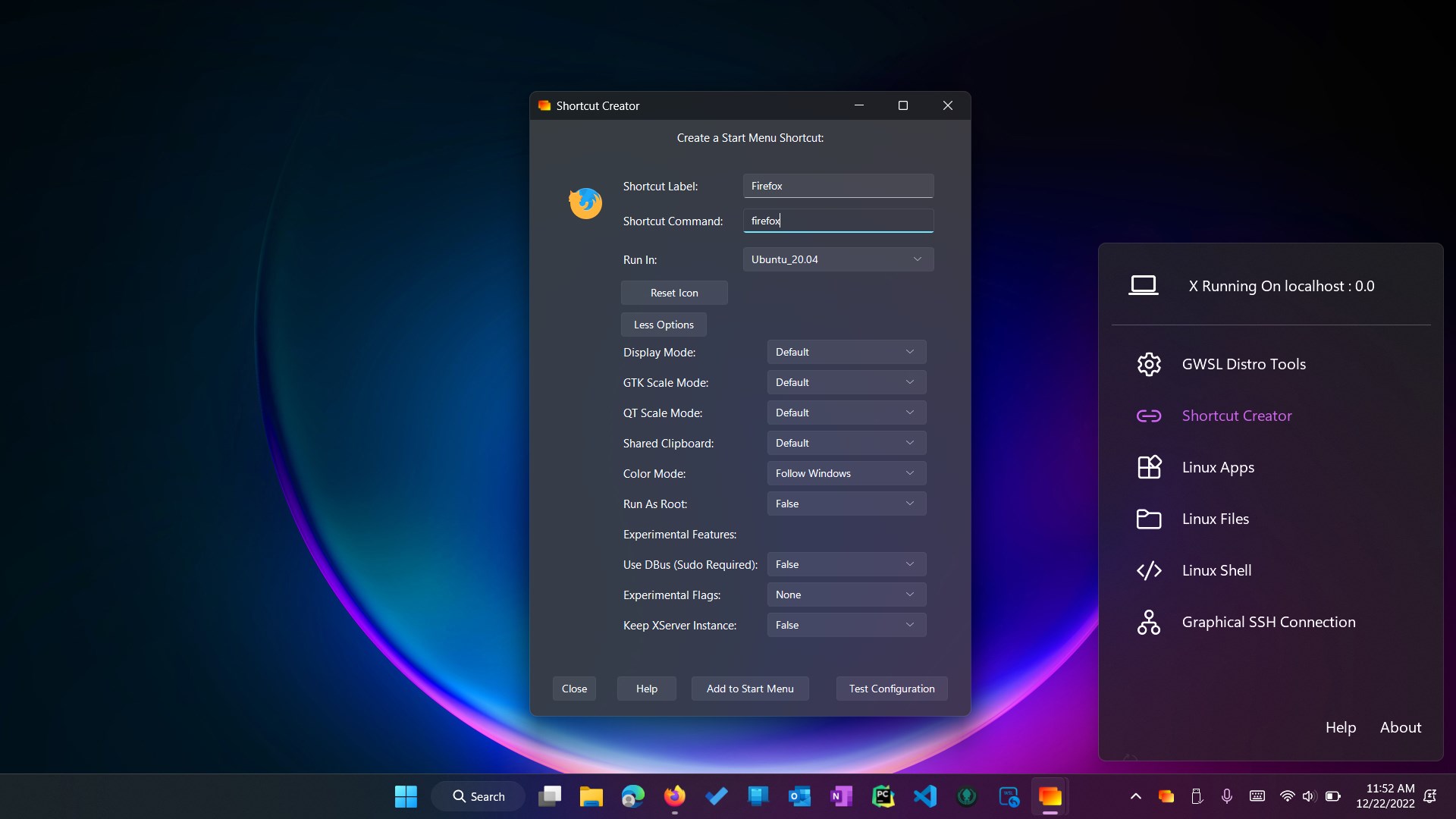
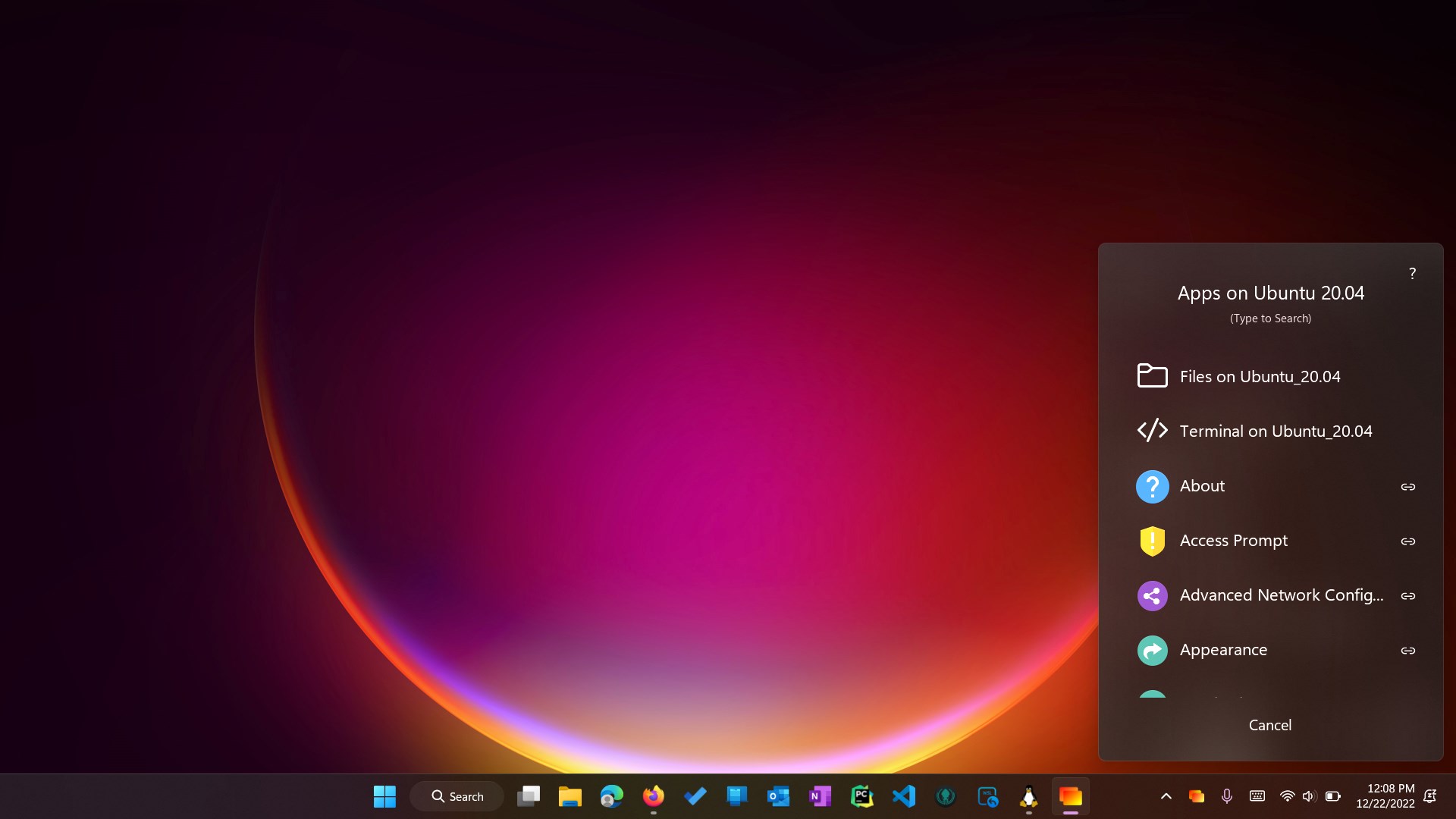
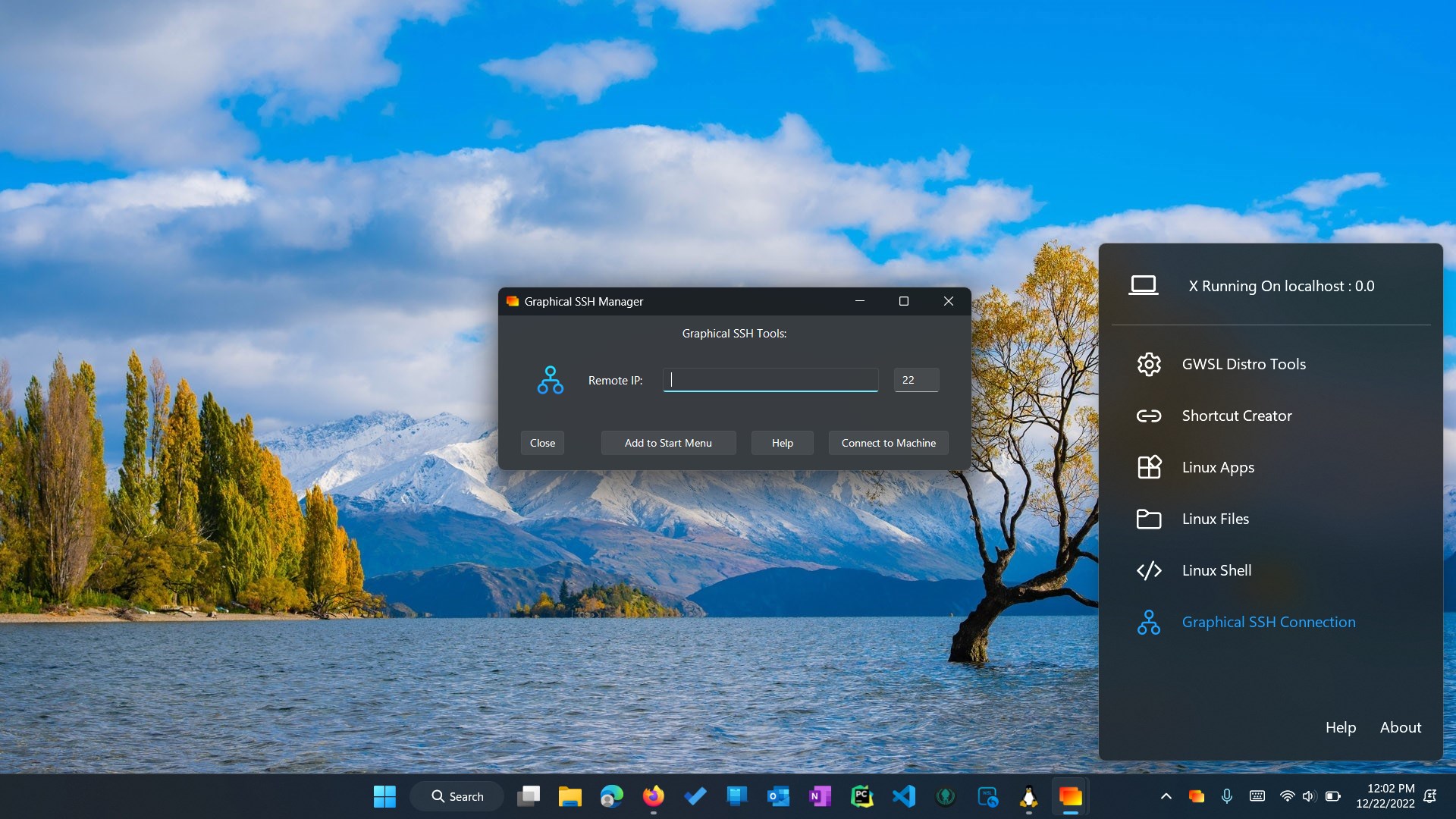
The moment you install GWSL, you're greeted with a clean, intuitive interface that resembles a seasoned control panel rather than a complex system tool. Setting up a Linux distro is straightforward—choose your preferred flavor, tap a few buttons, and voilà, Linux GUI apps are ready to launch. Think of it as planting a tiny Linux garden inside your Windows backyard—tidy, accessible, and attractive.
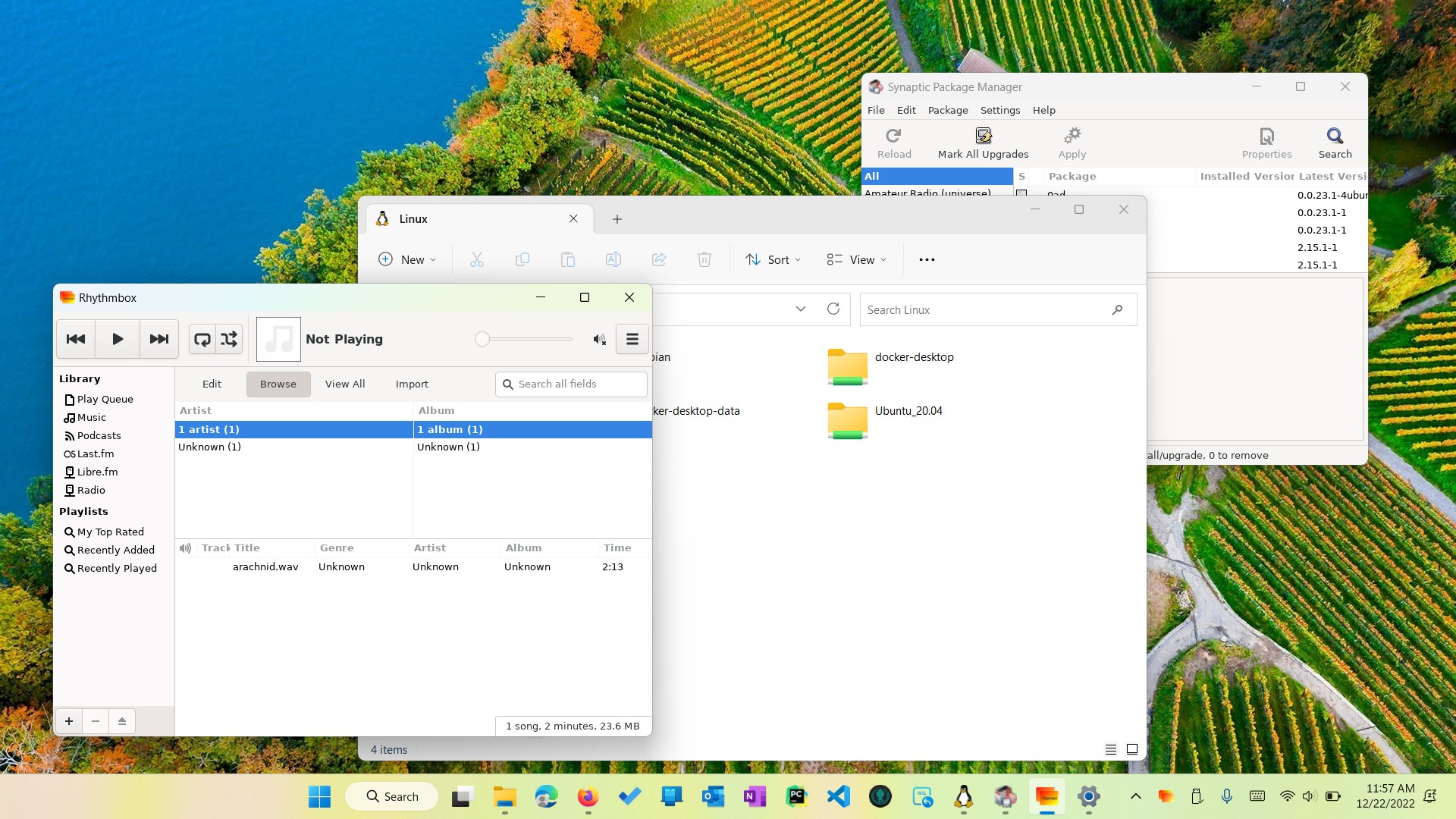
Once configured, GWSL runs with impressive smoothness. Linux applications open in their own windows, behaving just like native Windows apps—resizable, movable, and integrated into your desktop environment. The response feels snappy, and the graphical performance is generally stable, even for resource-intensive applications. The interface feels responsive, and the experience resembles a well-conducted symphony where all parts work in perfect harmony.
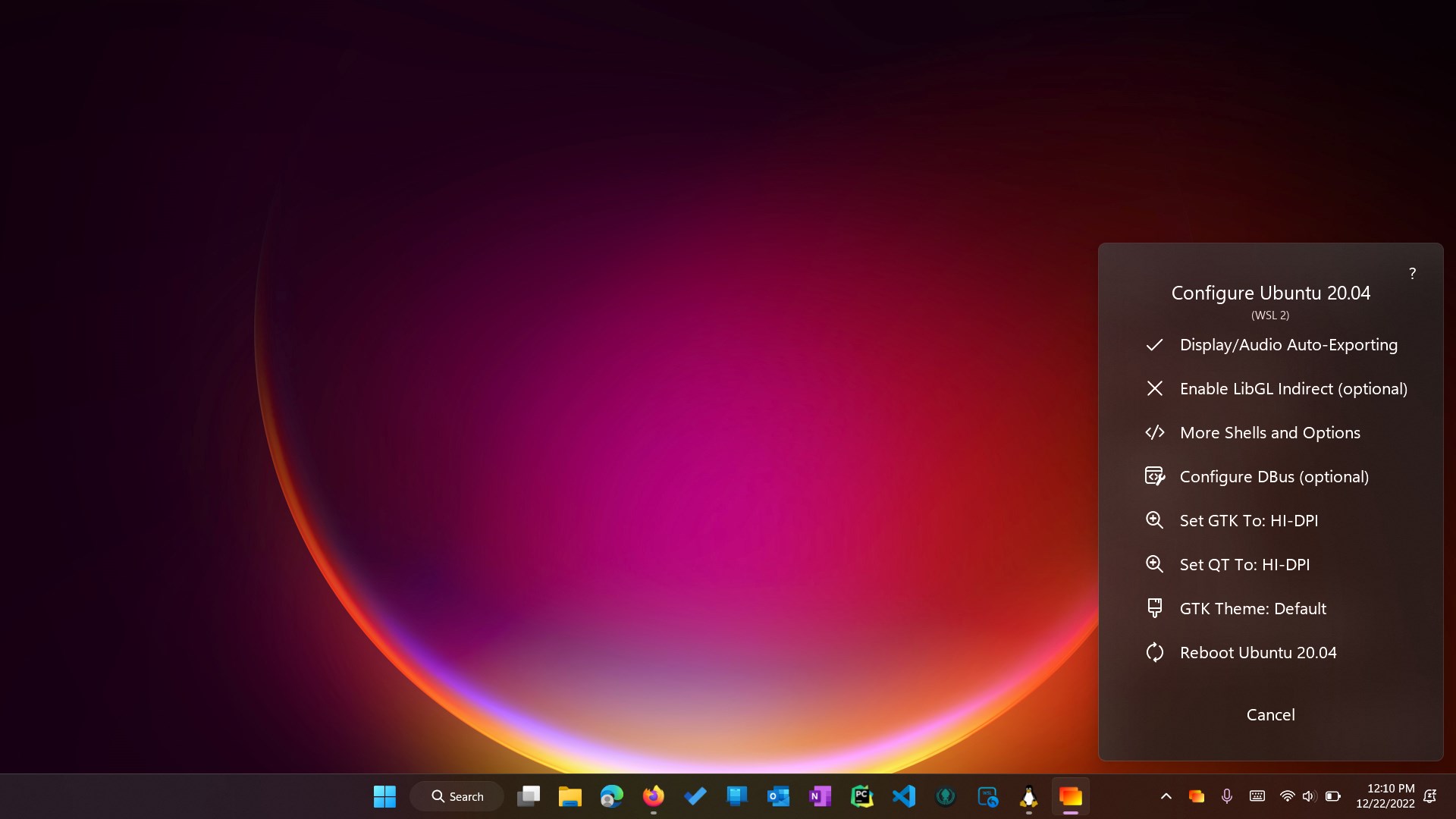
The design philosophy prioritizes clarity and minimal clutter, making it accessible for users familiar with Windows but new to Linux. However, setting up network sharing or customizing environment variables might require some Linux awareness. Overall, the learning curve is gentle for tech-savvy Windows users; newcomers might need a brief onboarding but will find community guides helpful.
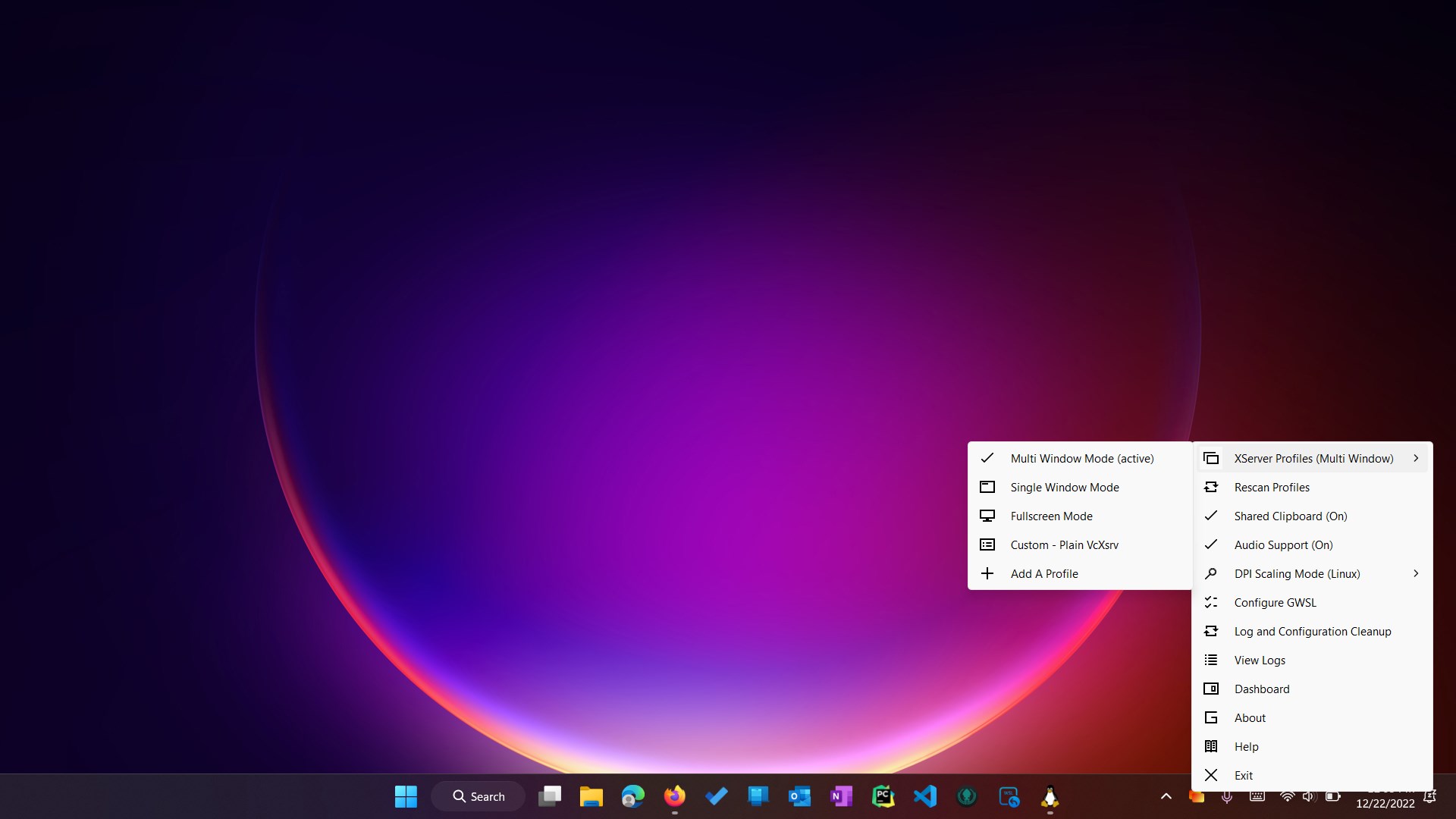
Unlike many cross-platform tools that offer partial support or require virtualization, GWSL's most striking feature is its ability to run Linux GUI applications directly as Windows windows without virtualization overhead. This approach reduces resource consumption and improves start-up times. Furthermore, its support for multiple Linux distributions within a unified interface stands out—think of it as a multilingual staff that adapts effortlessly to different environments, maximizing flexibility.
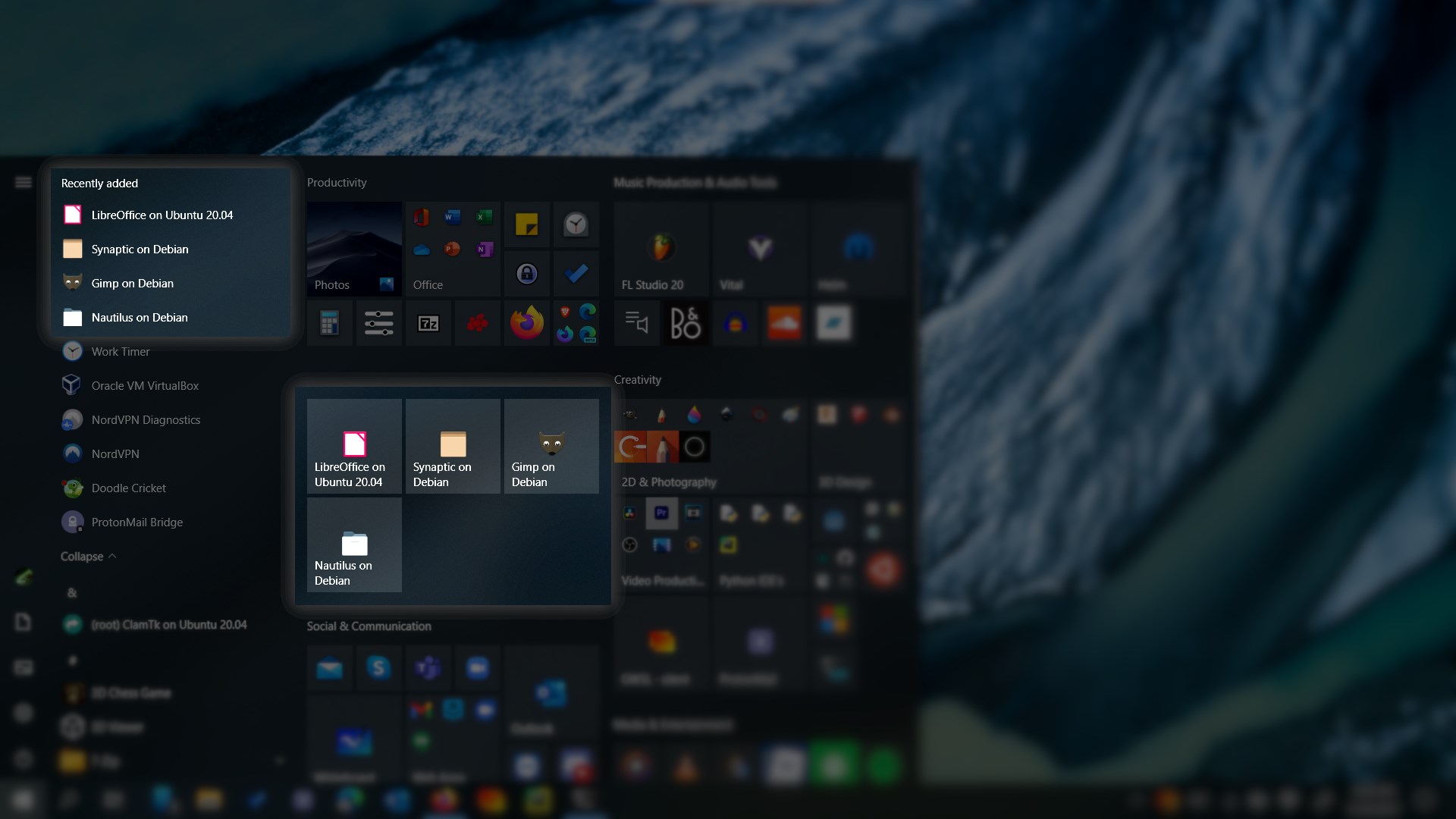
Compared to other developer tools, GWSL's edge lies in its seamless graphical integration and ease of use, making it feel like a native extension of Windows rather than an add-on or separate subsystem. This makes it particularly appealing for developers who want to test Linux apps or run Linux-native tools without leaving their familiar Windows zone.
For those looking to bridge the gap between Windows and Linux environments effortlessly, GWSL offers a compelling, practical solution. Its most remarkable aspect—the ability to run Linux GUI applications natively within Windows—is a game-changer for developers, students, or hobbyists eager to explore Linux without the hassle of dual-boot setups or virtual machines. While some initial configuration may pose a minor challenge, the overall experience is refined, stable, and highly functional.
I would recommend GWSL for users who need occasional or regular access to Linux GUI apps on Windows—particularly when performance and integration are priorities. It's a handy tool to keep in your toolkit, especially if you value a smoother workflow and less clutter. Whether you're coding, testing, or just exploring new OS features, GWSL stands out as a thoughtful and effective solution in today's hybrid computing landscape.
Seamless integration with Windows environment
Easy setup and user-friendly interface
Supports multiple Linux distributions
Enables graphical Linux application access
Active development and community support
Limited customization options
Occasional performance lag with demanding applications
Initial setup can be intimidating for beginners
Limited official documentation
Potential compatibility issues with certain Windows updates

for Windows
 5
5

for Windows
4.6

for Windows
4.6

for Windows
4.6

for Windows
4.5

for Windows
4.4

for Windows
4.4

for Windows
4.3

for Windows
4.3

for Windows
4.3

for Windows
4.3

for Windows
4.2

for Windows
5

for Windows
5
for Windows
5

for Windows
5

for Windows
5

for Windows
5

for Windows
5

for Windows
5

for Windows
5

for Windows
5