Entertainment
Matheus Inácio
PC, Mobile, Xbox console, Surface Hub, HoloLens
Windows 10 version 18362.0 or higher
Arabic, Chinese (Simplified), English (United States), French, German, Hungarian, Italian, Japanese, Norwegian (Bokmål), Portuguese (Brazil), Portuguese (Portugal), Russian, Spanish, Spanish (Spain)
Grover Pro for Windows is a sophisticated entertainment application designed to enhance your media discovery experience through personalized content recommendations and intelligent algorithms. Developed and published by Matheus Inácio, this app aims to provide users with a seamless and engaging platform for exploring a variety of media based on their tastes and preferences.
Created and maintained by Matheus Inácio, a developer dedicated to delivering smart and user-centric entertainment tools, Grover Pro stands out as a focused effort to elevate media exploration on Windows desktops. The developer's goal is to craft an intuitive yet powerful application that makes discovering interesting content effortless.
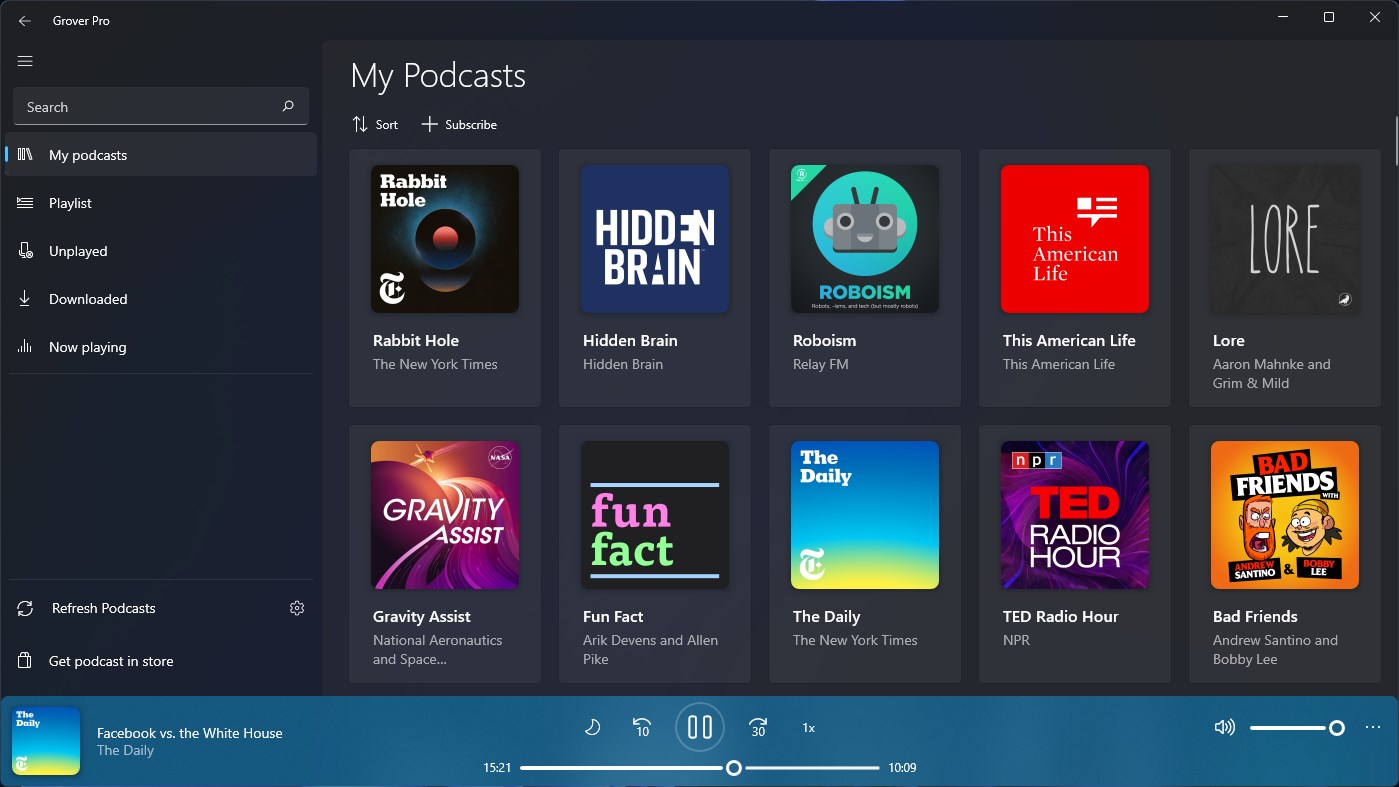
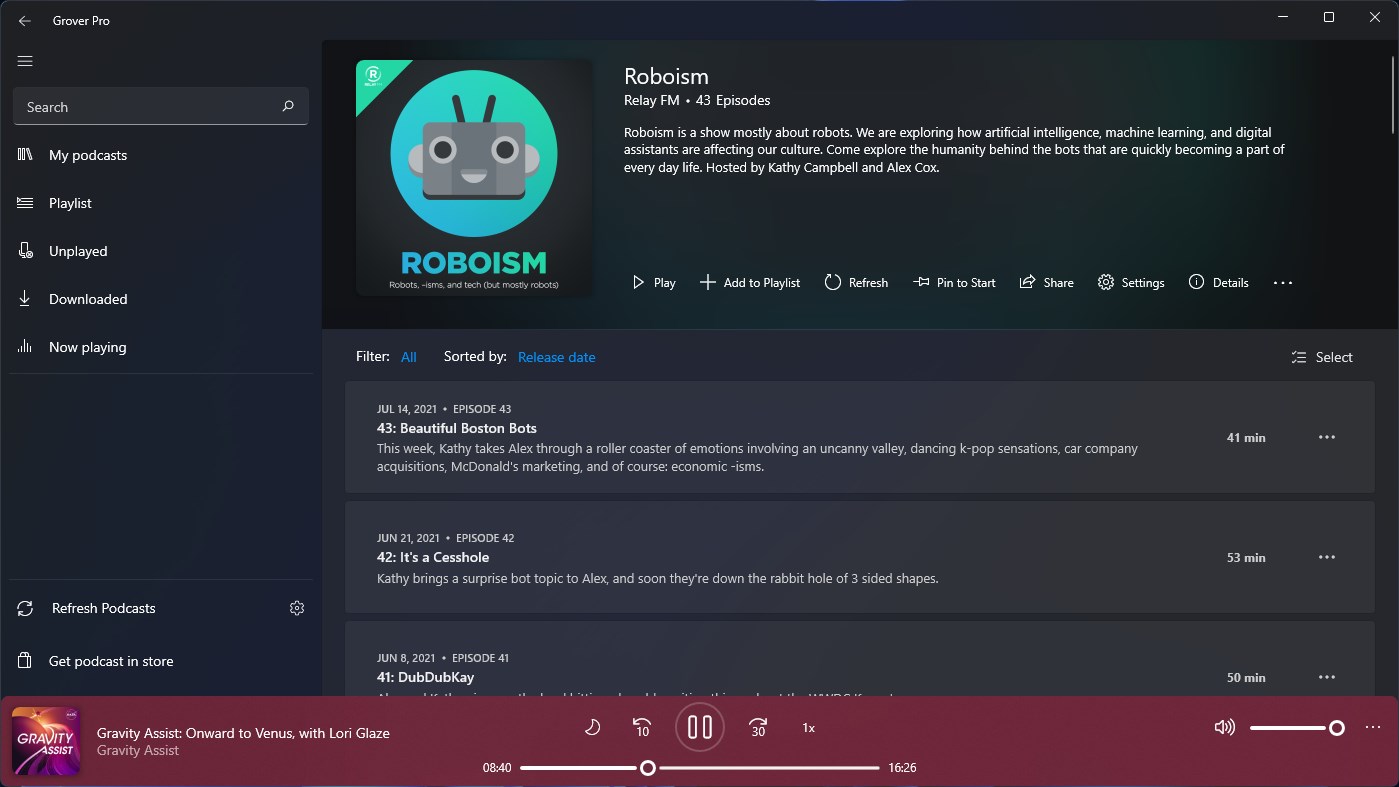
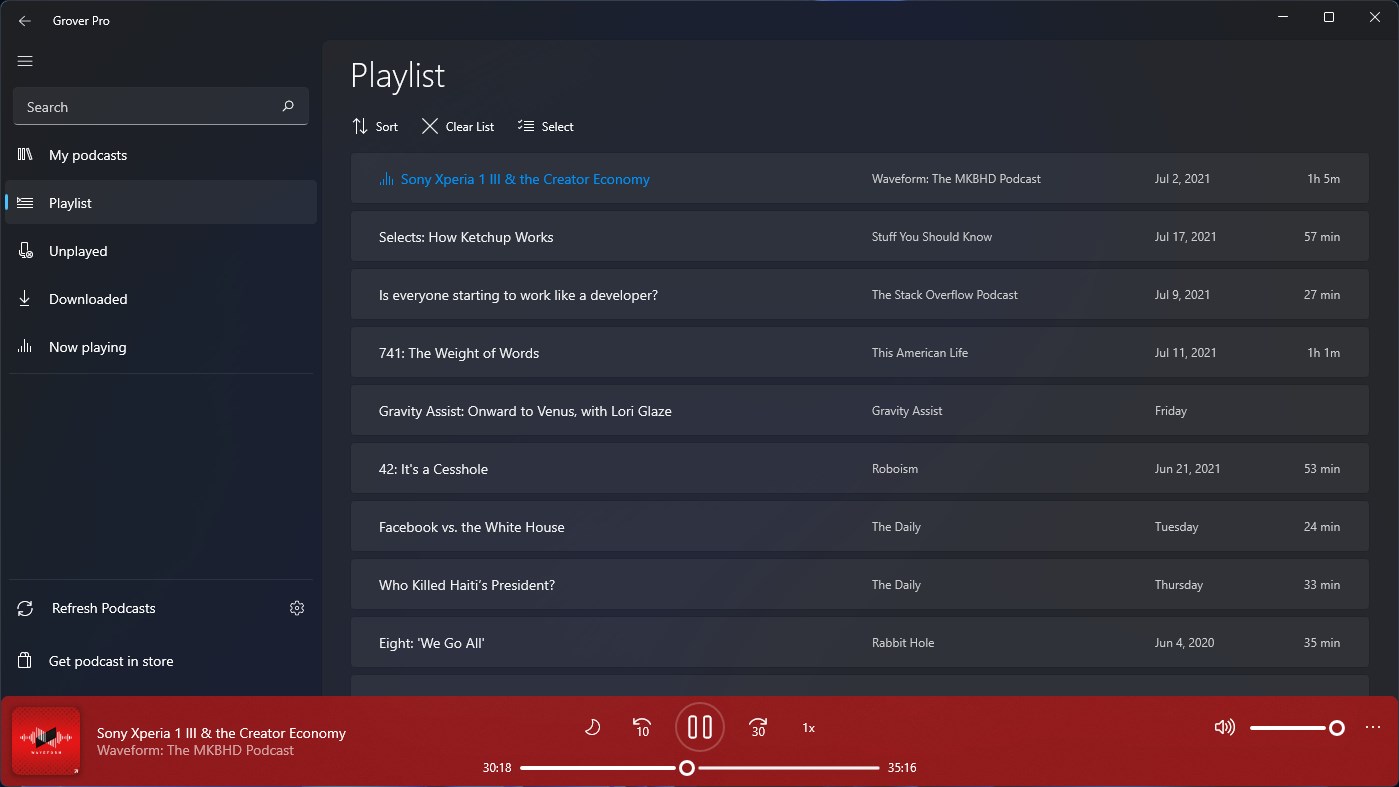
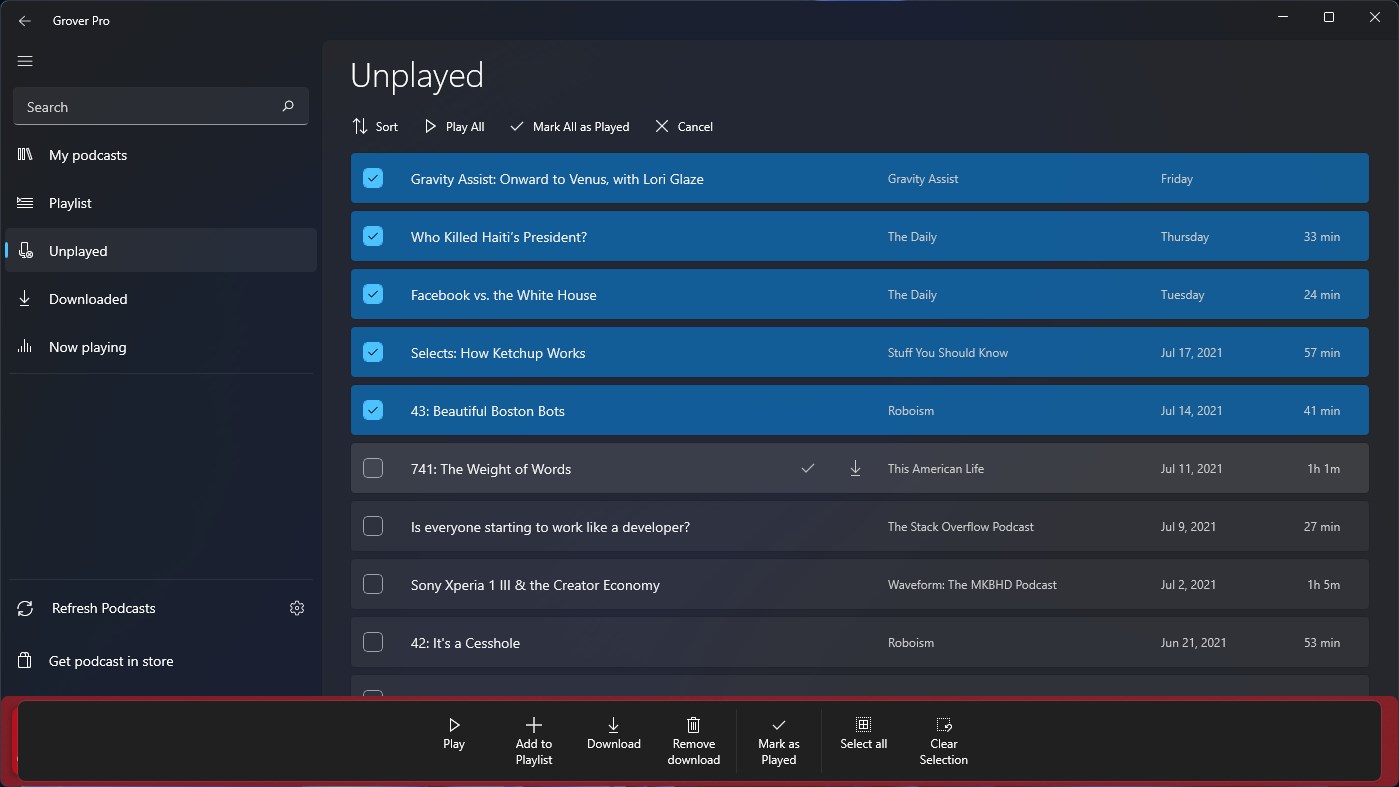
From the moment you open Grover Pro, you're greeted with a sleek, modern interface that resembles a well-organized media library. The vibrant visuals and intuitive layout set the tone for a pleasant browsing experience. Navigating through categories feels natural, akin to flipping through a curated bookshelf, with each section thoughtfully designed for quick access.
The standout feature of Grover Pro is its tailored content discovery engine. Unlike traditional entertainment apps that rely solely on broad recommendation algorithms, Grover Pro integrates proprietary content analysis, which critiques and refines the relevance of suggestions. This means every time you give feedback—like indicating interest or disinterest—the app adapts, honing its recommendations with impressive precision. Think of it as having a personal recommendation assistant who gets better at their job the more you interact with them.
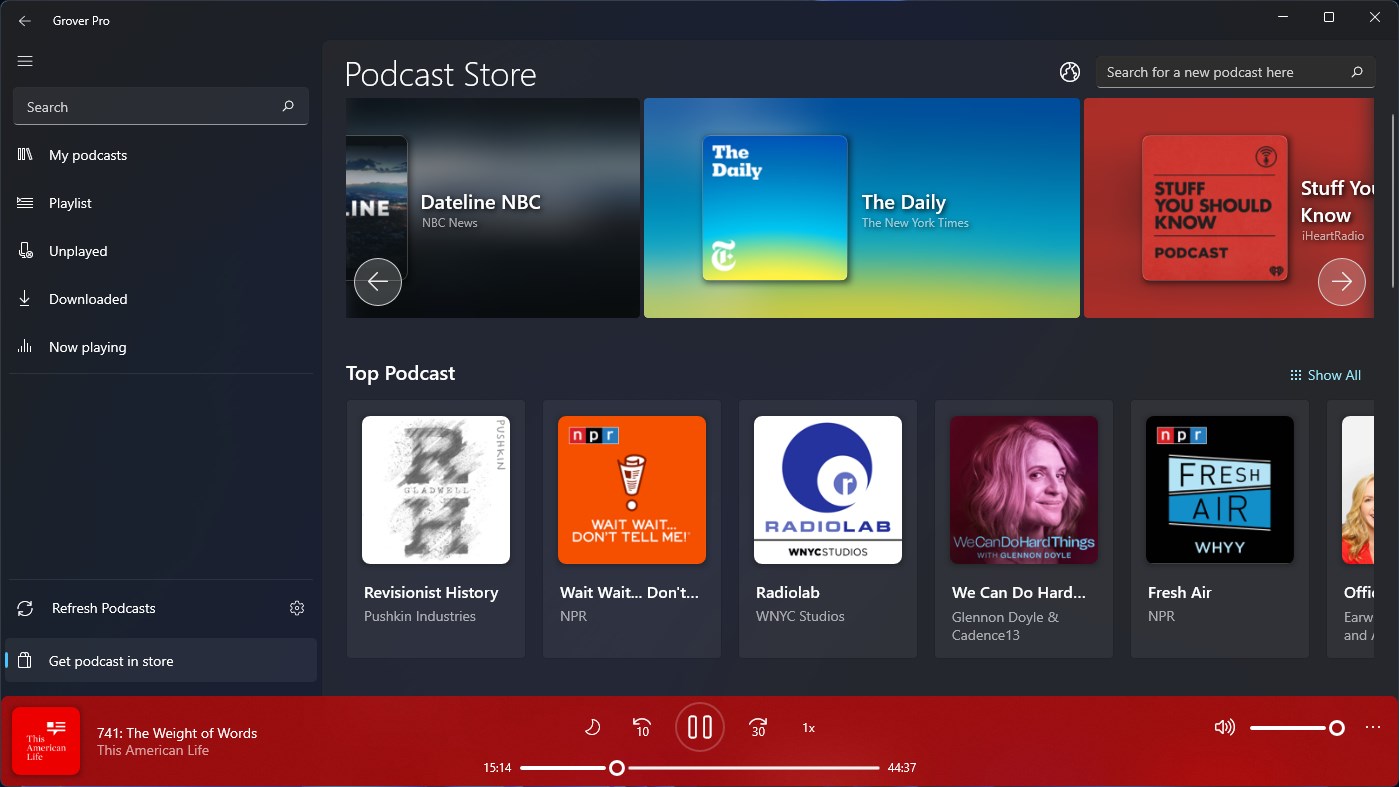
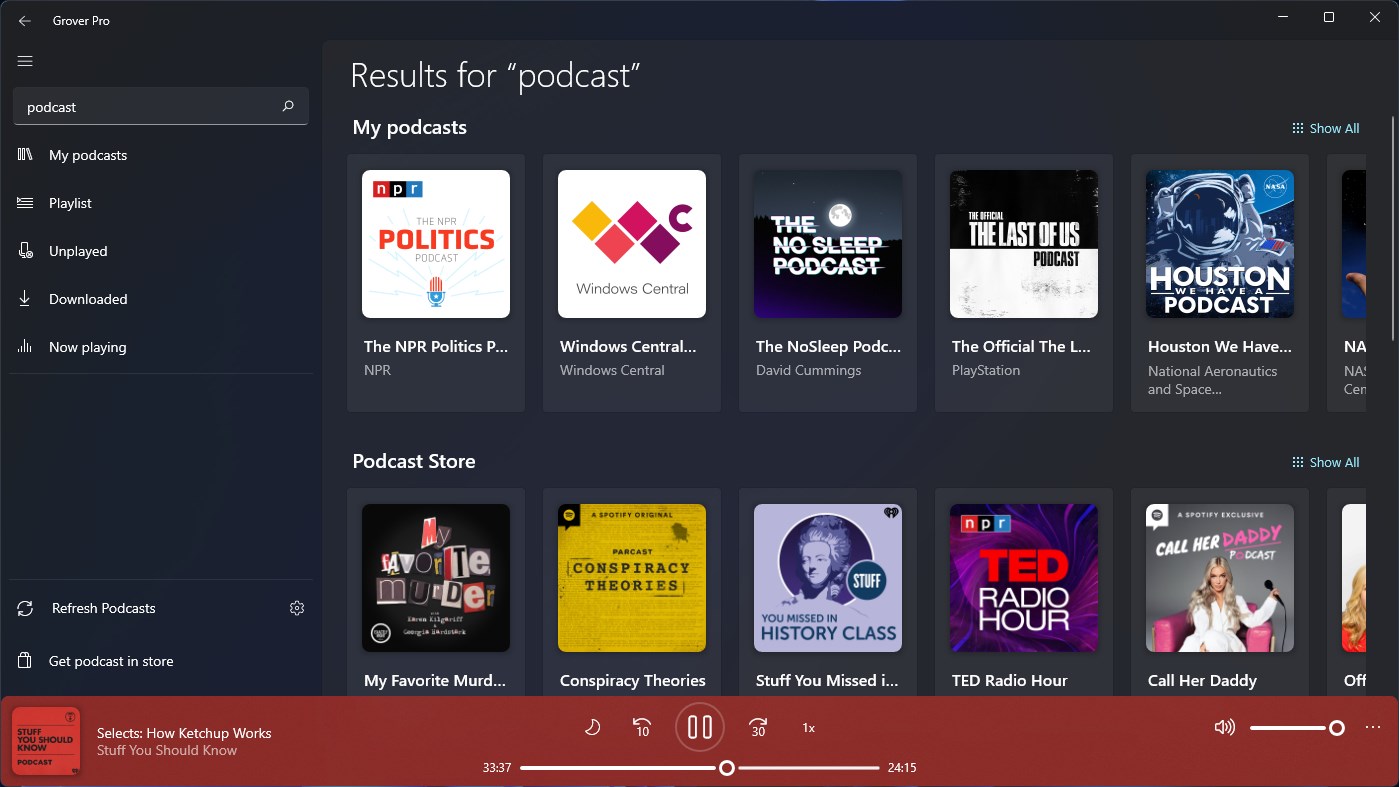
Another highlight is its ability to bridge multiple media sources effortlessly. Whether you're exploring videos, music, or other digital content, Grover Pro aggregates sources seamlessly, presenting a unified, organized display. Picture walking into a vast, well-stocked library where every shelf is customized to your interests, eliminating the hassle of jumping between apps and platforms.
The app's interface design emphasizes clarity and ease of use. The smooth scrolling, swift load times, and logically structured menus make browsing feel like flipping through a well-tuned magazine rather than navigating a complex software. The learning curve is gentle, thanks to guiding prompts and familiar icons that quickly become internalized. Whether you're a tech novice or a seasoned digital explorer, Grover Pro's layout invites effortless discovery.
While many entertainment apps claim to offer personalized content, Grover Pro's true edge lies in its critique-based recommendation system. Instead of just piling suggestions in front of you, it dynamically assesses and adjusts content relevance based on your direct feedback—think of it as a seasoned critic that learns your exact taste. This sets it apart from competitors that often produce less targeted or overly generic recommendations, making Grover Pro a more satisfying and efficient discovery tool.
Based on its intelligent recommendation engine and user-centric design, I'd recommend Grover Pro for anyone seeking a smarter way to explore media without the clutter or the noise. It's particularly suited for users who value personalized, relevant suggestions and appreciate a clean, efficient interface. If you're tired of endless scrolling through irrelevant content, Grover Pro offers a compelling alternative.
Overall, Grover Pro holds promise as a dedicated media discovery app that balances sophisticated technology with user-friendly design. It's a thoughtful addition to the entertainment software landscape that can genuinely improve your content exploration routine, making it more engaging, targeted, and effortless.
Intuitive Voice Synthesis
Wide Range of Voice Options
High-Quality Audio Output
User-Friendly Interface
Fast Rendering Speeds
Limited Free Usage
Restricted Language Support
Occasional Voice Clipping
Lack of Advanced Customization
Requires Stable Internet Connection

for Windows
 5
5

for Windows
4.8

for Windows
4.8

for Windows
4.8

for Windows
4.7

for Windows
4.6

for Windows
4.6

for Windows
4.6

for Windows
4.6

for Windows
4.6

for Windows
4.6

for Windows
4.6

for Windows
5

for Windows
5

for Windows
5

for Windows
5
for Windows
5

for Windows
5

for Windows
5

for Windows
5

for Windows
5

for Windows
5