Social
Microsoft
PC, HoloLens
Windows 10 version 19041.0 or higher
English (United States)
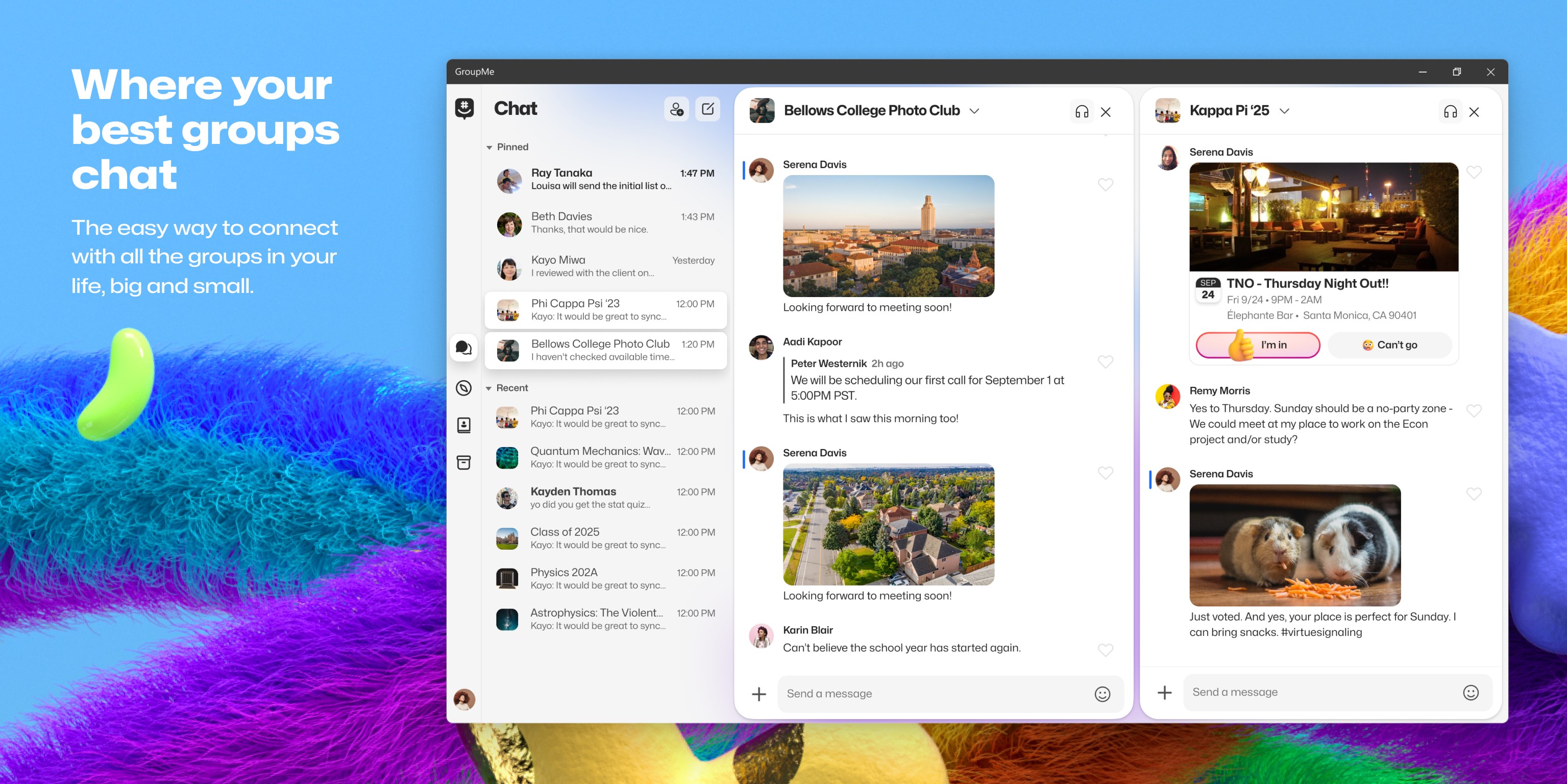
Imagine a digital clubhouse where your friends, colleagues, and family can gather, share, and coordinate effortlessly—this is what GroupMe for Windows aims to be. As an extension of the popular group messaging platform, it provides a dedicated space on your desktop to keep your conversations flowing smoothly. Developed by Microsoft and published by Skype, this app leverages the strengths of established communication ecosystems to deliver a reliable and user-friendly experience.
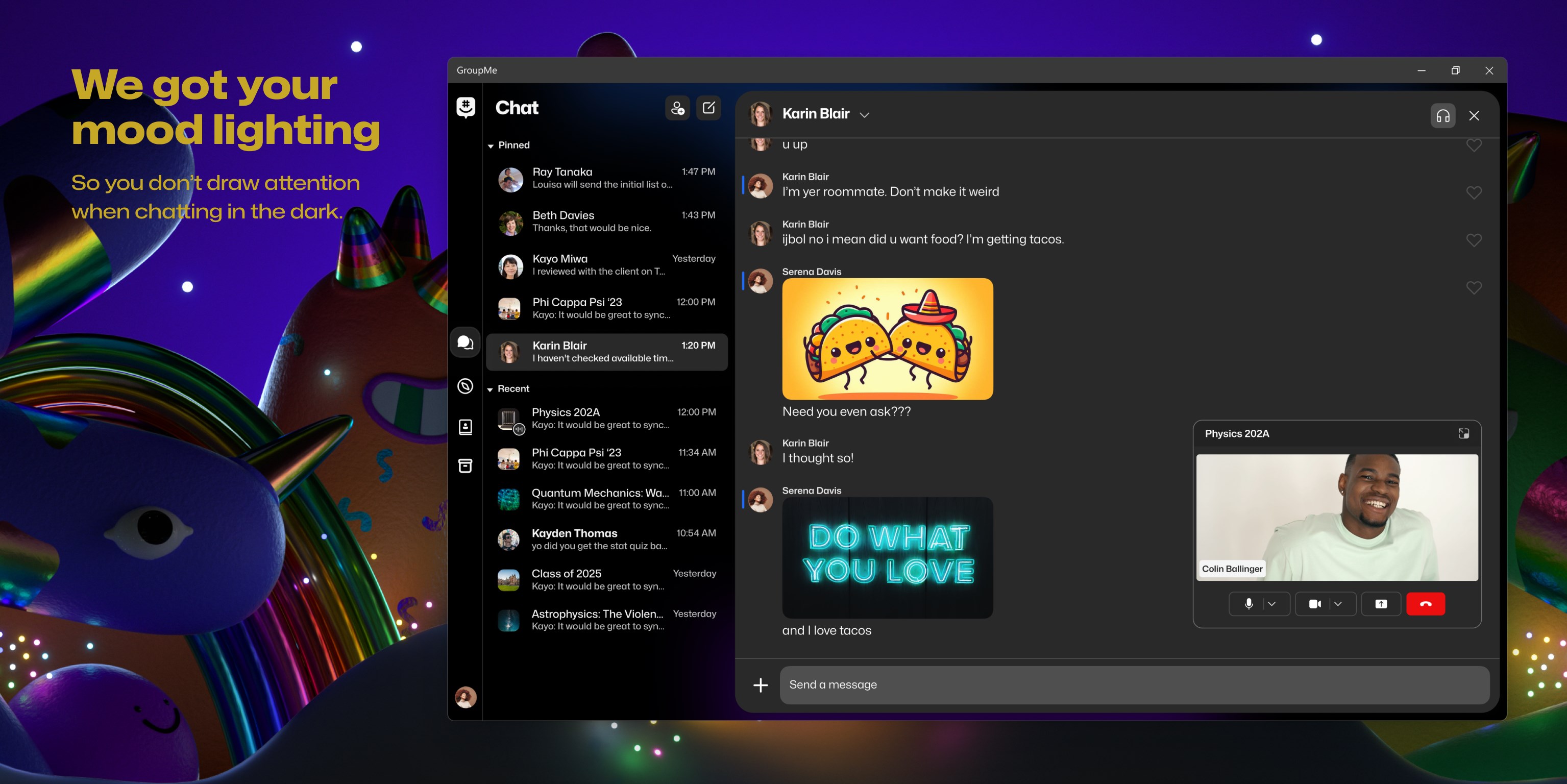
The app offers a clean and straightforward layout, allowing users to jump right into their conversations without unnecessary clutter. Its design balances aesthetics with functionality, making it easy to locate chats, share media, or switch between groups seamlessly. Whether you're on a quick message or engaged in a lively discussion, the interface responds swiftly, enhancing overall usability.
One of GroupMe's strengths is its real-time message delivery, ensuring you stay updated on your group activities without annoying lag or missed notifications. The app synchronizes smoothly with your Windows system, so whether you're working on a document or browsing elsewhere, alerts about new messages pop up precisely when needed—keeping you connected without disruption.
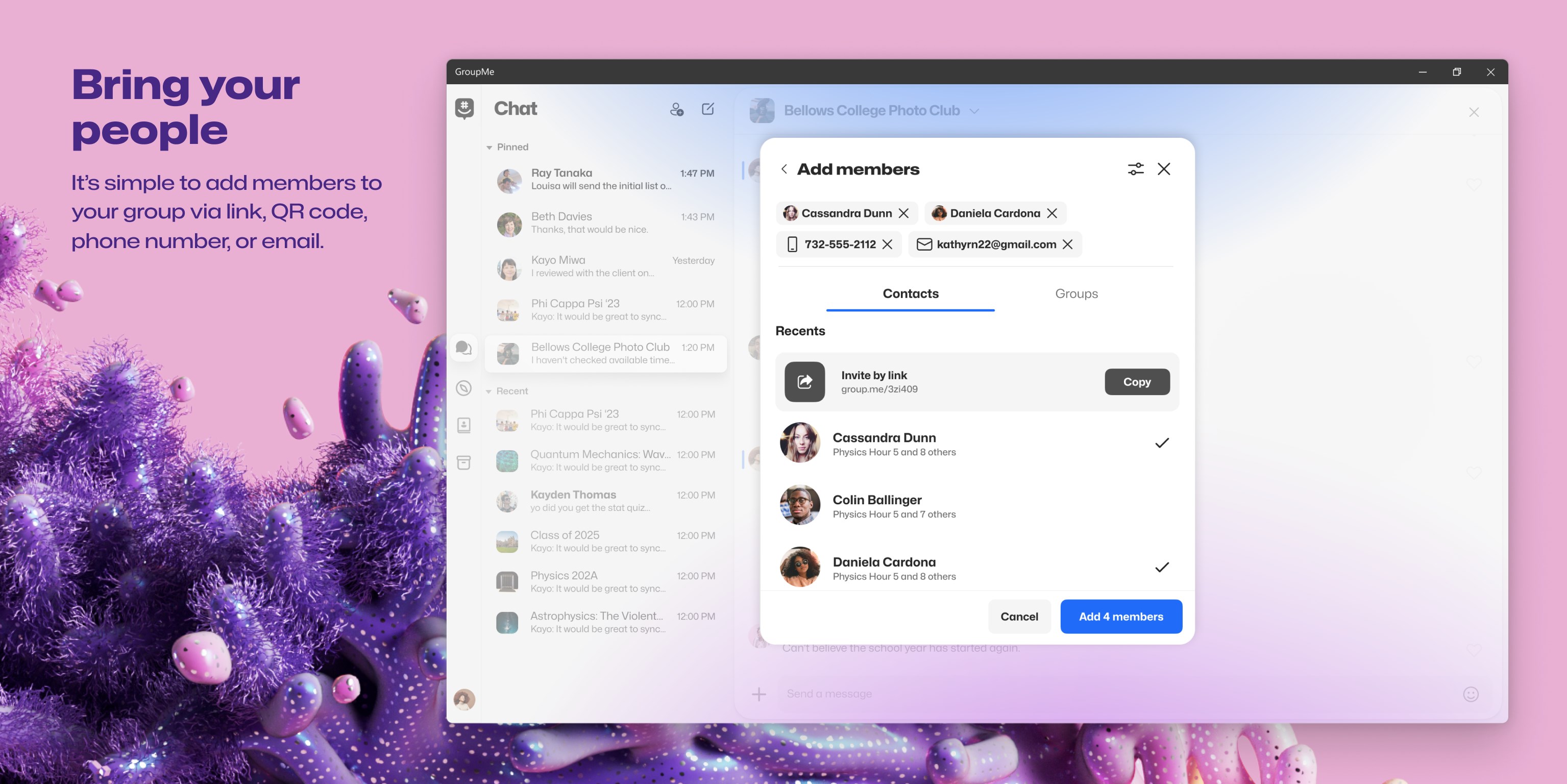
A unique aspect of GroupMe is its approach to user identity and connection discovery. Users can personalize their profiles with photos, status messages, and details that help foster authenticity within groups. Additionally, the app offers features for connection discovery, making it easier to find and add contacts who are already on the platform—this creates a more genuine and trustworthy communication environment. These features distinguish GroupMe from other social apps that often lack such depth in profile customization and verification.
From a design standpoint, GroupMe for Windows adopts a minimalistic approach that feels familiar yet efficient. The interface is designed for clarity, with intuitive icons and straightforward navigation that lower the learning curve for new users—think of it as stepping into a well-organized workspace where everything is just a click away. The app operates smoothly, even with multiple groups or multimedia content exchanged simultaneously, demonstrating solid performance without noticeable lag.
Users will appreciate the logical flow of operations: joining groups, sending messages, sharing files, and customizing their profiles are all streamlined processes. The app feels like a reliable digital assistant that adapts effortlessly to various user needs—whether you're a casual chatter or a team collaborator.
Unlike many popular messaging apps, GroupMe emphasizes authenticity and connection discovery. Its profile customization options allow users to express their personalities more vividly, fostering better group bonds. The authenticity verification features also help reduce impersonation and spam, building a safer environment for all members. Furthermore, the connection discovery tools make it simple to find friends or colleagues already using the app, removing the hassle of manual search and inviting more meaningful interactions.
This combination of personalized identity and streamlined contact connection positions GroupMe as a genuinely user-focused social platform—practical, trustworthy, and welcoming.
All in all, GroupMe for Windows is a solid choice for those who need a dedicated desktop space for their group chats. Its core strengths lie in user profile customization and connection discovery, which add a layer of authenticity and ease of access that many competitors overlook. The app's clean design, responsive performance, and thoughtful features make it a reliable partner for both personal and professional group communications.
If you're someone who values authenticity and seamless connectivity, I'd recommend giving this app a try. It's particularly well-suited for users who want a straightforward but slightly richer social experience on their desktop—less clutter, more focus, and genuine engagement. For anyone built around team collaborations, family updates, or social networking, GroupMe for Windows offers a fresh yet familiar portal to stay connected.
User-friendly Interface
Seamless Group Management
Cross-Platform Compatibility
Free Messaging and Call Features
Integration with Phone Contacts
Limited Customization Options
Notification Management Can Be Clunky
Lacks Advanced Privacy Settings
Media Storage Limitation
No End-to-End Encryption

for Windows
 5
5

for Windows
4.9

for Windows
4.8

for Windows
4.7

for Windows
4.7

for Windows
4.6

for Windows
4.6

for Windows
4.5

for Windows
4.5
for Windows
4.5

for Windows
4.5

for Windows
4.4

for Windows
5

for Windows
5

for Windows
5

for Windows
5

for Windows
5
for Windows
5

for Windows
5

for Windows
5

for Windows
5

for Windows
5