Entertainment
GOG sp. z o.o
PC
Windows 10 version 0.0 or higher
Integrated Keyboard
Integrated Mouse
Chinese (Simplified), English, French, German, Polish, Ukrainian, Russian
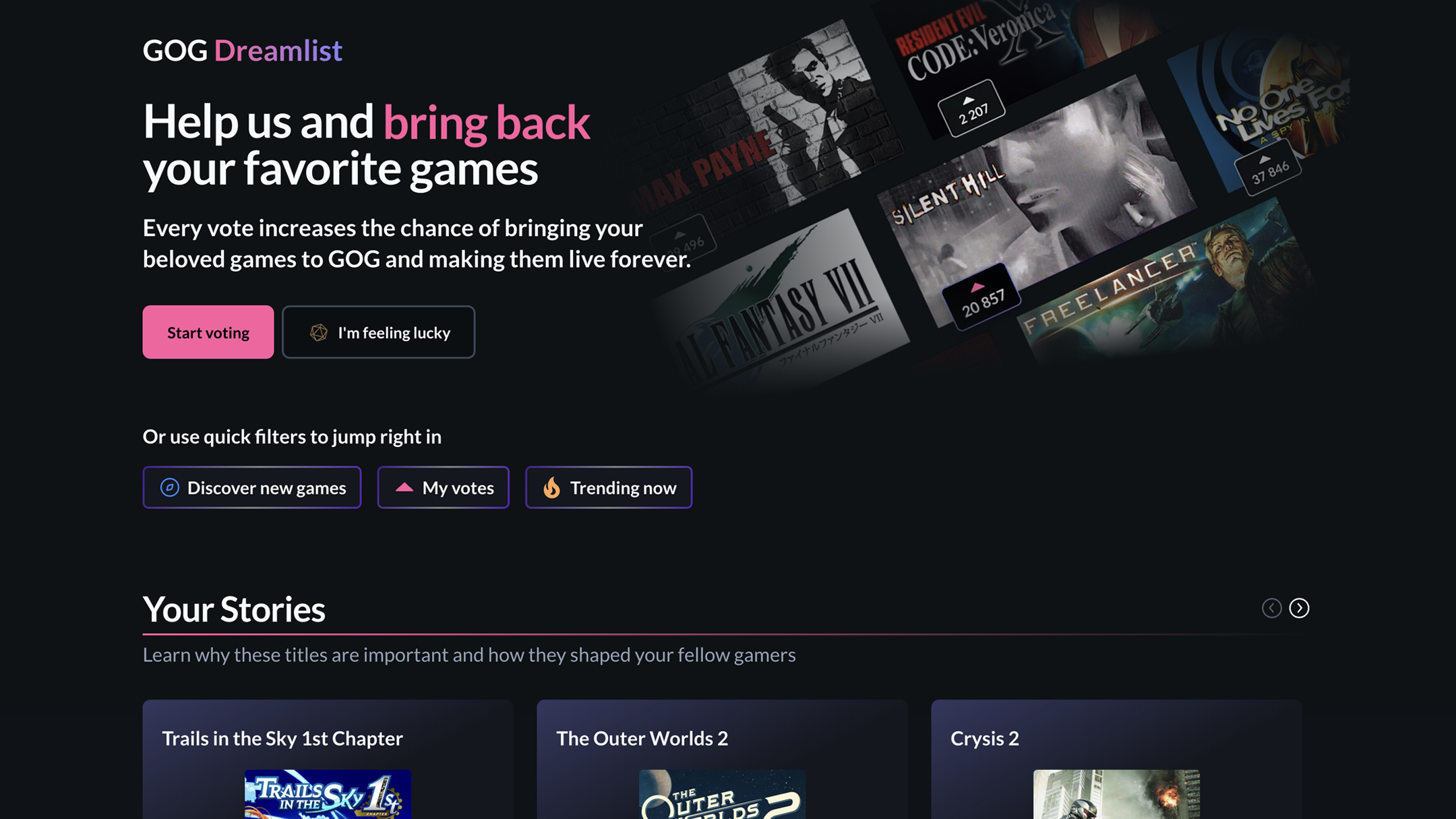
GOG GALAXY for Windows is a comprehensive game launcher and management platform designed to unify your gaming libraries, offering gamers an intuitive and customizable experience. Developed by GOG sp. z o.o., this application aims to simplify game discovery, organization, and multiplayer interactions all in one sleek interface, making it an appealing tool for casual players and seasoned gamers alike.
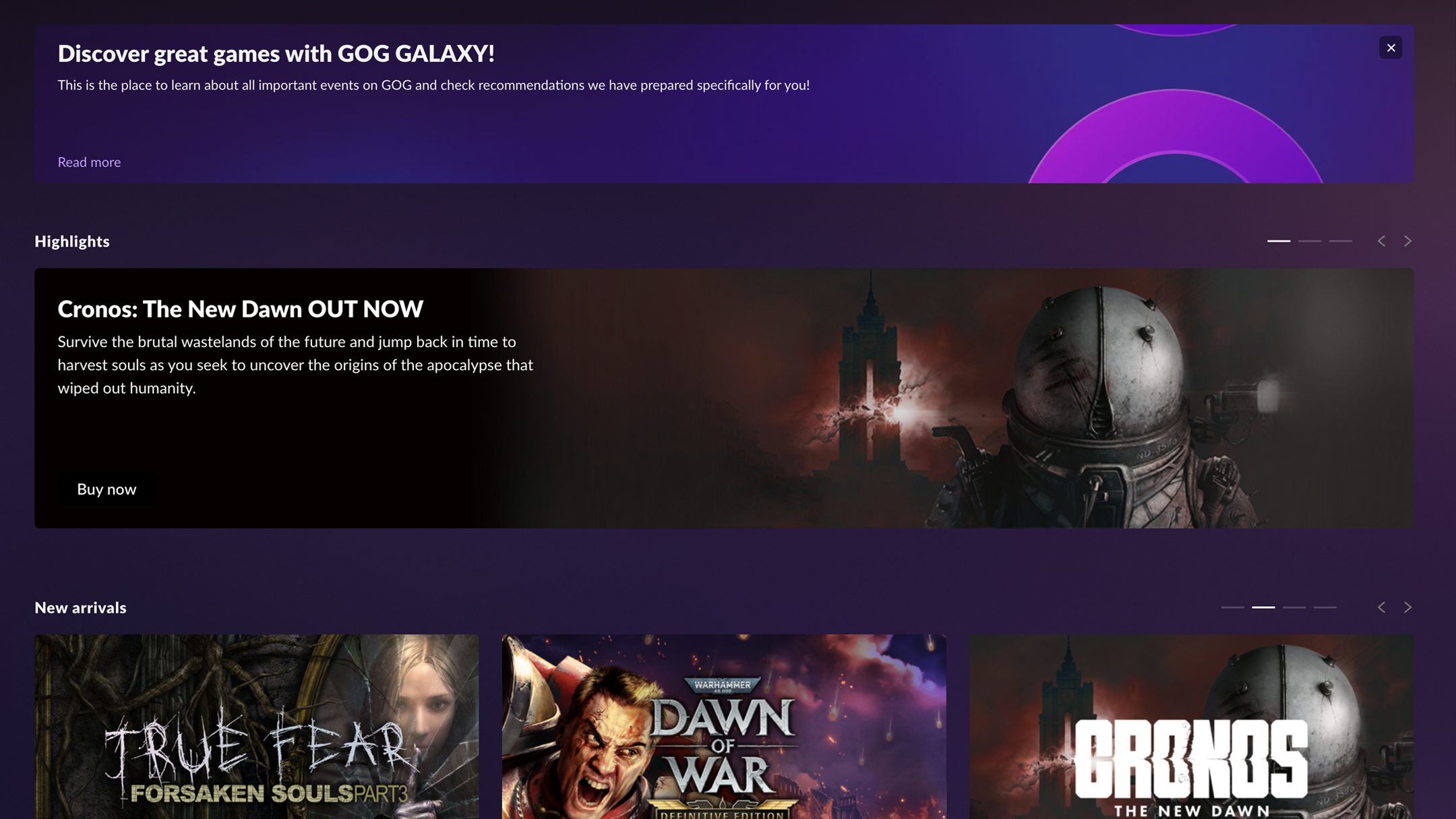
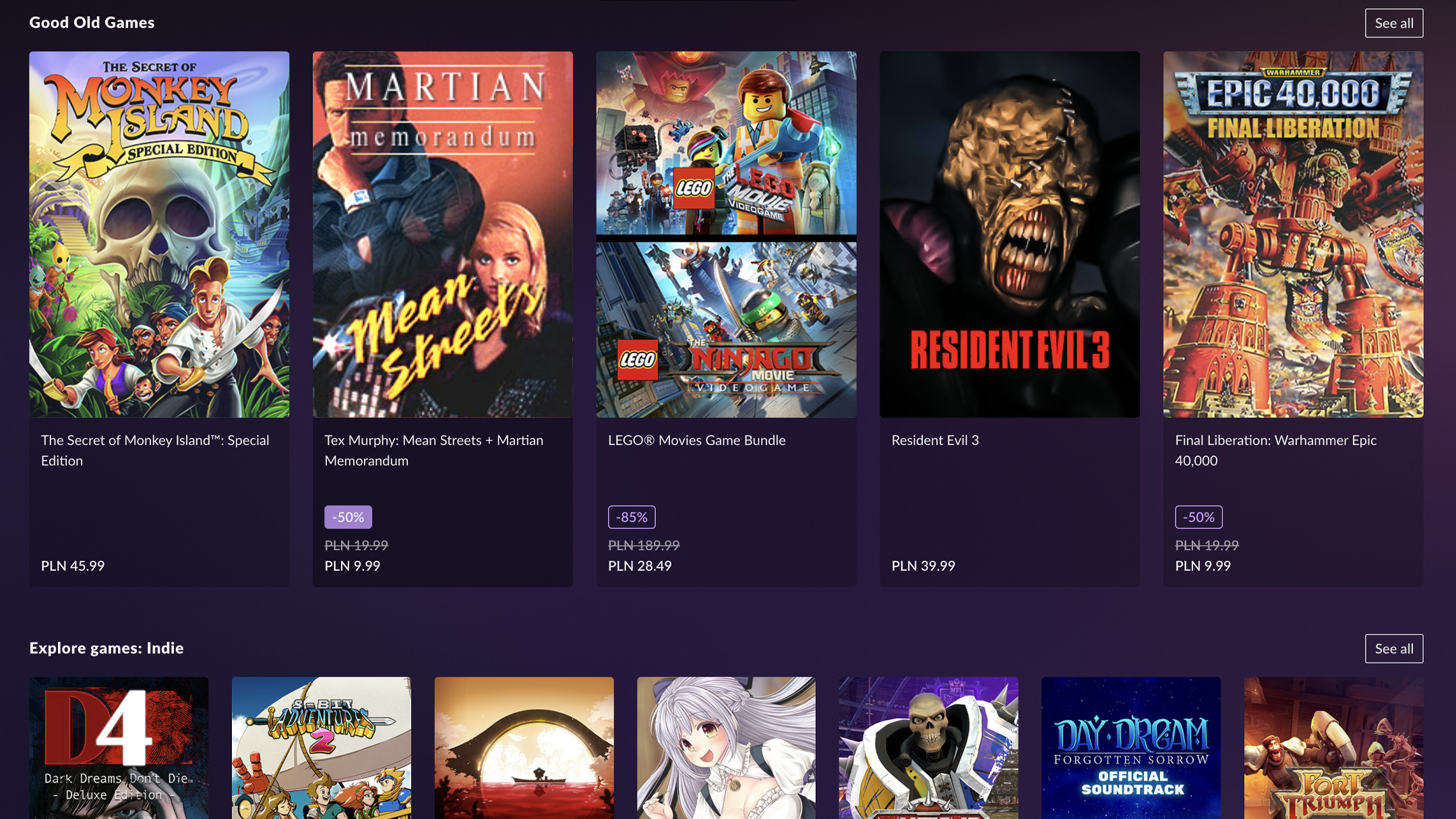
One of GOG GALAXY's flagship features is its ability to aggregate various game libraries (including GOG, Steam, Epic, and others) into a single unified dashboard. This means no more juggling multiple launchers—just a centralized hub for all your games. Additionally, its robust automation tools, like automatic updates and synchronization, help keep your library current without manual intervention. The application also offers a compelling discovery engine, recommending new titles based on your playing habits, and supports seamless multiplayer matchmaking, enhancing social gaming experiences.
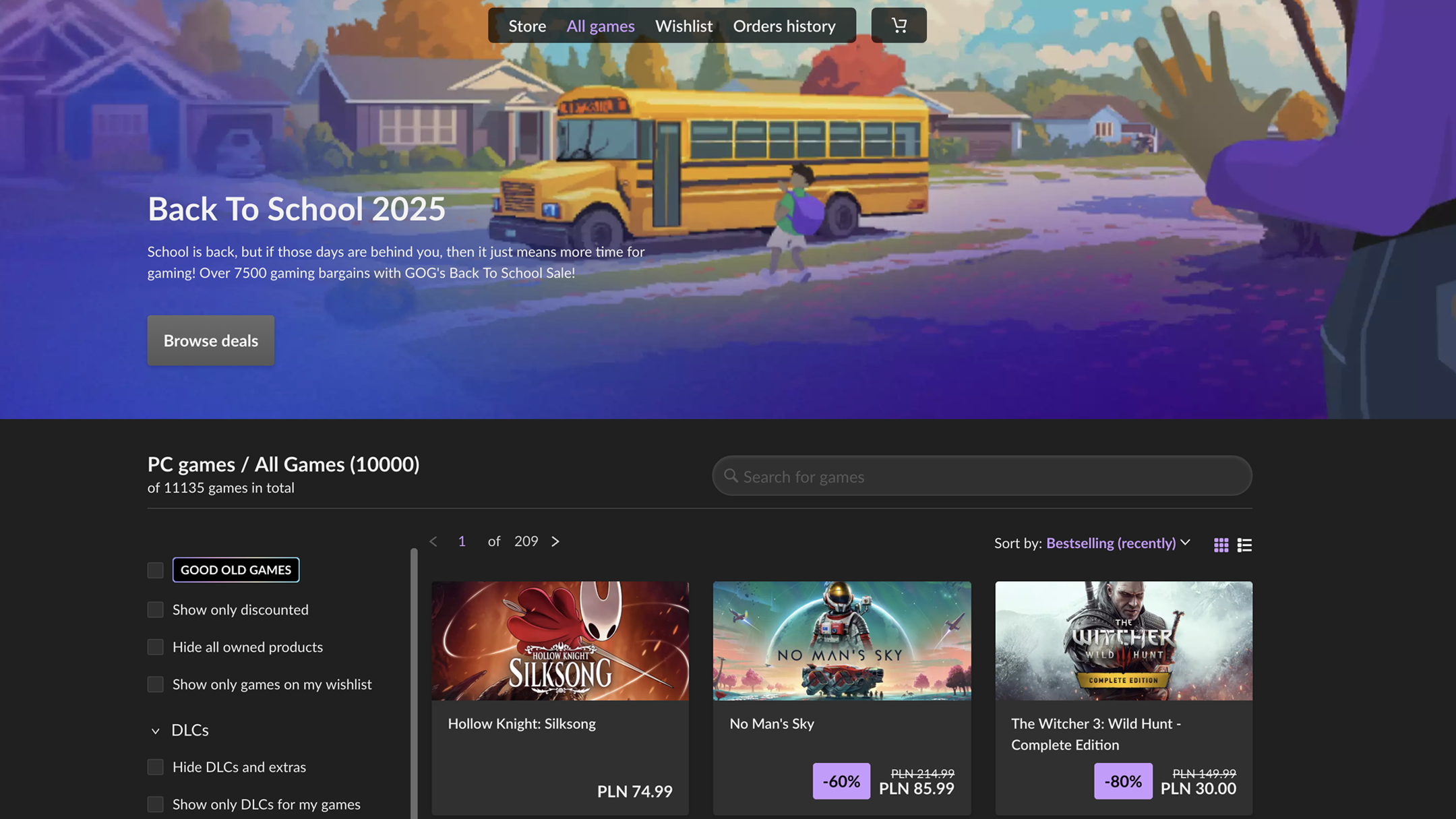
The interface of GOG GALAXY is both modern and inviting, akin to having a well-organized digital library at your fingertips. With its clean layout and intuitive navigation, even newcomers can find their way around after a brief exploration. The design employs subtle hover effects and clear icons, making it easy to locate library sections, social features, or settings. In terms of responsiveness, the app runs smoothly on various hardware configurations, with quick load times that make switching between functions feel effortless. The learning curve is gentle—users can quickly customize their library views, set preferences, and explore features without feeling overwhelmed.
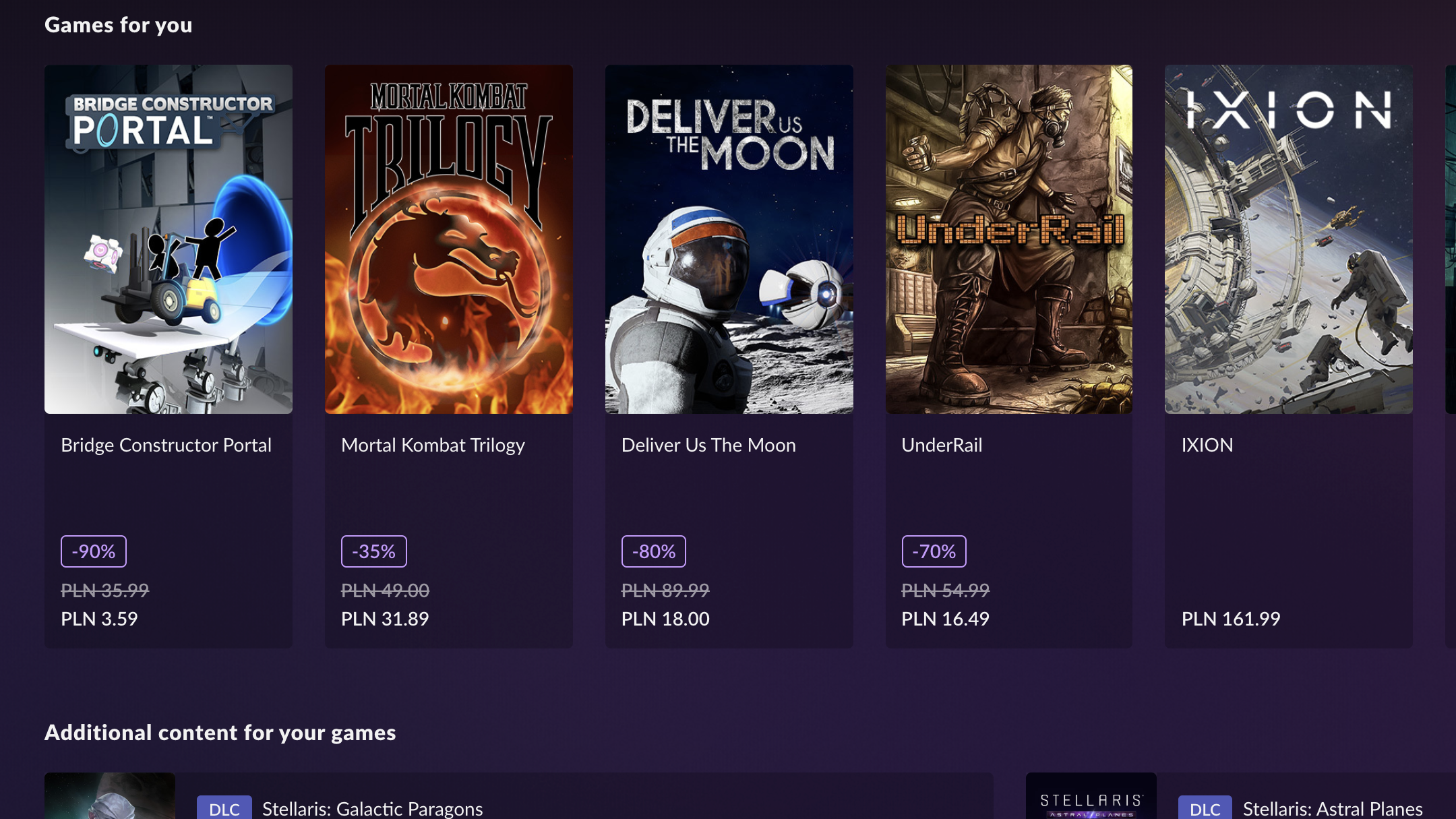
What truly differentiates GOG GALAXY from other entertainment applications is its sophisticated content discovery and recommendation algorithm. Unlike generic suggestion engines that often throw irrelevant titles your way, GALAXY's underlying system analyzes your gameplay history, preferred genres, and social interactions to craft personalized recommendations. It feels like having a knowledgeable curator who truly understands your gaming tastes, making discovery not just easier but more satisfying. Moreover, this system minimizes the frustration of irrelevant suggestions, enhancing user trust and engagement, which is quite a feat in the crowded landscape of game launchers.
For those seeking a streamlined, all-in-one gaming experience, GOG GALAXY is highly recommended—especially if you maintain multiple game stores. Its unique content discovery algorithm and unified library management set it apart from typical launchers. Novice users will appreciate its straightforward interface, while experienced gamers will benefit from its automation features and social integrations. For optimal use, spend some time customizing your preferences and exploring its discovery settings to unlock the full potential of its personalized recommendations. Overall, GOG GALAXY for Windows earns a solid recommendation for anyone looking to declutter their gaming universe and enhance their discovery process.
Unified Gaming Library
Seamless Game Launching
Strong DRM-Free Policy
Automatic Updates and Patches
Community Integration Features
Limited Game Store Selection
Occasional Syncing Issues
User Interface Complexity for New Users
Lack of Advanced Filtering Options
Limited Support for Non-Windows Platforms

for Windows
 5
5

for Windows
4.8

for Windows
4.8

for Windows
4.8

for Windows
4.7

for Windows
4.6

for Windows
4.6

for Windows
4.6

for Windows
4.6

for Windows
4.6

for Windows
4.6

for Windows
4.6

for Windows
5

for Windows
5

for Windows
5

for Windows
5
for Windows
5

for Windows
5

for Windows
5

for Windows
5

for Windows
5

for Windows
5