Simulation
PC, Mobile, Surface Hub, HoloLens
Windows 10 version 17134.0 or higher
Integrated Keyboard
Integrated Mouse
English (United States)
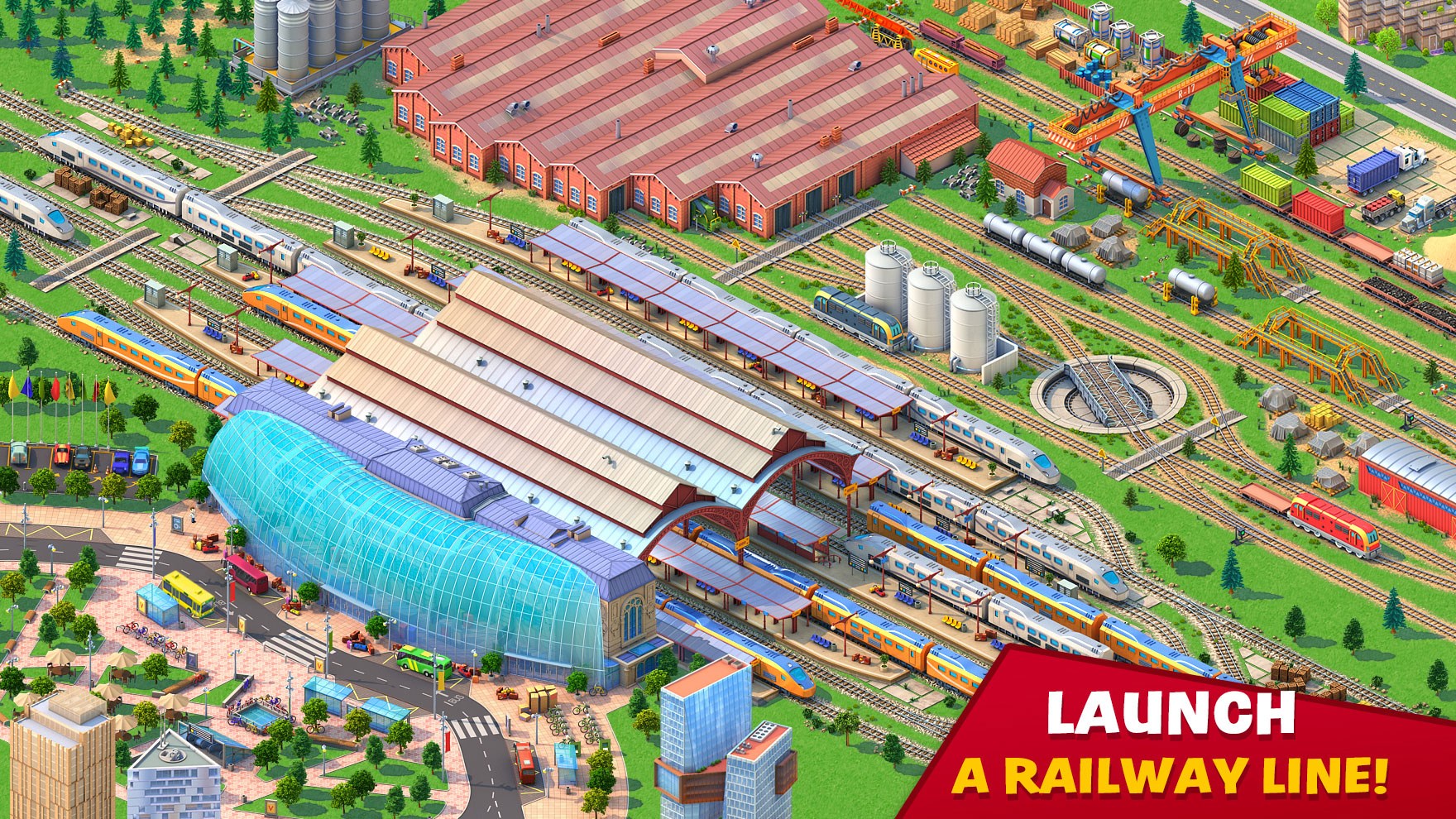
Designed to ignite curiosity about city development and urban mechanics, Global City for Windows offers a compelling simulation experience that allows users to build, experiment, and learn about city infrastructure in a virtual environment.
Developed by RED BRIX WALL LIMITED, this application caters to enthusiasts of city simulation and urban design. The developer team specializes in creating immersive, educational simulation tools that blend entertainment with learning.
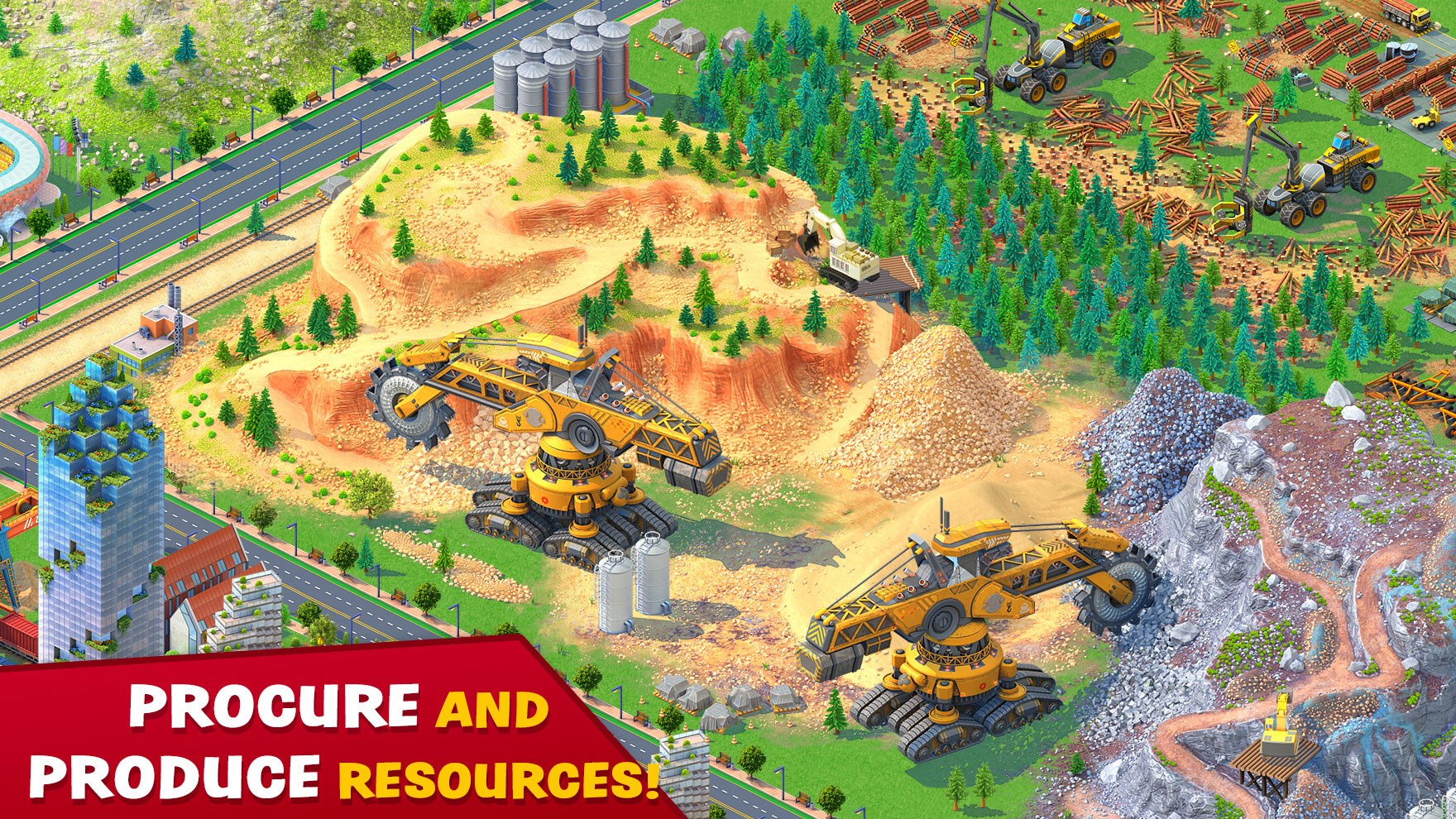
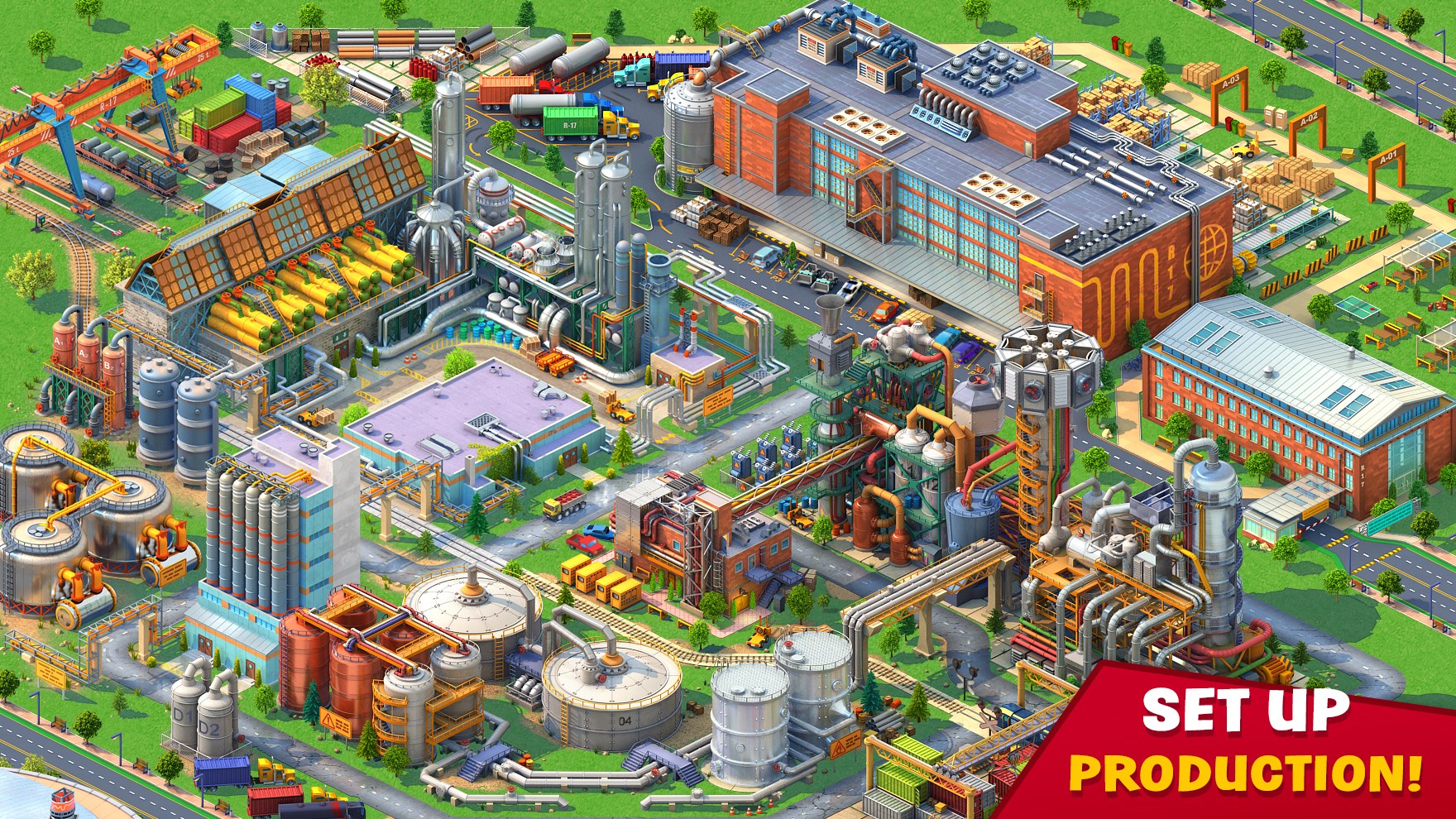
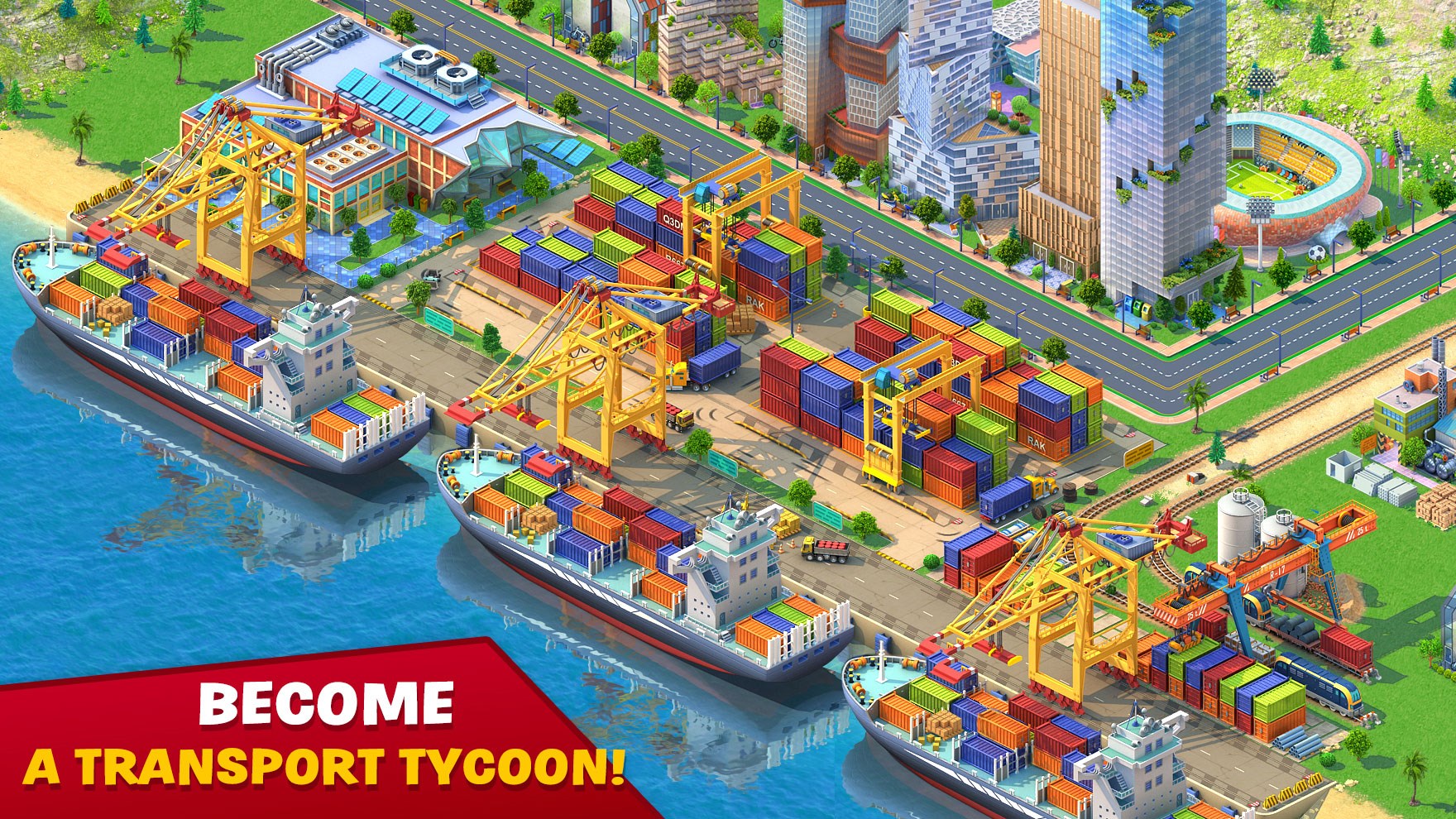
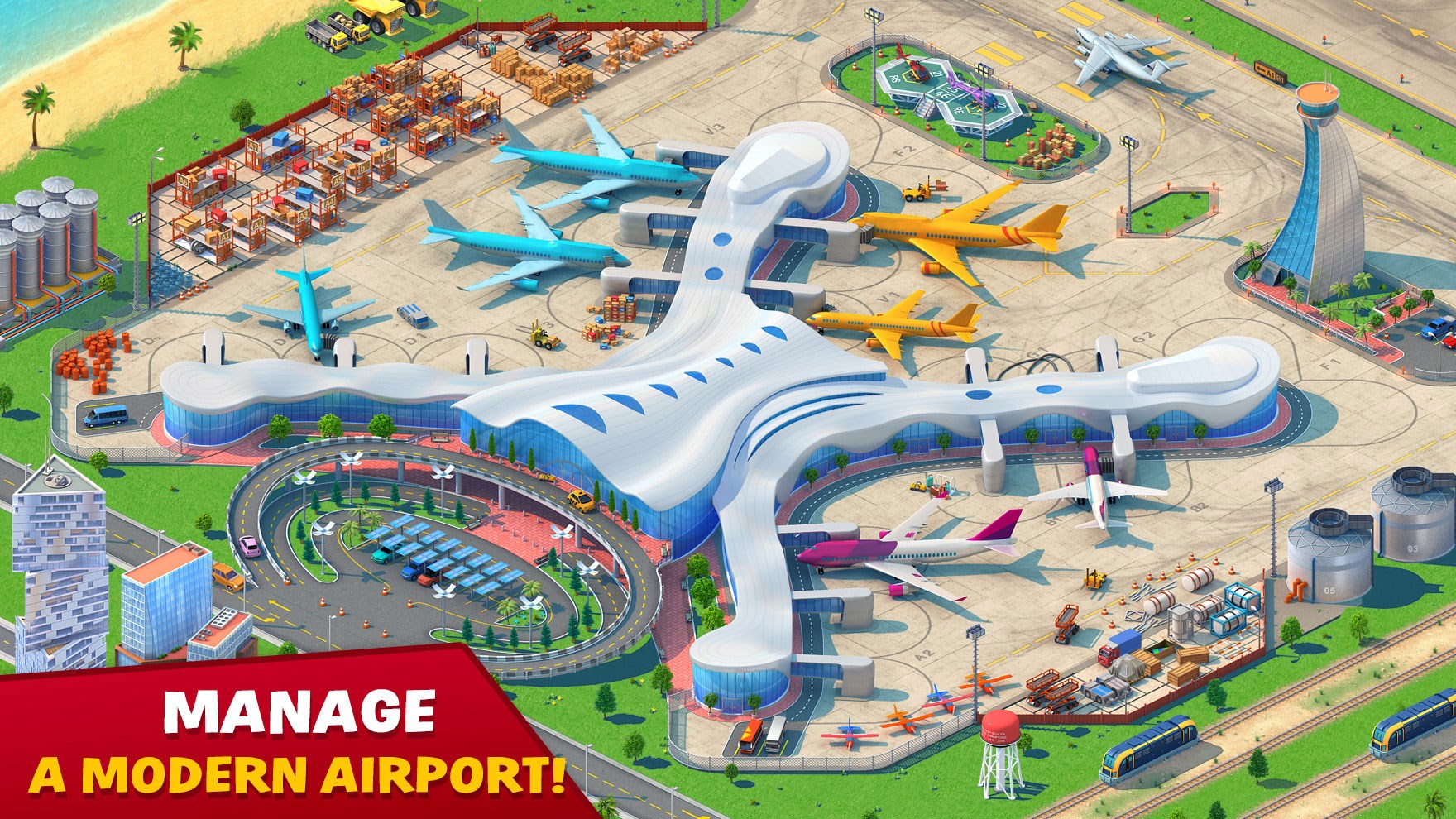
The core features of Global City include an intuitive building system that mimics real-world city planning constraints, detailed infrastructure mechanics such as traffic and utilities management, and comprehensive scenario modes for testing various urban development strategies.
Its target audience spans students, urban planning professionals seeking a sandbox to test ideas, and casual gamers interested in city-building concepts.
Imagine stepping into a bustling urban landscape where every decision shapes the skyline and the lives of inhabitants. Global City for Windows invites you into a lively, interactive world, transforming abstract planning into a tangible, almost tactile experience. Whether you're a budding urban planner or a curious gamer, this app promises a journey through the intricate dance of city dynamics. Its user-friendly interface and engaging mechanics make it a delightful tool for both learning and creative expression.
One of the app's crown jewels is its highly realistic infrastructure mechanics. From traffic flow algorithms that mimic real-world congestion patterns to utility grids that require strategic placement and maintenance, every element seeks to replicate true urban challenges. This feature isn't just about aesthetics; it allows users to understand the delicate balance required in managing modern cities, offering insights into issues like traffic congestion, resource allocation, and environmental impact.
The second standout feature involves scenario modes where users can test different urban planning strategies—be it rapid expansion, sustainable development, or disaster response. These scenarios foster a deeper understanding of cause-and-effect relationships, promoting critical thinking about the long-term consequences of planning choices. Learning transfer is emphasized here, as players discover practical lessons applicable to real-world city management.
The application's interface adopts a clean, visually appealing design reminiscent of sophisticated city maps, with a smooth navigation experience. Controls are intuitive, making complex operations like zoning, road placement, and utility management accessible even to newcomers. The learning curve is gentle; users can quickly grasp basic operations while still exploring advanced features at their own pace. Overall, the app provides a seamless experience that invites extended exploration without frustration.
Compared to other city simulation tools, Global City for Windows excels in delivering a highly realistic physics and mechanics model. Traffic patterns, utility networks, and building behaviors operate under physics-based algorithms that mirror real-world conditions, elevating the simulation from mere visual replica to a genuine learning environment. This emphasis on realism helps users make tangible connections between the virtual and actual urban management challenges.
Furthermore, its scenario-centric approach emphasizes learning transfer, clearly demonstrating how planning decisions impact city sustainability and livability. This focus makes it more than entertainment; it's an educational platform that cultivates skills relevant to real-world urban planning and problem-solving.
Global City for Windows earns a recommended stamp for those interested in city building, urban mechanics, or environmental simulation. Its realistic physics, scenario versatility, and user-friendly design make it an engaging and educational tool. Whether you aim to simulate future cities or simply enjoy experimenting with urban layouts, this app provides a rich, credible experience. For educators or students, it's a particularly valuable resource to visualize and analyze complex city systems.
In summary, if you're looking for a simulation that combines realism with practical insights and user engagement, Global City for Windows is definitely worth exploring. Just be prepared to spend some time tinkering—city planning is an art, and here's your canvas!
User-friendly interface
Rich content offerings
Regular updates
Multi-language support
Integration with Microsoft services
Limited offline access
Slow loading times on older devices
Occasional crashes during content refresh
Limited customization options
In-app advertisements

for Windows
 4.8
4.8
for Windows
4.8

for Windows
4.8

for Windows
4.8

for Windows
4.8

for Windows
4.7

for Windows
4.7

for Windows
4.7

for Windows
4.7

for Windows
4.7

for Windows
4.7

for Windows
4.6

for Windows
5

for Windows
5

for Windows
5

for Windows
5

for Windows
5

for Windows
5

for Windows
5

for Windows
5

for Windows
5

for Windows
5