Productivity
ASUSTeK COMPUTER INC.
PC
Windows 10 version 16299.0 or higher
Arabic, Chinese (Simplified) (China), Chinese (Traditional Chinese), Czech, Danish, Dutch, English, English (United States), Finnish, French, German, Greek, Hebrew, Hungarian, Indonesian, Italian, Japanese, Korean, Norwegian (Bokmål), Polish, Portuguese (Brazil), Portuguese (Portugal), Romanian, Russian, Slovak, Spanish, Swedish, Thai, Turkish, Ukrainian, Vietnamese
Imagine effortlessly toggling between your phone and PC without the clutter of apps or complex configurations. GlideX for Windows aims to bridge that gap, offering users a smooth, integrated experience to enhance productivity and streamline device interactions.
Developed and published by ASUSTeK COMPUTER INC., a globally recognized leader in computing hardware, GlideX is designed to elevate multi-device workflows. The app's main highlights include its ability to mirror smartphones directly onto Windows desktops, facilitate quick file transfers between devices, and enable remote control functionalities. These features collectively target professionals, students, and enthusiastic tech-users who frequently juggle multiple devices during their daily routines.
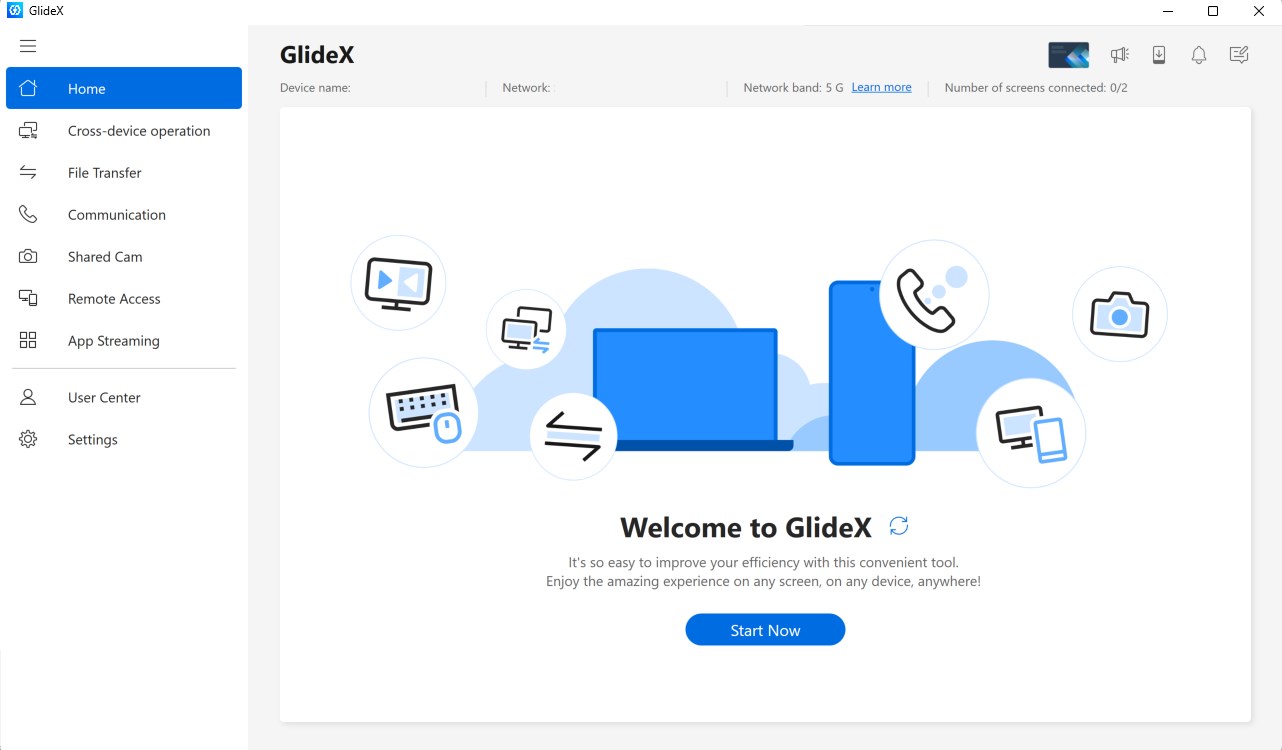
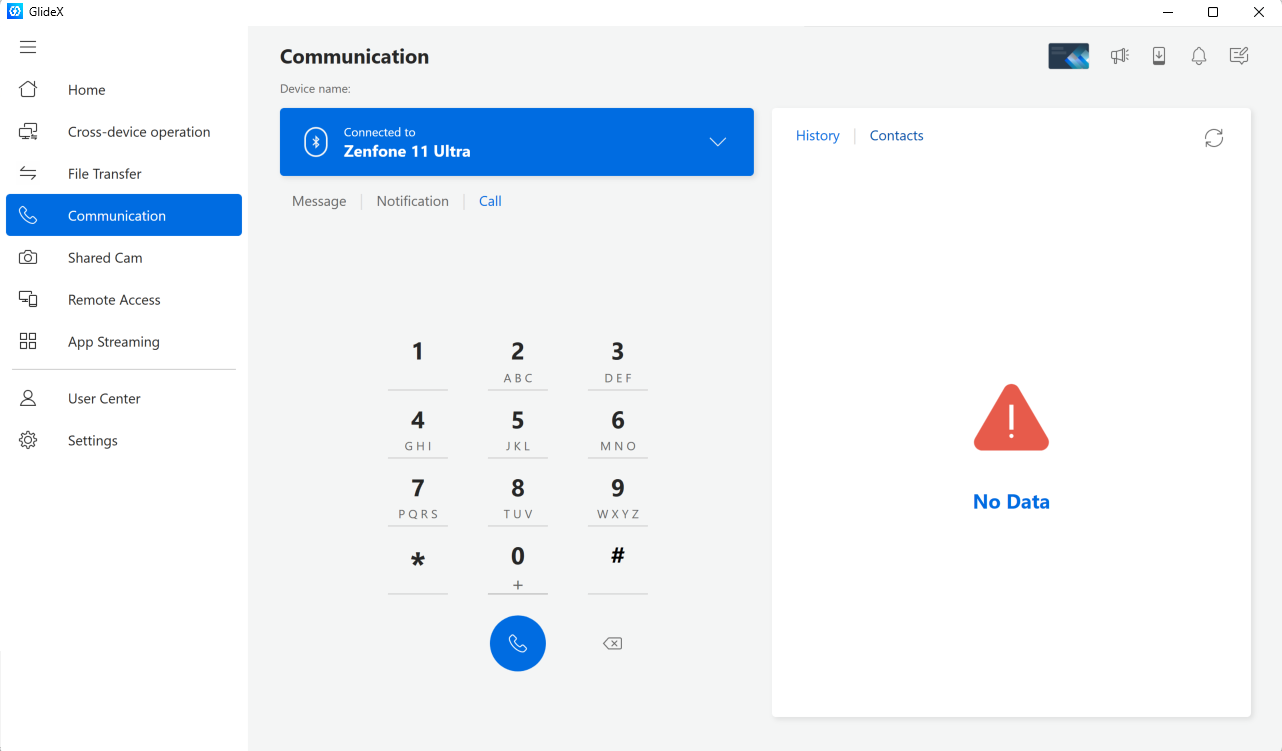
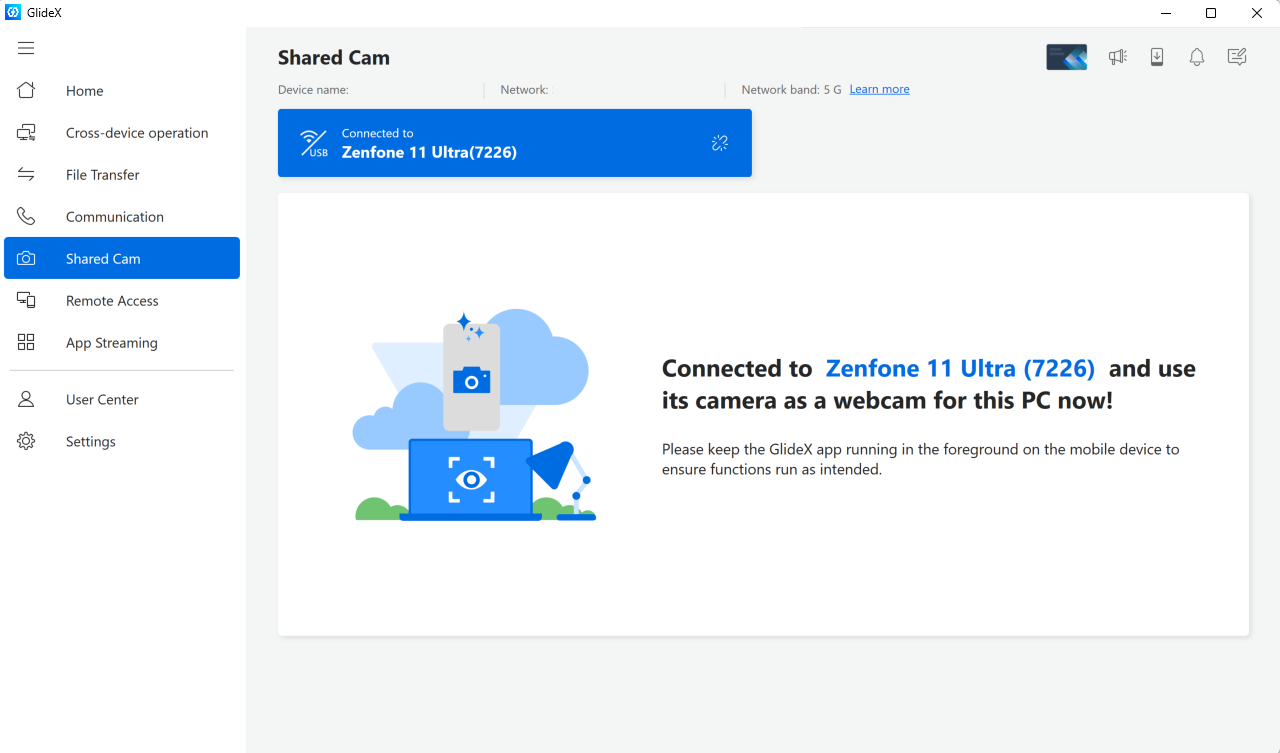
Launching GlideX for Windows feels like stepping into a backstage view of your devices—clear, intuitive, and surprisingly unobtrusive. From the moment you open the app, its sleek interface invites you into a world where your phone isn't just a device but becomes an extension of your Windows environment. Imagine being able to glance at your phone's notifications or copy-paste images straight into your documents with a few clicks; that's the promise GlideX delivers with charming ease.
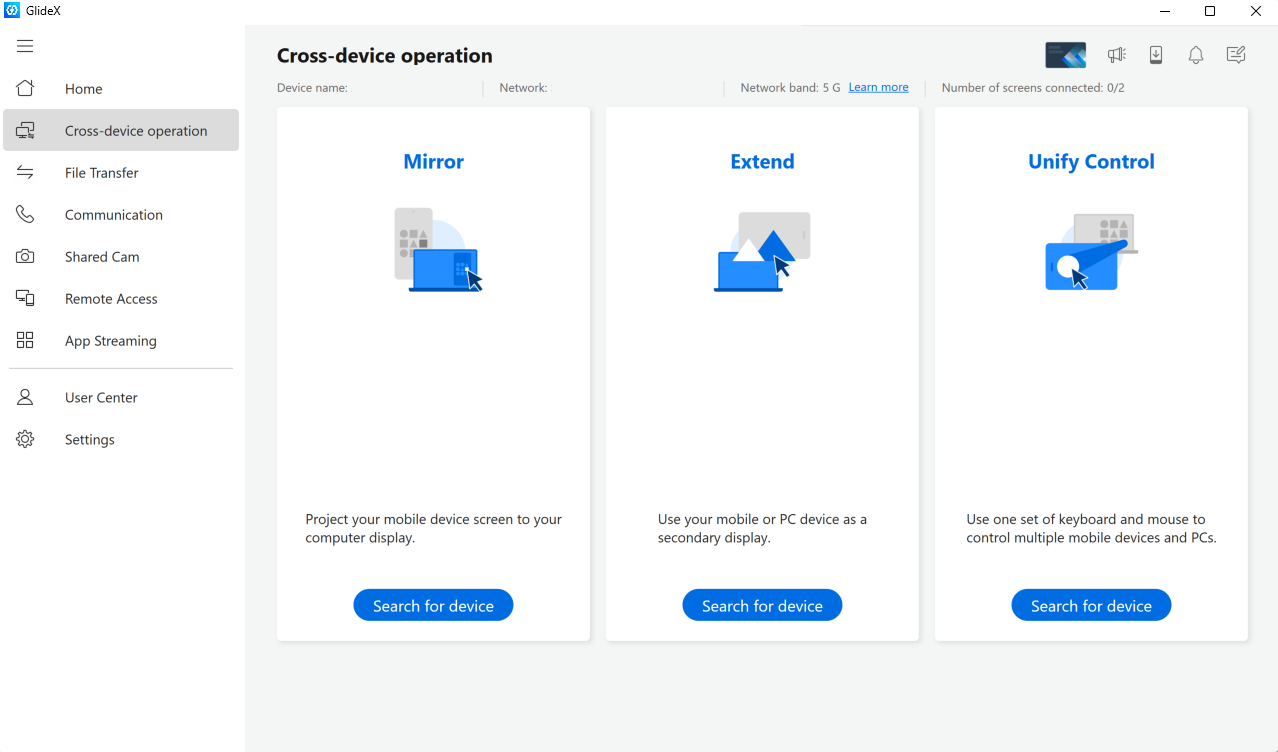
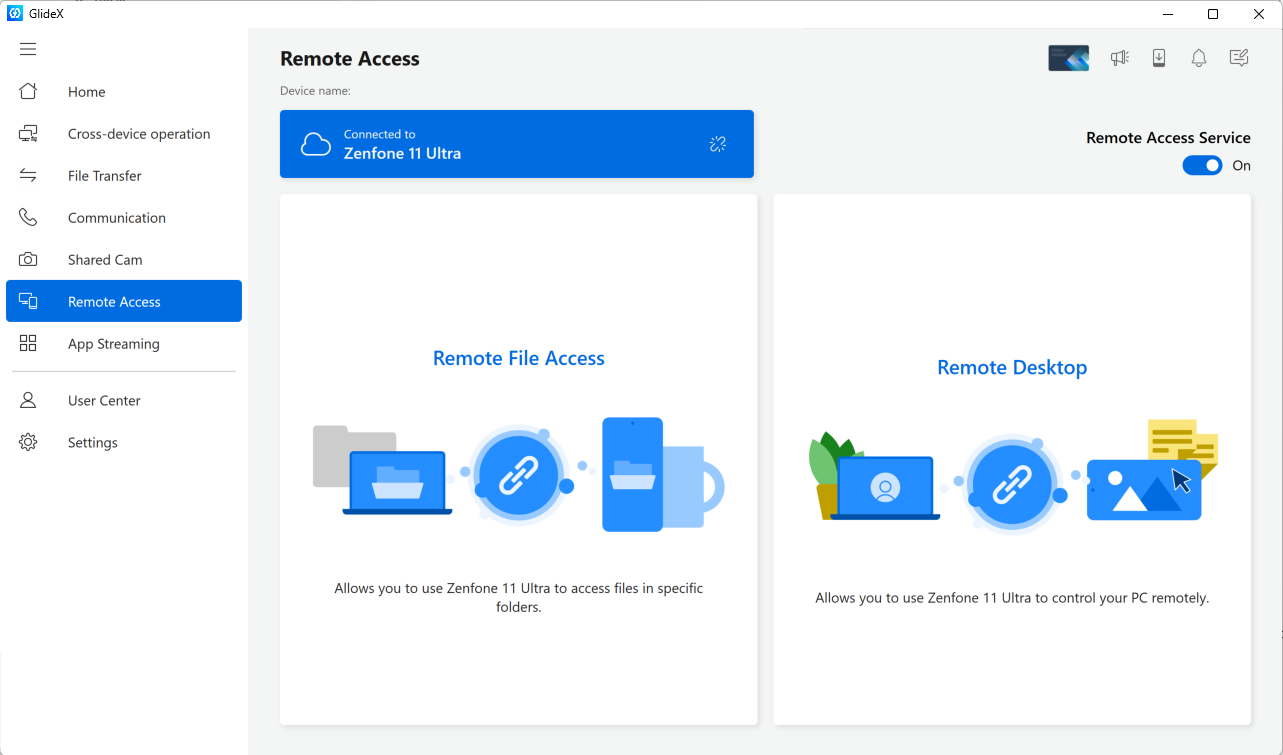
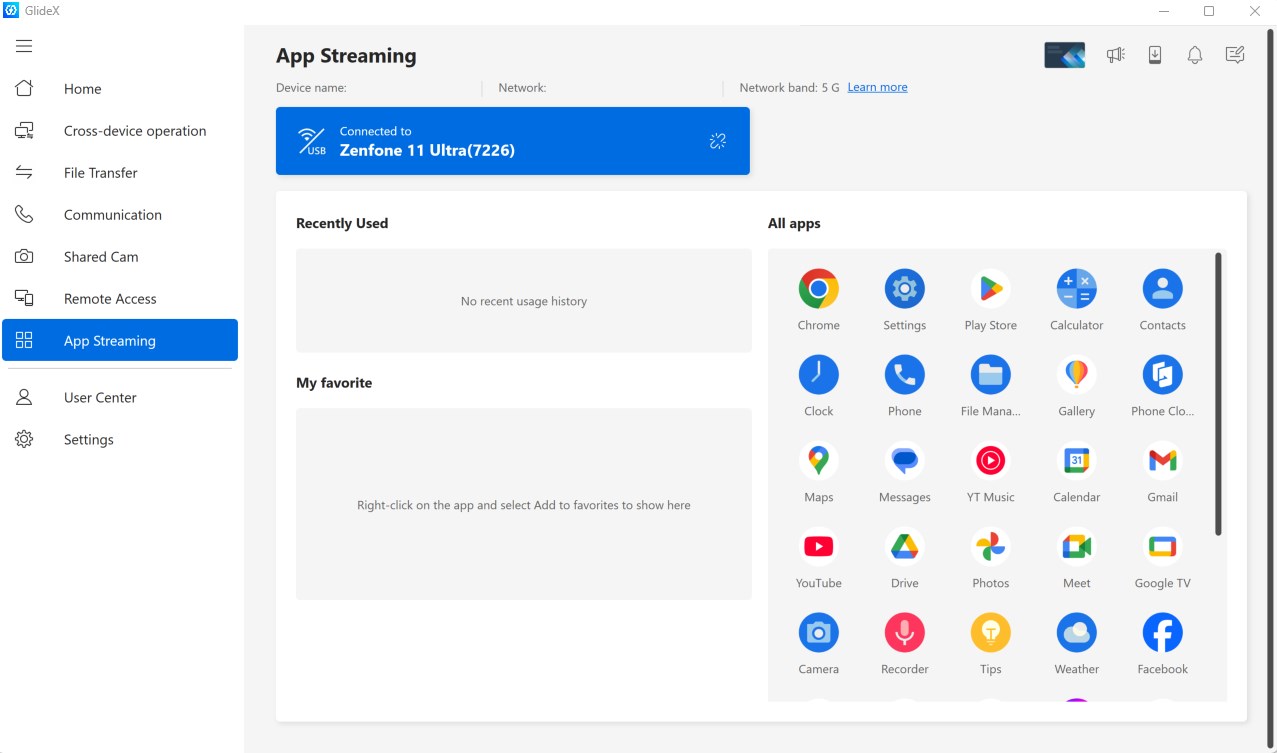
At the heart of GlideX is its robust screen mirroring feature. Unlike conventional methods that feel laggy or require complex setup, GlideX leverages optimized streaming technology to provide a nearly lag-free mirror. Picture this: you're giving a presentation, and your phone's screen is seamlessly projected onto your laptop—no wires, no fuss. Plus, its remote control capability turns your Windows mouse and keyboard into a media controller or an input device for your Android or iOS device. This transforms your workflow into an interconnected dance, where controlling your mobile device from the comfort of your PC feels second nature.
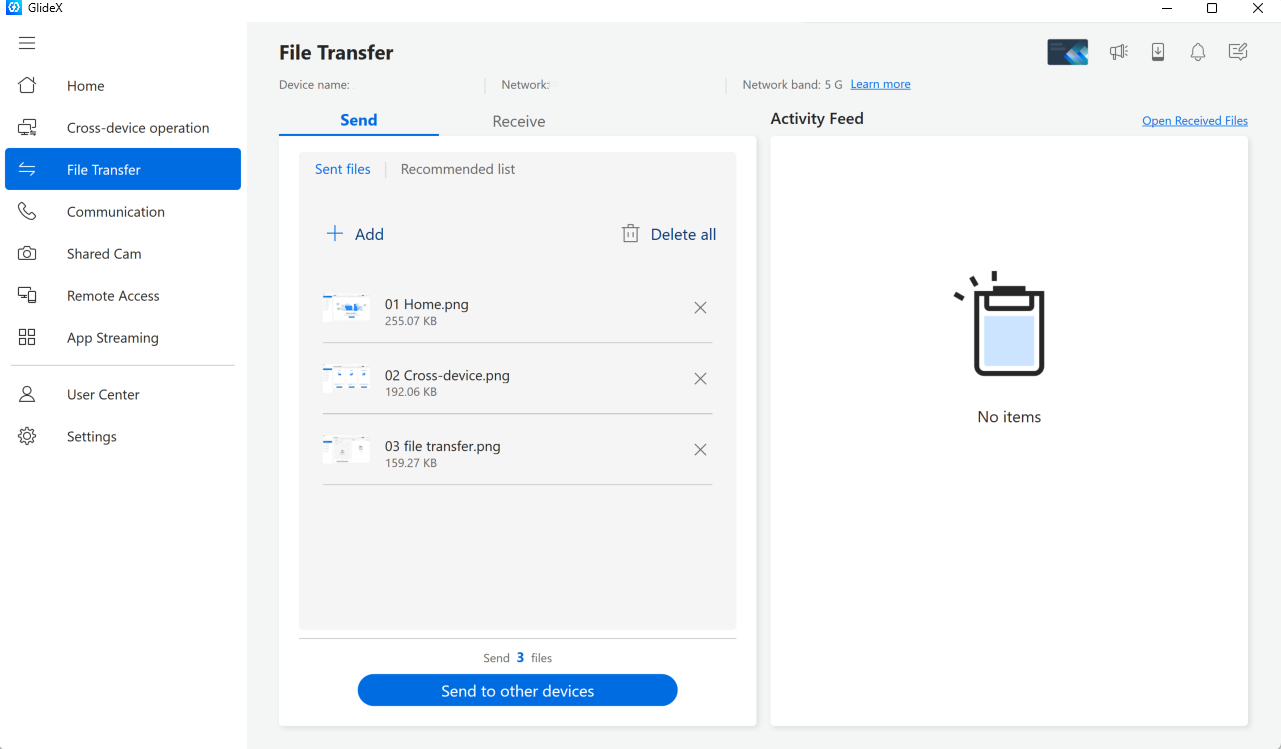
Another standout feature is its ability to facilitate swift drag-and-drop file sharing between devices. Think of it as having a digital conveyor belt that carries images, documents, and even clipboard contents across your gadgets effortlessly. This reduces cognitive load significantly, allowing you to focus on the task rather than managing multiple data transfer steps. Managing multiple connected devices is also streamlined through a centralized dashboard, giving you quick access and control without diving into complicated settings.
The interface of GlideX is nothing short of a breath of fresh air—clean, minimalist, and purpose-driven. Navigation is intuitive; even first-time users can quickly discover how to mirror their screens or transfer files. The application runs smoothly on a range of hardware configurations, with minimal impact on system performance, making it accessible to both high-end and more modest setups.
Compared to other productivity tools, GlideX's key advantage lies in its focus on reducing cognitive overload. Its seamless workflow integration helps users minimize the mental burden of managing multiple devices, all while maintaining high feature efficiency—unlike some solutions that cram in features at the expense of user-friendliness. The app's core strength is in offering a straightforward, reliable experience that feels like a natural extension of your daily tech environment.
Based on its features, performance, and ease of use, I would recommend GlideX for anyone who regularly uses multiple devices and seeks a tidy solution to unify their workflows. While it's not overloaded with extraneous features, its core functionalities are executed with finesse, making it an excellent tool for professional settings, educational pursuits, or casual multi-device management. For users who prioritize a clean, efficient, and low-cognitive-load experience, GlideX stands out as a smart choice.
Intuitive user interface
High-quality video playback
Customizable recording settings
Seamless integration with Microsoft ecosystem
Frequent updates and bug fixes
Limited editing features
Occasional lag during recording
Requires high system resources
Limited export formats
In-app tutorials are minimal

for Windows
 5
5

for Windows
5

for Windows
4.9

for Windows
4.9

for Windows
4.9

for Windows
4.8

for Windows
4.8

for Windows
4.8

for Windows
4.8
for Windows
4.8

for Windows
4.8

for Windows
4.8

for Windows
5
for Windows
5

for Windows
5

for Windows
5

for Windows
5

for Windows
5

for Windows
5

for Windows
5

for Windows
5
for Windows
5