Menu
Gin Rummy Deluxe

Gin Rummy Deluxe

4.7
Advertisement

Information

Category:

Card & board

Available on:

PC, Mobile, Surface Hub, HoloLens

OS:

Windows 10 version 18362.0 or higher

Languages:

English (United States), French, German, Portuguese, Portuguese (Brazil), Portuguese (Portugal), Spanish, Spanish (Spain)

Advertisement

Overview

Introducing Gin Rummy Deluxe for Windows: A Classic Card Game with a Modern Touch

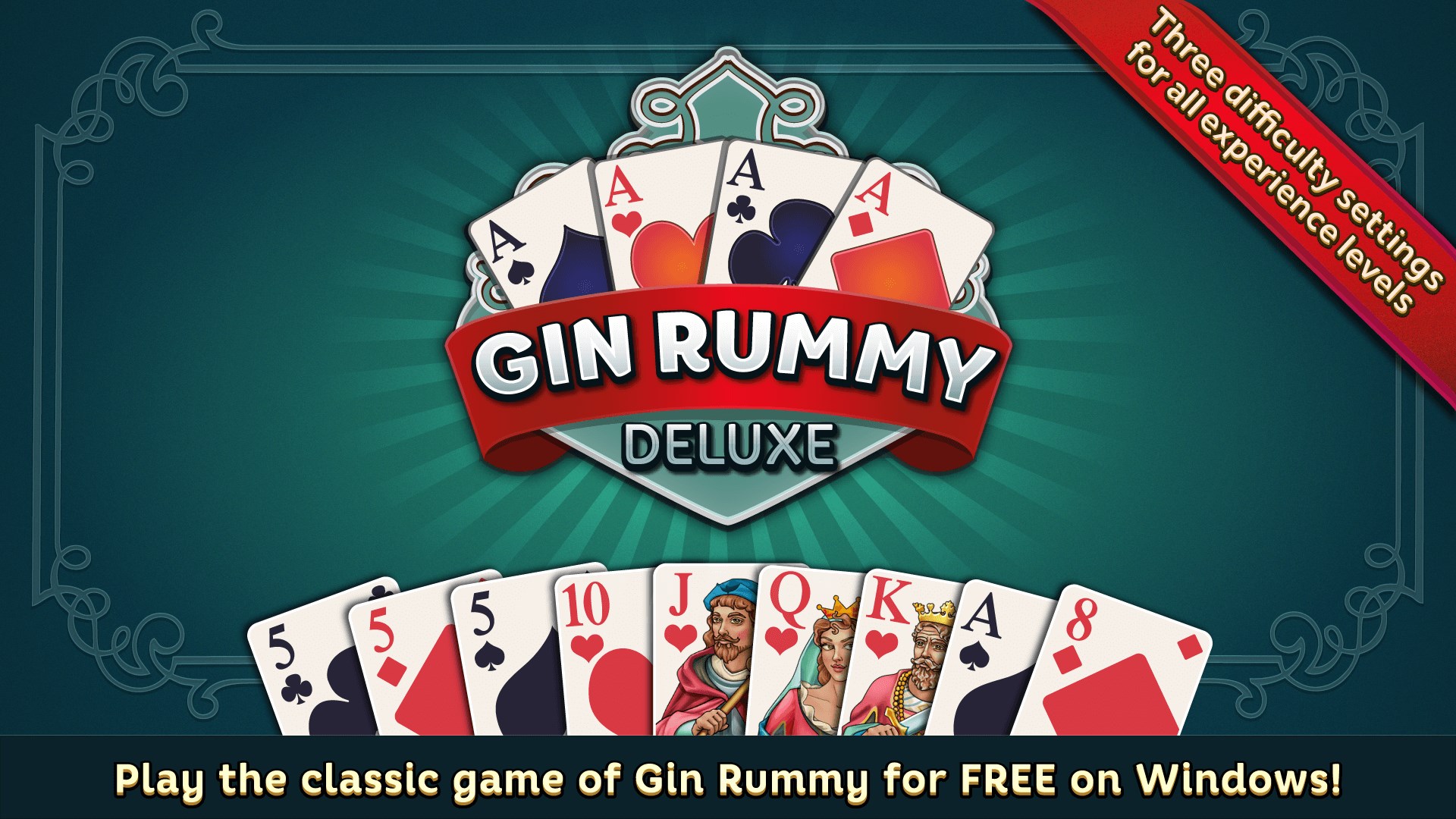
Gin Rummy Deluxe offers players a refined digital spin on the beloved classic card game, blending traditional gameplay with sleek design and smooth mechanics. Developed by Rolling Donut Apps, this application aims to bring the familiar thrill of Gin Rummy directly to your Windows device.

Meet the Minds Behind the Game

Rolling Donut Apps is a dedicated developer specializing in casual and card games. Their focus on quality, user engagement, and elegant interface design makes Gin Rummy Deluxe a promising addition to their portfolio.

Highlight Features That Make It Stand Out

  • Authentic Gameplay Experience: The game faithfully reproduces the traditional rules of Gin Rummy, ensuring players get an experience true to the classic card game.
  • Intuitive Interface & Easy-to-Learn Controls: Simplified menus and straightforward controls facilitate quick onboarding for new players while still offering depth for experienced card enthusiasts.
  • Single & Multiplayer Modes: Whether you want to enjoy a solo match against AI or challenge friends online, the app caters to both casual and competitive players.
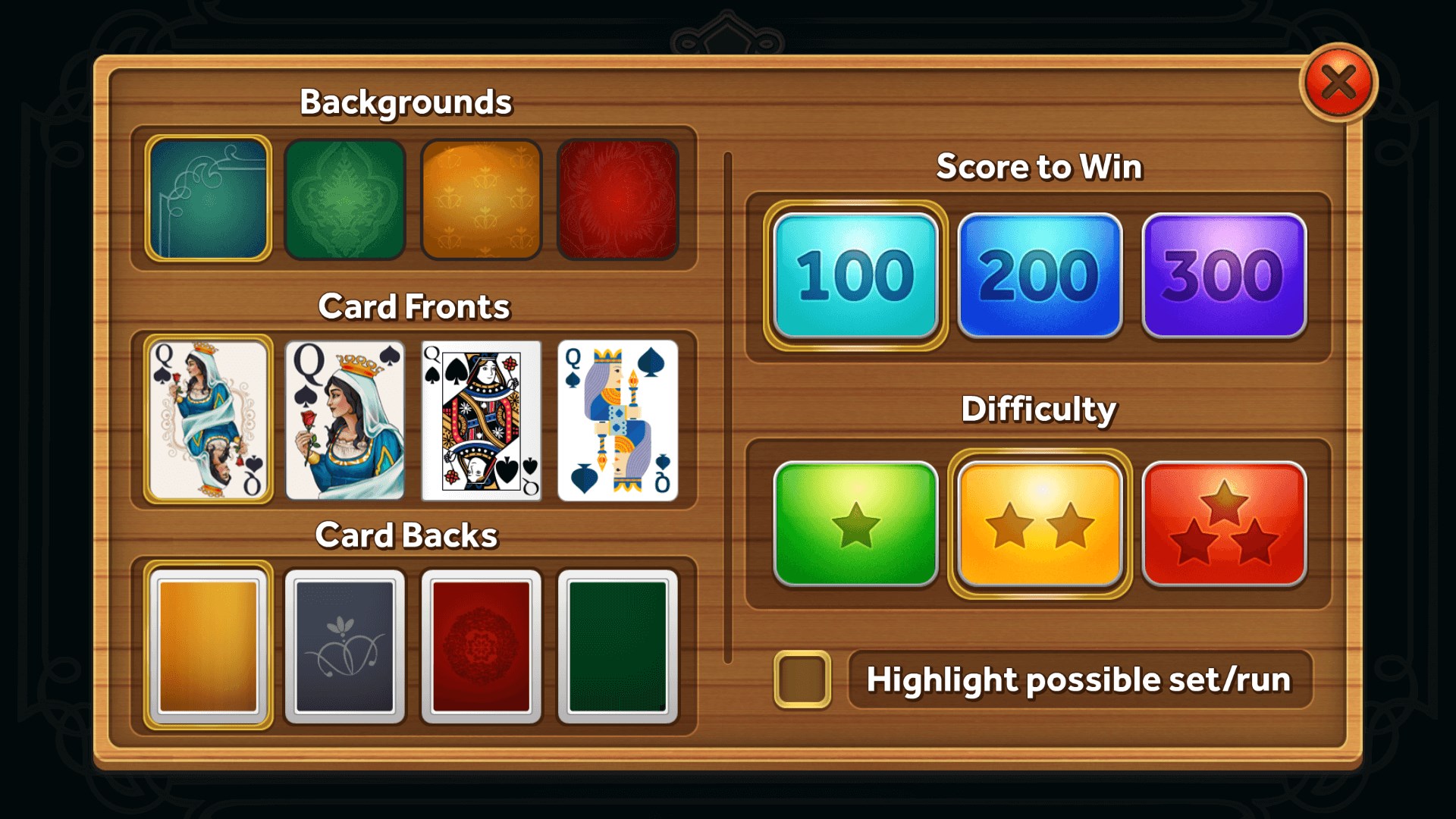
  • Customizable Settings & Aesthetic Options: From card designs to sound effects, users can personalize their gaming environment, heightening engagement.

Delving Into the Gameplay & User Experience

A Whiff of Nostalgia with a Contemporary Flavor

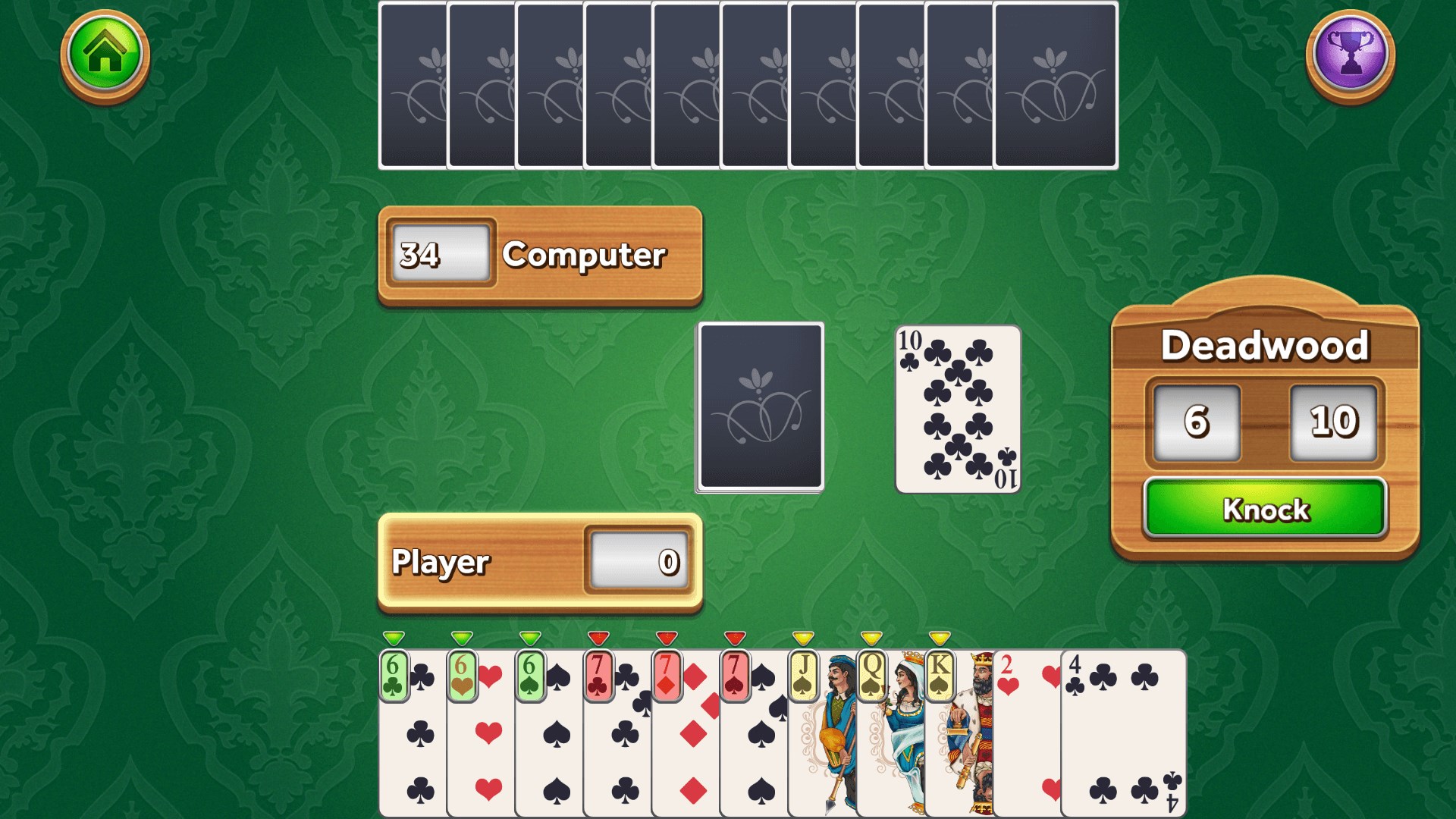
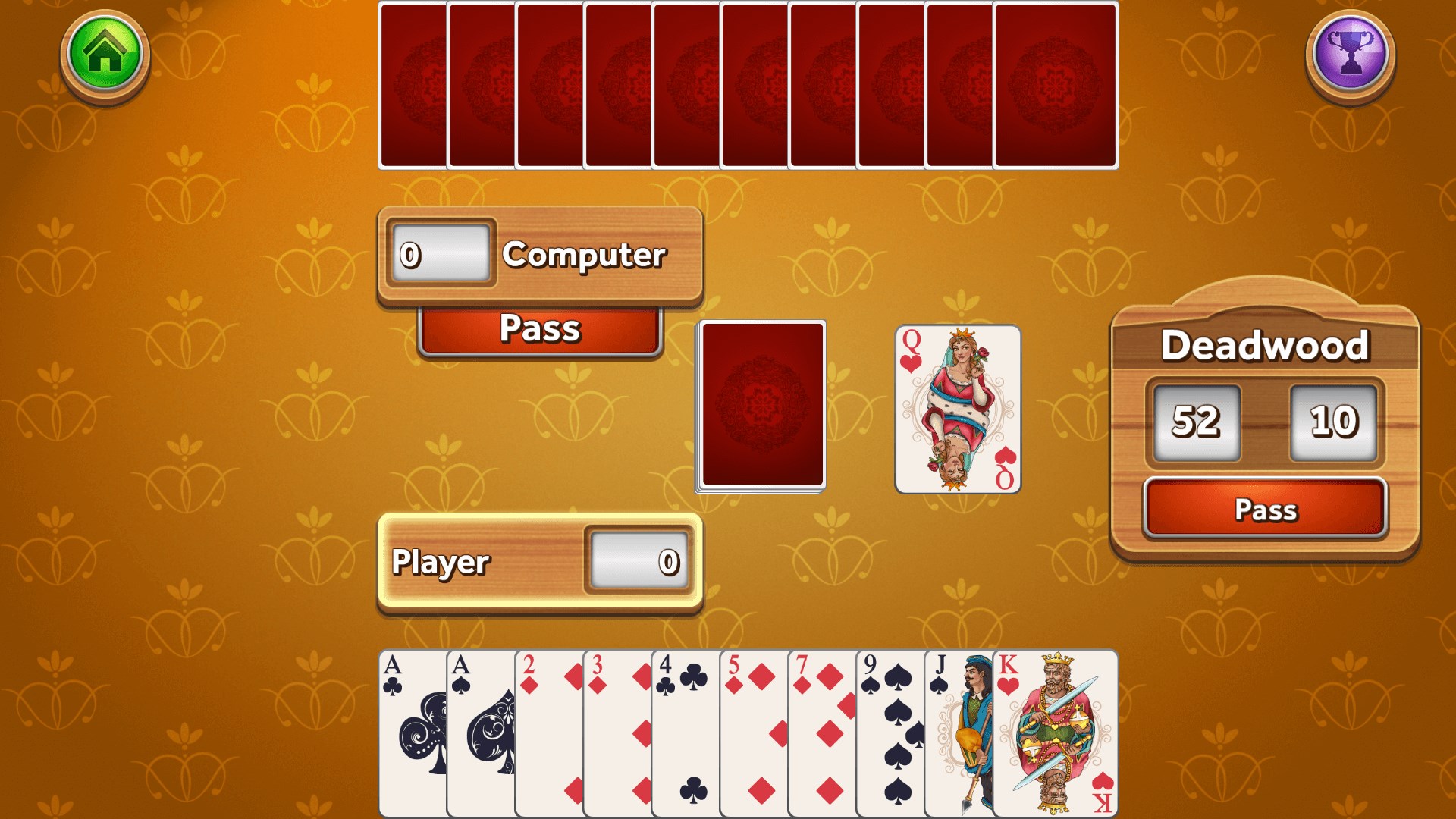
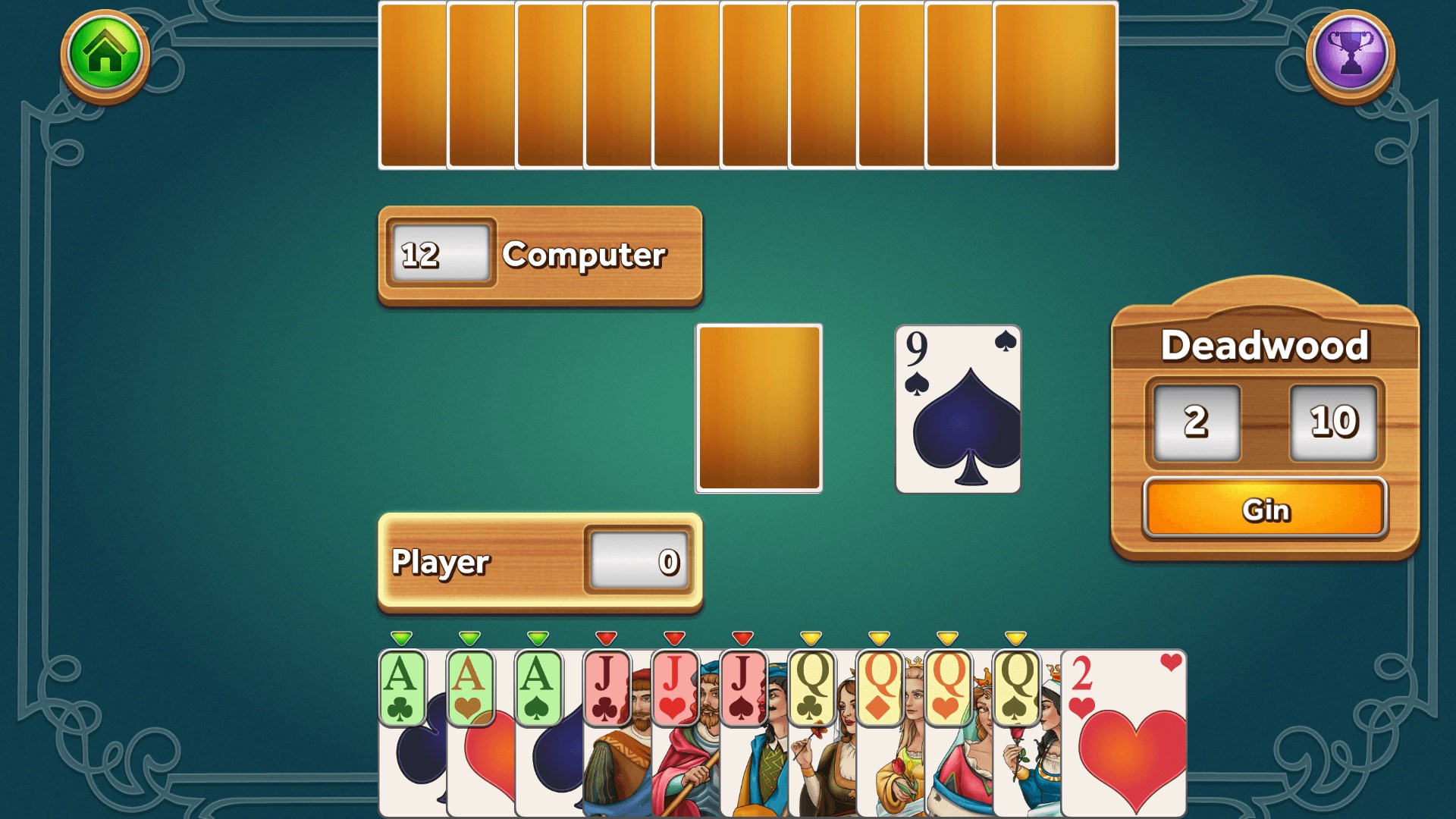
Stepping into Gin Rummy Deluxe feels like dusting off an old favorite but with a fresh coat of polish. The interface greets you with vibrant, clean graphics that evoke the tactile feel of traditional playing cards, yet they are presented in crisp modern resolution. The game's design cleverly balances nostalgia with accessibility, making it inviting for both veterans and newcomers.

Core Functionalities: Navigating Through the Core of the Game

  • Robust Single-Player AI Opponents: The AI opponents are surprisingly clever, mimicking real-player strategies and adding unpredictability that keeps each game fresh. With adjustable difficulty levels, players can gradually sharpen their skills or enjoy relaxed gameplay.
  • Seamless Multiplayer Experience: Connecting with friends or global opponents is straightforward. The app offers easy matchmaking, and online play is remarkably smooth with minimal lag—giving the feeling of sitting across the table.
  • Detailed Game Statistics & Progress Tracking: For players interested in improving their strategy, the app records wins, losses, and other stats, enabling a sense of progression and mastery over time.

User Interface and Overall Experience

The user interface is thoughtfully designed, with large, touch-friendly buttons and a minimalist layout that reduces clutter. Navigating menus feels natural, and transitions between game states are fluid—almost as effortless as shuffling a deck of cards. Learning curves are gentle; casual players can pick up the rules quickly, while seasoned players can dive deeper into strategic nuances without feeling overwhelmed.

Differentiation & Unique Selling Points

While many card games exist on digital platforms, Gin Rummy Deluxe distinguishes itself with its authentic yet modern aesthetic, personalized options, and reliable online multiplayer functionality. Its focus on delivering a true-to-life gaming experience, along with the ability to customize visual and audio settings, offers a more immersive experience compared to more generic card apps. The game's Artificial Intelligence is also notably advanced, providing a more dynamic challenge than many counterparts that rely on scripted moves.

Final Verdict & Recommendations

All in all, Gin Rummy Deluxe for Windows stands out as a thoughtfully crafted digital adaptation of a timeless card game. Its user-friendly design, engaging multiplayer features, and attention to aesthetic details make it a solid choice for anyone looking to enjoy Gin Rummy anytime, anywhere. I would recommend this app to casual players seeking quick fun, as well as to more dedicated card enthusiasts who appreciate a game that respects the classics but offers modern conveniences. Whether you're a curious newcomer or a seasoned Gin Rummy veteran, this app has enough to keep you entertained and sharpen your skills.

pros

Intuitive user interface

Smooth gameplay experience

Multiple game modes available

Daily challenges and rewards

High-quality graphics and sound effects

Cons

Limited tutorial for new players

Ads occasionally interrupt gameplay

Some advanced features are behind a paywall

Occasional connection issues in multiplayer mode

Limited customization options for card designs

Advertisement

Frequently Asked Questions

How do I start a new game of Gin Rummy Deluxe on Windows?

Launch the app, click 'New Game,' select your opponent type, and choose your preferred difficulty to start playing.

What are the different difficulty modes available and how do I change them?

Go to Settings > Game Options, then select among Easy, Medium, or Hard difficulty modes to suit your skill level.

How can I customize the visual themes in Gin Rummy Deluxe?

Navigate to Settings > Themes, then choose your preferred card deck and background to personalize your game appearance.

What are the available scoring modes and how do I switch between them?

In Settings > Scoring, select your desired mode from the options available, such as Standard or Custom, to modify scoring rules.

How do I learn the rules and scoring system of Gin Rummy Deluxe?

You can access the tutorial or Help section through the main menu for detailed instructions and game rules explanation.

Can I play against real people or only AI in Gin Rummy Deluxe?

Currently, the game uses AI opponents; multiplayer options are not supported in this version.

Is there a way to remove ads or access premium features?

Yes, go to Settings > Account > Subscriptions to view available premium options and remove ads through in-app purchases.

What should I do if the game crashes or freezes during gameplay?

Try restarting the app, ensure your system meets the requirements, and update to the latest version through the Microsoft Store.

Does Gin Rummy Deluxe support save and resume functions?

Yes, games are autosaved; you can pause and resume later from the main menu.

Are there any in-app purchases, and how do I manage them?

In-app purchases such as themes or premium features are managed via Settings > Account > Purchases; you can also disable them if desired.
Show more