Multimedia design
GIMP team
PC
Windows 10 version 18362.0 or higher
4 GB
Not specified
Not specified
English (United States)
GIMP for Windows is a versatile, open-source graphic editing tool designed for artists, designers, and hobbyists alike, offering a robust alternative to proprietary software with a focus on flexibility and community-driven development.
Developed by the dedicated GIMP team, this application is maintained by a global community of volunteers committed to providing a free, open-source platform for advanced image manipulation and editing. The project has been actively evolving since its inception, ensuring continuous improvements and feature expansion.
Imagine diving into a digital studio where every stroke and filter feels intuitive and responsive—that's the GIMP experience. From the moment you launch the app, its clean and organized interface welcomes you, like stepping into a well-organized art studio ready for your creative ideas. Transitioning between tools and menus is smooth, almost like gliding your brush over a canvas, making editing less of a chore and more of a melodic dance of creation.
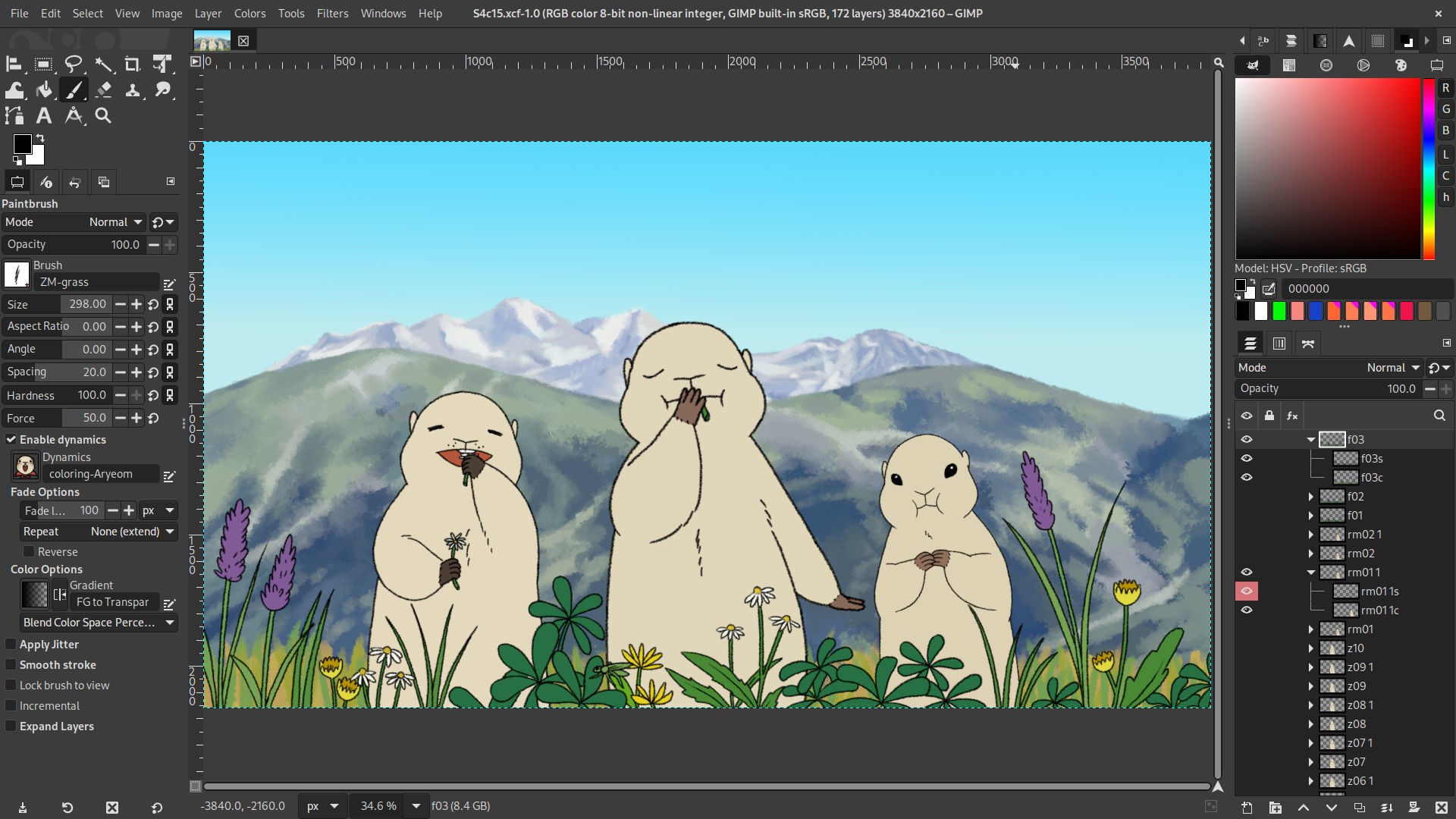
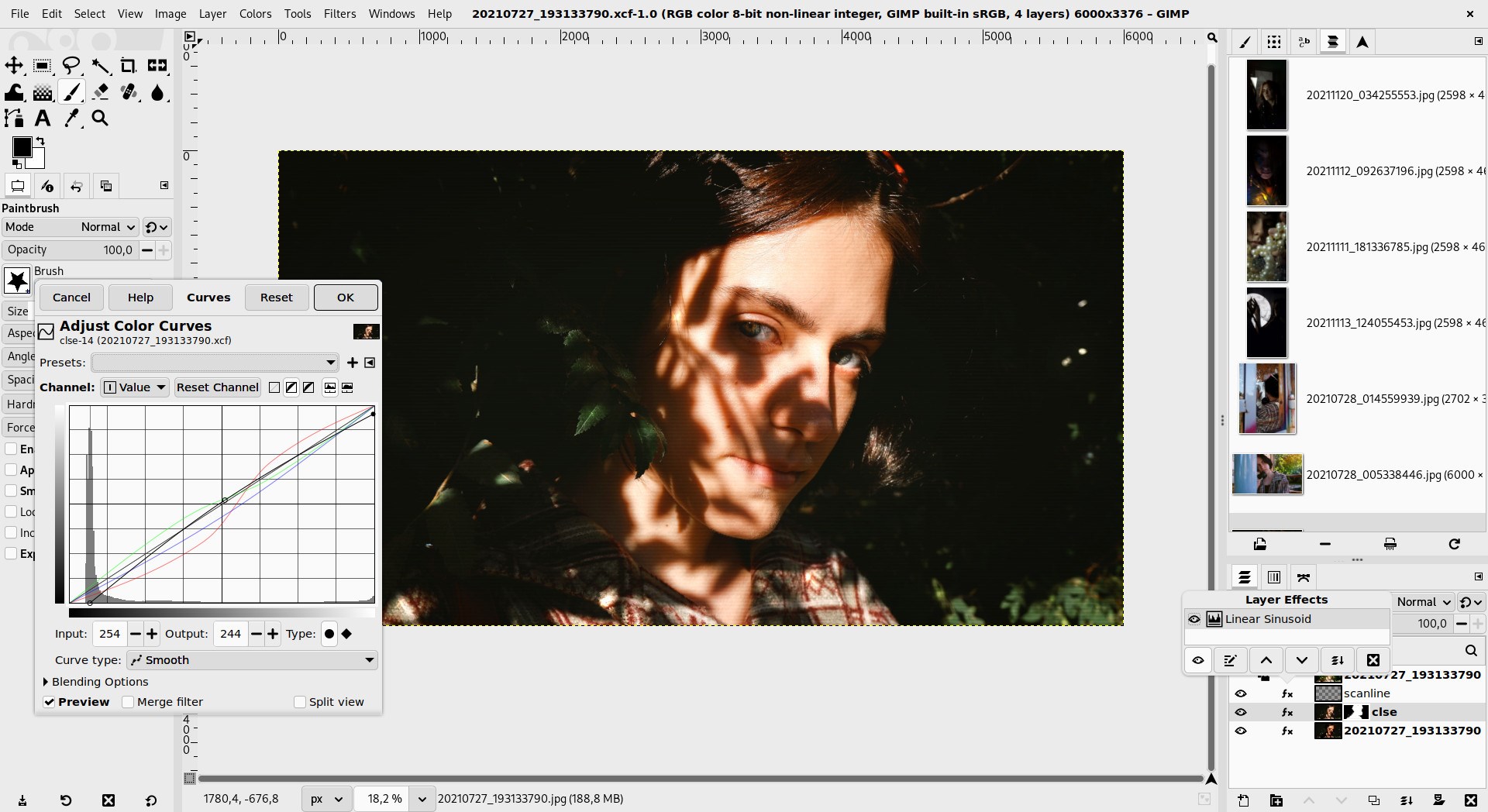
One of GIMP's crown jewels is its comprehensive layering system. Think of layers as transparent sheets stacked like a multi-layered cake—each can be edited independently without affecting others. Masks further refine this control, allowing precise, non-destructive adjustments. Whether you're blending images, applying complex effects, or retouching photos, this feature turns complex tasks into manageable, even enjoyable, endeavors.
GIMP's plugin system is akin to a Swiss Army knife—constantly expanding your capabilities. From specialized filters to automation scripts, users can tailor the software to their specific needs. For instance, photographers may find particular plugins that streamline retouching, while digital artists might enhance their workflows with custom brushes. This flexibility makes GIMP not just a tool but a canvas that molds to your artistic style.
GIMP's interface strikes a balance between simplicity and advanced features. While newcomers might initially feel overwhelmed, the layout is logically organized, much like a well-structured art supply drawer—familiar once you get the hang of it. The learning curve is moderate; a handful of tutorials and community forums can rapidly bring new users up to speed. Customization options allow users to set up their workspace, reducing clutter and facilitating focus, akin to arranging your workspace just the way you like it.
Compared to other multimedia editors like Photoshop or Paint.NET, GIMP's most remarkable advantages are its open-source nature and extensibility. Unlike proprietary software locked behind subscriptions, GIMP invites users into a collaborative ecosystem where plugins, scripts, and updates are community-driven. Its non-destructive editing capabilities and scripting functionalities allow for automation and intricate manipulations that set it apart from more straightforward editors. Think of GIMP as a Swiss Army knife—versatile, adaptable, and endlessly customizable—without the price tag.
For those seeking a free yet powerful image editing solution, GIMP is an exceptional choice. It's particularly well-suited for users comfortable with a slightly steeper learning curve or those who appreciate the flexibility of open-source tools. Beginners willing to invest a bit of time into tutorials can quickly become proficient. Whether you're retouching photos, designing graphics, or experimenting with digital art, GIMP's comprehensive features can support your creative ambitions.
Overall, GIMP for Windows offers a compelling blend of depth and accessibility, making it a standout in the crowded field of multimedia editors. Its strongest suit lies in its advanced layering and scripting capabilities—perfect for detailed, non-destructive editing and automation. If you're looking for a reliable, customizable, and cost-free tool to elevate your digital creations, GIMP deserves a top spot on your software shelf. Just like a trusty artist's studio, it's a space where imagination can truly flourish.
Powerful Image Editing Features
Open Source and Free
Highly Customizable Interface
Wide Format Support
Active Community and Documentation
Steep Learning Curve
Interface Not as Intuitive as Commercial Software
Performance Issues with Large Files
Limited Non-Destructive Editing Features
Inconsistent Plugin Compatibility

for Windows
 4.8
4.8

for Windows
4.8

for Windows
4.7

for Windows
4.7

for Windows
4.6

for Windows
4.6

for Windows
4.6

for Windows
4.6

for Windows
4.5

for Windows
4.5
for Windows
4.5

for Windows
4.5

for Windows
5

for Windows
5

for Windows
5

for Windows
5

for Windows
5

for Windows
5

for Windows
5

for Windows
5

for Windows
5

for Windows
5