


Shooter
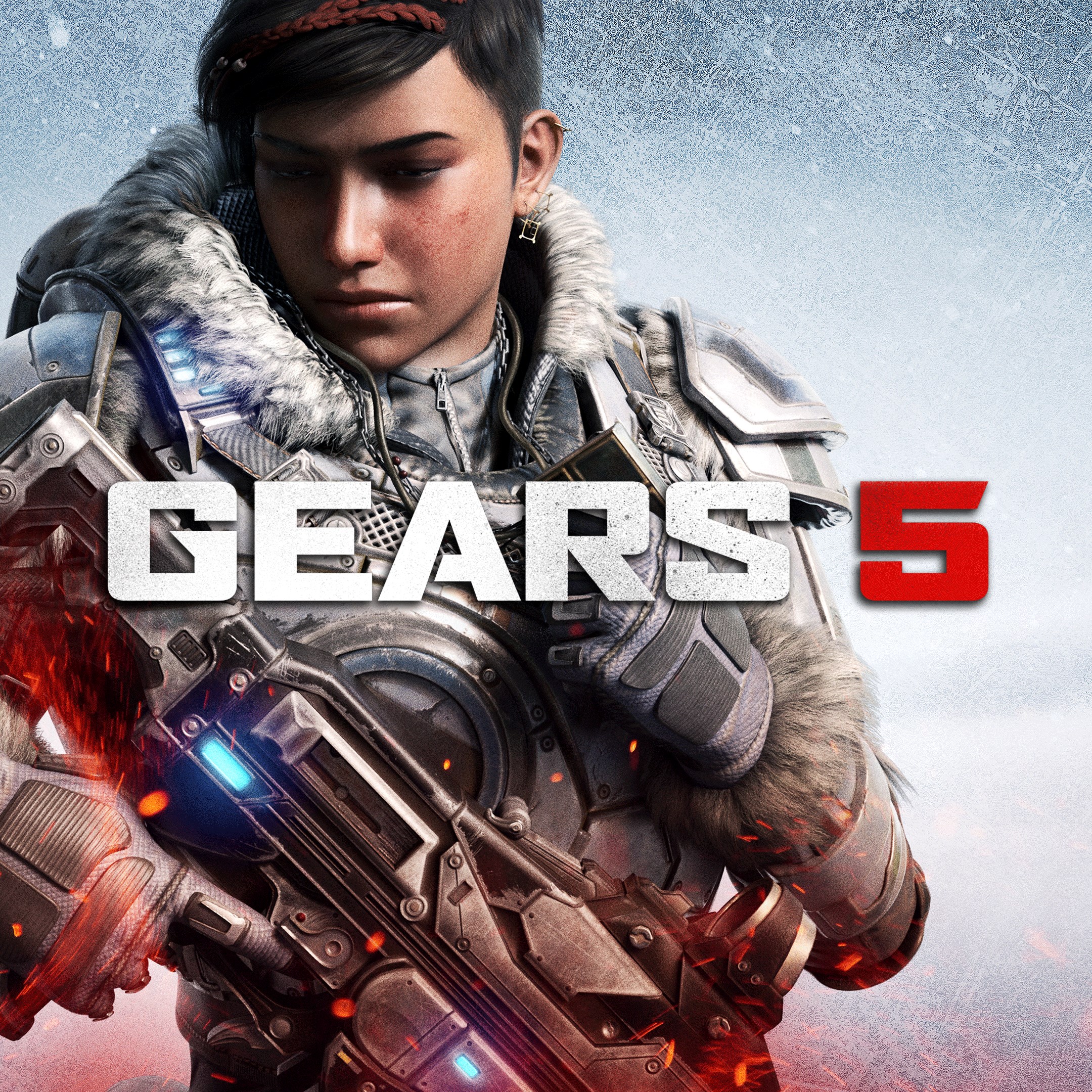
Gears 5 for Windows stands out as a compelling third-person shooter that promises intense combat, cinematic storytelling, and a well-crafted universe—ideal for both veteran gamers and newcomers seeking adrenaline-fueled adventures.
Developed by the renowned Xbox Game Studios, Gears 5 benefits from the team's extensive experience in creating immersive, high-quality gaming titles. Their dedication ensures a polished product that seamlessly integrates captivating gameplay with visual excellence.
Gears 5's user interface strikes a fine balance between functionality and sleekness—think of it as a well-organized toolbox that's easy to navigate even in the heat of battle. Main menus are intuitive, allowing players to jump into campaigns, multiplayer, or customization with minimal fuss. The controls are highly responsive, ensuring that every shot and maneuver feels deliberate, which is essential for a shooter where timing and precision can mean the difference between victory and defeat.
From a gameplay perspective, the learning curve is friendly for newcomers, thanks to optional tutorials and on-screen guidance, but still rewarding enough for veterans eager to master the nuances of combat tactics. The game's performance is notably smooth on a wide range of hardware, with optimized frame rates and minimal lag—think of it as a well-oiled machine humming along seamlessly.
Unlike many shooters in the same genre, Gears 5 emphasizes an emotional narrative intertwined with gritty combat, transforming each mission into a cinematic journey. One key differentiator is its focus on adaptability—players can choose stealthy approaches or full-frontal assaults, thanks to diverse ability sets and tactical options. Additionally, the game's emphasis on environmental design fosters tactical decision-making; players can use terrain creatively, such as barricading doors or utilizing destructible cover to outsmart enemies.
Another standout feature is its multiplayer networking, which offers a well-structured matchmaking system that balances competitive intensity with cooperative fun—think of it as a dance where players move in harmony, each move carefully calculated yet fluid.
All things considered, Gears 5 for Windows is highly recommended for those who enjoy well-crafted shooters with a mix of story-driven content and multiplayer action. If you appreciate compelling narratives paired with strategic combat or enjoy cooperatively tackling missions with friends, this game is a suitable pick. It's also a good choice for players who value visual fidelity—standing among the visually stunning titles that make your gaming rig feel like a cinematic console.
However, for newcomers who prefer more casual or slower-paced gameplay, it might require some initial adaptation due to its fast-paced combat and tactical elements. Overall, if you're looking for a title that combines cinematic storytelling with adrenaline-pumping shooting, Gears 5 is worth adding to your library.
Stunning Graphics and Visuals
Engaging Single-Player Campaign
Robust Multiplayer Modes
Smooth Performance on High-End PCs
Regular Content Updates
High System Requirements
Occasional Connectivity Issues
Large Download Size
Limited Customization Options in Multiplayer
In-game Microtransactions
for Windows
 4.8
4.8

for Windows
4.7

for Windows
4.7
for Windows
4.7

for Windows
4.7

for Windows
4.7

for Windows
4.6

for Windows
4.6

for Windows
4.6
for Windows
4.6

for Windows
4.5

for Windows
4.5

for Windows
5

for Windows
5

for Windows
5

for Windows
5

for Windows
5

for Windows
5

for Windows
5

for Windows
5

for Windows
5

for Windows
5

