Puzzle & trivia
PC, Mobile, Surface Hub, HoloLens
Windows 10 version 17763.0 or higher
Chinese (Simplified), Chinese (Traditional), Dutch, English (United States), French, German, Italian, Japanese, Korean , Portuguese (Brazil), Russian, Spanish (Spain), Turkish
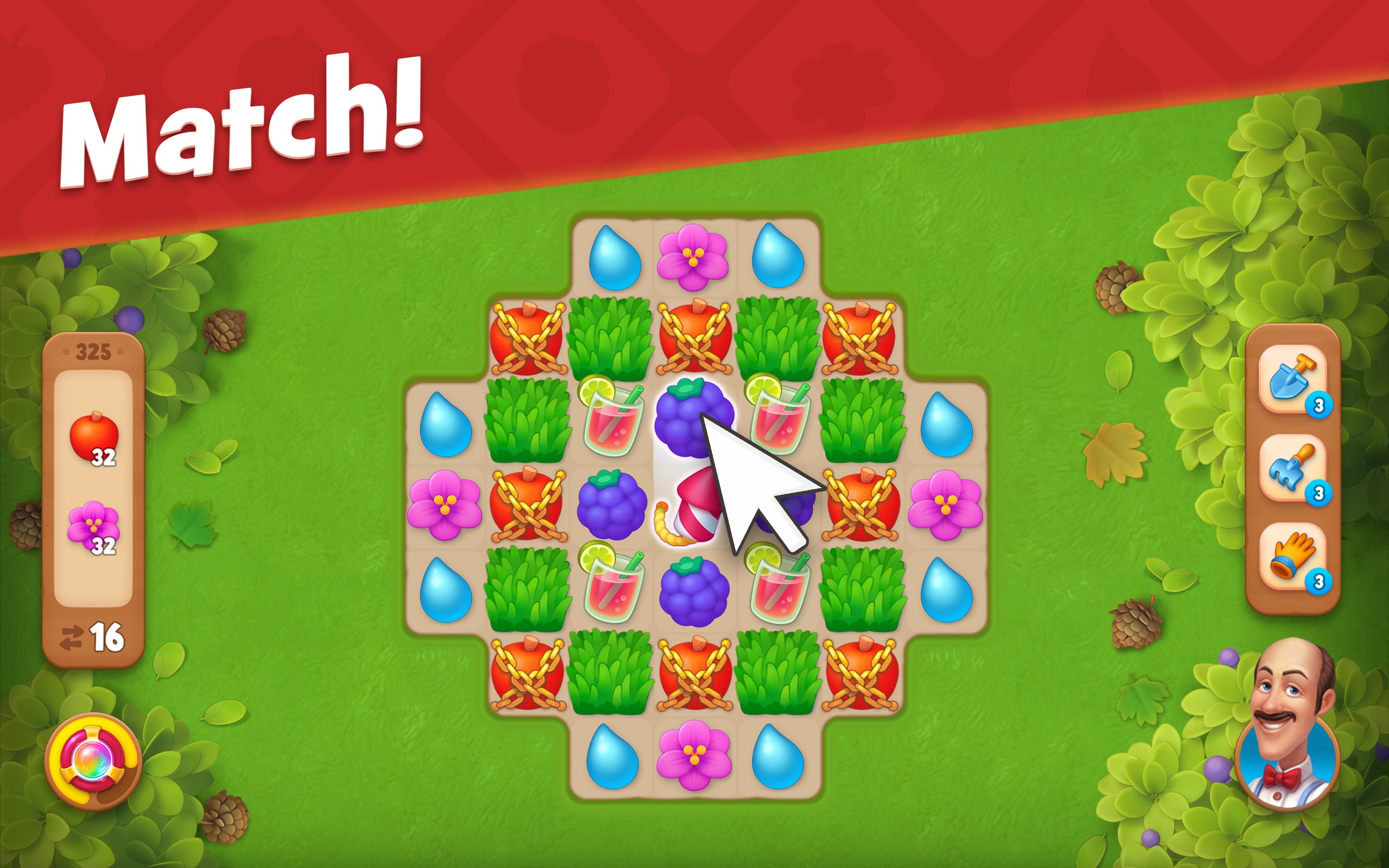
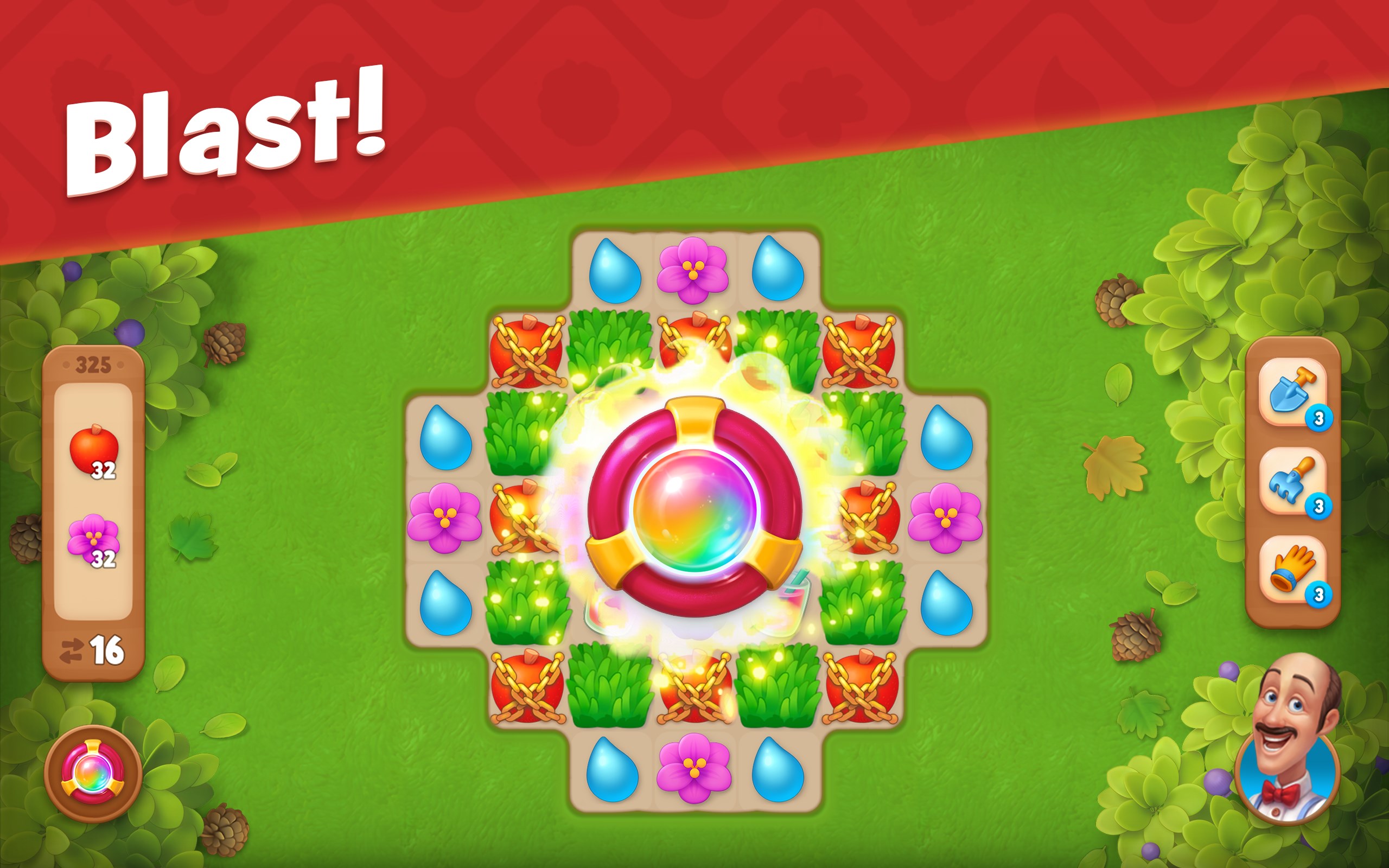
Gardenscapes for Windows is a captivating match-3 puzzle game that combines relaxing gameplay with the joy of restoring and customizing beautiful gardens. Developed by Playrix, this app offers a delightful experience for players seeking casual entertainment with a touch of creativity.
Published by Playrix, a renowned name in casual gaming, Gardenscapes stands out with its well-crafted blend of puzzle gameplay and garden makeover elements. The game features several compelling highlights:
The target audience primarily includes casual gamers, garden design enthusiasts, and fans of puzzle games seeking a relaxing but engaging experience on their Windows devices.
From the moment you launch Gardenscapes, you're greeted with a vibrant, cartoonish landscape that instantly beckons you to dive in. The interface is intuitive—buttons and menus are logically arranged, making navigation smooth even for first-time users. The game's art style is colorful and whimsical, creating an inviting atmosphere reminiscent of a storybook adventure.
The gameplay flows seamlessly; completing puzzles feels satisfying without feeling frustrating, thanks to well-balanced difficulty levels. The drag-and-drop garden customization feels natural, adding a layer of creative engagement. The tutorial is minimal but effective, ensuring players can pick up the mechanics without a steep learning curve. Moreover, the game runs smoothly on Windows, with quick load times and responsive controls that make the entire experience frictionless.
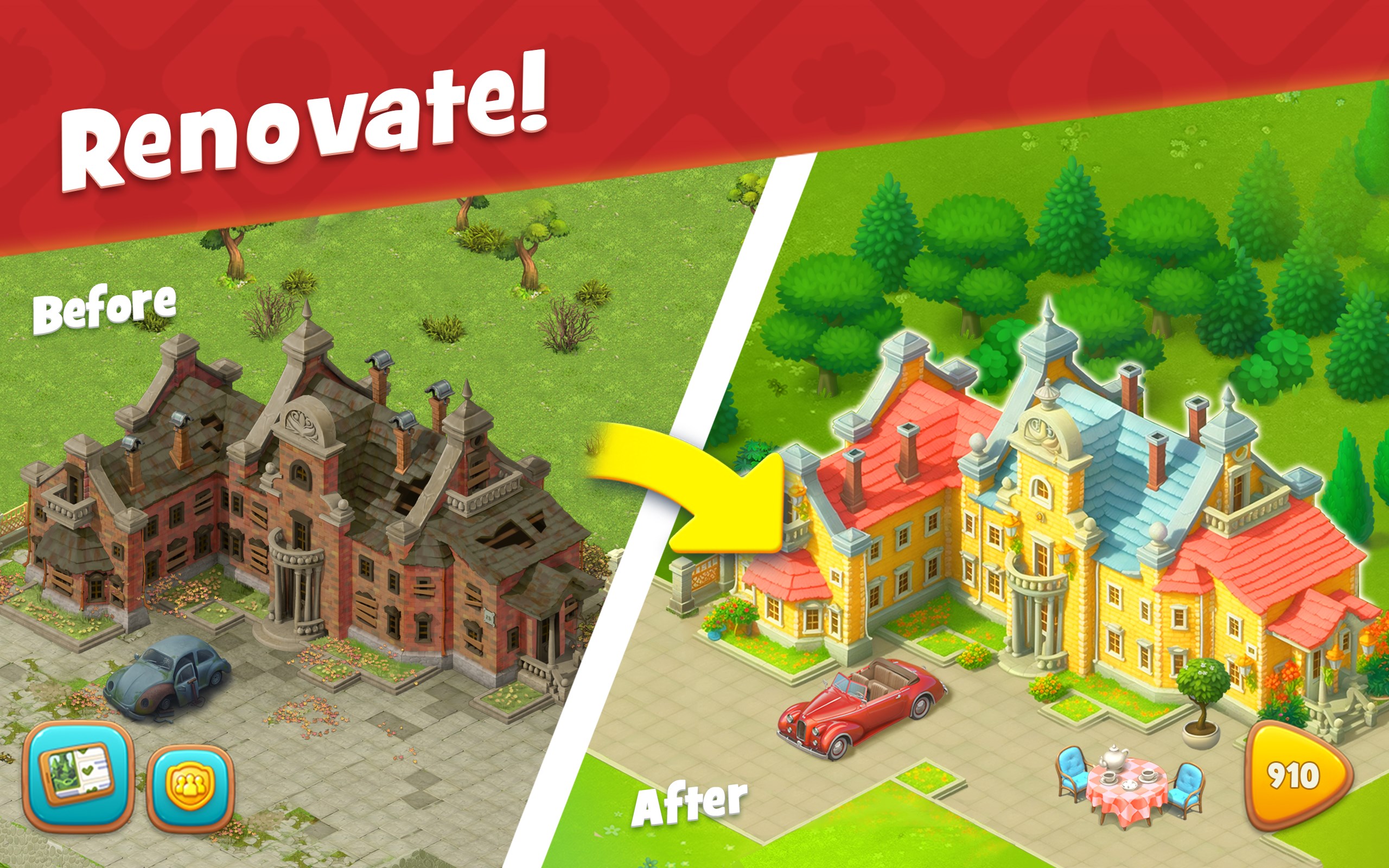
While many puzzle games focus solely on the challenge of matching tiles, Gardenscapes introduces a compelling narrative and a creative sandbox that sets it apart. Its standout feature is the garden restoration aspect—transforming a neglected outdoor space into a picturesque haven offers a tangible sense of accomplishment. This element injects a sense of purpose and personalization into the gameplay, elevating it from mere puzzle solving to a leisurely creative venture.
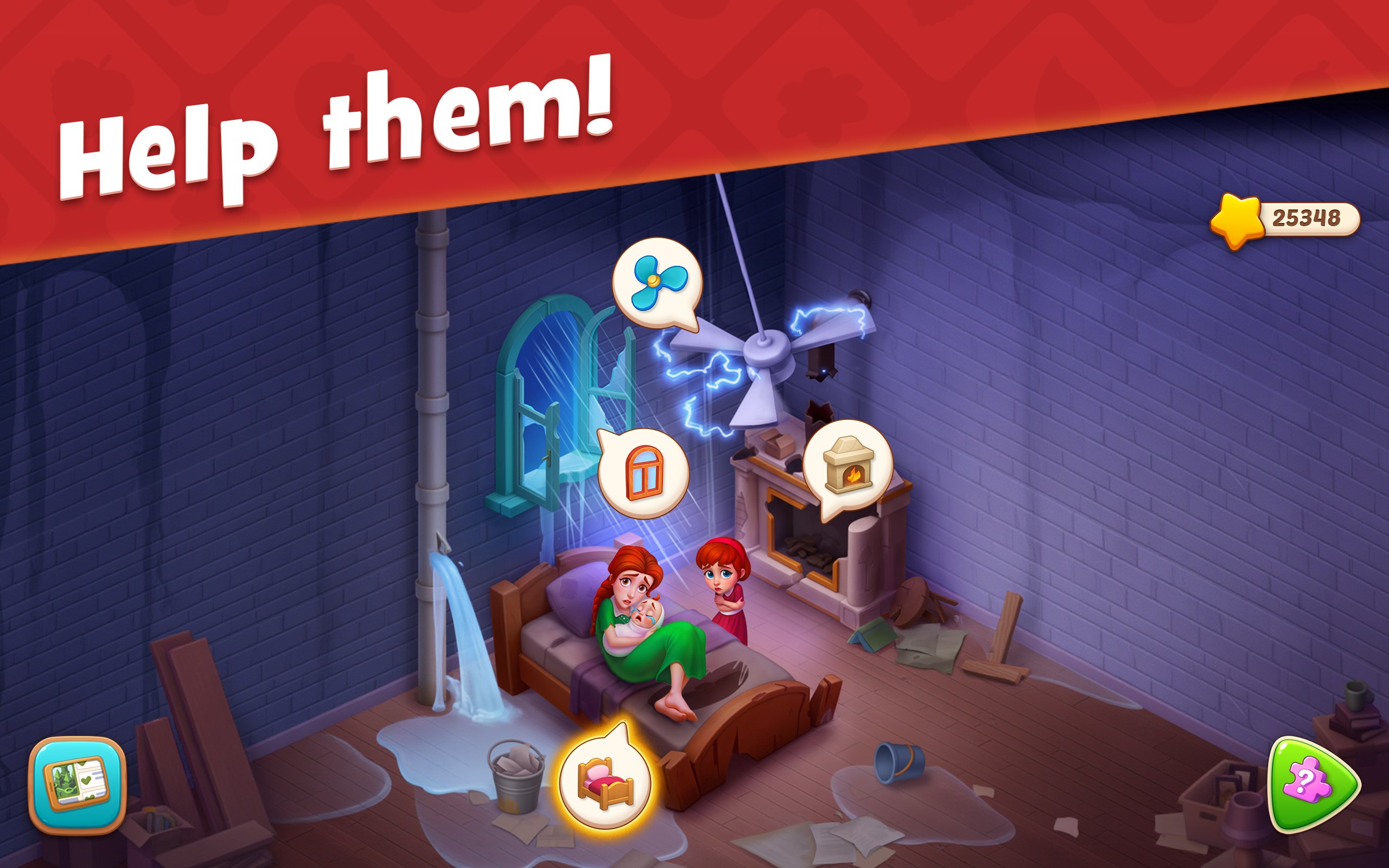
Additionally, Gardenscapes' integration of storylines, characters, and seasonal events creates a more immersive experience compared to typical tile-matching apps. The game's design encourages longer-term engagement, as players are motivated to see the garden's transformation unfold over time. This blend of relaxing puzzle mechanics with creative garden design makes Gardenscapes a distinctive and charming option for casual players looking for more than just mindless matching games.
I would recommend Gardenscapes to casual gamers who enjoy a soothing puzzle experience coupled with creative customization. Its gentle learning curve, delightful visuals, and engaging progression system make it suitable for unwinding after a busy day or during short breaks.
If you appreciate games that combine light strategic thinking with a touch of artistry, Gardenscapes for Windows is certainly worth trying. It's particularly appealing for those who love garden aesthetics and storytelling, offering a relaxing escape with a rewarding sense of achievement. However, players seeking high-intensity challenges or complex gameplay may find it less suitable, as its focus is more on leisure and creativity.
Engaging Match-3 Gameplay
Beautiful Garden Graphics
Regular Content Updates
Accessible Freemium Model
Smooth User Interface
In-App Purchases Can Be Excessive
Level Difficulty Progression
Limited Offline Functionality
Sound and Music Options
Bug Reports and Crashes

for Windows
 4.8
4.8

for Windows
4.8

for Windows
4.8
for Windows
4.8

for Windows
4.8

for Windows
4.8

for Windows
4.8

for Windows
4.8

for Windows
4.7

for Windows
4.7

for Windows
4.7

for Windows
4.7

for Windows
5

for Windows
5

for Windows
5

for Windows
5

for Windows
5

for Windows
5

for Windows
5

for Windows
5

for Windows
5

for Windows
5