



Fighting
If you're searching for a game that marries chaotic physics-based fun with quirky multiplayer battles, Gang Beasts for Windows might just be your next gaming obsession. It's a wild, groovy brawler where silly characters brawl across bizarre environments—think neon-lit rooftops and grimy factories—and it keeps you on your toes with unpredictable, hilarious outcomes. Perfect for casual players and those craving some lighthearted competitive action, this game offers a fresh take on the fighting genre that's both amusing and surprisingly strategic.
Boneloaf, an independent game studio based in the UK, is the creative force behind Gang Beasts. With a passion for quirky, physics-driven gameplay, they've crafted a title that emphasizes unpredictable chaos over traditional combat finesse.
1. **Physics-Driven Hilarity**: The game's standout feature is its ragdoll physics system, which turns every punch, shove, or slam into a hilarious tumble. Watching characters flail and bounce unpredictably adds an infectious sense of humor and spontaneity.
2. **Diverse Environments**: From industrial docks to neon-lit rooftops, each arena introduces unique hazards and layouts. These lively settings influence gameplay, forcing players to adapt their strategies on the fly.
3. **Multiplayer Madness**: Whether local or online, Gang Beasts excels at bringing friends together for chaotic battles. The simple control scheme makes it easy for newcomers to jump right in, while the unpredictable physics keeps the challenge fresh.
4. **Customization Options**: A variety of goofy costumes and character skins allow players to personalize their fighters, adding an extra layer of fun and creativity to each match.
Imagine a playground where action unfolds like a slapstick cartoon—clumsy, unpredictable, and full of surprises. Gang Beasts invites you into such a world, where each match feels spontaneous and charged with comedic potential. The game's core allure lies in its ability to turn simple battles into uproarious spectacles, thanks to its physics engine that ensures every punch or grab results in hilarious chaos.
The cartoonish, slightly exaggerated art style makes every character and environment pop with color and charm. The interface is clean, intuitive, and unobtrusive, allowing players to focus on the frantic brawl without navigating complicated menus. The menus are straightforward, guiding players quickly from main menu to gameplay, which is essential for spontaneous multiplayer sessions or quick matches.
The controls are intentionally simple—movement, punch, grab, and jump—making it accessible for players of all skill levels. However, mastering the physics, timing, and environmental hazards adds depth for those looking to outwit their opponents. The game's responsiveness is generally smooth, with minimal lag, which is vital for preserving the flow of frantic fights.
While the learning curve isn't steep, new players often find themselves laughing at their own clumsy attempts as much as at their opponents' blunders. The game's unpredictability fosters a lighthearted atmosphere, making it ideal for casual gaming sessions. The multiplayer experience, especially with friends on the same device or online, adds a layer of comradery and, sometimes, good-natured trash talk.
Unlike traditional fighting games that focus on precise combos and skill trees, Gang Beasts thrives on chaotic fun and spontaneity. Its physics engine is the star of the show—think of it as a slapstick comedy performance where characters can be thrown, flipped, or caught off-guard by environmental hazards. This focus on humor and unpredictability creates a vastly different experience from more serious brawlers like Street Fighter or Tekken. Additionally, its colorful, cartoon-inspired design makes it feel more accessible and less intimidating for newcomers, fostering a welcoming environment for players who just want to have a good laugh.
Overall, Gang Beasts for Windows is a delightful, unconventional fighting game that emphasizes fun over finesse. Its standout physics-based chaos, combined with vibrant art and simple controls, makes it particularly appealing for casual gamers, party sessions, or anyone seeking a break from more serious titles. I'd recommend it for groups of friends looking for an energetic, humorous multiplayer experience or individuals craving a lighthearted challenge. Just remember—expect a lot of chaos, a few pratfalls, and plenty of laughs.
Unique ragdoll physics gameplay
Multiplayer fun with friends
Engaging and chaotic gameplay
Simple controls suitable for all ages
Frequent updates and new content
Occasional control responsiveness issues
Limited single-player content
Graphics could be more polished
Sound effects lack variety
Occasional bugs or glitches occur
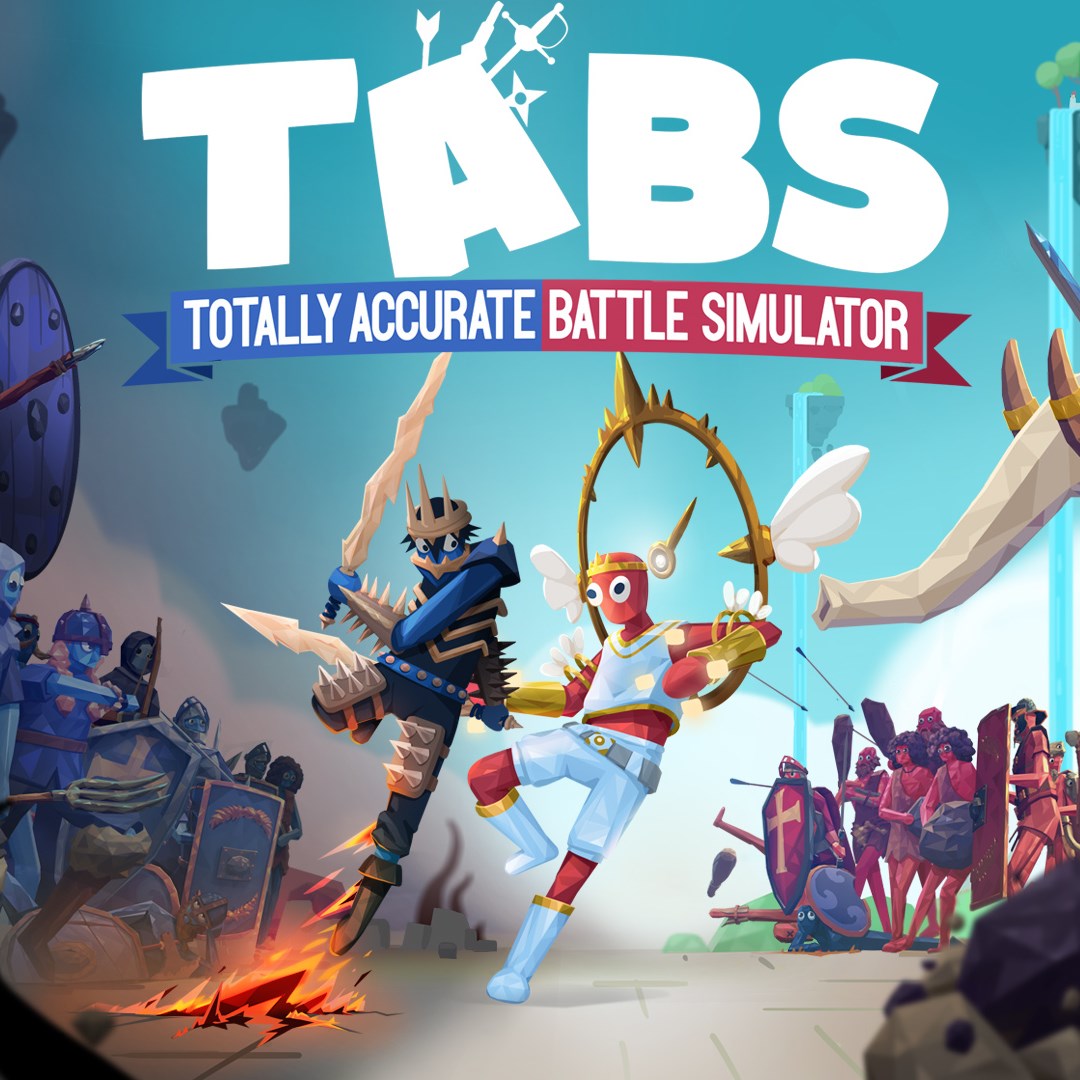
for Windows
 4.7
4.7

for Windows
4.4

for Windows
4.3

for Windows
4.3

for Windows
4.3

for Windows
4.3
for Windows
4.3

for Windows
4.3

for Windows
3.7

for Windows
3.5
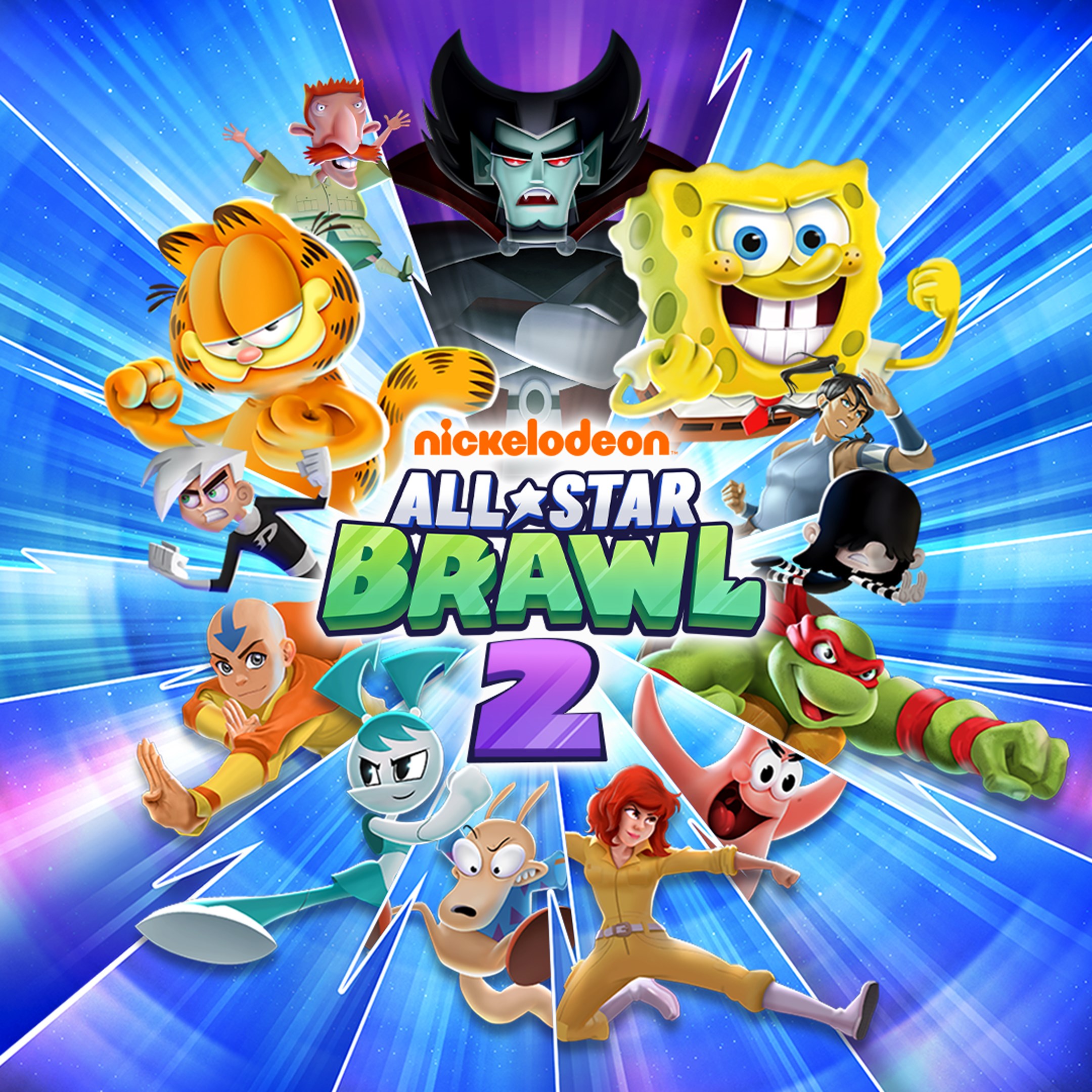
for Windows
3.1

for Windows
2.9

for Windows
5

for Windows
5

for Windows
5

for Windows
5

for Windows
5

for Windows
5

for Windows
5

for Windows
5

for Windows
5

for Windows
5

