Sports
Driftwood Software
PC
Windows 8.1 or higher
English (United States)
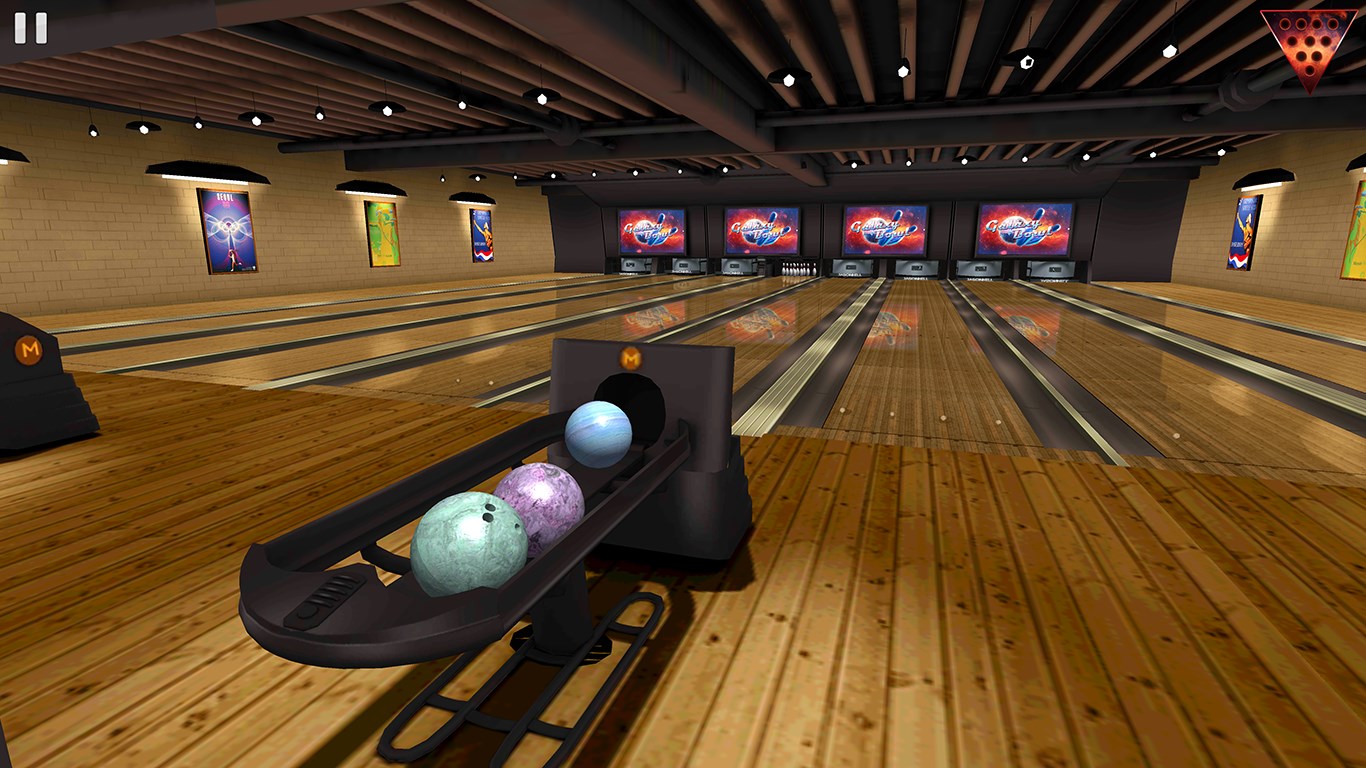
Galaxy Bowling for Windows is an engaging, visually appealing game that transports players to an interstellar bowling universe filled with vibrant graphics and dynamic gameplay. Developed by Driftwood Software, this app aims to bring a fresh perspective to the beloved pastime of bowling, offering a combination of fun, challenge, and social interaction right on your PC.
Crafted by Driftwood Software, Galaxy Bowling leverages a team experienced in creating intuitive gaming experiences for Windows users. The application's standout features include stunning cosmic-themed visuals, real-time multiplayer capabilities, and detailed physics that mimic real bowling dynamics. Additionally, the app offers customizable avatars and various game modes to keep players entertained for extended sessions.
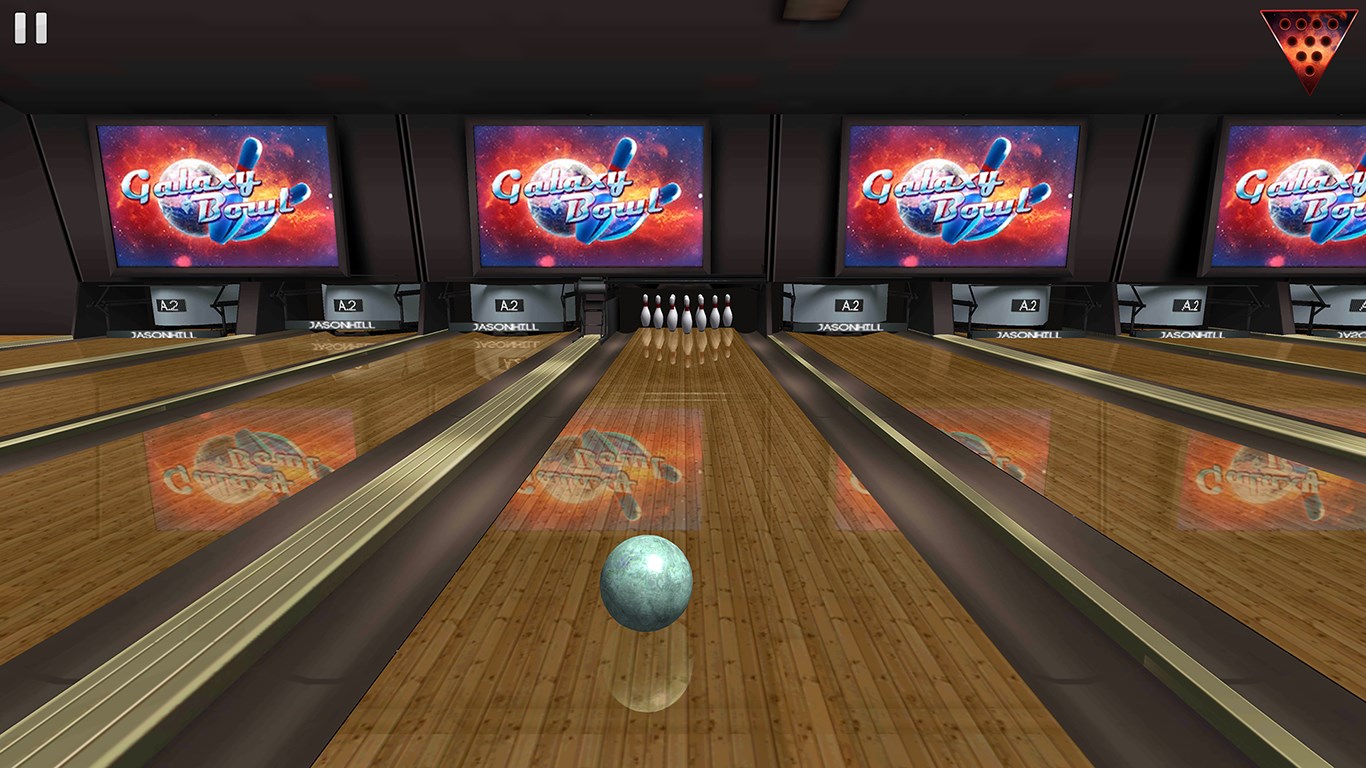
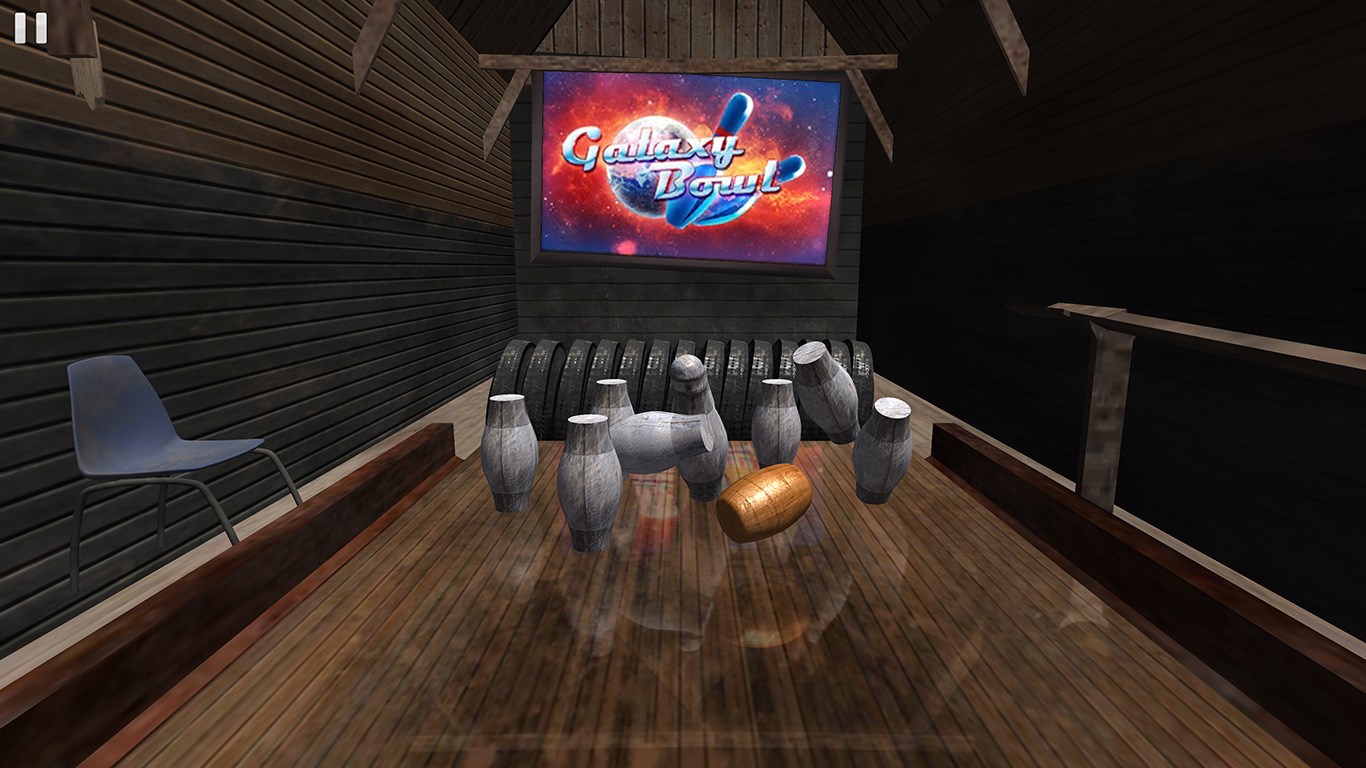
Imagine stepping into a universe where bowling balls glow with neon lights, ricocheting off planetary-shaped pins amidst swirling nebulas — Galaxy Bowling makes this possible. The opening sequence feels like setting foot in a spaceship lounge, with each throw feeling as thrilling as launching a rocket. This lively presentation immediately hooks players and sets the stage for hours of cosmic fun.
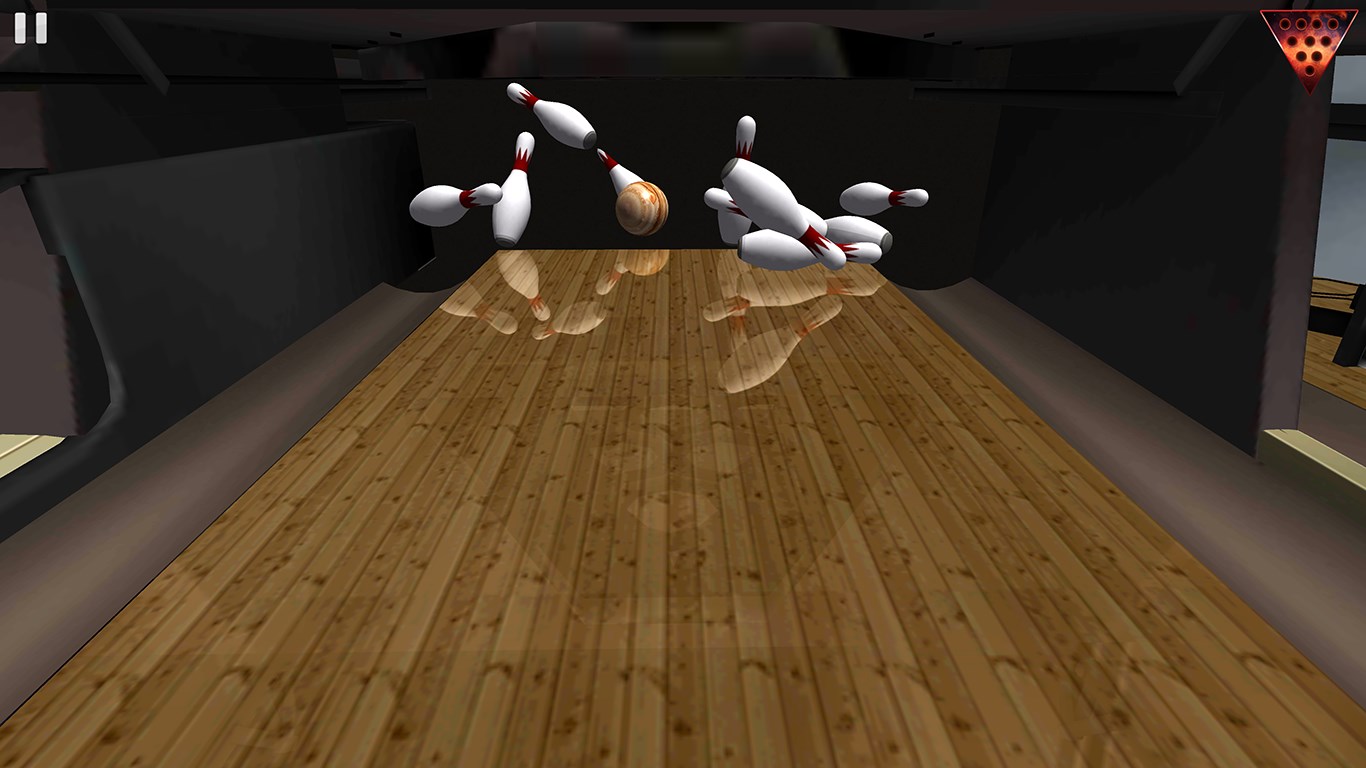
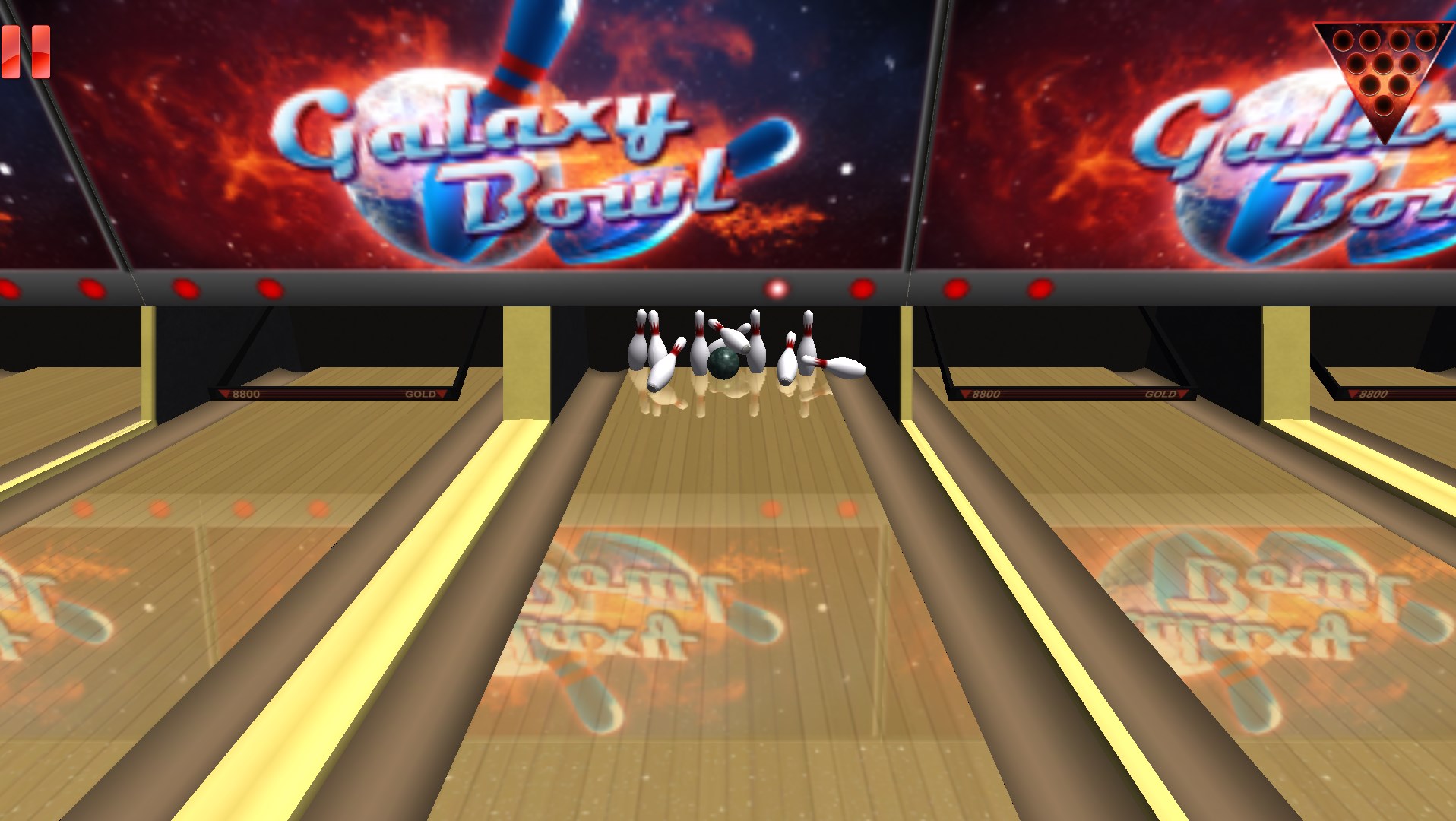
One of Galaxy Bowling's most compelling features is its physics engine, built to recreate the satisfying feel of real bowling — the spin, the curve, the strike. The vibrant, space-themed visuals not only serve as eye candy but also enhance gameplay clarity, with clearly distinguishable balls, pins, and backgrounds. The attention to detail results in a fluid, immersive experience that feels smooth on most Windows systems, with minimal lag or stuttering. The user interface is sleek and intuitive; even newcomers can learn the basics after a few attempts, thanks to its clean layout and helpful tutorials.
What truly sets Galaxy Bowling apart from other sports apps is its emphasis on community. The game seamlessly supports real-time multiplayer matches, allowing friends or players worldwide to compete in live sessions. The matchmaking quality appears efficient, with low latency ensuring that gameplay remains responsive. Furthermore, players can join global leaderboards and participate in seasonal tournaments, fostering a lively, competitive community. This social mechanic transforms passive play into an engaging communal experience, like joining a bustling cosmic bowling alley filled with fellow enthusiasts.
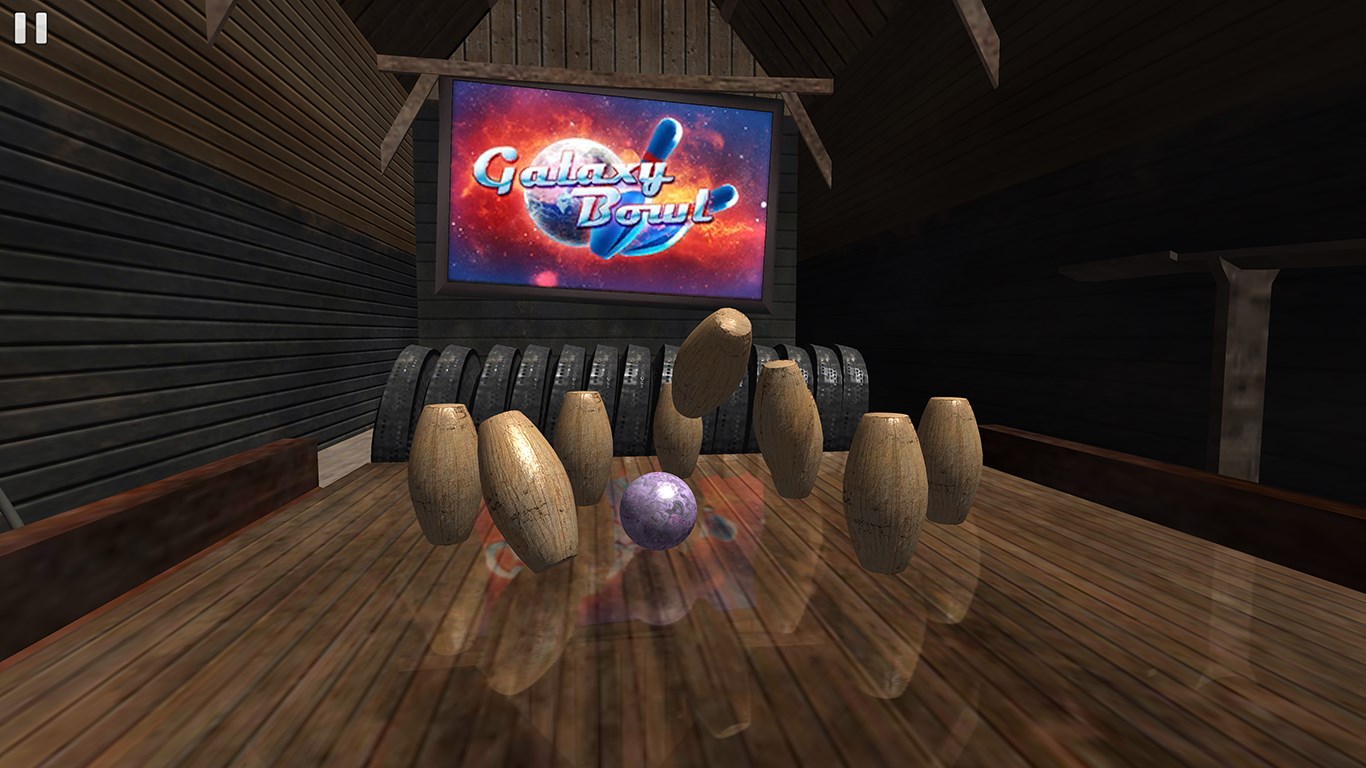
Beyond traditional bowling, Galaxy Bowling offers a variety of modes including time challenges, trick shots, and themed scenarios (like asteroid fields or black hole hazards). Customization options include designing your avatar with planetary accessories or neon-lit outfits, which adds a personal touch that keeps the game fresh. These supplementary features enhance replay value and appeal to players who enjoy experimenting with different styles and strategies.
Galaxy Bowling for Windows strikes a commendable balance between fun visuals, realistic physics, and social connectivity. Its uniquely vibrant cosmic aesthetic combined with robust multiplayer mechanics elevates it above many casual sports apps. If you enjoy bowling with a sci-fi twist, this app offers a delightful blend of challenge and entertainment, especially suitable for multiplayer sessions with friends or online competitors.
While it performs admirably on most systems, casual players seeking a laid-back experience will find it accessible and enjoyable. Competitive gamers, on the other hand, will appreciate the real-time data accuracy and low latency, providing a fair and responsive playing environment. Given its compelling features and polished design, I recommend Galaxy Bowling as a top choice for Windows users looking to add a little starry fun to their game collection.
Intuitive User Interface
Smooth Gameplay Experience
Realistic Physics Effects
Variety of Game Modes
Frequent Updates and Events
Limited Customization Options
Ads Interrupt Gameplay
Difficulty in Achieving High Scores
Inconsistent Multiplayer Connectivity
Limited Audio Customization

for Windows
 4.7
4.7

for Windows
4.6
for Windows
4.5

for Windows
4.4
for Windows
4.2

for Windows
4

for Windows
3.9
for Windows
3.3

for Windows
3.2

for Windows
3.2

for Windows
3.2

for Windows
3.2

for Windows
5

for Windows
5

for Windows
5

for Windows
5

for Windows
5

for Windows
5

for Windows
5

for Windows
5

for Windows
5

for Windows
5