Security
Apppre Mobile
PC, Mobile, Surface Hub, HoloLens
Windows 10 version 17763.0 or higher
English
In the realm of digital security, managing multiple two-factor authentication (2FA) codes can feel like juggling flaming torches—exciting but risky. G Authenticator for Windows steps in as a reliable, user-friendly tool designed to streamline your 2FA needs seamlessly on your desktop, ensuring your online accounts stay protected without hassle.
Created by Apppre Mobile, a developer known for its practicality and focus on security applications, G Authenticator simplifies the process of managing 2FA codes for various services, especially Google accounts. Its core mission is to provide a dedicated, desktop-based authenticating experience that complements existing mobile apps, offering users more flexibility and control.
Targeted primarily at users who value quick, secure access to their Google-based 2FA codes on Windows, this app caters to professionals, students, and anyone looking to bolster their account security with convenience.
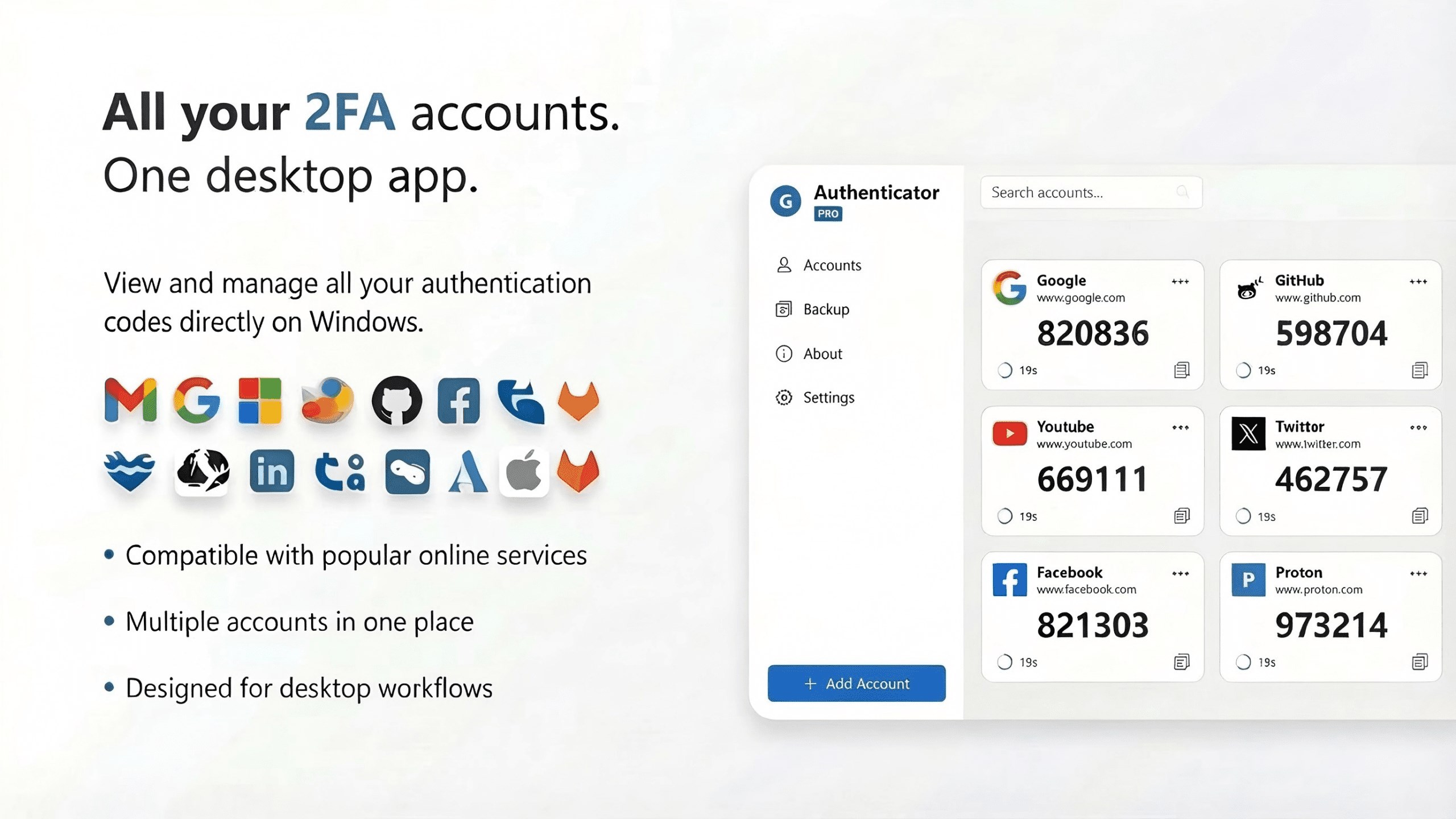
Imagine sitting comfortably at your desk, ready to log into your Google account—you fire up G Authenticator, and within seconds, your codes are displayed clearly on your screen. The interface feels like a neat digital pocket organizer, simple yet effective—nothing muddled, no unnecessary clutter. The first thing that strikes you is its clean, minimal design, which makes navigation feel effortless, akin to flipping through a well-organized set of index cards.
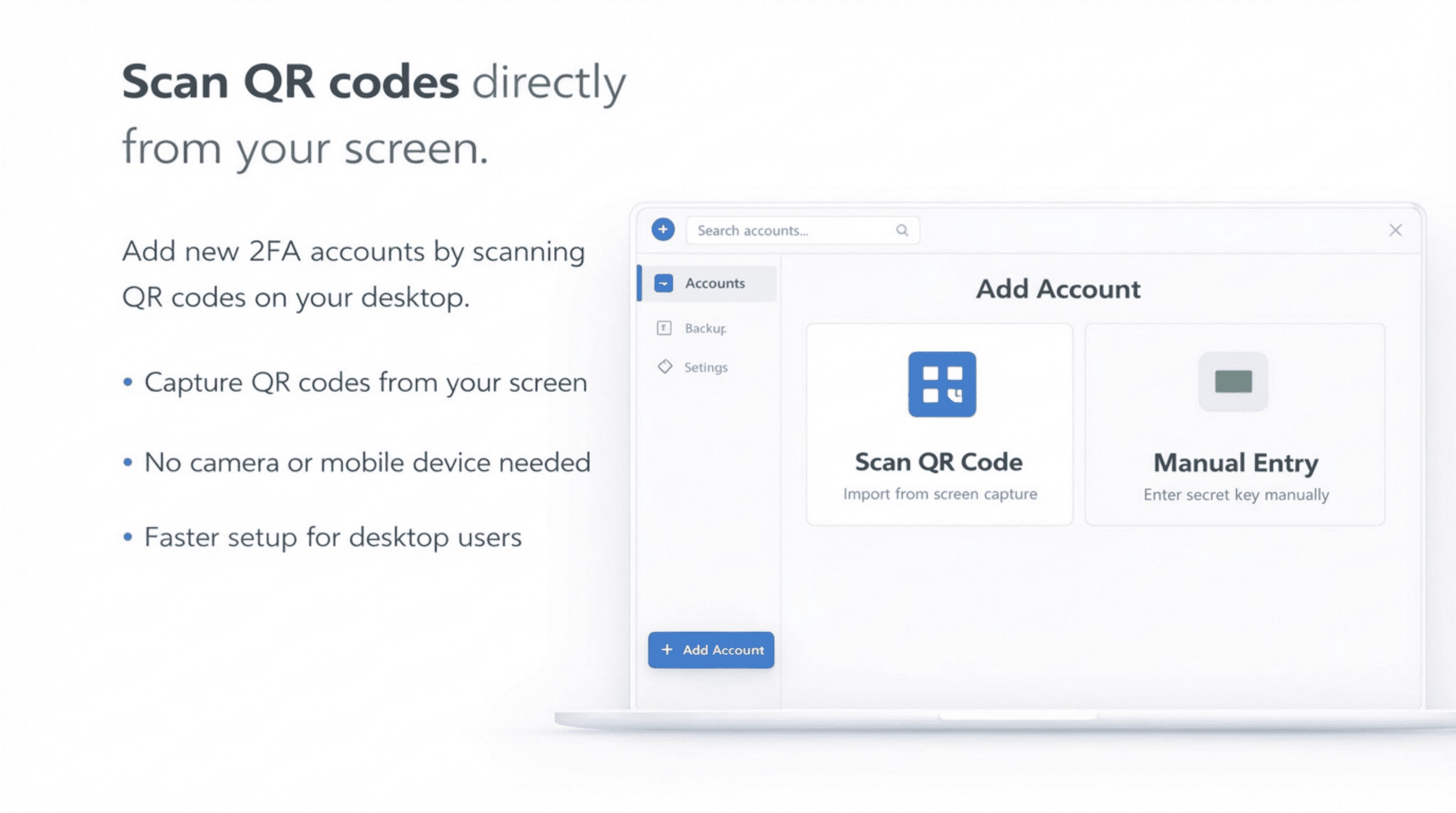
Operations are notably smooth, thanks to responsive controls and snappy QR code scanning, which quickly populates your account into the app. The learning curve is slight; even first-timers find its workflow intuitive—just scan or manually input your account details, and you're set. The app's responsiveness means you don't wait when you need your codes—a crucial factor during urgent login attempts.
While many authenticators focus on mobile convenience, G Authenticator's standout feature is its dedicated desktop environment, making it a perfect companion for those who prefer or require a computer-centric workflow. Moreover, its clear emphasis on Google services—optimized for their 2FA tokens—helps it outperform more generic apps by providing tailored features, like easy synchronization for Google accounts and streamlined management.
Another unique advantage is its focus on privacy; because all secrets are stored locally with encryption, you avoid cloud-based vulnerabilities common in some other apps. This adds peace of mind for security-conscious users.
Overall, G Authenticator for Windows shines as a straightforward, dependable tool that fills a niche often overlooked: managing Google 2FA codes directly from your desktop. It's especially recommended for users seeking quick access without mobile dependency or those wanting a dedicated app for their Google accounts. While it may not replace all-encompassing security suites, its simplicity, focus, and privacy make it a strong choice for integrating into your security routine.
If you're someone who appreciates efficiency, clear design, and security—think of it as your digital keyring, just for Google services—this app deserves a spot on your PC. Give it a try and experience a new level of convenience in managing your online security.
User-friendly interface
Strong security features
Multi-platform compatibility
Backup and recovery options
Quick and simple setup process
Limited customization options
Dependency on device security
No biometric authentication for app access
Offline backup limitations
Occasional sync delays

for Windows
 4.8
4.8

for Windows
4.7

for Windows
4.7

for Windows
4.7

for Windows
4.6

for Windows
4.6
for Windows
4.5

for Windows
4.4

for Windows
4.4

for Windows
4.3

for Windows
4.3

for Windows
4.3

for Windows
5

for Windows
5

for Windows
5

for Windows
5

for Windows
5

for Windows
5

for Windows
5

for Windows
5

for Windows
5

for Windows
5