Card & board
GRL Games
PC, Mobile, Surface Hub
Windows 10 version 10240.0 or higher
Integrated Keyboard
Integrated Mouse
English (United States)
Full Deck Solitaire turns the classic card game into a sleek, engaging digital experience optimized for Windows users, offering both casual fun and challenging gameplay.
Developed and published by GRL Games, this application brings a modern take on traditional solitaire games with thoughtfully designed features. Its main highlights include customizable game modes, a clean and user-friendly interface, and a smooth gaming flow that keeps players immersed. Additionally, it offers various difficulty levels to suit both beginners and seasoned players, making it accessible and engaging for a broad audience.
This game is ideal for casual gamers seeking a relaxing pastime, card enthusiasts wanting a polished digital version of solitaire, and anyone looking for a distraction that combines simplicity with strategic depth. Perfect for playing during short breaks or settling into longer gaming sessions, it caters to a wide range of users.
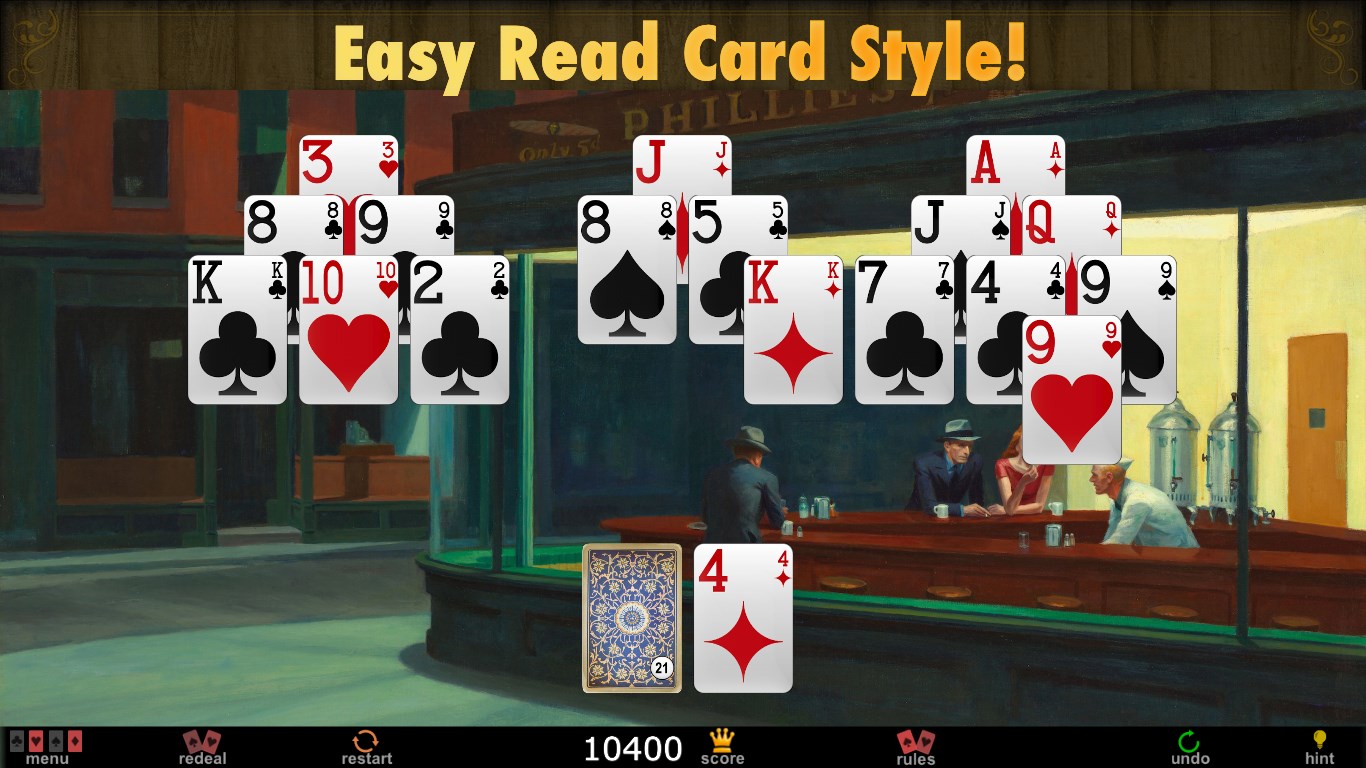
Imagine sitting in a cozy coffee shop, a warm cup in hand, and a sleek digital deck before you—Full Deck Solitaire offers just that comfort but within your Windows environment. Its intuitive design welcomes players of all skill levels, transforming the familiar solitaire experience into something fresh and engaging. Whether you're a purist or someone seeking new twists, this app adapts seamlessly to your style just like a trusted deck of cards in your hands.
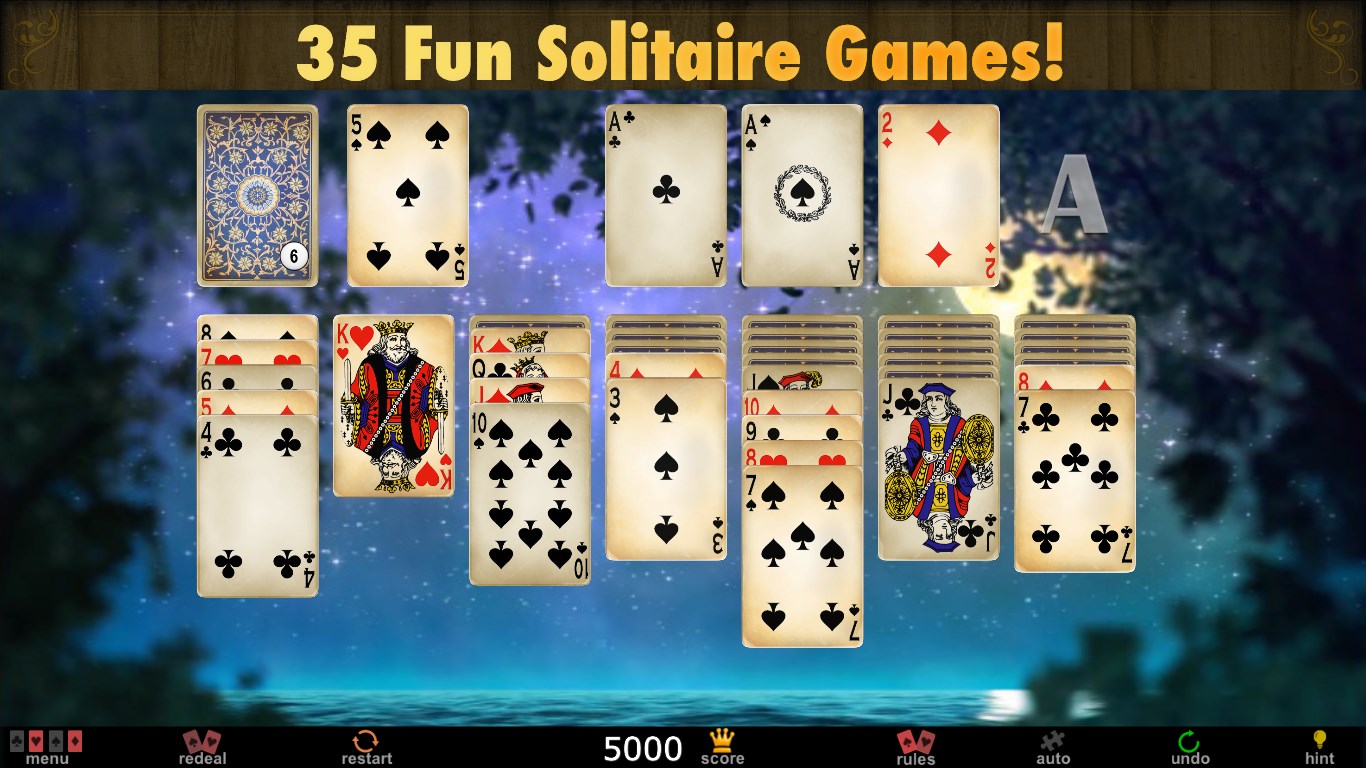
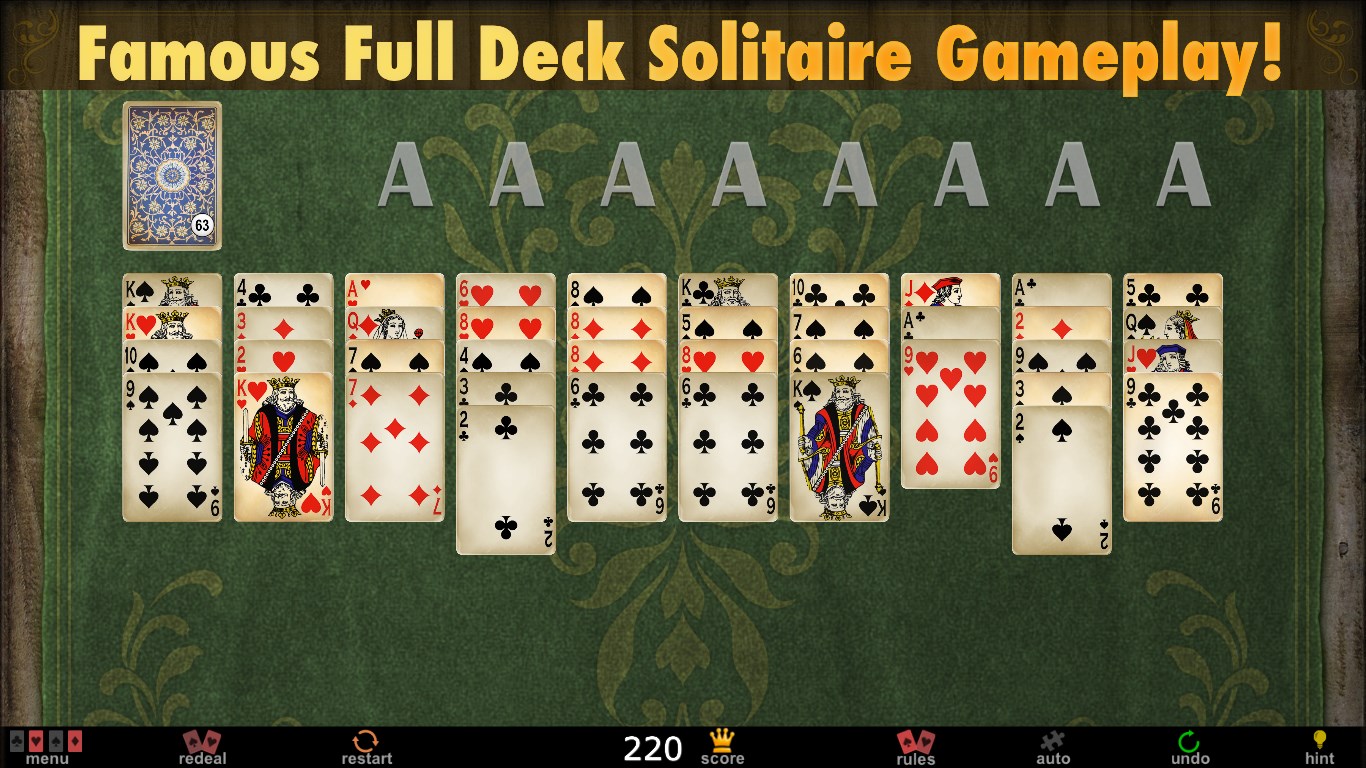
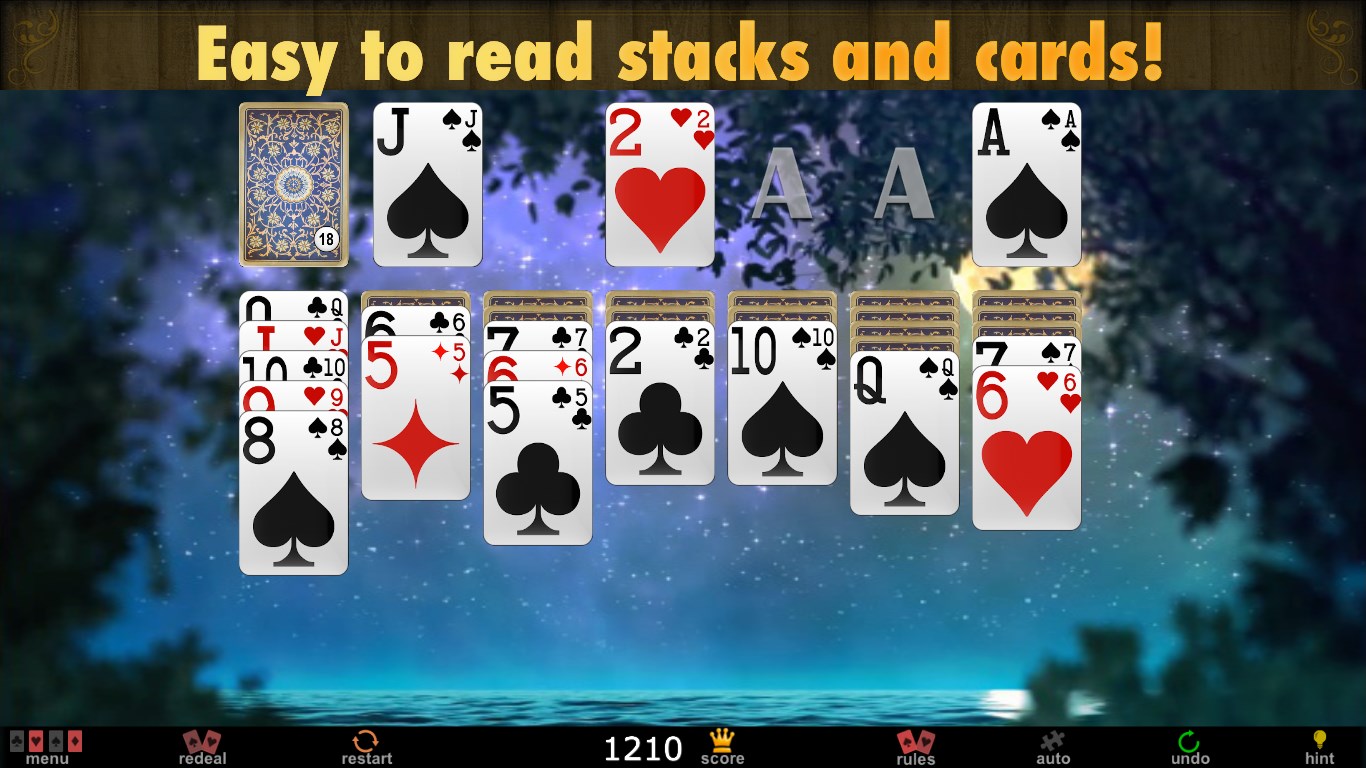
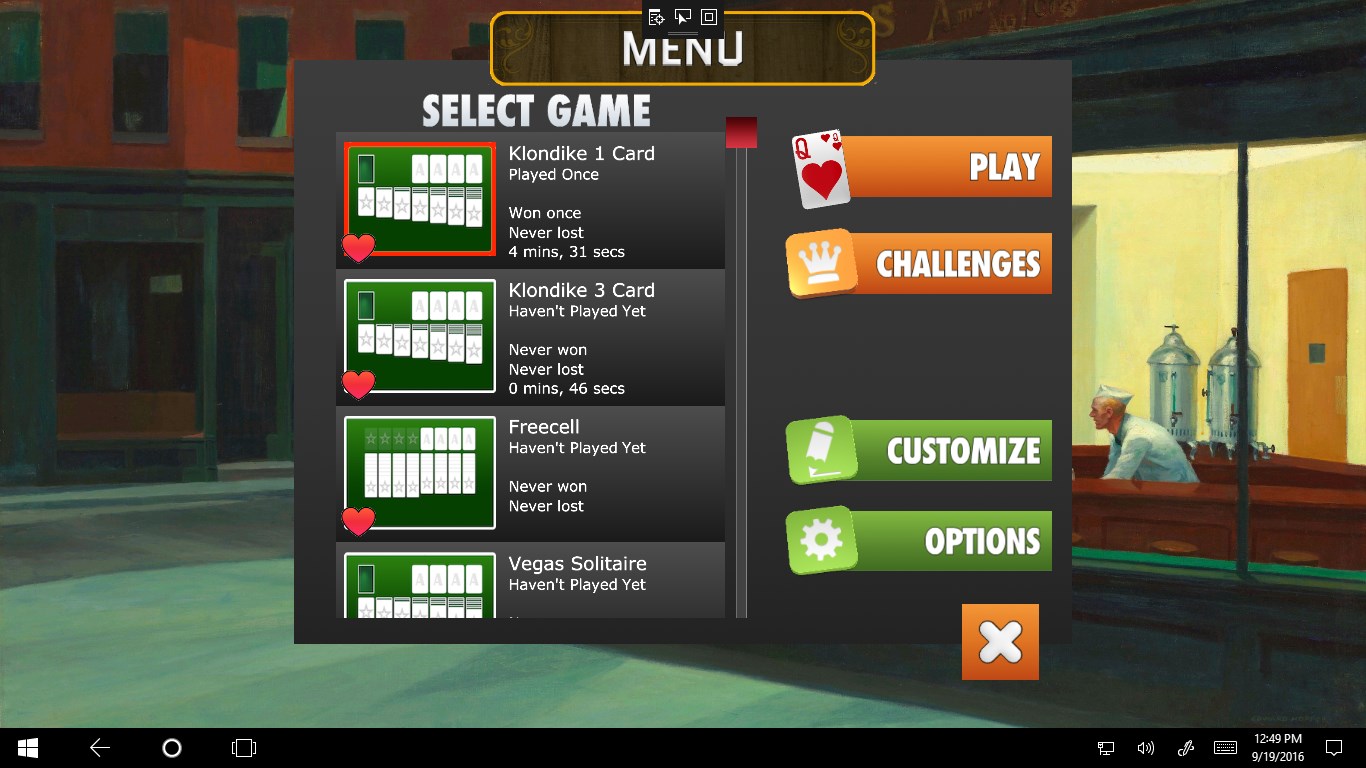
The interface is a highlight, featuring a minimalistic yet elegant design that avoids clutter. With crisp card graphics and smooth animations, the visuals create an inviting atmosphere that feels both modern and familiar. Navigating through menus, starting a new game, or adjusting settings is effortless thanks to thoughtfully placed buttons and clear icons. This level of polish means players can focus entirely on the game without any frustrating design quirks—making it an excellent choice for those who value both form and function.
Full Deck Solitaire delivers fluid gameplay, with responsive controls that make card movements feel natural—imagine shuffling a real deck with a satisfying glide. The game's load times are minimal, ensuring you're never left waiting. The learning curve is gentle, with helpful hints for new players and customizable difficulty for veterans. The game also includes undo options and hints to assist when the going gets tough, making it accessible without sacrificing challenge.
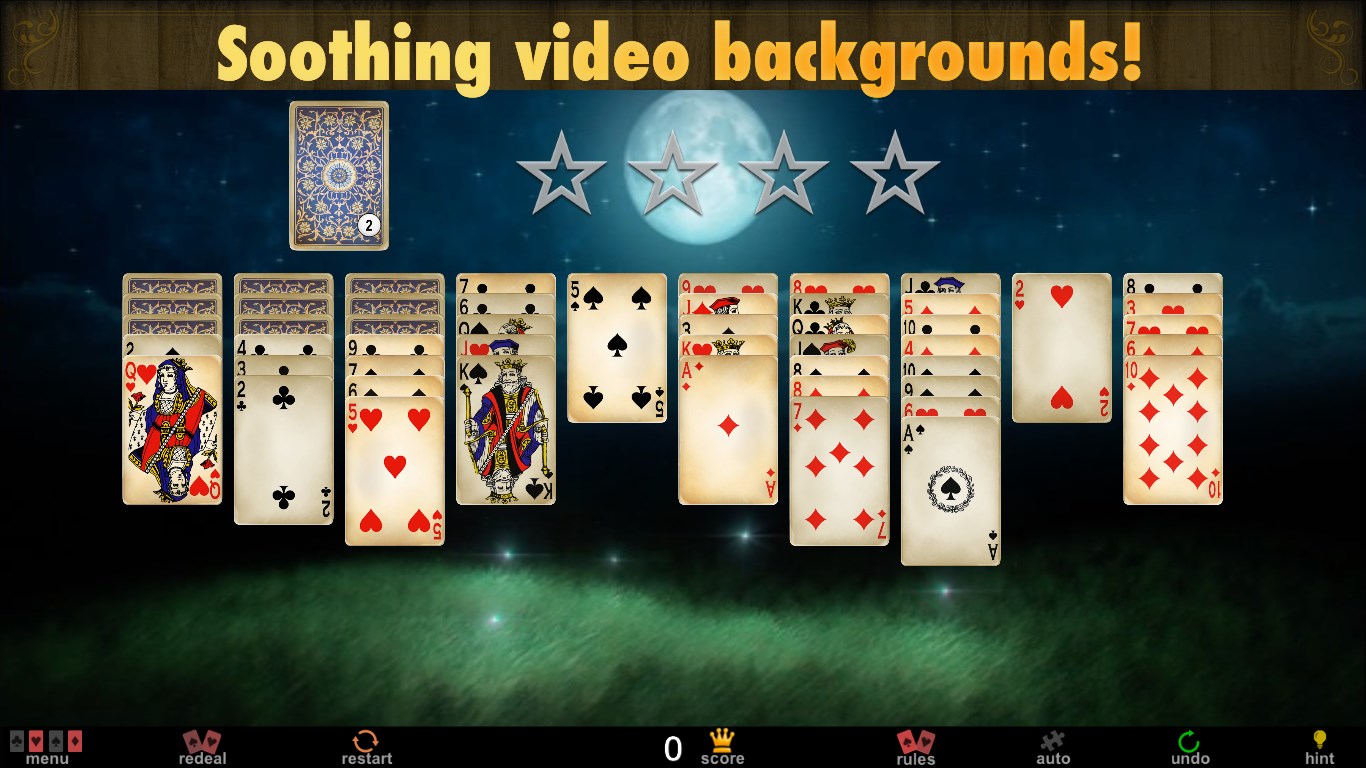
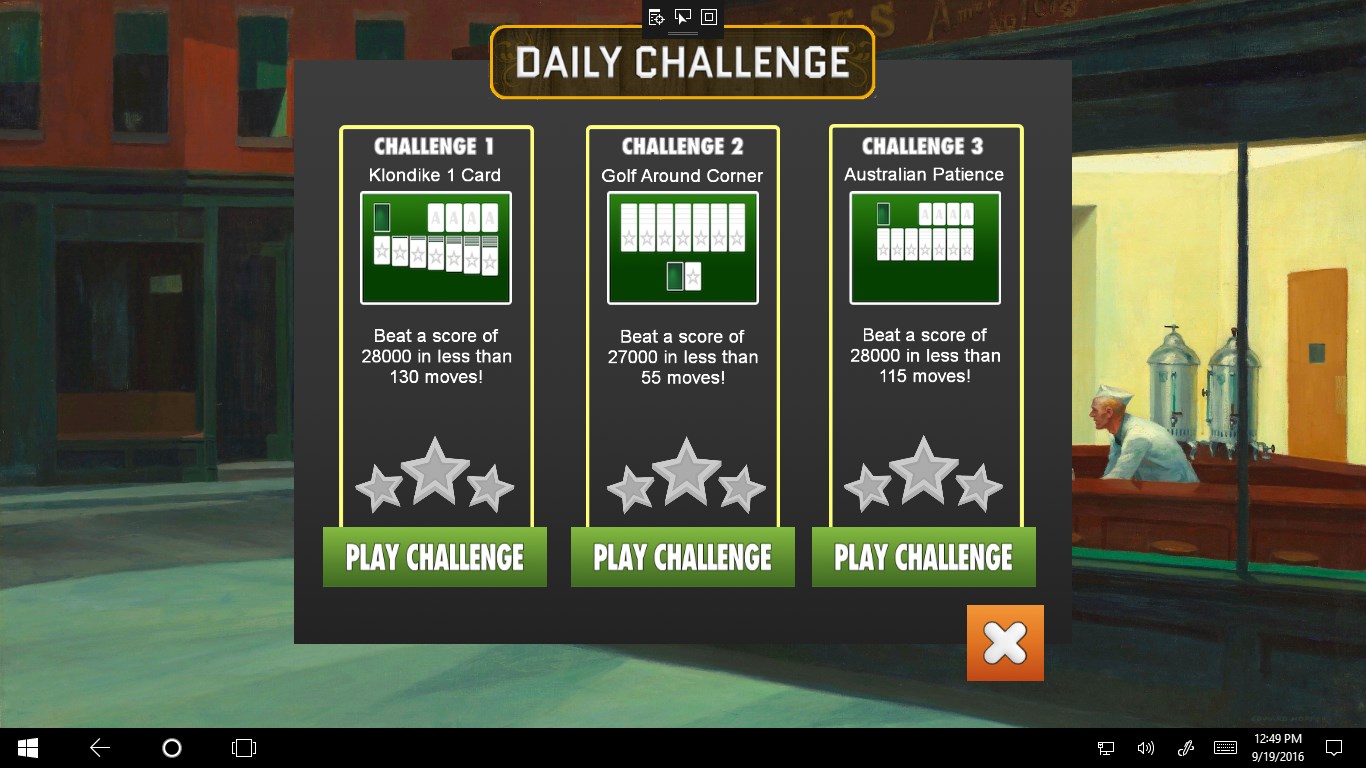
Among its peers, Full Deck Solitaire distinguishes itself with its deep customization options. Players can choose from several game variants, adjusting rules and visuals to tailor the experience—think of it as building your perfect solitaire deck. The app also offers varied backgrounds, card designs, and a flexible scoring system that adds replayability. Moreover, its seamless integration with Windows allows for easy pause and resume, preserving your progress even if you need to step away.
Considering its polished design, user-friendly experience, and versatile gameplay options, Full Deck Solitaire is a commendable addition to the Windows app store. It strikes a fine balance between tradition and innovation, making it suitable for both relaxing leisure and strategic challenge. For those in search of a refined, customizable solitaire game that respects the classics while offering a few modern twists, this app comes highly recommended.
In summary, if you enjoy card games and want an app that combines aesthetic appeal with smooth functionality, Full Deck Solitaire deserves a spot on your Windows device. Its thoughtful design and feature-rich setup truly set it apart from typical solitaire apps, offering a satisfying and personalized gaming journey.
User-friendly interface
Extensive card variation
Smooth performance and quick load times
Free to play with optional in-app purchases
Well-designed tutorials for new players
Limited game modes
Basic graphics quality
Ads may occasionally interrupt gameplay
Customization options are limited
No multiplayer features

for Windows
 4.9
4.9

for Windows
4.8

for Windows
4.8

for Windows
4.8

for Windows
4.8

for Windows
4.8

for Windows
4.8

for Windows
4.7

for Windows
4.7

for Windows
4.7

for Windows
4.7

for Windows
4.7

for Windows
5

for Windows
5

for Windows
5

for Windows
5

for Windows
5

for Windows
5

for Windows
5

for Windows
5

for Windows
5

for Windows
5