Strategy
Klondike Solitaire Game
PC, Mobile, Surface Hub, HoloLens
Windows 10 version 10240.0 or higher
Version 10
Chinese (Simplified), English (United States)
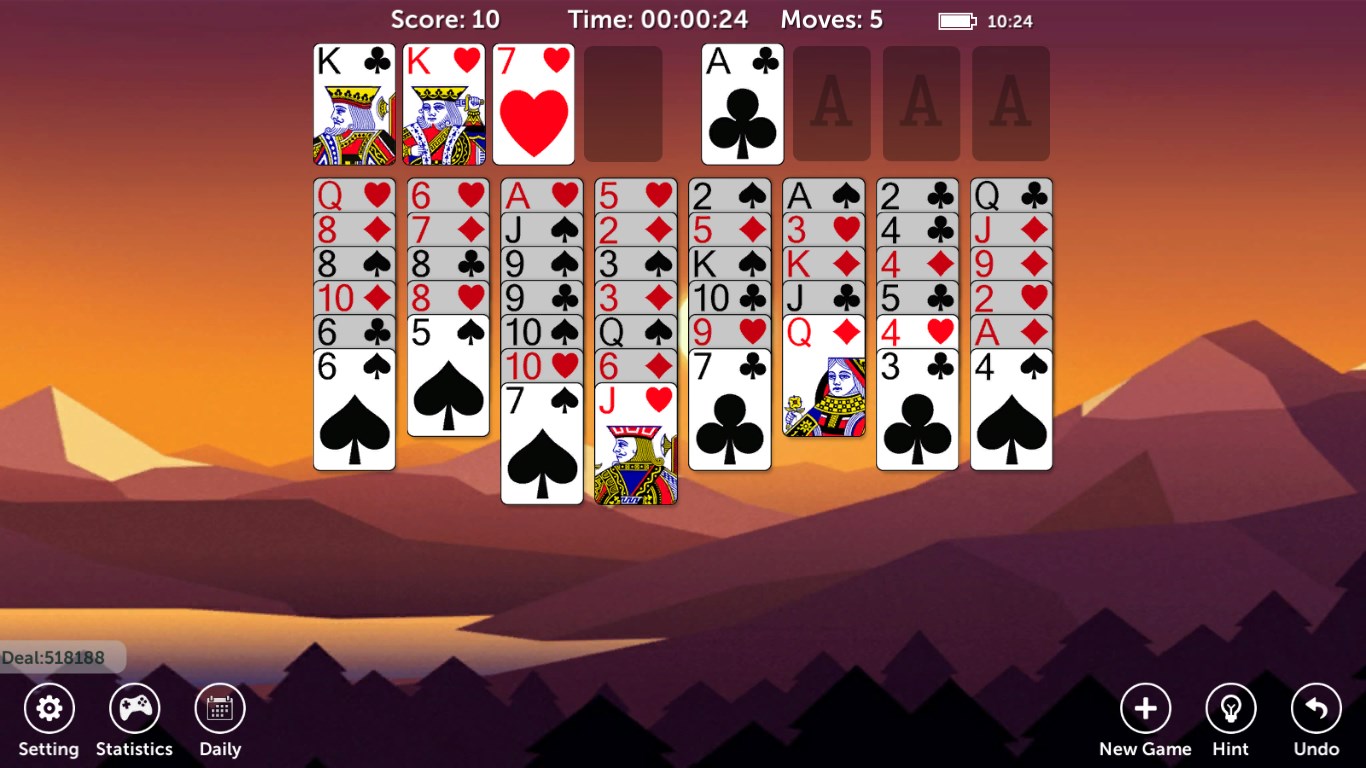
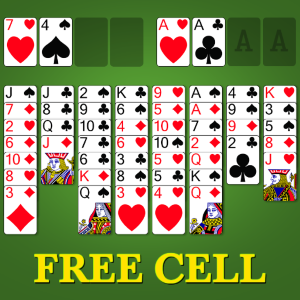
FreeCell Solitaire Pro!! is a polished digital rendition of the timeless card game, offering a sleek and intuitive experience tailored for Windows users seeking classic solitaire entertainment with a modern twist.
This engaging app is developed and published by Klondike Solitaire Game, a team dedicated to bringing classic card games with contemporary design sensibilities to desktop platforms.
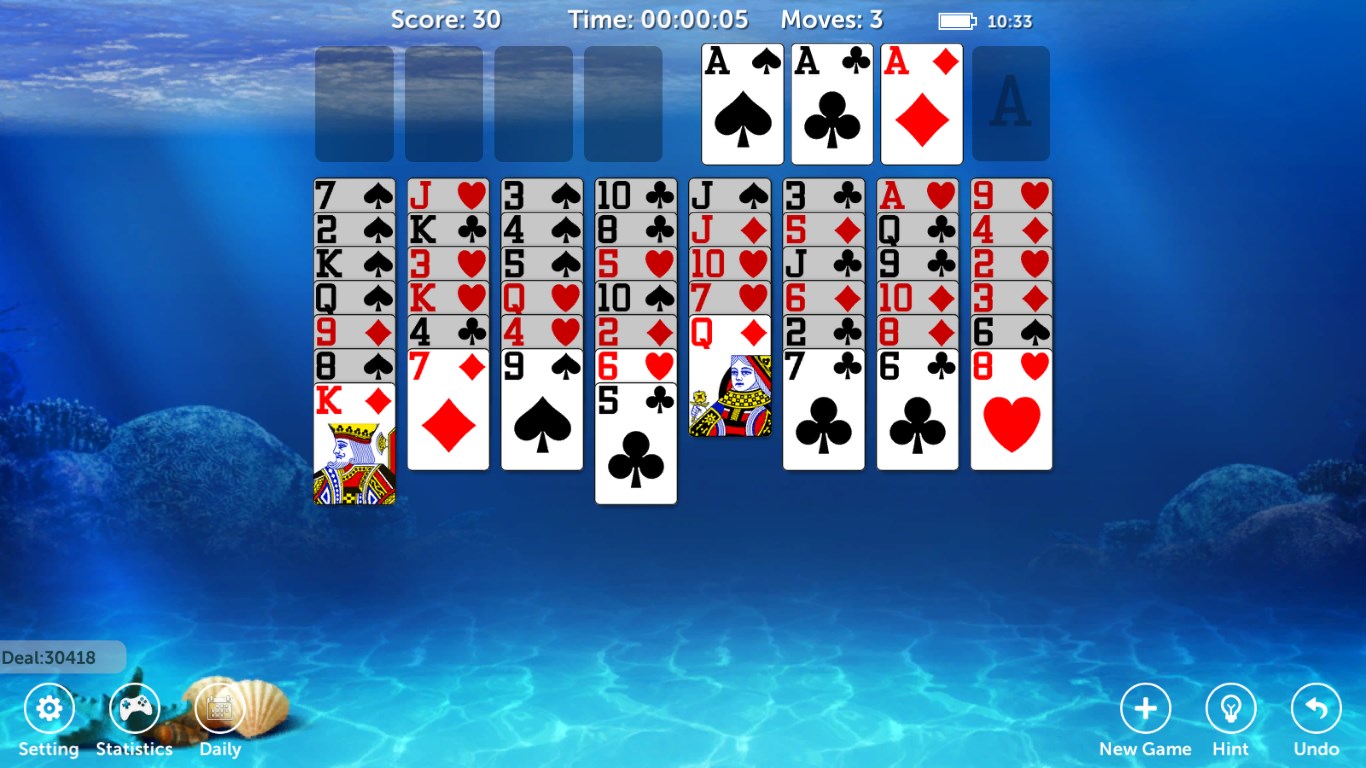
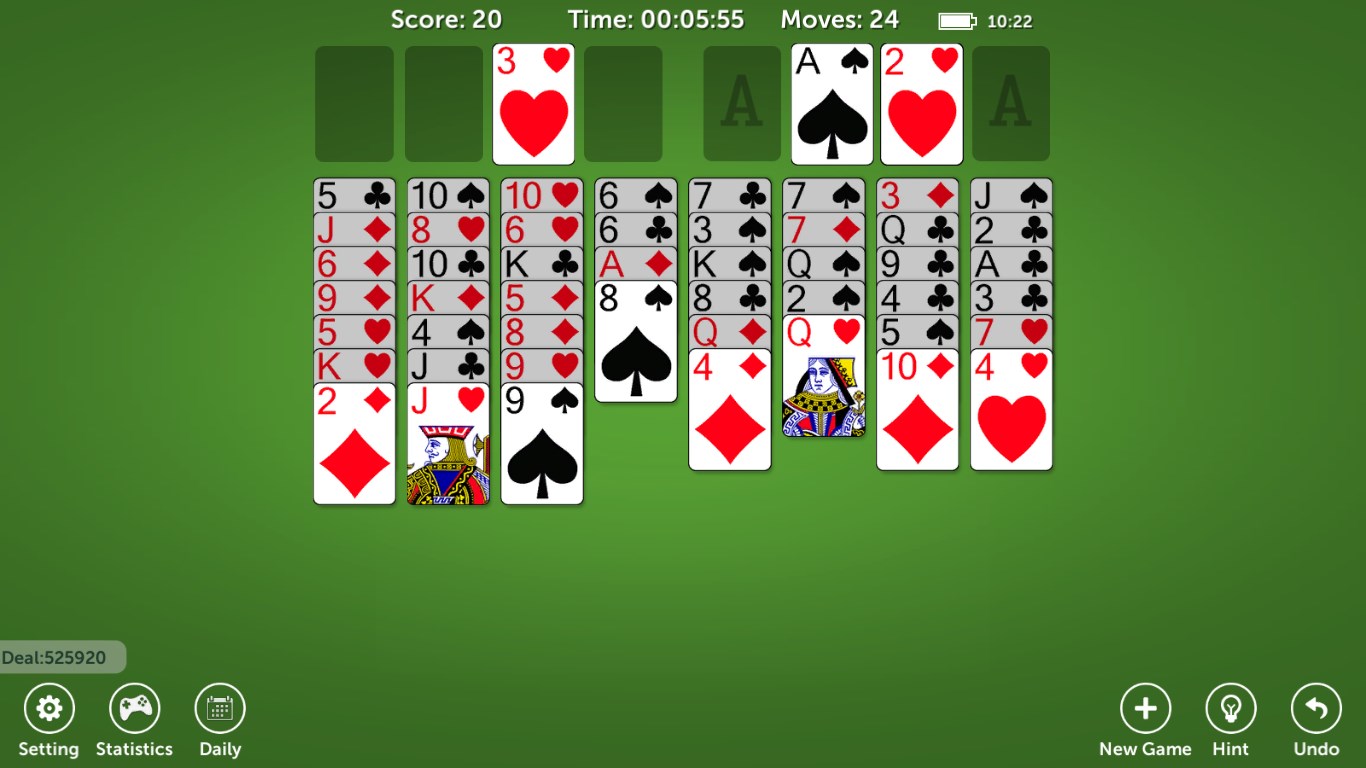
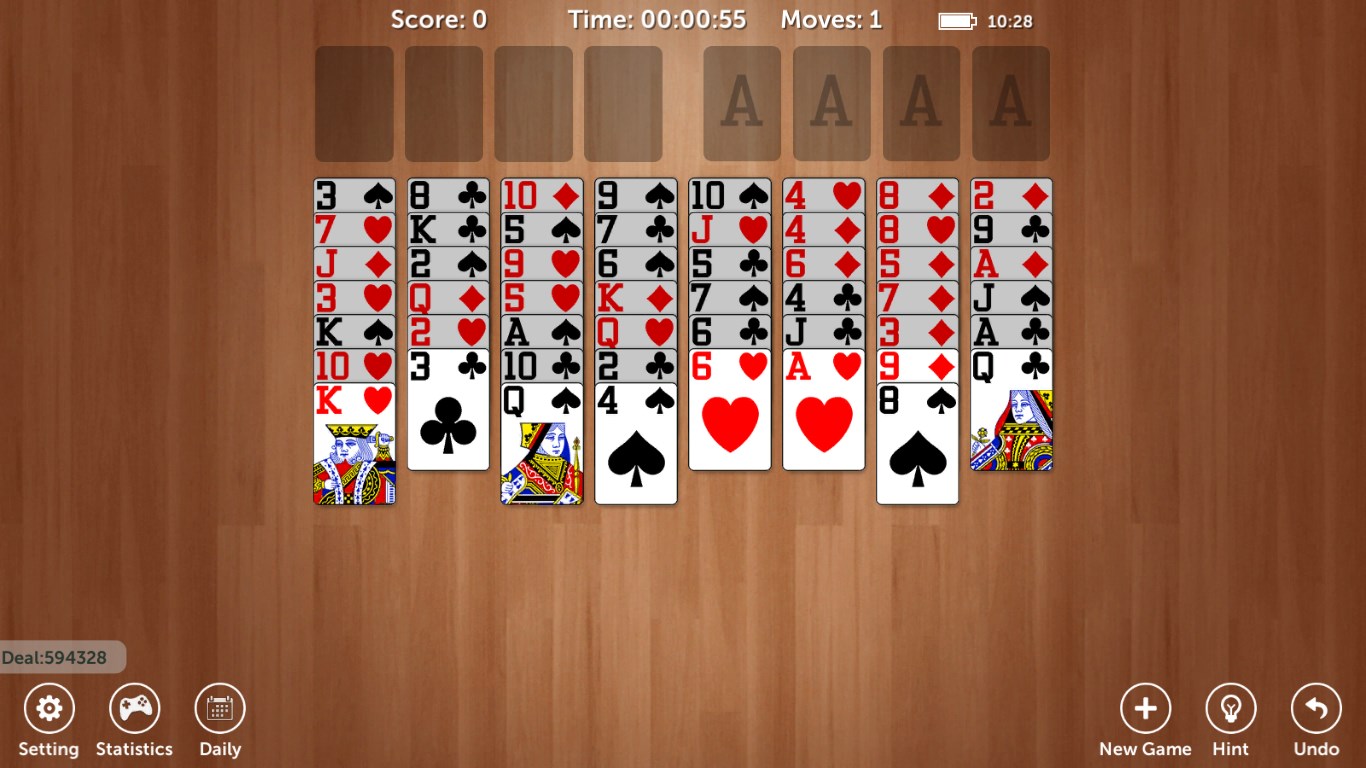
From the moment you launch FreeCell Solitaire Pro!!, the interface greets you with pristine clarity—cards are sharply contrasted against a subtle background, reminiscent of a well-lit card table. Navigation feels natural, with elegantly designed buttons and menus that make starting a game, adjusting settings, or reviewing stats feel like flipping through a well-organized desk of cards. This intuitive layout reduces any learning curve, allowing new players to jump right in and seasoned veterans to appreciate the thoughtful design.
The core gameplay experience is remarkably fluid. Card movements respond instantly to your mouse or touch gestures, akin to shuffling cards at a real table. This responsiveness ensures players remain immersed, with no lag or jitter disrupting the strategic flow. The game also exhibits reliable performance across various Windows configurations, making it suitable for both lightweight laptops and powerful desktops. The inclusion of auto-move options can further enhance ease of play, especially for those who prefer to focus on planning rather than manual moves.
What sets FreeCell Solitaire Pro!! apart from many other digital solitaire games is its emphasis on transparent information and strategic decision-making. All cards are visible from the outset, eliminating guesswork—players are encouraged to analyze available moves carefully and consider their consequences. The game cleverly manages information overload by highlighting valid moves and presenting hints without cluttering the interface, helping players develop sound strategies without feeling overwhelmed. This thoughtful approach makes it more than just a game of luck; it's a mental exercise akin to chess, where foresight truly pays off.
While many digital Solitaire apps provide quick entertainment, FreeCell Solitaire Pro!! excels in its clarity of information and decision impact visibility. Its design choices prioritize strategic transparency, making every move an opportunity for thoughtful planning rather than guesswork. Compared to other strategy-oriented card games that can feel cluttered or overly complex, this app maintains a harmonious balance—simple interface, clear game logic, and minimal distractions. This clarity helps players focus on strategic improvements, making it ideal for those who enjoy puzzle-like challenges and mental exercises within a familiar card game framework.
Overall, I recommend FreeCell Solitaire Pro!! for Windows to players who appreciate strategic depth and clean design in classic card games. It's particularly suitable for users seeking a relaxing yet mentally stimulating pastime, whether during short breaks or leisurely weekends. For best experience, explore different game modes and utilize the auto-move functions to gradually develop your strategic skills. The game's straightforward mechanics also make it a perfect gateway for beginners new to FreeCell or solitaire variants in general.
In conclusion, FreeCell Solitaire Pro!! stands out as a thoughtfully crafted digital rendition—offering crisp visuals, smooth operation, and strategic clarity—that transforms a classic game into a compelling mental challenge. With its emphasis on visibility of decisions and streamlined gameplay, it's a fine choice for anyone looking to enjoy solitaire with a smart twist on Windows.
Intuitive User Interface
Ad-Free Experience
Multiple Game Modes
Auto-Save Functionality
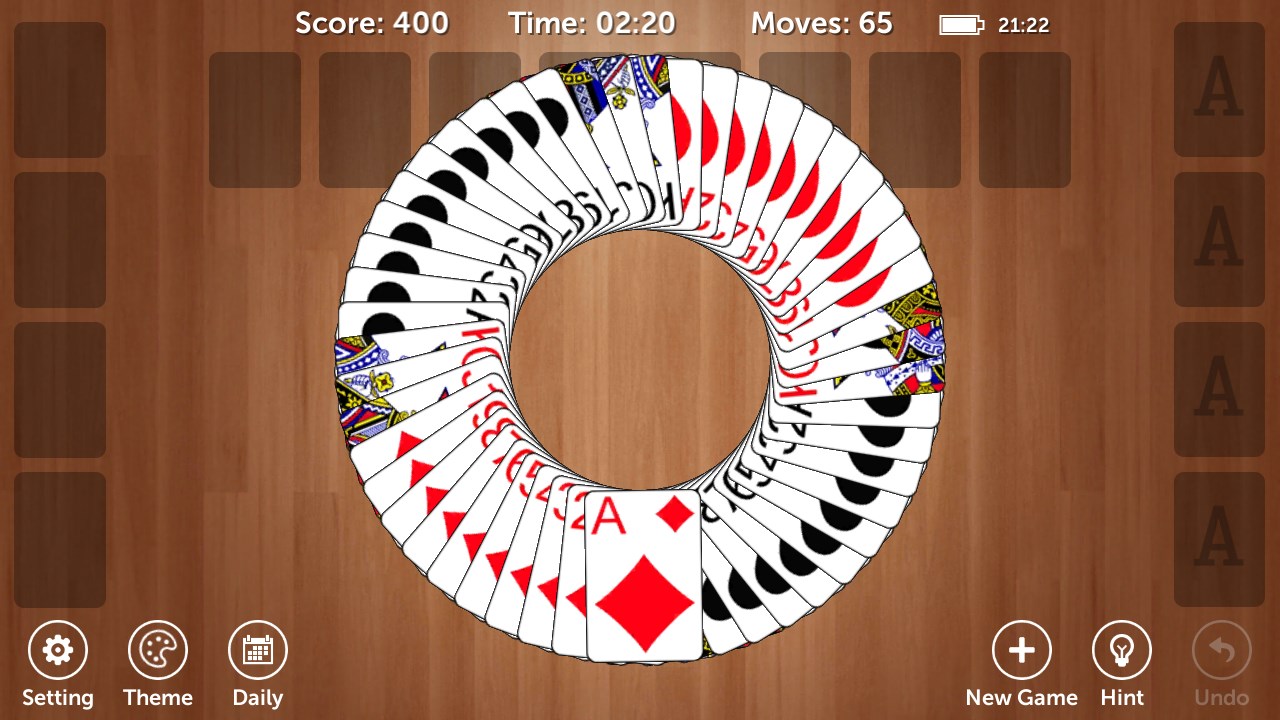
High-Quality Graphics and Animations
Limited Tutorial Content
Lack of Cloud Sync
Occasional Lag During Animations
Limited Customization Options
No Leaderboards or Achievements

for Windows
 4.9
4.9

for Windows
4.8

for Windows
4.8

for Windows
4.7

for Windows
4.7
for Windows
4.7

for Windows
4.6
for Windows
4.6

for Windows
4.6

for Windows
4.6

for Windows
4.6

for Windows
4.6

for Windows
5

for Windows
5

for Windows
5

for Windows
5

for Windows
5

for Windows
5

for Windows
5

for Windows
5

for Windows
5

for Windows
5