Strategy
Poker Card Games
PC, Mobile, Surface Hub, HoloLens
Windows 10 version 10240.0 or higher
Version 10
Chinese (Simplified), English (United States)
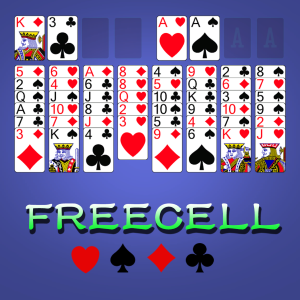
FreeCell Solitaire Classic for Windows is a digital rendition of the beloved classic card game, carefully crafted to bring the familiar Solitaire experience straight to your desktop. Designed by Poker Card Games, this app aims to blend traditional gameplay with modern conveniences, making it a perfect companion for casual puzzle lovers or serious strategists alike.
This application is developed and published by Poker Card Games, a team with a focus on creating polished, user-friendly digital card games. Their experience shines through in their attention to detail and commitment to delivering a seamless gameplay experience.
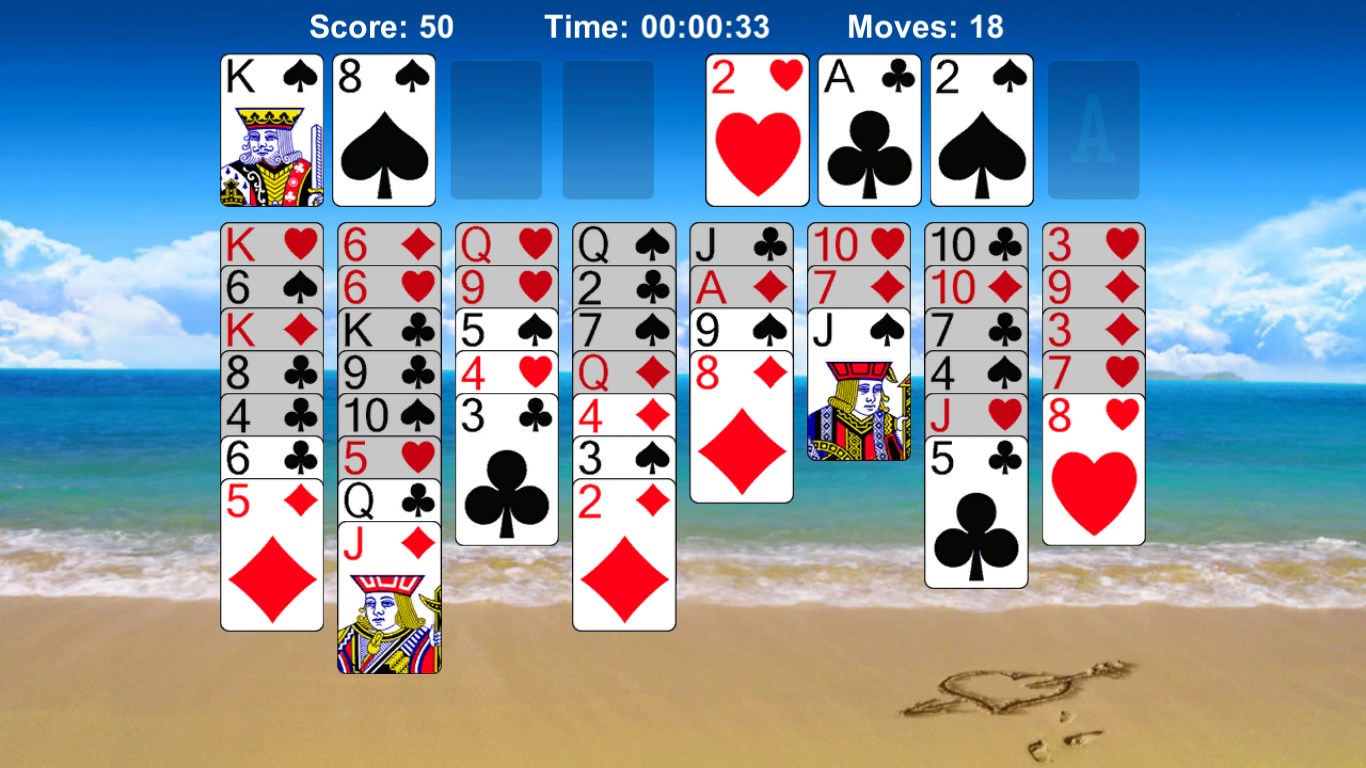
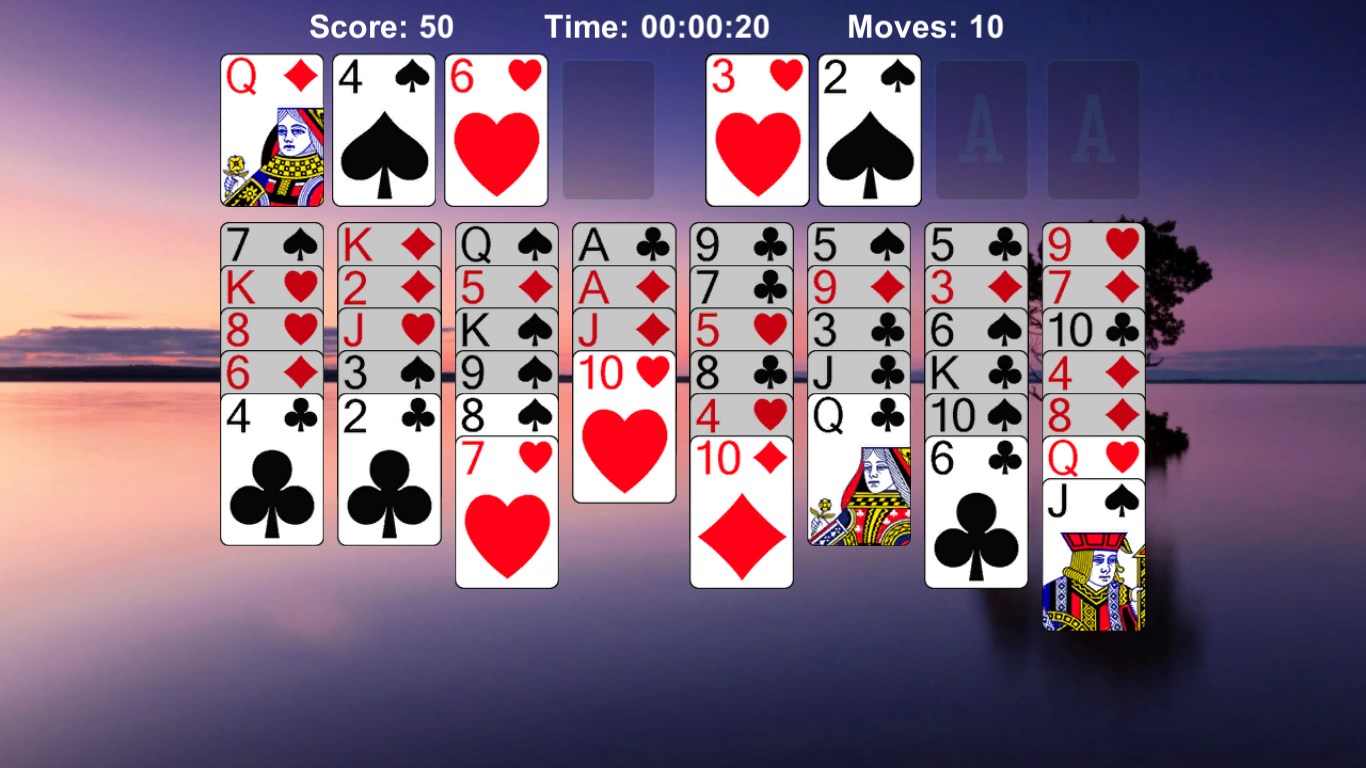
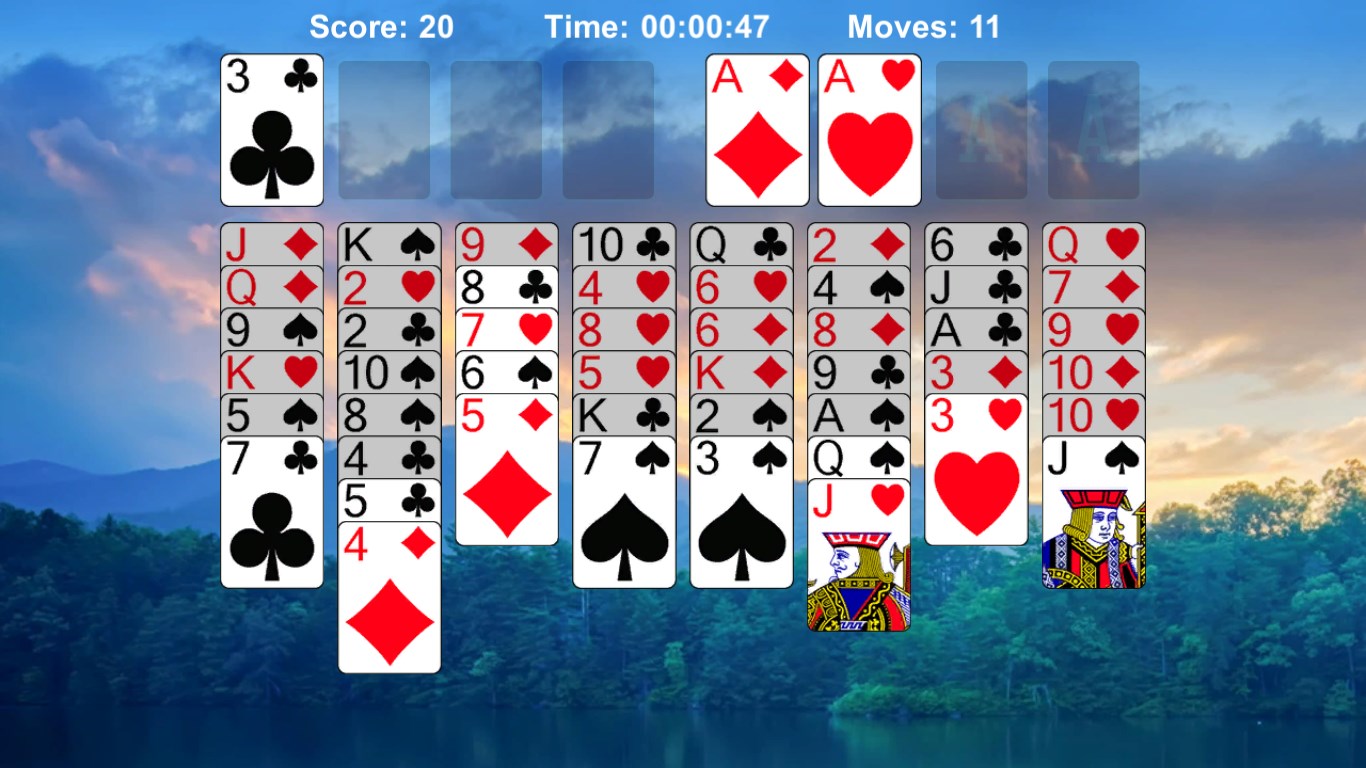
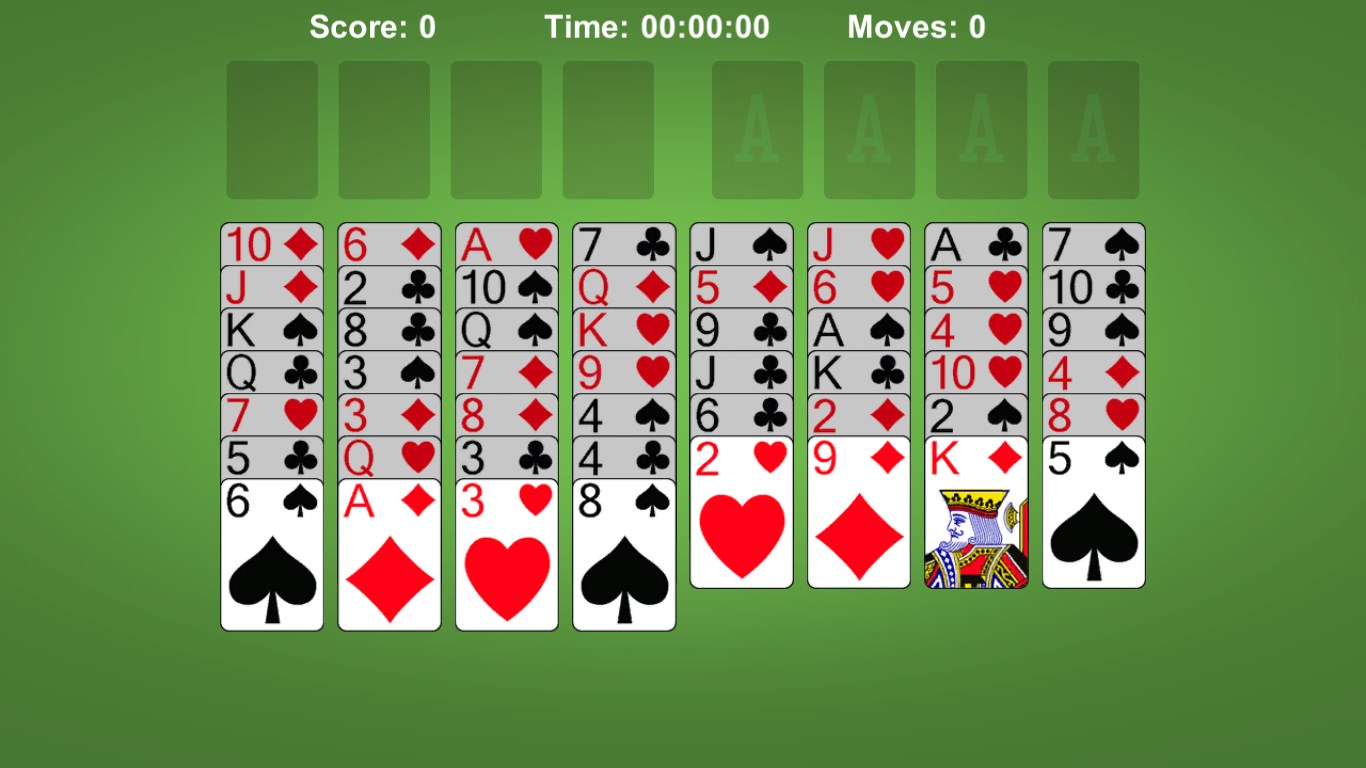
The interface design of FreeCell Solitaire Classic exudes an understated elegance, reminiscent of a well-organized card table in a quiet library. The cards are crisp, with clear suits and numbers, making it easy on the eyes. The layout ensures that gameplay feels smooth and straightforward, with all essential controls accessible without clutter or confusion. Navigating through menus and starting new games is a breeze, even for those new to digital cards.
One of the app's strongest suits is its operational fluidity. Transitioning between moves is swift and responsive, almost as if shuffling and playing on a real table—minus the pesky shuffling noise. The game offers helpful hints and an undo button, reducing frustration for beginners and allowing experimentation without penalty. The learning curve is gentle—players familiar with standard FreeCell rules will find their skills transferred easily, while newcomers can learn through guided tips built into the game interface.
Compared to other strategy-based apps, this version of FreeCell stands out by emphasizing "analyze decision consequence visibility." It offers clear visual cues showing potential move consequences, helping players think ahead without feeling overwhelmed. Furthermore, its thoughtful management of information overload ensures that players can focus on strategic decisions without distraction—detaching complex calculations from clutter, much like having a well-organized workspace. This balance makes it accessible for novices, yet challenging enough for veterans seeking to optimize their strategies.
Overall, FreeCell Solitaire Classic for Windows delivers a refined, enjoyable card-playing experience rooted in traditional gameplay but enhanced with modern usability features. Its standout qualities—particularly the decision visibility system and clutter-free interface—set it apart from many similar apps. If you're seeking a straightforward yet thoughtfully designed Solitaire game that respects your need for clarity and control, this app deserves a spot on your computer. Whether you're taking a quick break or aiming to master your strategies, this game accommodates your pace and skill level with ease.
Intuitive Interface
Smooth Gameplay
Classic Card Design
One-Click Restart
Free with No Ads
Limited Customization
Lack of Hints
Simple Sound Effects
Limited Difficulty Modes
No Progress Tracking

for Windows
 4.9
4.9

for Windows
4.8

for Windows
4.8

for Windows
4.7

for Windows
4.7
for Windows
4.7

for Windows
4.6
for Windows
4.6

for Windows
4.6

for Windows
4.6

for Windows
4.6

for Windows
4.6

for Windows
5

for Windows
5

for Windows
5

for Windows
5

for Windows
5

for Windows
5

for Windows
5

for Windows
5

for Windows
5

for Windows
5