Card & board
TreeCardGames
PC
Windows 10 version 17763.0 or higher
Chinese (Simplified), Chinese (Traditional Chinese), Czech, Danish, Dutch, English, English (United States), Finnish, French, German, Greek, Hebrew, Hindi, Hungarian, Italian, Japanese, Norwegian (Bokmål), Polish, Portuguese (Brazil), Portuguese (Portugal), Russian, Spanish, Swedish, Thai, Turkish, Ukrainian
If you're a fan of classic card Solitaire games and seeking a polished, engaging experience, FreeCell Collection Free offers a sleek digital rendition that keeps the spirit of the beloved solitaire variation alive. Developed by TreeCardGames, this app seeks to deliver a smooth, feature-rich platform for both casual players and dedicated enthusiasts alike.
FreeCell Collection Free for Windows is a digital adaptation of the popular FreeCell solitaire, offering players a well-crafted, easy-to-navigate experience. The app is developed and published by TreeCardGames, a team dedicated to creating quality card gaming apps.
The app caters mainly to casual players who enjoy relaxing card games, as well as enthusiasts looking to hone their FreeCell skills and track their progress over time.
Imagine settling into your favorite cozy nook, a warm cup of coffee at hand, ready to challenge yourself with a timeless game of solitaire. That's the vibe FreeCell Collection Free for Windows aims to deliver—accessible yet thoughtfully designed, inviting both beginners and seasoned players into a world of fun, strategic puzzle-solving through the familiar allure of one of the most beloved card games.
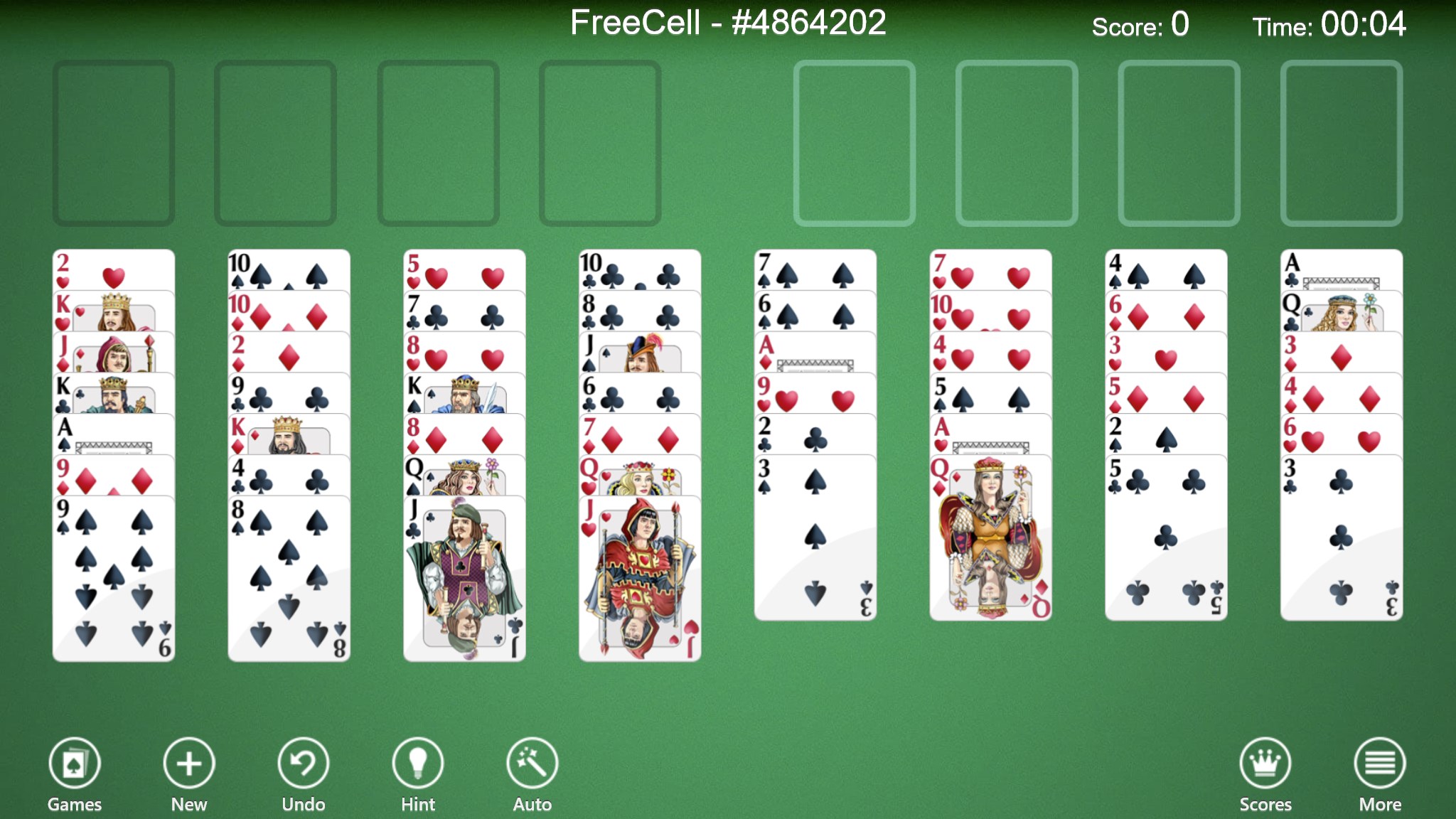
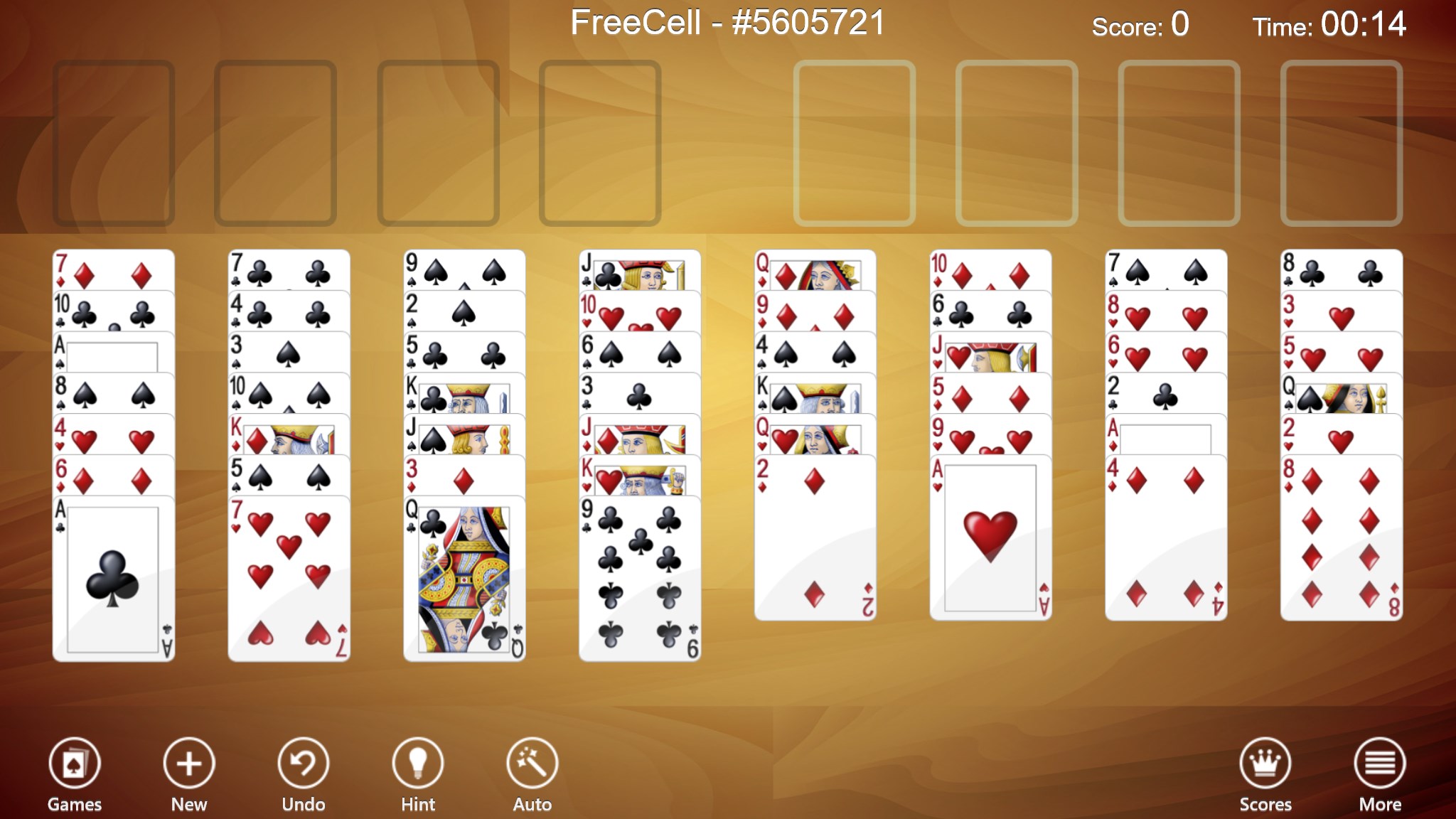
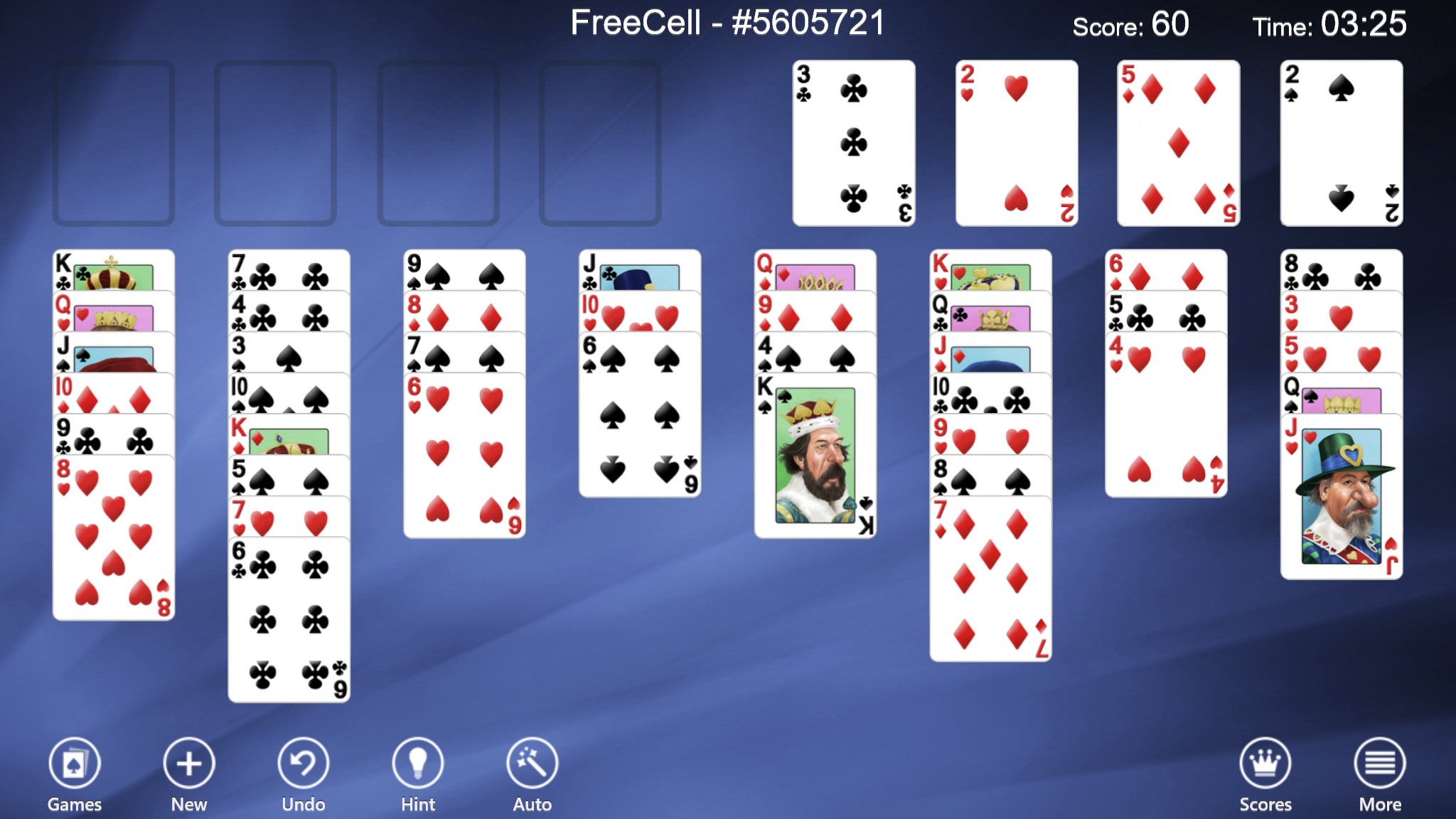
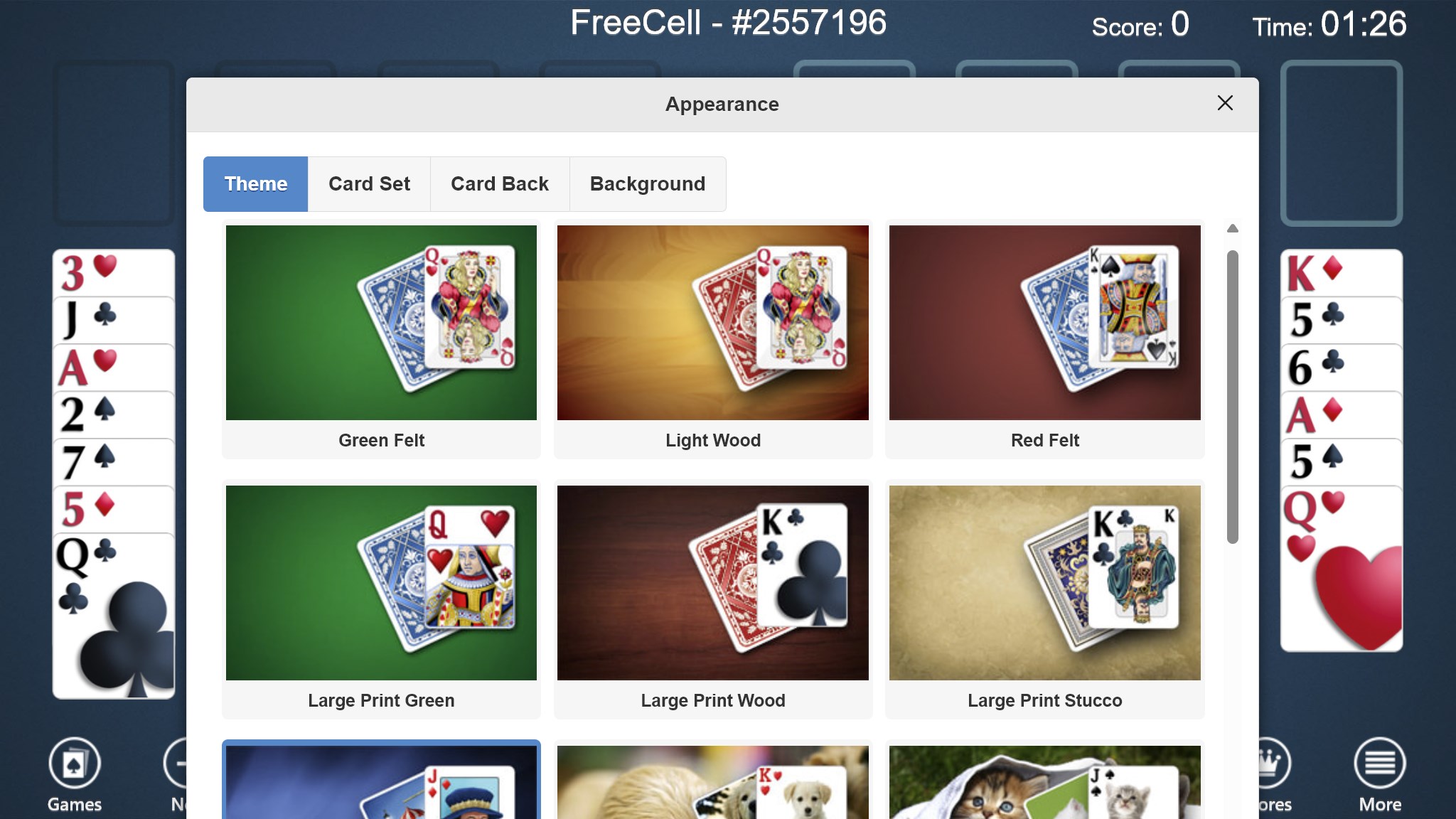
One of the app's most notable strengths is its interface design. The layout is uncluttered and modern, with crisp card graphics that make the game visually appealing without overwhelming the player. The drag-and-drop mechanics are smooth, mimicking the tactile feel of shuffling and moving cards on a real table. Customization options, such as changing card backs and backgrounds, allow players to personalize their gaming environment, adding a cozy or sleek aesthetic according to their preference.
The game manages to strike a perfect balance between simplicity and depth. The learning curve is gentle—newcomers can pick up the game quickly thanks to clear instructions and helpful hints, while veterans will appreciate advanced features like auto-move and undo options. These functionalities enhance the overall flow, allowing players to maintain their concentration and enjoy uninterrupted gameplay. Performance-wise, the app runs smoothly on a range of Windows devices, ensuring a lag-free experience that encourages extended play sessions.
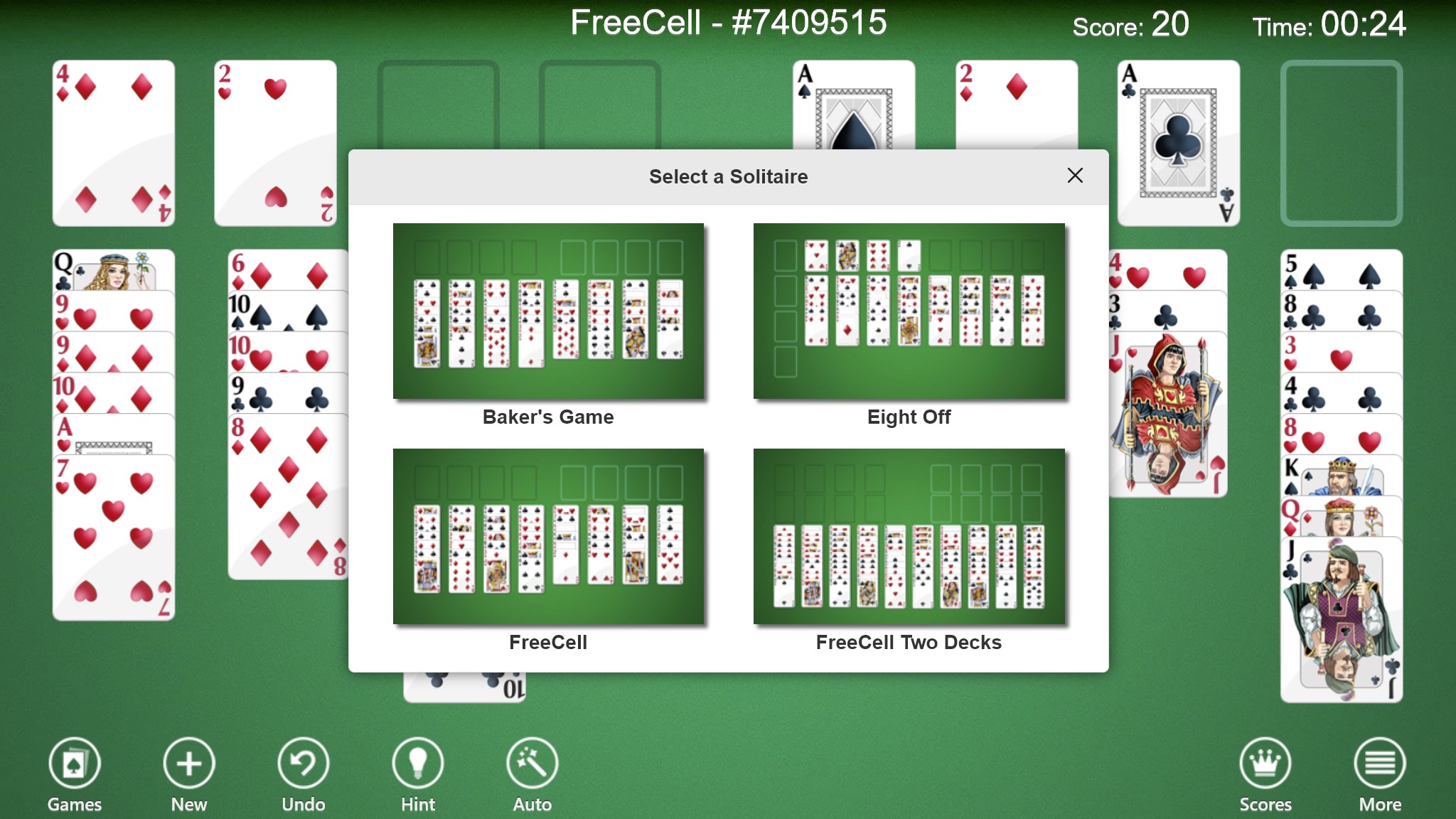
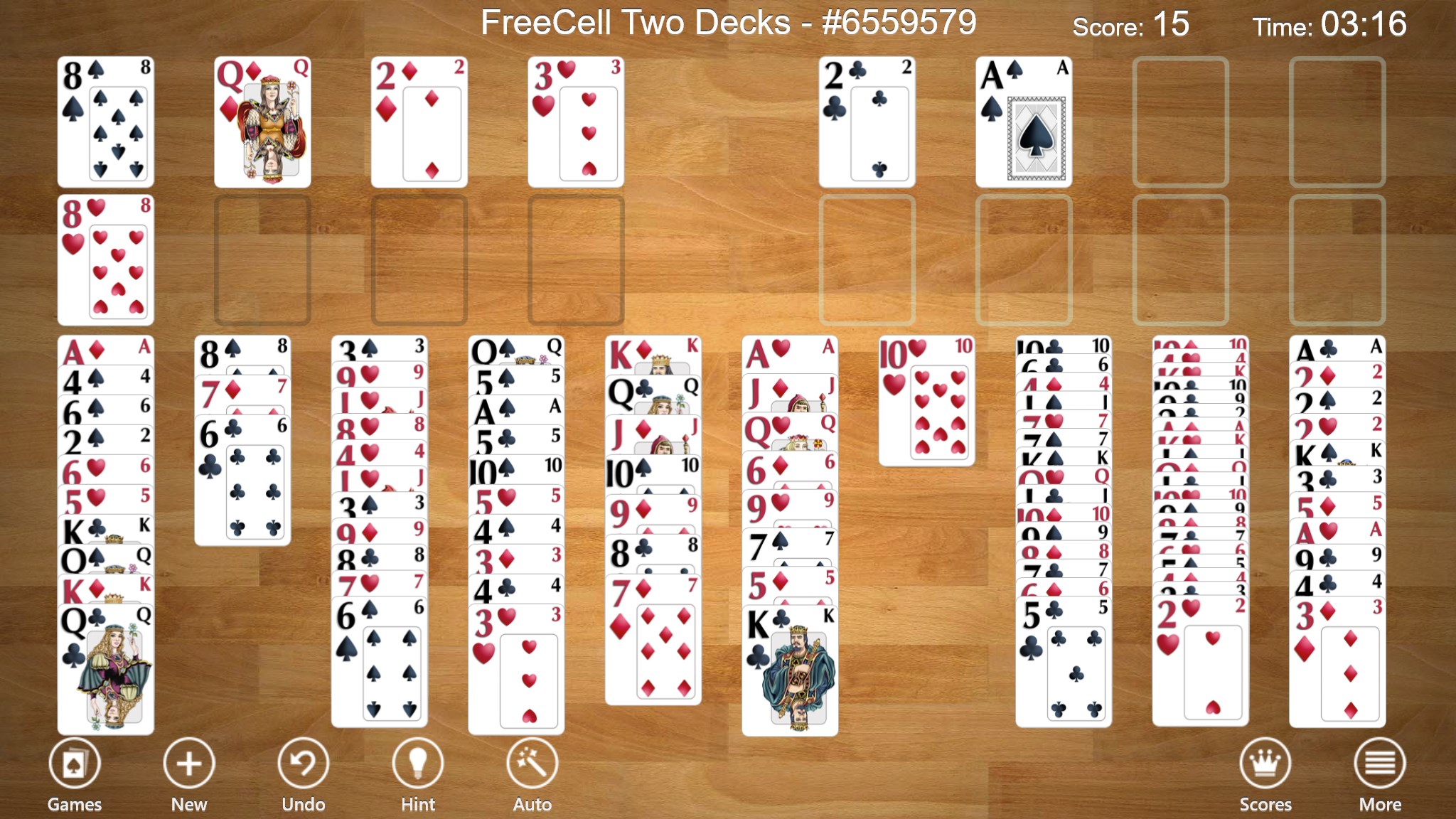
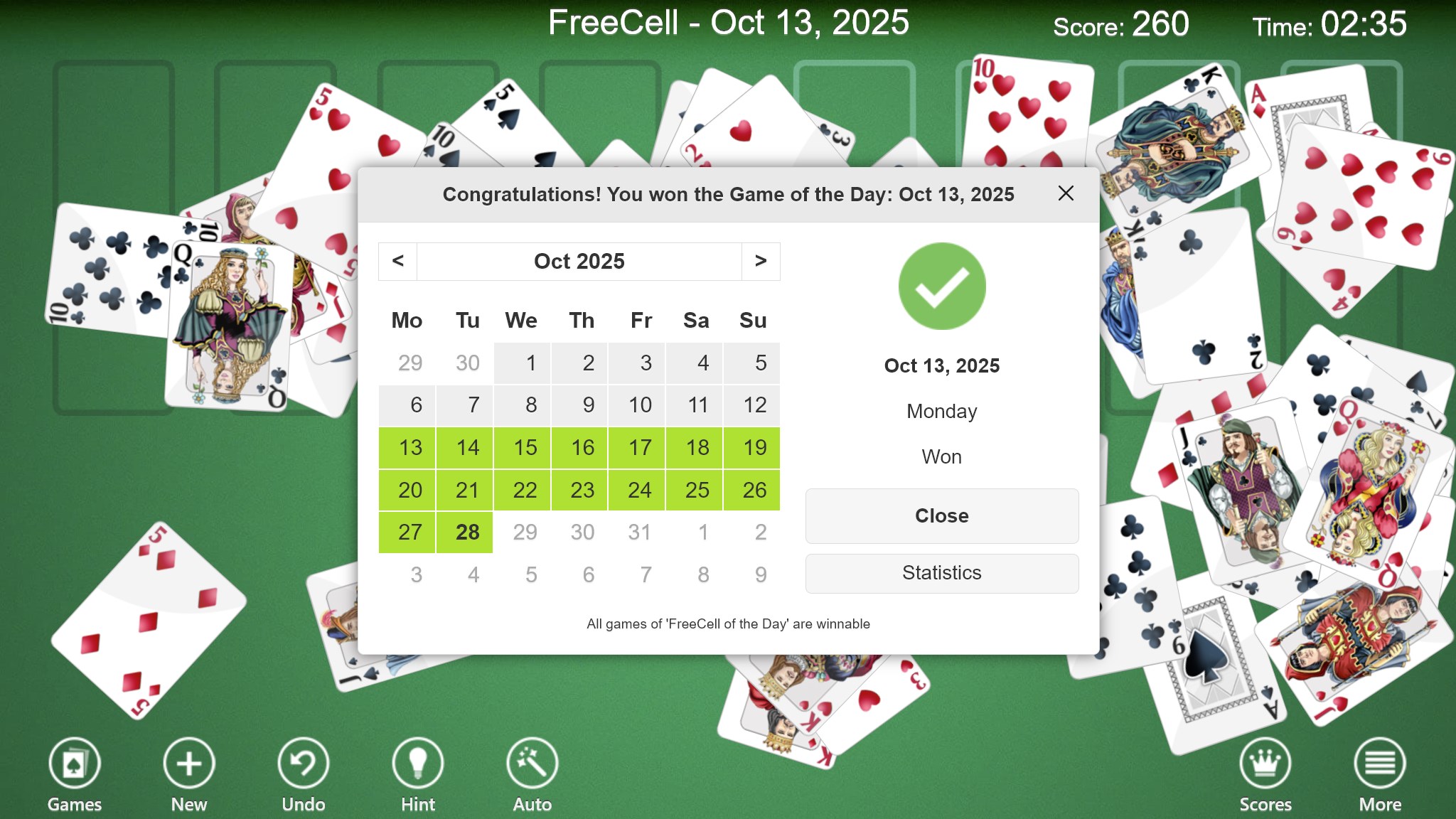
What truly sets FreeCell Collection Free apart from other digital card apps is its emphasis on comprehensive game management tools. The built-in statistics tracking helps players monitor their wins, losses, and efficiency over time—a feature often overlooked in similar applications. Moreover, the multiple game modes extend replayability; players can explore alternative FreeCell variants or customized challenges, making each gaming session feel fresh and engaging.
Another distinctive aspect is its thoughtful approach to accessibility; clear high-contrast themes and customizable controls ensure that a wide range of users can enjoy the game comfortably, from casual gamers to those with visual impairments.
If you're seeking a refined digital rendition of FreeCell with an emphasis on ease of use and personalization, this app is a solid choice. Its interface friendliness and rich feature set make it suitable for quick, relaxing sessions or serious practice, while its variety of game modes ensures ongoing interest. Although it doesn't boast flashy animations or overly complex mechanics, its focus on quality, usability, and little thoughtful details make it a commendable addition to your Windows gaming collection.
Overall, I recommend giving it a try, especially if you appreciate classic card games presented in a modern, user-friendly package. Whether you're looking for a calming pastime or a tool to sharpen your card skills, FreeCell Collection Free offers a reliable, enjoyable experience worth exploring.
User-friendly interface
Variety of game modes
Smooth gameplay performance
Auto-save feature
No ads or in-app purchases
Limited customization options
Optional hints can be intrusive
Lack of difficulty settings
No multiplayer or social features
Limited instructional guidance

for Windows
 4.9
4.9

for Windows
4.8

for Windows
4.8

for Windows
4.8

for Windows
4.8

for Windows
4.8

for Windows
4.8

for Windows
4.7

for Windows
4.7
for Windows
4.7

for Windows
4.7

for Windows
4.7

for Windows
5

for Windows
5

for Windows
5

for Windows
5

for Windows
5

for Windows
5

for Windows
5

for Windows
5

for Windows
5

for Windows
5