Photo & video
FourClicks Manager
PC
Windows 10 version 19041.0 or higher
Integrated Keyboard
Integrated Mouse
4 GB
English (United States)
If you're tired of cluttered photo libraries and want a straightforward yet powerful tool to manage, convert, and showcase your images, FourClicks Media might just become your new best friend. Combining essential features in an easy-to-navigate interface, this app strives to simplify your photo workflows while offering the creative flexibility you need. Whether you're a casual photographer or a small business owner, this software aims to streamline your image management tasks seamlessly.
Developed and published by FourClicks Manager, this application is a product of a dedicated team focused on creating user-friendly multimedia tools. Their goal appears to be providing accessible, efficient solutions for photo organization and presentation, all packed into a single application tailored for Windows users.
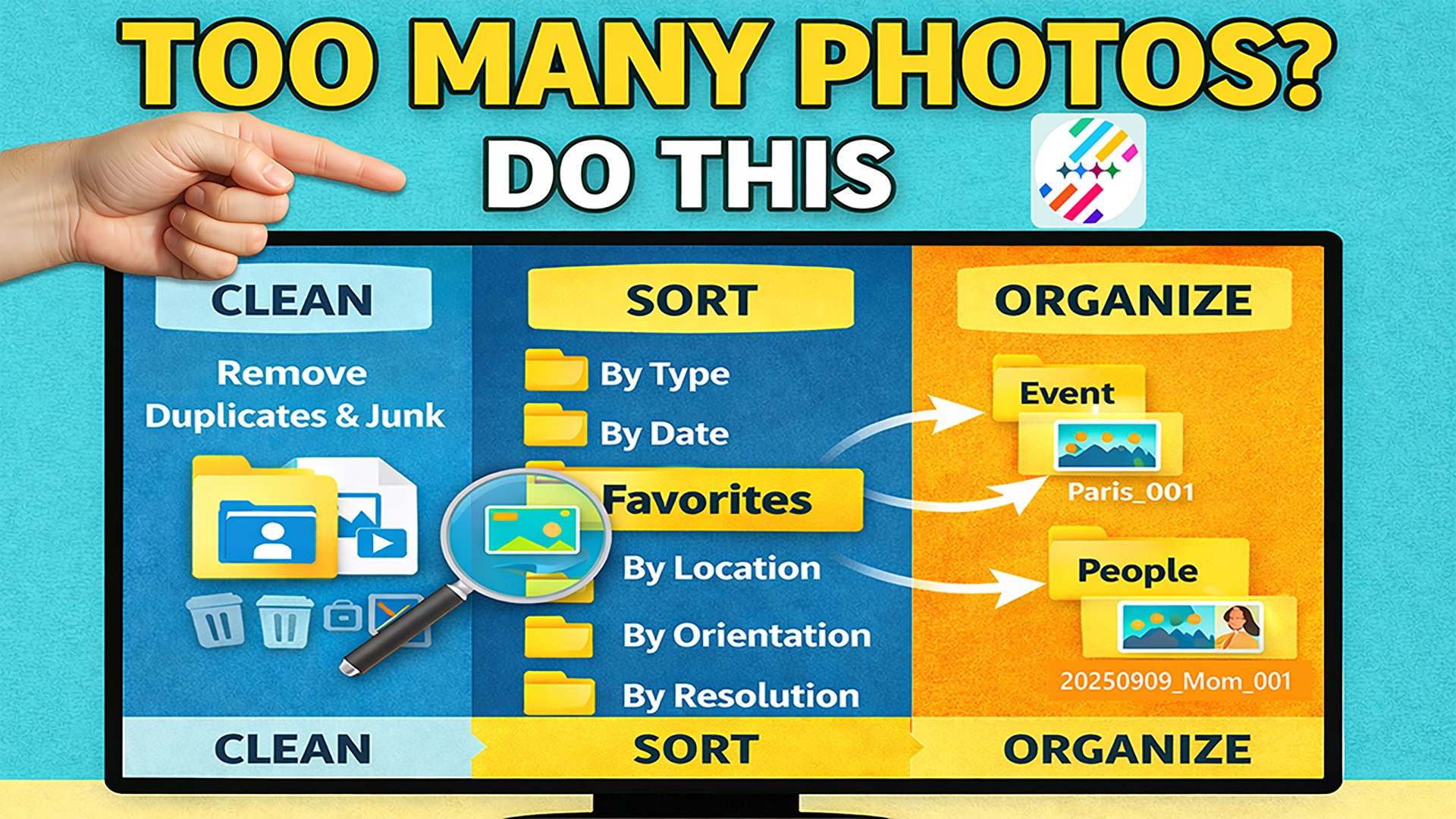
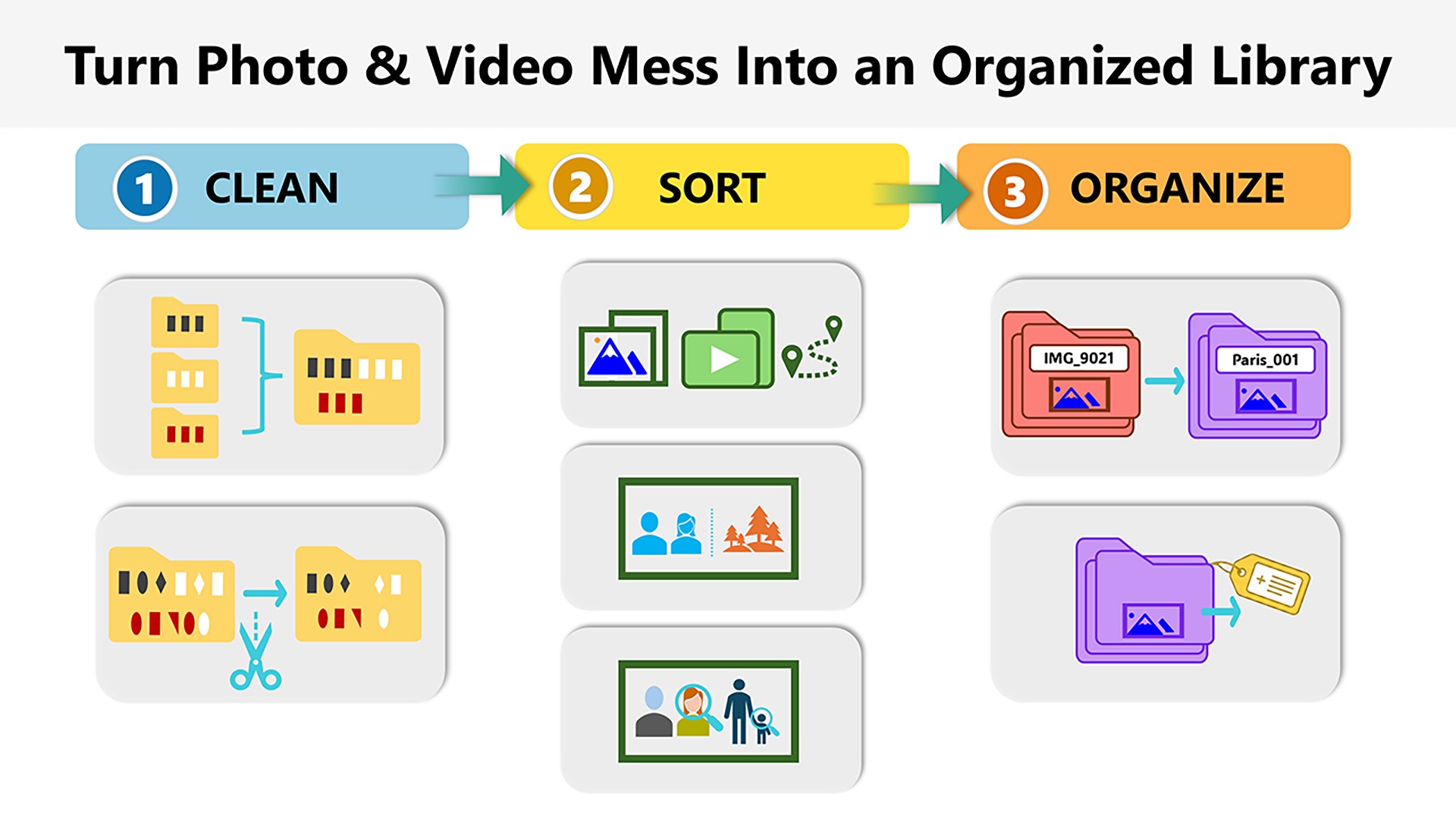
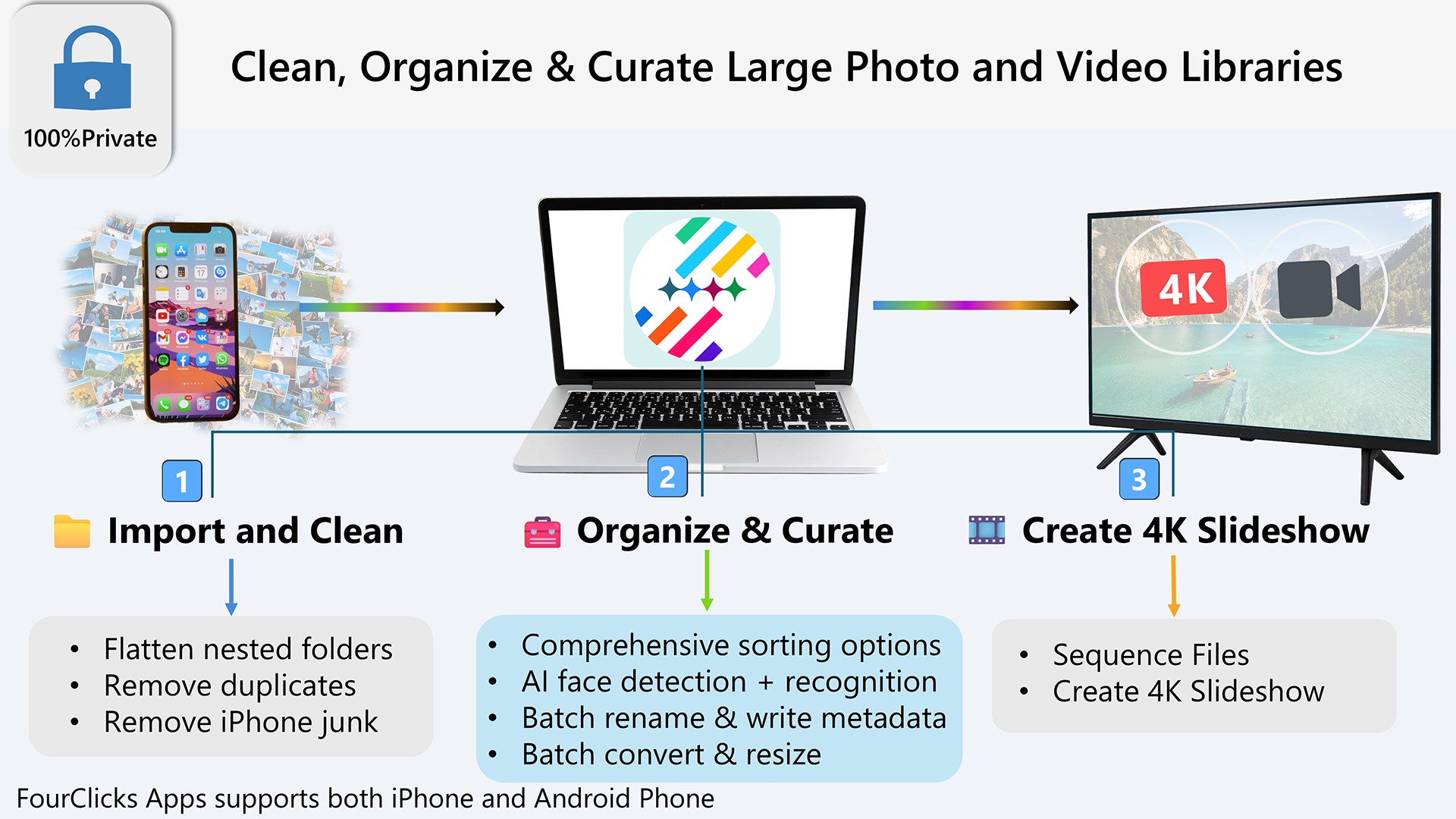
Imagine unlocking the door to a well-organized photo vault—every picture neatly labeled and ready to shine. That's the experience FourClicks Media offers: a friendly companion in navigating your vast photo universe. It's like having a seasoned librarian guiding your every click, making your photo management feel less like a chore and more like an engaging project.
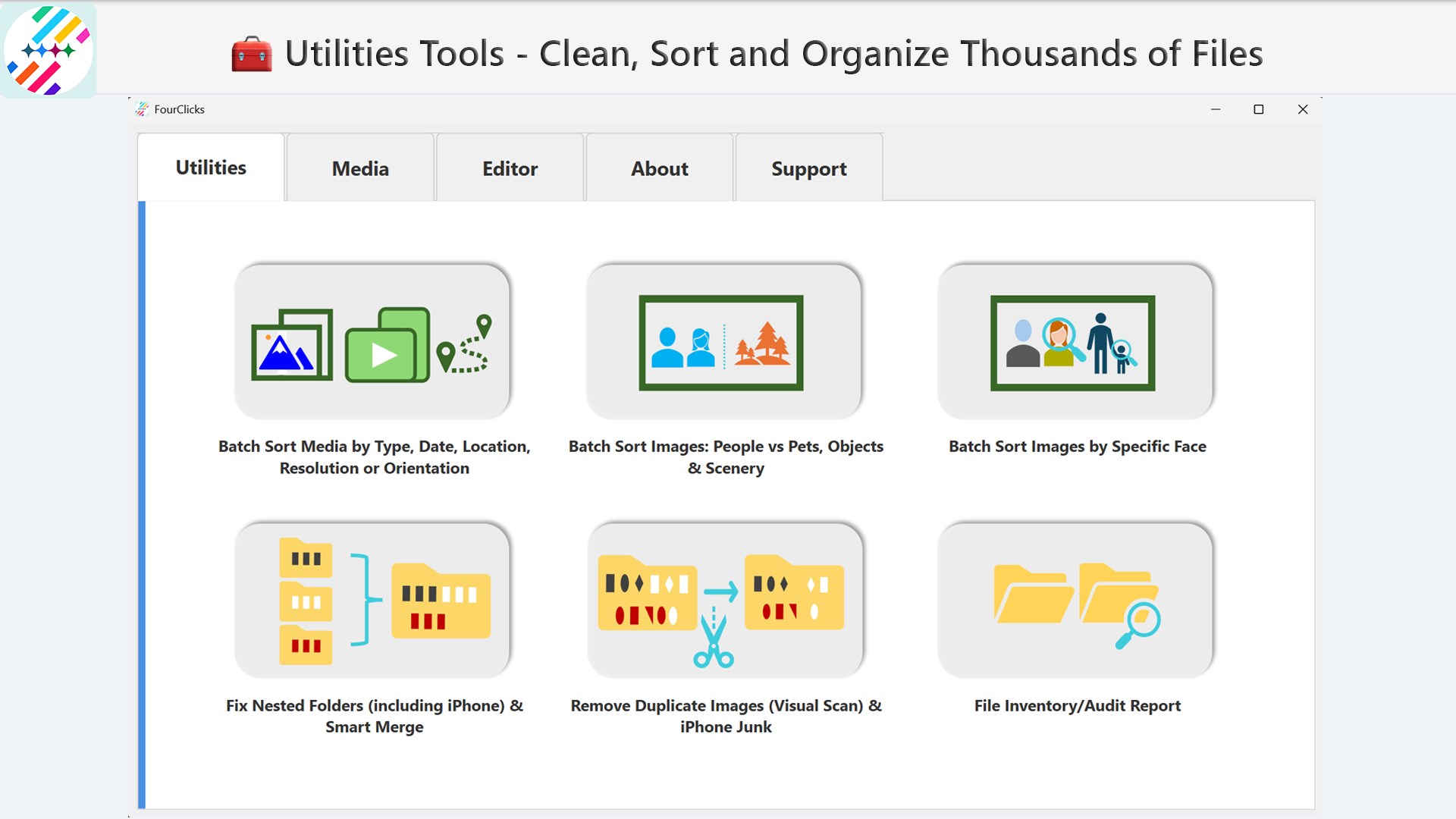
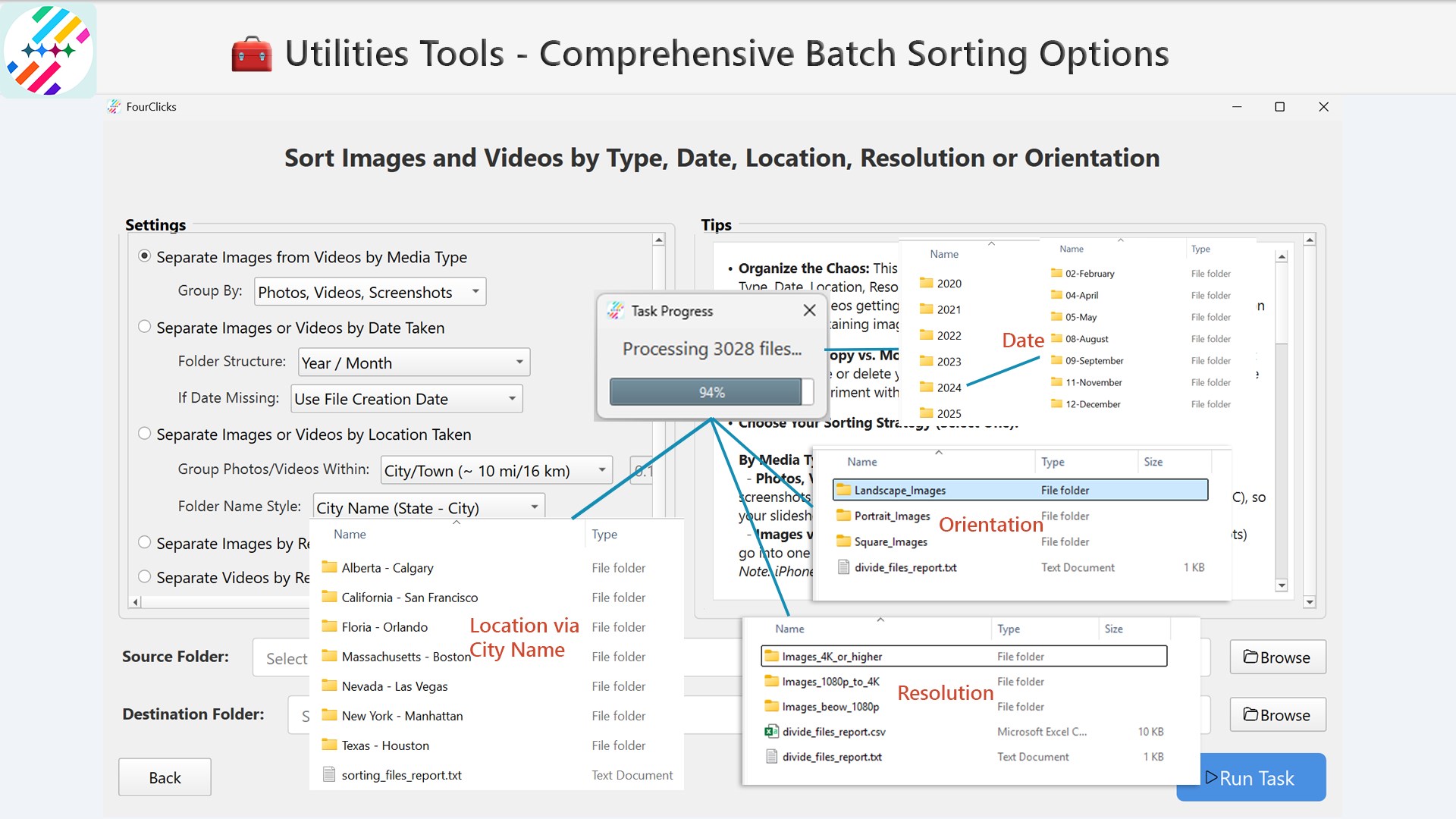
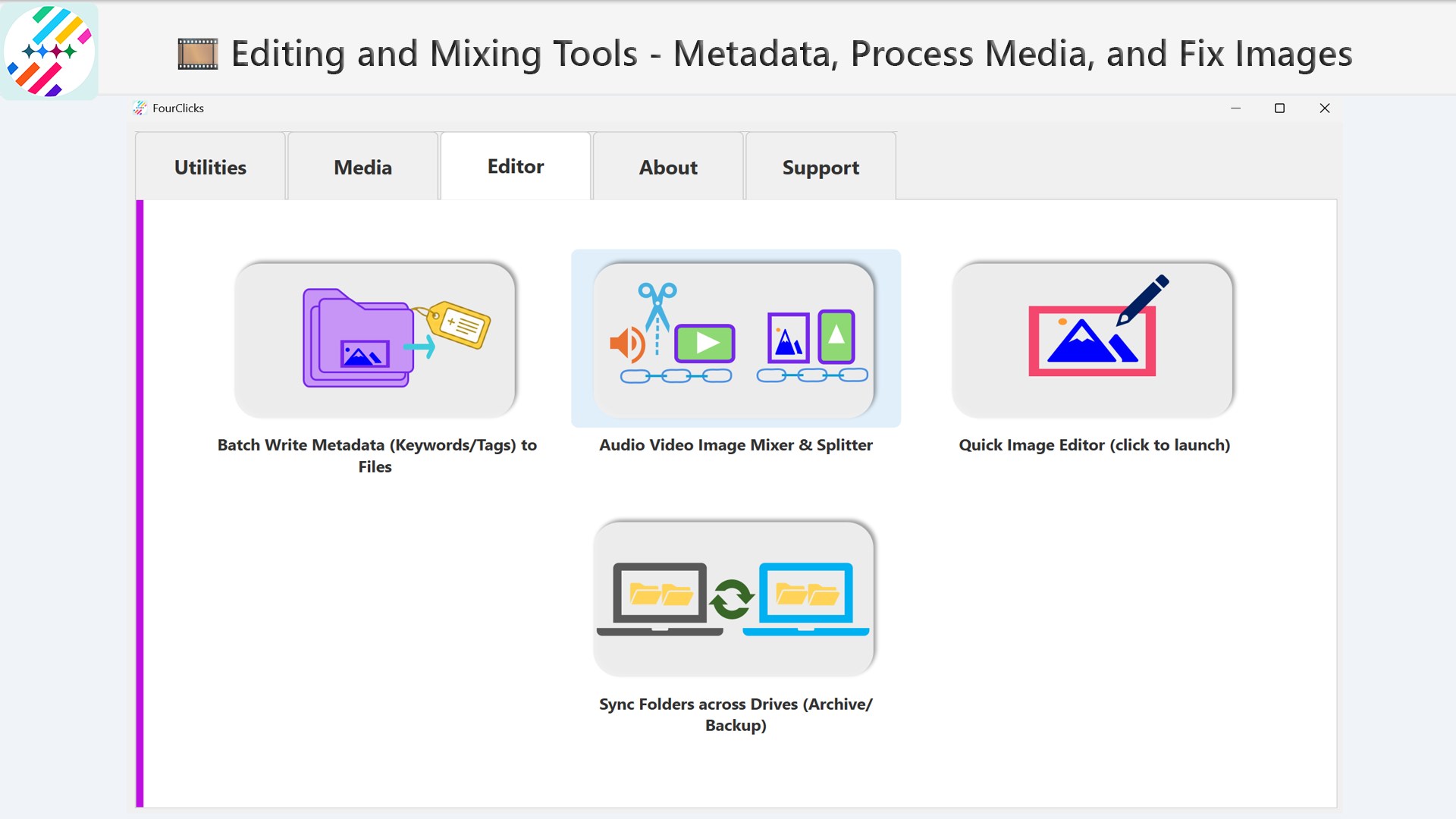
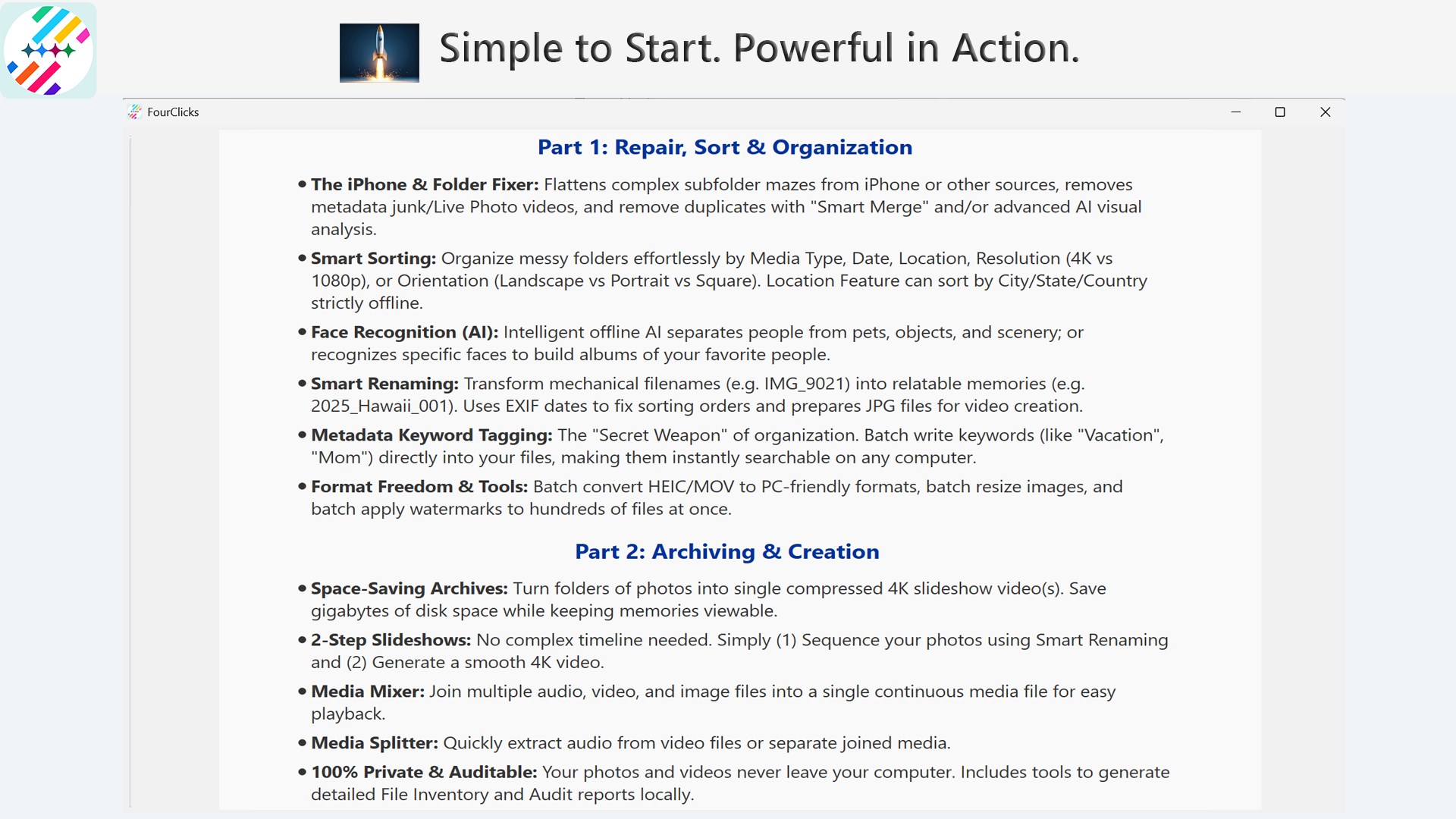
At its core, FourClicks Media excels in bringing order to chaos. Its robust tagging system allows users to assign keywords, locations, dates, or custom labels—think of it as giving each photo a unique name tag. The interface presents a grid of images that is both visually appealing and easy to browse. Drag-and-drop features further simplify the process, allowing users to bulk organize hundreds of photos at once. Compared to traditional photo apps that often hide organizational features in complex menus, this app's design ensures that even beginners can get straight to managing their images effectively.
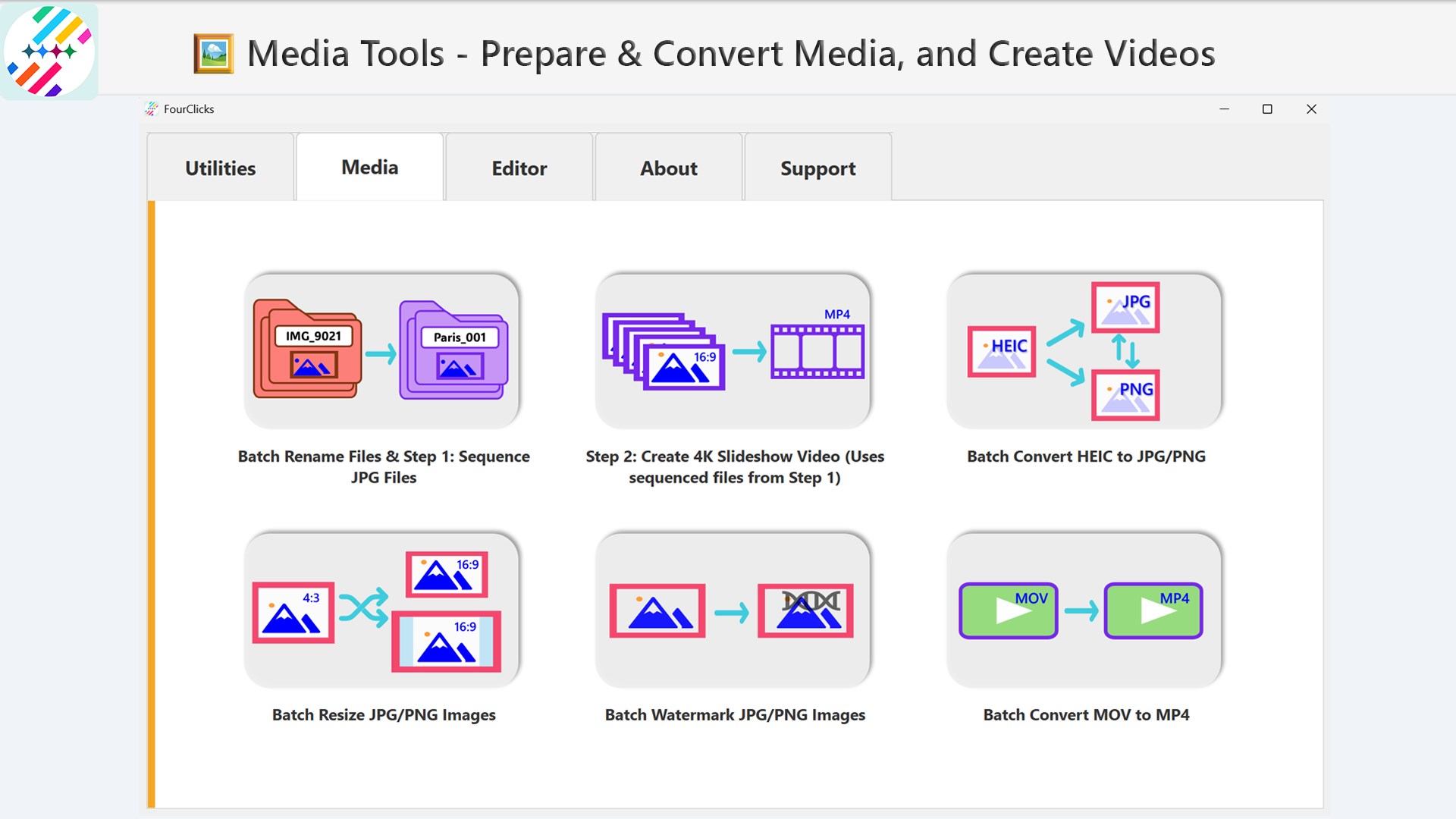
If you've ever been frustrated by needing to convert dozens of images individually, you'll appreciate the bulk conversion feature. FourClicks Media supports multiple formats, including JPEG, PNG, BMP, TIFF, and more. The conversion process is straightforward: select your images, choose the output format, and click 'Convert.' The app handles multiple files in the background, saving you precious time. What sets this apart from other photo apps is its reliability combined with simplicity—no confusing settings, just quick results. This feature is especially beneficial for photographers who need to prepare images for different platforms or clients without fuss.
The app's standout feature is creating crisp, professional-looking slideshows in 4K resolution. Whether you're preparing a family album, a business presentation, or an event showcase, this tool offers customizable transitions, background music, and text overlays. It feels like being a director on a mini movie set—adjusting timing, adding effects, and previewing the output before exporting. The interface for slideshow creation is user-friendly, with drag-and-drop timelines and preset themes that make the process feel almost playful rather than technical. This capability offers a significant edge over basic photo viewers that only display images statically, giving users a dynamic and polished way to present their memories or portfolios.
FourClicks Media scores highly on usability and feature integration. Its interface is clean, modern, and intuitive—almost like a tidy workspace that invites you in rather than overwhelming you. Operations such as browsing, tagging, and converting feel fluid, with minimal lag, which is essential for maintaining productivity during larger projects.
Compared with other photo management apps that often specialize narrowly, this application's strength lies in its combined features that serve both organizational and creative needs. The ability to produce high-quality slideshows in 4K stands out, especially for users aiming to present their images professionally or impressively.
On the downside, while the app's core functions are seamlessly integrated, more advanced editing or editing features are not included, limiting scope for detailed photo retouching. However, for users seeking an all-in-one solution for organizing, converting, and showcasing photos, FourClicks Media performs admirably.
Overall, I recommend this application to casual photographers, small business owners, or anyone who needs an efficient, straightforward photo toolkit. Its most unique advantage—combining solid organizational tools with professional slideshow creation—makes it a valuable addition to your digital arsenal, especially if you want to manage photos and produce presentations within a single, cohesive platform.
Intuitive Photo Organization
Multiple Conversion Formats
High-Resolution Slideshow Creation
Fast Processing Speed
User-Friendly Interface
Limited Editing Features
Occasional Stability Issues
Basic Slideshow Customization
Limited Export Options
Learning Curve for Advanced Features
for Windows
 5
5

for Windows
4.9

for Windows
4.8

for Windows
4.8

for Windows
4.8

for Windows
4.7

for Windows
4.7

for Windows
4.7

for Windows
4.7

for Windows
4.7

for Windows
4.7

for Windows
4.7

for Windows
5

for Windows
5

for Windows
5

for Windows
5

for Windows
5

for Windows
5

for Windows
5

for Windows
5

for Windows
5

for Windows
5