Multimedia design
PC, Surface Hub, HoloLens
Windows 10 version 10240.0 or higher
Not specified
Not specified
English (United States)
Font Lounge for Windows is an elegant and intuitive font management application designed to help users organize, preview, and activate fonts effortlessly. Whether you're a graphic designer, a content creator, or just a font enthusiast, this tool aims to simplify your typographic workflow with its sleek interface and rich features.
Developed by ErickFiveTen, a dedicated developer team committed to creating user-friendly utilities for Windows users, Font Lounge stands out as a thoughtfully crafted application tailored for font management tasks.
Designed with a target audience in mind, Font Lounge caters to designers, developers, and hobbyists who need a streamlined, visually appealing font manager without the complexity of larger suites.
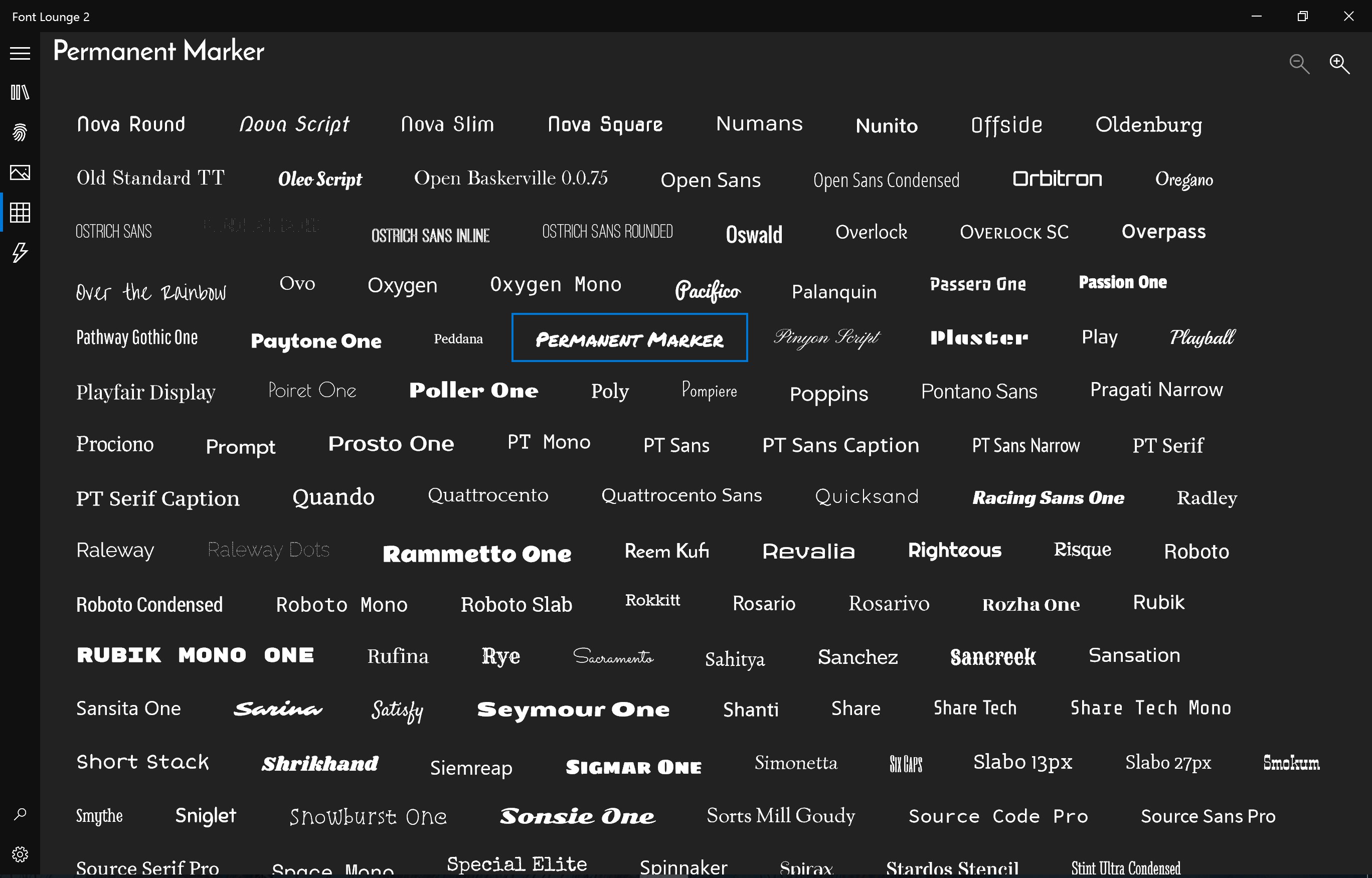
Imagine waking up and opening your laptop to find a neatly organized font library, ready for your next project. Font Lounge transforms this dream into reality. Its beautifully crafted interface feels like slipping into a well-organized tool chest—each font categorized and previewed like a carefully curated collection. Navigating through hundreds of fonts becomes less like trudging through a jungle and more like strolling through a well-manicured garden, full of inspiration and ease.
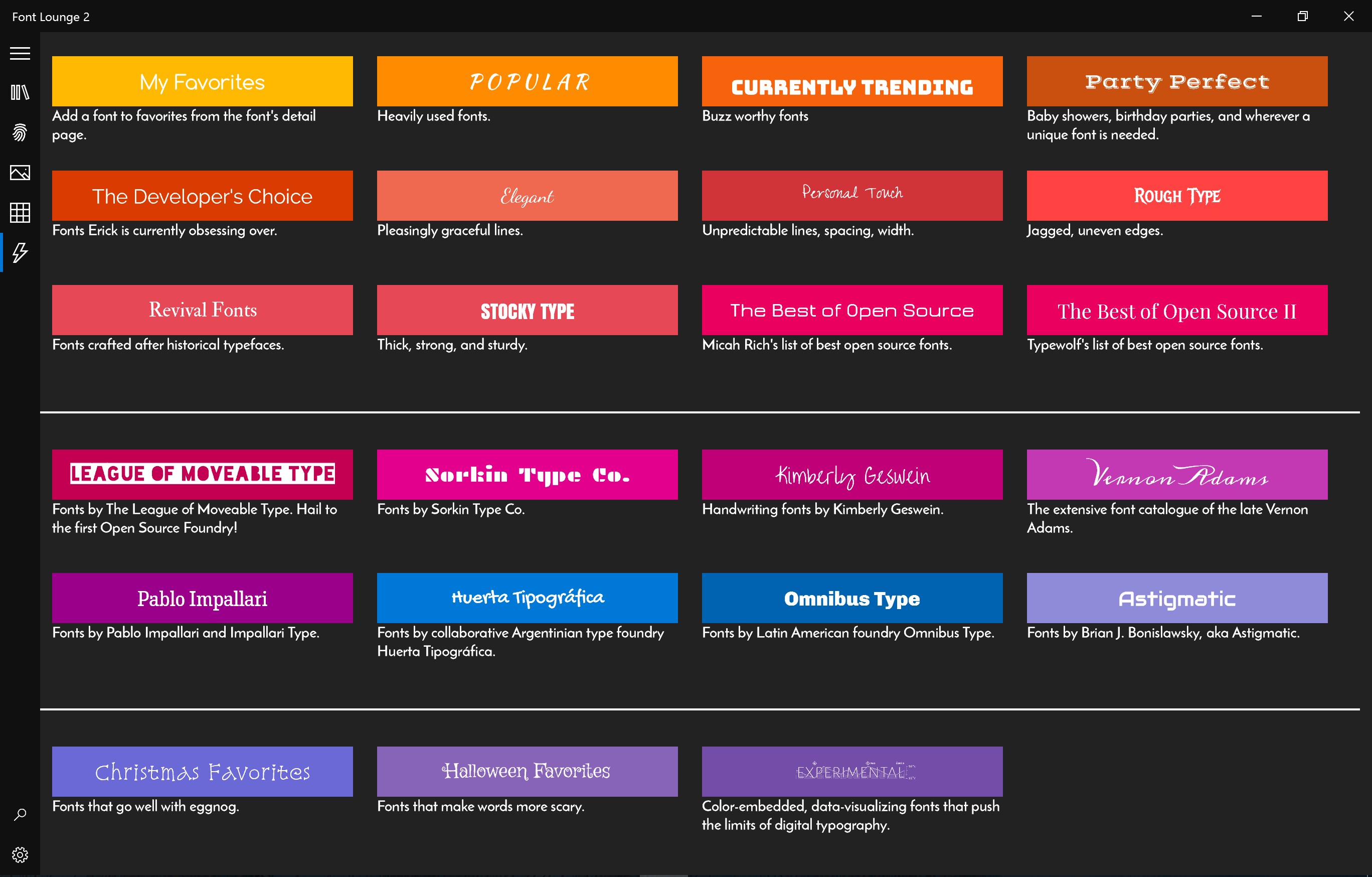
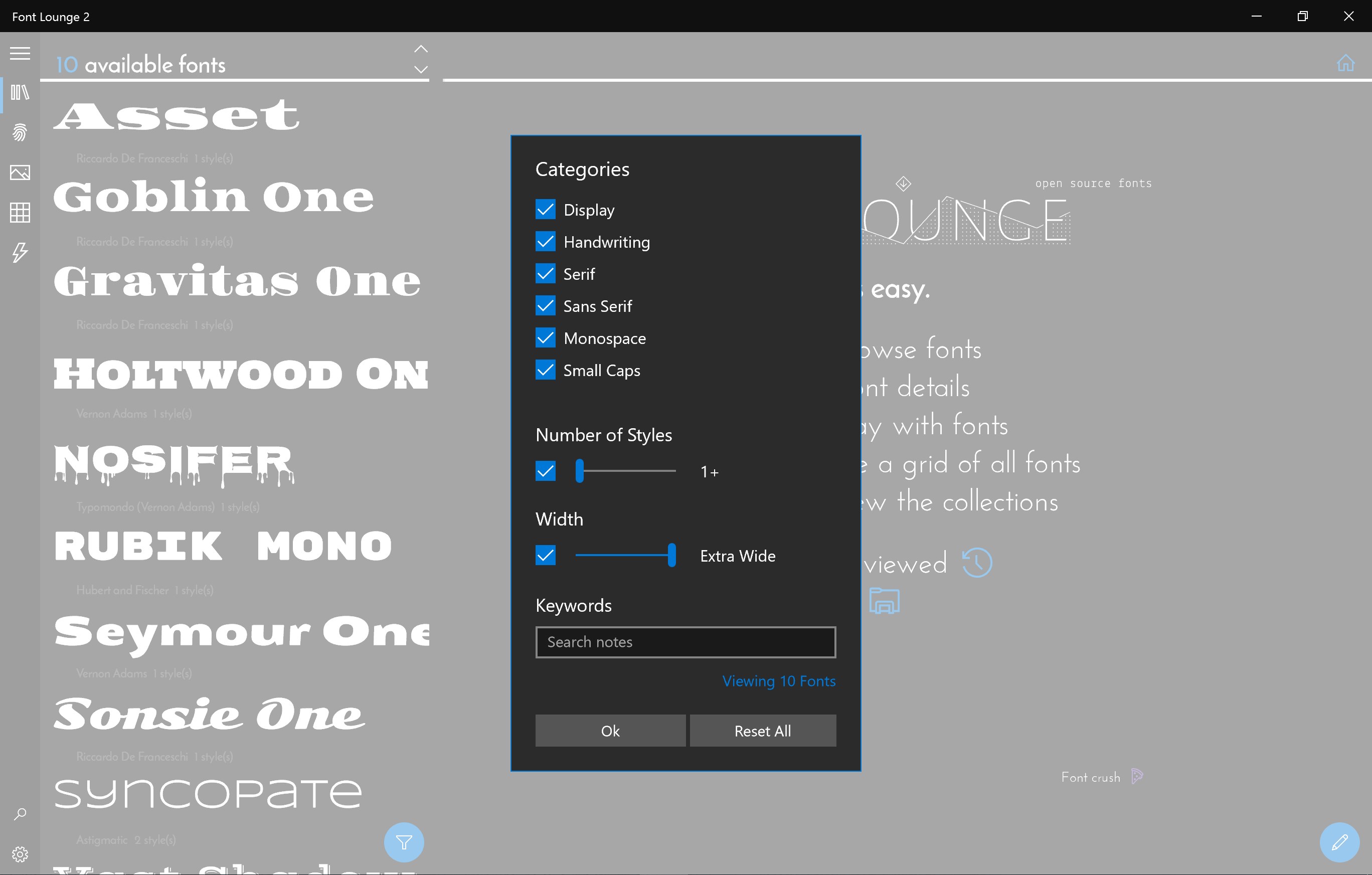
One of Font Lounge's most compelling features is its robust organizational system. Unlike traditional font viewers, which just dump all fonts into a long list, Font Lounge offers intelligent categorization. You can create custom tags, assign fonts to multiple collections, and even combine styles within a collection. This makes locating the right font for a specific project as simple as finding the right book on a shelf. The smart filtering options help you swiftly narrow down your choices, saving precious creative time.
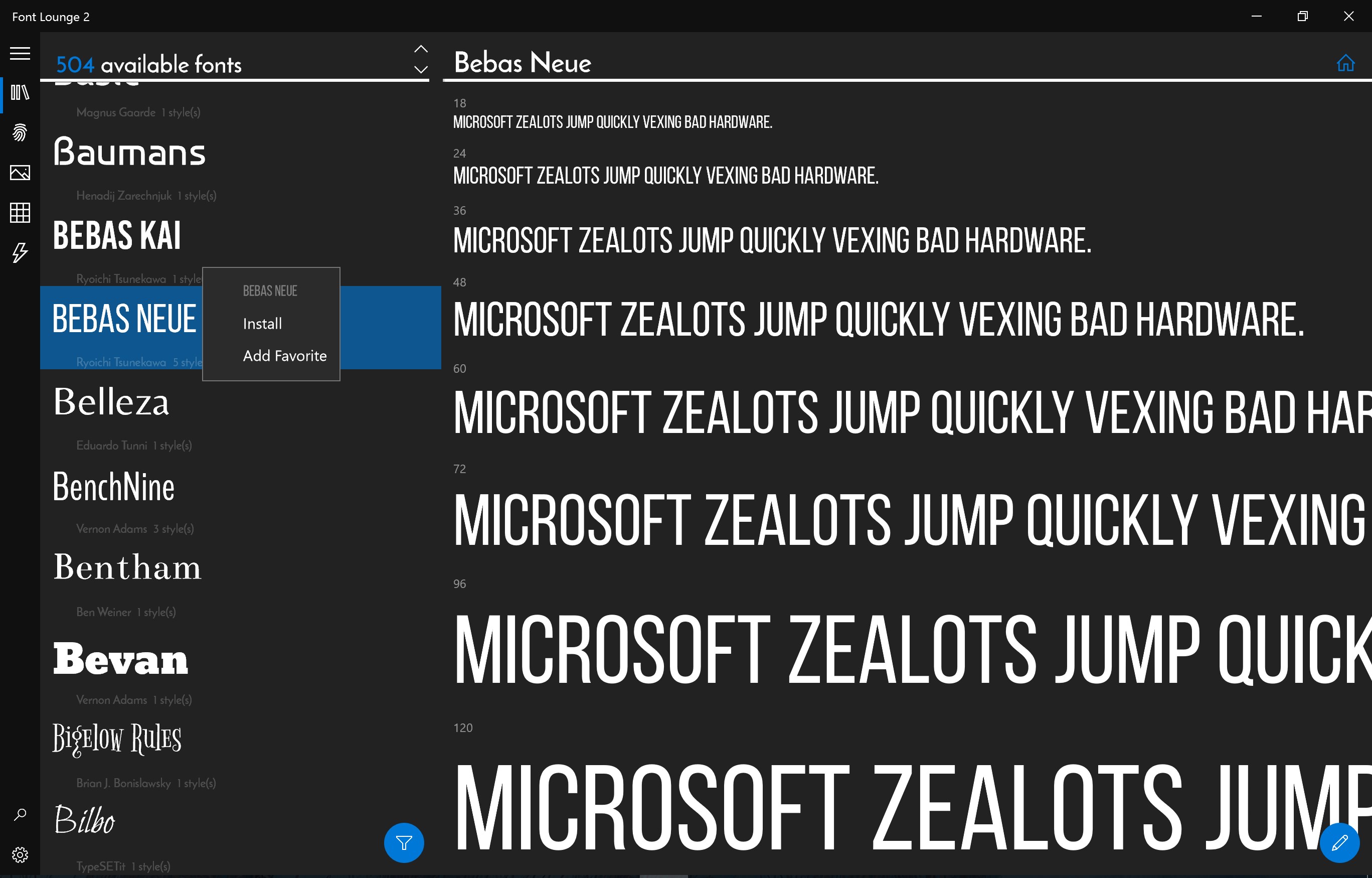
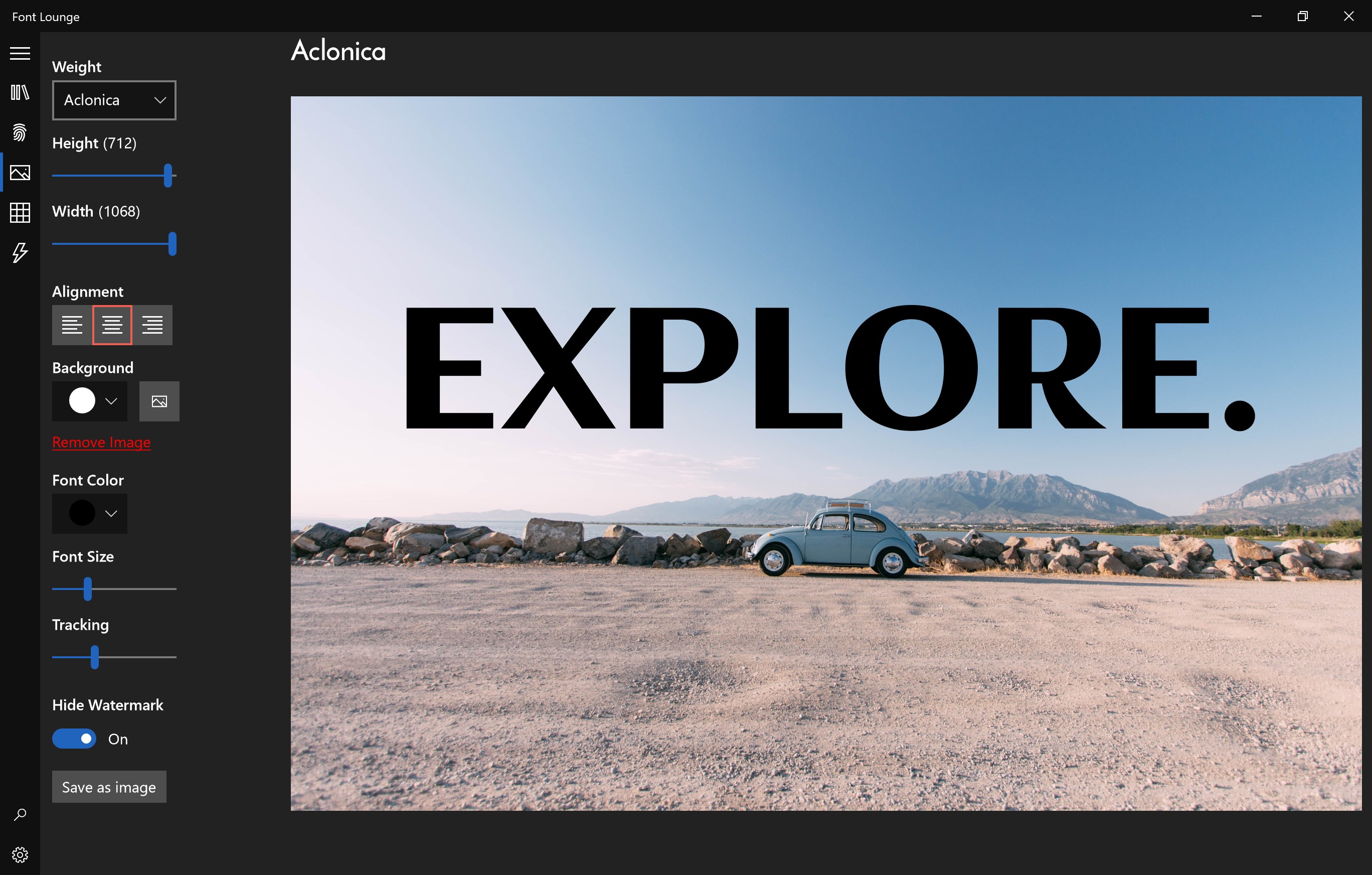
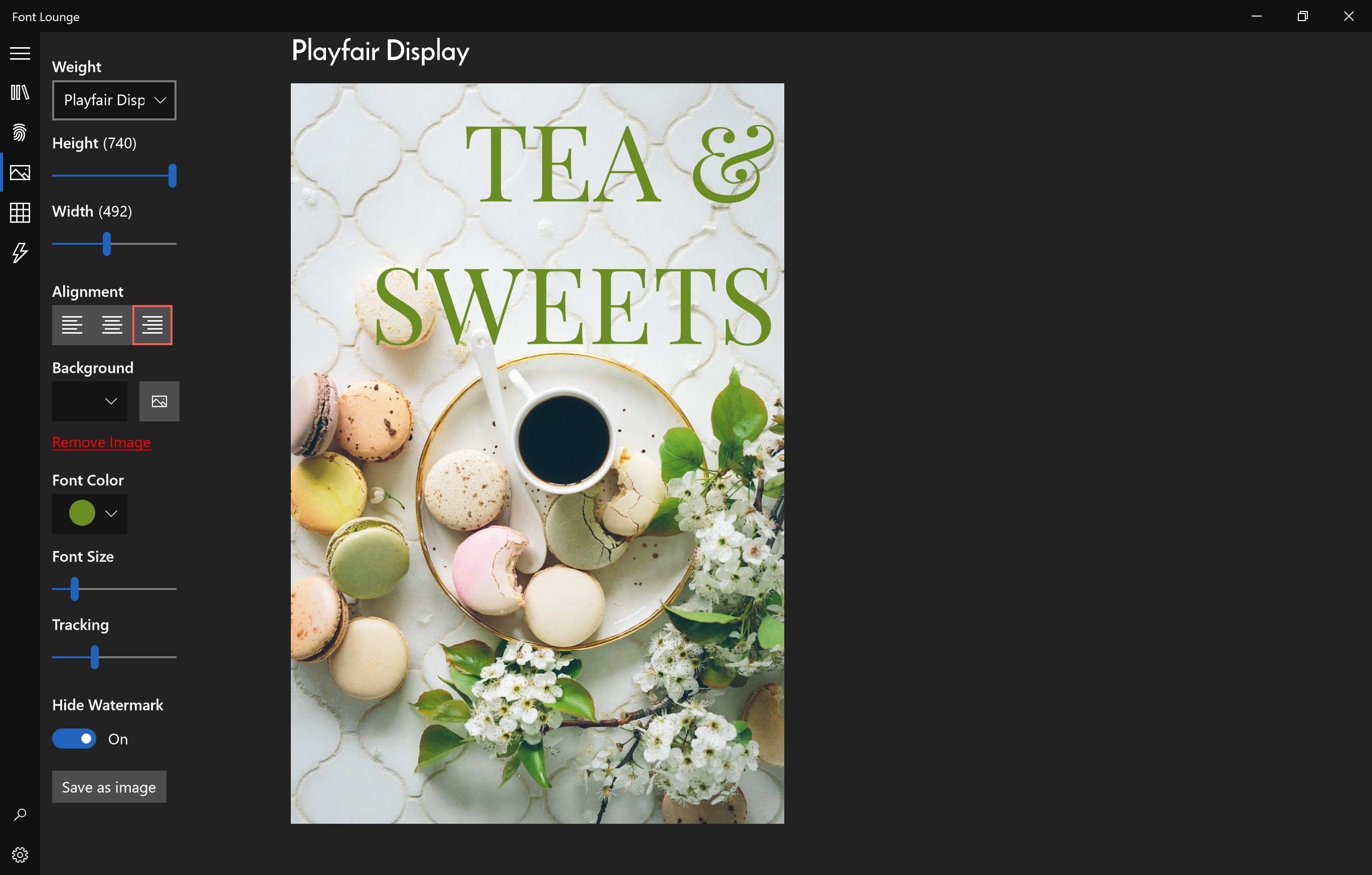
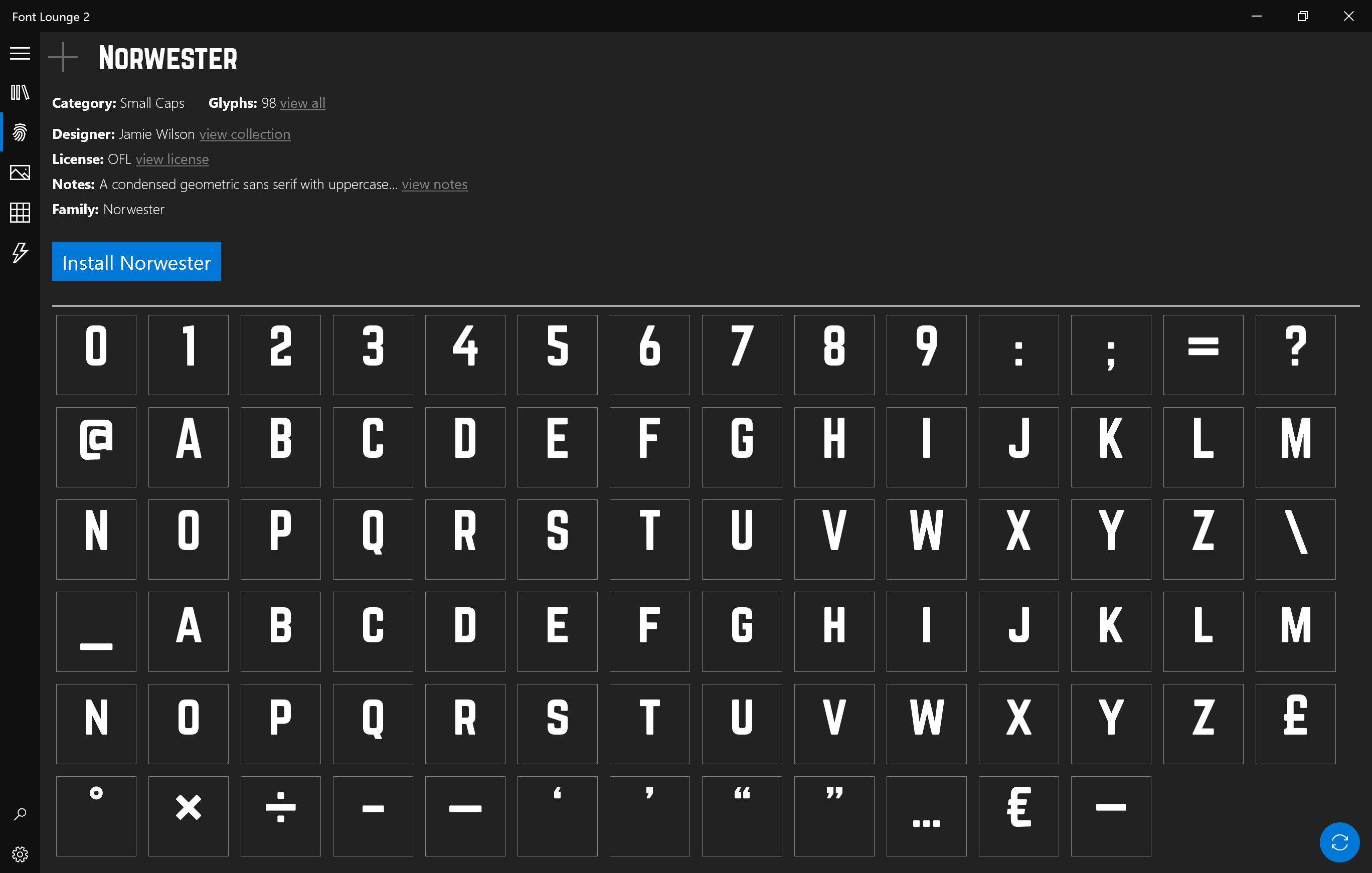
The live preview feature is a game-changer. Instead of guessing how a font will look in your project, you can type or paste your own text to see it rendered instantly. The preview window supports zooming, resizing, and switching between different background colors to simulate how the font would appear on various devices. This immersive, hands-on approach makes font selection both fun and precise—enhancing your confidence in design decisions.
Handling system fonts can sometimes be a chore, especially when dealing with large font libraries. Font Lounge excels here by allowing users to activate or deactivate fonts quickly, avoiding system clutter and improving overall performance. Its system-wide toggle ensures that you can enable fonts temporarily without permanently installing or uninstalling files. For designers working on multiple projects, this means faster load times and a cleaner workspace—like a clutter-free desk that sparks your creative flow.
The interface of Font Lounge is both aesthetically pleasing and intuitively organized, making navigation feel like flipping through a beautifully designed magazine rather than wrestling with a labyrinth of menus. The learning curve is gentle; even users new to font management can get started smoothly thanks to helpful tooltips and a clear layout.
Compared to other multimedia design tools, Font Lounge offers a distinguished edge with its focus on intelligent organization and real-time previews—features that truly enhance workflow efficiency and inspire creativity. Its emphasis on custom tags and project-specific font collections makes it a personalized assistant rather than just a viewer.
Font Lounge for Windows earns a solid recommendation, especially for users seeking a practical, well-designed font management solution without the overhead of larger, more complicated suites. It's particularly suited for freelance designers, small studios, or hobbyists who need quick, reliable access to a well-organized font library.
If you value seamless font organization, instant previews, and an unobtrusive experience that integrates smoothly into your creative process, this app might become your new best friend. While it's not packed with overly complex features, its streamlined approach and thoughtful design may well elevate your typography game without adding clutter.
Extensive font library
User-friendly interface
High-quality font previews
Regular updates
Easy integration with Windows
Limited custom filtering options
Occasional slow loading times
Inconsistent font quality in previews
Limited free fonts compared to premium offerings
No offline browsing mode

for Windows
 4.8
4.8

for Windows
4.8

for Windows
4.7
for Windows
4.7

for Windows
4.6

for Windows
4.6

for Windows
4.6

for Windows
4.6

for Windows
4.5

for Windows
4.5

for Windows
4.5

for Windows
4.5

for Windows
5

for Windows
5

for Windows
5

for Windows
5

for Windows
5

for Windows
5

for Windows
5

for Windows
5

for Windows
5

for Windows
5