Music
Image-Line Software
PC, Mobile, Surface Hub, HoloLens
Windows 10 version 19041.0 or higher
2 GB
English (United States)
Imagine transforming your casual musical ideas into polished tracks without the need for bulky studio setups—in the palm of your hand. That's precisely what FL Studio Mobile for Windows aims to facilitate, offering a portable yet powerful digital audio workstation (DAW) experience tailored for creators on the move.
Developed by the renowned Image-Line Software team, FL Studio Mobile for Windows brings the trusted capabilities of the popular DAW to desktop users, emphasizing simplicity and professional-quality production. It features an intuitive interface, a versatile array of instruments, and robust editing tools—making it suitable for both beginners eager to learn the ropes and seasoned producers seeking quick idea sketches or full-fledged compositions. Its core strengths include multi-track recording, a comprehensive selection of built-in instruments, and seamless project synchronization across devices. The app primarily targets aspiring musicians, hobbyists, and professionals who want a streamlined platform for music creation without the complexity of larger desktop DAWs.
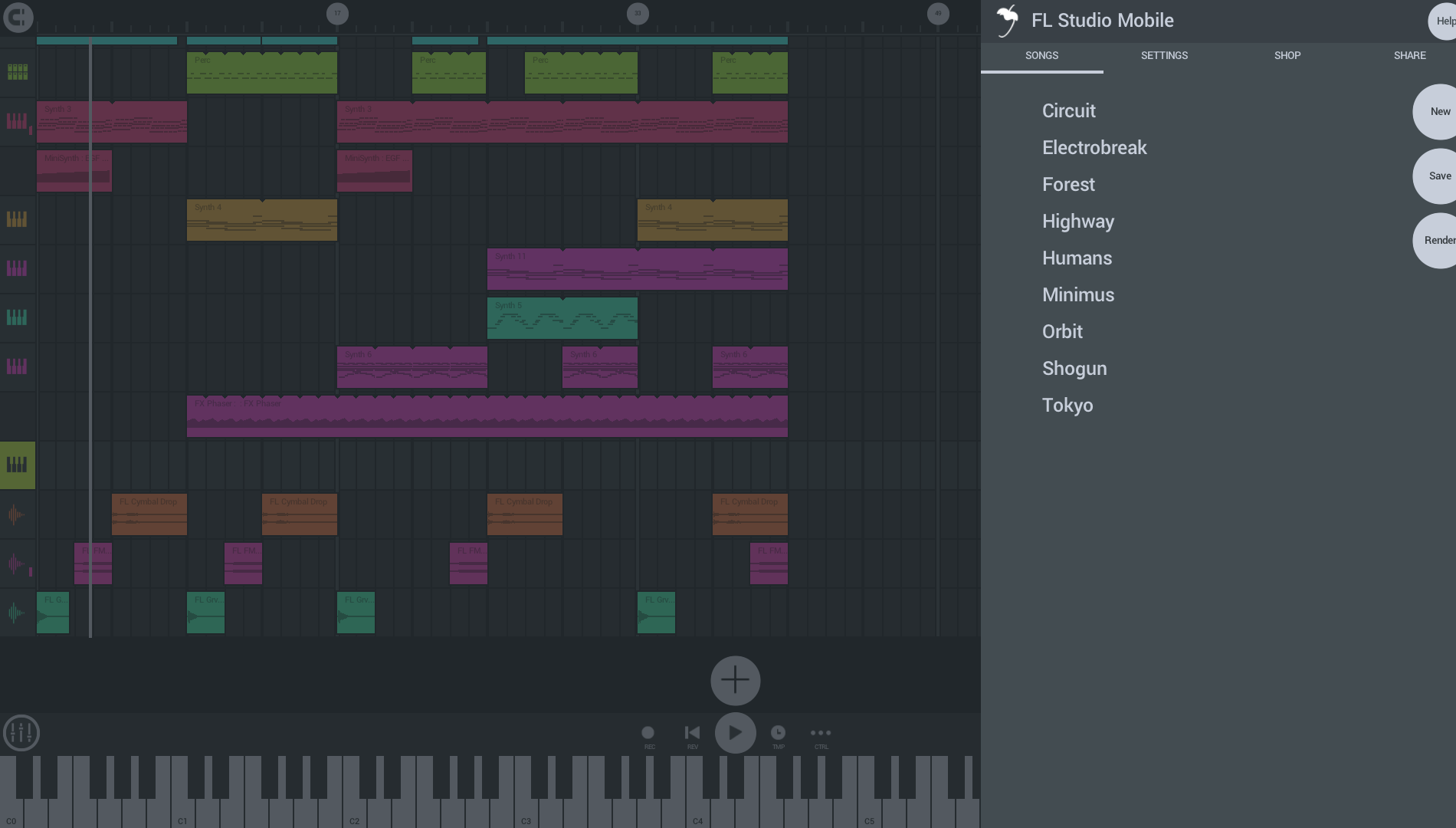
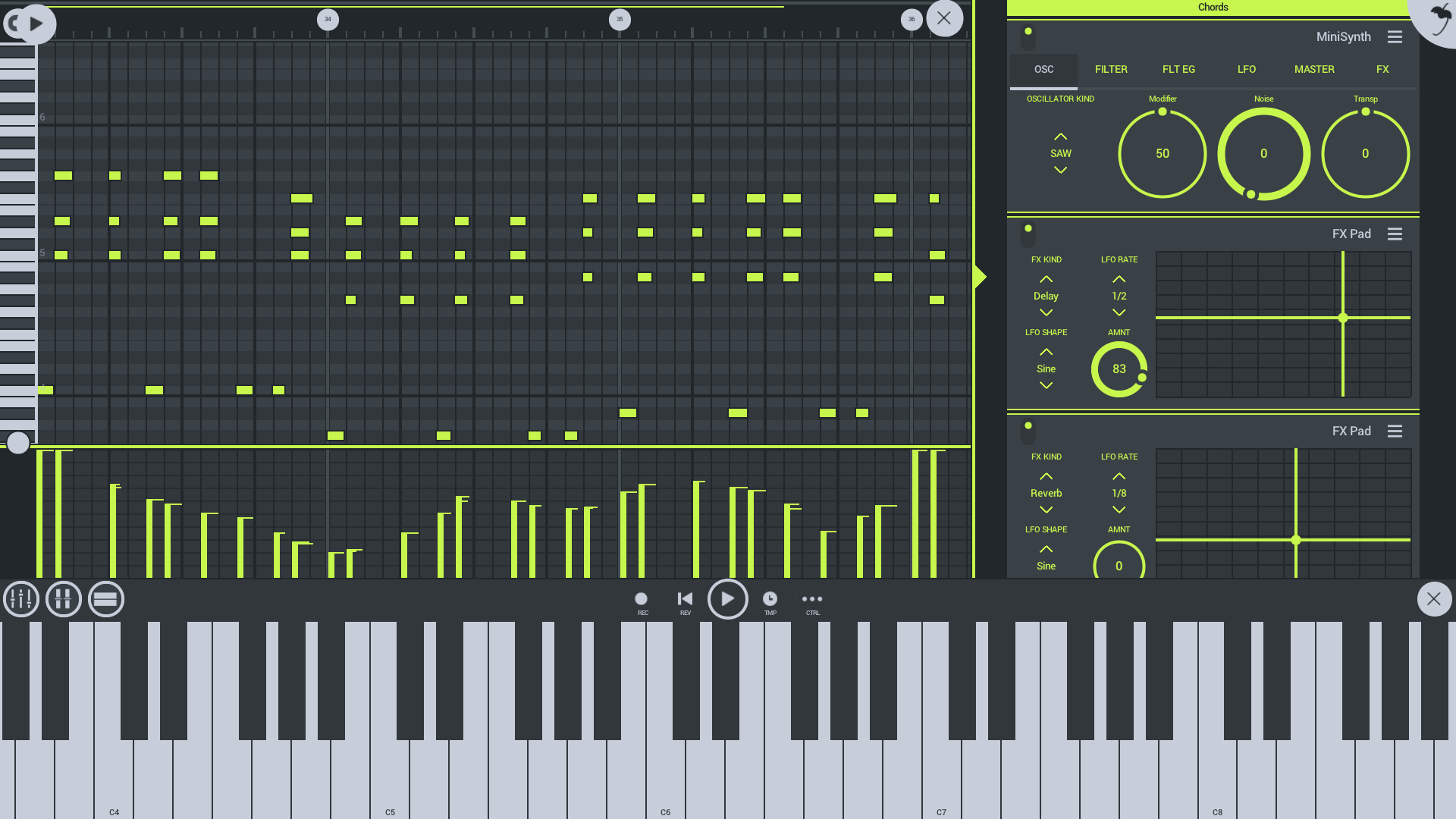
Stepping into FL Studio Mobile for Windows feels like opening a compact, well-organized studio ready to spark your creativity. Its interface is clean yet inviting, balancing detailed controls with user-friendly navigation. Whether you're laying down a bassline on a virtual keyboard or editing intricate rhythm patterns, the app guides you effortlessly through each step. The smooth performance ensures your ideas flow naturally, making music creation less about battling with the software and more about expressing yourself—like having a personal jam session anytime inspiration strikes.
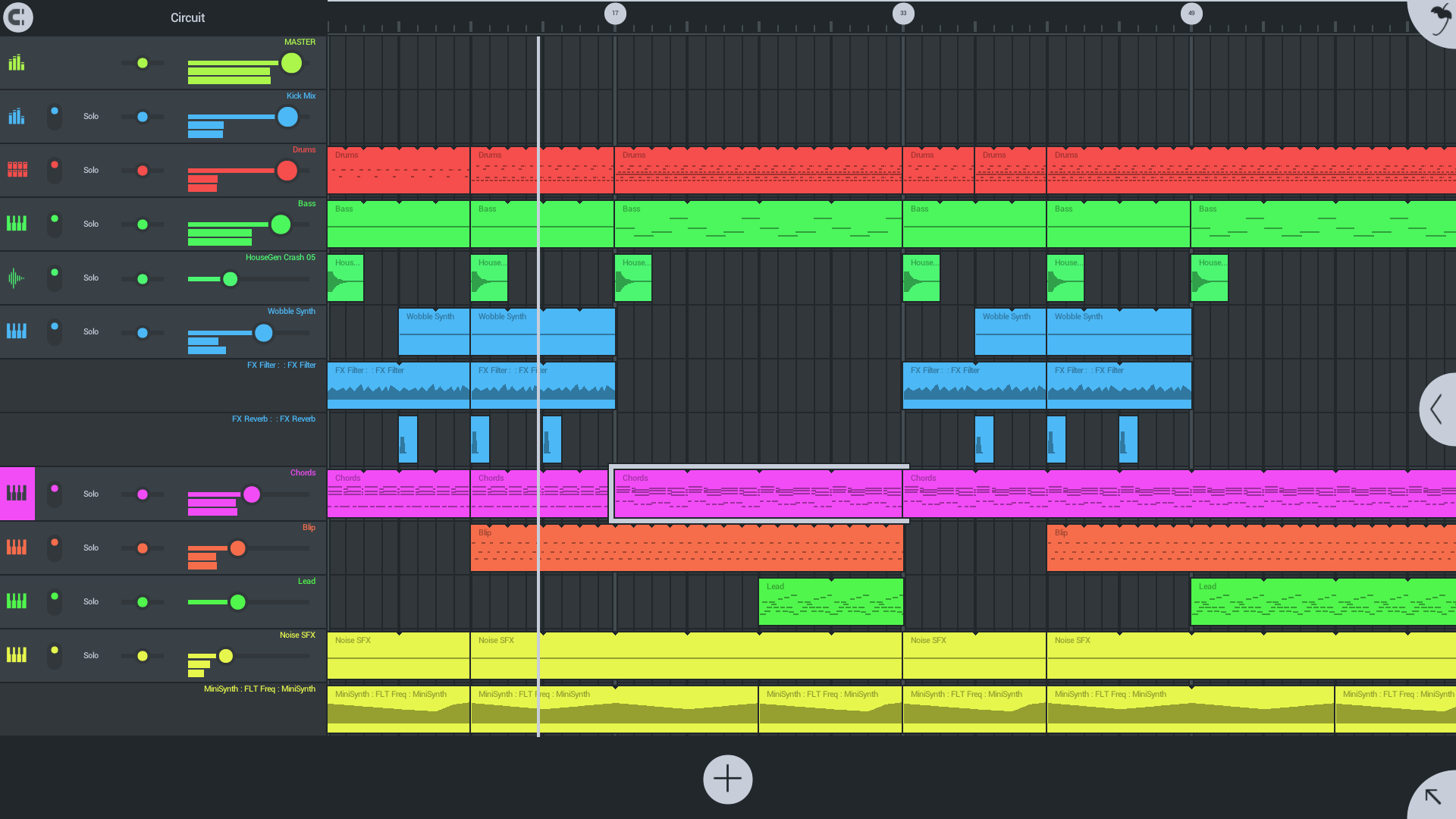
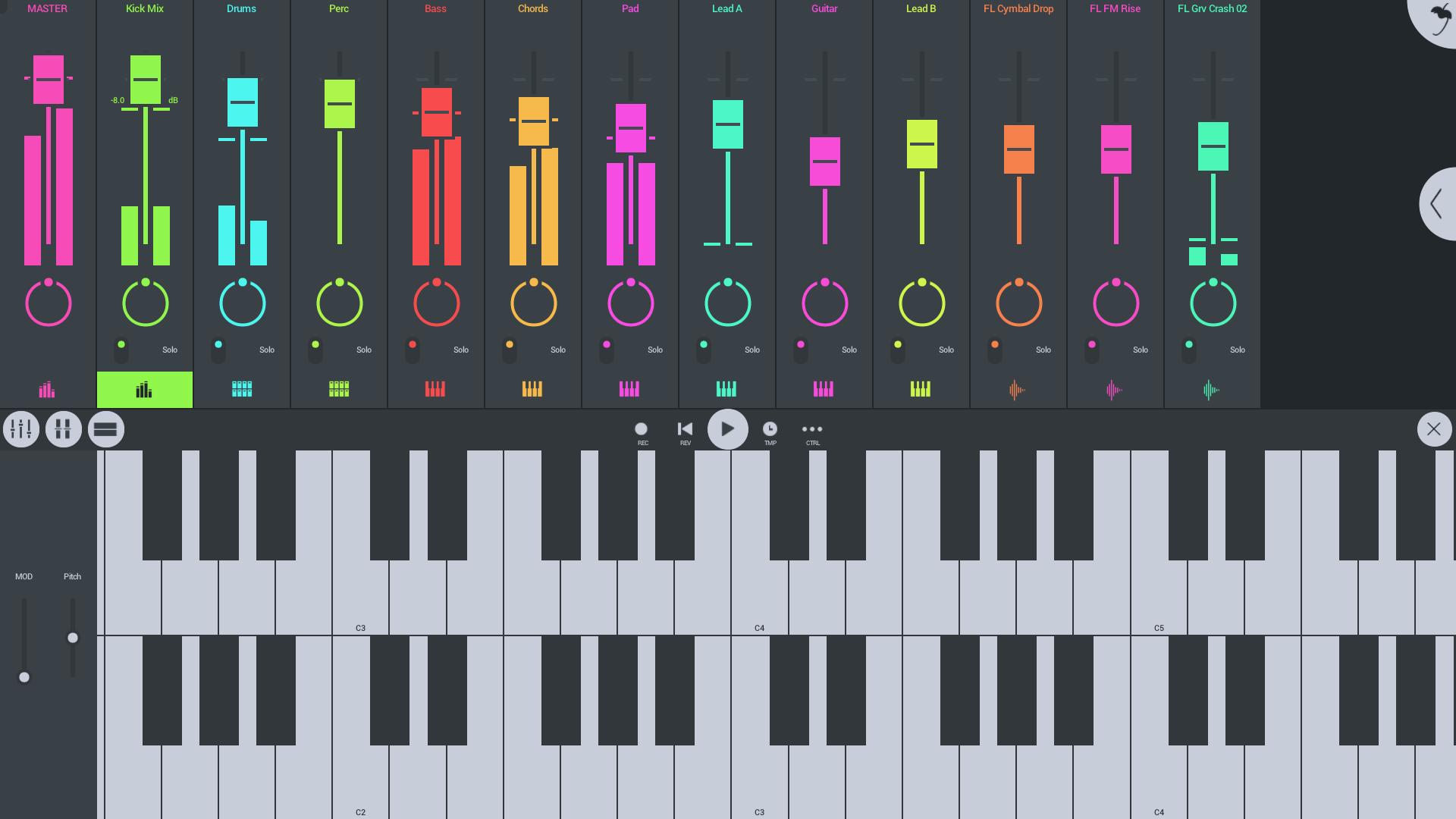
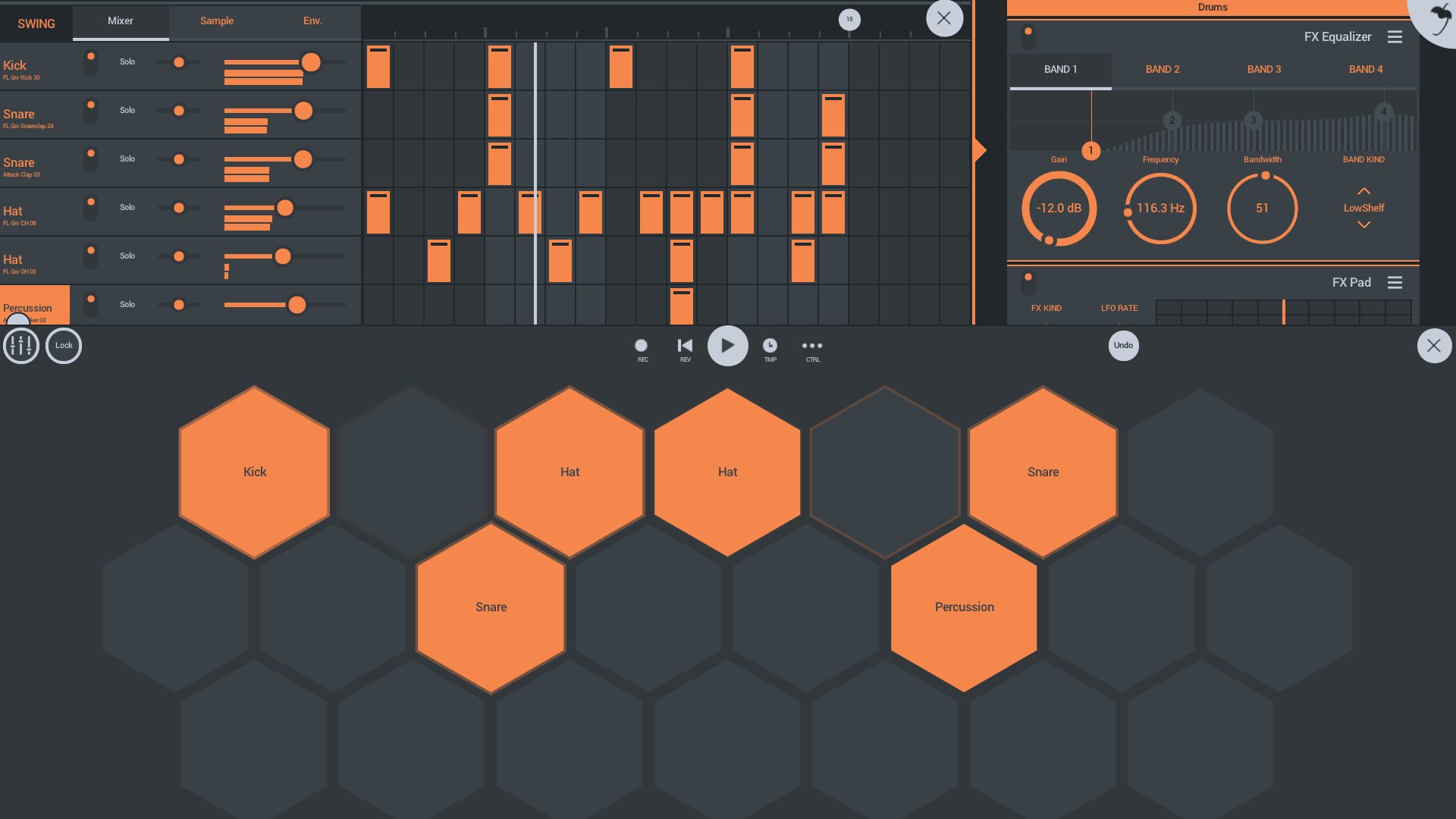
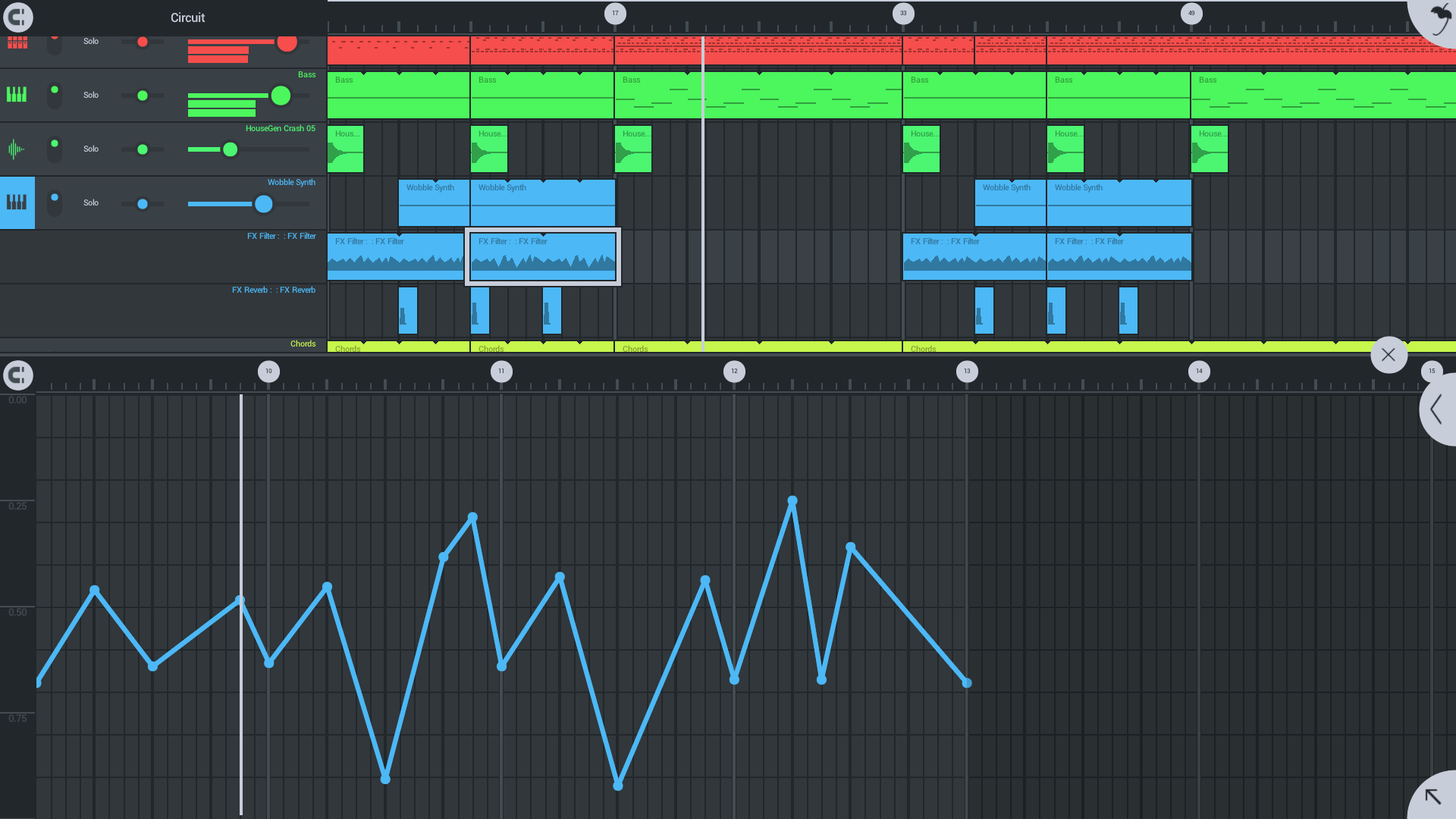
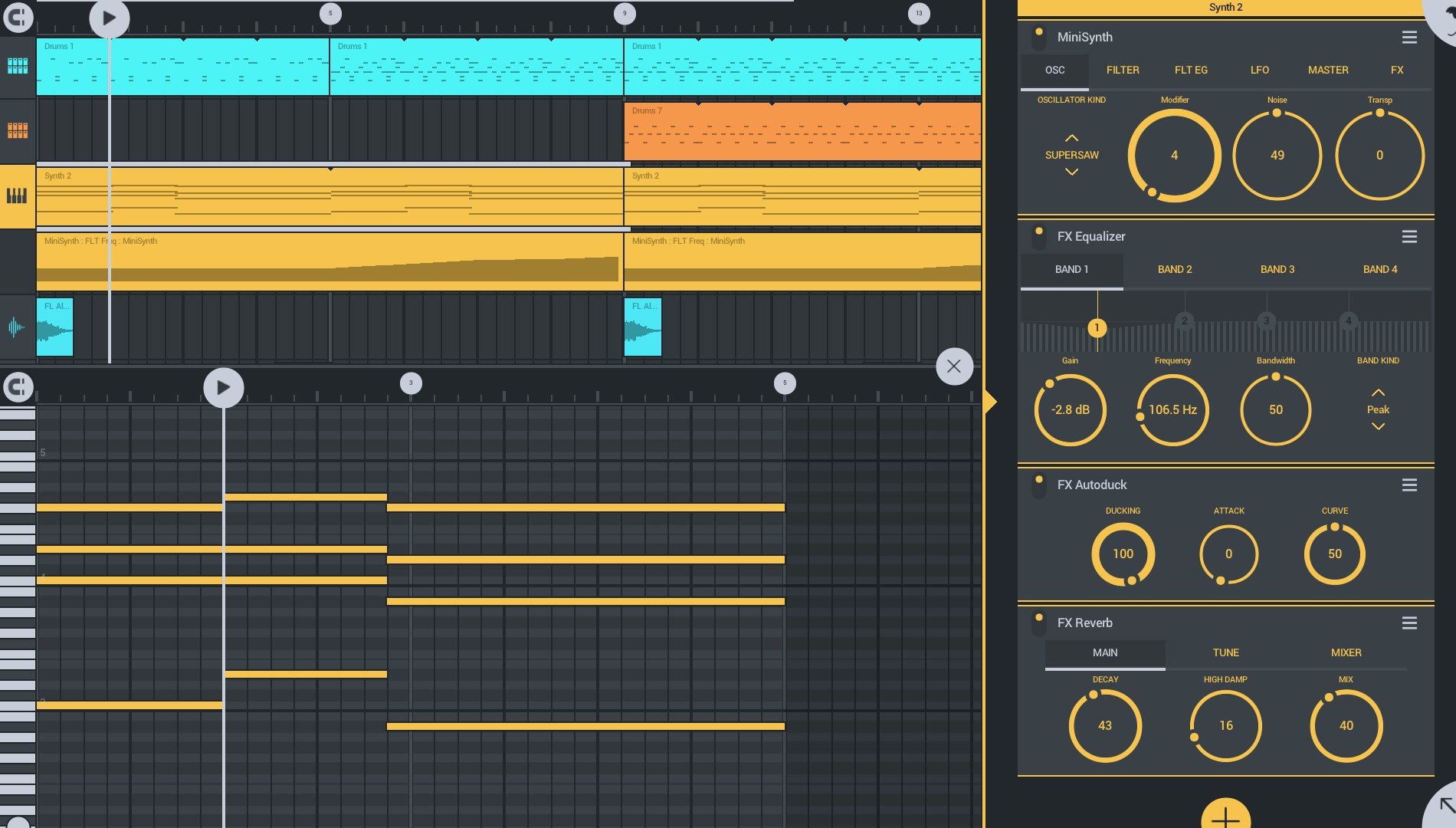
One of the standout features is the app's intuitive multi-track recording capability. You can record live instrumentation or vocals directly into the project, layering sounds with ease. This flexibility transforms FL Studio Mobile into a versatile workspace where spontaneous ideas can evolve into complex arrangements. Another highlight is its comprehensive instrument library, offering a variety of high-quality synthesizers, drum kits, and sample packs. These sound sources allow users to experiment across genres, from electronic beats to acoustic melodies, enabling rich, textured compositions. Lastly, the pattern-based step sequencer stands out as an innovative tool for rhythm creation. Unlike some competitors that constrain rhythm customization, FL Studio Mobile supports intricate pattern variations and swing, elevating your groove and ensuring your tracks sound lively and dynamic.
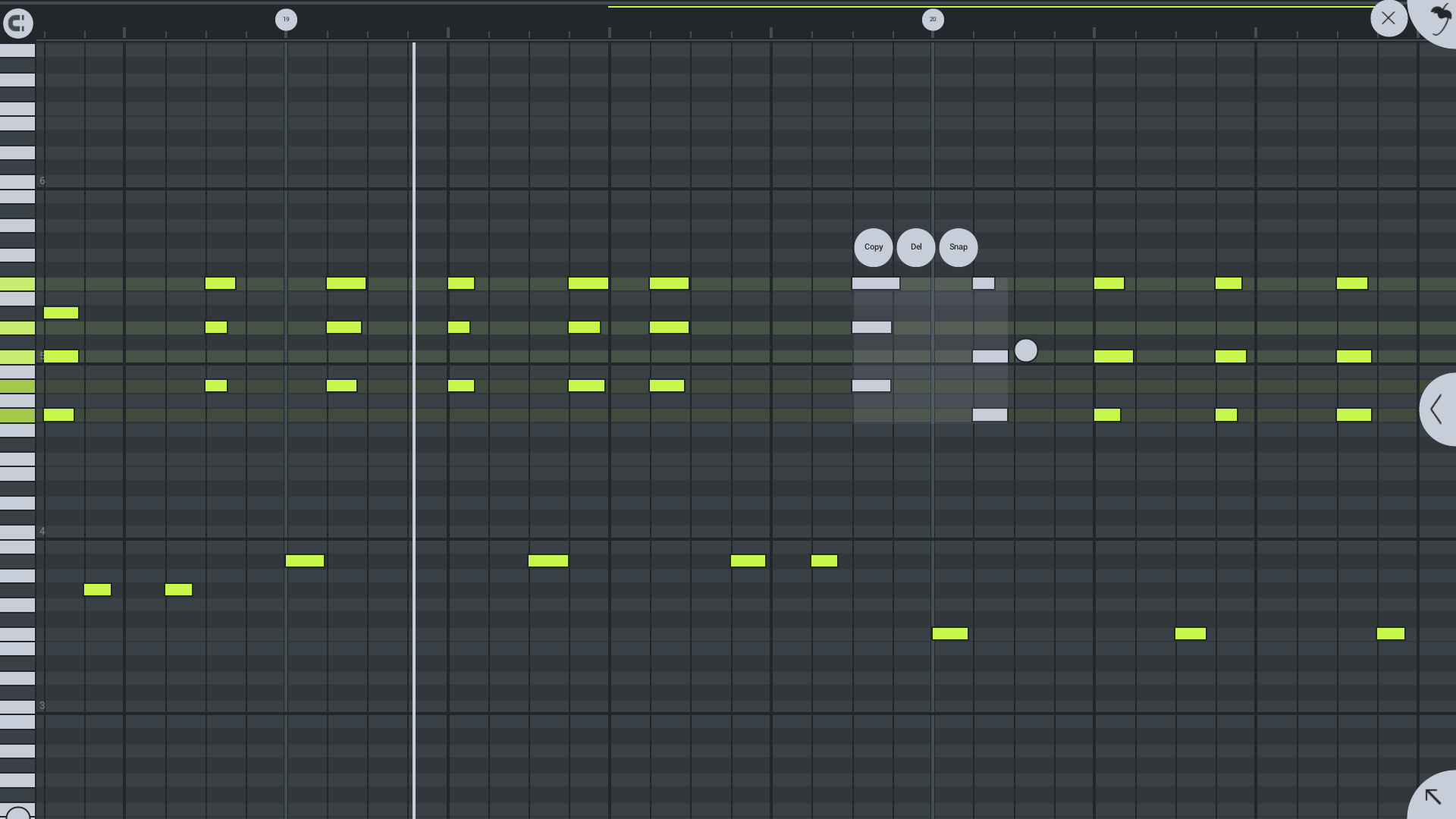
From a user experience perspective, FL Studio Mobile's interface exemplifies clarity and ease of use. The drag-and-drop pattern editors, color-coded tracks, and contextual menus reduce learning curve barriers, making it accessible to newcomers while still satisfying veterans. The app operates smoothly on a range of Windows devices, with minimal lag, allowing for responsive editing sessions—crucial for capturing spontaneous musical ideas. What truly sets this app apart from other mobile-focused DAWs is its ability to handle complex rhythm patterns and low input latency tolerances. This means your beat timings are precise and the app responds swiftly to your inputs, maintaining musical tightness even with rapid note changes. Such features make it a standout option for rhythm-centric genres like hip-hop, EDM, or intricate jazz improvisations. Compared to more general music apps, FL Studio Mobile's dedicated focus on pattern variety and tempo flexibility grants it a unique edge—empowering users to craft beats and melodies that breathe with natural groove and rhythm variation.
All considered, FL Studio Mobile for Windows is a compelling choice for anyone seeking a portable yet capable music production tool. Its balanced design, responsive performance, and particularly its advanced rhythm handling make it suitable even for more rhythmically nuanced genres. While it doesn't replace full desktop DAWs for complex mixing and mastering tasks, it excels at quick production, sketching ideas, and live jam sessions. For hobbyists, bedroom producers, or digital musicians wanting a reliable, user-friendly platform with professional-grade features, I recommend giving it a try—especially if rhythmic precision and pattern variety are priorities in your musical workflow. It's a friendly companion that integrates well into a broader creative process, whether on Windows tablets, lightweight laptops, or desktops.
Intuitive interface for music production
Wide range of built-in instruments and sounds
Mobile editing and sequencing capabilities
Support for MIDI controllers and external audio interfaces
Export options in various formats including MP3 and WAV
Limited advanced editing features
Occasional lag or stability issues on older devices
In-app purchase model can be confusing
No multi-track recording from external sources yet
Limited tutorial resources within the app

for Windows
 4.9
4.9

for Windows
4.9

for Windows
4.8

for Windows
4.8

for Windows
4.7

for Windows
4.7

for Windows
4.6

for Windows
4.6

for Windows
4.5

for Windows
4.5

for Windows
4.5

for Windows
4.5

for Windows
5

for Windows
5

for Windows
5

for Windows
5

for Windows
5

for Windows
5

for Windows
5

for Windows
5

for Windows
5

for Windows
5