Business
PC, Mobile, Surface Hub, HoloLens
Windows 10 version 17763.0 or higher
Arabic, Chinese (Simplified), Chinese (Traditional Chinese), Chinese (Traditional), Dutch, English (United States), French, German, Hebrew, Italian, Japanese, Spanish (Spain), Turkish
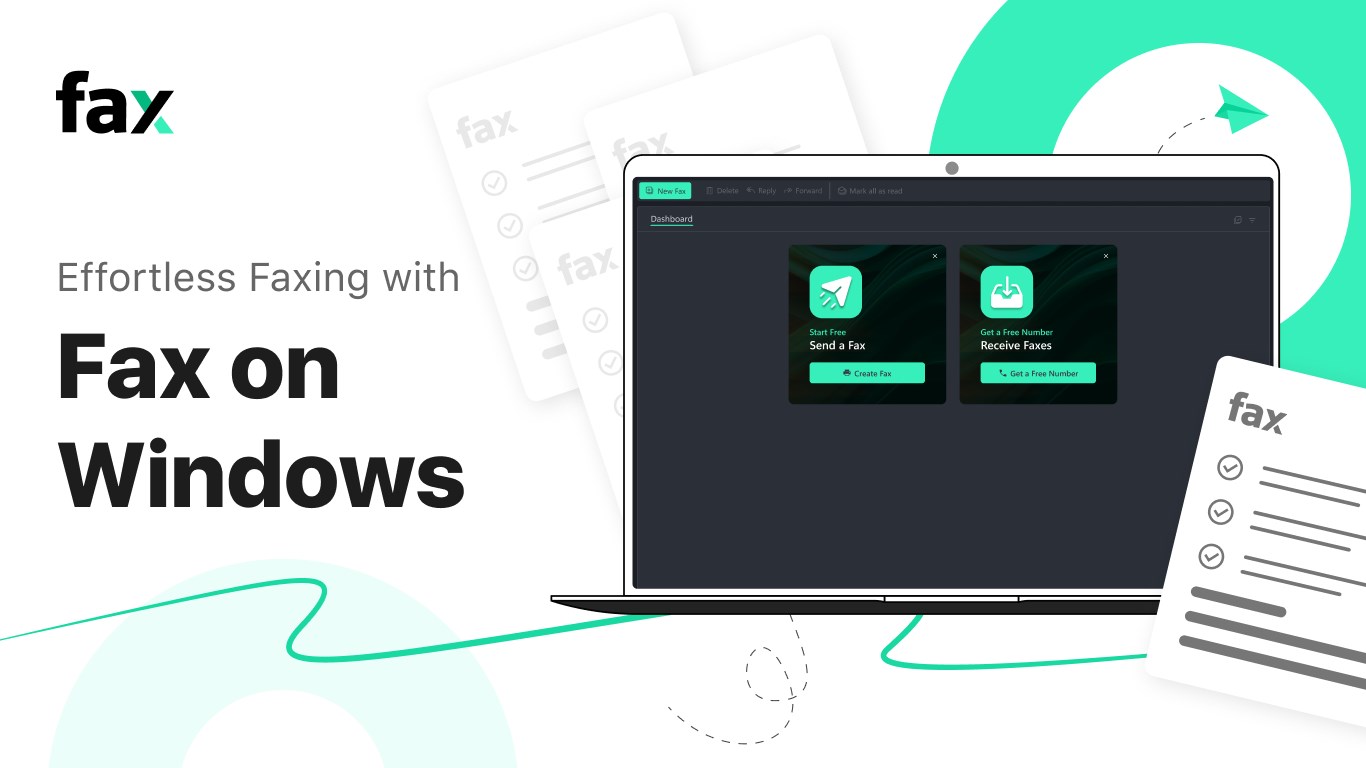
If you're tired of the hassle of traditional fax machines or clunky desktop solutions, Fax Faxing App offers a streamlined, digital approach to sending and receiving faxes directly from your Windows device. Designed to bring efficiency and convenience to business users and individuals alike, this app aims to make faxing as simple as clicking a button.
Developed by Amplify Ventures, a team dedicated to modernizing communication tools, Fax Faxing App is the fruit of their expertise in cloud-based business solutions. Their goal is to provide reliable, user-friendly applications that bridge the gap between traditional methods and modern workflows.
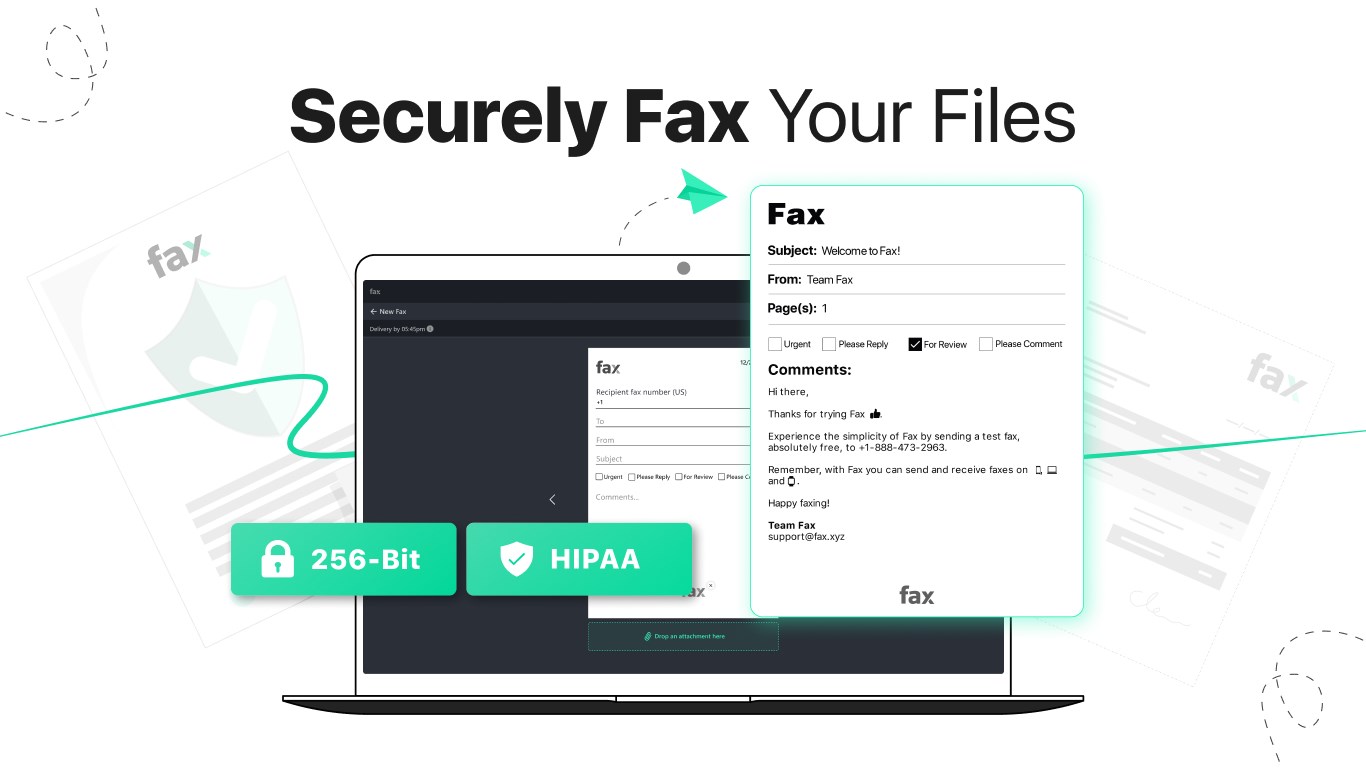
Jumping into a new app can sometimes feel like navigating a maze, but Fax Faxing App feels more like stepping into a well-oiled workspace. Its interface is clean and intuitive; strikingly similar to familiar email platforms, which makes onboarding quick and painless. Whether you're a tech newbie or a seasoned professional, the learning curve is gentle, allowing you to start faxing in minutes.
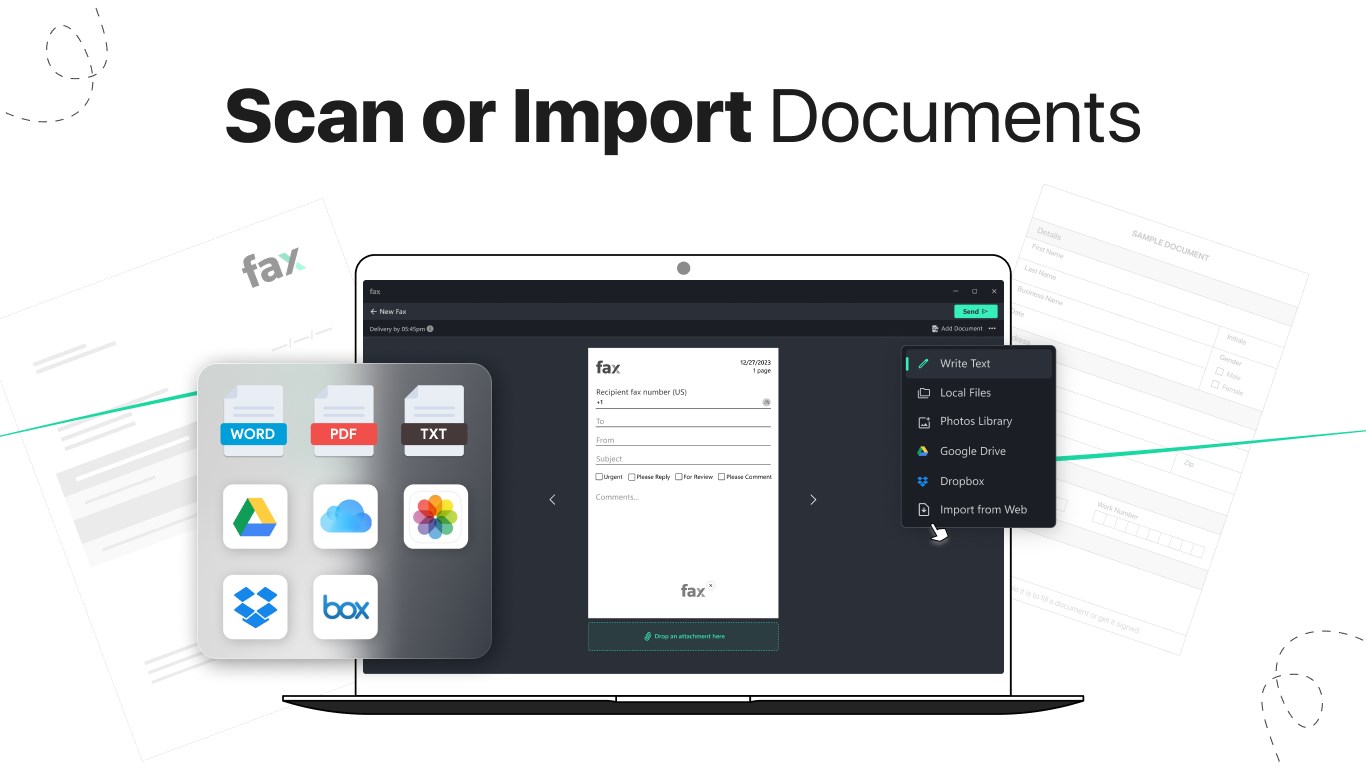
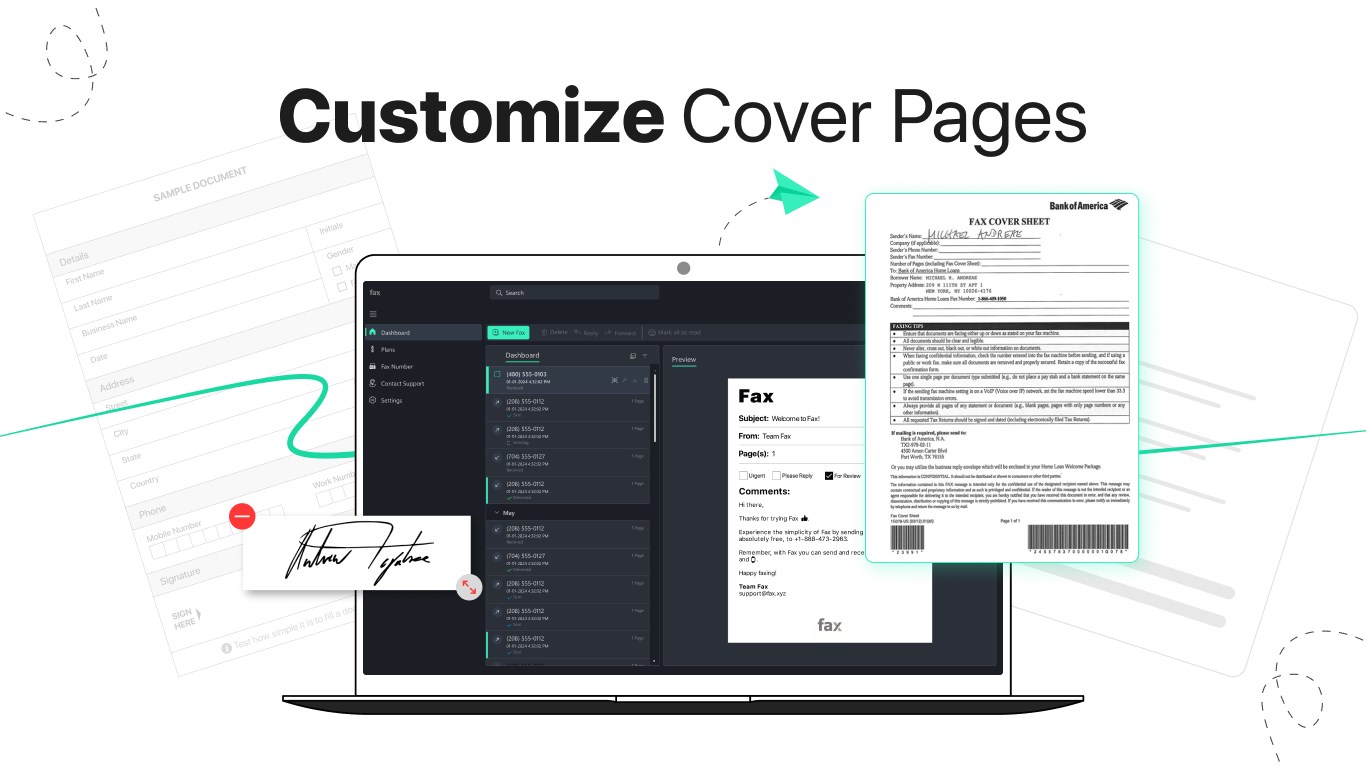
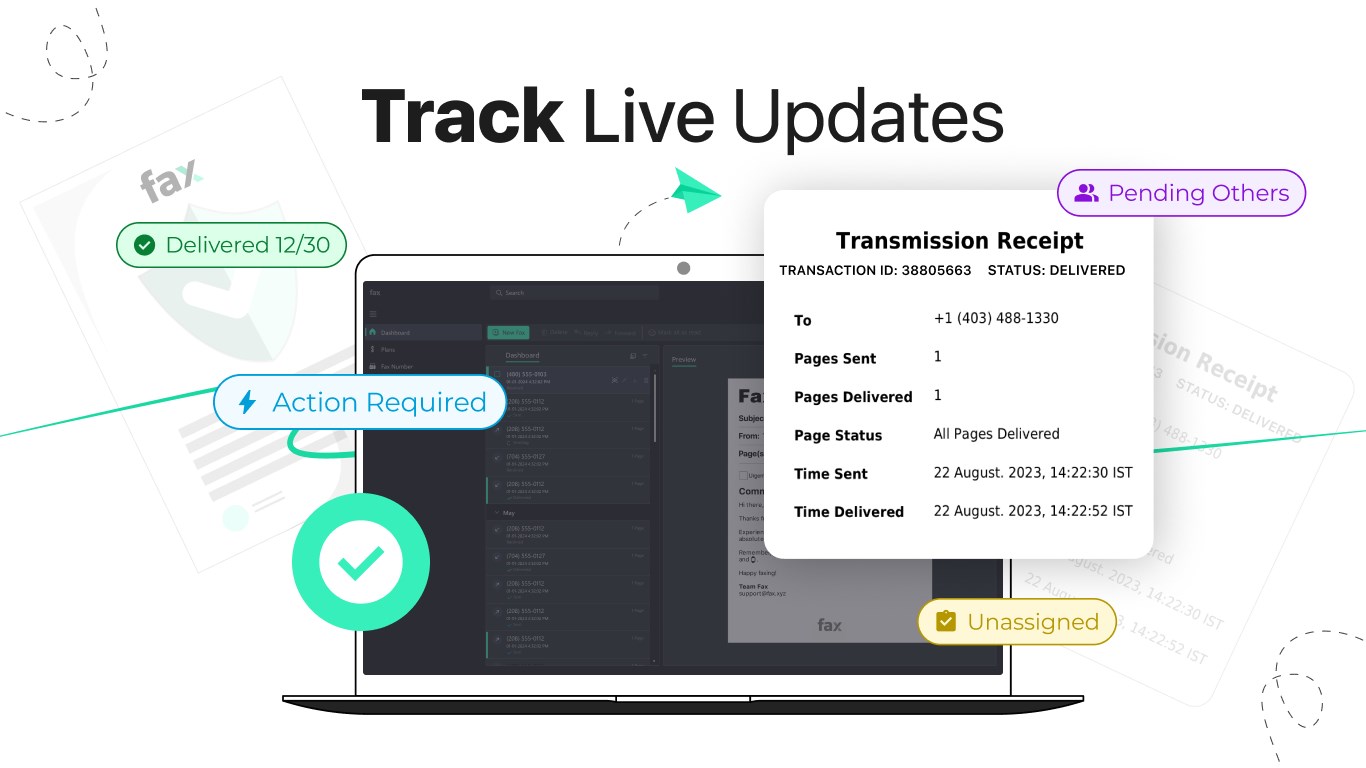
The core strength of this app is its ability to turn your Windows device into a virtual fax machine. Sending a fax is as simple as attaching a document, entering a destination fax number, and hitting ‘Send.' The process is streamlined, with a clear status indicator that keeps you informed throughout. Receiving faxes is just as straightforward—your faxes appear directly within the app, archived for easy retrieval. The app's cloud infrastructure ensures that your faxes are stored securely and accessible anytime, anywhere.
The design strikes a perfect balance between functionality and simplicity, with a layout that guides you effortlessly through each step. Loading documents, managing contacts, and reviewing fax statuses are all logically organized, reducing confusion or accidental misclicks. The app operates smoothly—no lag or crashes to speak of—and the navigation feels like flipping through a digital Rolodex. For first-time users, the minimal learning curve is a significant plus, making it an accessible choice for diverse users.
While many fax apps focus solely on the transmission of documents, Fax Faxing App widens its horizon by incorporating features that facilitate collaborative workflows. The integrated contact management system allows team members to share fax numbers and documents effortlessly, fostering teamwork. Moreover, its task management aspects let users assign faxing tasks, set reminders, and track pending transmissions within the same interface—features that turn the app into a mini workflow hub. These collaborative touches differentiate it from more basic, standalone fax solutions, making it especially useful in team environments or offices where transparency and coordination matter.
Overall, Fax Faxing App strikes a commendable balance between simplicity and features, making it an excellent tool for those seeking a digital alternative to traditional faxing. Its especially unique collaboration features and user-centric design make it stand out among similar applications. I'd recommend this app to small businesses, remote teams, or professionals who want a reliable, easy-to-use solution without the complexity of more advanced enterprise systems. It's a practical tool that teammates can genuinely appreciate—no fuss, just efficiency.
User-Friendly Interface
Easy Document Upload
Multiple Sending and Receiving Options
Real-Time Status Updates
Affordable Pricing
Limited International Coverage
Occasional Upload Failures
No Offline Mode
Limited Customer Support Options
Occasional App Crashes on Certain Devices

for Windows
 5
5

for Windows
5

for Windows
4.9

for Windows
4.9

for Windows
4.9

for Windows
4.9

for Windows
4.8

for Windows
4.8

for Windows
4.8

for Windows
4.8

for Windows
4.7

for Windows
4.7

for Windows
5

for Windows
5

for Windows
5

for Windows
5

for Windows
5

for Windows
5
for Windows
5

for Windows
5

for Windows
5

for Windows
5