


Simulation
Farming Simulator 19 for Windows 10 offers an immersive farming experience, blending meticulous simulation with engaging gameplay, making it a must-try for simulation enthusiasts who dream of running their own virtual farm.
Developed by GIANTS Software GmbH, Farming Simulator 19 aims to replicate modern agriculture with impressive detail and authenticity. Its core strengths include realistic vehicle physics, an extensive vehicle and machinery lineup, and a dynamic farming environment that responds to seasonality and management strategies. This application is primarily targeted at simulation fans, agriculture students, and anyone fascinated by rural life with an interest in technical machinery and sustainable farming practices.
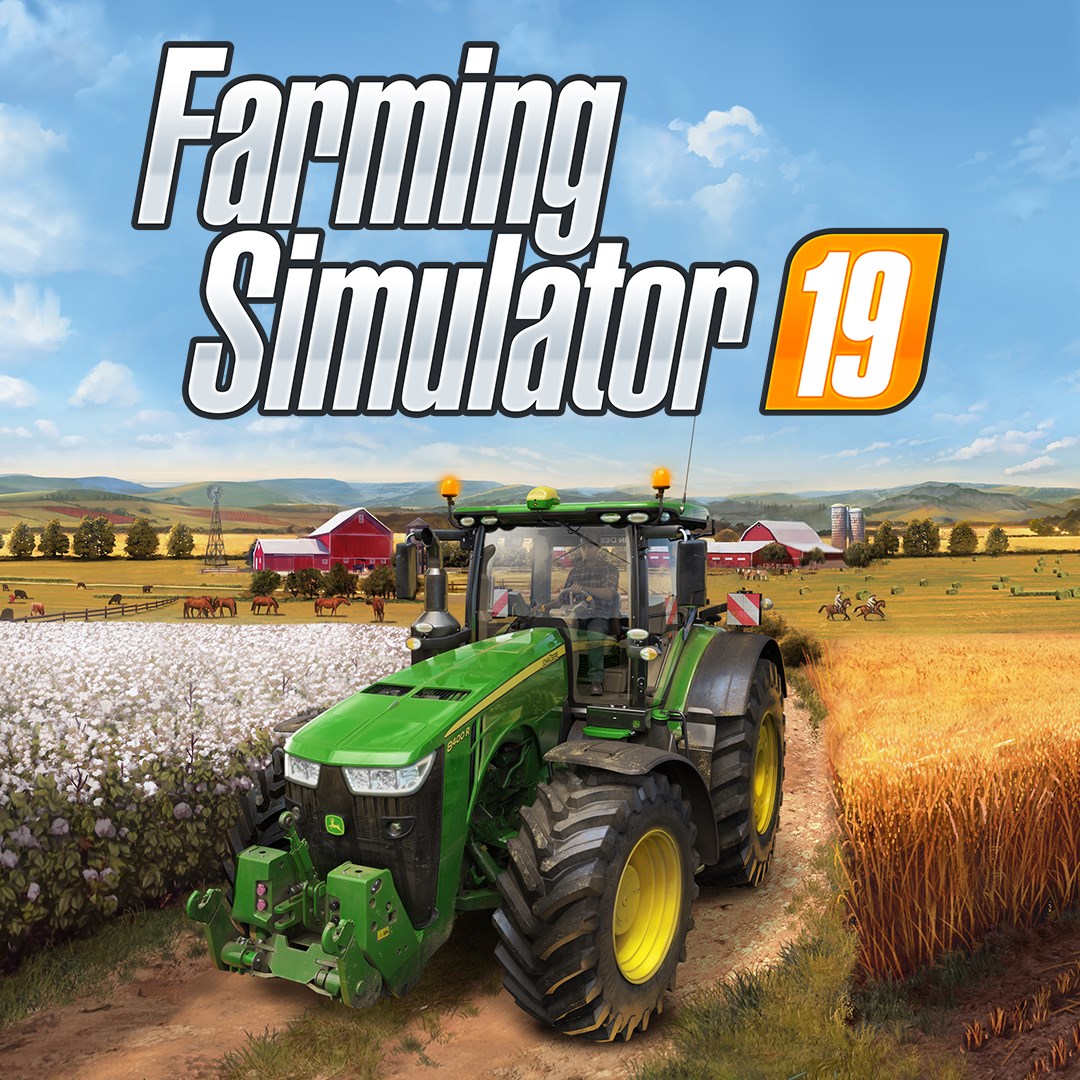
Stepping into Farming Simulator 19 is like entering a bustling rural world teeming with life, machinery, and potential. The game's presentation is polished, with lush landscapes, detailed machinery, and weather effects that shift seamlessly across seasons. It's like watching a living painting unfold right before your eyes, capturing the essence of modern farming. Whether you're sowing crops or managing livestock, the environment responds in real-time, creating a convincing simulation that pulls you into its countryside charm.
The standout feature of Farming Simulator 19 is its highly detailed physics and mechanics. Vehicles handle with precision, respecting real-world weight, engine behavior, and terrain interaction. Crops grow and harvest in a manner that mimics actual farming cycles, adding depth to management strategies. This level of detail extends to the authenticity of machinery controls, which replicate real operating procedures. Such realism not only heightens immersion but also offers learning opportunities—players gain insights into the complexities of modern agriculture that can transfer to real-world understanding.
The interface adopts a clean, intuitive layout, with a minimap, straightforward menus, and customizable controls, ensuring accessibility for newcomers and seasoned players alike. Loading into the game, you'll find that navigation feels smooth, with responsive controls that make operating complex machinery less daunting. The learning curve is moderate—you'll quickly get the hang of basic functions, while deeper systems like crop management and logistics take more time to master. This layered complexity benefits players who enjoy both casual play and in-depth simulation, providing a gratifying balance between ease of access and challenge.
Compared to similar titles, Farming Simulator 19 distinguishes itself through its impressive attention to mechanical authenticity and its dynamic environmental system. Its physics engine ensures that equipment interacts with terrains and weather conditions realistically, which is crucial for a truly immersive experience. Additionally, the game's extensive selection of licensed machinery from leading brands offers unparalleled variety and detail, appealing to enthusiasts of real-world agricultural equipment. Another unique aspect is the seasonal cycle, which influences planting and harvesting schedules, adding an extra layer of strategic planning that many competitors overlook. These aspects combine to create a simulation that not only entertains but educates on the intricacies of farm management and machinery operation.
Farming Simulator 19 for Windows 10 is an engaging, well-crafted simulation that excels in realism and detailed management systems. Its standout features—the authentic physics of machinery and the dynamic seasonal environment—make it particularly compelling for those eager to understand or experience modern agriculture more vividly. It's suitable for beginners interested in farming or mechanics, as well as seasoned simulation veterans looking for a refined experience. If you're fascinated by rural life, machinery, or management strategies, this game offers a satisfying blend of challenge and immersion. I'd recommend it as a core farming simulation choice for Windows 10 users seeking a lifelike and thoughtfully designed digital farm experience.
Realistic Farming Experience
Wide Range of Vehicles and Equipment
Extensive Map and Crop Variety
User-Friendly Interface
Mod Support and Community Content
Occasional Performance Issues
Large Download Size
Limited Multiplayer Features
Occasional Buggy Behavior
Learning Curve for Complex Machinery

for Windows
 4.8
4.8

for Windows
4.8

for Windows
4.8

for Windows
4.8

for Windows
4.8

for Windows
4.7

for Windows
4.7

for Windows
4.7

for Windows
4.7

for Windows
4.7

for Windows
4.7

for Windows
4.6

for Windows
5

for Windows
5

for Windows
5

for Windows
5

for Windows
5

for Windows
5

for Windows
5

for Windows
5

for Windows
5

for Windows
5

