Role playing
Black Isle Studios
PC
Windows 10 version 18362.0 or higher
Integrated Keyboard
Integrated Mouse
English (United States), French, German
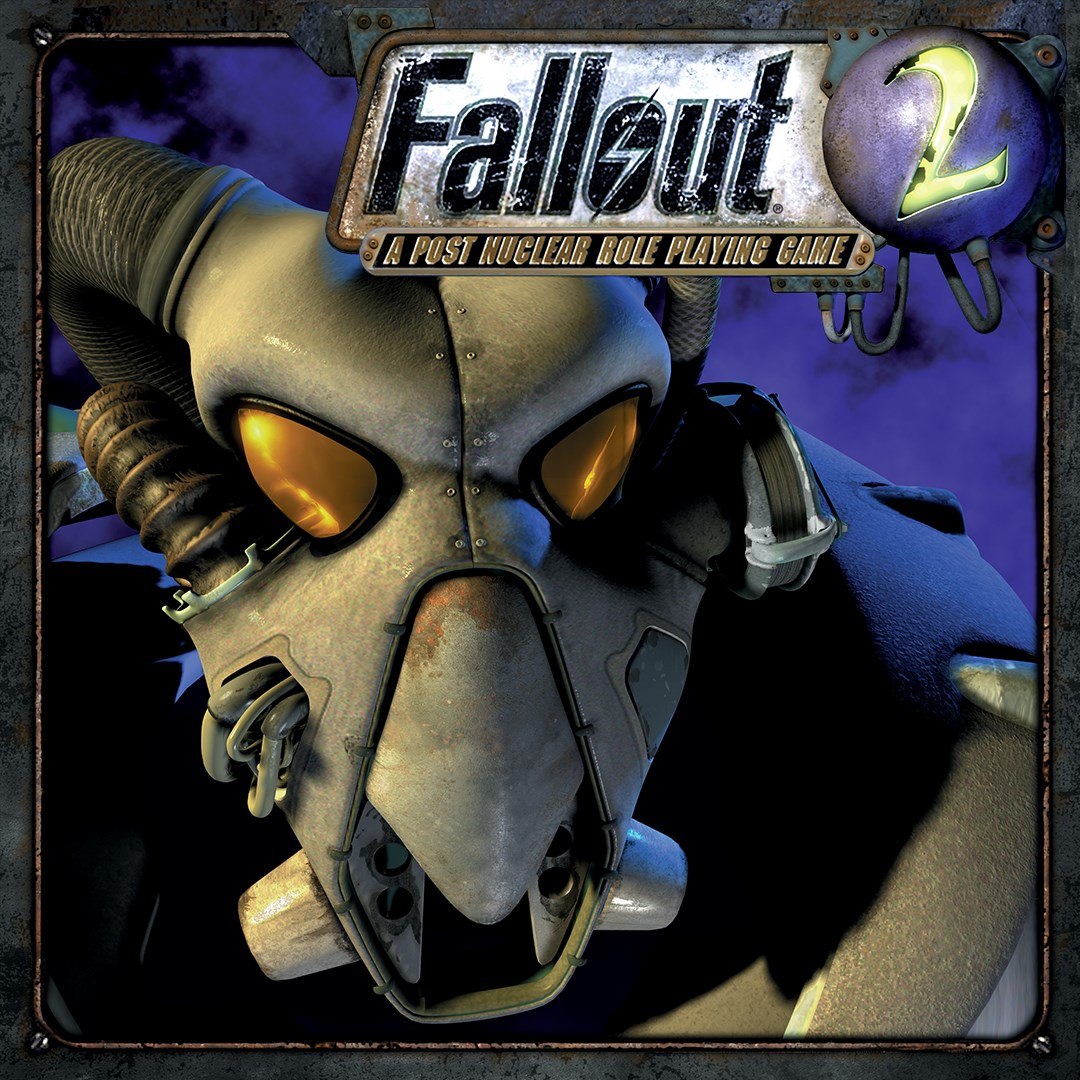
Stepping into the shoes of a seasoned survivor in Fallout 2 is like opening a well-worn, leather-bound journal filled with stories of courage, survival, and moral choices. This classic RPG, re-released for Windows, offers players a rich, immersive experience that balances strategic depth with engaging storytelling. Developed by Black Isle Studios and published by Bethesda Softworks, Fallout 2 continues to stand out as a quintessential post-apocalyptic role-playing game that has captivated fans for decades.
Fallout 2 is a critically acclaimed, story-driven role-playing game set in a sprawling, retro-futuristic wasteland where choices shape your destiny.
Black Isle Studios, renowned for their work on classic RPGs, crafted Fallout 2, bringing their signature depth and narrative richness to the game.
Adventure gamers, RPG enthusiasts, fans of narrative-rich experiences, and those nostalgic for classic game design will find Fallout 2 a rewarding journey.
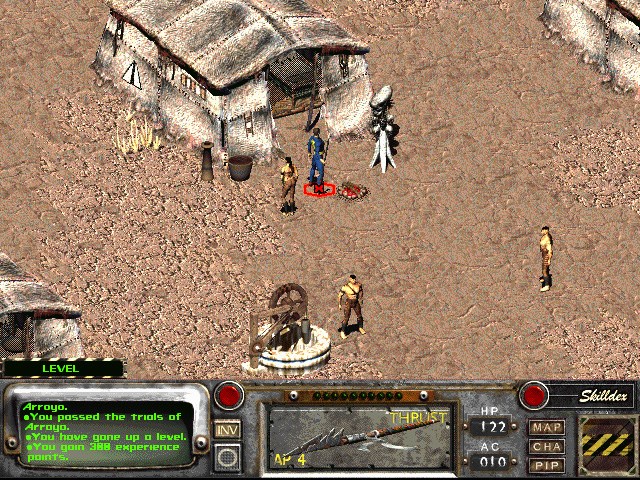
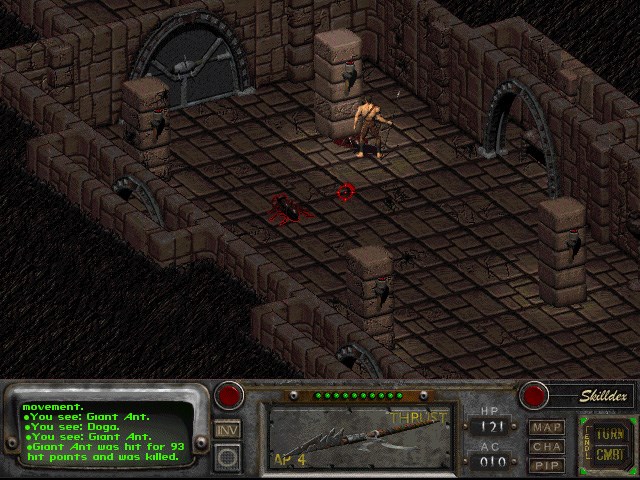
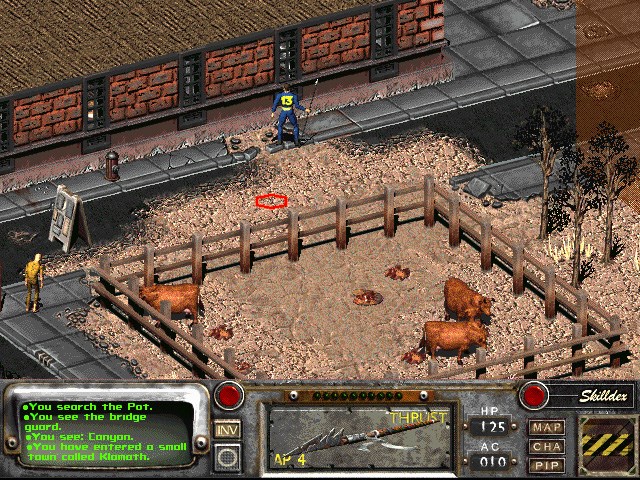
Jumping into Fallout 2 feels like slipping into a familiar leather jacket—comfortable yet full of surprises. The game's pixel art style, while dated for some, evokes a nostalgic charm that complements its post-apocalyptic setting. The opening sequence throws you straight into a rugged, desolate world where every glitchy dialogue and rusted landscape sets the tone for an adventure that respects its roots while offering seamless gameplay on modern systems.
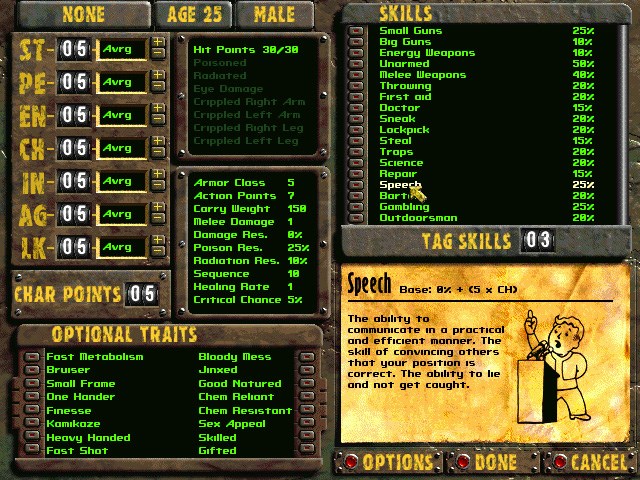
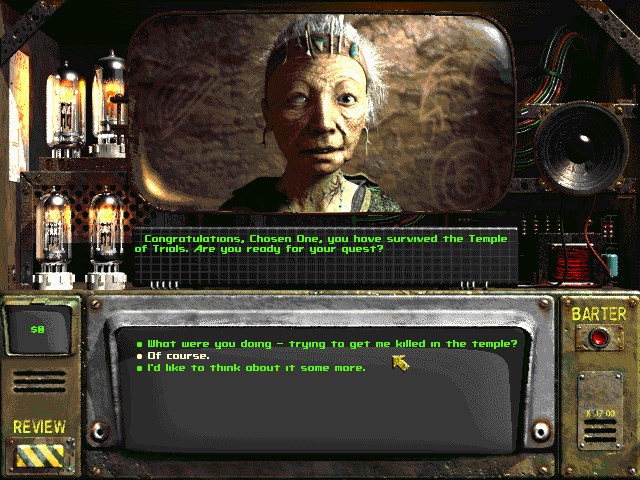
One of Fallout 2's standout features is its intricate character development system. Unlike many RPGs that rely solely on leveling stats, this game uses a SPECIAL system—an acronym for Strength, Perception, Endurance, Charisma, Intelligence, Agility, and Luck—that profoundly influences gameplay. Players can craft their hero's identity by choosing perks and skills that align with their playstyle, whether that means becoming a sharpshooter, a cunning diplomat, or a stealthy assassin. What truly elevates this system is its impact on narrative choices—your character's attributes open or restrict certain dialogue options and event outcomes, making each playthrough unique.
Fallout 2 is a shining example of how deep storytelling and meaningful consequences can combine to create an engaging experience. Decisions made during quests influence the game's world state—helping a faction could later lead to alliances or betrayals, and moral choices often have no clear right or wrong answers. This layered narrative depth encourages players to think carefully about their actions, knowing that even minor choices ripple outward into the larger story. It's like playing chess with a world instead of just pieces—every move matters.
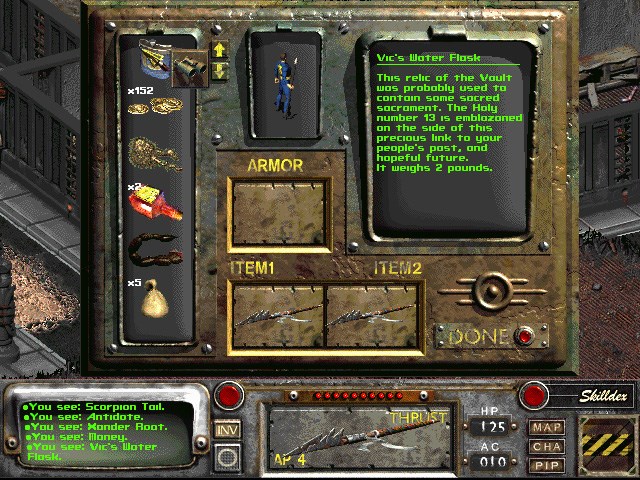
Fallout 2's interface is functional, reminiscent of classic RPGs, with inventory management and dialogue screens that serve their purpose well. Operation is smooth on recent Windows PCs, and despite its age, the game's UI remains surprisingly user-friendly after some customization. The learning curve can be steep initially, especially for those new to the genre, but the game rewards patience with its rewarding depth and intricate systems.
What truly sets Fallout 2 apart from other RPGs is its sophisticated character progression intertwined with its branching narrative—this ensures that each decision genuinely impacts your journey. Its setting, rich with lore and memorable characters, offers a unique blend of nostalgia and innovation, making it a must-try for RPG fans and new explorers alike.
Overall, I recommend Fallout 2 for Windows to players who appreciate detailed world-building, meaningful choices, and classic RPG mechanics. Whether you're revisiting the wasteland or stepping in for the first time, this game promises a complex, rewarding adventure worth taking.
Authentic gameplay experience
Accessible interface
Offline play support
Regular updates and bug fixes
Affordable pricing
Limited graphics enhancement
Occasional performance glitches
Lack of cloud save synchronization
Limited control customization
In-app purchase options are minimal

for Windows
 4.9
4.9

for Windows
4.9
for Windows
4.8

for Windows
4.8

for Windows
4.8
for Windows
4.7

for Windows
4.6

for Windows
4.6
for Windows
4.6

for Windows
4.6

for Windows
4.5
for Windows
4.4

for Windows
5

for Windows
5

for Windows
5

for Windows
5

for Windows
5

for Windows
5

for Windows
5

for Windows
5

for Windows
5

for Windows
5