Social
PC
Windows 10 version 19041.0 or higher
2 GB
English
In an era where staying connected is more vital than ever, Facebook for Windows offers a seamless way to access your social network straight from your desktop, blending convenience with essential features. Created by Meta, this app aims to keep you engaged without the need for a browser or switching between tabs.
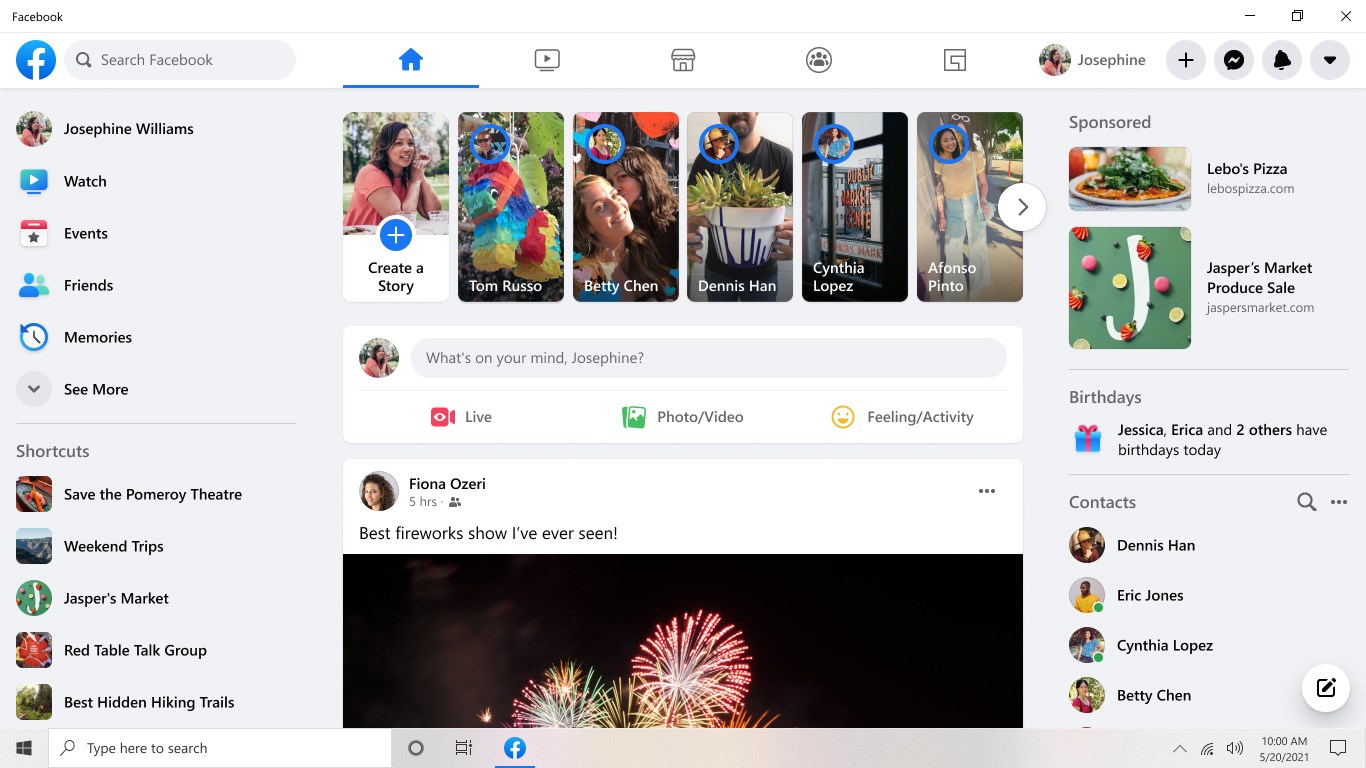
The app provides a clean, organized layout of your news feed, enabling you to scroll through updates, photos, and videos effortlessly. Notifications are integrated directly into the interface, ensuring you never miss important interactions—be it a new comment or a message from friends. The experience feels akin to flipping through a well-curated magazine but with all the real-time freshness of your social circle.
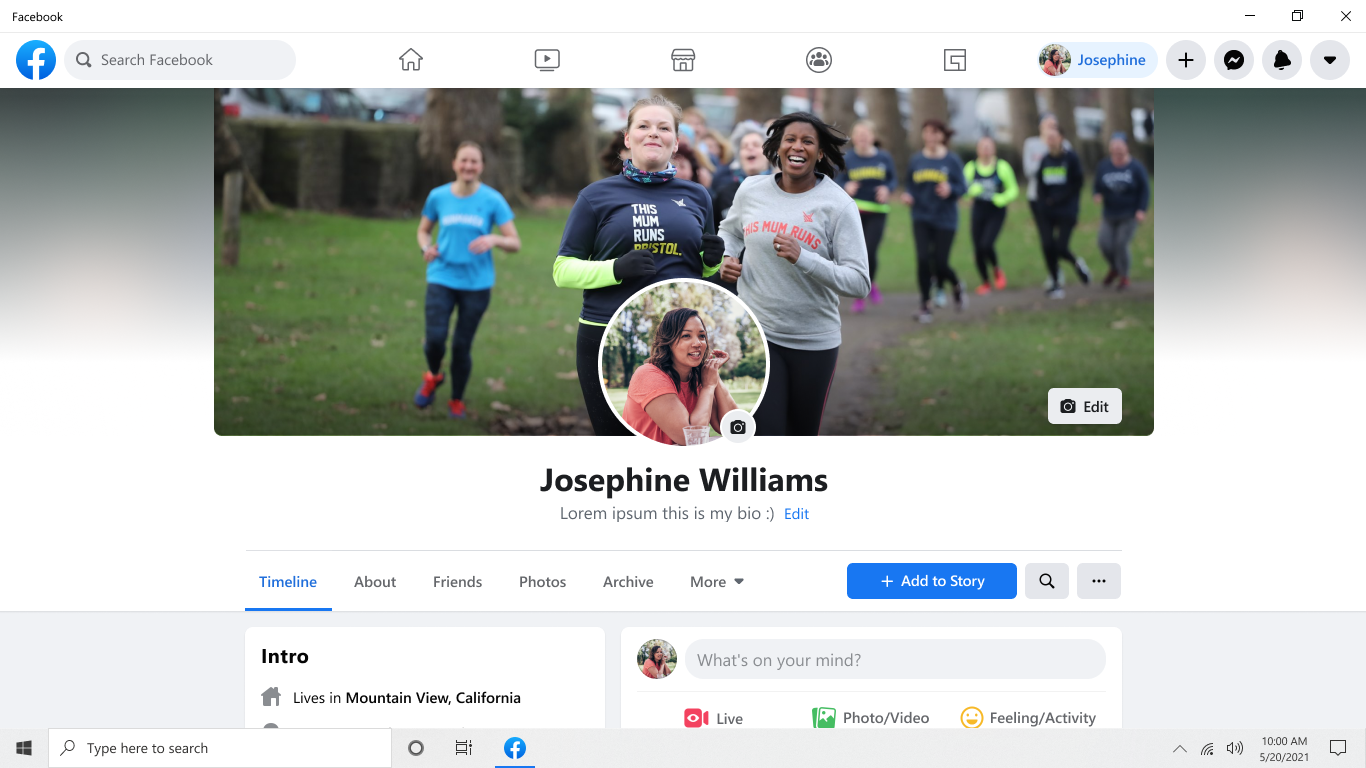
One of the app's standout features is its focus on user profile customization. It offers detailed profile views and the ability to edit and personalize your information easily. Plus, its connection discovery feature intelligently suggests friends, pages, or groups based on your activity, making social expansion feel natural and tailored. This targeted approach makes it easier to find like-minded people and true reflections of your social identity, setting it apart from some competing social apps.
Meta's emphasis on authenticity verification means you can have more confidence that you're engaging with real profiles. For instance, the app offers streamlined processes to verify your account if needed, fostering a safer social environment. This commitment to real identities differentiates it from platforms plagued with fake accounts or bots, helping cultivate genuine connections and conversations.
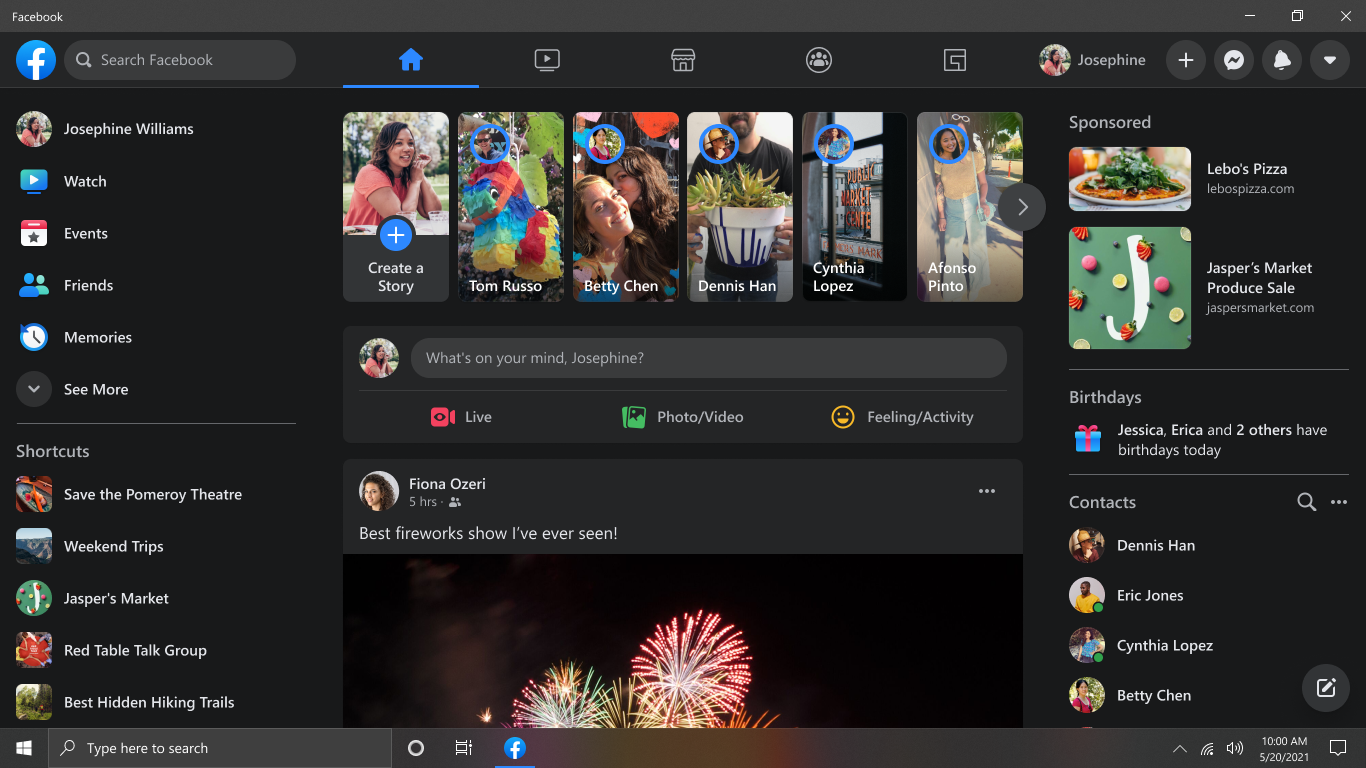
The interface of Facebook for Windows is designed with simplicity and clarity in mind. The layout resembles the classic social media feed but optimized for desktop use—large buttons, clear icons, and a clutter-free environment. Navigating between different sections—home feed, messages, notifications, and profile—is intuitive and feels almost instinctive, much like familiar gestures in your daily routine.
Performance-wise, the app handles content smoothly, with swift load times and fluid scrolling, making the overall experience satisfying even during high activity periods. The learning curve is gentle, requiring just a few minutes to get accustomed to all functionalities, thanks to thoughtful UI design and familiar social media paradigms.
Unlike many social media applications that resemble digital collections of random features, this app emphasizes authenticity and personalized social discovery. Its user profile customization options allow you to showcase aspects of yourself in a way that feels genuine—further backed by verification tools that help confirm identities. This focus on realness creates a trustworthy environment for meaningful interaction.
Additionally, the connection discovery mechanism employs intelligent algorithms to suggest friends and groups aligned with your interests, making social expansion more organic and less spammy. These thoughtful touches set Facebook for Windows apart from other desktop social apps, which often prioritize quick updates over authentic engagement or personalized experiences.
For those already deeply integrated into the Facebook ecosystem or seeking a straightforward desktop solution, this app comes highly recommended. Its blend of user-friendly design, real identity emphasis, and intelligent connection discovery makes it a handy social companion for daily use. However, if your focus is on more advanced media editing or multimedia sharing, you might find the app somewhat limited compared to specialized software.
In sum, Facebook for Windows offers a balanced, accessible, and trustworthy platform—like having your social world neatly organized right on your desktop. Whether you want quick updates, better profile customization, or safer interactions, this app deserves a solid spot on your digital toolkit.
User-friendly interface
Seamless Facebook integration
Regular updates
Lightweight design
Support for notifications
Limited customization options
Occasional login issues
Basic functionality
Offline access limited
Occasional latency

for Windows
 5
5

for Windows
4.9

for Windows
4.8

for Windows
4.7

for Windows
4.7

for Windows
4.6

for Windows
4.6

for Windows
4.5

for Windows
4.5

for Windows
4.5

for Windows
4.5

for Windows
4.4

for Windows
5

for Windows
5

for Windows
5

for Windows
5

for Windows
5
for Windows
5

for Windows
5

for Windows
5

for Windows
5

for Windows
5