Security
ExpressVPN
PC
Windows 10 version 0.0 or higher
Integrated Keyboard
Integrated Mouse
Danish, Dutch, Finnish, French, German, Italian, Japanese, Korean, Norwegian, Polish, Portuguese, Russian, Spanish, Swedish, Thai, Turkish, English
Designed to make online privacy and unrestricted browsing accessible for everyone, ExpressVPN for Windows offers a streamlined experience packed with powerful features tailored for both beginners and seasoned tech enthusiasts.
ExpressVPN for Windows is a reliable virtual private network application that prioritizes user privacy while providing speedy and secure internet access.
Imagine wrapping your digital journey in a cozy, impenetrable blanket—welcome to the world of ExpressVPN for Windows. The app not only shields your data from prying eyes but also turns what could be a cumbersome process into a seamless, almost magic-like experience. Whether you're avoiding geo-restrictions or securing sensitive work data, this VPN makes privacy effortless and accessible. Now, let's dive into what makes this application stand out.
One of the standout features is its effortless connection process. With a single click, you're instantly connected to a server in your chosen location. The app intelligently identifies the fastest servers based on your network, ensuring stable, high-speed browsing without the annoying lag spikes. This simplicity is perfect for users who want quick security without wrestling with complex settings, akin to having a security guard who quietly and efficiently does their job in the background.
ExpressVPN boasts an extensive network spanning over 90 countries. This broad coverage means you can virtually teleport yourself across the globe to access region-locked content or browse without boundaries. The app's server selection algorithm intelligently distributes your connection to maintain speed and stability, making it a clear advantage over competitors with fewer server options. Whether streaming, gaming, or working remotely, this network provides the versatility needed for diverse online activities.
The app employs military-grade encryption protocols, such as OpenVPN and Lightway, safeguarding your data from hackers, ISPs, and even government surveillance. Its strict no-logs policy ensures your browsing history remains private. Additionally, features like a kill switch protect your IP address if the VPN connection drops unexpectedly, akin to having a safety net that catches you if your digital escape plan is momentarily interrupted. Compared to other security-focused apps, ExpressVPN's combination of speed and security strikes a commendable balance.
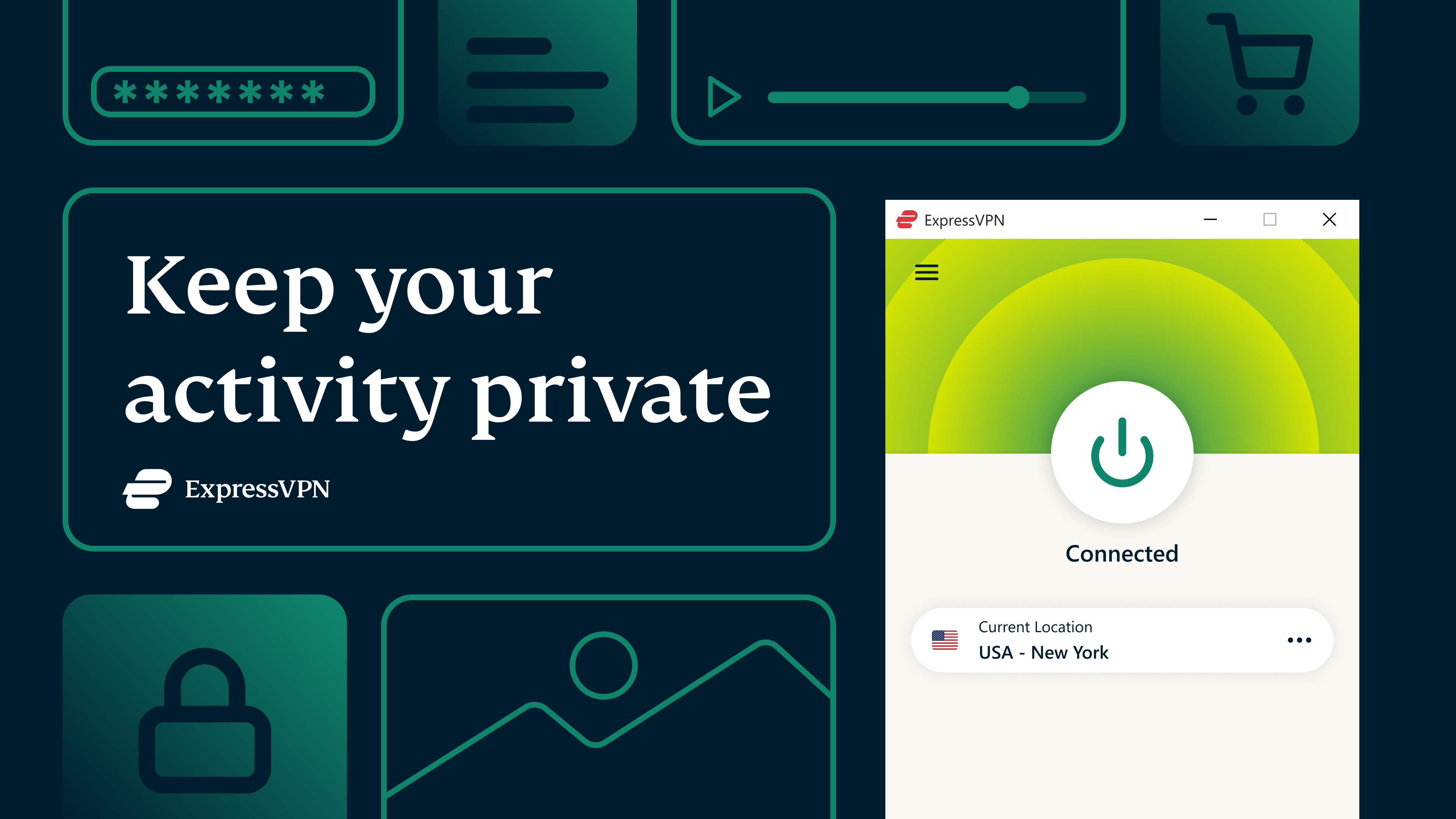
The interface of ExpressVPN for Windows is akin to the dashboard of a sleek, modern car—minimalist yet powerful. Its intuitive layout allows users to navigate effortlessly, whether you're toggling between servers or adjusting settings. The app runs smoothly, even on older hardware, thanks to optimized performance that reduces lag and resource consumption.
Unlike many VPN services that clutter their UI with complicated menus, ExpressVPN emphasizes ease of use without sacrificing functionality. Its “Smart Location” feature automatically suggests the best server for your needs, saving time and reducing decision fatigue. Moreover, the “Network Lock” kill switch is a standout safety feature, ensuring your privacy remains intact even during connectivity hiccups—an ultimate peace of mind for privacy-conscious users.
When comparing to other security applications, what truly elevates ExpressVPN is its commitment to transparency and high performance. Its proprietary Lightway protocol, designed for faster and more secure connections, sets it apart from traditional protocols. This technical innovation results in less footprint on your CPU and more reliable connections, making it ideal for streaming and sensitive tasks alike.
All things considered, I would recommend ExpressVPN for Windows to users who value a balance between simplicity, speed, and reliable security. Its most compelling feature—blazing-fast connection with minimal setup—makes it accessible to beginners, while its advanced security options satisfy power users. The broad server network offers excellent flexibility, and its user-friendly design ensures you won't feel lost in a sea of settings.
While some may find its subscription cost slightly higher than average, the consistent performance and peace of mind it offers justify the investment. Whether for casual browsing, streaming, or sensitive corporate tasks, this VPN provides a robust shield and a smooth sailing experience. If you're seeking a trustworthy, easy-to-use VPN that puts your privacy front and center, ExpressVPN for Windows is certainly worth considering.
Excellent security features
Wide server network
User-friendly interface
Strong bypass capabilities
Reliable connection speeds
Higher subscription costs
Limited customization options
Occasional connection drops in certain regions
No free trial available, only a money-back guarantee
Limited support for some older devices

for Windows
 4.8
4.8

for Windows
4.7

for Windows
4.7

for Windows
4.7

for Windows
4.6

for Windows
4.6

for Windows
4.5

for Windows
4.4

for Windows
4.4
for Windows
4.3

for Windows
4.3

for Windows
4.3

for Windows
5

for Windows
5

for Windows
5

for Windows
5

for Windows
5

for Windows
5

for Windows
5

for Windows
5

for Windows
5

for Windows
5