Multimedia design
Expressive
PC
Windows 10 version 0.0 or higher
Integrated Keyboard
Integrated Mouse
4 GB
Version 11
English
If you're on the hunt for a straightforward yet powerful animation tool that can elevate your creative projects, Expressive Animator offers a compelling option. Designed for both beginners and seasoned digital artists, this application aims to simplify the animation process while providing enough flexibility for intricate work. Whether you're creating lively character animations or adding animated effects to your designs, Expressive Animator promises a user-friendly experience with impressive capabilities.
Developed and published by Expressive, this software is tailored to empower Windows users who want to delve into multimedia animation without the steep learning curve of complex programs. The app's key strengths revolve around intuitive tools and high-quality output.
Targeted at hobbyists, educators, content creators, and small studios, Expressive Animator seeks to provide a versatile platform that balances simplicity with functional richness.
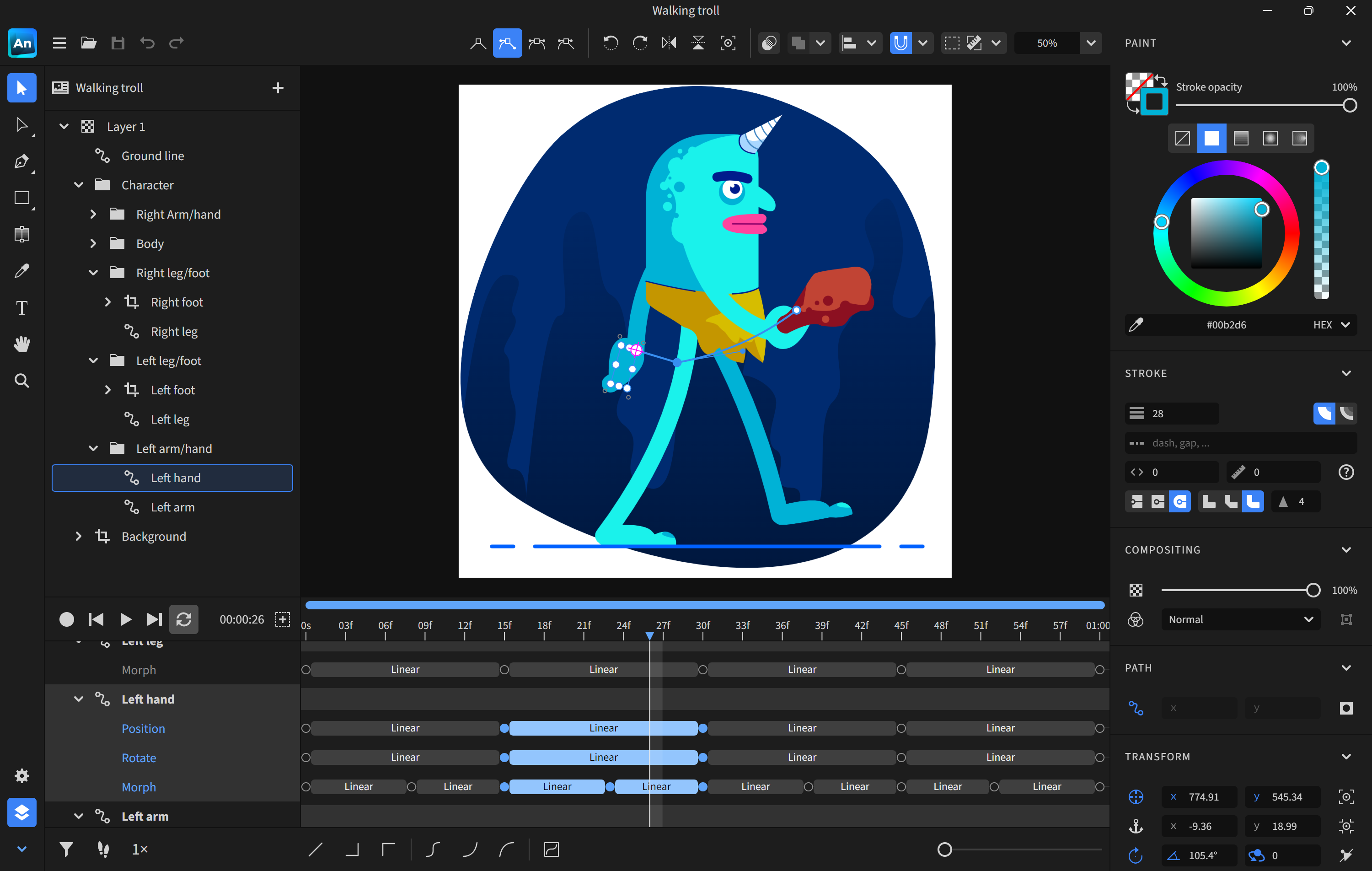
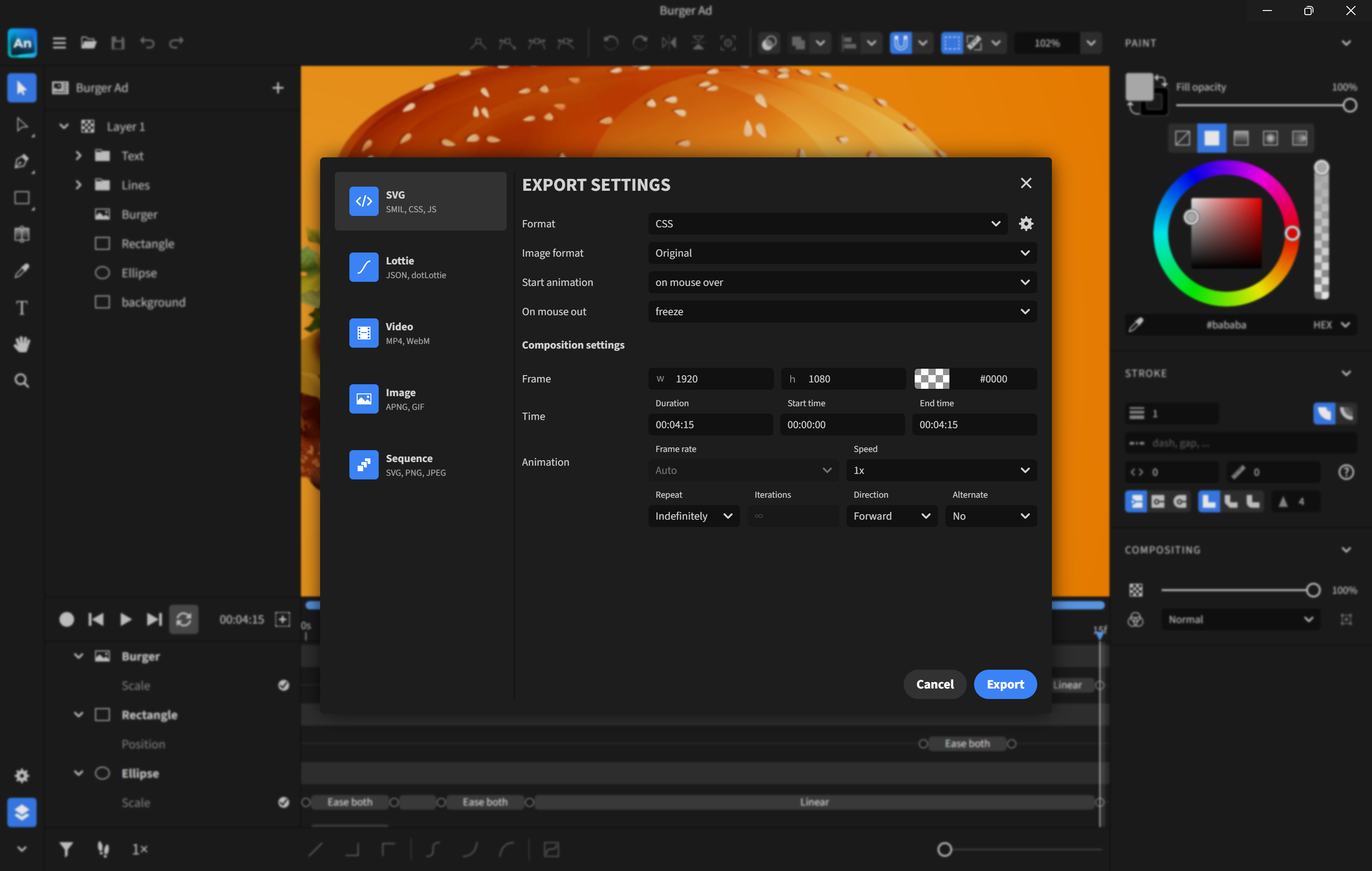
Launching Expressive Animator feels akin to opening a well-organized artist's studio—bright, inviting, and thoughtfully laid out. The interface is clean, with clearly labeled panels that guide you through the animation process. The workspace resembles a digital canvas, where timeline tracks for layers and keyframes are easily accessible, allowing users to focus on creativity rather than navigation. The design cleverly minimizes clutter, so you can concentrate on bringing your ideas to life.
In terms of responsiveness, the app demonstrates smooth operation even when dealing with complex animations. Cursor movements and timeline scrubbing are snappy, making the entire experience fluid—essential for maintaining your creative flow. Newcomers will appreciate the gentle learning curve, thanks in part to helpful tooltips and an abundance of tutorials accessible within the app.
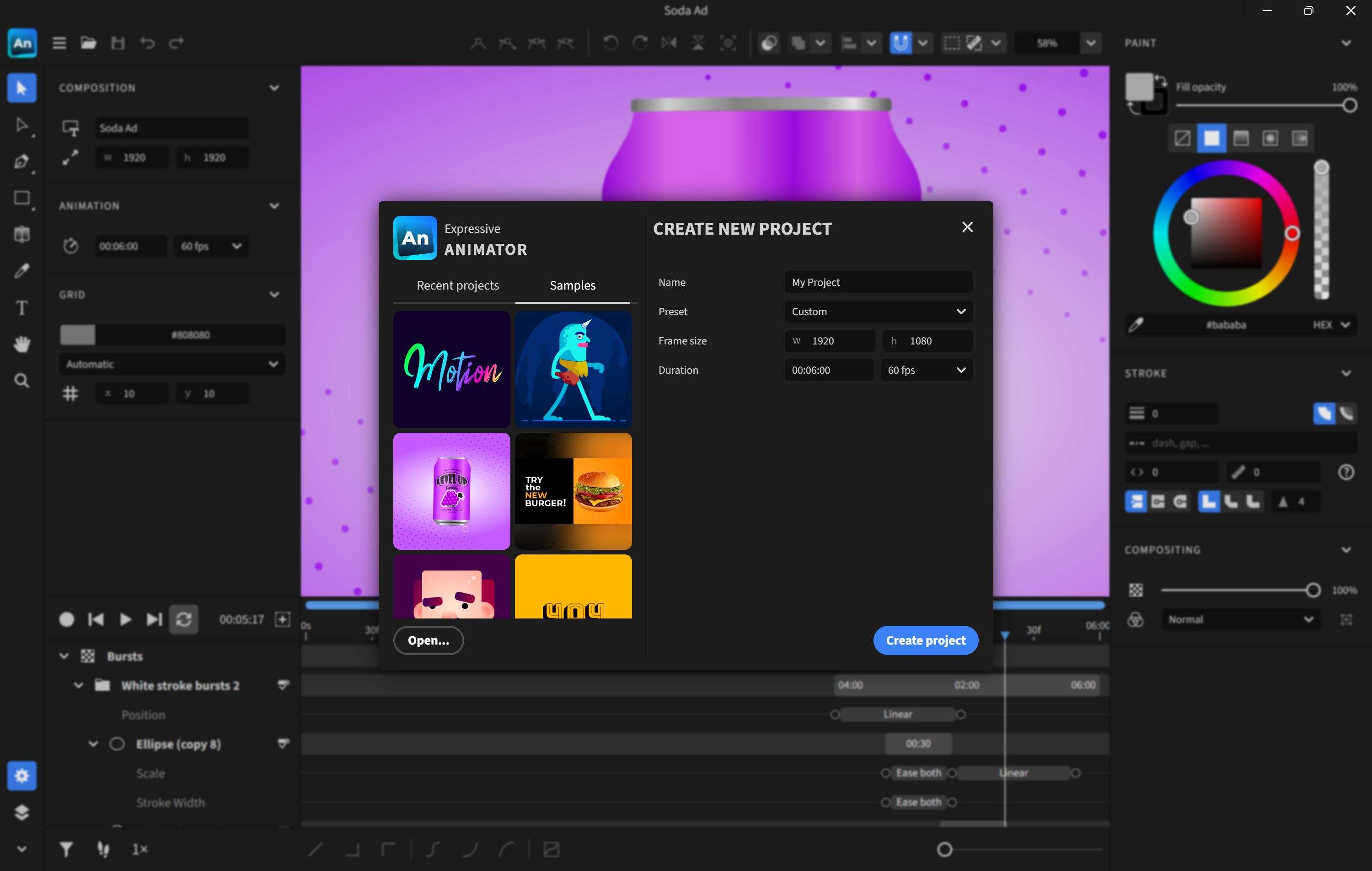
One of Expressive Animator's standout features is its library of pre-designed motion templates. Think of these templates as the backbone for your animations—covering everything from character gestures to animated backgrounds. Instead of starting from scratch, users can select a template and customize it to fit their project, significantly reducing production time. This feature is particularly valuable for non-specialist users or quick-turnaround projects, serving as a creative springboard rather than a crutch.
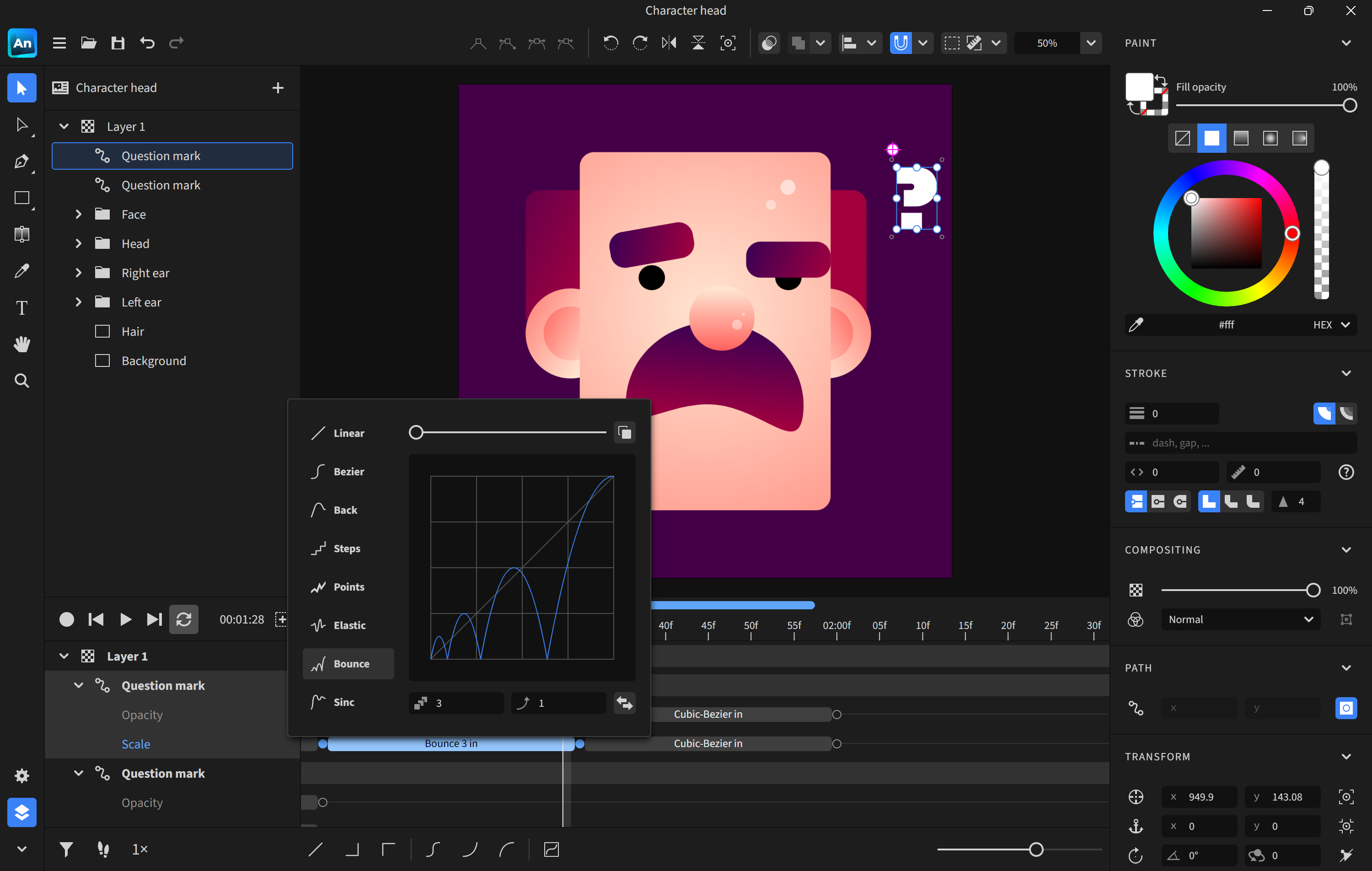
Animating can feel like waiting for a film to develop, but with this app, a real-time preview window ensures instant feedback. Whether adjusting the timing of a bounce or tweaking facial expressions, users see the effects immediately, enabling iterative refinement. This responsiveness transforms the process into a dynamic dialogue between creator and canvas, bolstering both confidence and precision.
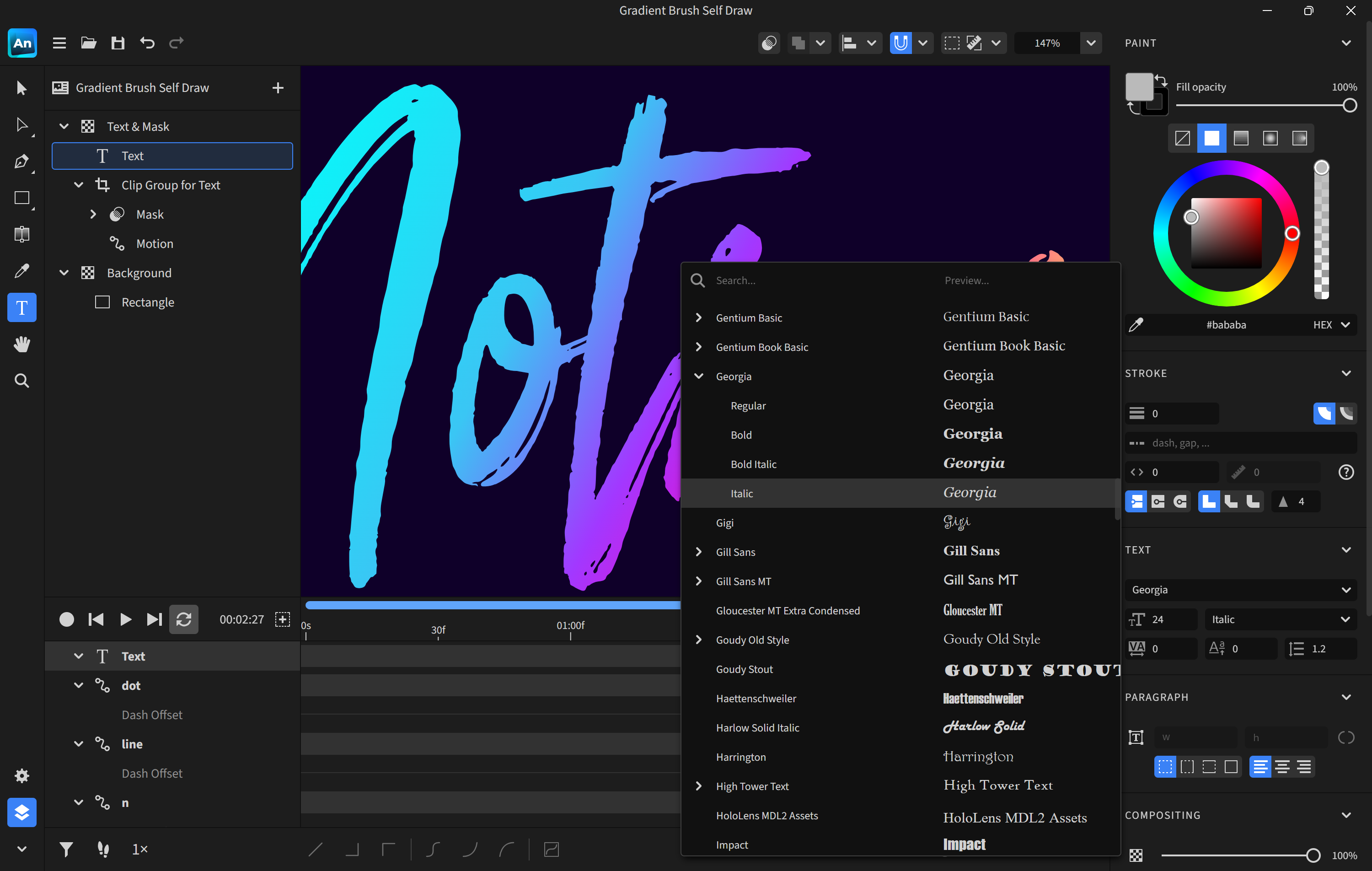
Expressive Animator employs a layer system similar to that of graphic design software, offering granular control over each element. Users can animate individual objects, overlays, or text separately, then synchronize everything seamlessly. When you're satisfied, exporting options support popular formats compatible with social media or professional platforms. This flexibility ensures your animation retains high quality regardless of where you choose to showcase it.
What sets Expressive Animator apart from other multimedia design apps is its combination of simplicity and depth, particularly through its Template Library and live preview functionalities. Many competitors either boast complex features that can intimidate newcomers or offer a limited toolkit for casual users. This app strikes a notable balance—its templates act as creative catalysts, helping users animate effortlessly while exploring their style.
Moreover, its user interface feels alive—almost like having a friendly assistant guiding you along the way. This combination makes it ideal for educators, marketers, or hobbyists aiming to produce eye-catching animations without investing weeks into learning a new platform.
Overall, Expressive Animator for Windows earns a solid recommendation for users seeking an accessible yet capable animation tool. Its standout features—particularly the animation templates and real-time preview—offer clear efficiencies that can enhance your workflow. While advanced users might find it limited compared to professional-grade software, for most casual or semi-professional projects, it provides an excellent balance of usability and function.
If you're starting out in animation or need a quick way to generate lively multimedia content, this app is worth exploring. For those who require deep customization and complex character rigging, it could serve as a supplementary tool rather than a primary solution. In essence, if animation is a new adventure, Expressive Animator is a friendly companion that makes the journey both enjoyable and productive.
Intuitive User Interface
Wide Range of Animation Tools
Extensive Asset Library
Real-time Preview Functionality
Supports Export in Multiple Formats
Performance Issues on Lower-End Devices
Limited Advanced Customization Options
Steep Learning Curve for Complex Features
Occasional Export Bugs
Limited Integration with Other Software

for Windows
 4.8
4.8

for Windows
4.8
for Windows
4.7

for Windows
4.7

for Windows
4.6

for Windows
4.6

for Windows
4.6

for Windows
4.6

for Windows
4.5

for Windows
4.5

for Windows
4.5

for Windows
4.5

for Windows
5

for Windows
5

for Windows
5

for Windows
5

for Windows
5

for Windows
5

for Windows
5

for Windows
5

for Windows
5

for Windows
5