Productivity
ILIUM SOFTWARE, INC.
PC
Windows 10 version 0.0 or higher
Integrated Keyboard
Integrated Mouse
English
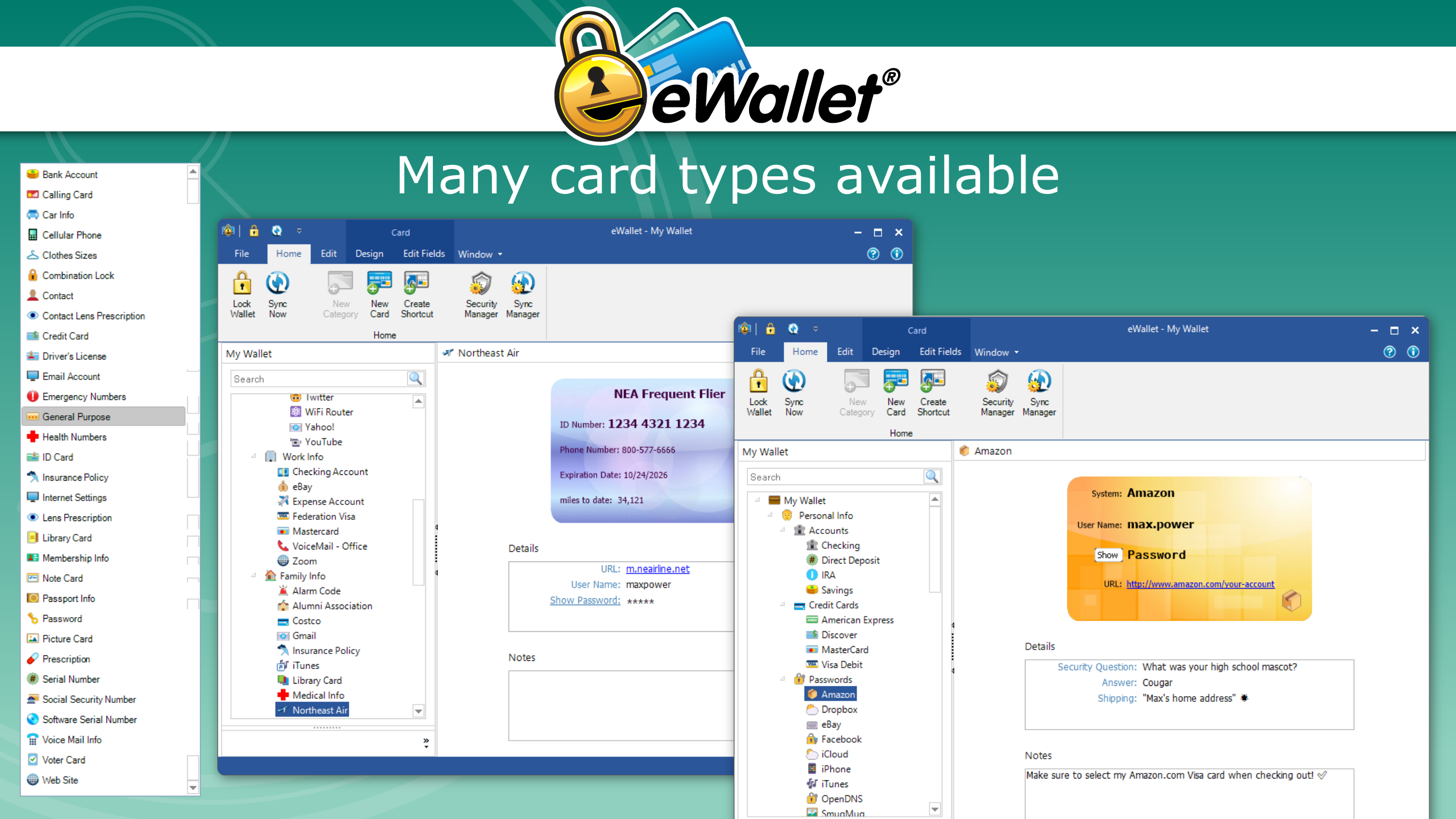
eWallet for Windows by ILIUM SOFTWARE, INC. is a versatile and user-friendly digital wallet designed to help users securely store and manage a wide array of personal information and financial data on their Windows devices. Whether you're looking to keep track of passwords, credit card details, or sensitive notes, this application aims to serve as your centralized hub for safe and efficient data organization.
ILIUM SOFTWARE, INC. is a reputable company specializing in productivity and security tools for desktop users. With a focus on creating intuitive interfaces and robust features, they endeavor to enhance users' digital lives by offering reliable solutions for data management and security.
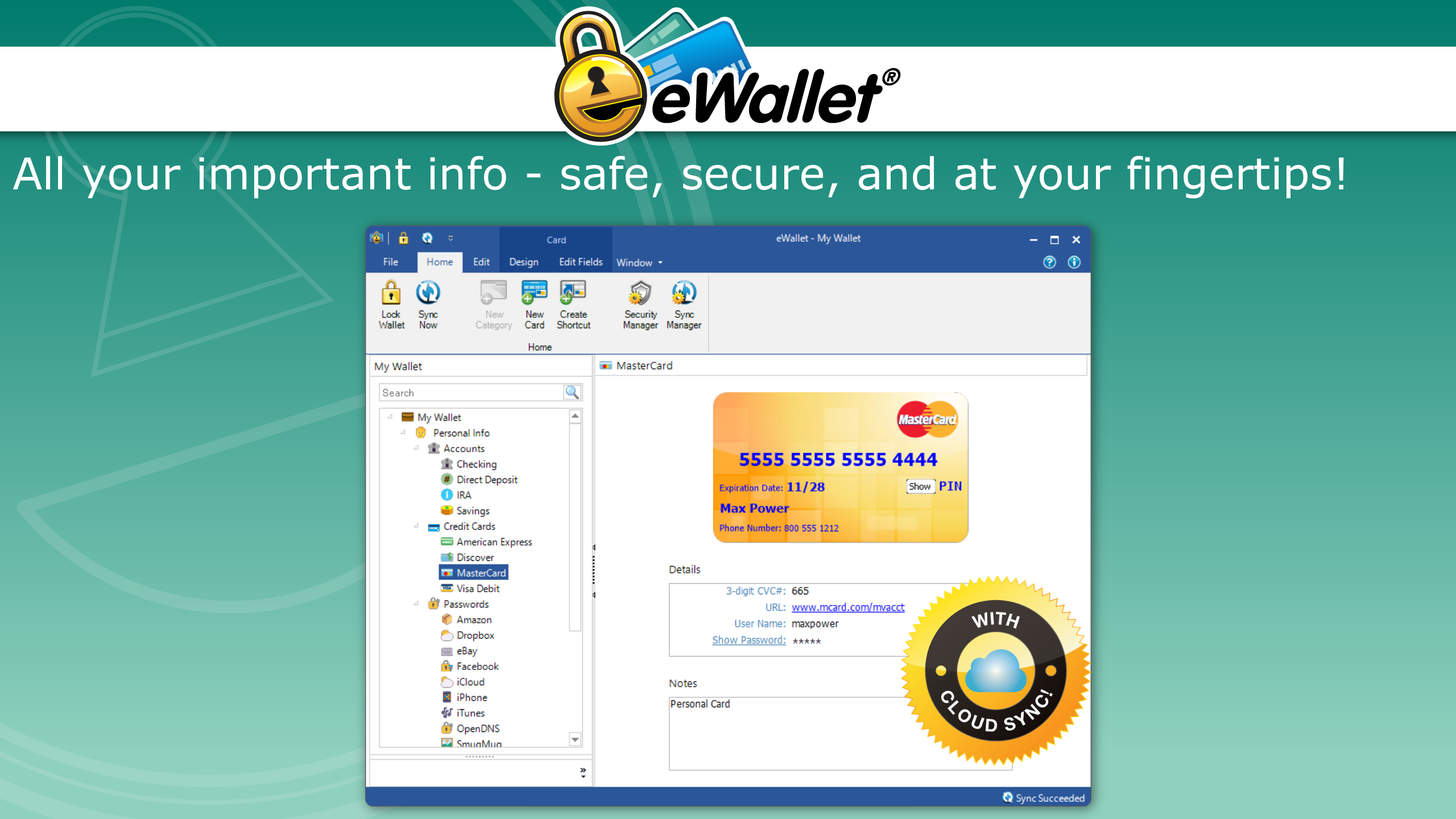
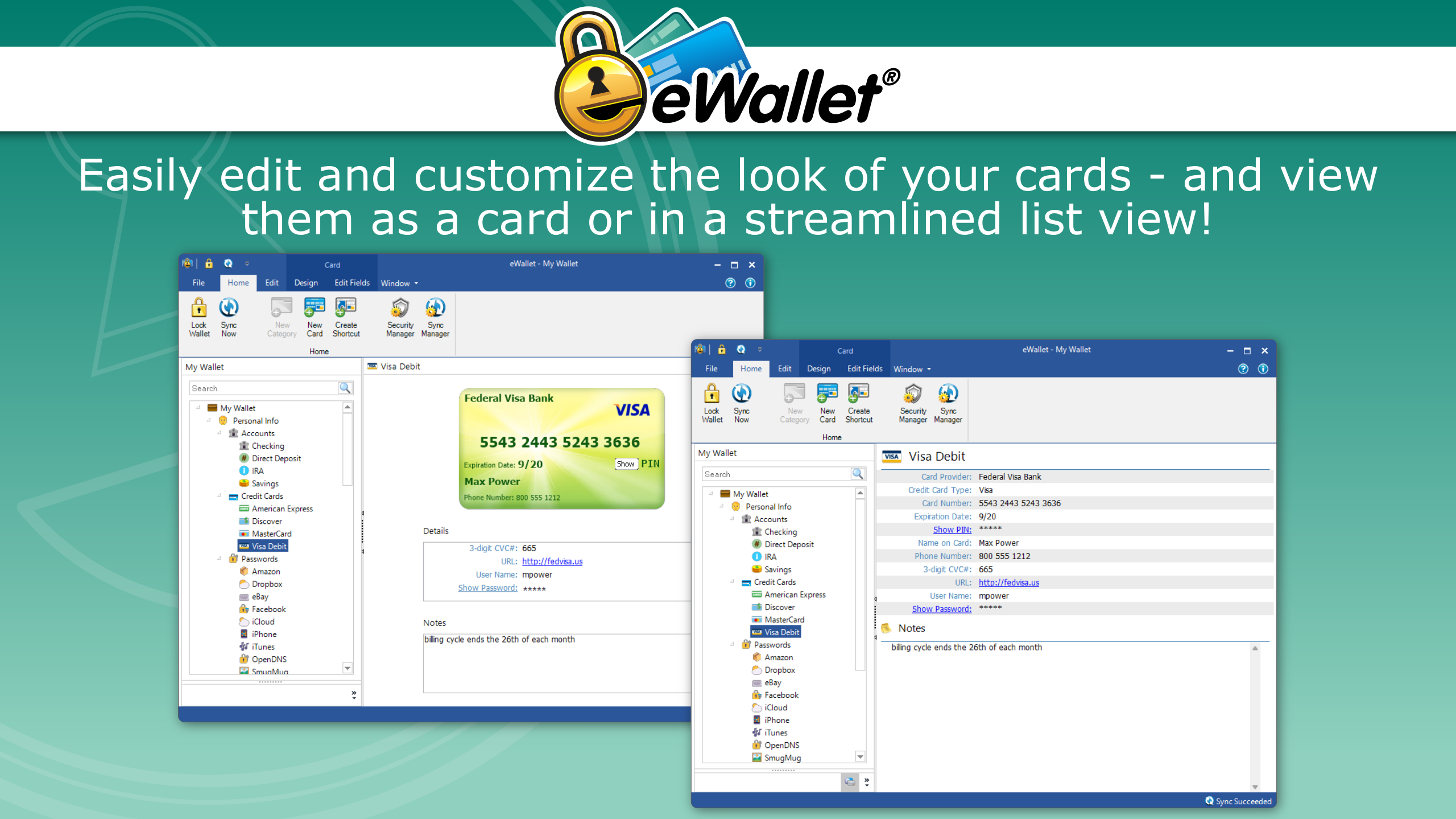
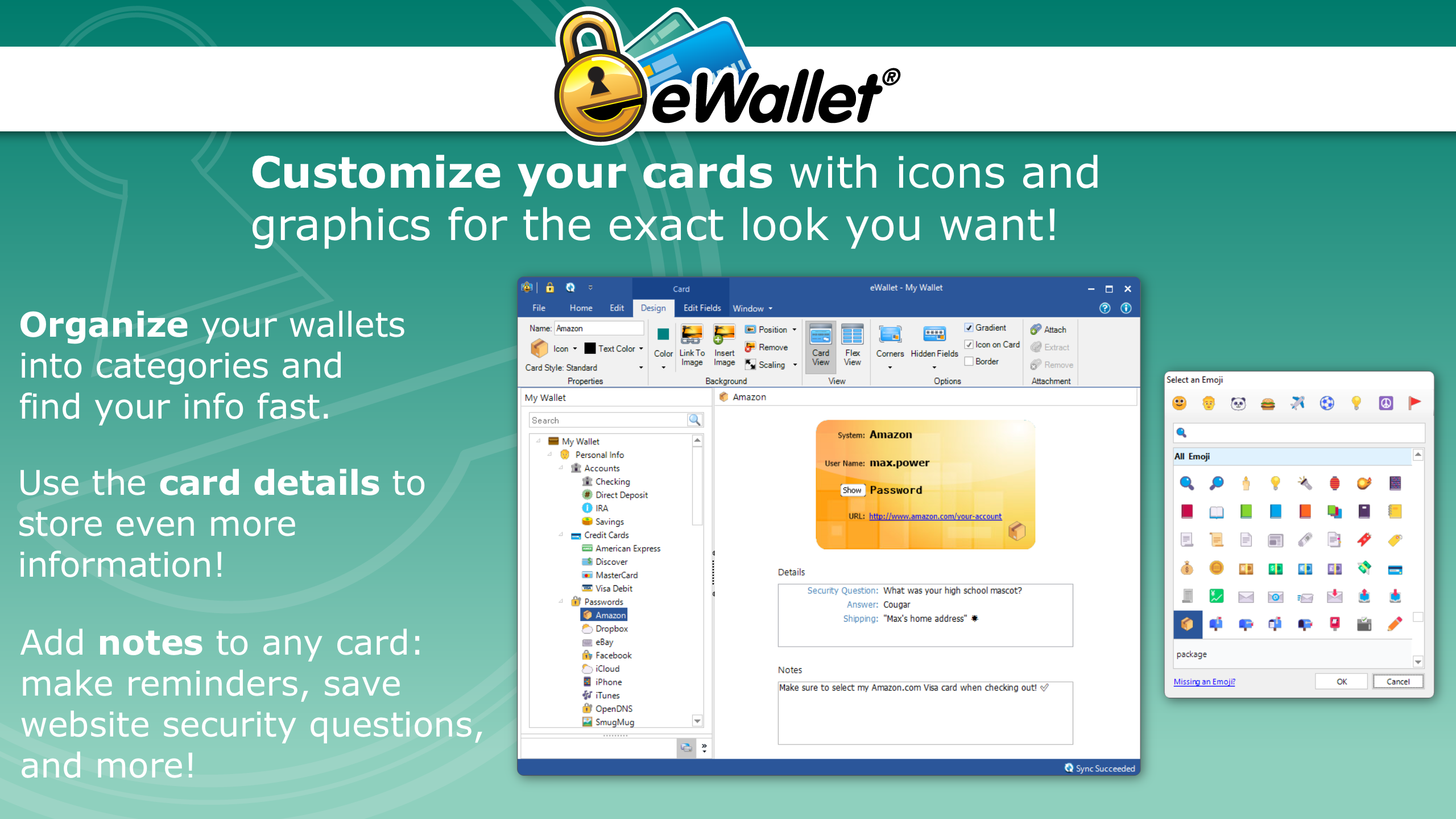
From the moment you launch eWallet, the clean and straightforward interface feels like opening a well-organized digital toolkit. Navigation is intuitive—think of it as flipping through neatly labeled drawers in a high-tech organizer. Adding new entries or editing existing ones is a breeze, thanks to clear menus and logical layout. The learning curve is gentle; even newcomers picking up digital wallets for the first time will find themselves comfortably exploring features within minutes. The app responds smoothly to user inputs, ensuring that managing your data feels seamless rather than clunky, like driving an effortless electric vehicle rather than a manual transmission.
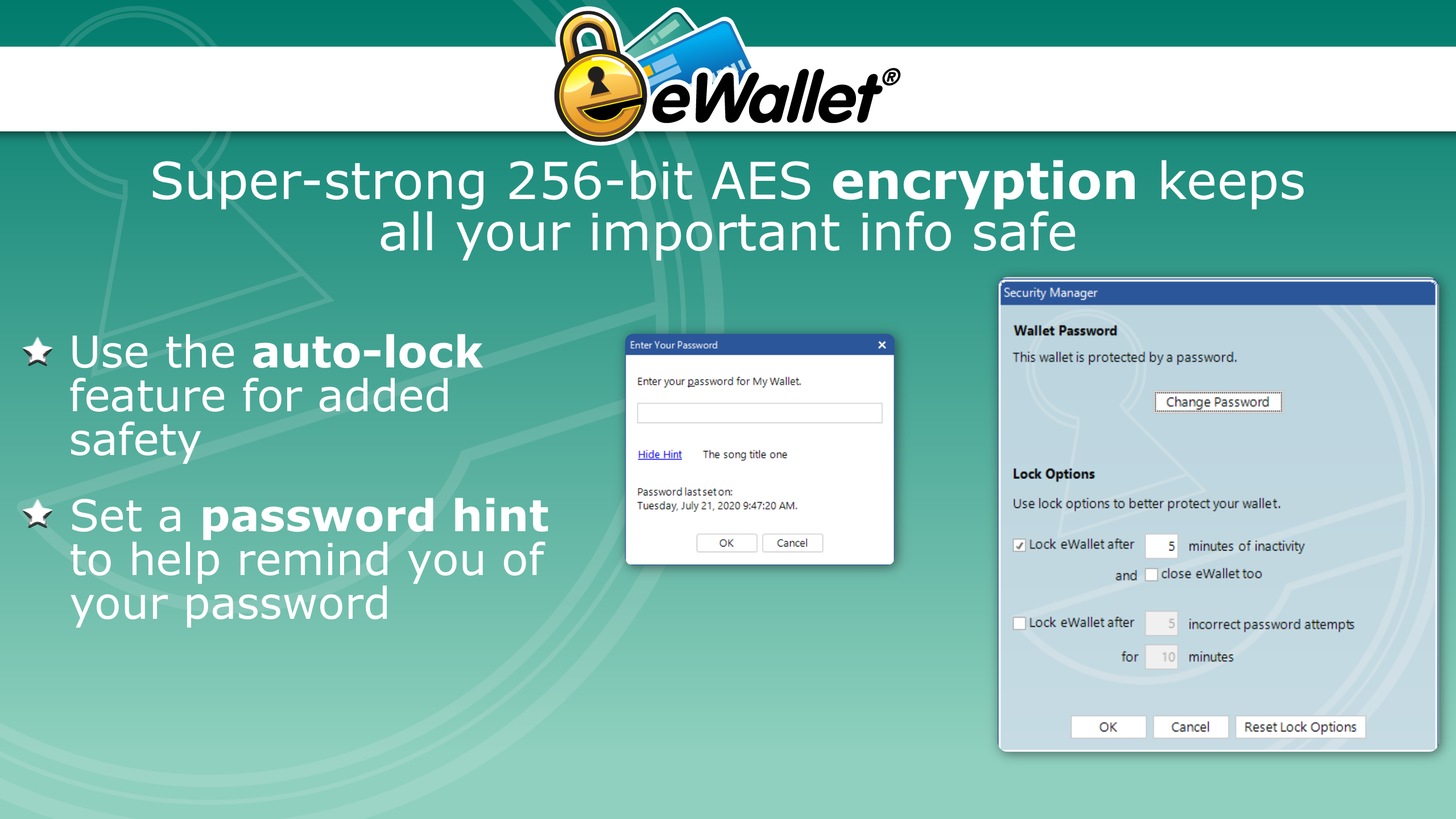
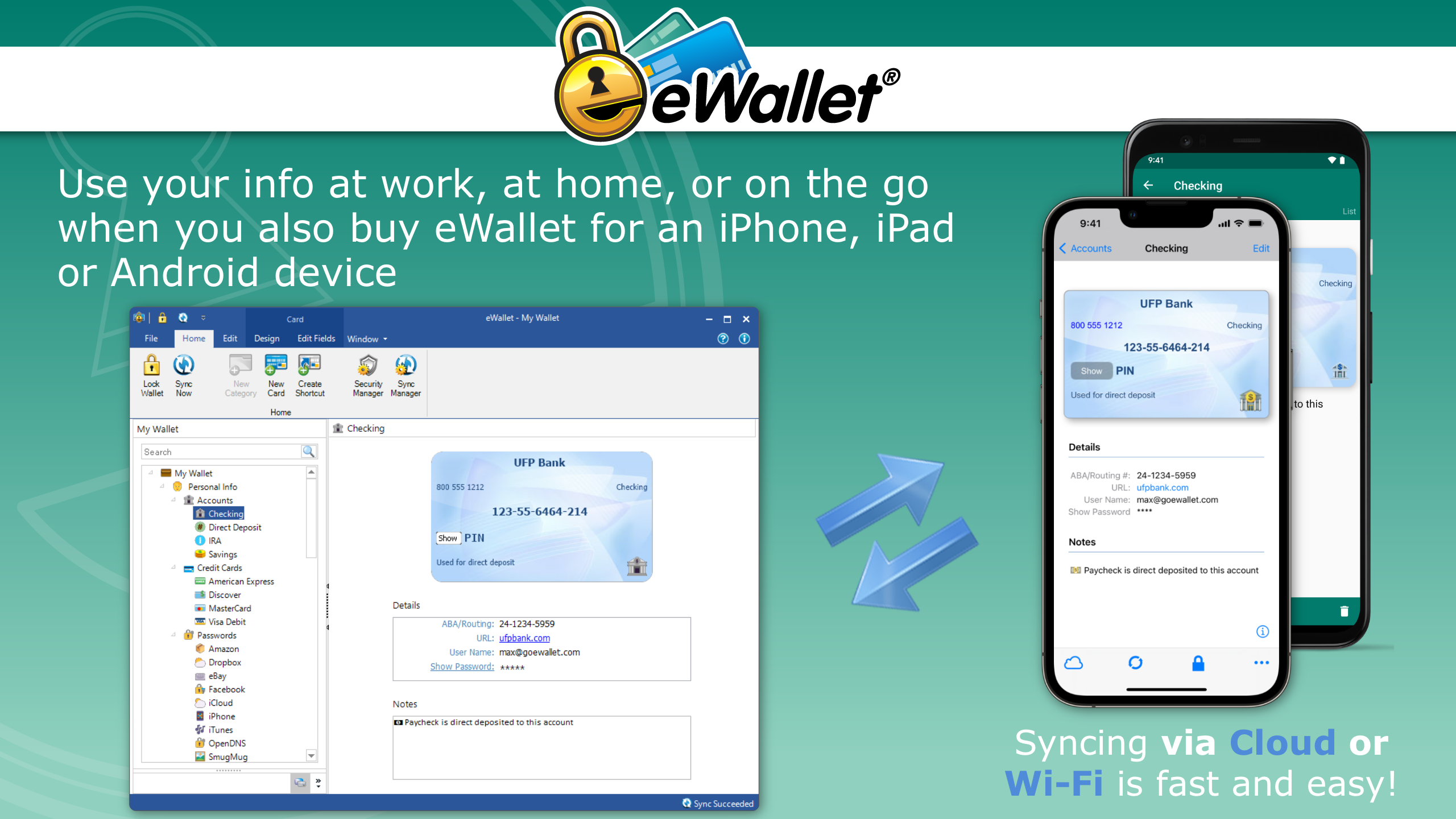
The application's standout feature is undoubtedly its encrypted data storage, acting as a vault that keeps sensitive information behind multiple layers of security. This encryption not only reassures users but also simplifies compliance with modern data security standards, much like having a personal bodyguard for your digital assets. Another core strength is the cross-device synchronization, akin to having a trusted assistant always ready with the latest information, whether you're working on your desktop or a laptop. This sync capability minimizes the cognitive load—no more remembering multiple passwords or manually updating records. It's as if eWallet acts like a digital butler, keeping everything in order behind the scenes without requiring active management.
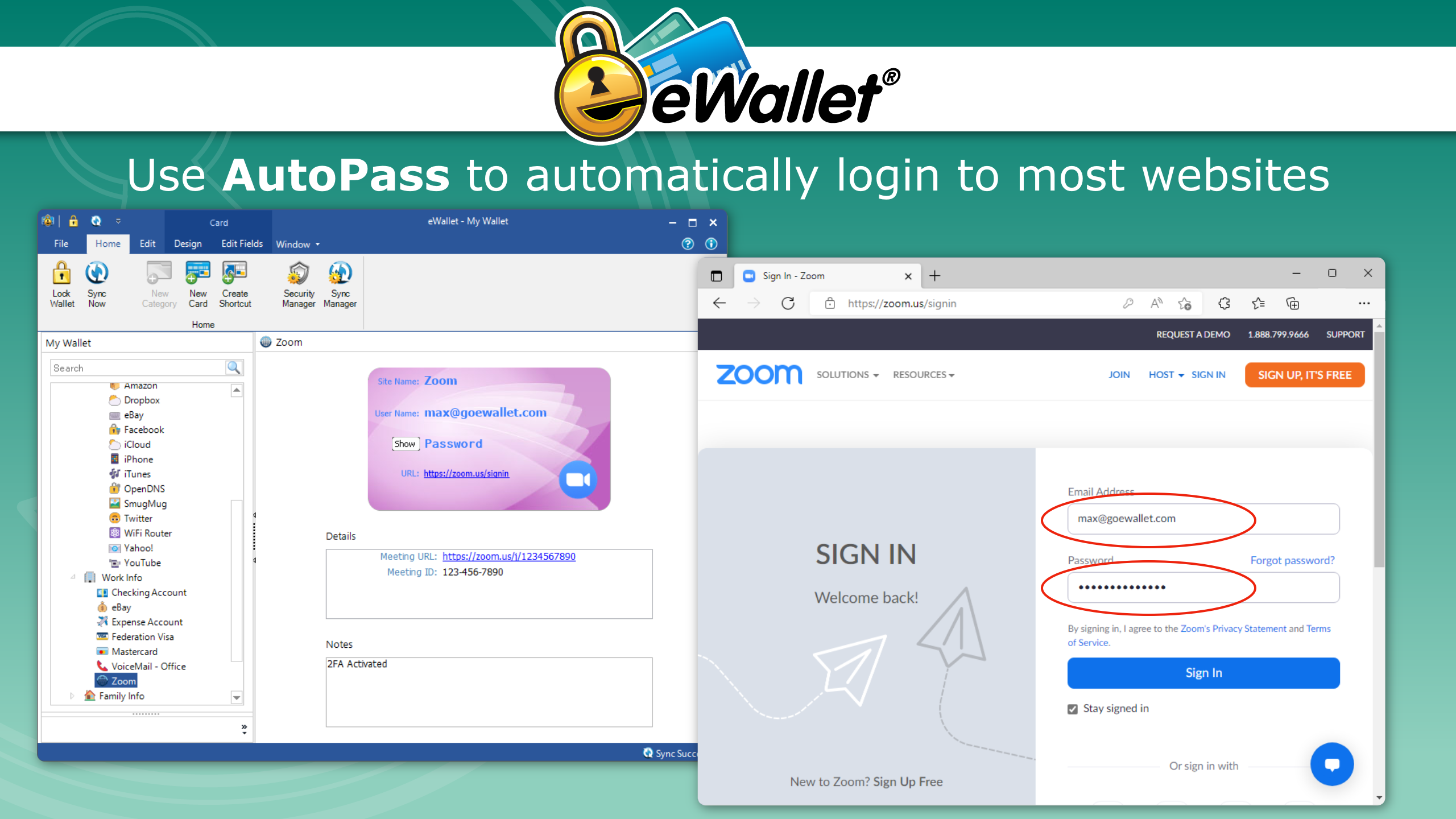
Compared to traditional password managers or basic note apps, eWallet exudes a tailored approach to workflow efficiency. Its emphasis on reducing cognitive load is evident—it concentrates on essential security and straightforward organization without overwhelming users with an excess of features. Think of it as a minimalist's delight: it does a few things exceptionally well rather than a multitude of mediocre ones. This clear focus allows users to integrate the app seamlessly into daily routines, whether for personal finance tracking, secure note storage, or quick web form autofills, without feeling bogged down by complexity. Such focus on core utility makes eWallet particularly suitable for those who prefer a reliable, straightforward tool over bloated feature sets.
I would recommend eWallet for anyone who desires a secure and straightforward digital wallet on Windows. Its ease of use combined with robust security features makes it an excellent choice for busy professionals, personal users, or those new to digital data management. However, power users seeking extensive automation or advanced integrations might find the app slightly limited in customization. Nonetheless, for its intended purpose—secure, quick, and organized data management—eWallet shines brightly.
eWallet for Windows stands out as a focused and secure solution for streamlining your personal data management. Its standout features like encrypted storage and effortless synchronization underpin a user-friendly experience that minimizes cognitive overload. If you're seeking a reliable and uncomplicated digital wallet, this app warrants serious consideration as part of your productivity toolkit. Think of it as your digital safe—compact, dependable, and always ready to serve.
User-Friendly Interface
Seamless Integration with Windows
Supports Multiple Payment Methods
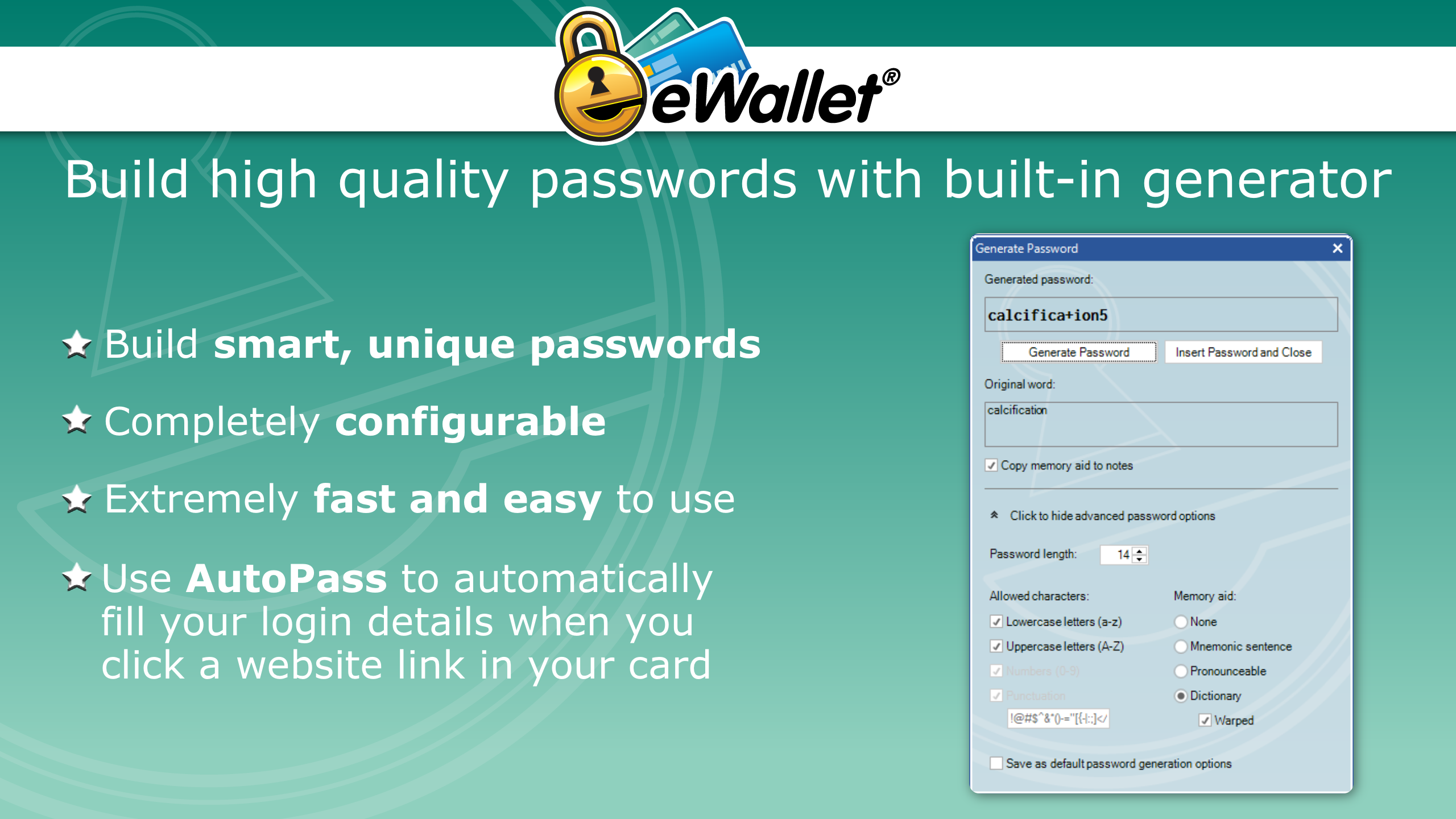
Strong Security Features
Regular Updates and Support
Limited Compatibility with Non-Windows Devices
Occasional Syncing Delays
Limited Customization Options
Initial Setup Complexity
Some Advanced Features Require Premium

for Windows
 5
5

for Windows
5
for Windows
4.9

for Windows
4.9

for Windows
4.9

for Windows
4.8

for Windows
4.8

for Windows
4.8

for Windows
4.8

for Windows
4.8

for Windows
4.8

for Windows
4.8

for Windows
5
for Windows
5

for Windows
5

for Windows
5

for Windows
5

for Windows
5

for Windows
5

for Windows
5

for Windows
5
for Windows
5