Classics
PC
Windows 10 version 16299.0 or higher
Integrated Mouse
1 GB
Not specified
Chinese (Simplified), Chinese (Traditional Chinese), Danish, Dutch, English, Finnish, French, German, Greek, Indonesian, Italian, Japanese, Korean, Malay, Norwegian (Bokmål), Portuguese, Portuguese (Portugal), Russian, Spanish, Swedish, Thai, Turkish, Vietnamese
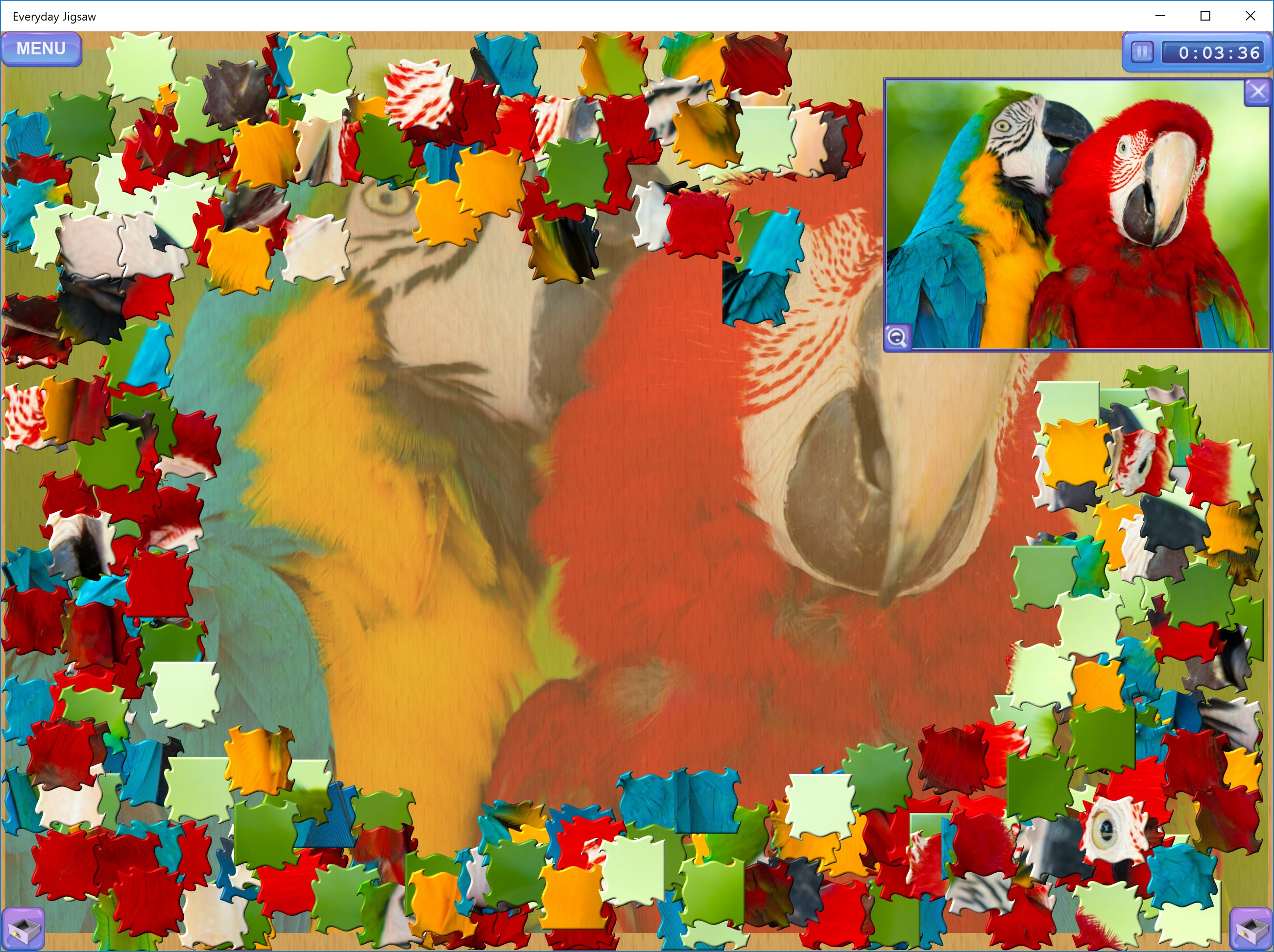
If you're a puzzle enthusiast or simply someone looking for a relaxing yet stimulating way to wind down, Everyday Jigsaw offers a charming and thoughtfully crafted experience. Unlike generic jigsaw apps that feel like assembling an endless stream of repetitive images, this app emphasizes variety, quality, and user-friendly design to keep your cognitive gears turning.
Created by SharpMind Games Limited, a developer renowned for crafting mind-stimulating and accessible puzzle games, Everyday Jigsaw aims to deliver a high-quality jigsaw experience that appeals to all ages. Their focus on intuitive gameplay and beautiful visuals reflects a commitment to both entertainment and mental exercise.
The target audience is broad—anyone from children developing fine motor skills to adults seeking relaxing mental activities or even seniors looking to maintain cognitive sharpness.
Jumping into Everyday Jigsaw feels like opening a box of colorful treasures; each picture is a mini-adventure waiting to be pieced together. The app does a great job at balancing challenge and relaxation, leading users into a serene world of vibrant images and satisfying assembly. But what truly elevates it above many similar applications is its attention to detail and user-centric design.
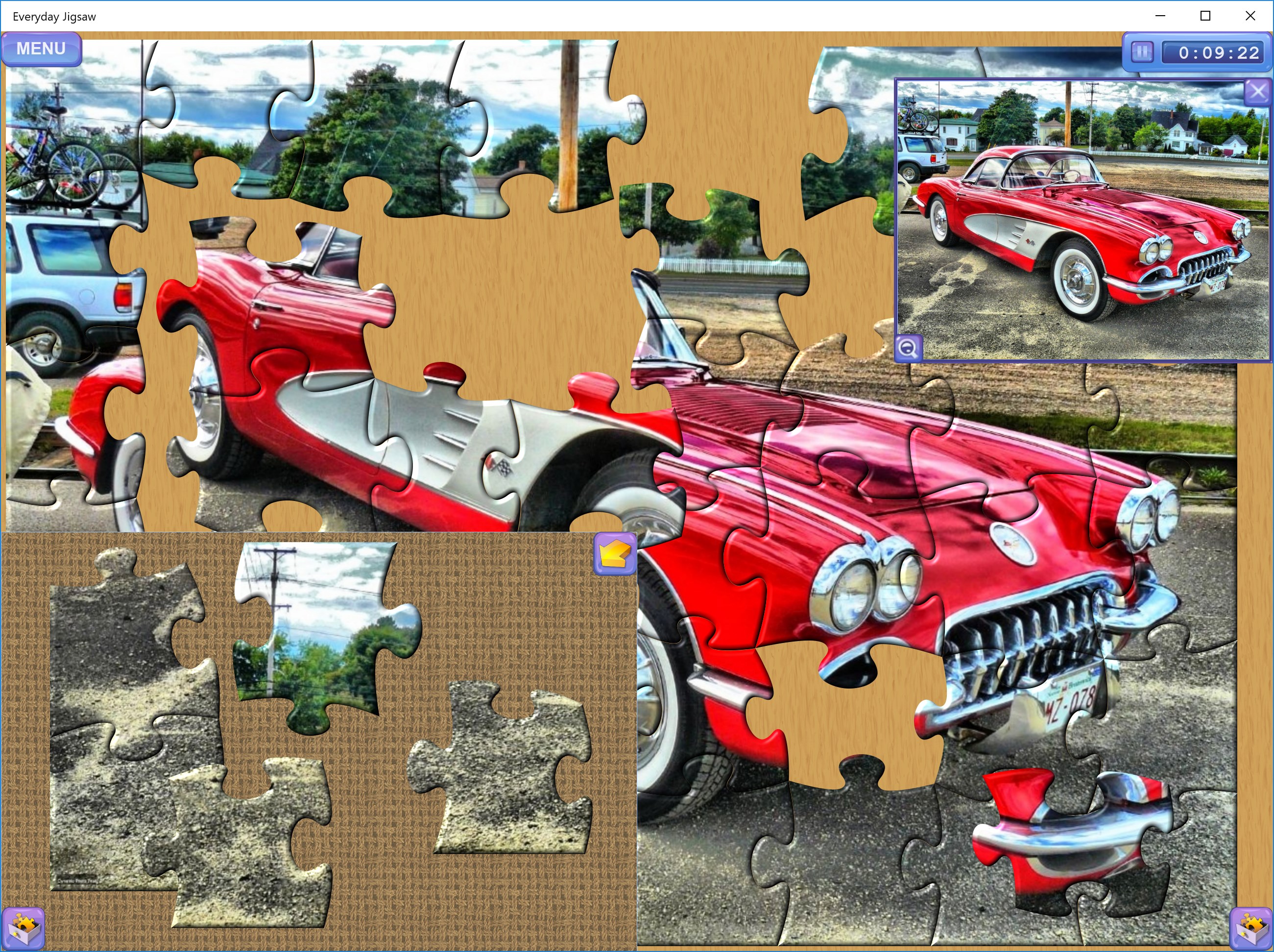
The interface is clean and inviting, with a layout that feels natural—dragging a piece feels like guiding a tiny puzzle piece into its rightful place. The app runs smoothly, with swift responsiveness that keeps frustration at bay. Learning curve? Minimal. A beginner can jump right in, but seasoned puzzlers will appreciate the option to toggle more complex puzzles and detailed guides. This seamless interaction makes for a relaxing experience perfect for a quick break or a lengthy puzzle session.
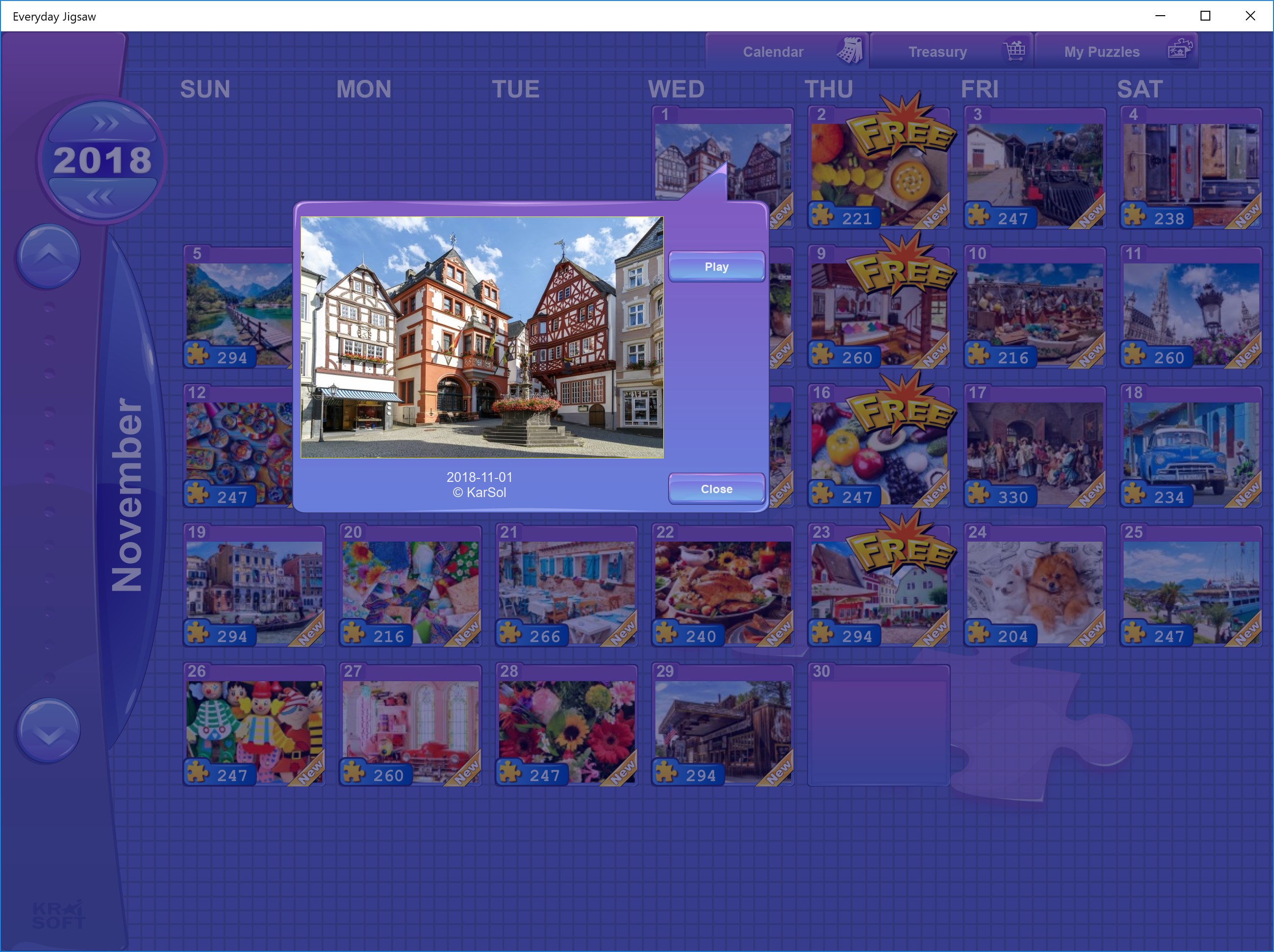
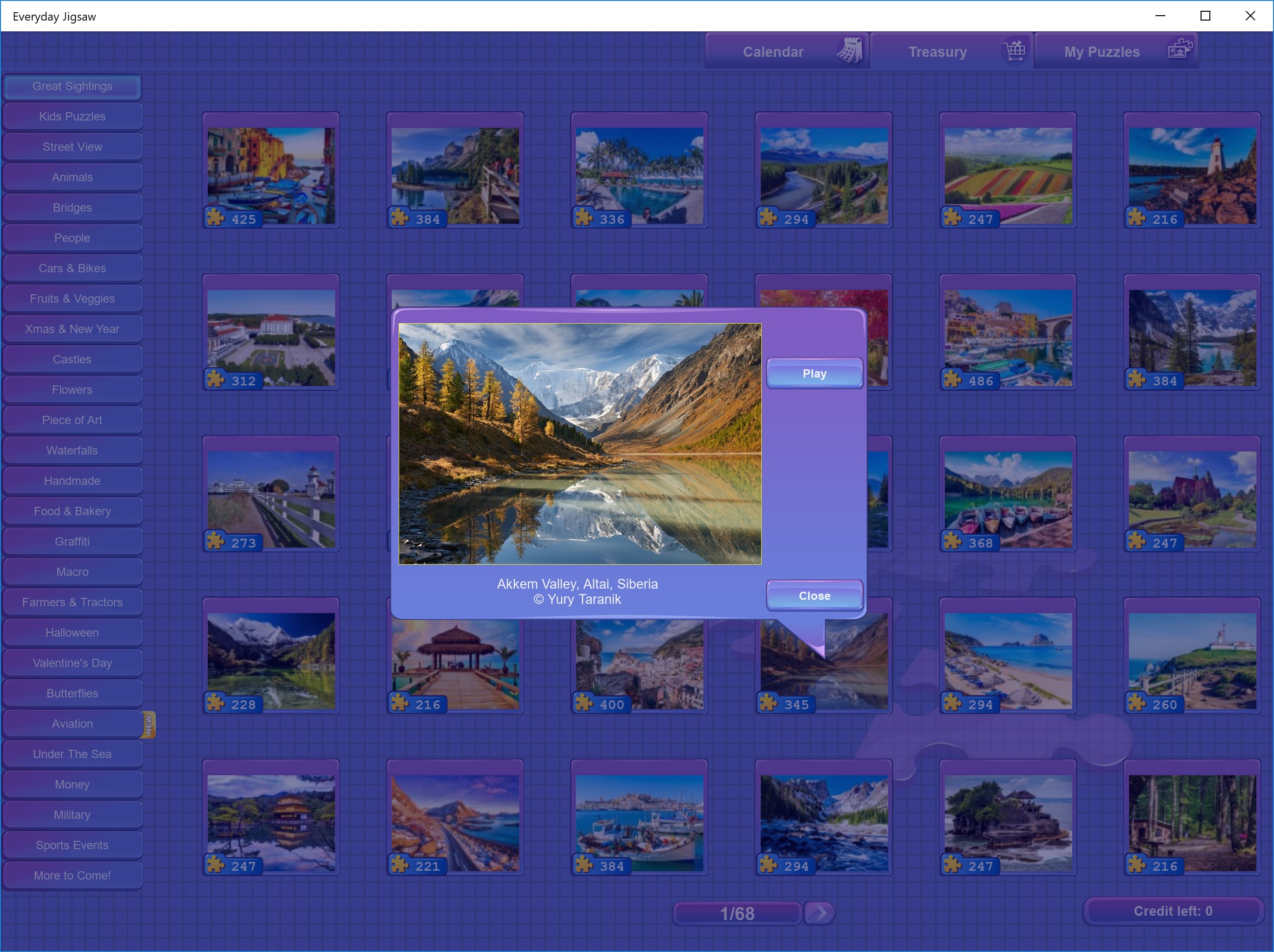
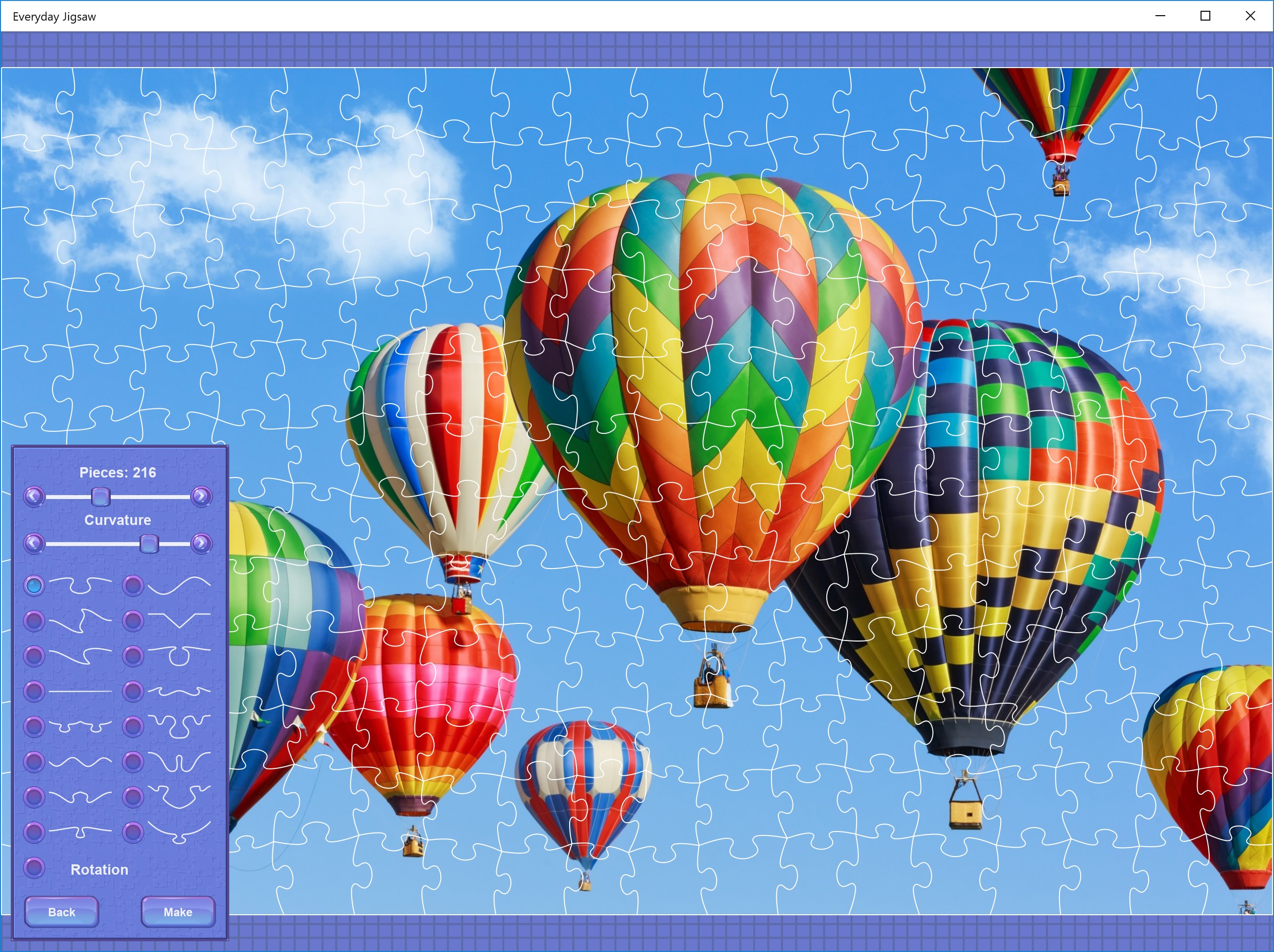
Compared to other classic jigsaw apps, Everyday Jigsaw's biggest strength lies in its curated image collection and the thoughtful difficulty options. While many apps simply shuffle images randomly or offer limited themes, this app's diverse visual library is like walking through a photographic gallery, each image carefully selected to appeal across different tastes. Moreover, the ability to customize puzzle piece counts means players can adjust the challenge to their mood—whether they want a quick, easy assembly or a serious mental workout. This flexibility is particularly appealing for users who want variety without switching apps.
If you enjoy relaxing puzzles with beautiful imagery and appreciate a smooth, user-friendly interface, Everyday Jigsaw is definitely worth trying. It's particularly suited for those who prefer incremental difficulty and content variety. However, if you're seeking highly competitive features, online multiplayer options, or ultra-high-resolution puzzles, this app might fall short of expectations.
Overall, Everyday Jigsaw for Windows offers a well-crafted, accessible, and visually pleasing puzzle experience. Its standout features—namely the curated image library and adjustable difficulty levels—ensure that it remains engaging across different skill levels and preferences. I'd recommend it to casual puzzle fans, families, or anyone looking for a relaxing yet mentally stimulating activity. While it's not revolutionizing the jigsaw landscape, it certainly does a solid job of encapsulating the joy of jigsaw puzzles in a straightforward digital format. Give it a try if you're hunting for a friendly, customizable puzzle companion that feels both familiar and fresh.
User-Friendly Interface
Wide Variety of Jigsaw Puzzles
Daily Challenges and Rewards
Offline Mode Available
Simple Hint System
Limited Puzzle Customization
Performance Issues on Older Devices
Occasional Advertisement Interruptions
Limited Social Sharing Features
Difficulty in Uninstalling Some Updates

for Windows
 4.9
4.9

for Windows
4.9

for Windows
4.9

for Windows
4.8

for Windows
4.8

for Windows
4.8

for Windows
4.8

for Windows
4.7

for Windows
4.7

for Windows
4.7

for Windows
4.7

for Windows
4.7

for Windows
5

for Windows
5

for Windows
5

for Windows
5

for Windows
5

for Windows
5

for Windows
5

for Windows
5

for Windows
5

for Windows
5