Sports
Disney
PC, HoloLens
Windows 10 version 19041.0 or higher
Integrated Keyboard
Integrated Mouse
Dutch, English, Portuguese, Spanish
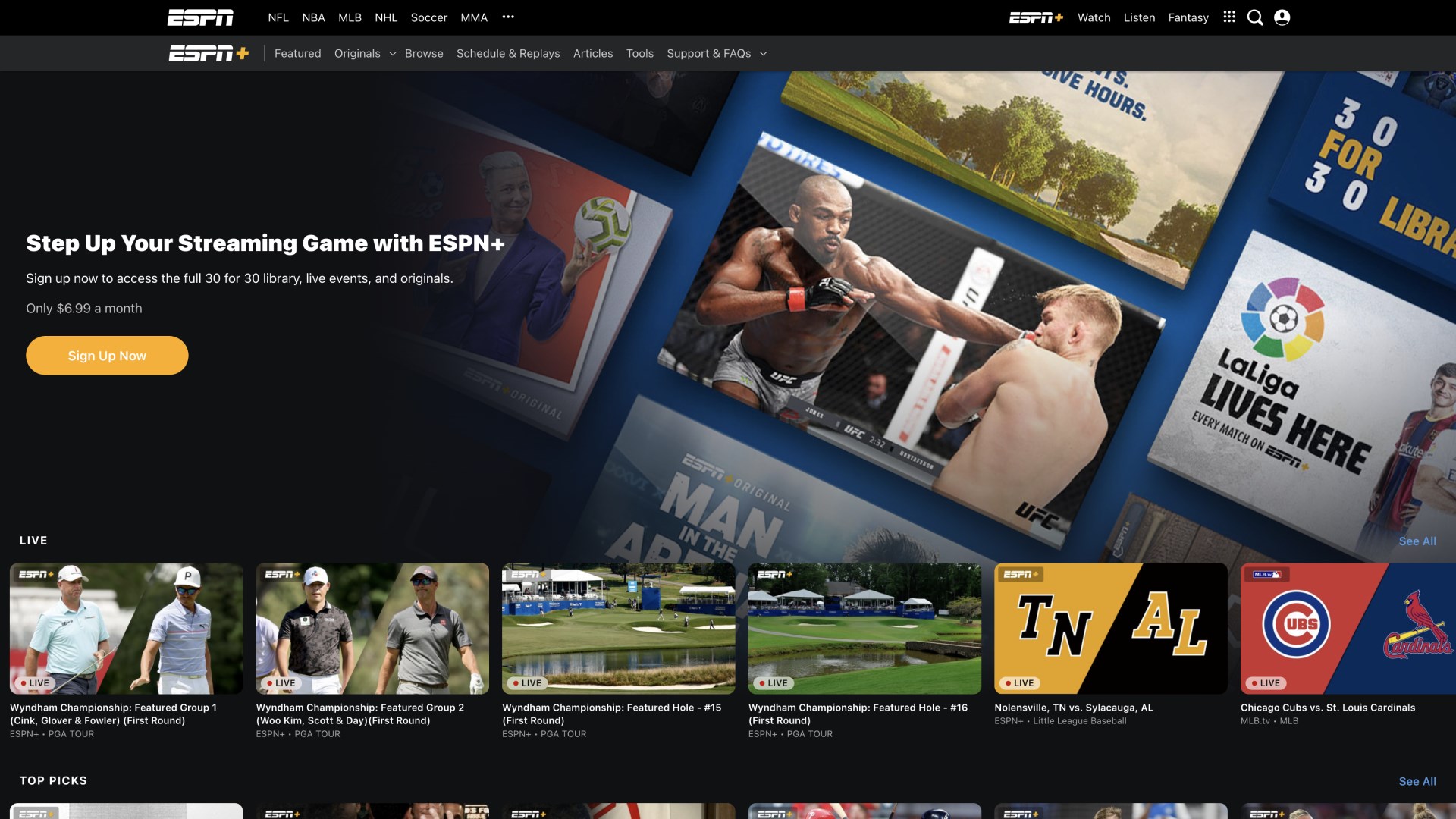
ESPN for Windows, developed and published by Disney, transforms your PC into a comprehensive sports dashboard, delivering live scores, news, and in-depth analysis right at your fingertips. Perfect for sports enthusiasts craving real-time updates and community engagement, this app aims to keep fans connected to the games they love, anytime and anywhere.
Developed by Disney, a titan in entertainment and media, ESPN for Windows blends the magic of storytelling with cutting-edge technology. Its standout features include live streaming of sporting events, real-time data updates, and a vibrant community platform for fans to discuss and share insights. Designed mainly for sports fans, bettors, and casual viewers alike, the app ensures that you never miss a moment of the action, whether you're at home or on the go.
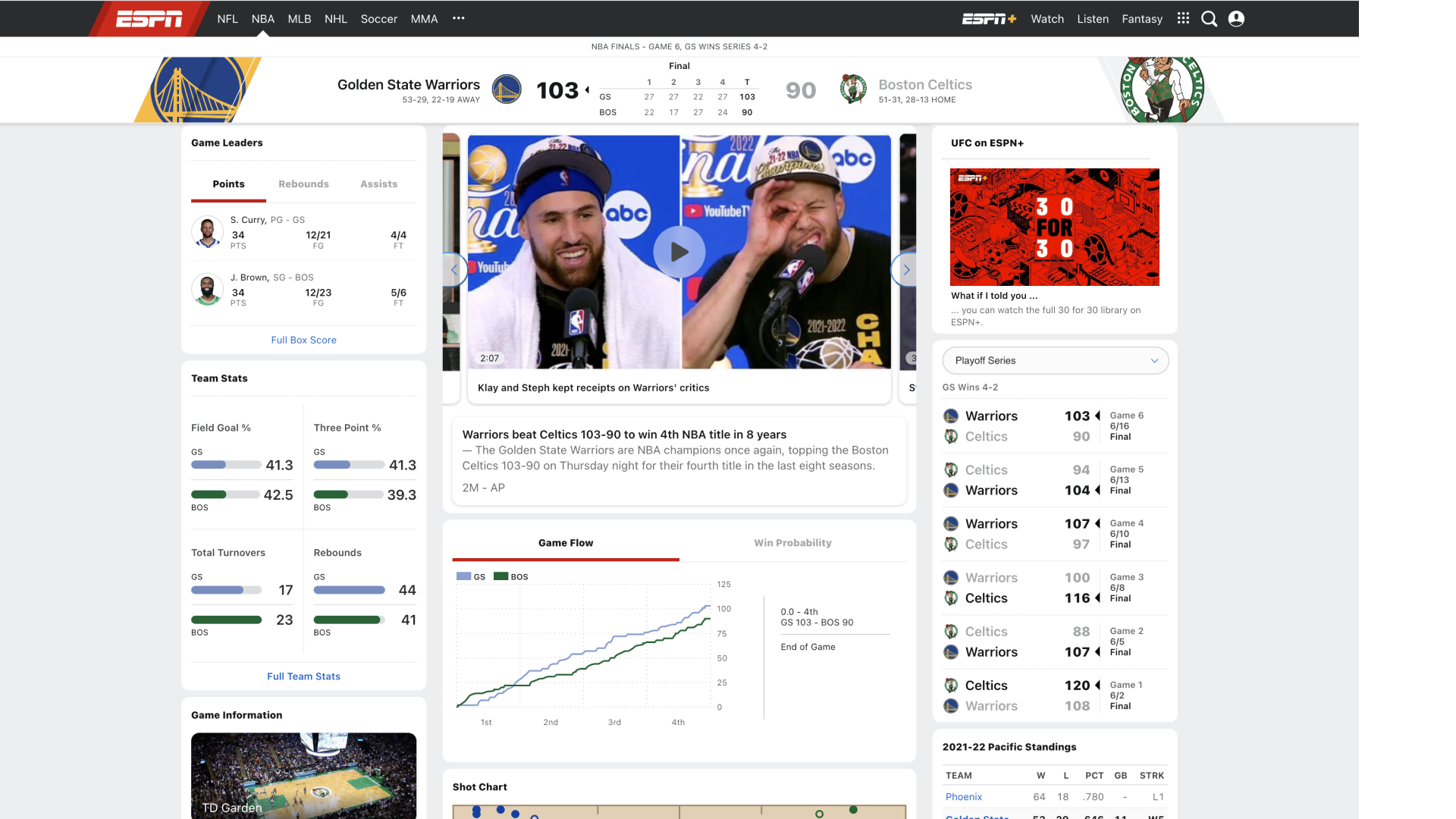
Imagine sitting in your favorite armchair, a bowl of popcorn within arm's reach, as you scroll through a vivid, dynamic interface that feels like flipping through the pages of an energetic sports magazine—this is ESPN for Windows. Its user interface boasts a sleek, intuitive design that caters to both tech-savvy users and casual viewers, making navigation a breeze. The app's smooth responsiveness—powered by optimized performance—means scores and news update seamlessly, like a well-orchestrated sports play, without frustrating lags or delays.
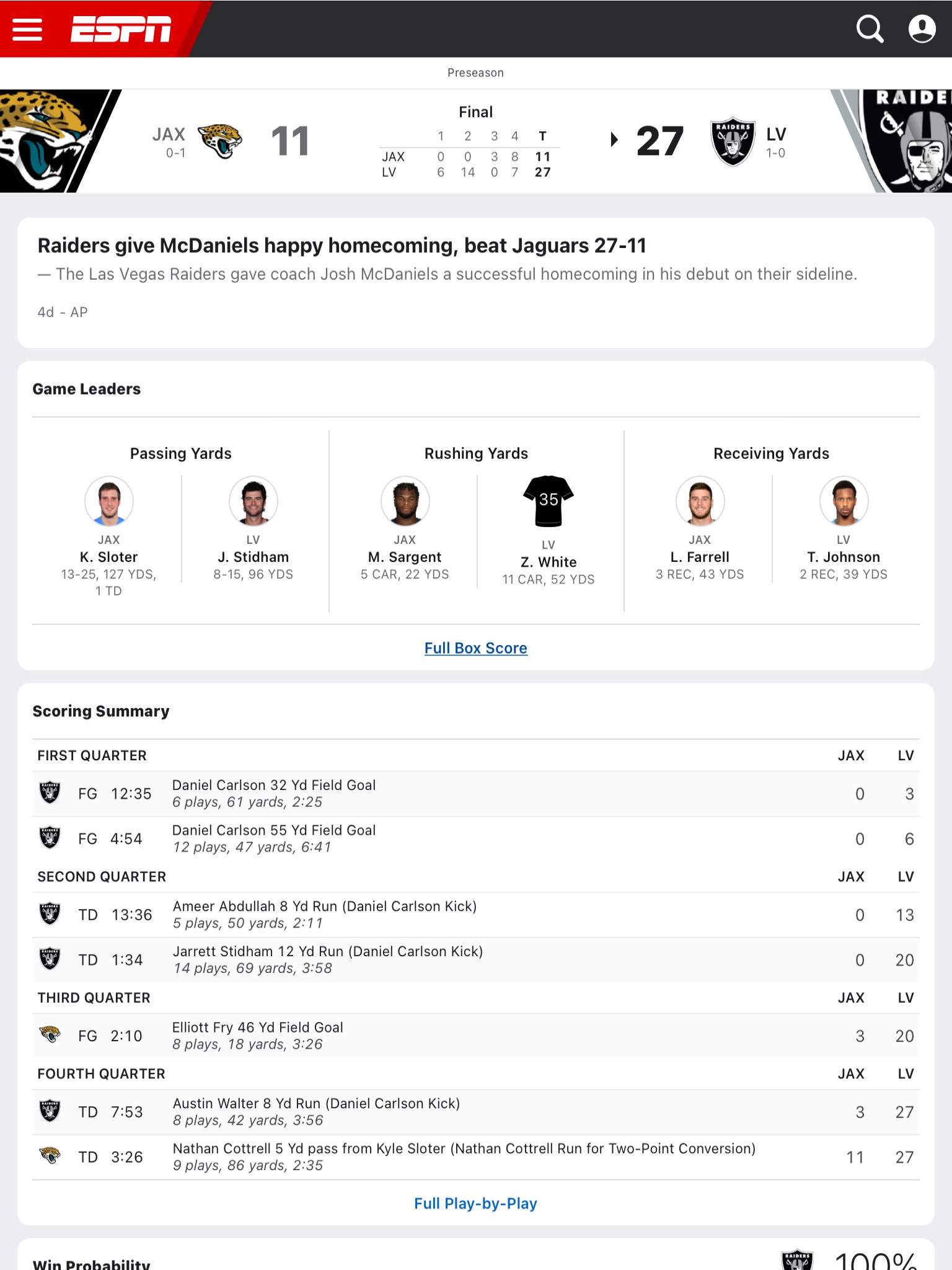
The crown jewel of ESPN for Windows is its precision in delivering live scores and stats. Unlike many competitors, this app emphasizes data accuracy and low latency, ensuring that you receive updates mere seconds after a play unfolds. Whether it's a last-minute goal or a game-changing home run, you're instantly in the know. This real-time data precision makes it ideal for fans who thrive on minute-by-minute updates, fantasy sports players, and bettors seeking reliable information to inform their choices.
Envision being ringside or courtside from your desktop—ESPN's live streaming feature makes this possible. With dedicated streams for major sports such as football, basketball, and tennis, users can watch games as they happen. The streaming quality remains stable even during high-traffic moments, providing a premium viewing experience that rivals traditional TV. This feature particularly appeals to users who prefer mobile flexibility and interrupted viewing without the need for cable subscriptions.
What sets ESPN for Windows apart is its robust community engagement system. Users can participate in forums, polls, and live chats, transforming the app into a lively digital clubhouse. The mechanics are designed to foster discussions around ongoing matches, player performances, and upcoming events, turning passive viewing into an interactive social experience. This sense of belonging and shared passion enhances user retention and adds a layer of excitement beyond just scores and stats.
The app's interface is visually appealing yet straightforward, with a clean layout that emphasizes usability. Navigating between scores, news, and streaming sections feels intuitive, similar to flipping through channels on a well-organized TV. The app maintains a steady, responsive performance with minimal loading times, making the user experience smooth and engaging. For newcomers, the learning curve is gentle—it's easy to find what you want and get back to enjoying the sport.
Compared to other sports apps, ESPN for Windows truly shines in its combination of data accuracy & latency and community mechanics. Many competitors might provide live scores or streaming but often lag or offer limited interactive features. ESPN's focus on delivering real-time, precise data alongside vibrant social engagement creates a more immersive, trustworthy, and social sports experience—akin to sitting in a bustling sports bar with friends, but from your home office.
All considered, ESPN for Windows earns a strong recommendation for sports fans seeking a reliable, interactive, and comprehensive sports app. Its standout features—particularly the real-time data precision and community engagement mechanics—offer genuine added value. Casual viewers will find it user-friendly, while hardcore fans and fantasy league players will appreciate the depth of live updates and interactive features.
If you crave a seamless digital sports experience that keeps you confidently in the game, this app is worth exploring. Whether you're tracking scores during lunch or watching a live game on your desktop, ESPN for Windows makes sports watching more connected, precise, and fun. Just a heads-up: ensure your internet connection remains stable to enjoy the app's full capabilities without interruption. Happy sporting!
Live Sports Coverage
User-Friendly Interface
Personalized Notifications
High-Quality Streaming
Comprehensive Content
Slow Content Updates
Limited Free Access to Premium Content
App Crashes on Certain Devices
Difficulty Navigating Archived Data
Limited Customization Options

for Windows
 4.7
4.7

for Windows
4.6

for Windows
4.5

for Windows
4.4

for Windows
4.2

for Windows
4
for Windows
3.9

for Windows
3.3

for Windows
3.2

for Windows
3.2

for Windows
3.2

for Windows
3.2

for Windows
5

for Windows
5

for Windows
5

for Windows
5

for Windows
5

for Windows
5

for Windows
5

for Windows
5

for Windows
5

for Windows
5