Security
ESET, spol. s r.o.
PC
Windows 10 version 0.0 or higher
Integrated Keyboard
Integrated Mouse
300 MB
Arabic, Bulgarian, Chinese (Simplified), Chinese (Traditional Chinese), Croatian, Czech, Danish, Dutch, English, English (United States), Estonian, Finnish, French (Canada), French, German, Greek, Hebrew, Hungarian, Indonesian, Italian, Japanese, Kazakh, Korean, Lithuanian, Norwegian, Polish, Portuguese, Portuguese (Brazil), Romanian, Russian, Serbian (Latin), Slovak, Slovenian, Spanish, Spanish (Latin America), Swedish, Thai, Turkish, Ukrainian, Vietnamese, Hebrew
If you're on the hunt for a reliable shield against cyber threats that's both efficient and unobtrusive, ESET NOD32 Antivirus for Windows might just be your digital guardian. This software aims to blend robust protection with a user-friendly experience, making it appealing for countless users worldwide.
Developed by ESET, spol. s r.o., a renowned name in cybersecurity, ESET NOD32 Antivirus for Windows positions itself as a lightweight yet potent antivirus solution tailored for everyday users seeking straightforward protection without the bloat.
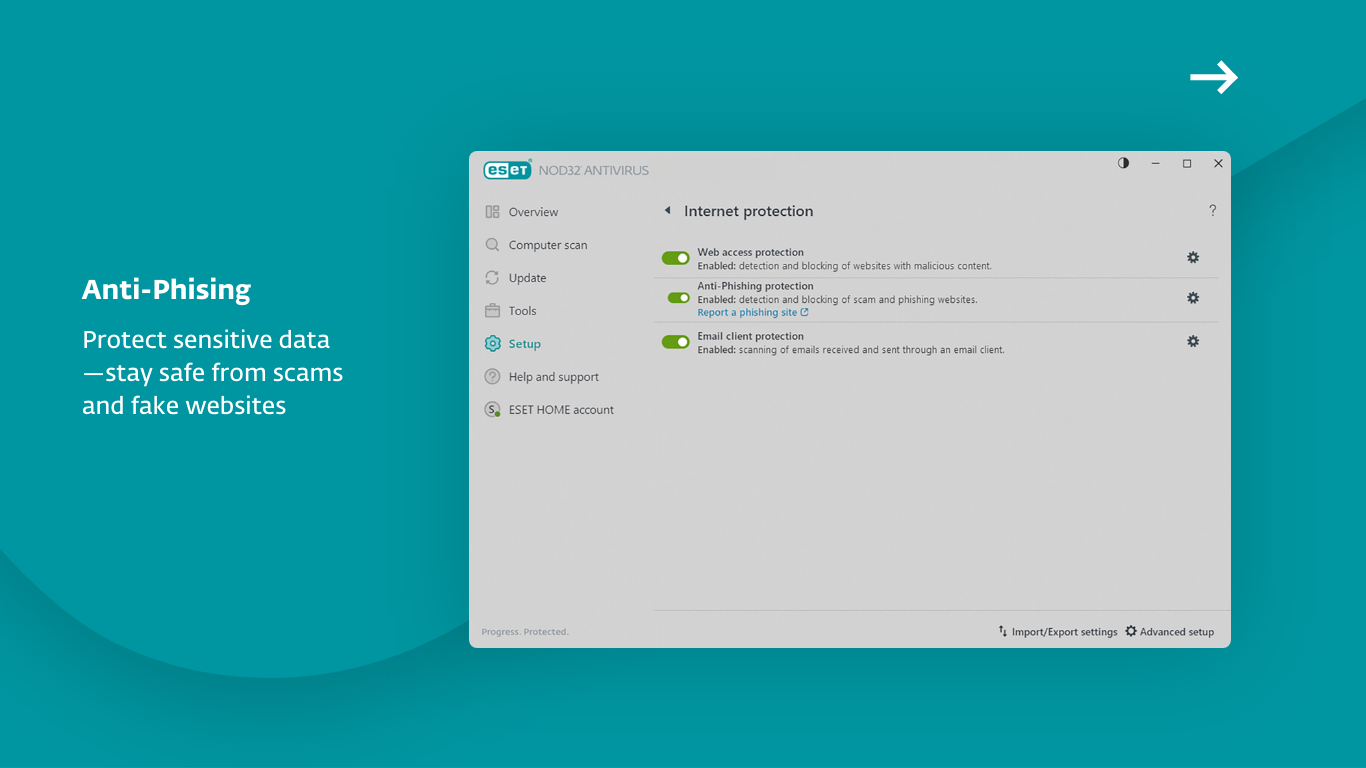
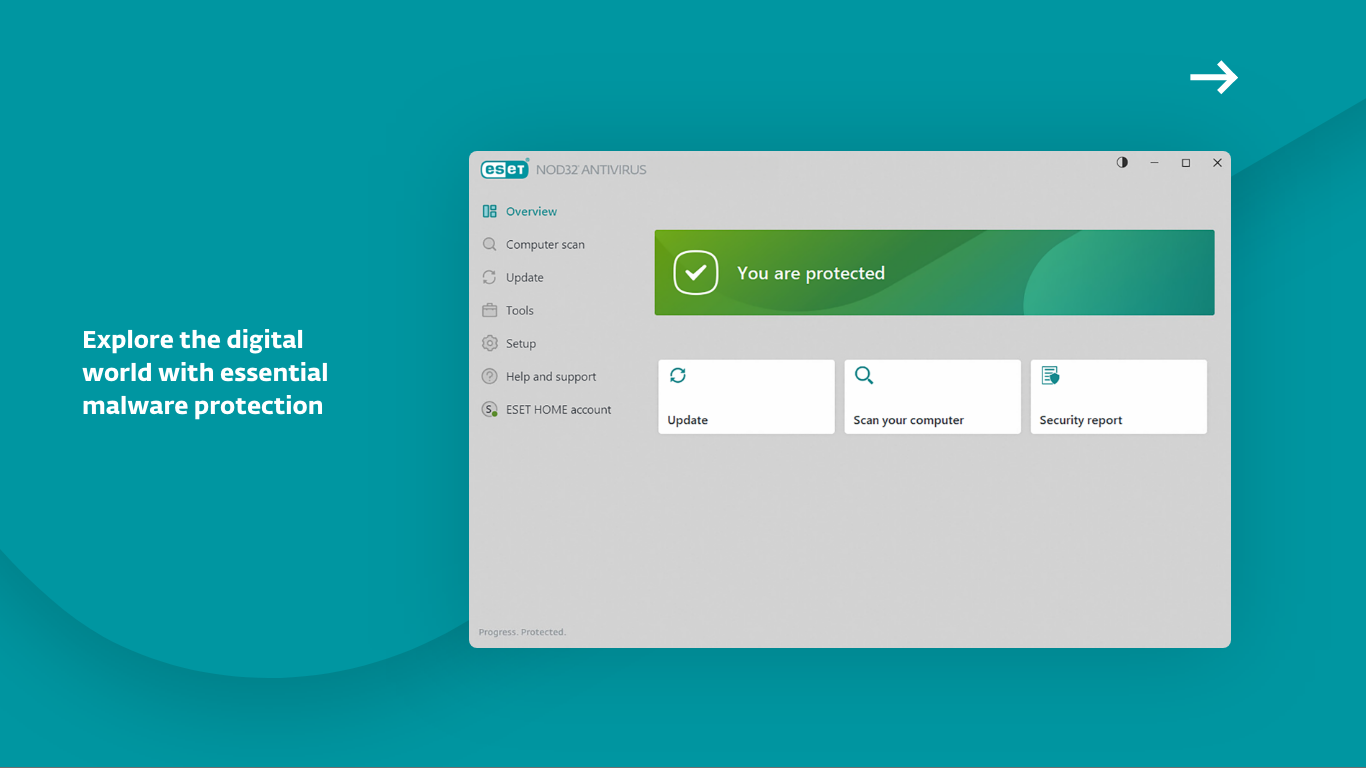
The first thing you'll notice is how seamlessly ESET NOD32 Antivirus integrates into your Windows environment. The interface resembles a sleek, modern dashboard—think of it as the cockpit of a well-designed airplane. Navigating through features is intuitive; toggling on scanning or adjusting settings feels as straightforward as flipping a switch. Its low impact on system performance ensures your everyday tasks aren't slowed down, making it ideal for users who value efficiency alongside security.
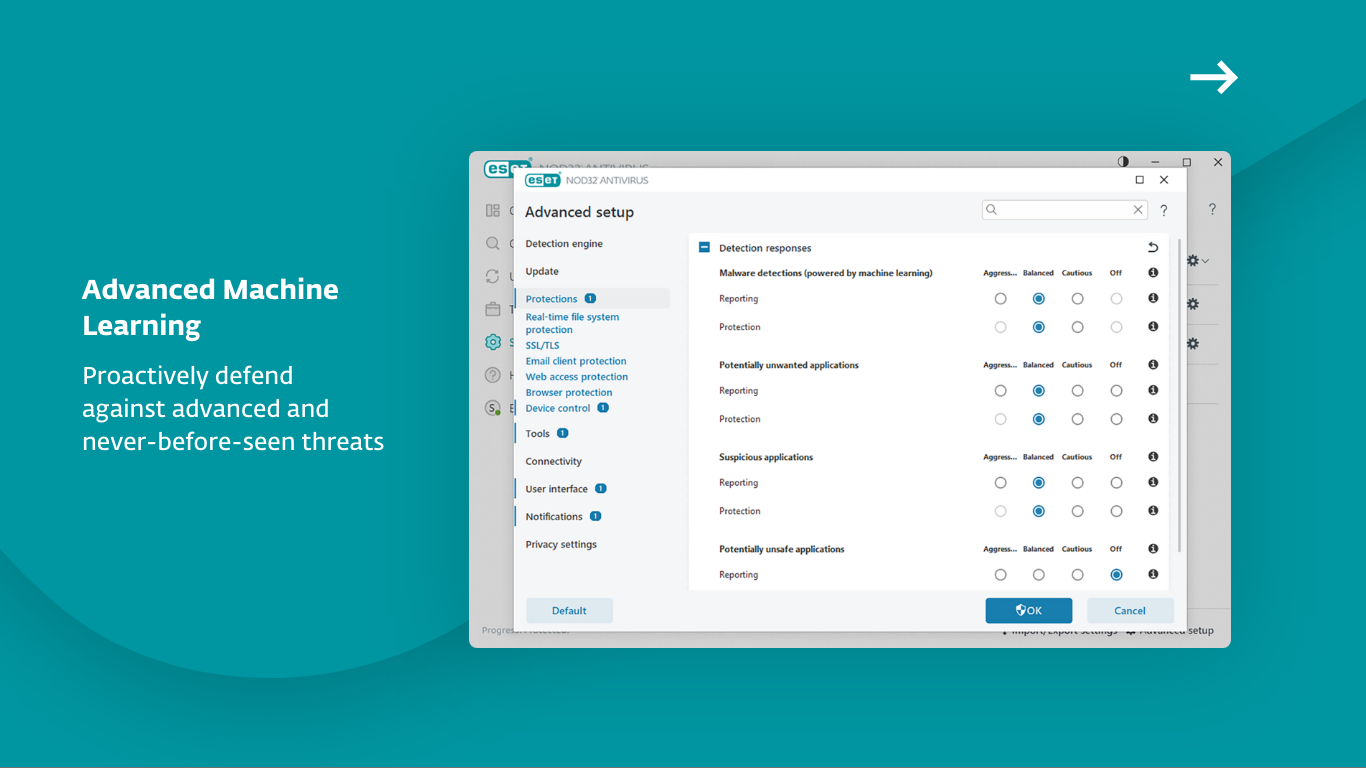
The real strength of ESET NOD32 lies in its proactive threat detection capabilities. Utilizing heuristics and behavioral analysis, it can identify new, unknown malware before it causes harm. For example, live updates are timely and unobtrusive, keeping your defenses current without nagging interruptions. Additionally, its Smart Detection technology minimizes false positives, so you won't be chasing after phantom threats, giving you peace of mind.
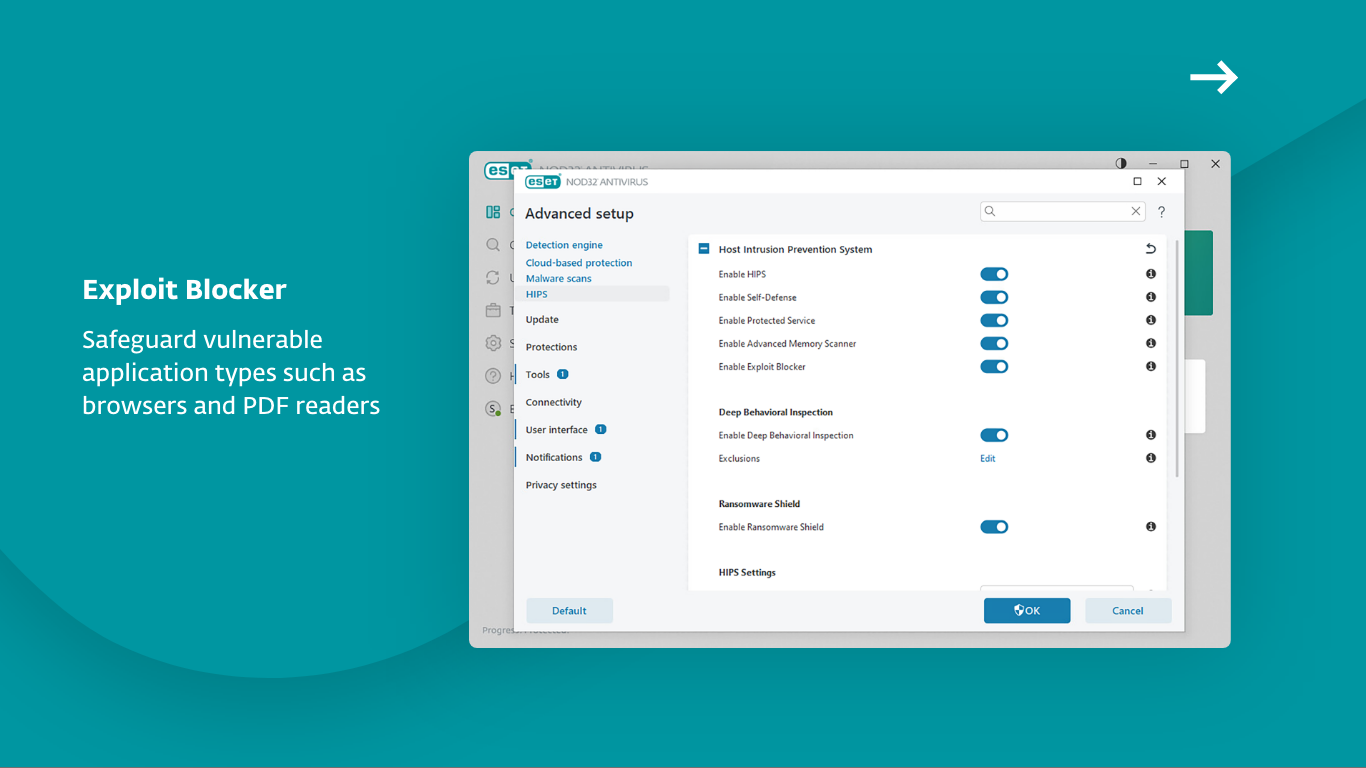
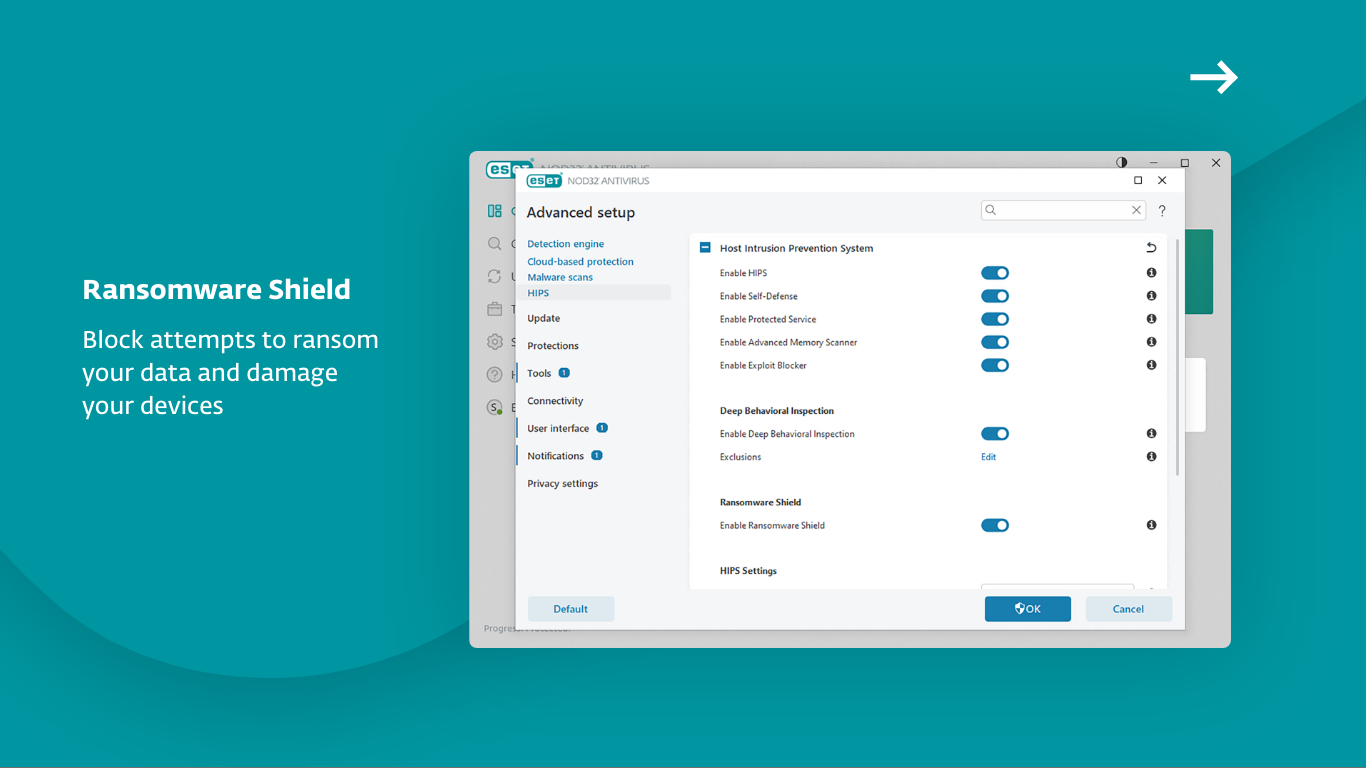
Another highlight is the ransomware shield, which acts like an armored vault—monitoring your files in real-time and preventing unauthorized modifications that could lock you out of your data. This layered security approach provides a comprehensive shield without the clutter often seen in more bloated security suites.
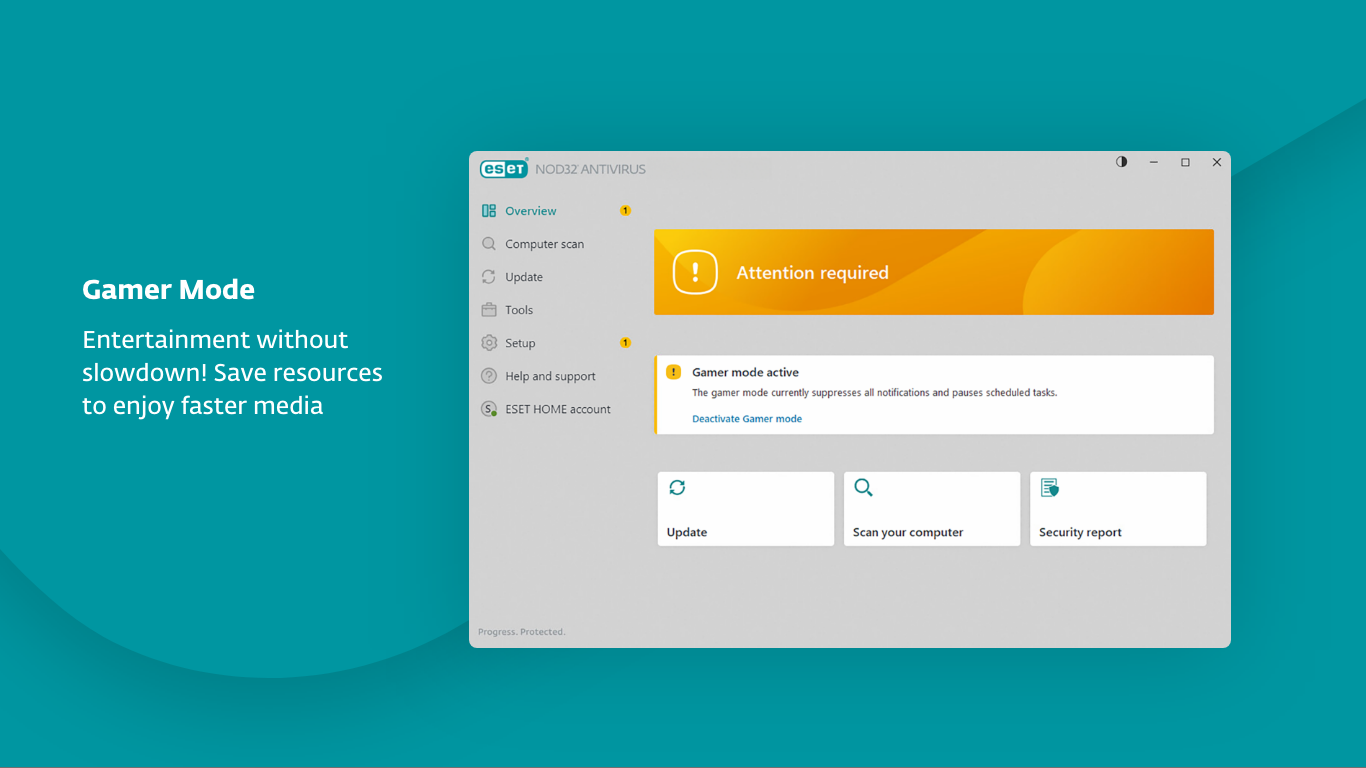
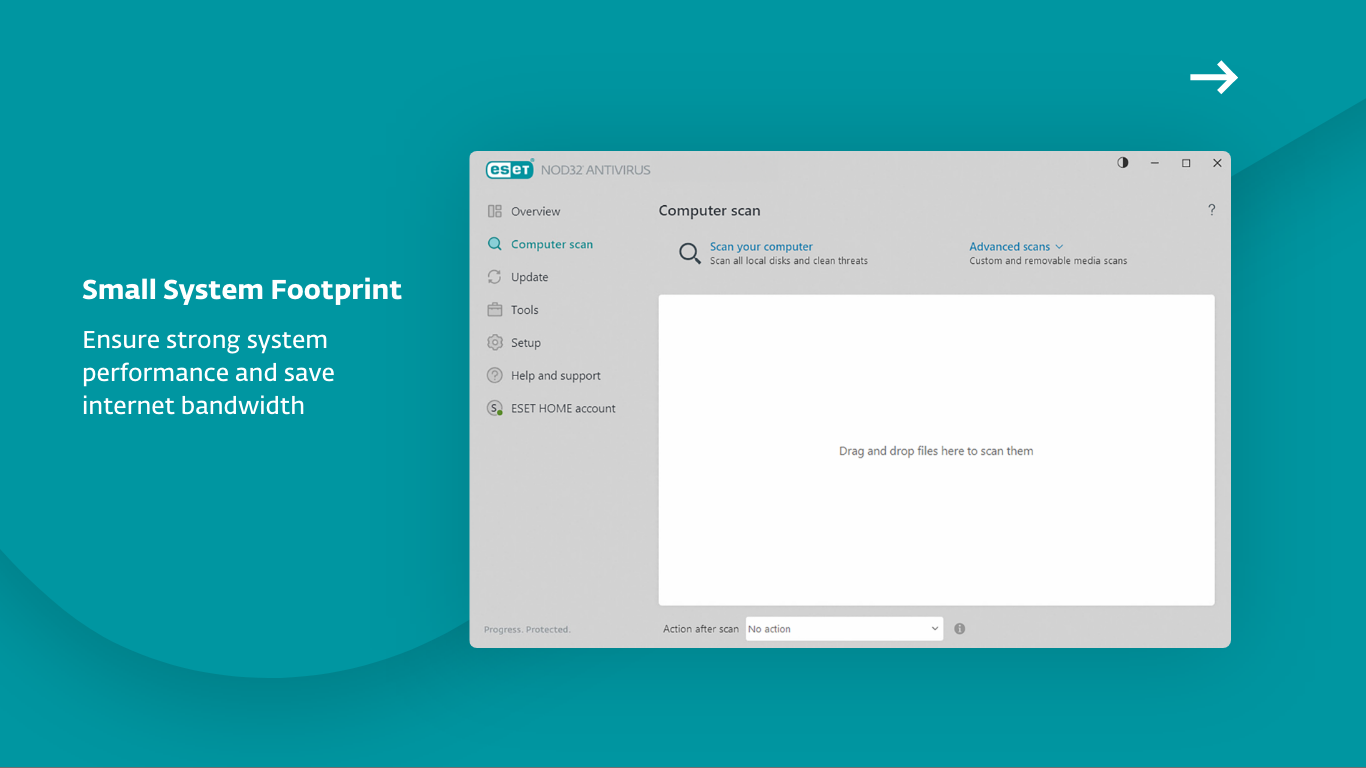
Unlike some all-in-one security tools that bundle multiple features in a cluttered menu, ESET NOD32 focuses sharply on core protection, with an emphasis on speed and stealth. Its legendary detection accuracy, combined with minimal system strain, makes it stand out. Moreover, the 'Game Mode' feature intelligently pauses scans during gaming or presentation modes, ensuring your uptime isn't compromised during critical moments.
For those seeking a lightweight, dependable antivirus that doesn't demand a steep learning curve or bog down your PC, ESET NOD32 Antivirus for Windows delivers a compelling package. Its distinct focus on speed, precise detection, and user experience makes it a standout among traditional security solutions. While it may not bathe users in a flood of extra features, its core strengths lie precisely in what most users prioritize—robust protection without complexity.
Overall, I recommend ESET NOD32 Antivirus for users who want a no-fuss, effective antivirus solution that acts behind the scenes like a silent guardian. For those who wish to maintain a secure environment while keeping their PC running smoothly, this app deserves serious consideration.
Real-time threat detection
Lightweight system impact
Advanced malware removal tools
Simple and intuitive interface
Regular automatic updates
Limited extra features
Occasional false positives
On-demand scanning speed
Initial setup complexities
Limited free trial duration

for Windows
 4.8
4.8

for Windows
4.7

for Windows
4.7

for Windows
4.7

for Windows
4.6

for Windows
4.6

for Windows
4.5

for Windows
4.4

for Windows
4.4

for Windows
4.3

for Windows
4.3

for Windows
4.3

for Windows
5

for Windows
5

for Windows
5

for Windows
5

for Windows
5

for Windows
5

for Windows
5

for Windows
5

for Windows
5

for Windows
5