Security
ESET, spol. s r.o.
PC
Windows 10 version 0.0 or higher
Integrated Keyboard
Integrated Mouse
300 MB
Arabic, Bulgarian, Chinese (Simplified), Chinese (Traditional Chinese), Croatian, Czech, Danish, Dutch, English, English (United States), Estonian, Finnish, French (Canada), French, German, Greek, Hebrew, Hungarian, Indonesian, Italian, Japanese, Kazakh, Korean, Lithuanian, Norwegian, Polish, Portuguese, Portuguese (Brazil), Romanian, Russian, Serbian (Latin), Slovak, Slovenian, Spanish, Spanish (Latin America), Swedish, Thai, Turkish, Vietnamese, Ukrainian
If you're on the hunt for a reliable and user-friendly security solution that offers comprehensive protection without overpowering your system, ESET HOME Security Premium for Windows might just be the one to consider. It's designed to be your personal cybersecurity guardian, shielding your digital life with a blend of advanced technology and intuitive design.
Developed by ESET, spol. s r.o., a globally recognized cybersecurity company with decades of experience, this application reflects the company's commitment to delivering robust and efficient security solutions. ESET's team combines cutting-edge research with real-world experience to produce tools that are both powerful and accessible.
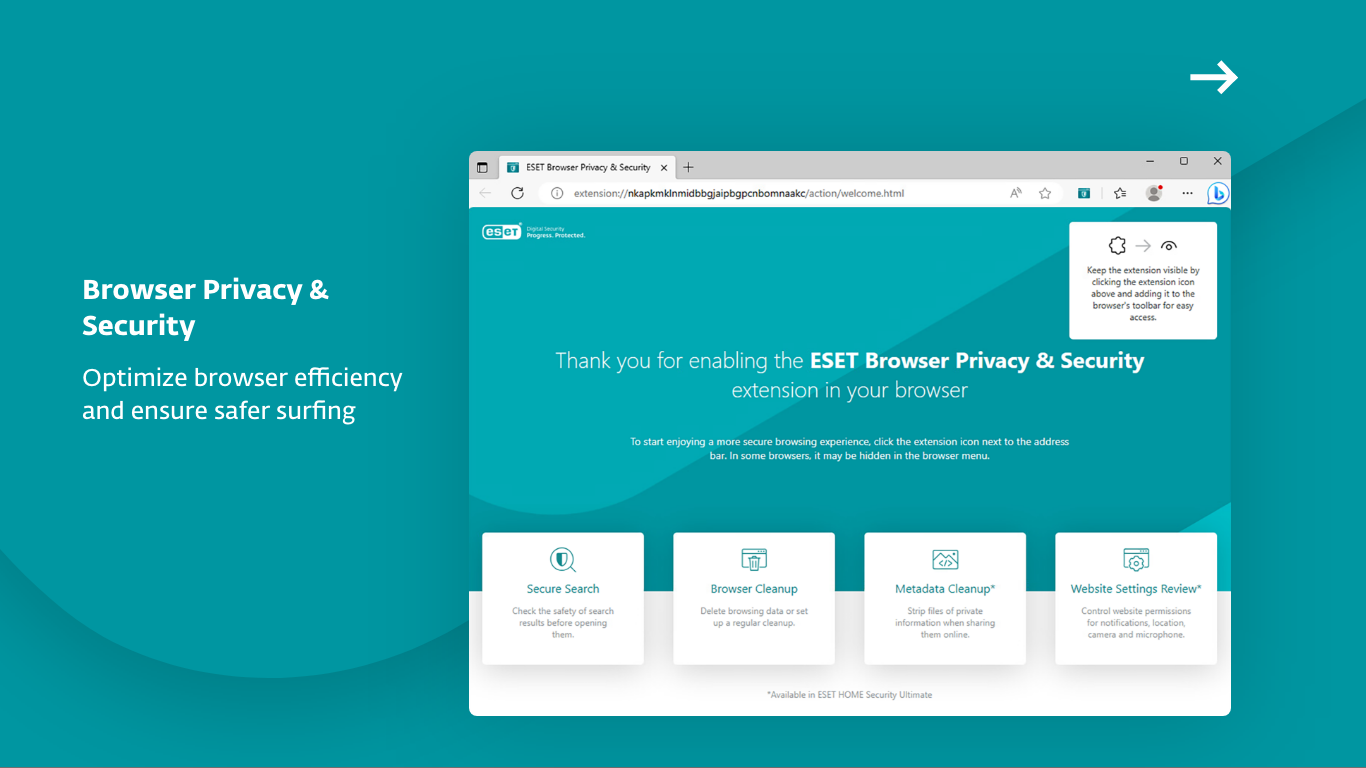
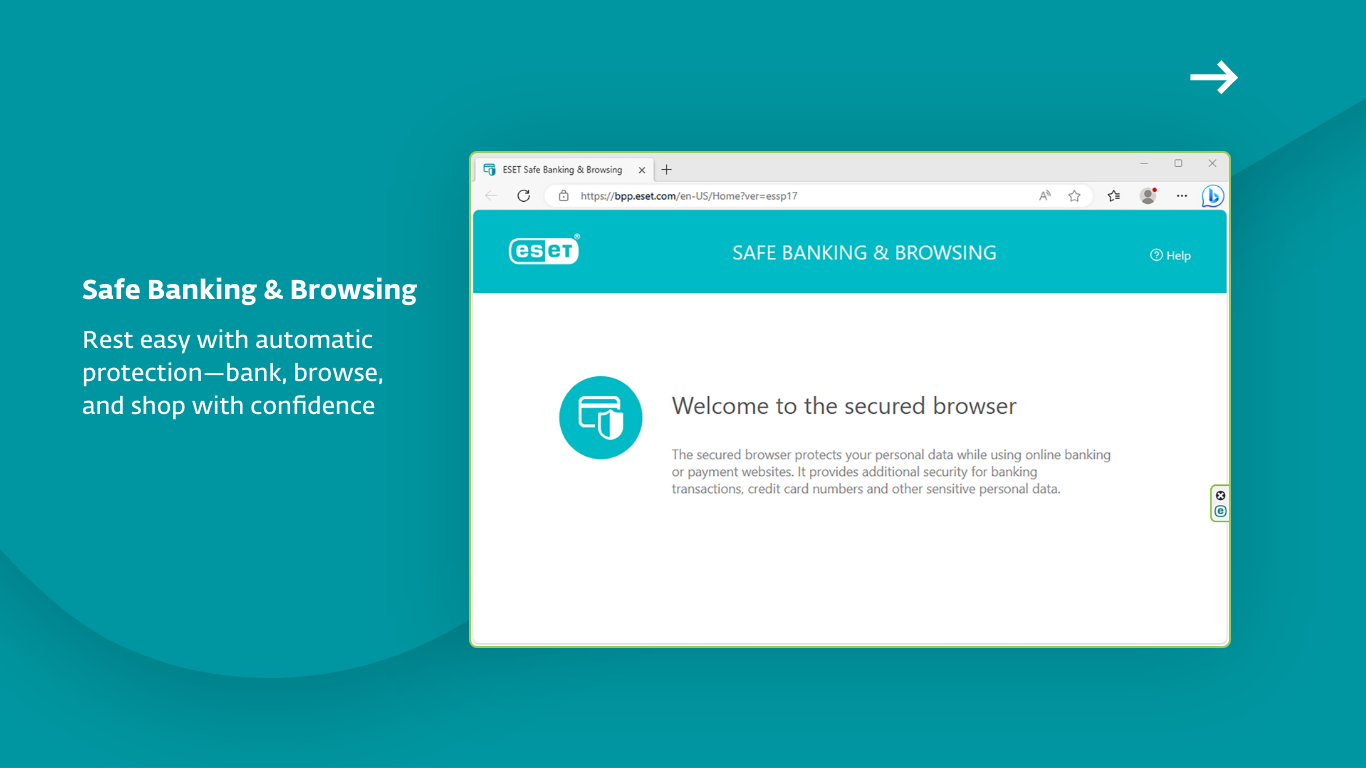
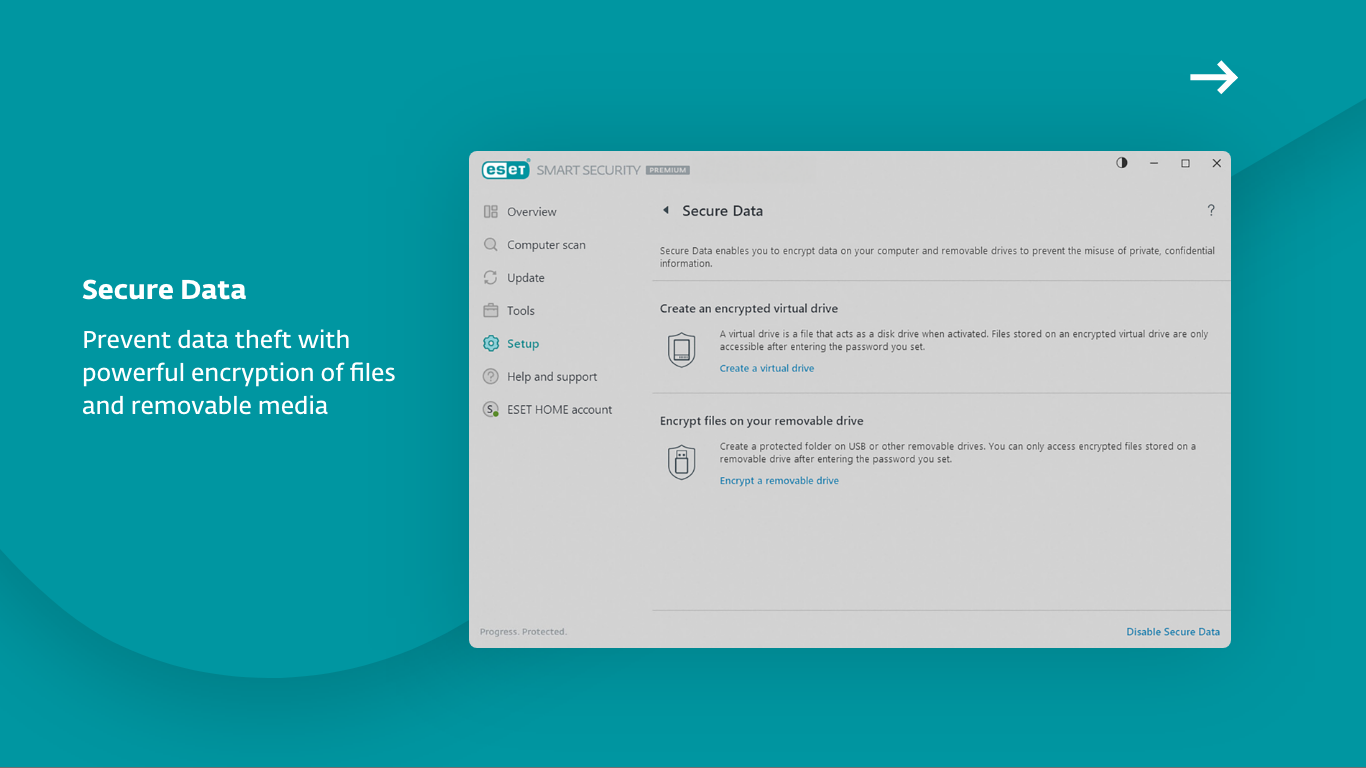
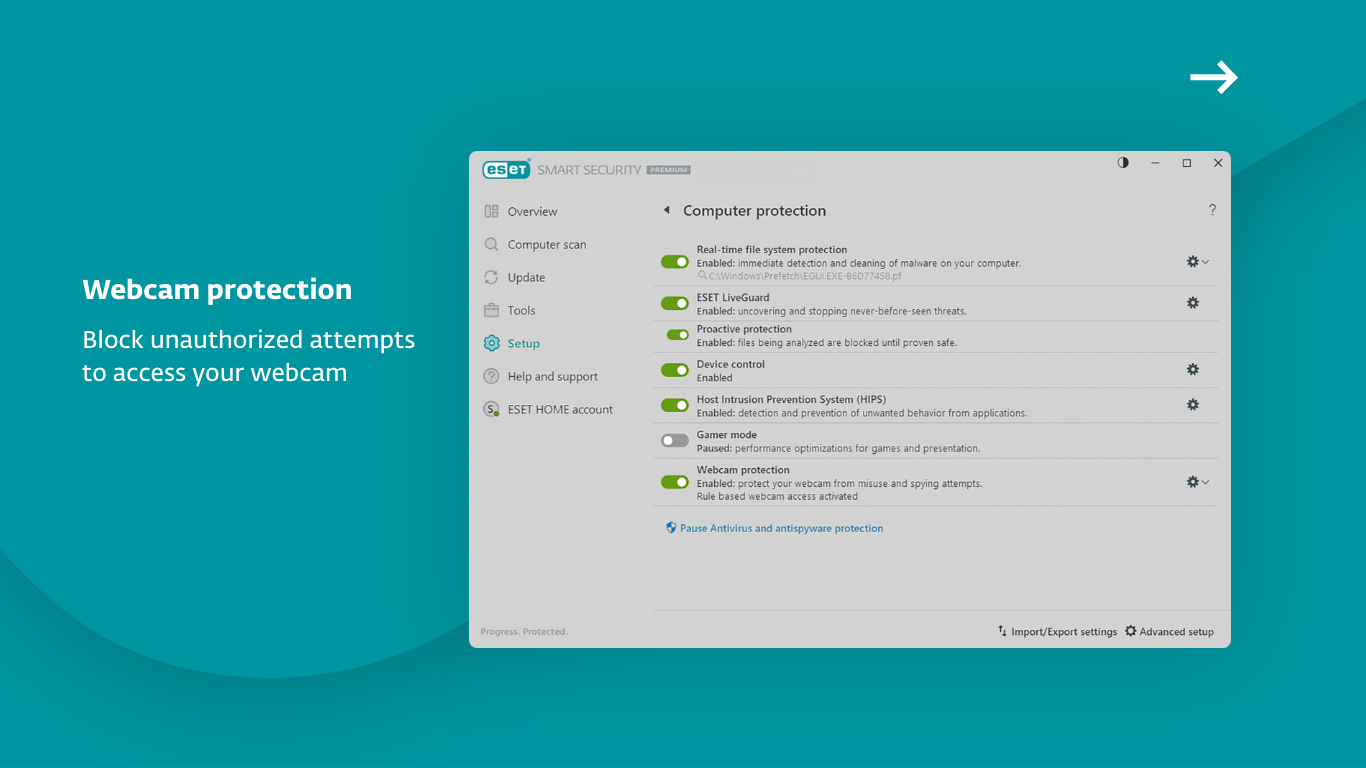
Key features that stand out include proactive ransomware protection, multi-layered security measures, real-time threat detection, and user privacy controls. These features are tailored to protect users from modern cyber threats that are increasingly sophisticated and relentless.
Designed for everyday Windows users—whether individuals, families, or small businesses—ESET HOME Security Premium aims to ensure peace of mind in a world full of digital hazards.
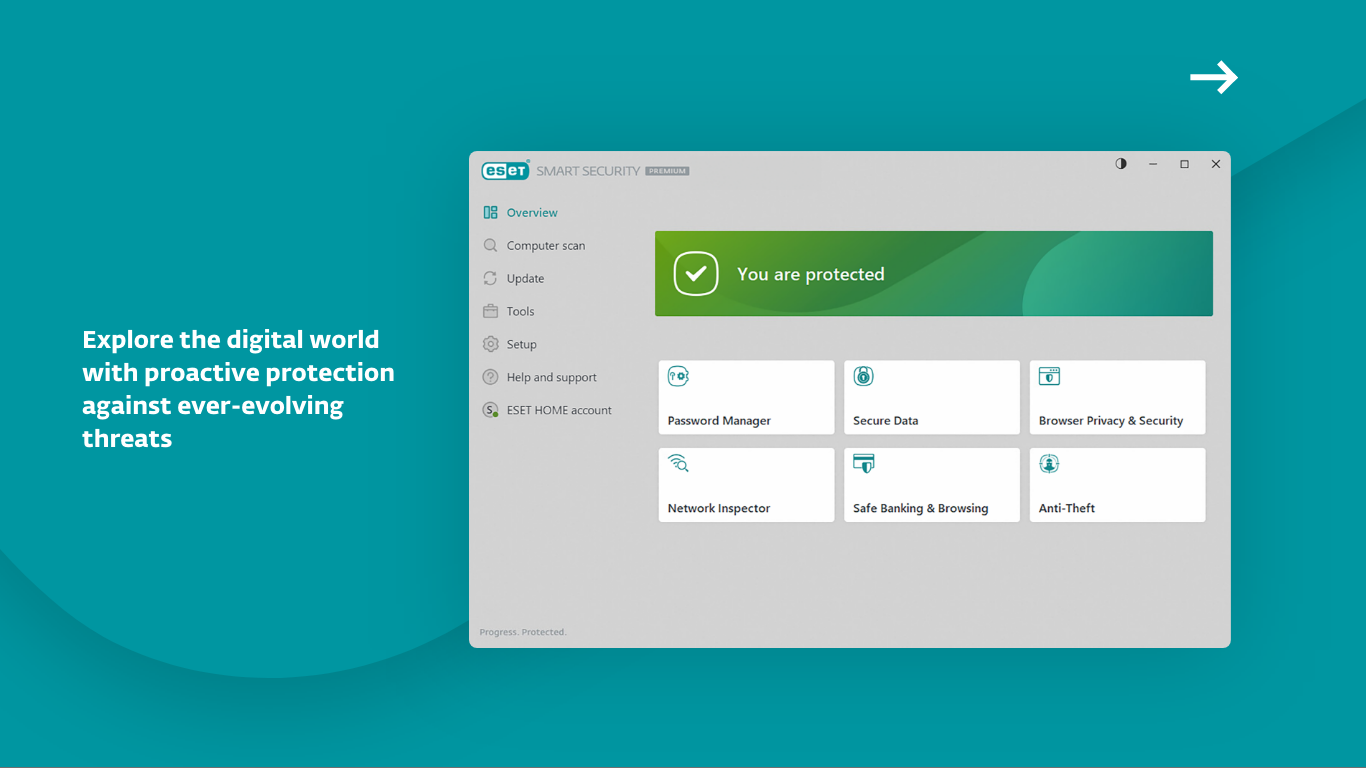
From the moment you open ESET HOME Security Premium, it feels like stepping into a well-organized control center. Its interface is sleek, modern, and easy to navigate—much like a clean dashboard in a high-tech vehicle. The layout organizes critical features clearly, so users don't have to hunt through menus for what they need. The app operates smoothly without lag, making security routines feel seamless and stress-free.
Learning curve? Minimal. Even those new to cybersecurity tools will find the straightforward design welcoming. With guided prompts and intuitive icons, navigating through scans, updates, and security settings becomes an engaging experience rather than a daunting chore.
One of ESET's standout features is its real-time threat detection. Powered by machine learning and heuristics, it acts like an eagle-eyed sentinel, constantly scanning for malicious activity. Its advanced threat detection isn't just reactive; it anticipates and neutralizes threats before they can cause harm. This proactive approach sets it apart from many competitors that rely solely on signature-based methods.
In an era where ransomware attacks can lock away your files, ESET Home Security Premium's dedicated ransomware shield is like a high-security vault. It prevents unauthorized access to your personal data and averts malicious encryption efforts. Coupled with privacy tools that control app permissions and protect sensitive information, this feature ensures your digital identity remains safe.
This app isn't just about protecting a single PC; it offers easy management for multiple devices via the ESET Home platform. Perfect for families or small teams, it allows you to monitor device security status, schedule scans, and enforce safety policies remotely. This holistic approach makes cybersecurity management less of a chore and more of an organized patrol.
While many security apps rely on a similar set of features, ESET stands out with its lightweight design and low system impact. Unlike bulky antivirus suites that slow down your machine, ESET Home Security Premium runs quietly in the background, like a silent guardian. Its focus on proactive detection—using AI-driven heuristics—ensures you're protected against zero-day threats and evolving malware trends.
Additionally, its device management capability is crafted with user convenience in mind. Managing multiple devices from a single interface is akin to having a personal security command center, which isn't a common feature among competitors.
All things considered, ESET HOME Security Premium for Windows earns a solid recommendation for users seeking a balanced, effective cybersecurity solution. Its core strengths lie in its proactive threat detection and user-friendly management tools. If you value a lightweight, robust app that seamlessly integrates into your daily digital routine, this software deserves a close look.
For those already with some security tools in place, ESET offers an extra layer of assurance without adding clutter or complexity. It's especially suitable for families or small businesses that need straightforward device management combined with reliable protection.
In summary, ESET Home Security Premium isn't just another antivirus; it's a thoughtful blend of technical excellence and usability, making digital safety accessible and manageable for everyone.
Comprehensive malware protection
User-friendly interface
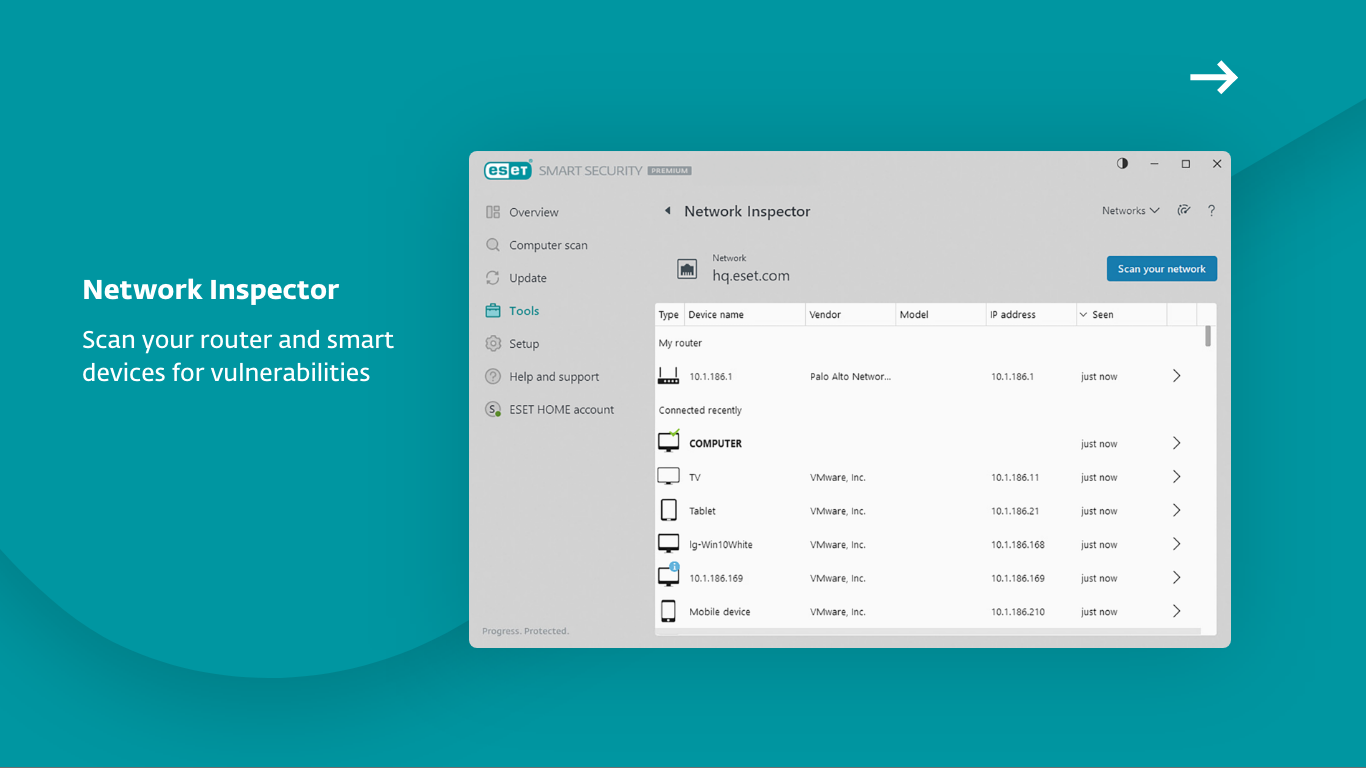
Advanced network security features
Multiple device coverage
Regular updates and fast threat detection
Premium price
Occasional false positives
Limited VPN features in the premium package
Initial setup can be time-consuming
Lack of parental controls

for Windows
 4.8
4.8

for Windows
4.7

for Windows
4.7

for Windows
4.7
for Windows
4.6

for Windows
4.6

for Windows
4.5

for Windows
4.4

for Windows
4.4

for Windows
4.3

for Windows
4.3

for Windows
4.3

for Windows
5

for Windows
5

for Windows
5

for Windows
5

for Windows
5

for Windows
5

for Windows
5

for Windows
5

for Windows
5

for Windows
5