Security
ESET, spol. s r.o.
PC
Windows 10 version 0.0 or higher
Integrated Keyboard
Integrated Mouse
300 MB
Arabic, Bulgarian, Chinese (Simplified), Chinese (Traditional Chinese), Croatian, Czech, Danish, Dutch, English, English (United States), Estonian, Finnish, French (Canada), French, German, Greek, Hebrew, Hungarian, Indonesian, Italian, Japanese, Kazakh, Korean, Lithuanian, Norwegian, Polish, Portuguese, Portuguese (Brazil), Romanian, Russian, Serbian (Latin), Slovak, Slovenian, Spanish, Spanish (Latin America), Swedish, Thai, Turkish, Ukrainian, Vietnamese
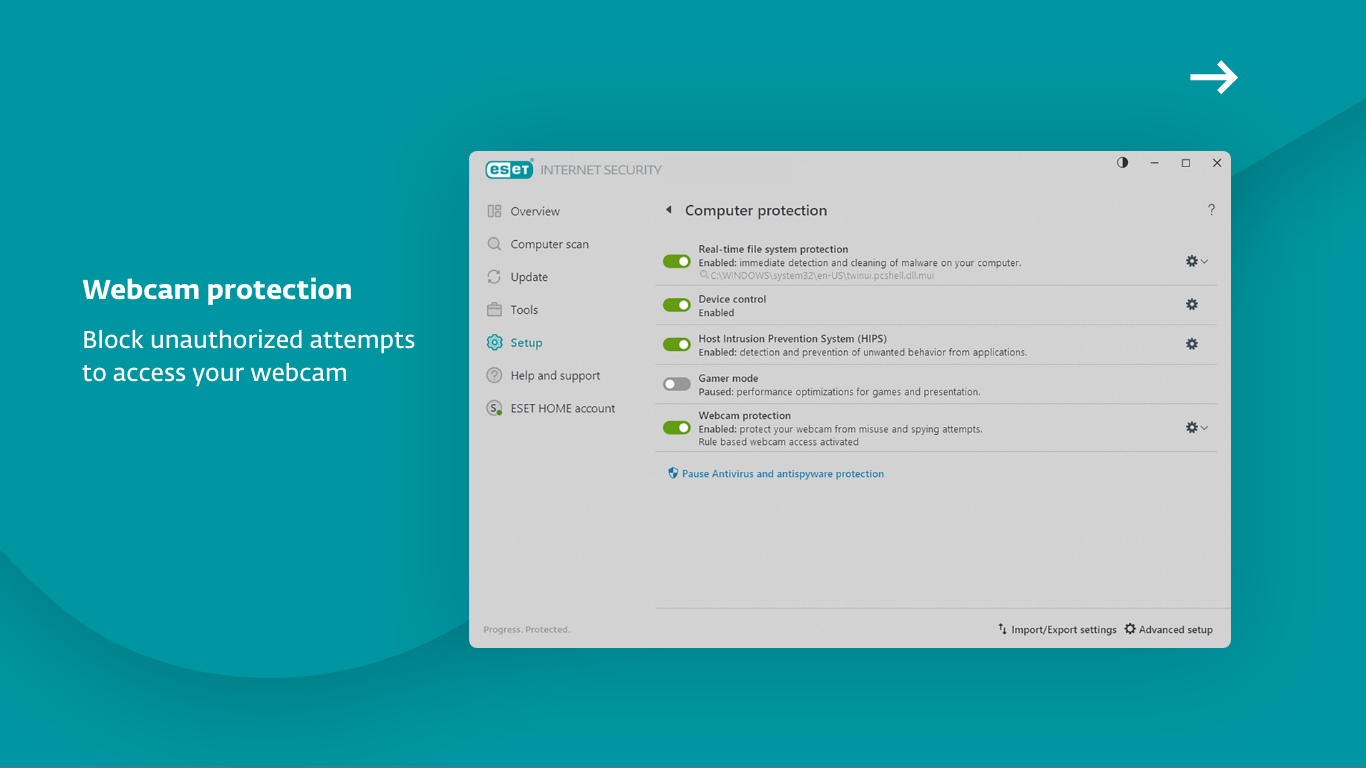
Imagine having a vigilant digital guardian that quietly works behind the scenes to keep your personal information safe—that's precisely what ESET HOME Security Essential aims to provide. Designed with simplicity and reliability in mind, this security app offers essential protection without overwhelming users with complicated options. Developed by ESET, spol. s r.o., a well-established cybersecurity company, this tool primarily focuses on real-time malware defense, browsing safety, and device security management. Its target audience includes everyday Windows users seeking a straightforward, effective security solution to protect their digital lives seamlessly.
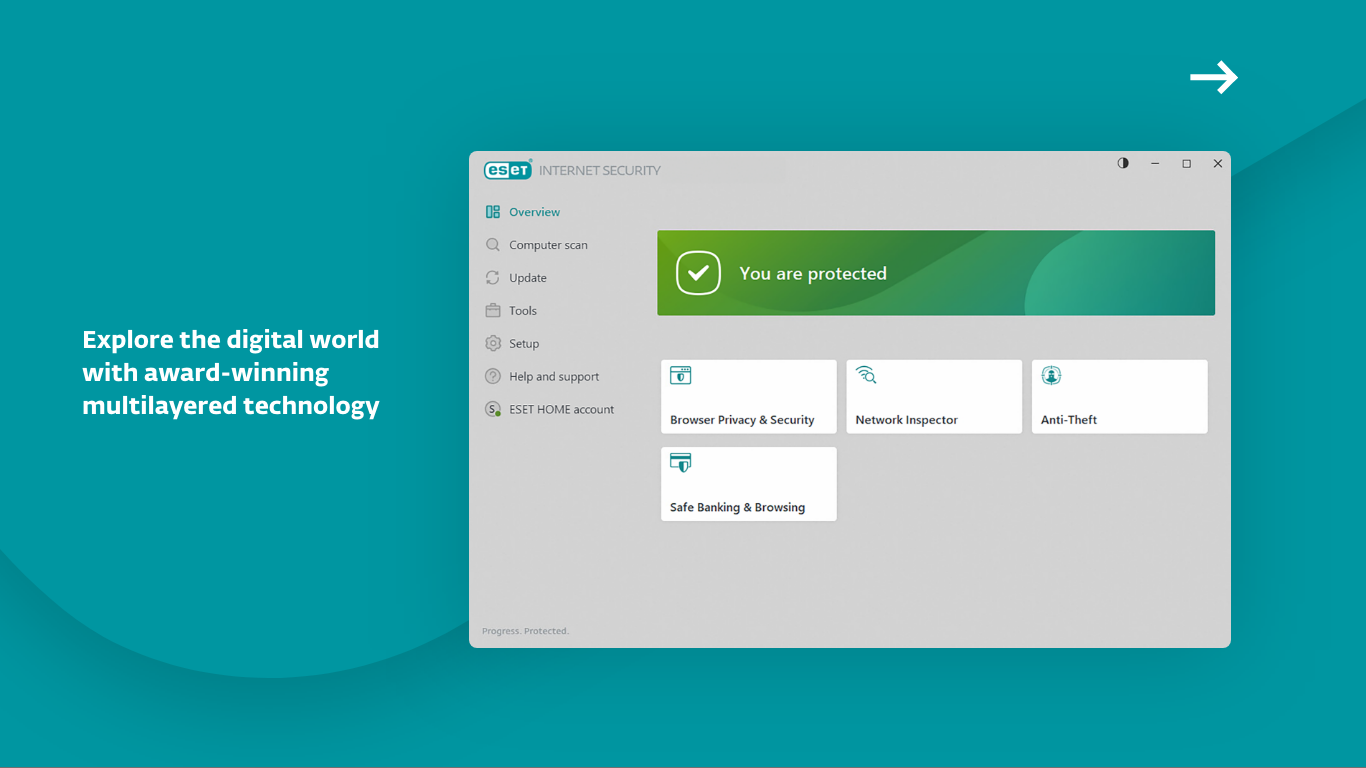
Right from the start, ESET HOME Security Essential charms with its clean, modern interface that resembles a friendly dashboard rather than a tech-heavy control panel. Navigating the app feels intuitive—think of it as walking through a well-organized security command center where every button and indicator is logically placed. The design minimizes clutter, allowing users to focus on essential tasks like scanning or viewing security status. The app's responsiveness is smooth, with no noticeable lag during routine operations, making the experience feel reliable and reassuring. Its learning curve is gentle—perfect for users who are not tech experts but want dependable protection without fuss.
The backbone of ESET HOME Security Essential is its robust real-time malware detection engine. It continuously monitors your system to catch malicious threats before they can do any damage, much like a vigilant security guard patrolling around the clock. The scanning process is quick and non-intrusive, allowing users to perform deep scans or quick checks effortlessly. Its ability to identify emerging threats with minimal false alarms distinguishes it from some competitors that often generate unnecessary notifications.
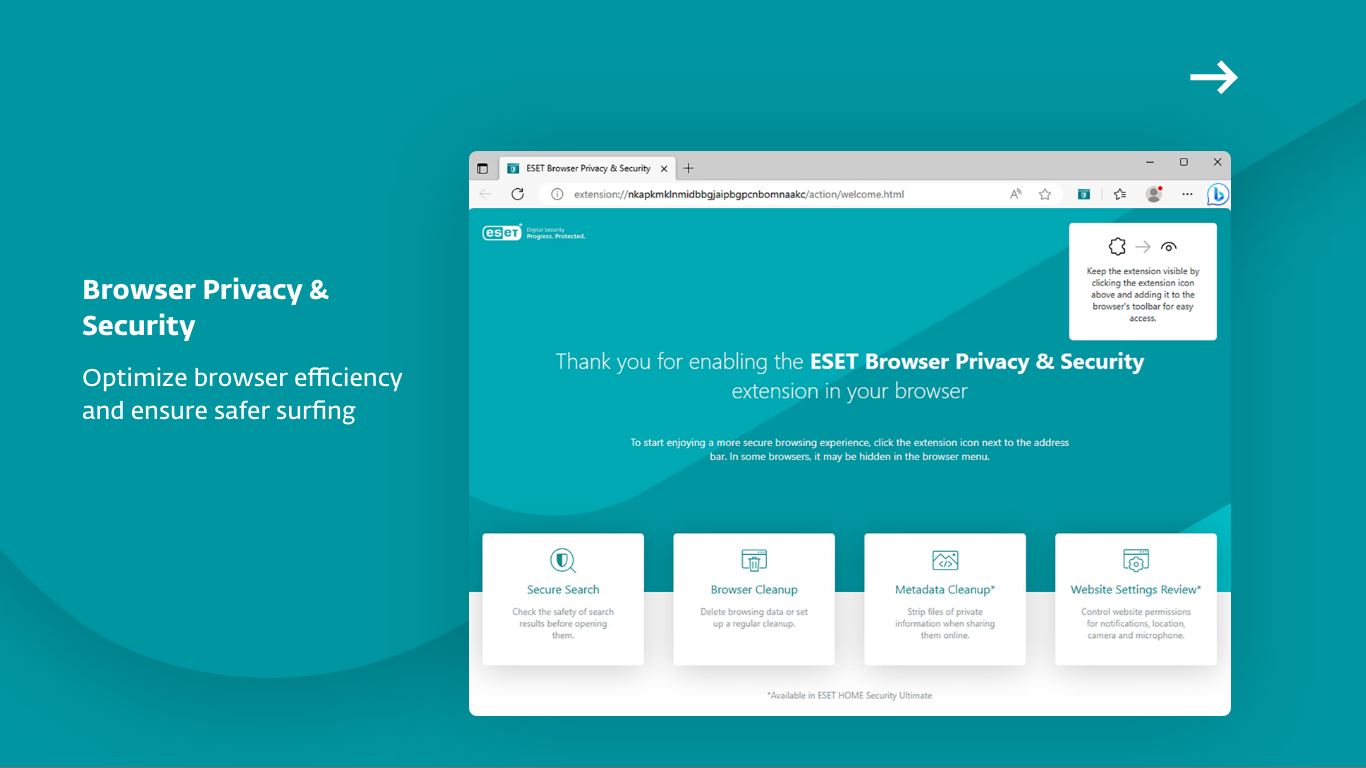
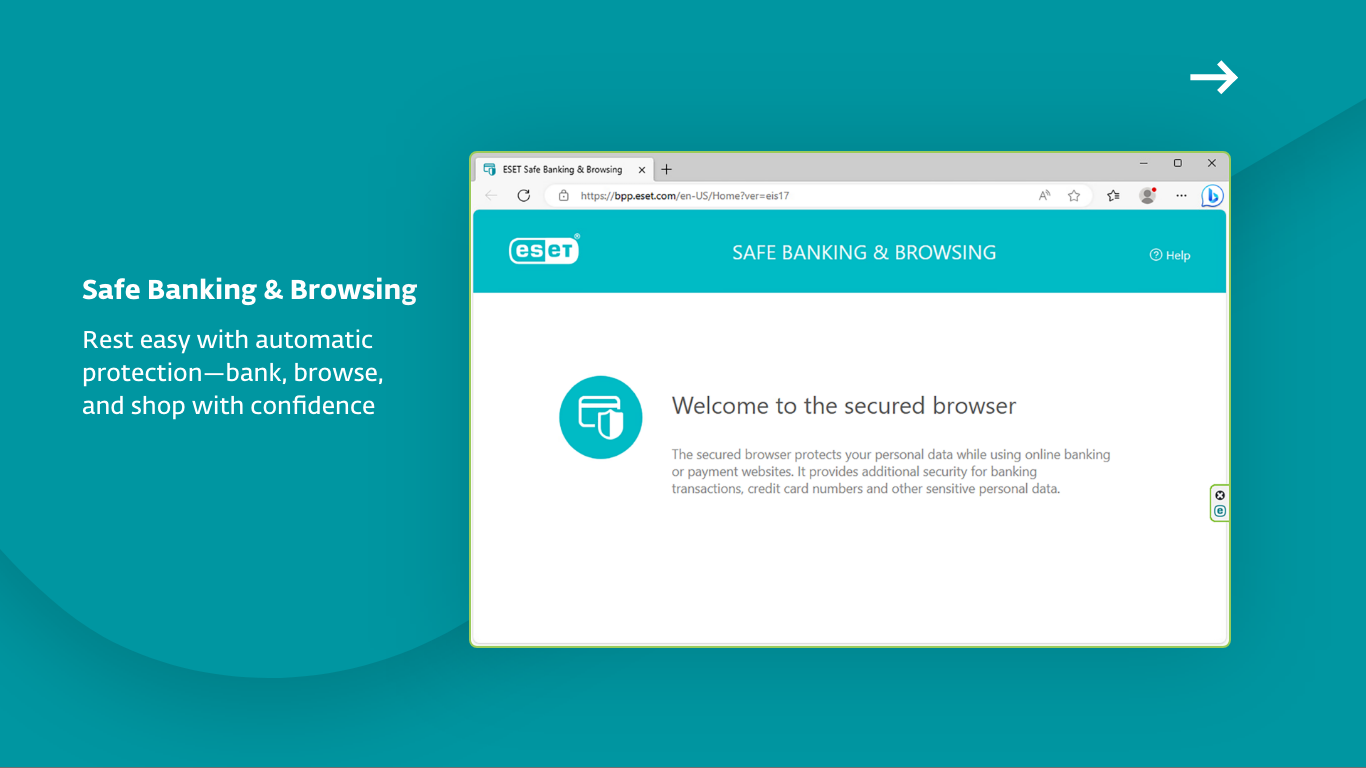
One of the application's most notable features is its proactive browsing shield, which acts as your digital bodyguard while surfing the web. Whether you're shopping online or checking emails, the app warns you about potentially dangerous websites and blocks phishing attempts effectively. This feature employs up-to-date blacklists and behavior analysis to filter harmful sites, making your online experience safer—almost like having a personal cybersecurity expert guiding you through the digital marketplace.
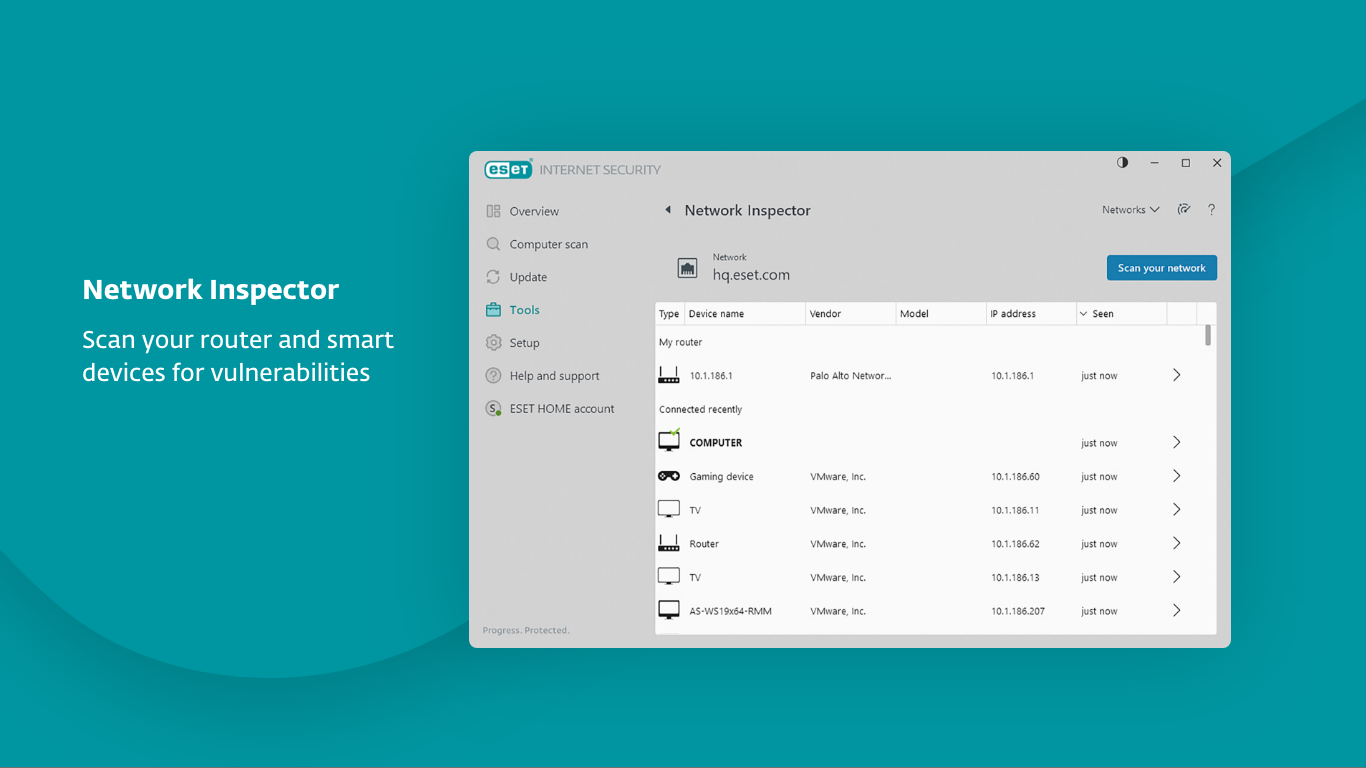
Another highlight is its ability to manage multiple devices from a single dashboard through ESET's cloud-based platform. If your laptop, desktop, or tablet is connected, you can check their security status, initiate scans, or even trigger remote actions if needed. This centralized control is especially valuable for users with several devices, providing peace of mind and simplified security oversight—much like having a security supervisor overseeing your entire digital estate.
Compared to other Windows security solutions, ESET HOME Security Essential truly shines with its focus on simplicity coupled with effective, layered protection. Unlike bulkier security suites that bombard users with endless options and settings, this application offers only the core essentials wrapped in a sleek, accessible interface. Its cloud-based device management is particularly advantageous, enabling remote oversight without heavy system overhead. Additionally, ESET's well-regarded malware engine enhances detection accuracy, providing a dependable safety net for everyday users.
For users seeking a no-nonsense, efficient security app that quietly and reliably safeguards their Windows devices, ESET HOME Security Essential is a solid choice. Its straightforward design makes it accessible even for those less familiar with cybersecurity, while its core features cover the critical areas of malware defense and safe browsing. I would recommend it to individuals or families who prefer a lightweight yet powerful security companion that integrates smoothly into their digital routine. For those needing advanced customization or comprehensive features, exploring more feature-rich suites might be worthwhile, but for everyday protection, this app hits the sweet spot.
Strong Malware Protection
User-Friendly Interface
Real-Time Threat Monitoring
Low System Resource Usage
Regular Automatic Updates
Limited Advanced Features
Occasional False Positives
No VPN Included
Limited Customer Support Options
Initial Setup Could Be Faster

for Windows
 4.8
4.8

for Windows
4.7

for Windows
4.7

for Windows
4.7

for Windows
4.6

for Windows
4.6

for Windows
4.5

for Windows
4.4

for Windows
4.4

for Windows
4.3
for Windows
4.3

for Windows
4.3

for Windows
5

for Windows
5

for Windows
5

for Windows
5

for Windows
5

for Windows
5

for Windows
5

for Windows
5

for Windows
5

for Windows
5