Utilities & tools
Stargate Software
PC, Mobile, Surface Hub, HoloLens
Windows 10 version 17763.0 or higher
Chinese (Simplified), Chinese (Traditional), English (United States), French, German, Italian, Japanese, Korean
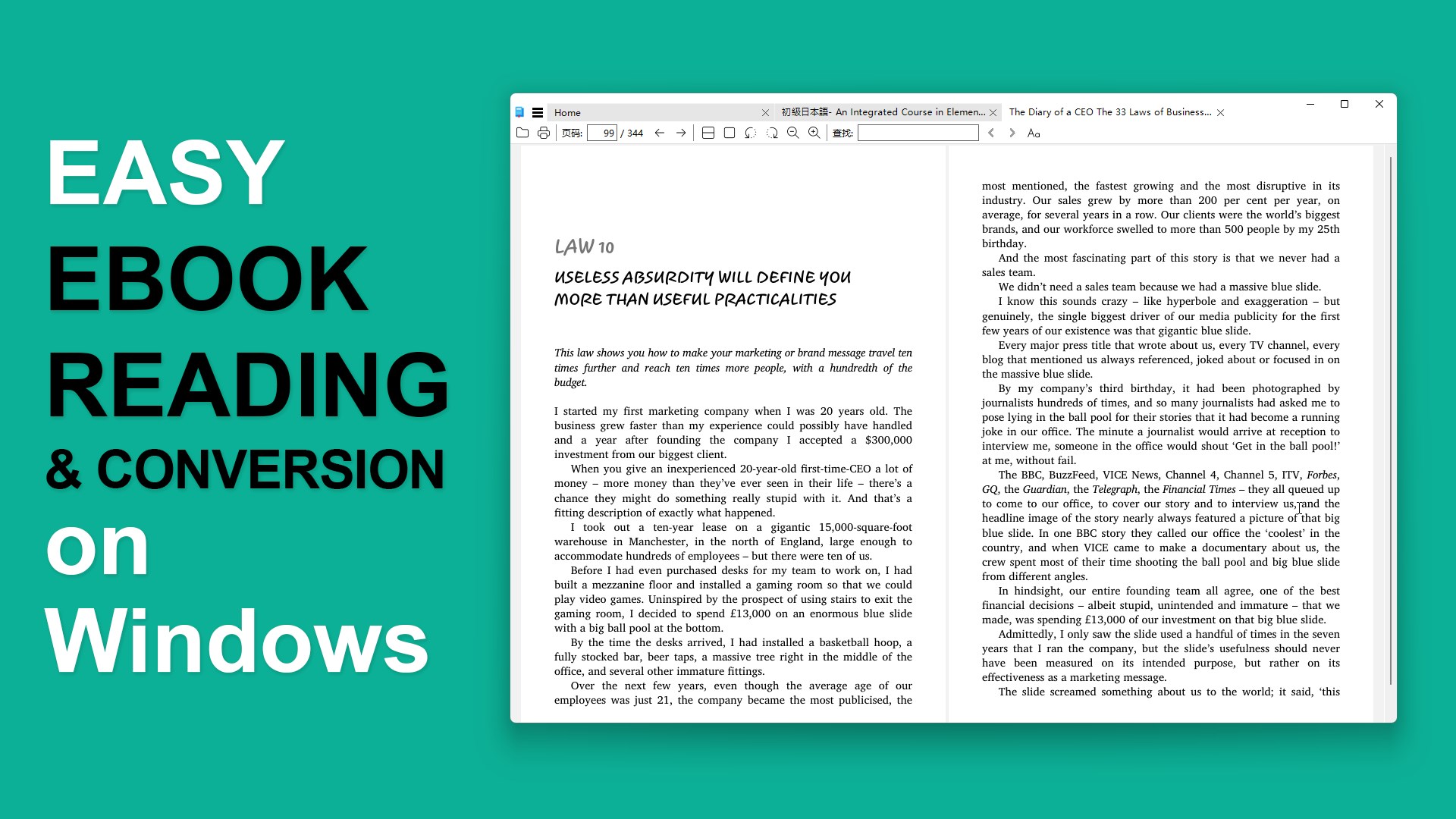
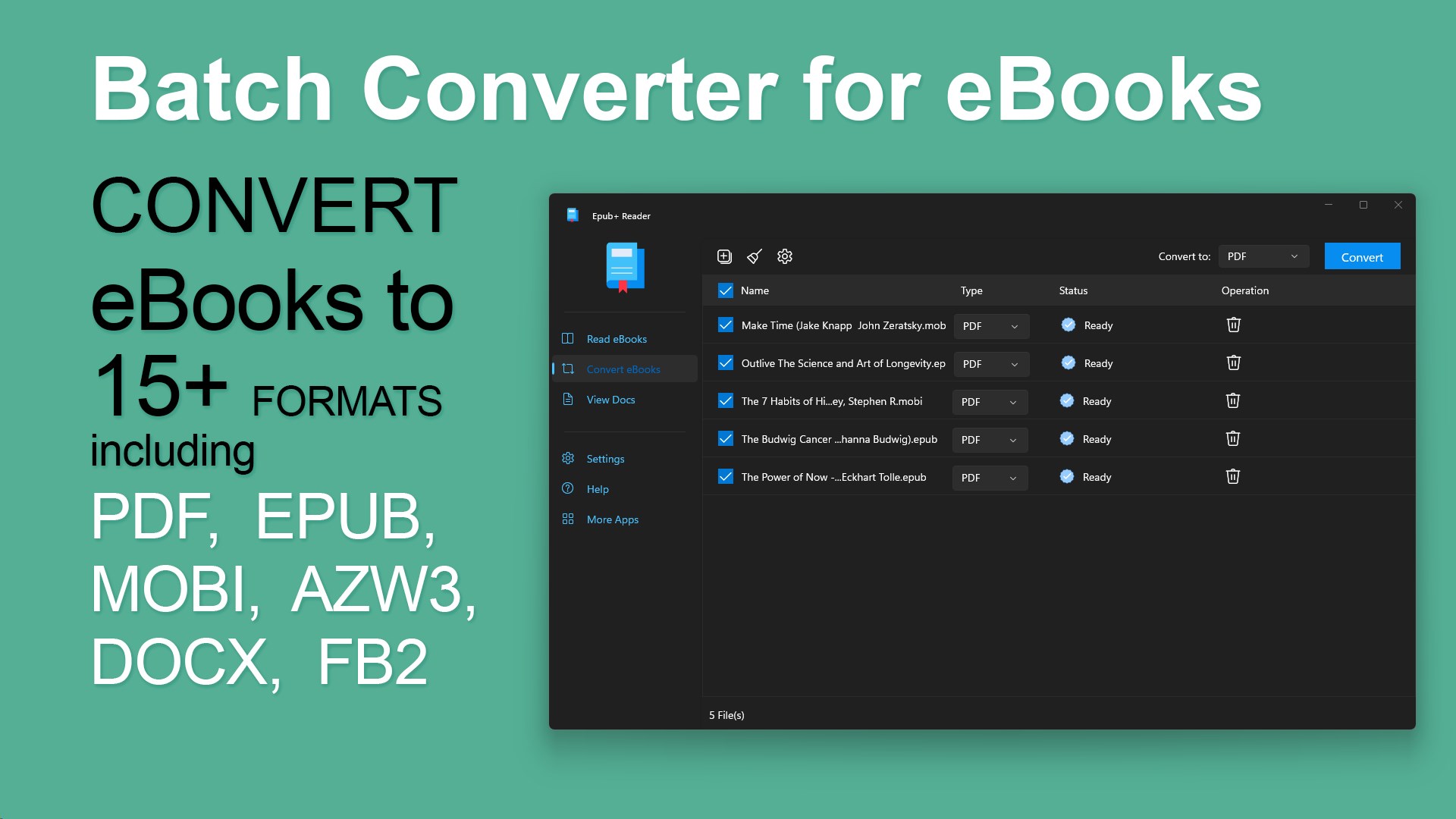
EPUB+ Reader for Windows, developed by Stargate Software, is a streamlined yet powerful application designed to elevate your digital reading experience. It aims to provide a seamless way to access, organize, and enjoy EPUB files with modern features tailored for Windows users who crave simplicity without sacrificing functionality.
Stargate Software is a dedicated developer specializing in versatile reading applications and utilities that enhance digital content consumption. Their focus on clean design and user-friendly features makes EPUB+ Reader a noteworthy addition to the ever-growing landscape of e-book tools.
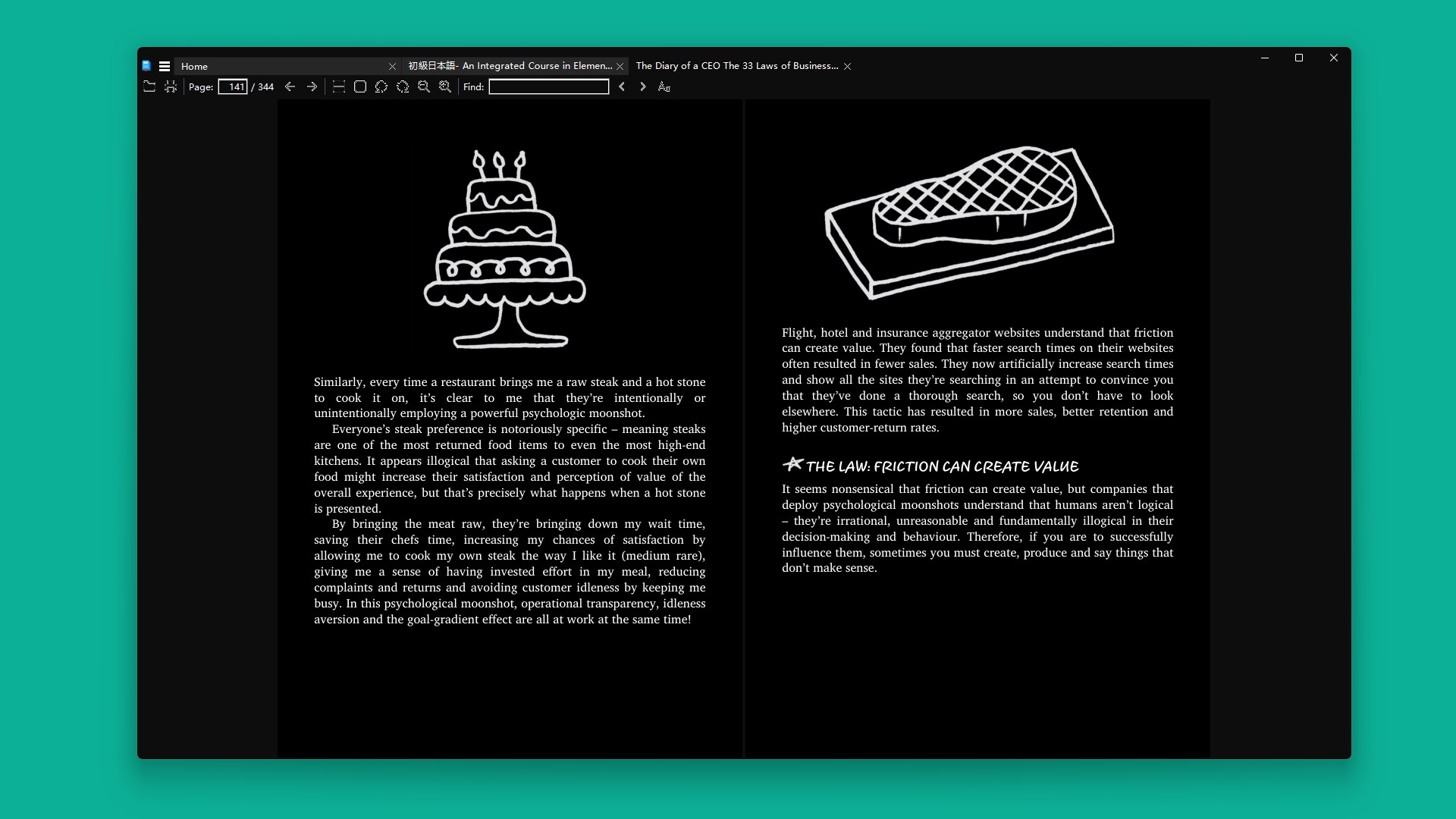
Imagine curling up on your cozy sofa with a captivating novel or academic paper, and instead of fumbling through cluttered folders or clunky software, your EPUB+ Reader opens like a trusted book. Its sleek design and responsive interface transform the digital reading process into an inviting, user-centric journey. Whether you're commuting, studying, or just relaxing at home, this app adjusts to your rhythm and preferences, making digital reading feel as natural as turning a physical page.
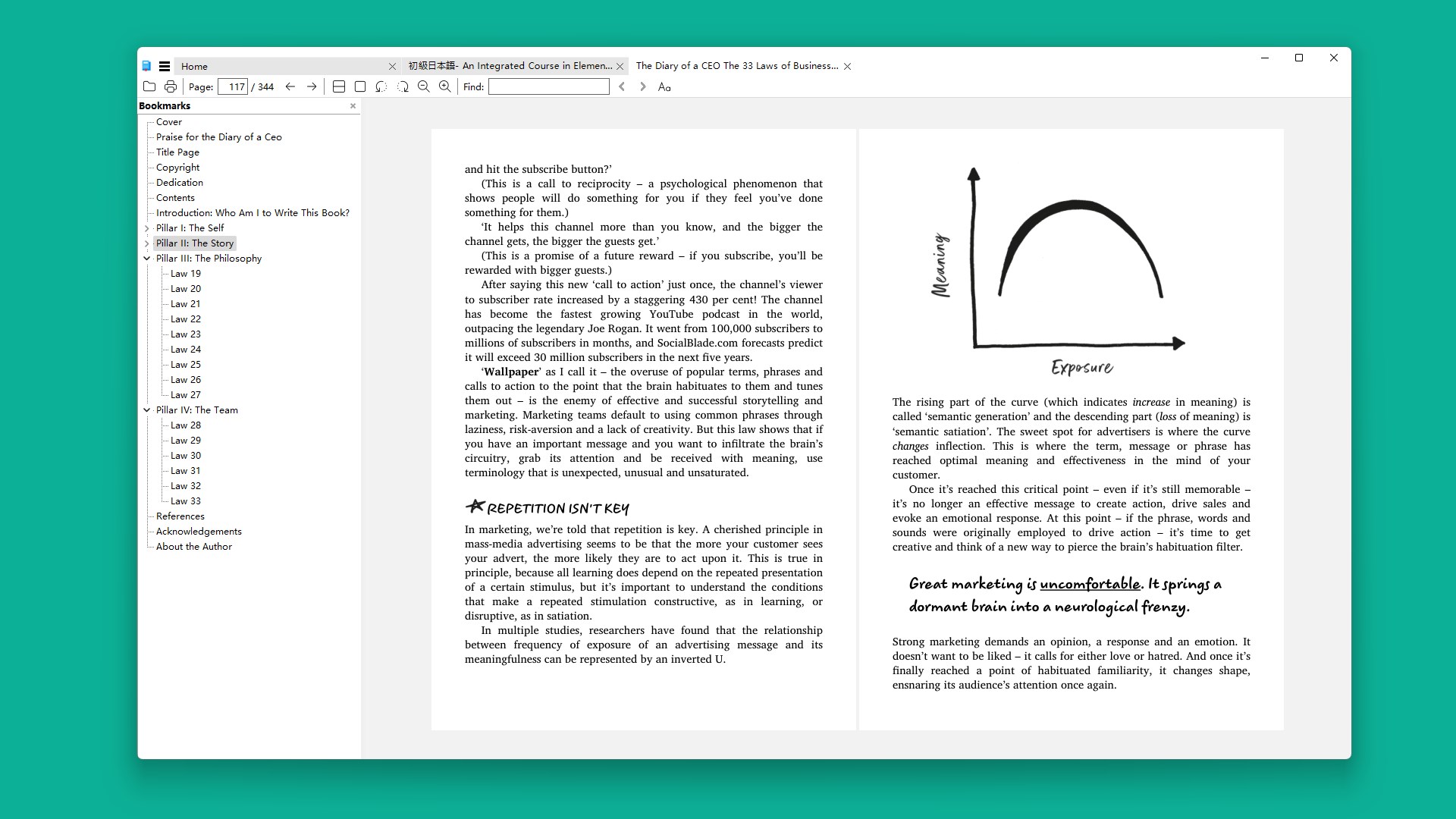
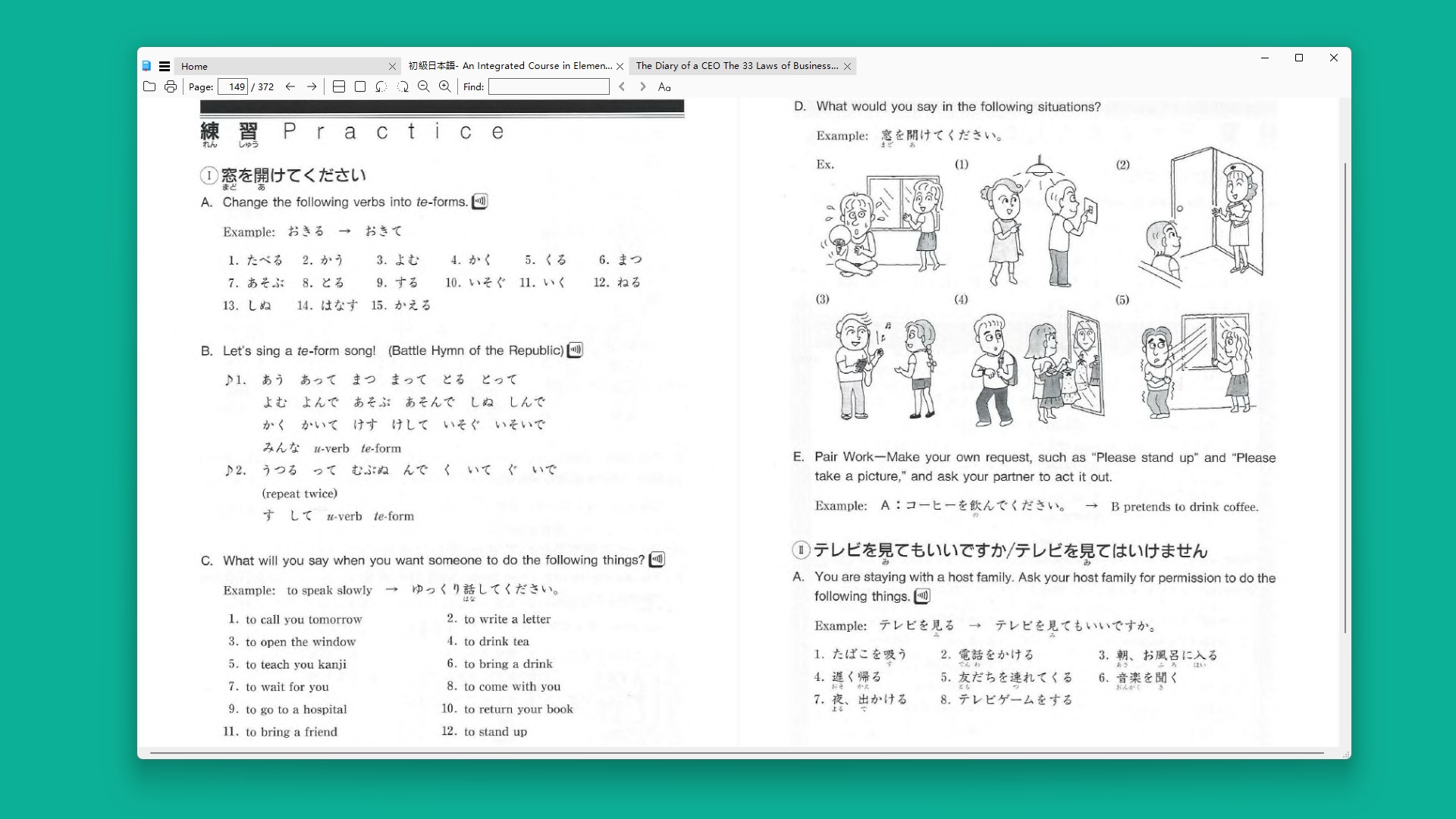
EPUB+ Reader's interface strikes a good balance between minimalist aesthetics and functional clarity. The clean layout offers a left-side navigation pane for table of contents, bookmarks, and annotations, which resembles flipping through a well-organized bookshelf. Transitioning between chapters or searching for highlights is swift and intuitive, ensuring that your reading flow remains uninterrupted. The app's responsiveness and fluidity contribute to an experience that feels both modern and unobtrusive, akin to a well-oiled machine tailored just for book lovers.
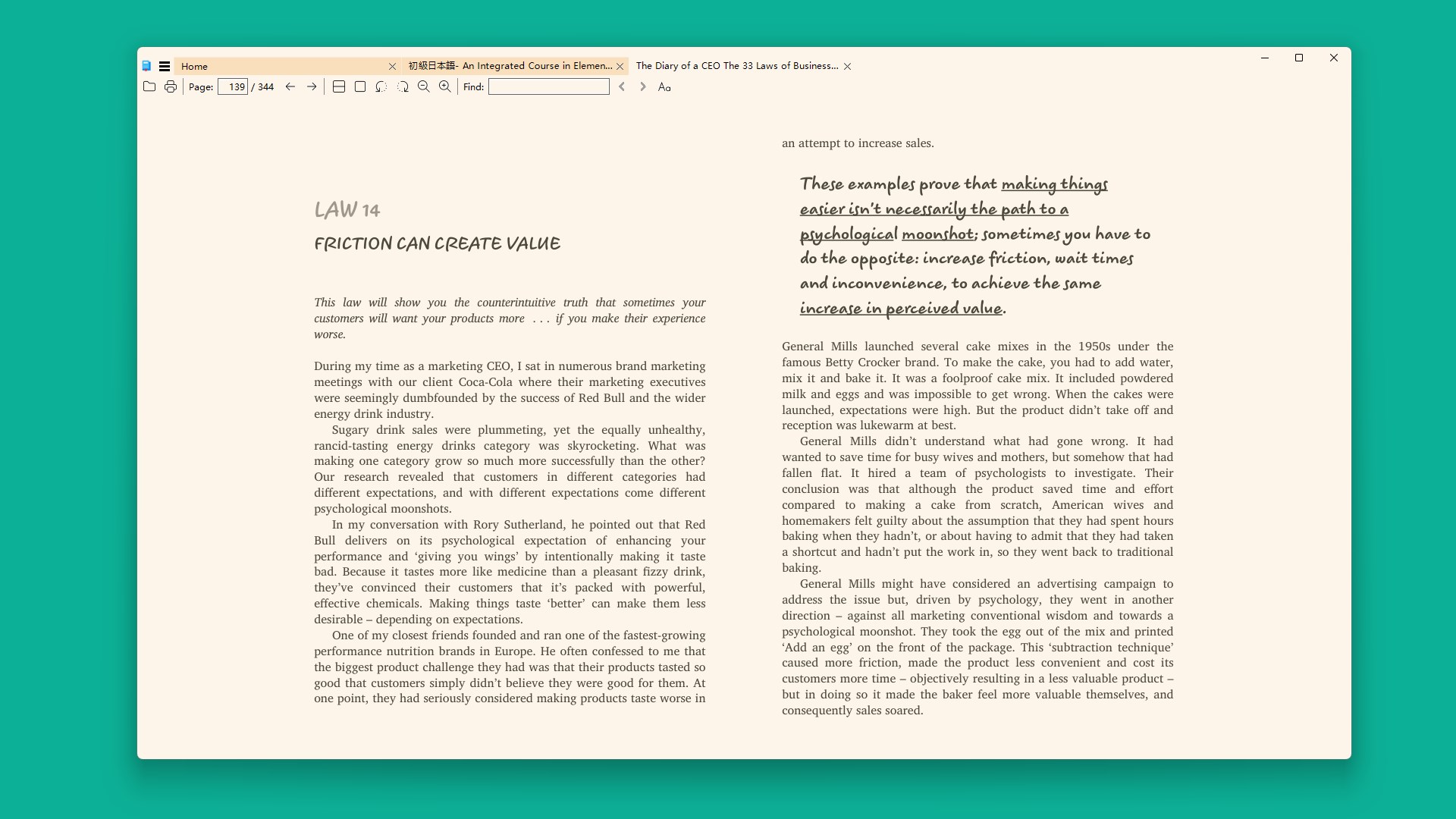
One of the app's standout features is its high degree of personalization. You can tweak text size, font style, background color, and even brightness levels—much like adjusting the lighting and seating in your favorite reading nook. These adjustments not only enhance comfort but also help to reduce eye strain over long reading sessions. The interface's learning curve is gentle; new users will quickly discover how easy it is to mold their reading environment to personal preferences, making the app feel less like a tool and more like a customized bookshelf.
Compared to other utility tools, EPUB+ Reader's primary distinction lies in its lightweight footprint paired with comprehensive features. Unlike bulky e-reader applications or heavy online platforms, this app focuses on core reading functionalities with a smooth, distraction-free experience. Its built-in library management is straightforward yet effective, facilitating easy import and organization of EPUB files without complicated tagging or uploading procedures. Additionally, the app's compatibility and performance optimize for Windows environments, ensuring stability across multiple device types—from desktops to tablets.
All in all, EPUB+ Reader for Windows proves itself as a reliable, user-friendly tool for anyone looking to enjoy EPUB books without fuss. Its blend of simplicity, speed, and customization makes it particularly well-suited for casual readers, students, or professionals managing large collections. While it may lack some advanced features found in more elaborate e-reader software, its core strengths shine through—delivering a streamlined experience that prioritizes the pleasure of reading itself. I recommend giving it a try if you value an uncluttered, efficient, and elegant digital book environment.
User-Friendly Interface
Supports Multiple EPUB Formats
Quick File Access
Built-in Bookmarking and Highlighting
Lightweight and Fast
Limited Customization Options
Basic Annotation Features
No Cloud Sync
Minimal PDF Support
Occasional Minor Bugs

for Windows
 5
5

for Windows
5

for Windows
5

for Windows
5

for Windows
5
for Windows
4.9

for Windows
4.9

for Windows
4.9

for Windows
4.9

for Windows
4.9

for Windows
4.9

for Windows
4.9

for Windows
5

for Windows
5

for Windows
5
for Windows
5

for Windows
5

for Windows
5

for Windows
5

for Windows
5

for Windows
5

for Windows
5