Entertainment
Epic Games
PC
Windows 10 version 0.0 or higher
Integrated Keyboard
Integrated Mouse
2 GB
Version 9
English, Arabic, German, Spanish (Spain), Spanish (Mexico), French, Italian, Japanese, Korean, Polish, Portuguese (Brazil), Russian, Thai, Turkish, Chinese (Simplified), Chinese (Traditional Chinese)
Imagine stepping into a vast digital arcade where every game feels just a click away — the Epic Games Store for Windows aims to be that portal, offering gamers a curated and optimized experience for discovering and downloading top-tier titles.
Developed and published by Epic Games Inc., the Epic Games Store for Windows is a dedicated platform designed to provide seamless access to a rich library of PC games. Its core strength lies in offering exclusive titles, curated recommendations, and a user-friendly interface tailored for both casual gamers and seasoned players.
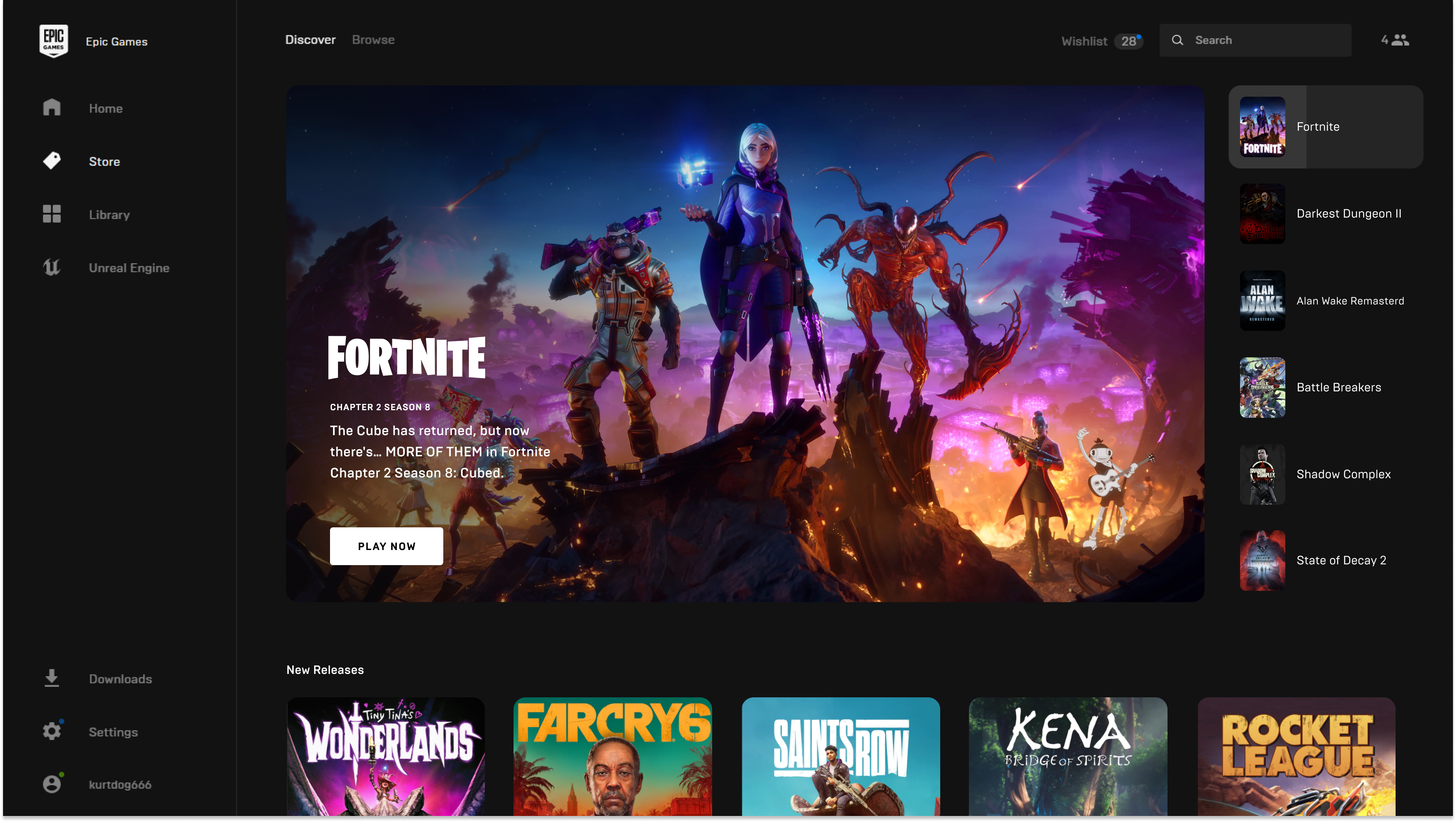
Stepping into the Epic Games Store feels akin to entering a well-organized game library that's constantly refreshed. The app's lively and sleek interface invites users to explore new worlds with minimal fuss. It's like having a knowledgeable friend guiding you through an ever-expanding universe of entertainment, ensuring that each browsing session feels like a journey of discovery rather than a chore.
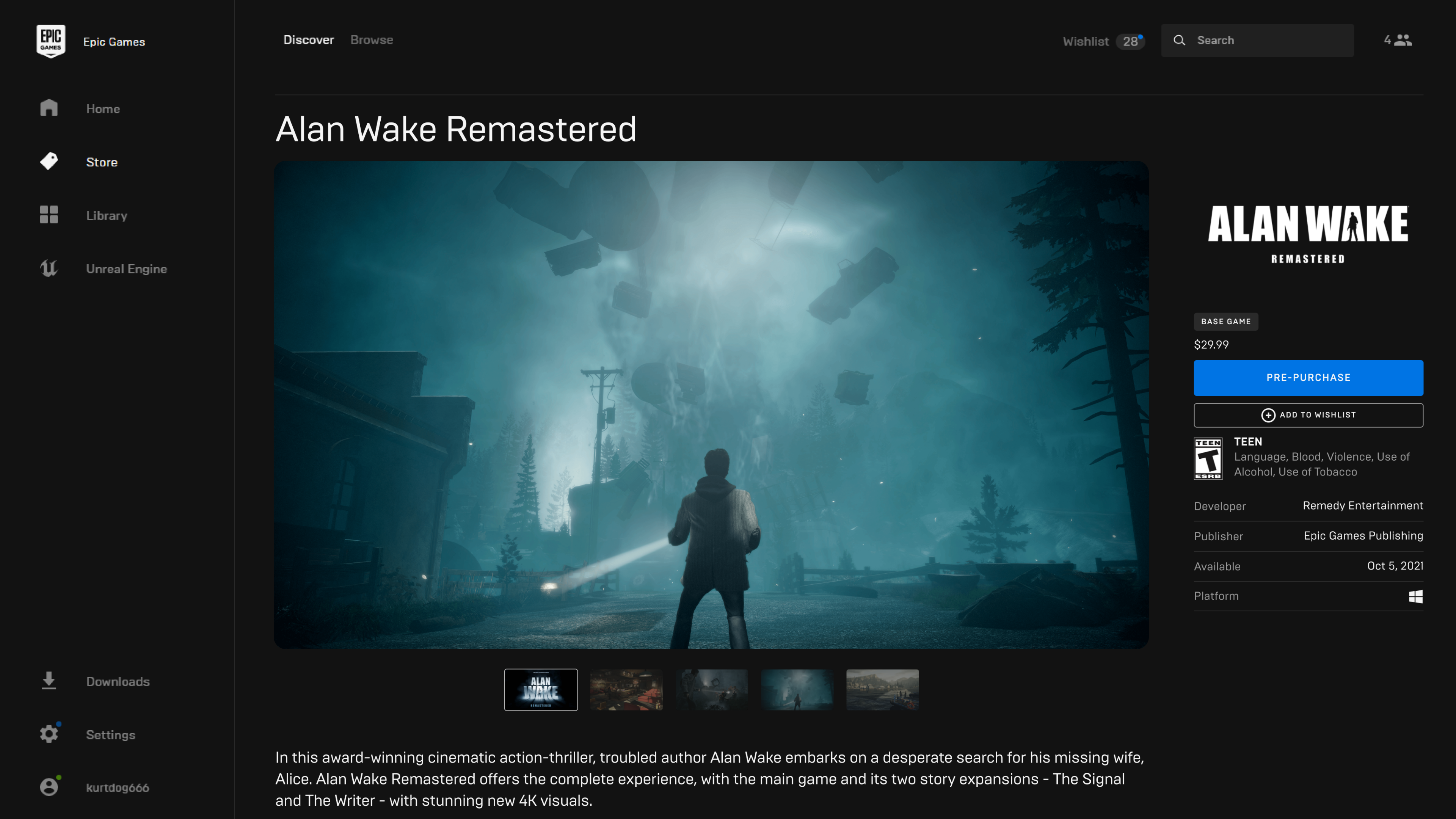
The app boasts a clean, modern design with vibrant artwork and clear categories, making navigation a breeze. Whether you're searching for the latest blockbuster or exploring indie gems, the interface presents options intuitively. Animations and hover effects add a touch of elegance, creating an immersive browsing environment. Operation smoothness is commendable, even on lower-spec systems, thanks to optimized performance and responsive controls.
Learning curve? Minimal. It's almost like familiarizing yourself with a well-loved bookstore—everything is where you'd expect, and new features are smoothly integrated, making the platform accessible for users of all tech levels.
The standout feature of the Epic Games Store is its ability to tailor recommendations through a sophisticated algorithm that analyzes your play history and preferences. Unlike other platforms that often rely on generic suggestions, Epic's personalized discovery engine digs deep, presenting games that truly resonate with your tastes. This creates a feeling akin to having a personal shopping assistant whispering, "Hey, you might enjoy this."
Another remarkable aspect is its exclusive title offerings. These are not just promotional banners but often 'first-looks' and title launches available only on Epic Games Store for a limited time. This exclusivity spurs excitement and positions the platform as a leader in delivering fresh content, much like a VIP club for gaming aficionados.
What sets Epic Games Store apart from other entertainment platforms is its commitment to intelligent content discovery. Its content algorithms don't just surface popular titles—they dynamically adapt based on nuanced user behavior, enhancing relevance. Think of it as a personalized map guiding you through a sprawling city of games, highlighting the hidden alleyways and promising plazas tailored to your interests.
This personalized approach improves over time, making each visit feel more customized than before. Unlike platforms that bombard you with generic trending lists, Epic's recommendations evolve organically, making game discovery feel both effortless and exciting.
In conclusion, the Epic Games Store for Windows is more than just a storefront; it's a carefully curated portal designed with gamer-centric features that emphasize discovery and exclusivity. Its most compelling strength lies in its personalized content algorithms, which function like a knowledgeable friend, introducing you to titles aligned perfectly with your tastes.
If you enjoy exploring new games without wading through cluttered menus or irrelevant suggestions, this app comes highly recommended. While it may not revolutionize gaming distribution overnight, its thoughtful interface and intelligent recommendation system make it a worthwhile addition to any PC gamer's toolkit.
Extensive game library with exclusive titles
Seamless integration with Epic Games' ecosystem
Regular updates and promotional discounts
User-friendly interface and smooth navigation
Supports multiple payment options including credit cards and PayPal
Limited regional availability and restrictions
Occasional app crashes and slow load times
Lack of advanced customization options within the app
Notification management could be improved
Some regions experience delayed updates or promotions

for Windows
 5
5

for Windows
4.8

for Windows
4.8

for Windows
4.8

for Windows
4.7

for Windows
4.6

for Windows
4.6

for Windows
4.6

for Windows
4.6

for Windows
4.6

for Windows
4.6

for Windows
4.6

for Windows
5

for Windows
5

for Windows
5

for Windows
5
for Windows
5

for Windows
5

for Windows
5

for Windows
5

for Windows
5

for Windows
5