Productivity
BALARAD, s.r.o.
PC
Windows 10 version 0.0 or higher
Integrated Keyboard
Integrated Mouse
4 GB
Albanian, Arabic, Belarusian, Bulgarian, Chinese, Croatian, Czech, Danish, Dutch, English, Filipino (Latin), Estonian, Finnish, French, German, Greek, Hebrew, Hungarian, Hindi, Indonesian, Irish, Italian, Japanese, Kiswahili, Korean, Latvian, Lithuanian, Malay, Marathi, Norwegian, Persian/Farsi, Polish, Portuguese, Romanian, Russian, Serbian, Slovak, Slovenian, Spanish, Swedish, Tajik, Tamil, Turkish, Thai, Ukrainian, Urdu, Vietnamese
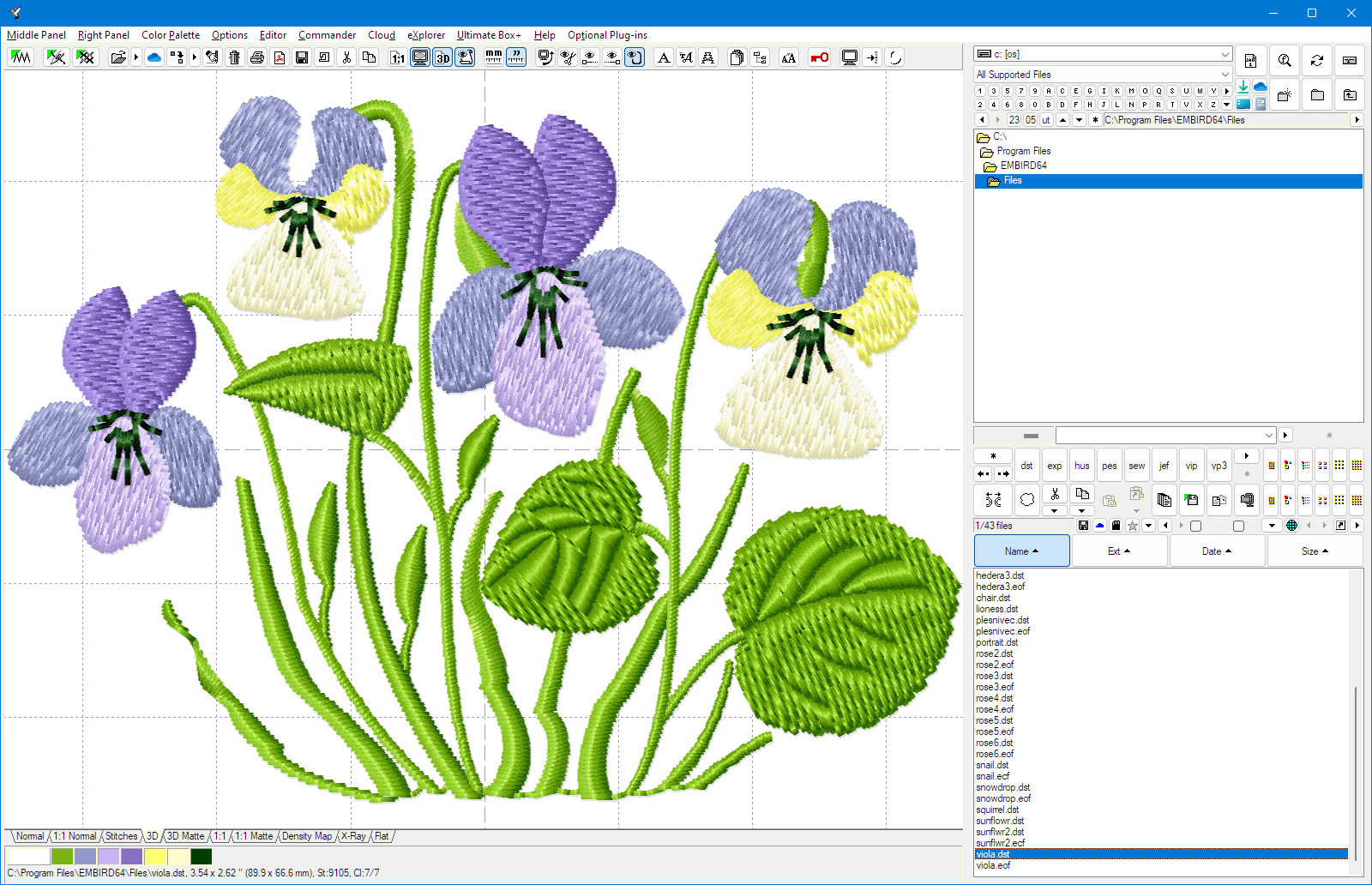
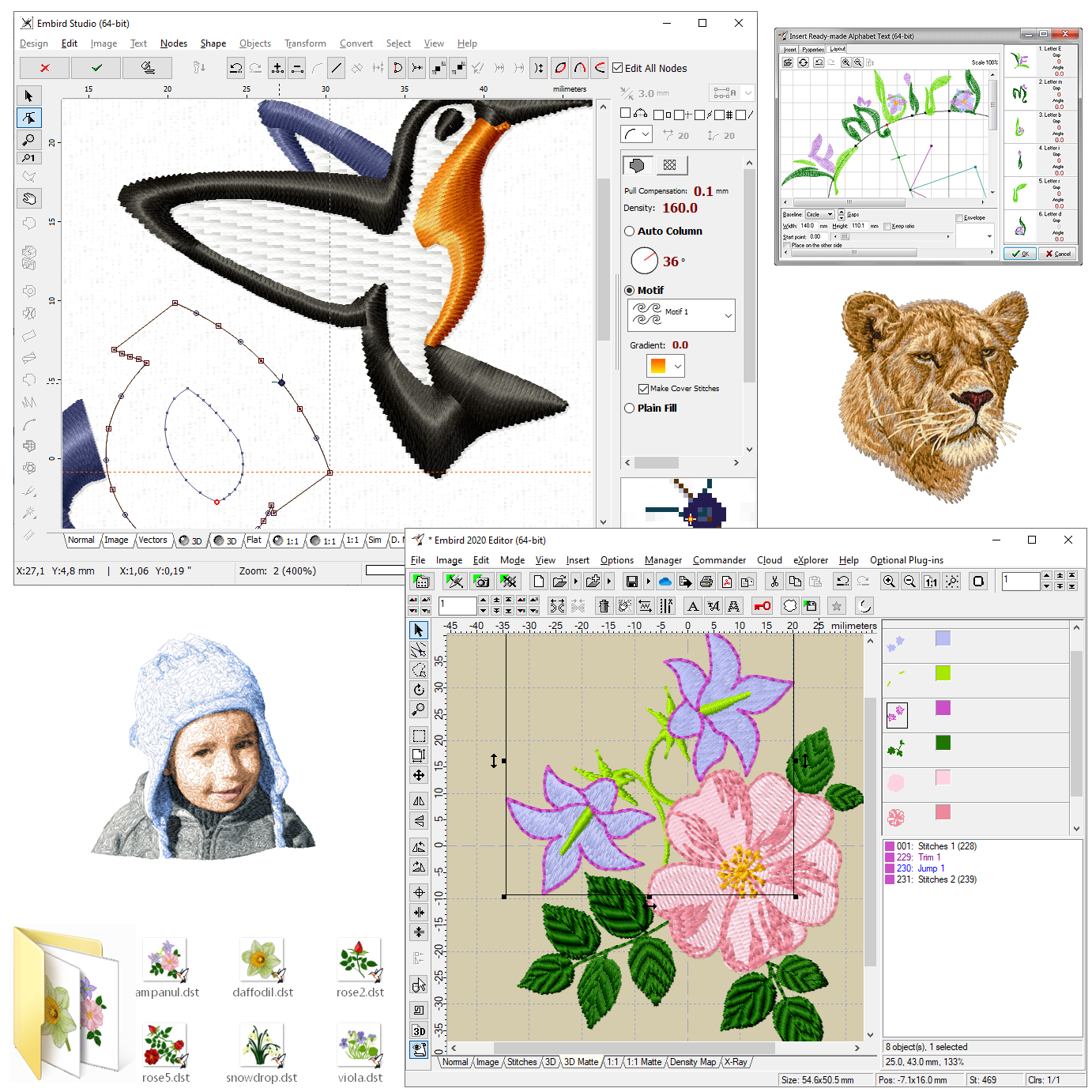
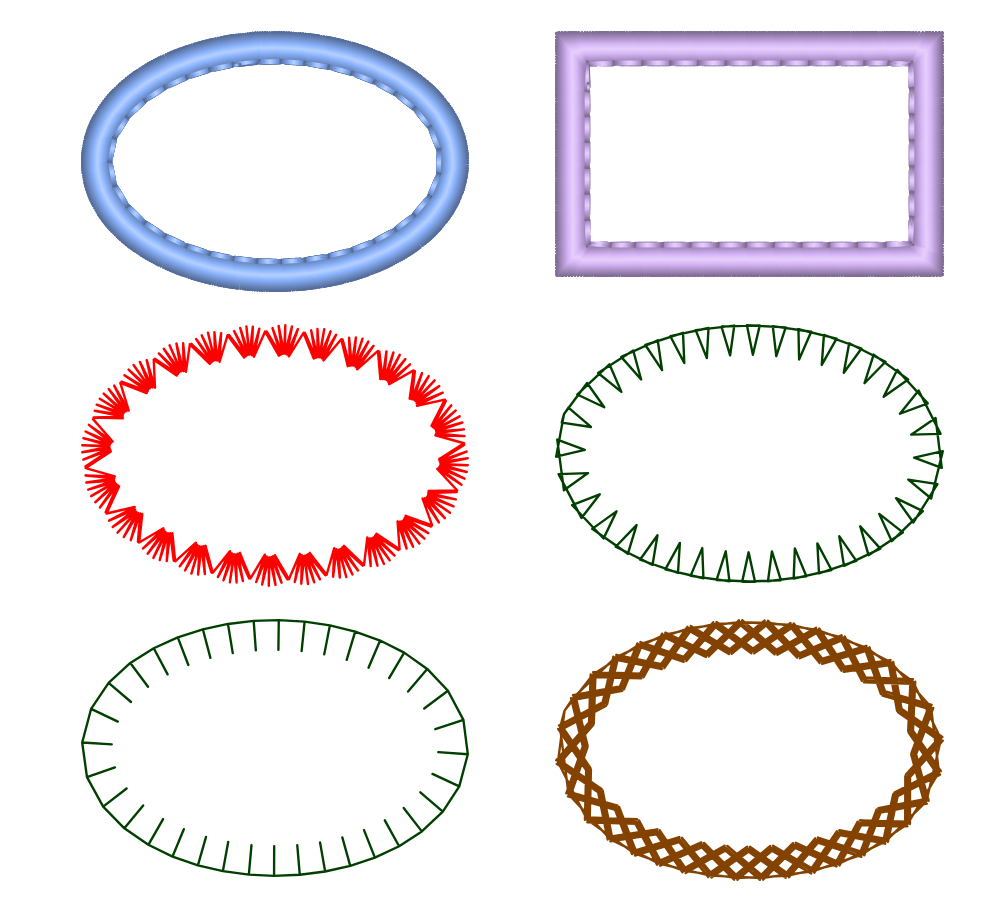
Embird Embroidery Software for Windows stands out as a comprehensive toolkit designed to streamline embroidery design creation and editing. Ideal for hobbyists and professional digitizers alike, it promises an efficient workflow with an intuitive interface, aiming to make complex embroidery tasks less daunting and more accessible.
Developed and published by BALARAD, s.r.o., Embird offers a versatile suite tailored specifically for embroidery design automation. Its main highlights include powerful editing tools, seamless format compatibility, and user-centric features like automatic motif placement and customization options. Built to cater to both beginners and experienced designers, its design philosophy centers on reducing cognitive load while maintaining feature richness.
Imagine opening a treasure chest of embroidery possibilities—colors, patterns, and textures dancing in your mind's eye. Embird acts as your trusty compass, guiding you through an ocean of intricate designs with clarity and ease. Whether you're digitizing a delicate floral motif or editing a complex monogram, this software transforms the often intimidating process into an engaging and manageable experience.
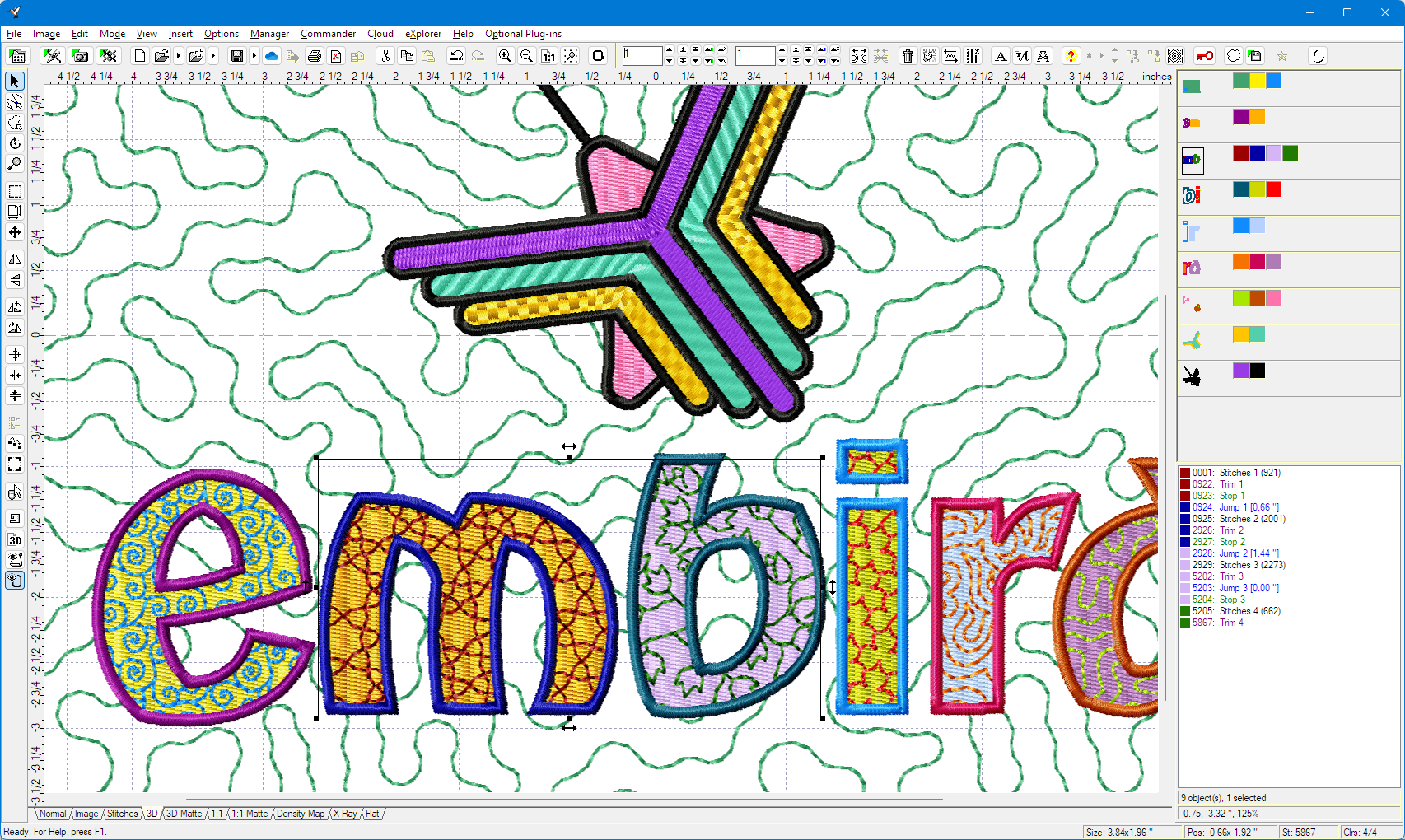
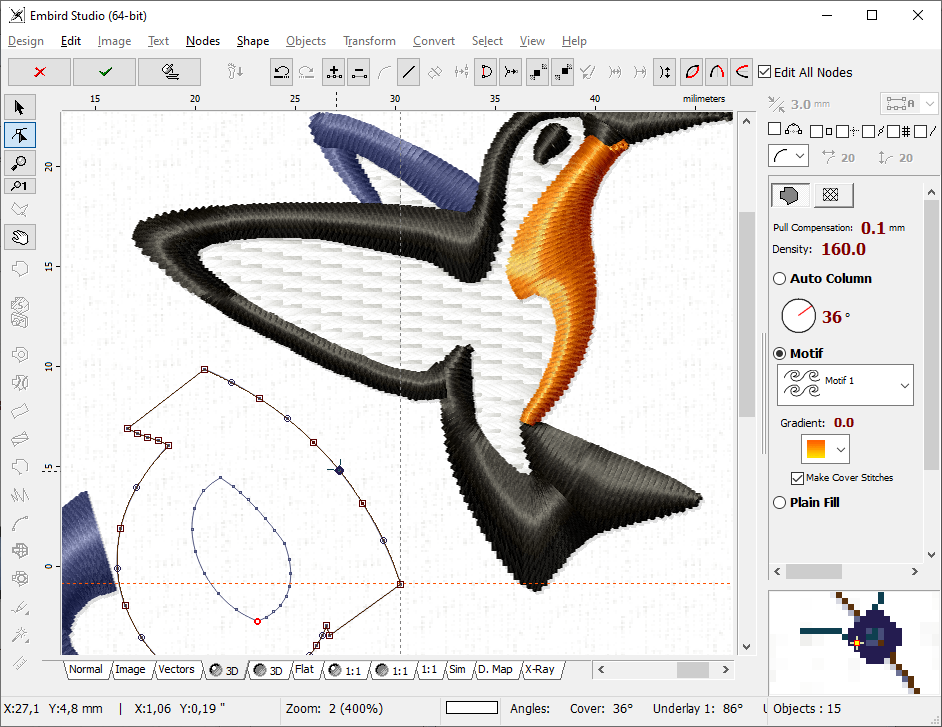
One of Embird's standout features is its robust editing toolkit. The software provides precise control over stitch types, densities, and sequences, enabling users to fine-tune designs effortlessly. The automatic motif placement function intelligently arranges patterns for optimal fabric utilization, saving time and reducing frustration. Furthermore, the ability to convert and edit a wide array of embroidery file formats ensures compatibility across various machine brands, making the software a versatile hub for creative customization.
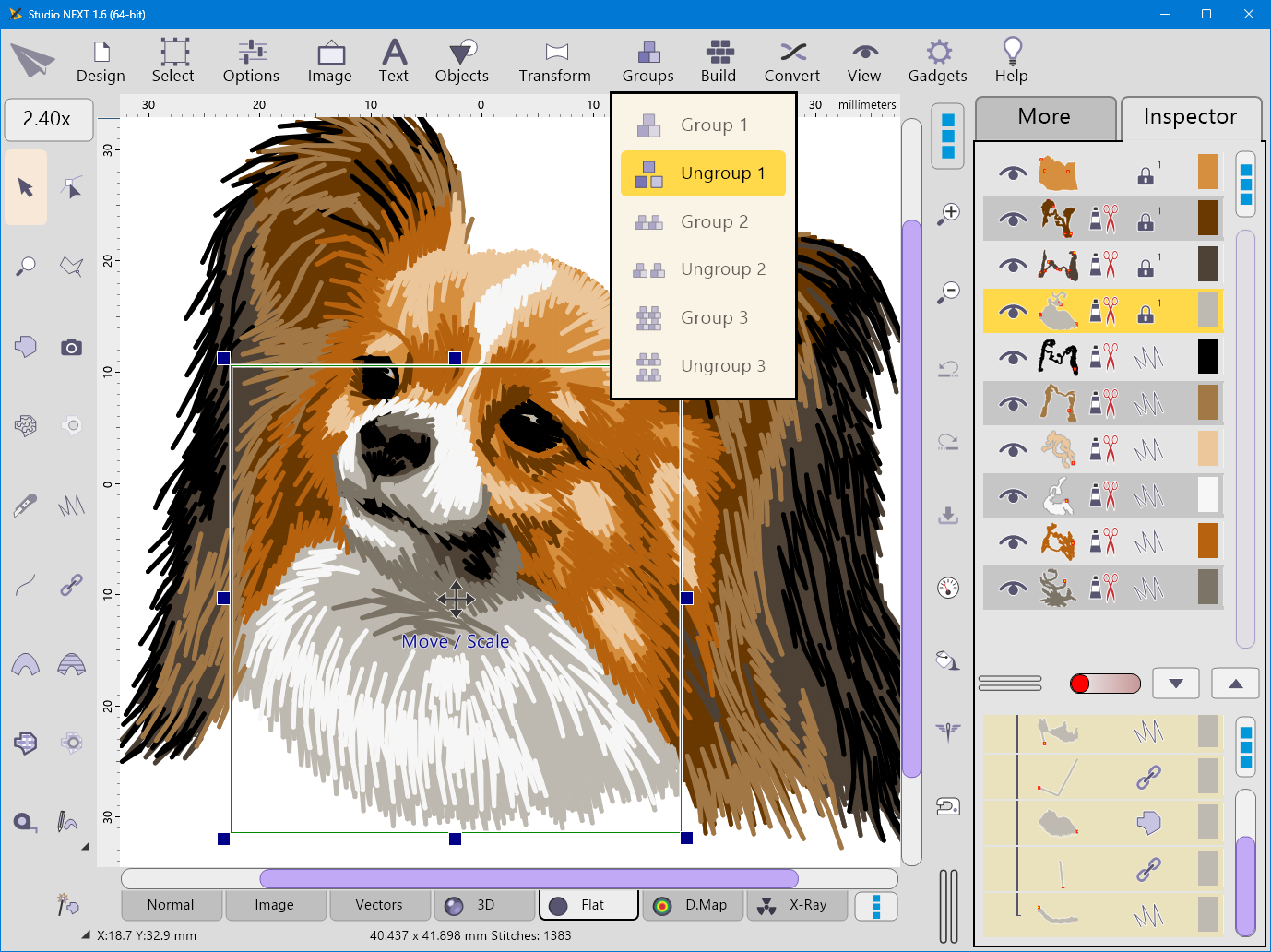
Embird's interface strikes a balance between functionality and simplicity. Organized toolbars and a logical workspace make navigation feel like a pleasant walk in the park rather than a maze. The learning curve is gentle—beginners can quickly get up to speed without feeling overwhelmed, while experienced users will appreciate the depth of control available at a glance. The smooth operation and swift response time create a fluid experience, akin to a well-oiled sewing machine that stays in sync with your creative rhythm.
Compared to other embroidery software, Embird excels in streamlining workflow integration. Its focus on reducing cognitive load—by offering context-aware tools and step-by-step guides—ensures users are not bogged down by excessive features or convoluted processes. Unlike some complex platforms that bombard users with options, Embird emphasizes core functionalities that matter most, allowing for faster design turnaround. This makes it particularly suited for users who value efficient project execution without sacrificing design quality.
Overall, Embird Embroidery Software for Windows earns a solid recommendation for both hobbyists looking to dip their toes into digital embroidery and professionals seeking a reliable editing tool. Its intuitive interface, combined with standout features like automatic motif placement and format versatility, make it a noteworthy choice in the crowded field of embroidery software. If you're seeking a practical, user-friendly program that respects your creative workflow and minimizes unnecessary complexity, Embird could be your new stitching companion.
Comprehensive embroidery design tools
User-friendly interface
Support for various embroidery machine formats
Advanced auto-digitizing features
Robust customer support and tutorials
Steep learning curve for beginners
Occasional software lag with large files
Limited cloud storage integration
Frequent updates requiring reactivation
Inconsistent performance on older PCs
for Windows
 5
5

for Windows
5

for Windows
4.9

for Windows
4.9

for Windows
4.9

for Windows
4.8

for Windows
4.8

for Windows
4.8

for Windows
4.8

for Windows
4.8

for Windows
4.8

for Windows
4.8

for Windows
5
for Windows
5

for Windows
5

for Windows
5

for Windows
5

for Windows
5

for Windows
5

for Windows
5

for Windows
5
for Windows
5