Business
LN
PC
Windows 10 version 17763.0 or higher
English (United States)
EasyScan is a versatile PDF scanning app designed to bring the convenience of digital document capture directly to your Windows device. Whether you're tidying up receipts, digitizing handwritten notes, or preparing official paperwork, EasyScan acts as your reliable portable scanner in the digital realm.
Produced by the developer team LN and published by 3AM Apps, EasyScan leverages their expertise in creating straightforward, efficient productivity tools. The combination of a dedicated developer and a focused publisher ensures a smooth user experience seamlessly integrated into the Windows environment.
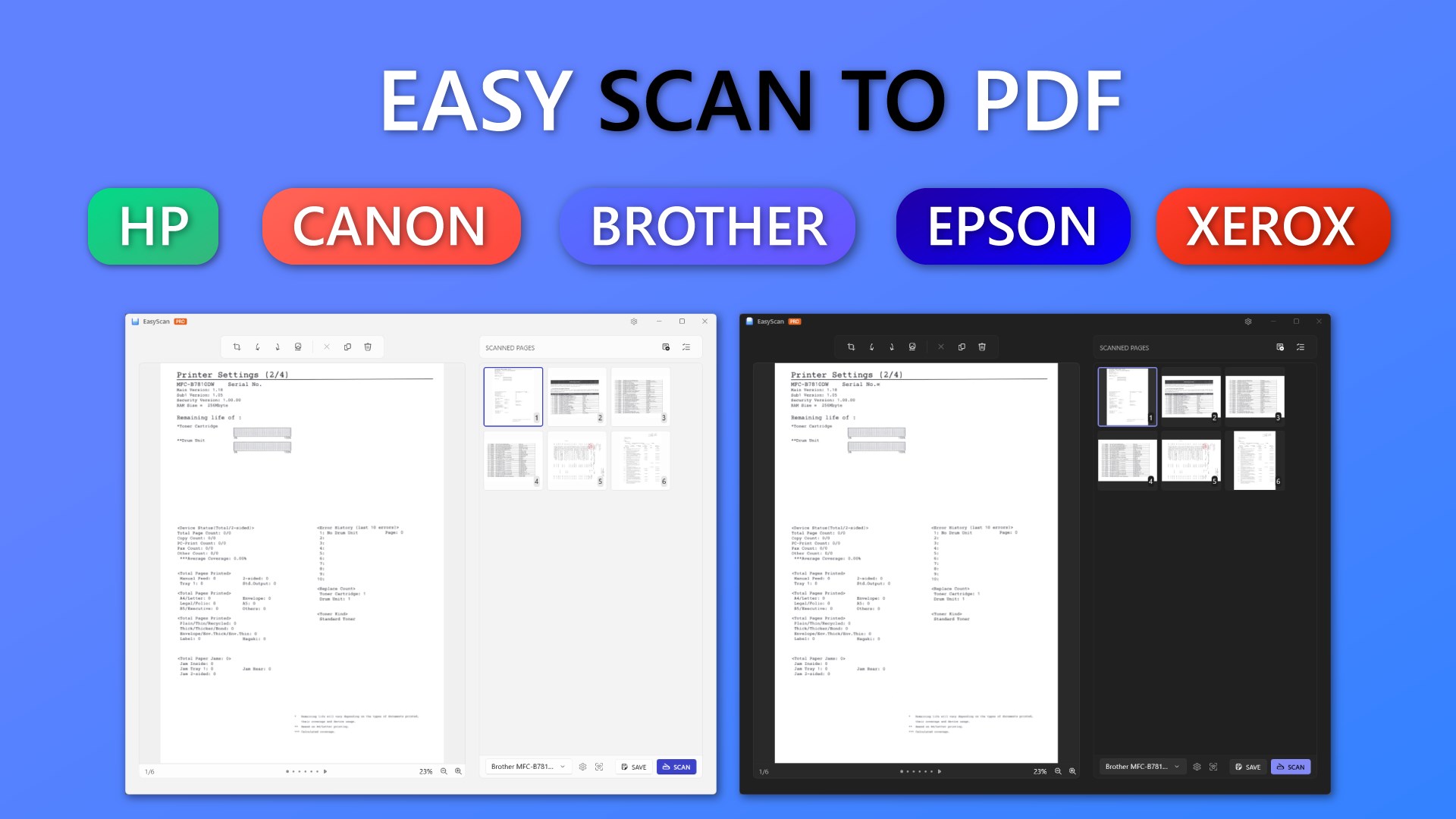
Imagine holding a sleek, portable scanner in your hand that instantly transforms physical paper into digital treasures — that's the essence of EasyScan. Its interface is clean and intuitive, welcoming both tech novices and seasoned professionals with open arms. The onboarding process doesn't require a manual; just point, capture, and watch as your document materializes on screen like magic.
The design echoes modern minimalist aesthetics, with an inviting dashboard that clearly guides users through each step. Whether you're adjusting scan borders or selecting export formats, everything feels natural. The app responds swiftly to commands, ensuring that your productivity isn't stifled by lag or complexity. Learning the ropes is a breeze — just a few minutes exploring the layout, and you'll be wielding it like a pro.
The star feature here is EasyScan's OCR accuracy. Think of it as having a diligent typist who transcribes your handwritten notes perfectly into a digital document. This turns into a massive time-saver when digitizing lengthy records or archiving handwritten materials. Additionally, auto-detection means less fiddling with scan borders; the app smartly identifies document edges, even if you don't align the paper perfectly, akin to having a personal assistant who anticipates your needs.
Task management comes into play with multi-page batch scanning. Instead of multiple individual scans, EasyScan allows you to load a stack of pages and process them in one go, creating a single PDF or separate images. This feature is particularly useful for professionals handling large volumes of documents, offering a more organized and efficient workflow compared to traditional scanning apps.
Unlike many basic scanning apps, EasyScan's focus on collaborative work features and task management makes it a standout. The app's straightforward sharing options integrate smoothly with cloud storage solutions, meaning you can effortlessly upload, annotate, and collaborate with colleagues or clients without switching apps. The intelligent edge detection and multi-page management also bring a level of refinement and user-centricity that's often missing in more generic tools.
Compared to typical business scanning apps, EasyScan's emphasis on accuracy, speed, and seamless sharing creates an environment conducive to teamwork rather than solitary use. Its ability to process complex documents quickly and share them instantly makes it an advantageous choice for teams working remotely or in hybrid settings. Thus, it's not merely a scanner but a collaborative partner in your workflow.
If you're seeking a reliable, easy-to-use PDF scanner that combines performance with simple collaboration, EasyScan is worth exploring. Its standout OCR capabilities and multi-page management system make it particularly attractive for professionals who deal with lots of paperwork. While it might not feature advanced document editing or annotation tools found in more comprehensive enterprise solutions, it excels in core scanning functions and workflow efficiency.
We recommend EasyScan for small teams, freelancers, or anyone who needs to digitize documents quickly and share them effortlessly. Its intuitive design and robust features mean that you won't need a steep learning curve or fuss with configurations. For those prioritizing accuracy, speed, and collaborative sharing — EasyScan emerges as a practical, dependable companion.
User-friendly interface
High-quality scans
Multiple scanning options
OCR capability
Cloud integration
Limited editing features
Occasional app crashes
OCR accuracy varies
Limited export formats
Some features require premium version

for Windows
 5
5

for Windows
5

for Windows
4.9

for Windows
4.9

for Windows
4.9

for Windows
4.9

for Windows
4.8

for Windows
4.8

for Windows
4.8

for Windows
4.8

for Windows
4.7
for Windows
4.7

for Windows
5

for Windows
5

for Windows
5

for Windows
5

for Windows
5

for Windows
5
for Windows
5

for Windows
5

for Windows
5

for Windows
5