Productivity
WunderApps GmbH
PC
Windows 10 version 17763.0 or higher
1 GB
Not specified
Not specified
Arabic, Chinese (Simplified), Chinese (Traditional), Czech, Dutch, English, English (South Africa), English (United Kingdom), English (United States), French, German, Hebrew, Hindi, Italian, Japanese, Korean, Polish, Portuguese, Russian, Spanish, Turkish
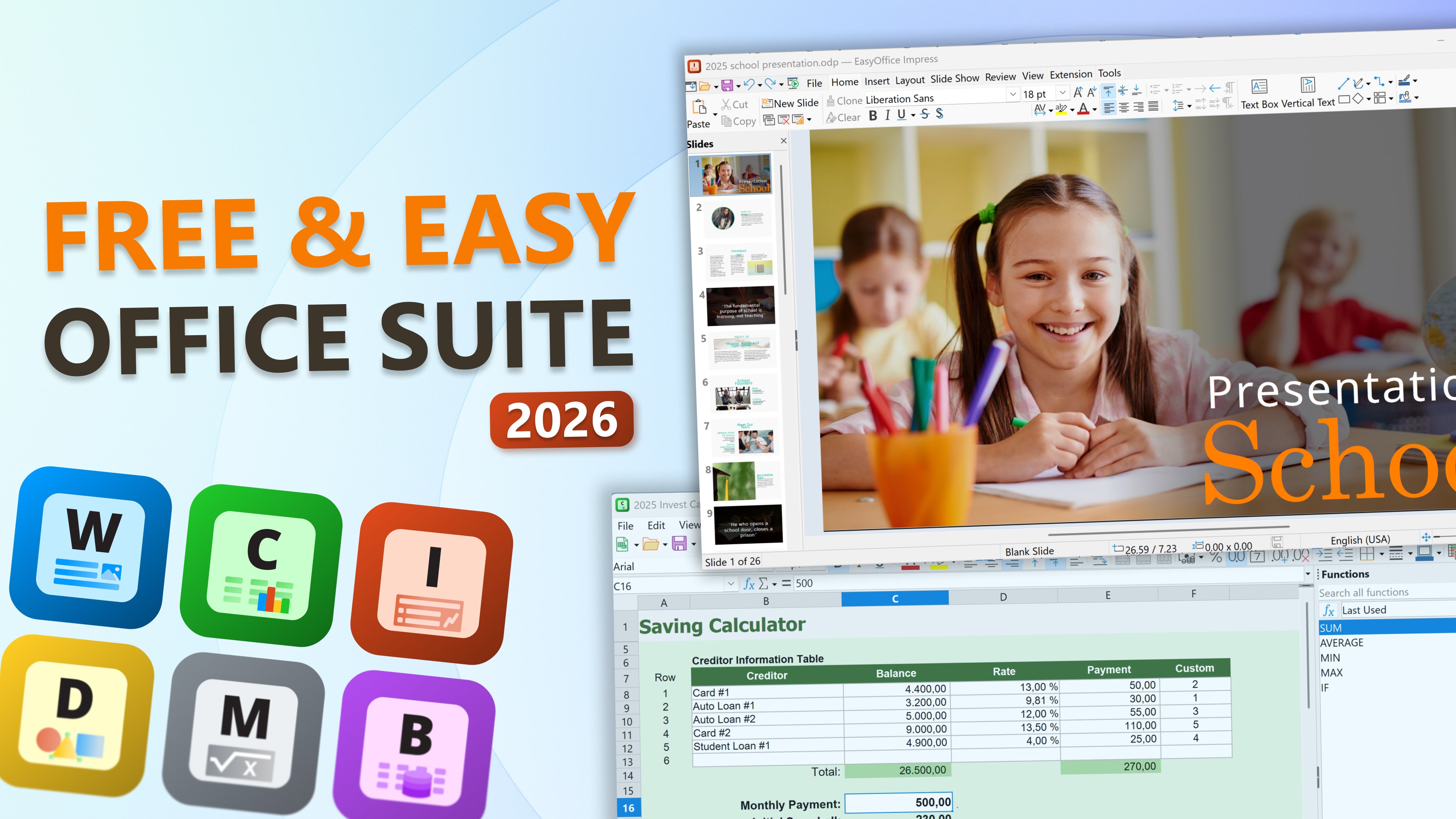
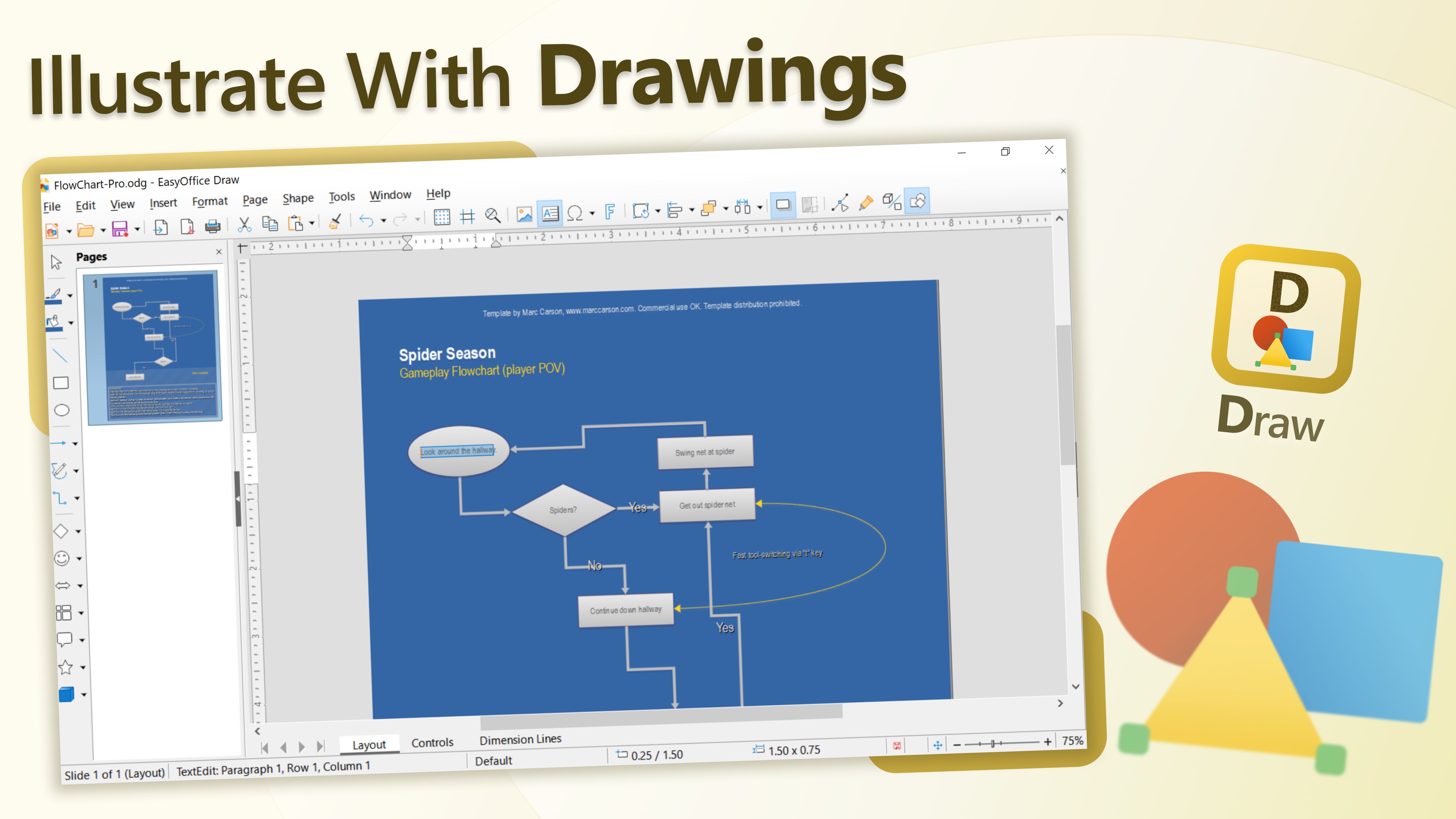
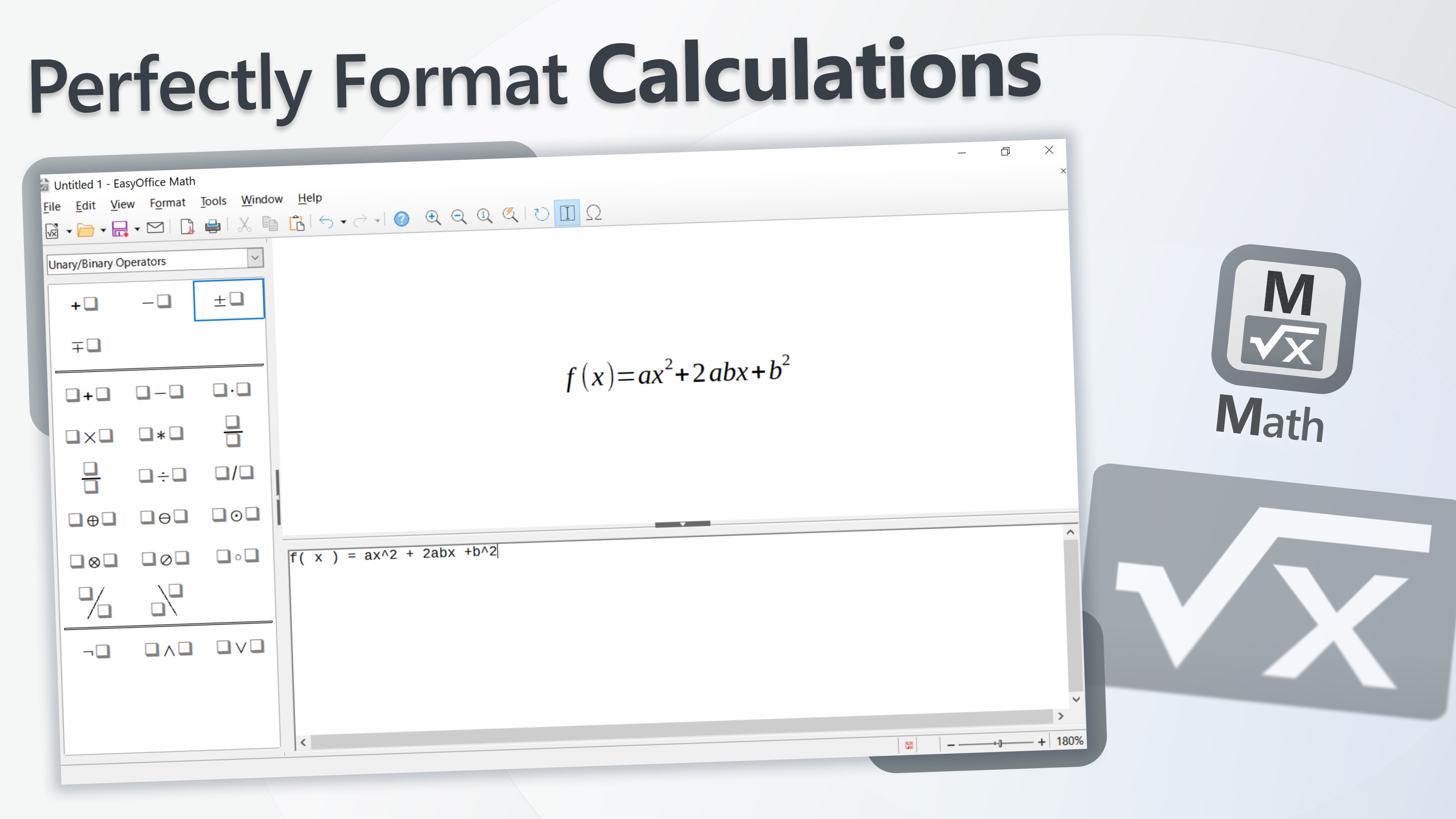
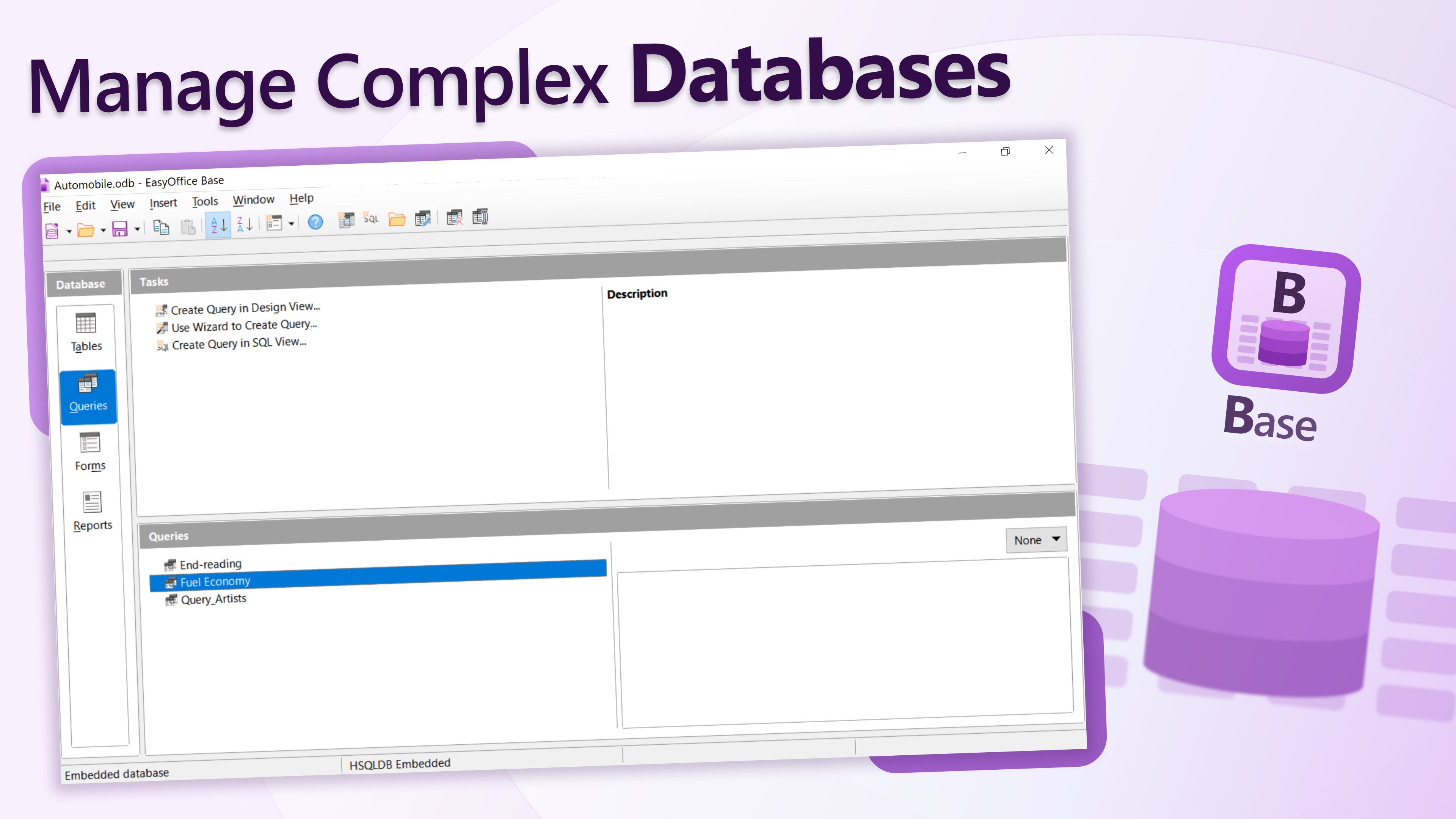
Imagine a digital Swiss Army knife seamlessly integrating your productivity needs—that's what Easy Office Suite brings to your Windows experience. Designed to streamline tasks and reduce context-switching, this app aims to be your one-stop solution for document creation, editing, and management.
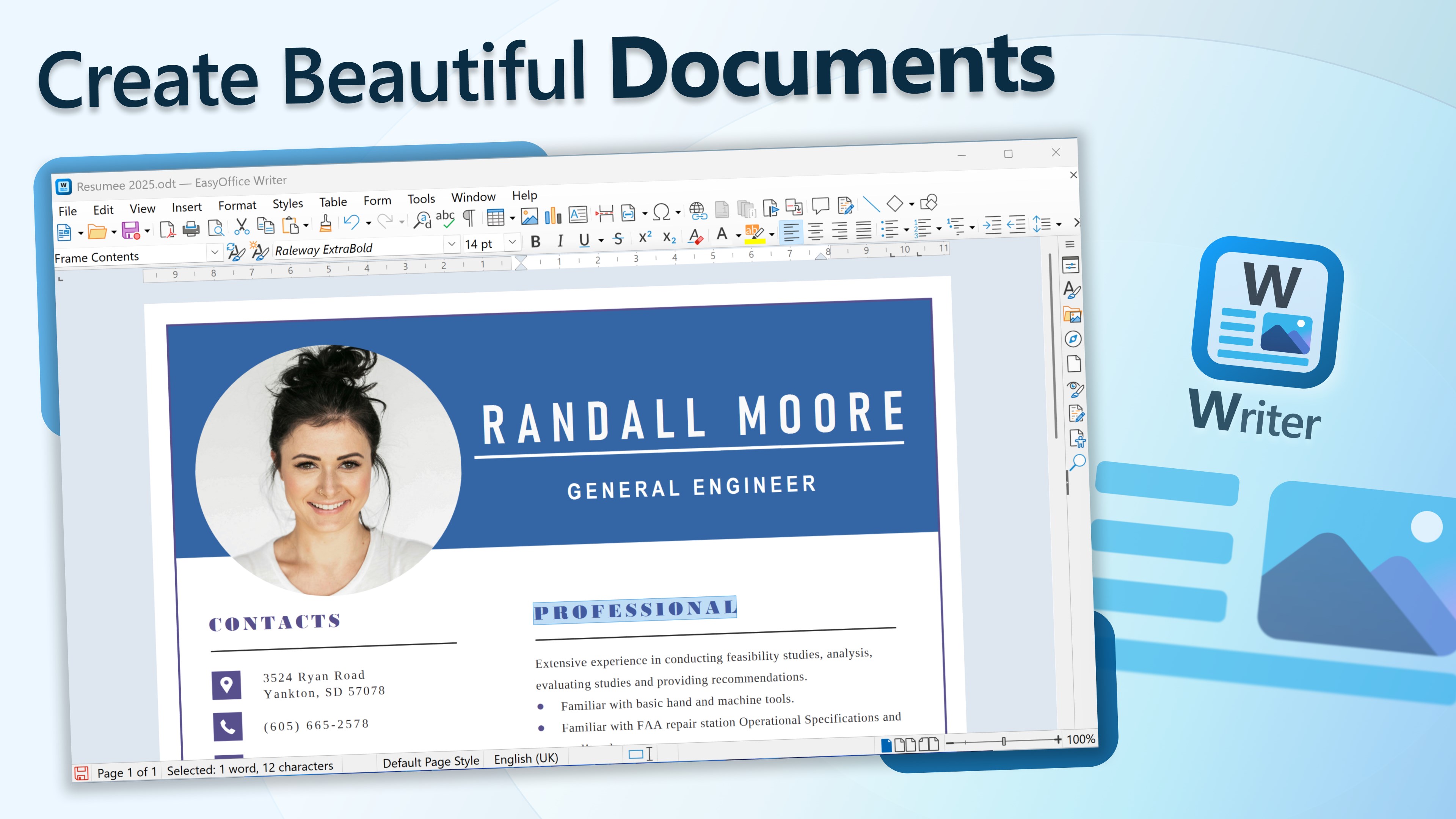
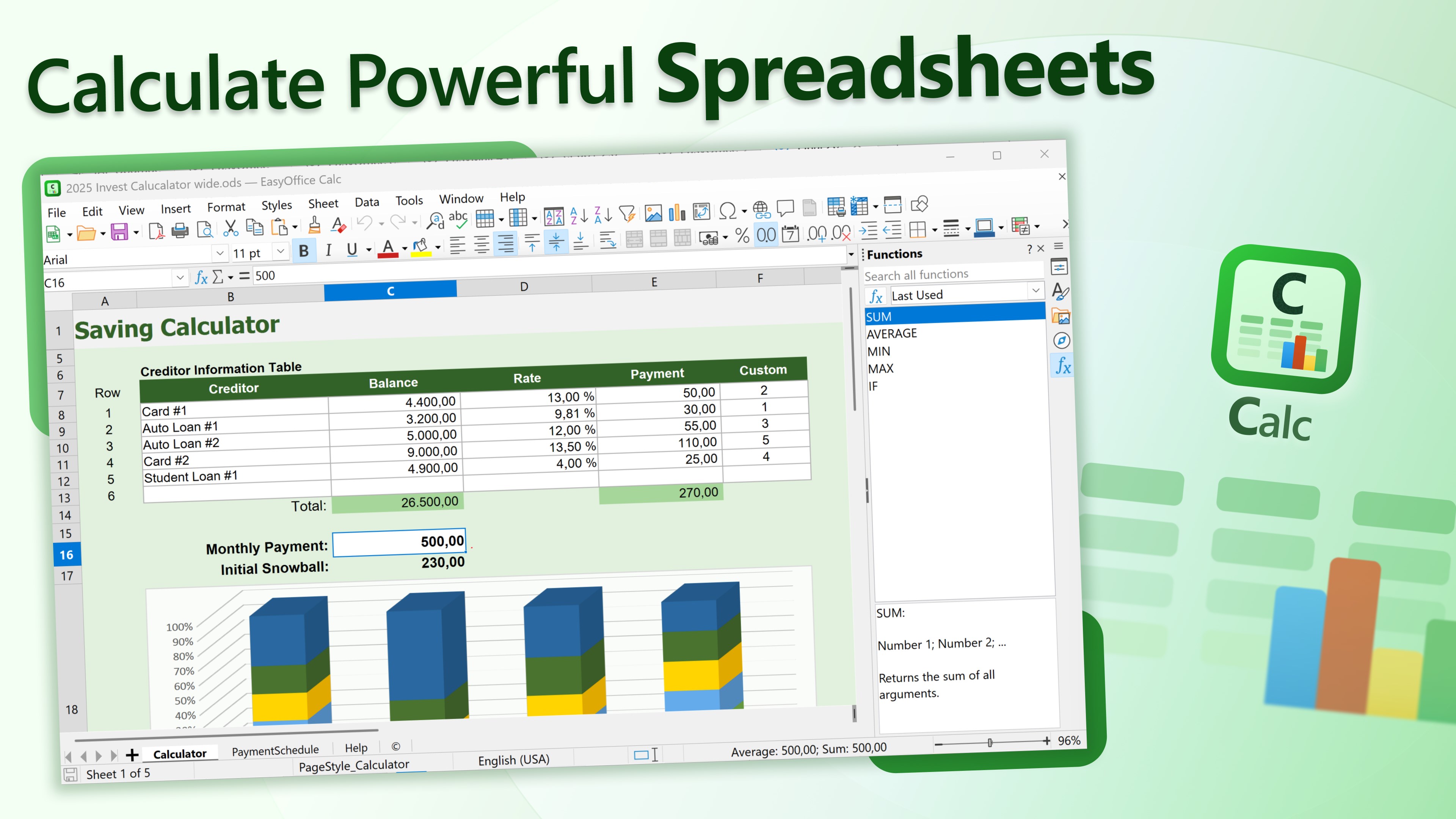
Developed by WunderApps GmbH and published by Tim Grabinat, Easy Office Suite is crafted with a focus on simplicity and efficiency. Its main features include an intuitive word processor, a robust spreadsheet editor, and smart PDF tools—all consolidated within a sleek interface. The application's primary goal is to facilitate smooth document workflows, especially for users who juggle multiple file formats daily. Its target audience spans from students and educators to small business professionals seeking a reliable Office alternative without the bloated complexity often associated with more extensive suites.
Stepping into the world of Easy Office Suite is like opening a well-organized desk drawer—everything is at your fingertips, ready to be used without fuss. The interface strikes a perfect balance between minimalism and functionality, with a clean, modern design that invites users to dive right in. The app's responsiveness is impressive—scrolling through documents, switching between tools, and saving edits happen with a whisper-thin lag, creating a fluid user journey. For newcomers, the learning curve is gentle, thanks to intuitive icons and clear navigation, meaning you can get productive in minutes—not hours.
What truly sets Easy Office Suite apart from other productivity apps is its focus on reducing cognitive load while maintaining a straightforward feature set. Unlike bulky office suites that bombard users with myriad options, this app emphasizes core functionalities that integrate effortlessly into your existing workflow. For instance, its seamless file compatibility with OneDrive and local storage options mean less time fighting with import/export issues. It intelligently minimizes distractions, allowing users to concentrate on content creation rather than navigating convoluted menus. This is akin to riding a smooth, well-paved highway rather than a detour-prone gravel road—optimized efficiency without unnecessary complexity.
The standout feature, perhaps, is its smart PDF tools. Unlike typical PDF readers, Easy Office Suite allows you to annotate, edit, and even convert PDFs within the same window. This dual functionality makes it stand out—saving you from switching apps or dealing with clunky plugins. Whether annotating a report or extracting data into a spreadsheet, the process is seamless. The PDF features are designed to be powerful enough for professional needs yet straightforward for quick edits, embodying the app's philosophy of simplifying tasks without sacrificing utility.
Overall, Easy Office Suite offers a refreshing alternative for anyone tired of overwhelming office tools. Its standout features—especially the integrated PDF editing and workflow-focused design—make it particularly appealing for users valuing efficiency and simplicity. I would recommend it to students, educators, and small team members seeking a dependable, low-friction productivity companion. While it might lack some advanced features of larger suites, its ease of use and thoughtful design insights make it a solid choice for everyday tasks. If your goal is to avoid drowning in unnecessary options and focus solely on getting your work done swiftly, this app deserves a close look.
User-friendly interface
Essential Office tools included
Affordable pricing
Cloud integration support
Lightweight application size
Limited advanced features
Occasional syncing delays
In-app advertisements
Few customization options
Offline functionality restrictions

for Windows
 5
5

for Windows
5

for Windows
4.9

for Windows
4.9

for Windows
4.9

for Windows
4.8

for Windows
4.8

for Windows
4.8

for Windows
4.8

for Windows
4.8

for Windows
4.8

for Windows
4.8

for Windows
5
for Windows
5

for Windows
5

for Windows
5

for Windows
5

for Windows
5

for Windows
5

for Windows
5

for Windows
5
for Windows
5