Personalization
PC
Windows 10 version 14951.0 or higher
English (United States)
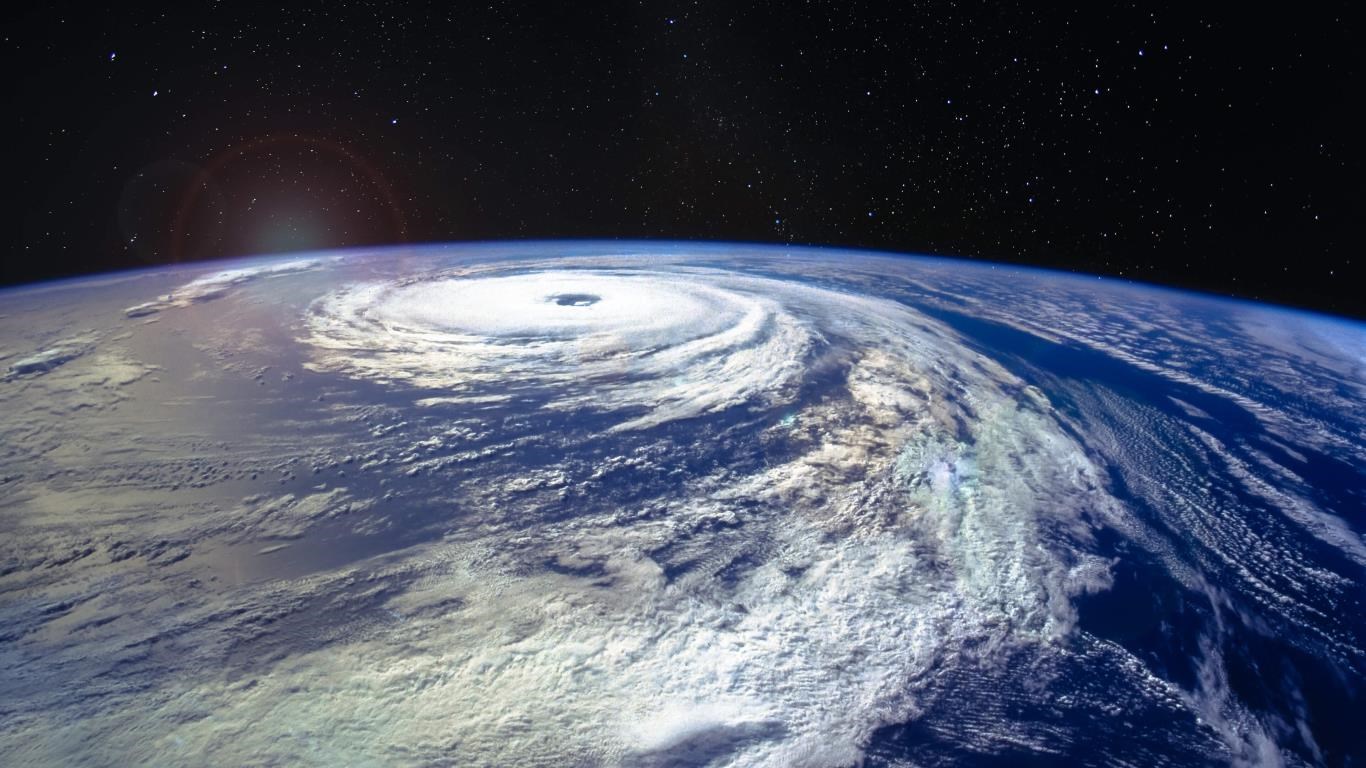
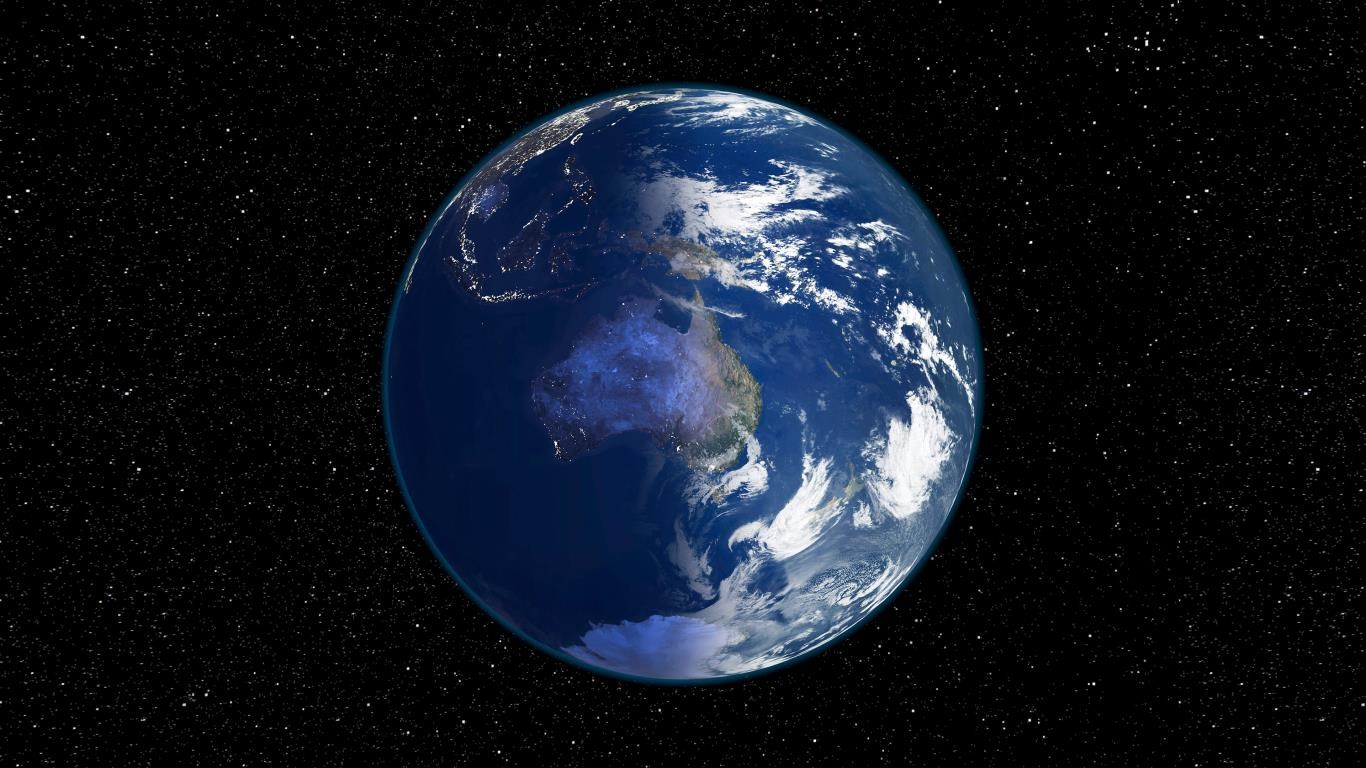
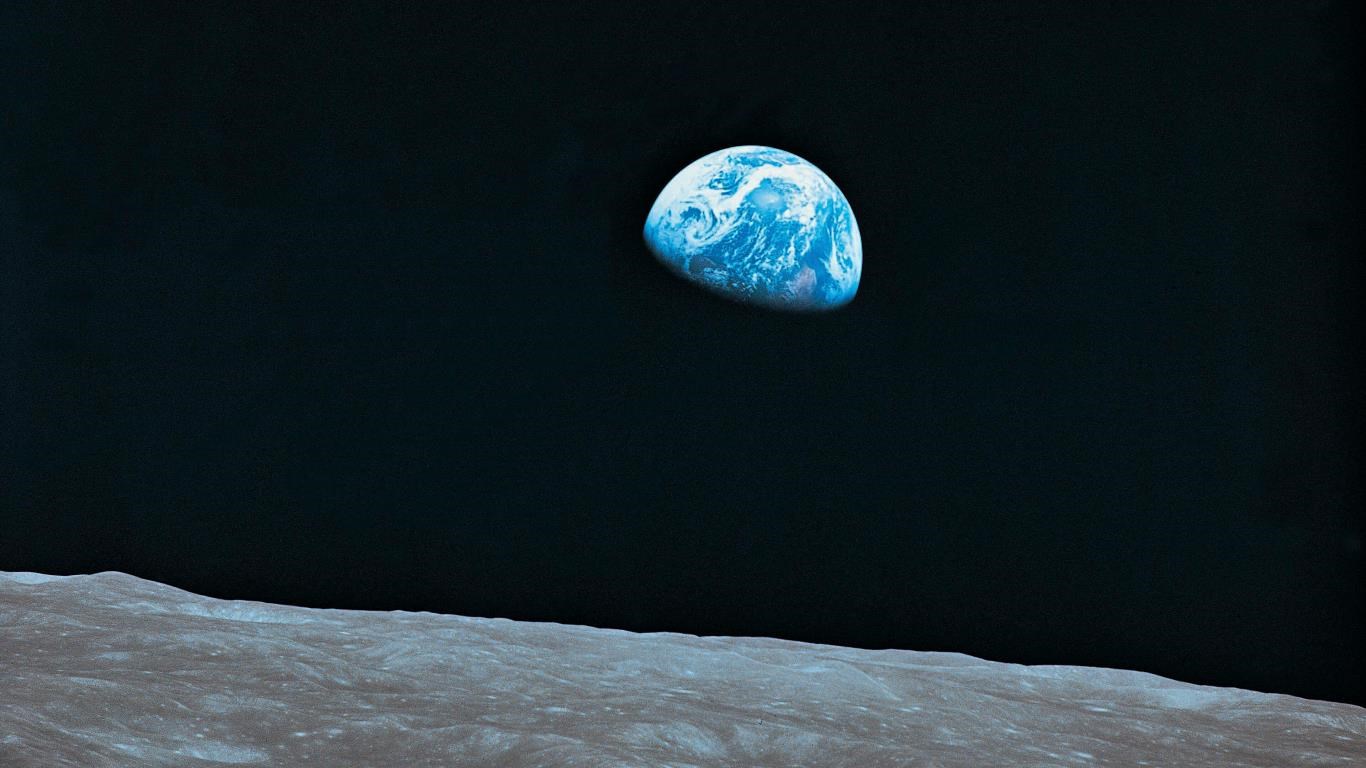
Earth from Above for Windows is a fascinating application that seamlessly merges breathtaking satellite imagery with personalized desktop experiences, offering users a chance to view our planet from a mesmerizing aerial perspective every time they log in.
Designed by Microsoft Corporation, Earth from Above is a Windows app that elevates the standard desktop background. Its primary aim is to transform boring static wallpapers into dynamic, stunning views of Earth captured from space. The app boasts several key features:
The app targets space enthusiasts, nature lovers, and productivity users seeking a visually dynamic and soothing environment for their workspace.
Imagine waking up to a vibrant sunrise over the Amazon rainforest or watching a serene moonlit ocean through your window. Earth from Above transforms your mundane desktop into a window to the universe, making every login feel like an adventure. Its interface is intuitive, inviting users to explore diverse viewing options, from serene landscapes to bustling urban skylines, all while maintaining a polished, user-friendly design. The smooth transitions and quick loading times make it feel like flipping through a digital photo album of Earth's most stunning vistas.
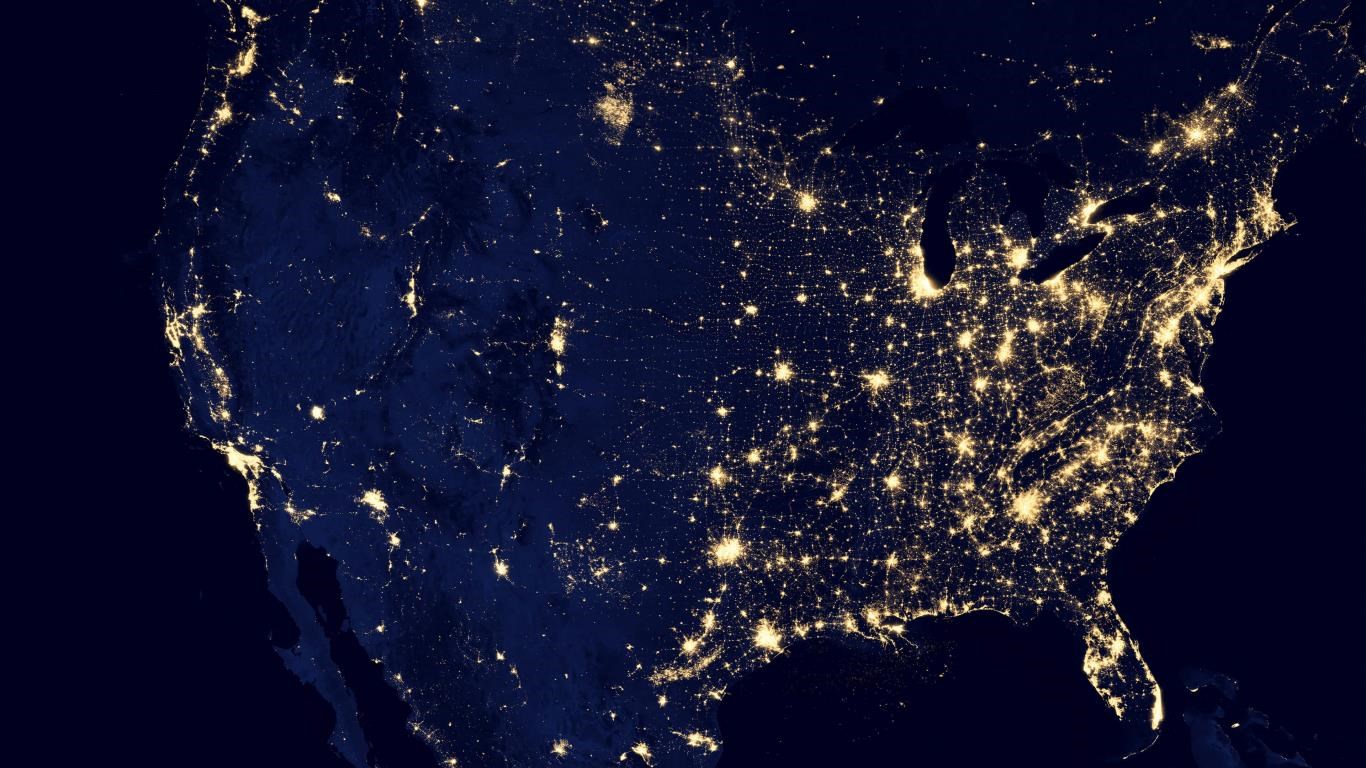
The app's standout feature is its high-definition satellite images, sourced from reputable space agencies and providers. Whether it's a sweeping view of the Himalayan mountain range or the shimmering lights of New York City at night, each image is crisp and captivating. Some options even include real-time weather overlays or day/night shifts, adding a dynamic touch that keeps your desktop lively without being distracting.
Earth from Above excels in personalization. Unlike many wallpaper apps that offer limited themes, this app provides a variety of customization options—layering overlays, toggling between imagery styles, and adjusting color filters. Its compatibility with Windows themes further enhances integration, allowing users to synchronize their desktop aesthetics effortlessly. This flexibility ensures that your screen isn't just beautiful but also uniquely yours.
The app is straightforward, with a clean interface that guides users through browsing and selecting images. Activation is seamless, and the app runs smoothly in the background without consuming excessive system resources. The learning curve is gentle—users can quickly familiarize themselves with settings and customization options, making it accessible even for those less tech-savvy.
While many wallpaper apps focus on offering a vast library of images, Earth from Above emphasizes the quality and interactivity of its visuals. Its real-time and time-lapse features provide a living, breathing window to Earth—an aspect that distinguishes it from static image repositories. Additionally, its thoughtful customization and theme compatibility mean it adapts seamlessly to user preferences, providing a more integrated experience compared to less adaptable personalization tools.
If you're someone who finds inspiration in the natural world or enjoys a calming, captivating backdrop during work or leisure, Earth from Above is an excellent addition to your desktop. It's particularly suited for those who appreciate high-quality imagery and want more than just a static wallpaper. For best results, experiment with the overlay options and schedule automatic refreshes to keep your desktop engaging without overwhelming your workflow. While it's not designed for intense gaming or high-end graphical editing, its smooth performance and aesthetic appeal make it a worthwhile download for enriching your digital environment.
Stunning High-Resolution Imagery
Intuitive User Interface
Extensive Coverage
Educational Content Integration
Regular Updates and Improvements
Limited Offline Access
Occasional Loading Delays
Limited Customization Options
Inconsistent Data Updates in Some Regions
Battery Consumption

for Windows
 5
5

for Windows
5

for Windows
5

for Windows
5

for Windows
5

for Windows
4.9

for Windows
4.9

for Windows
4.9

for Windows
4.9

for Windows
4.8

for Windows
4.8

for Windows
4.8
for Windows
5

for Windows
5

for Windows
5

for Windows
5

for Windows
5

for Windows
5

for Windows
5

for Windows
5
for Windows
5

for Windows
5