Navigation & maps
PC, Surface Hub, HoloLens
Windows 10 version 14393.0 or higher
English (United States)
Imagine having a globe at your fingertips that not only shows you the Earth's beauty but also lets you explore streets around the world with stunning clarity—Earth 3D Suite does just that. Combining immersive 3D Earth visualization with detailed street-level views, this app transforms your Windows device into a window to the entire planet, whether you're a geography enthusiast, a travel planner, or just curious about the world around you.
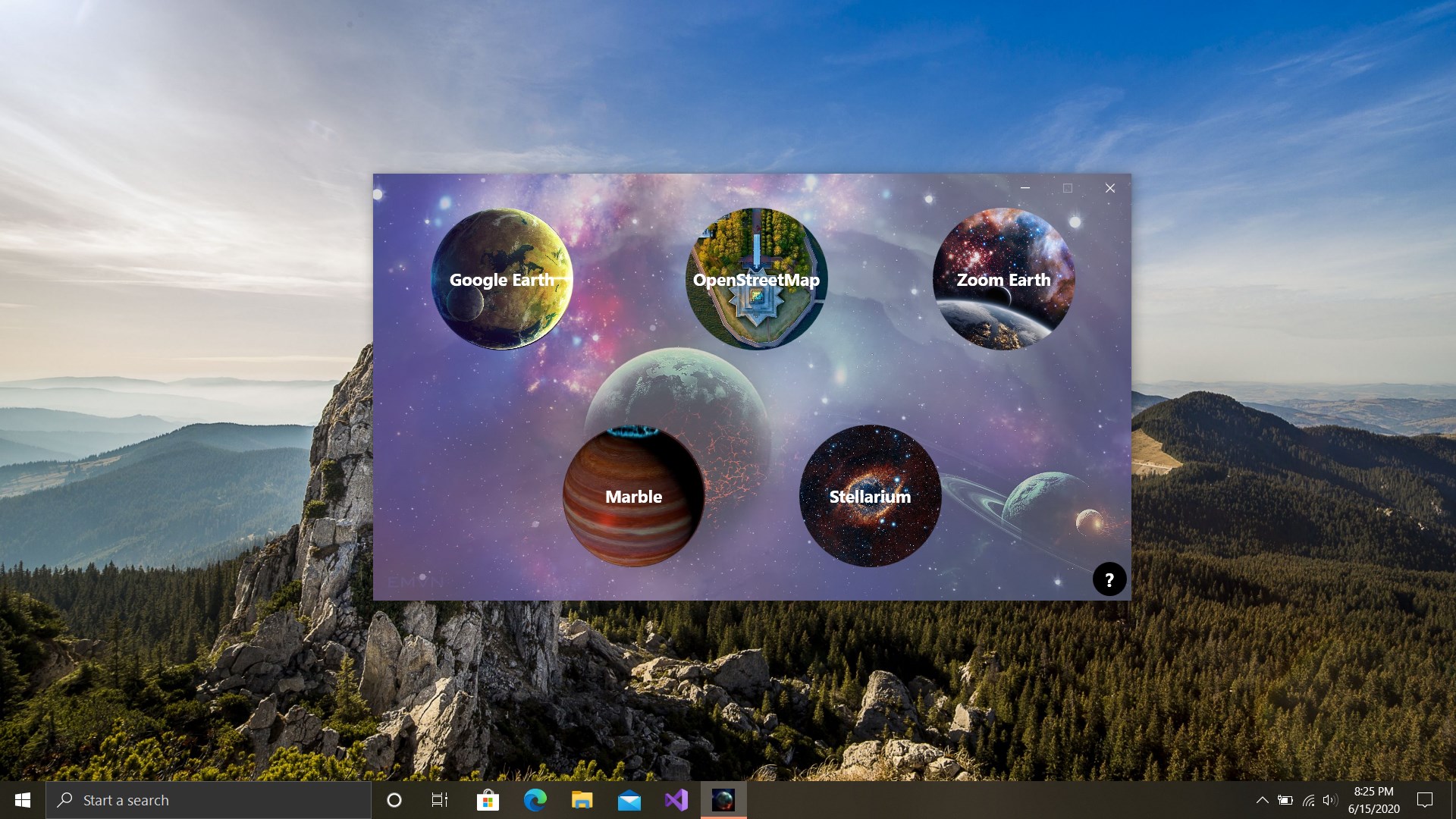
Developed by Varapps, Earth 3D Suite offers a comprehensive virtual globe experience with two main components: Earth Pro and Street View. Its main features include high-resolution 3D Earth rendering with realistic terrain and landmarks, seamless street-level navigation, and easy point-and-click exploration. Designed for tech-savvy travelers, students, educators, and casual explorers, the app caters to anyone eager to traverse the globe from their desktop in an engaging way. Whether you want to scan satellite imagery, plan a trip, or just marvel at our planet's diversity, this suite aims to be your digital Earth companion.
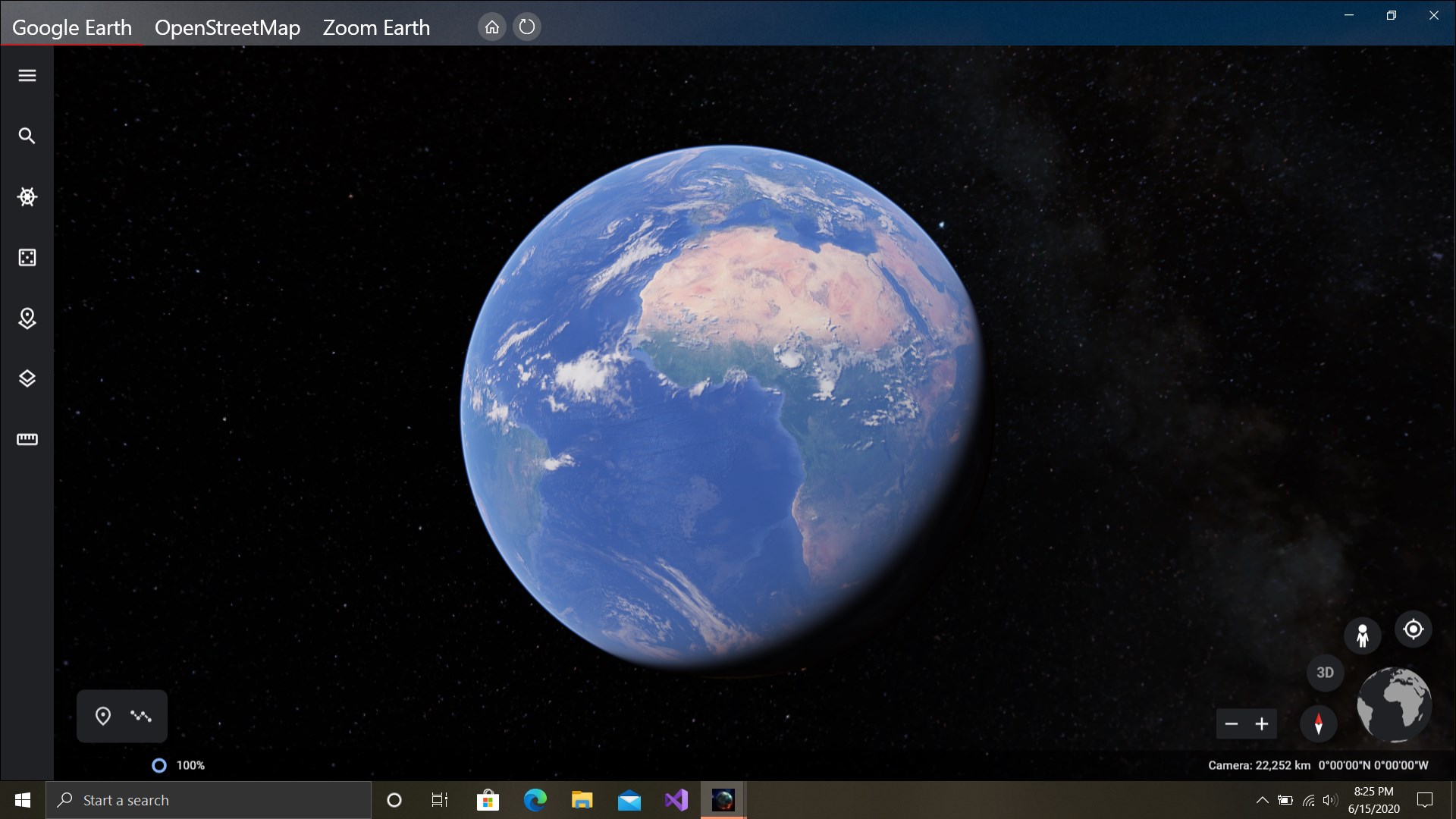
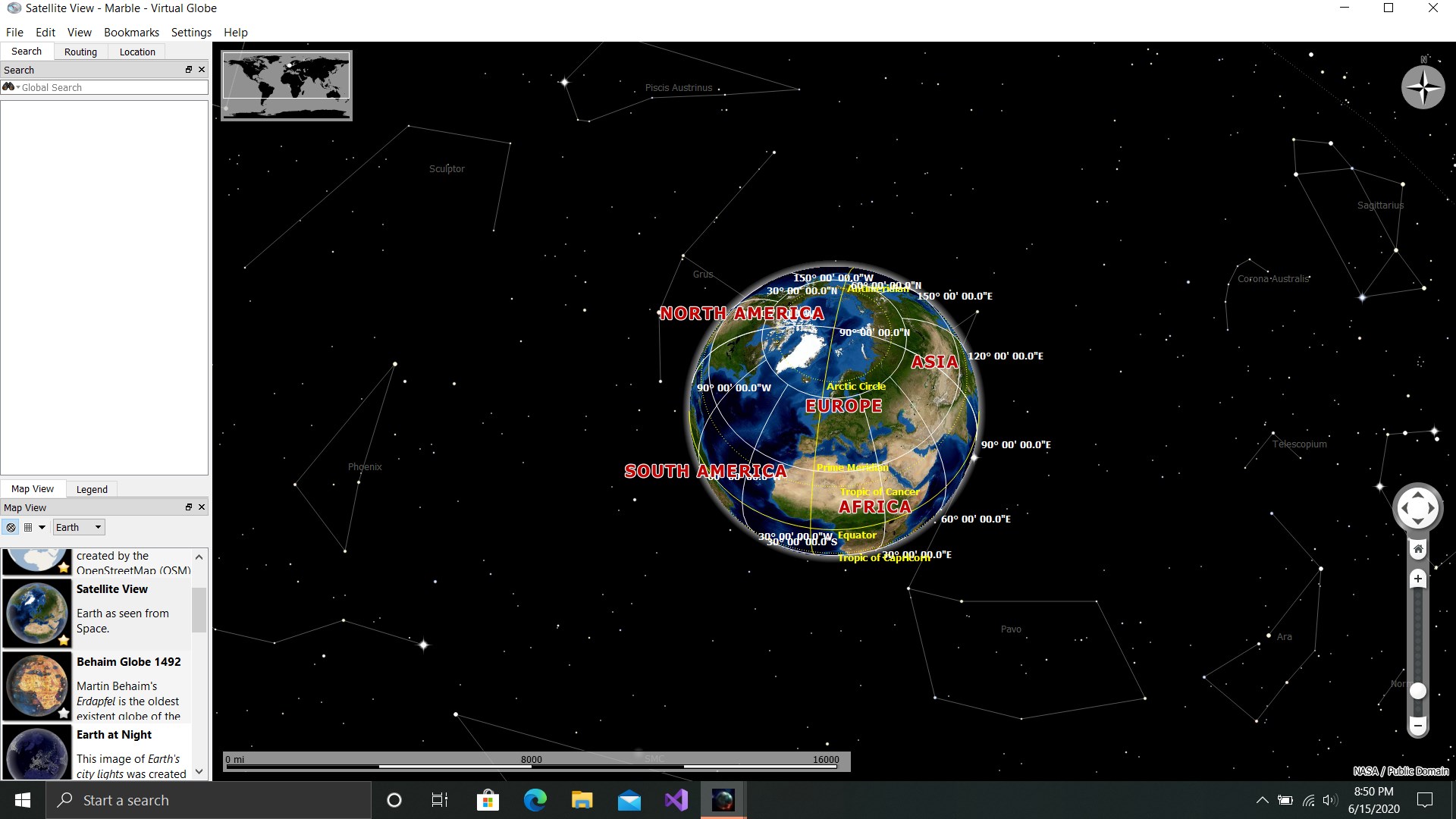
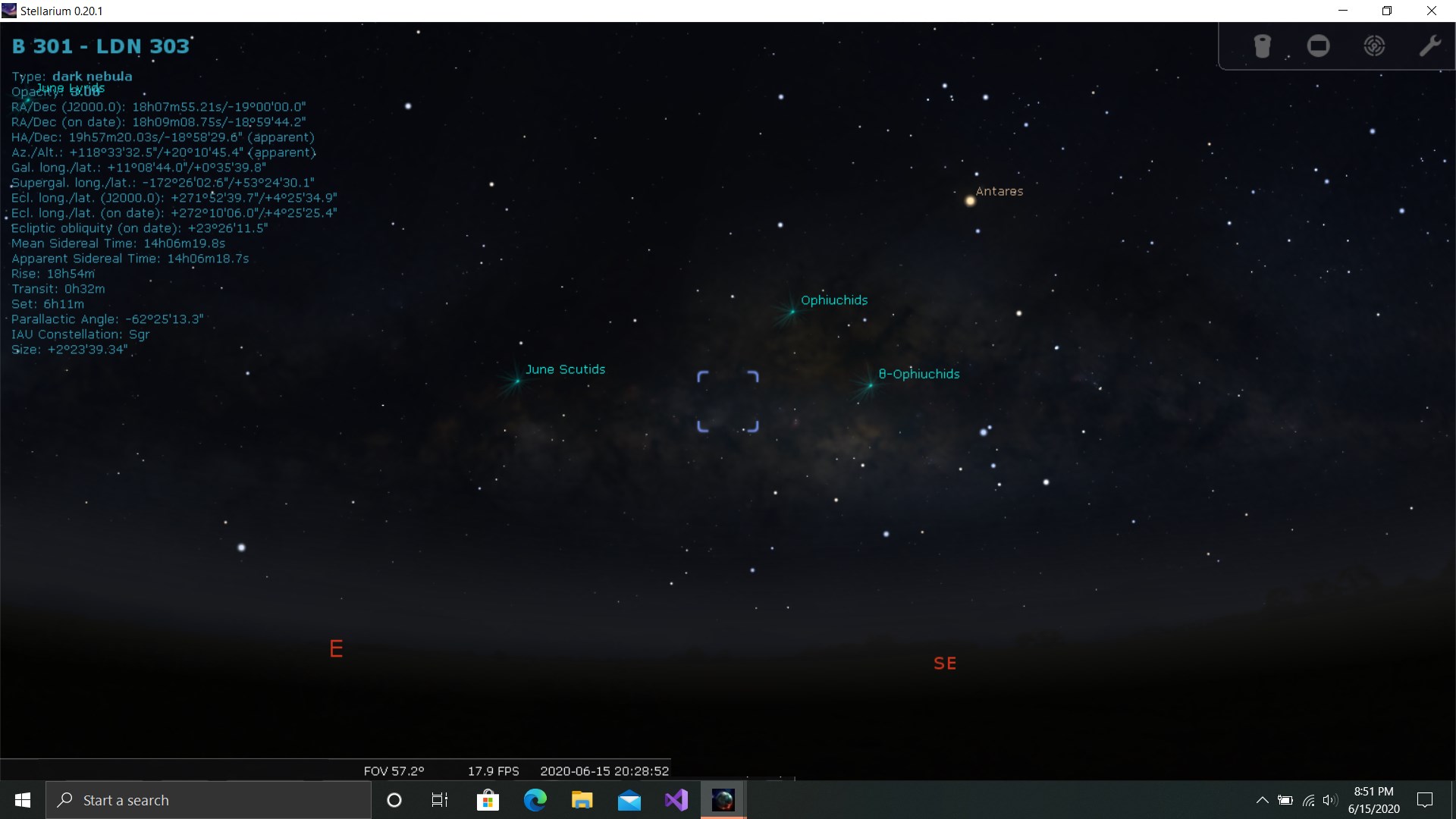
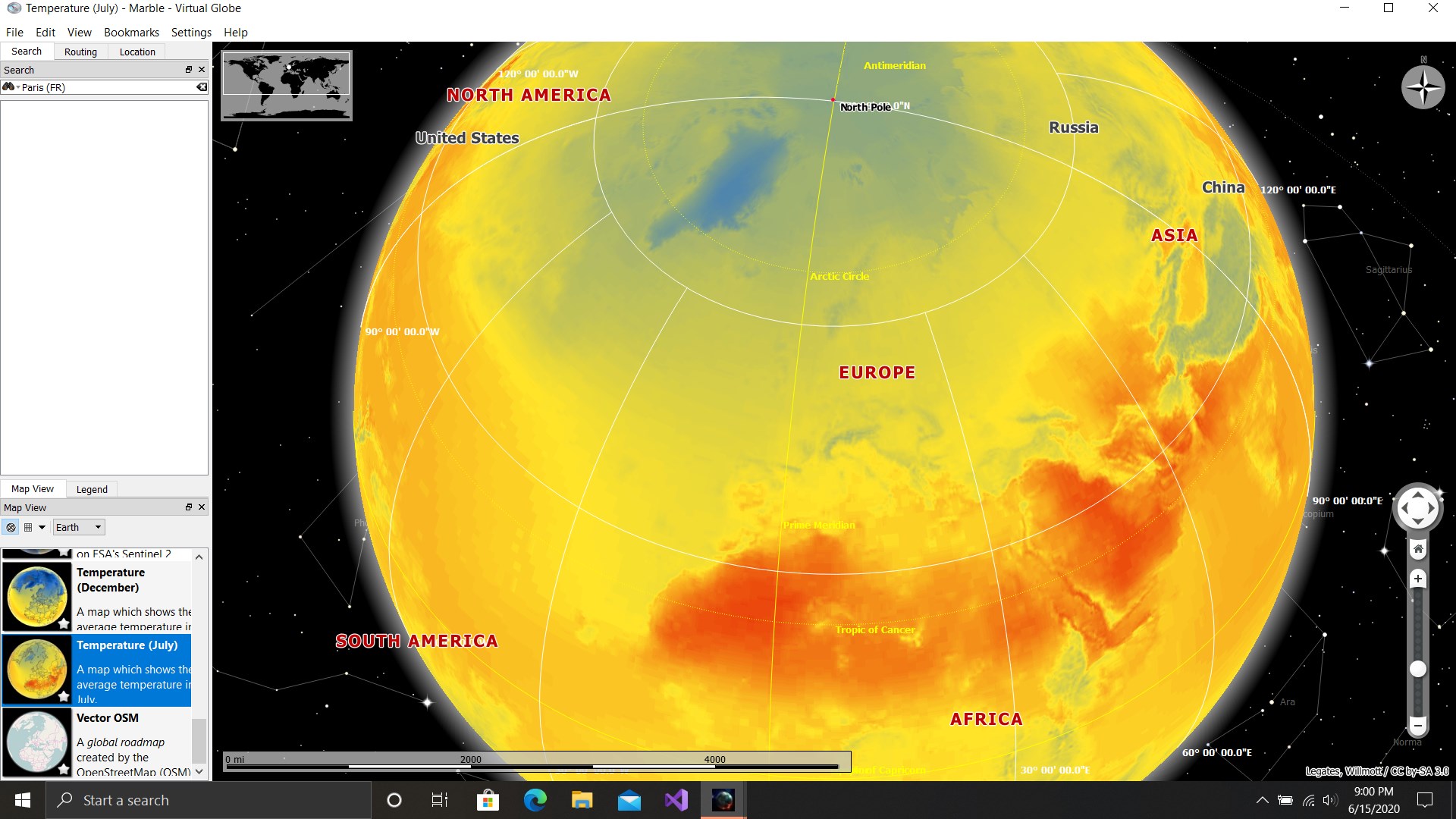
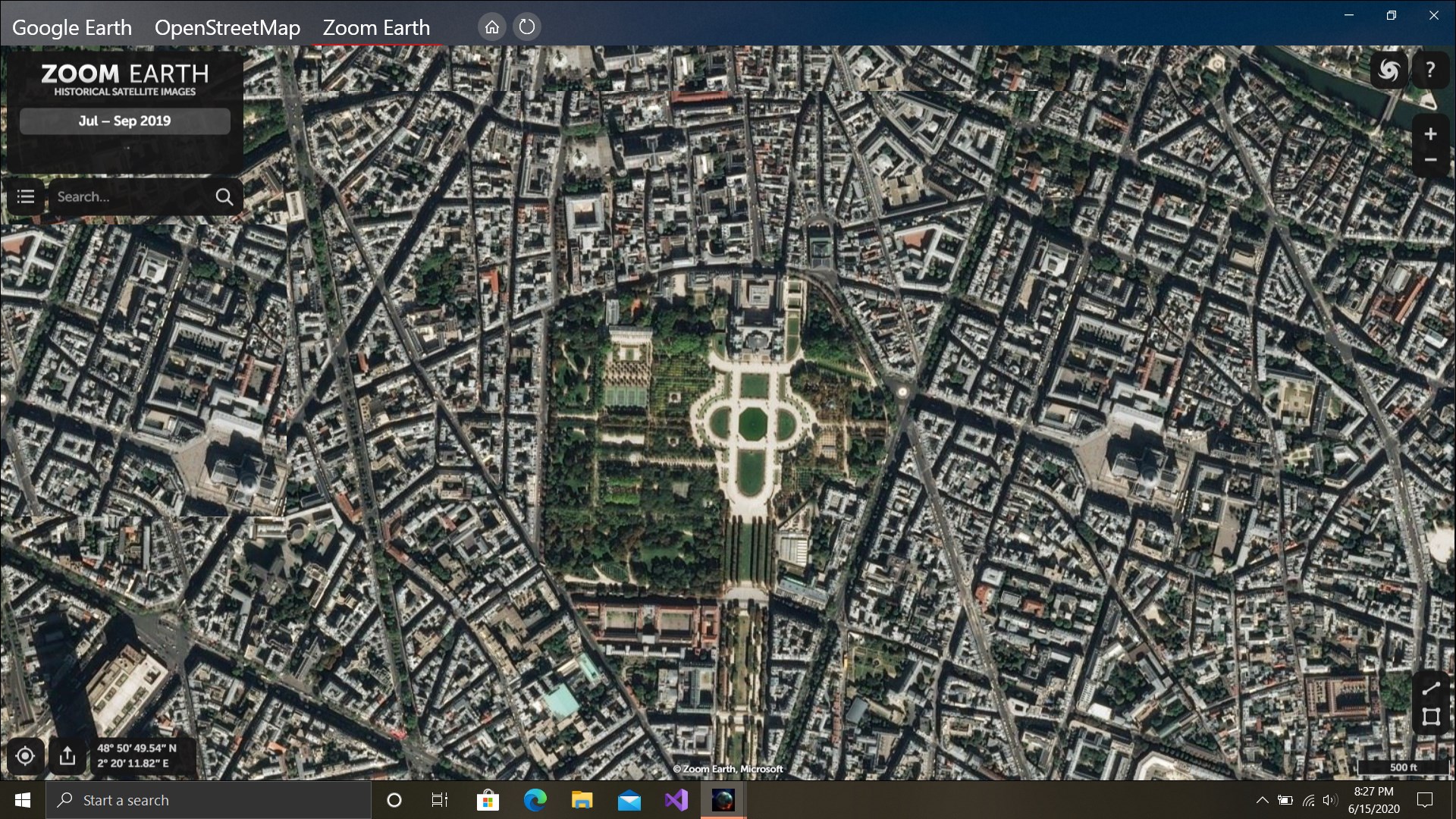
The heart of the application lies in its stunning 3D globe. Using advanced rendering technology, Earth Pro displays the planet with crisp satellite imagery, realistic terrain features, and intelligent landform overlays. Rotating the globe feels smooth and intuitive, like spinning a miniature world in your hand. The extensive zoom capabilities allow users to seamlessly shift from a broad planetary view to our most familiar cities or natural wonders. This feature not only captivates visually but serves as a powerful tool for education and visualization, making geography come alive with every interaction.
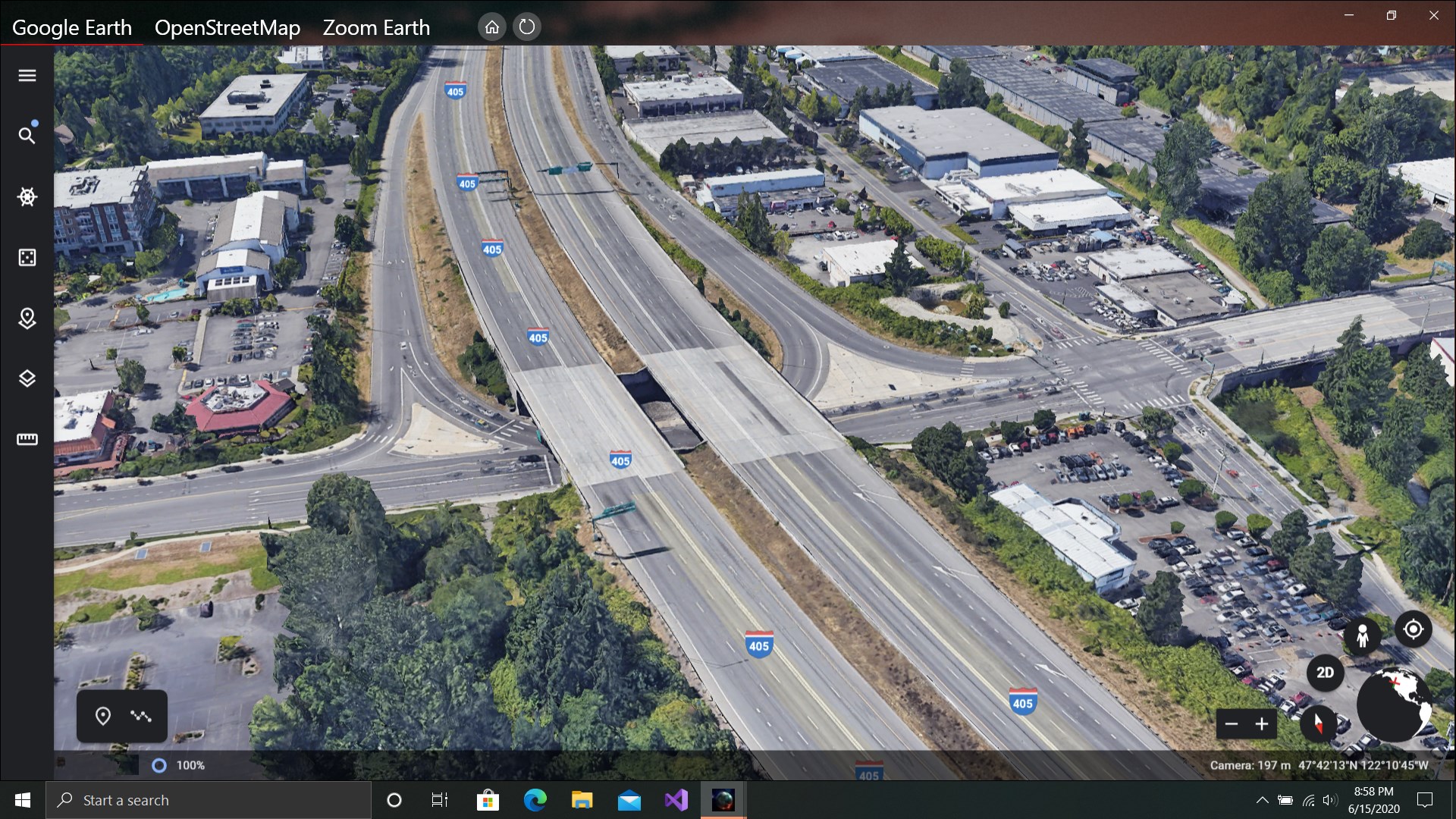
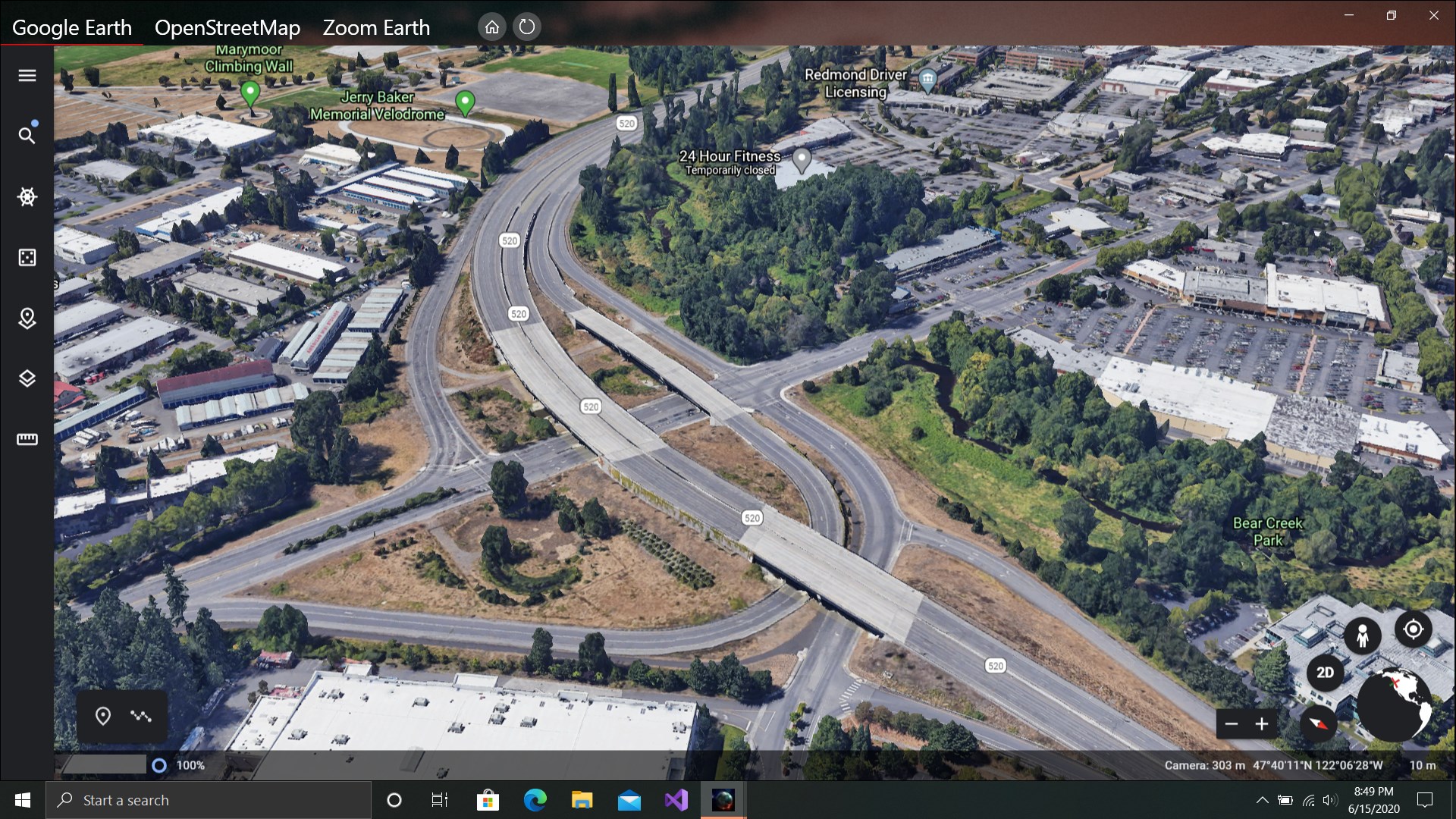
The standout feature here is the integrated Street View, which complements the globe by offering panoramic street-level imagery. It's as if you're stepping onto a bustling street in Tokyo or a serene alley in Venice, straight from your desktop. Navigation is straightforward—click on a location marker or enter an address, and the app loads immersive street scenes in seconds. What sets this apart from typical map apps is the detailed, high-quality imagery paired with the extensive global coverage, bringing remote streets within your reach without leaving your seat. It's perfect for virtual travel, urban planning, or simply satisfying curiosity about distant places.
The design of Earth 3D Suite strikes a commendable balance between aesthetic appeal and functional simplicity. The interface resembles a modern digital globe, with minimal clutter and clear icons guiding exploration. Controls are responsive; rotating, zooming, and switching between Earth view modes feel natural and fluid. The learning curve is gentle—new users can swiftly start exploring without a steep setup. For seasoned explorers, the rich features are just a click away, supporting detailed investigations and customization. Overall, the app provides a smooth, enjoyable experience akin to holding a miniature planet in your hands.
While many navigation and mapping apps offer global views, Earth 3D Suite distinguishes itself with its immersive 3D environment combined with high-resolution street-level imagery all within a single application. Unlike standard map applications that are 2D and often rely on web-based services, this desktop app provides a more tactile and visually stunning experience. Its ability to seamlessly switch from global visualization to close-up street views—without needing external links or multiple platforms—is a key strength. Furthermore, the app's focus on quality rendering and ease of use makes it a compelling choice for educational purposes, travel planning, or casual exploration.
Earth 3D Suite: Earth Pro & Street View for Windows stands out as a robust, visually captivating tool that simplifies globe exploration while maintaining high-quality detail. It's particularly recommended for users who appreciate immersive visuals, high-resolution imagery, and an intuitive interface. While it may not replace dedicated GPS or professional mapping software for navigation, it offers a delightful, educational, and visually stimulating experience suitable for casual explorers and students alike. If you're looking to explore the world virtually with realistic detail and ease, this app is definitely worth adding to your digital toolkit.
High-Resolution 3D Earth Visualization
Integrated Street View Functionality
User-Friendly Interface
Customizable Earth Layers
Free Access with Extensive Content
Occasional Performance Lag
Limited Offline Functionality
Incomplete Street View Coverage in Some Areas
High Memory Usage
Basic Navigation Tools

for Windows
 5
5

for Windows
5

for Windows
5

for Windows
5

for Windows
5

for Windows
5

for Windows
5

for Windows
5

for Windows
5

for Windows
5