Photo & video
DVD Player, Video Player & Audio Player
PC
Windows 10 version 14393.0 or higher
Arabic, Chinese (Simplified), Dutch, English (United States), French, German, Italian, Japanese, Korean, Portuguese, Russian, Spanish
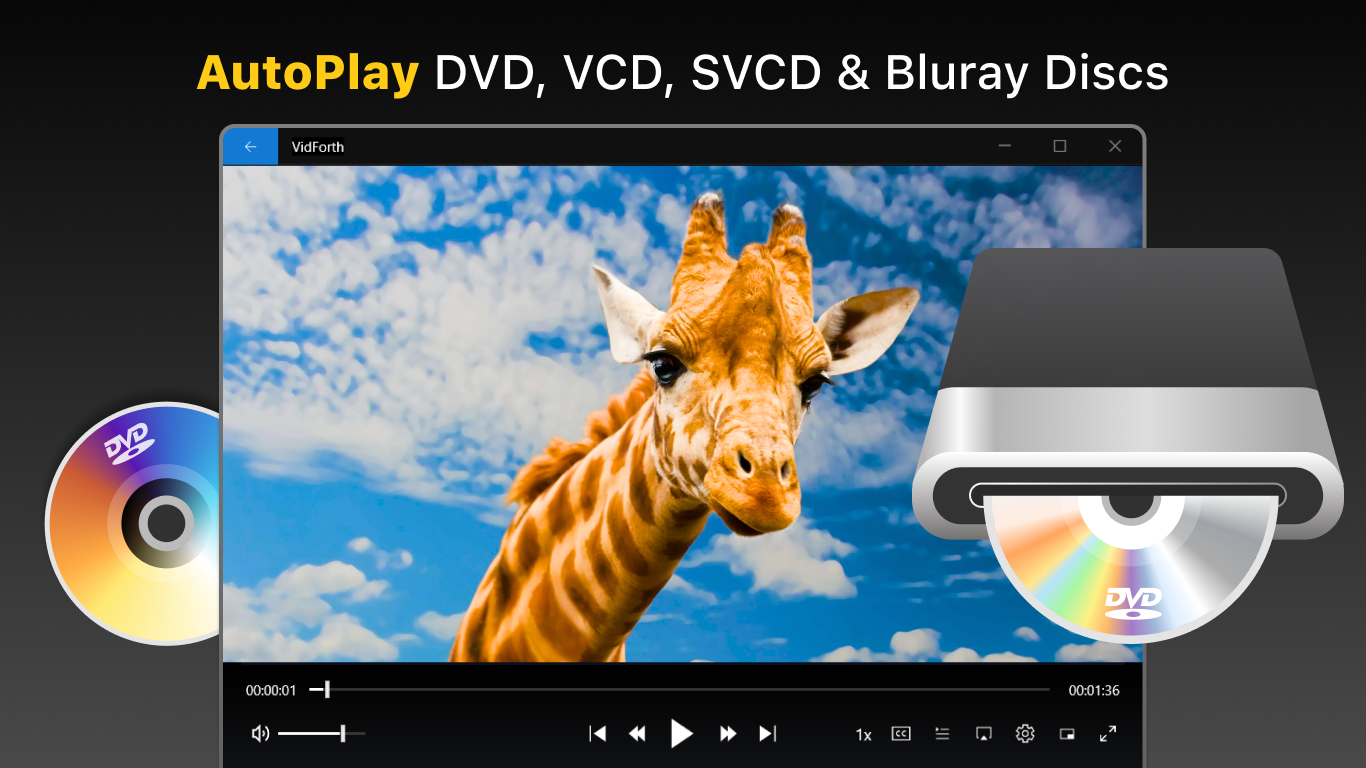
DVD+ for Windows, developed by FS Tech Media, aims to provide users with a straightforward yet powerful tool to enjoy their digital video and audio collections seamlessly. Whether you're a casual viewer or a serious media enthusiast, this app promises a smooth playback experience with a user-friendly interface.
FS Tech Media is dedicated to creating simple and efficient multimedia solutions. Their focus on intuitive design and broad compatibility ensures users can enjoy their favorite content without complicated setups or steep learning curves.
Imagine settling into your favorite cozy corner, a bowl of popcorn nearby, and firing up DVD+ for Windows. As the interface loads, there's an immediate sense of familiarity—nothing cluttered, just a sleek, minimalistic window inviting you to dive into your media collection. The app's design feels like that reliable pocket knife—simple, accessible, and ready at a moment's notice. Now, let's explore what makes this media player a noteworthy choice.
The interface of DVD+ for Windows strikes a pleasing balance between functionality and elegance. Its design is akin to the calm lake surface—smooth, clear, and easy to navigate. Playing a video is as simple as clicking the file, with intuitive controls accessible at your fingertips. Notably, the app supports drag-and-drop for quick file loading, reducing fuss and making your media experience more organic. The learning curve is gentle; even first-time users find it straightforward to start watching without spending minutes fiddling with settings.
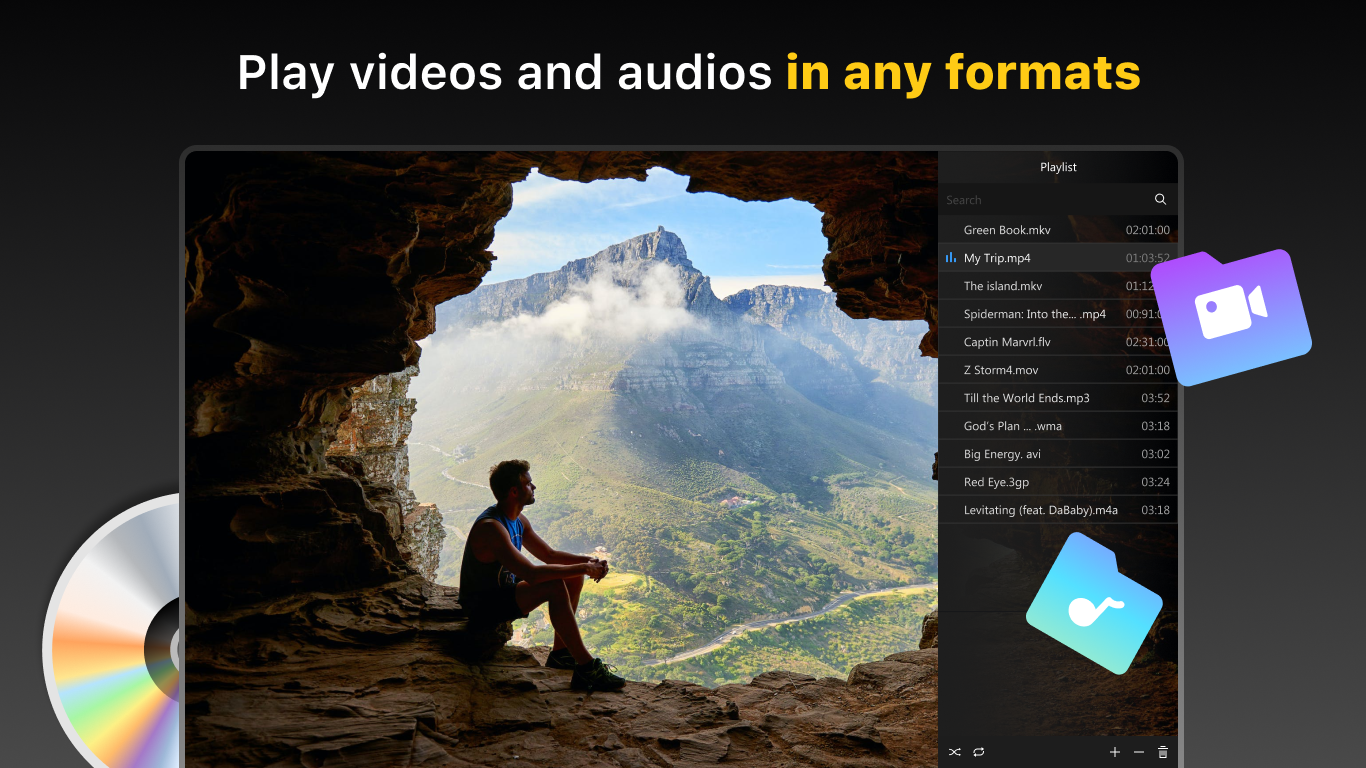
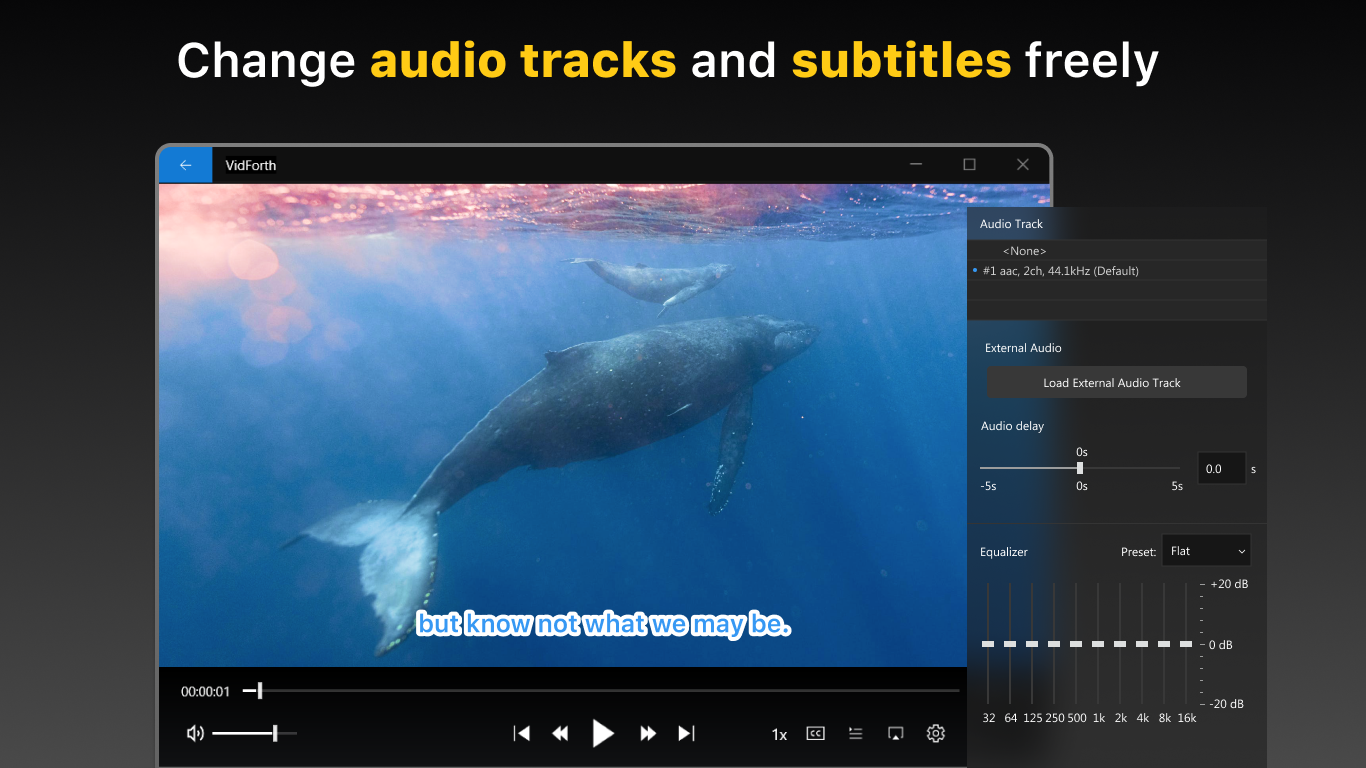
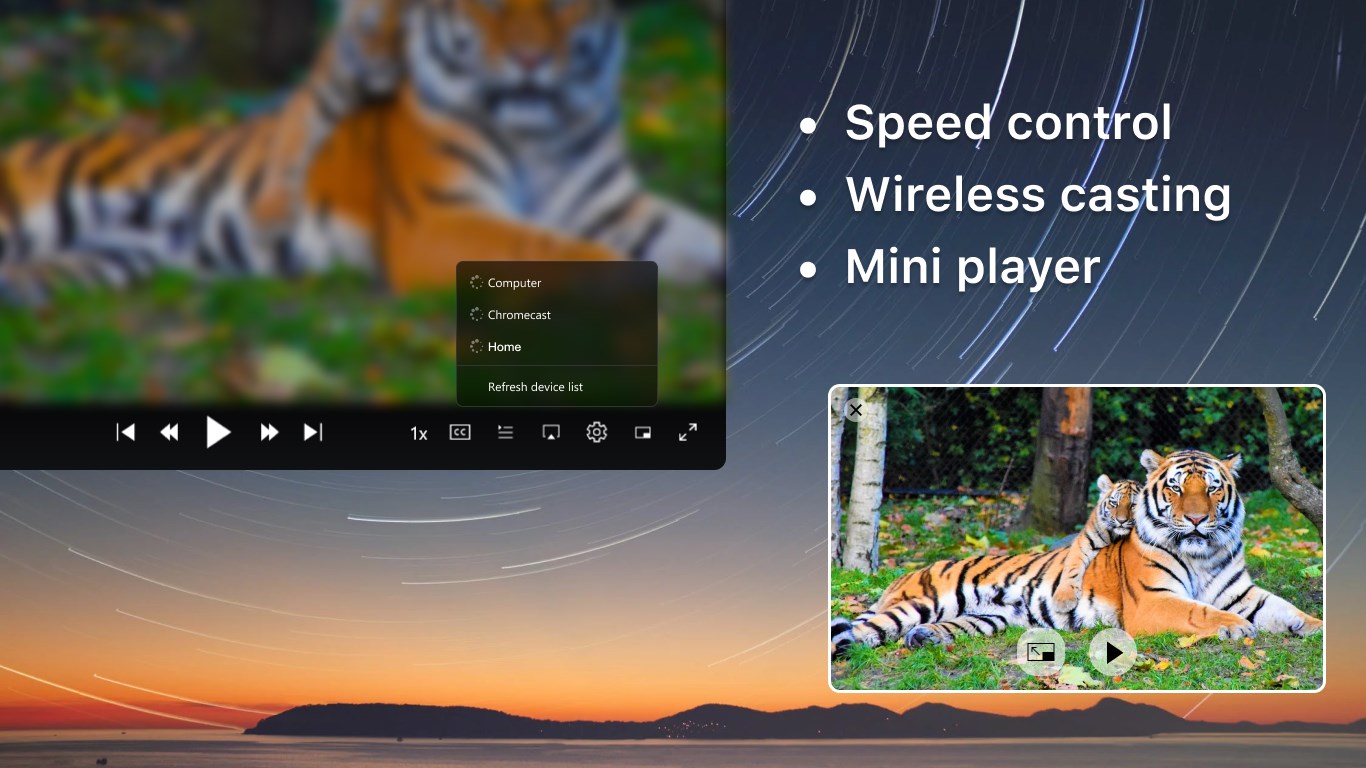
What sets DVD+ apart from many free media players is its commitment to offering truly customizable playback. The app supports a wide array of formats—think of it as a multilingual translator for your media files—so you rarely encounter format incompatibility. Additionally, features like customizable subtitles, adjustable playback speeds, and audio track selection make it flexible for diverse viewing needs. The smoothness of playback is impressive, even with high-definition files, thanks to optimized decoding that feels almost like a velvet slide—fluid and natural.
Compared to other media players like VLC or Windows Media Player, DVD+ for Windows focuses on simplicity without sacrificing core functionalities. Its standout features include a streamlined interface that keeps essential controls front and center, and an optimized background process that ensures minimal system load during playback. Moreover, the app's subtitle support is notably user-friendly, with easy toggling and editing options, making it more accessible for those who watch foreign films or use subtitles for clarity. It operates quietly in the background, providing a distraction-free experience with quick launching times and smooth navigation.
Overall, DVD+ for Windows is a reliable, no-nonsense media player suited for users seeking a straightforward playback solution. If you're tired of overly complicated apps or unreliable compatibility, this software could be just what you need. Its most compelling features—robust format support and user-centric controls—make it stand out in a crowded field. For casual users or those who prefer a clean, efficient media experience, I would confidently recommend giving it a try. It's like having a dependable companion for your digital media, always ready to bring your videos and music to life with minimal fuss.
User-friendly interface
Wide media format support
Fast encoding speed
Built-in media player
Regular updates
Limited customization options
Occasional slow loading times
Lack of DVD menu editing features
Limited multilingual support
Occasional compatibility issues with certain DVD drives

for Windows
 5
5

for Windows
4.9

for Windows
4.8

for Windows
4.8

for Windows
4.8

for Windows
4.7

for Windows
4.7

for Windows
4.7

for Windows
4.7

for Windows
4.7

for Windows
4.7

for Windows
4.7

for Windows
5

for Windows
5

for Windows
5

for Windows
5

for Windows
5

for Windows
5

for Windows
5

for Windows
5

for Windows
5

for Windows
5