Utilities & tools
kaeros corps
PC, Surface Hub
Windows 10 version 17763.0 or higher
4 GB
Chinese (Simplified), English (United States), French, German, Italian, Japanese, Spanish
If you've ever faced the chaos of disorganized files cluttering your PC, Duplicates Cleaner Prime by Kaeros Corps offers a breath of fresh air. Designed to streamline and tidy your digital space, this tool acts like a meticulous librarian, helping you find and eliminate redundant files with precision. Whether you're a casual user cleaning up personal photos or a professional needing a smoother workflow, this app promises to be a reliable ally in maintaining a clutter-free system.
Duplicates Cleaner Prime is a dedicated utility aimed at identifying and removing duplicate files on Windows computers. Developed and published by Kaeros Corps, the app positions itself as a user-friendly, efficient solution for digital decluttering. It's tailored for users seeking quick yet thorough file scans, offering a range of features that make duplicate management straightforward.
Imagine opening your cluttered desktop or sprawling photo library—duplicates everywhere, like weeds in a garden. Duplicates Cleaner Prime steps in as the diligent gardener, carefully weeding out the redundancies so your digital space can breathe. Its promise? To regain precious storage space, speed up your computer, and restore order—all without the fuss of complicated workflows. It's like having a personal assistant who's trained to spot mirror images and similar files with eagle-eyed precision. So, ready to say goodbye to digital double-ups? Let's dig deeper into what makes this app worth clicking 'Install.'
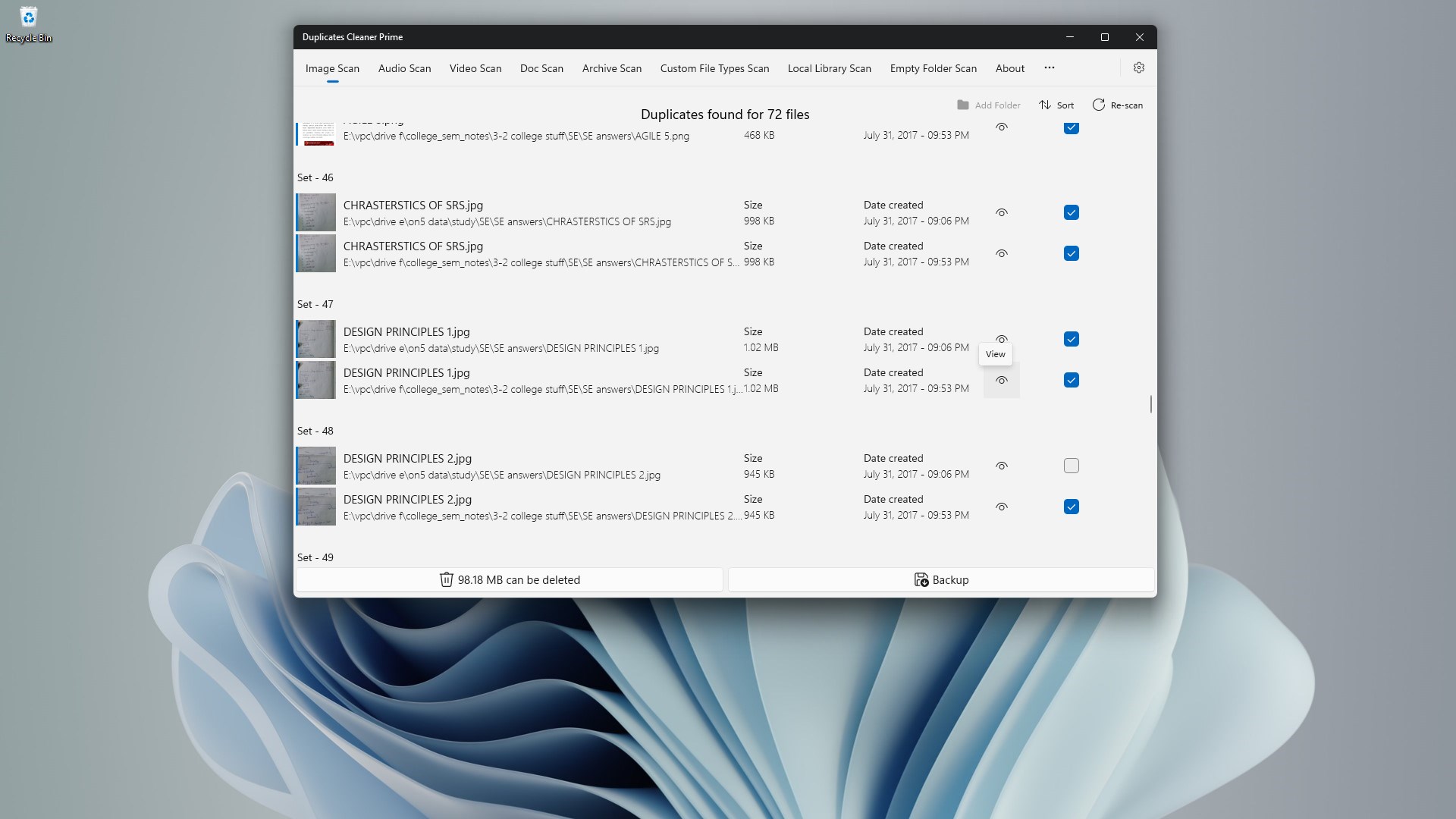
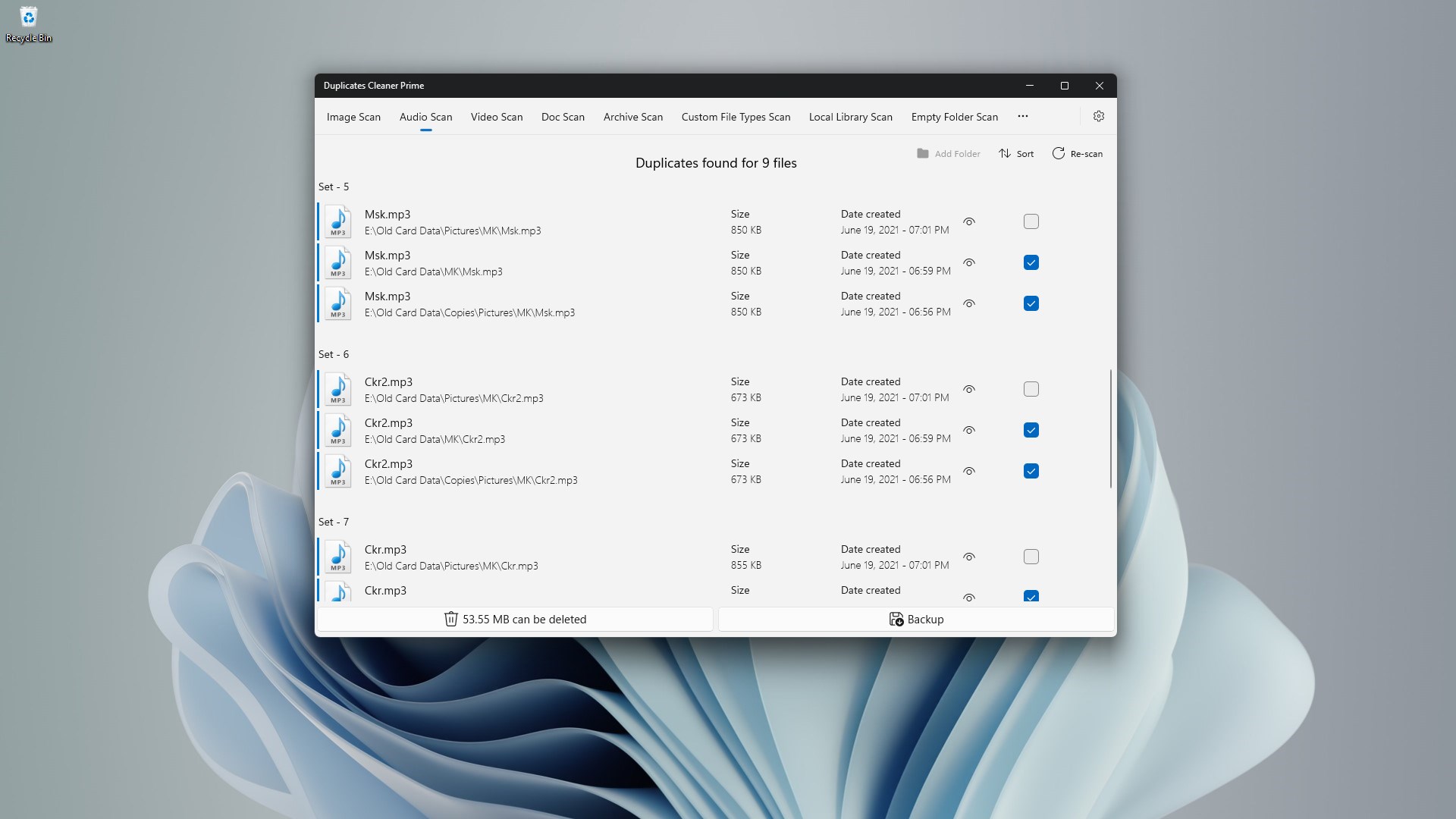
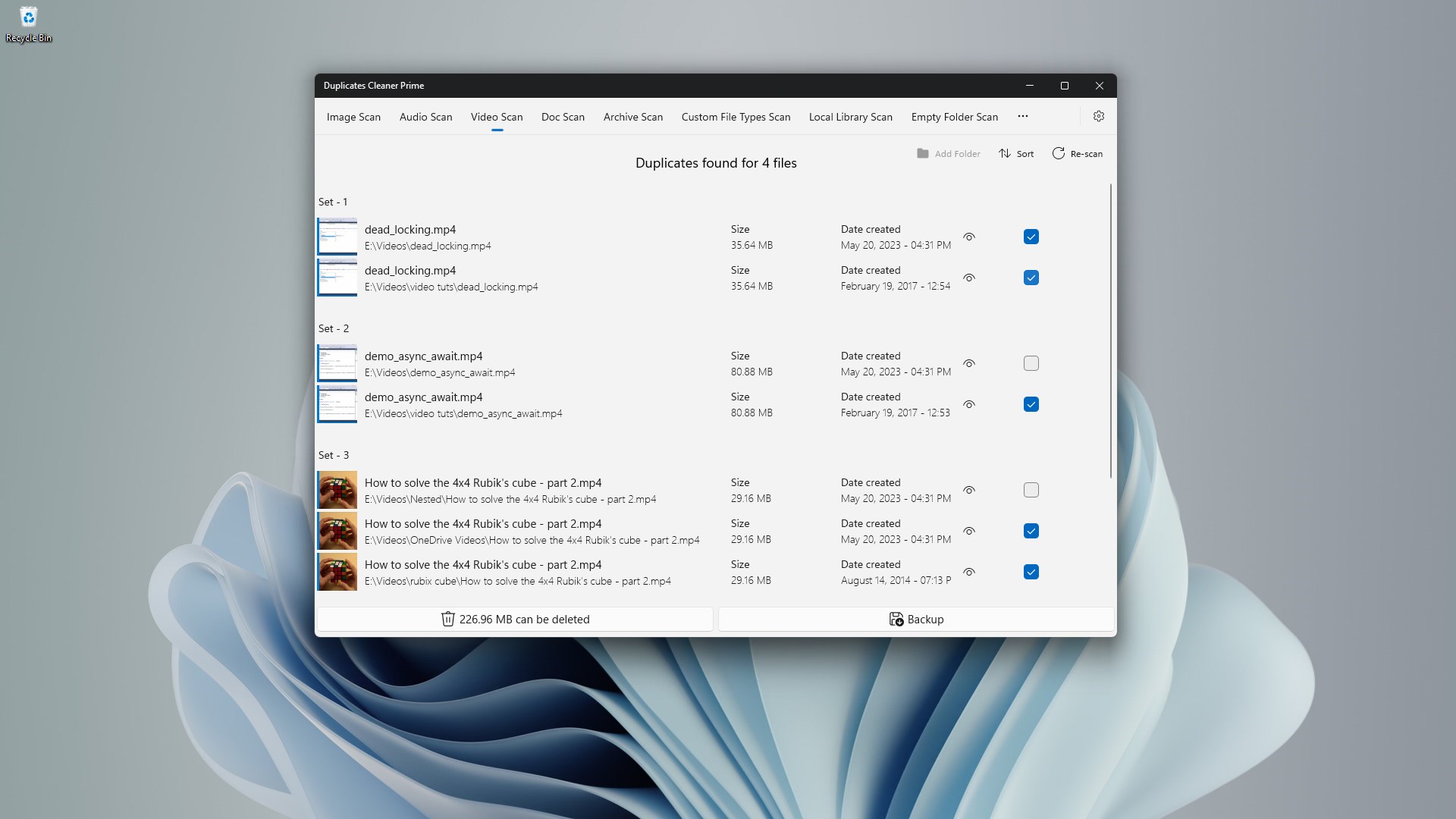
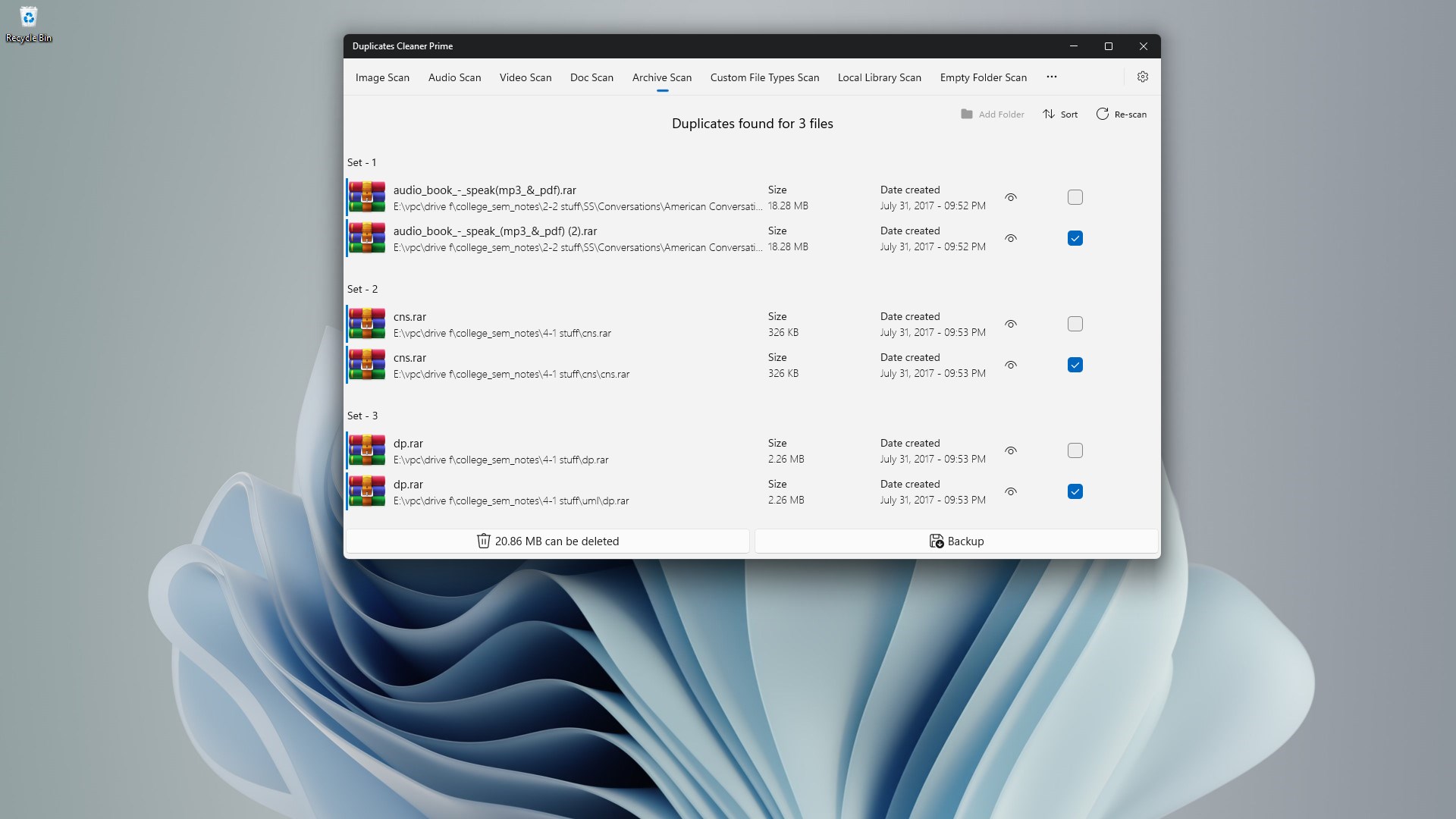
The core strength of Duplicates Cleaner Prime lies in its robust detection engine. Utilizing advanced algorithms, this tool scans your drives for exact duplicates and similar files, even when filenames differ or metadata varies. What sets it apart from many generic duplicate finders is its ability to identify visually similar images or audio snippets, thanks to content-based analysis—it's like a metal detector learning to distinguish real treasures from mere shiny trinkets. Once the scan completes, it presents a clear list of duplicates with side-by-side previews, so you can verify before deleting. This preview feature acts like a safety net, ensuring you avoid the nightmare of accidentally removing cherished files or important documents. The user interface here is sharp and straightforward, making the complex process of duplicate detection feel almost effortless.
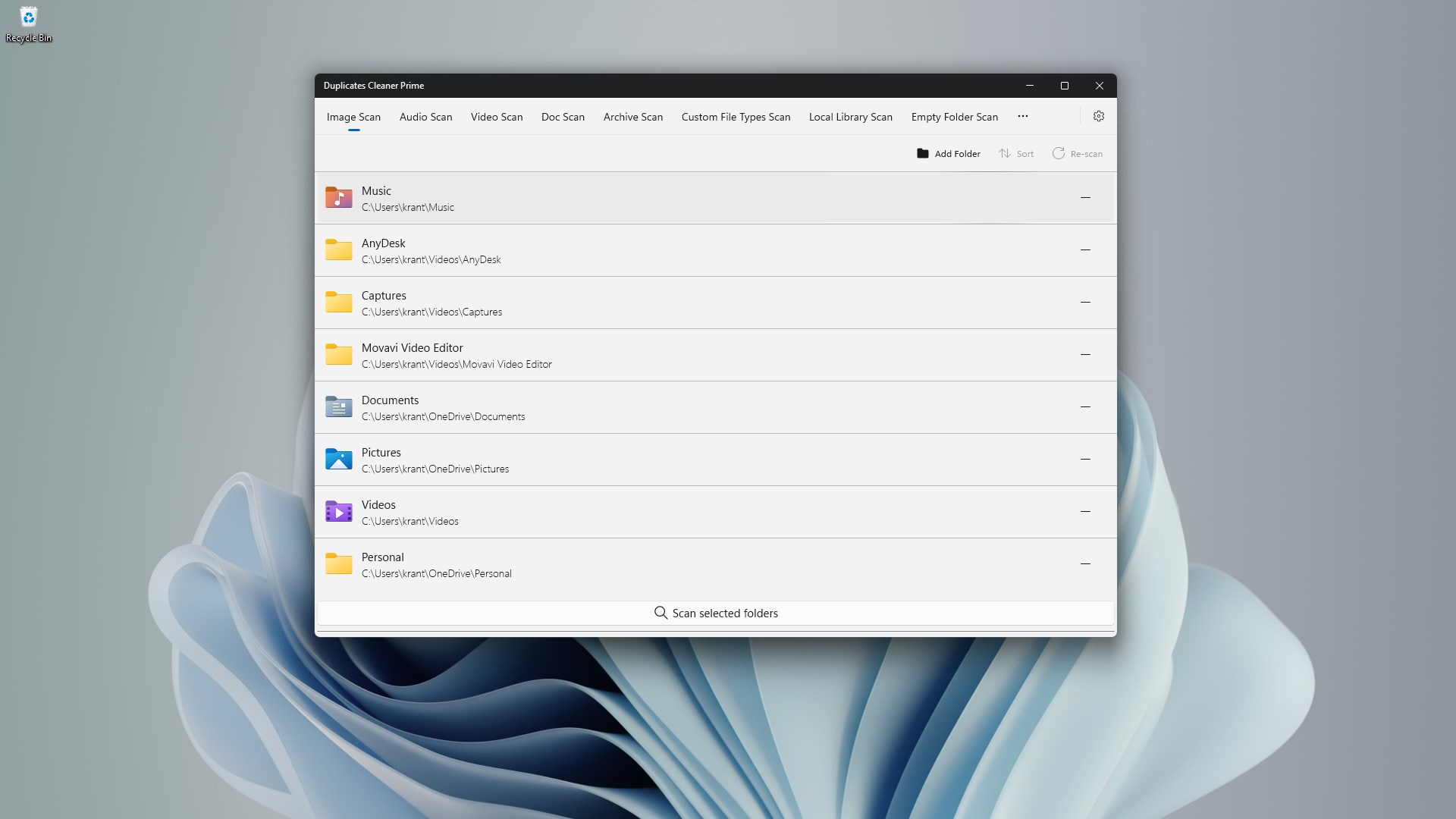
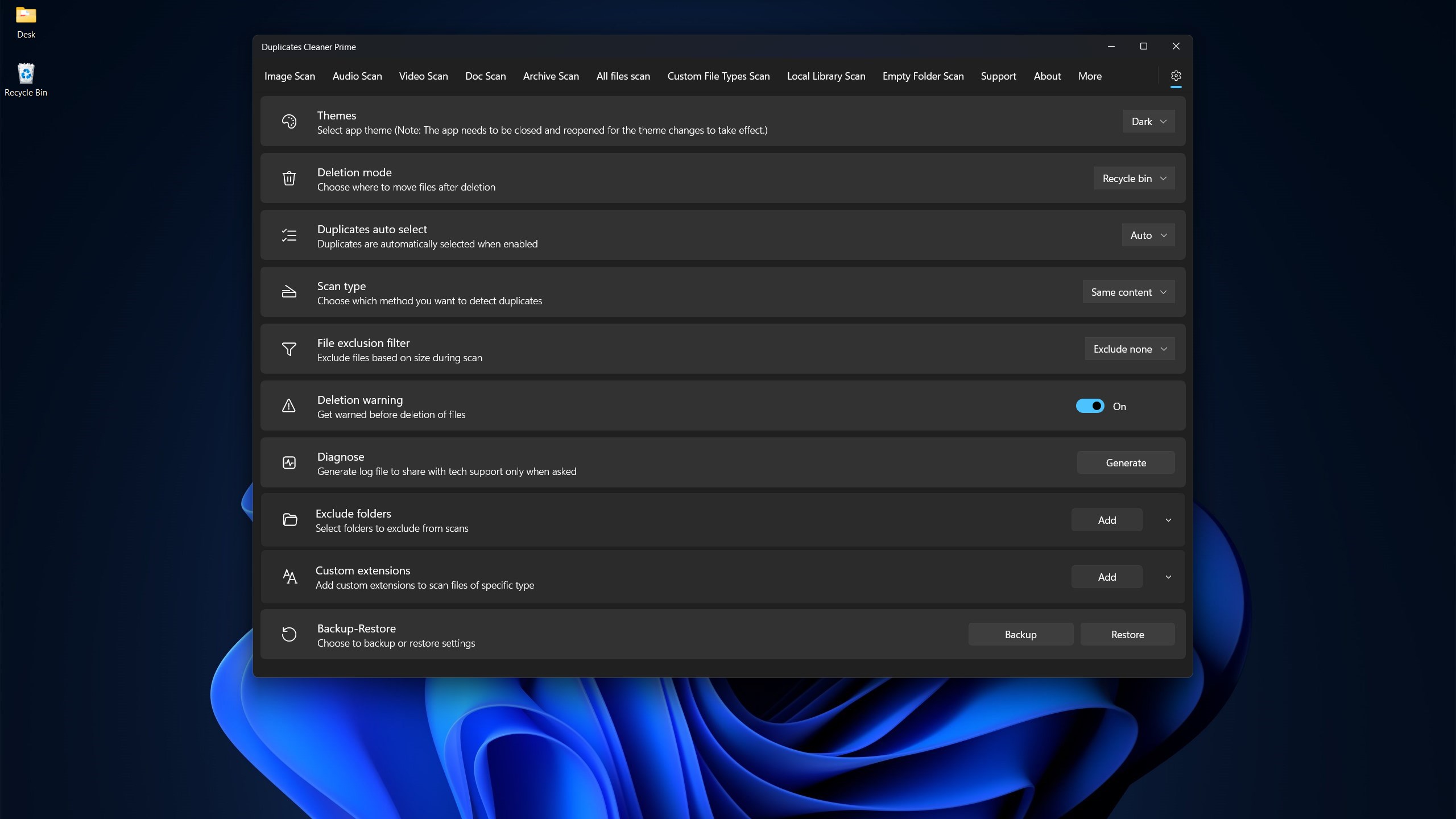
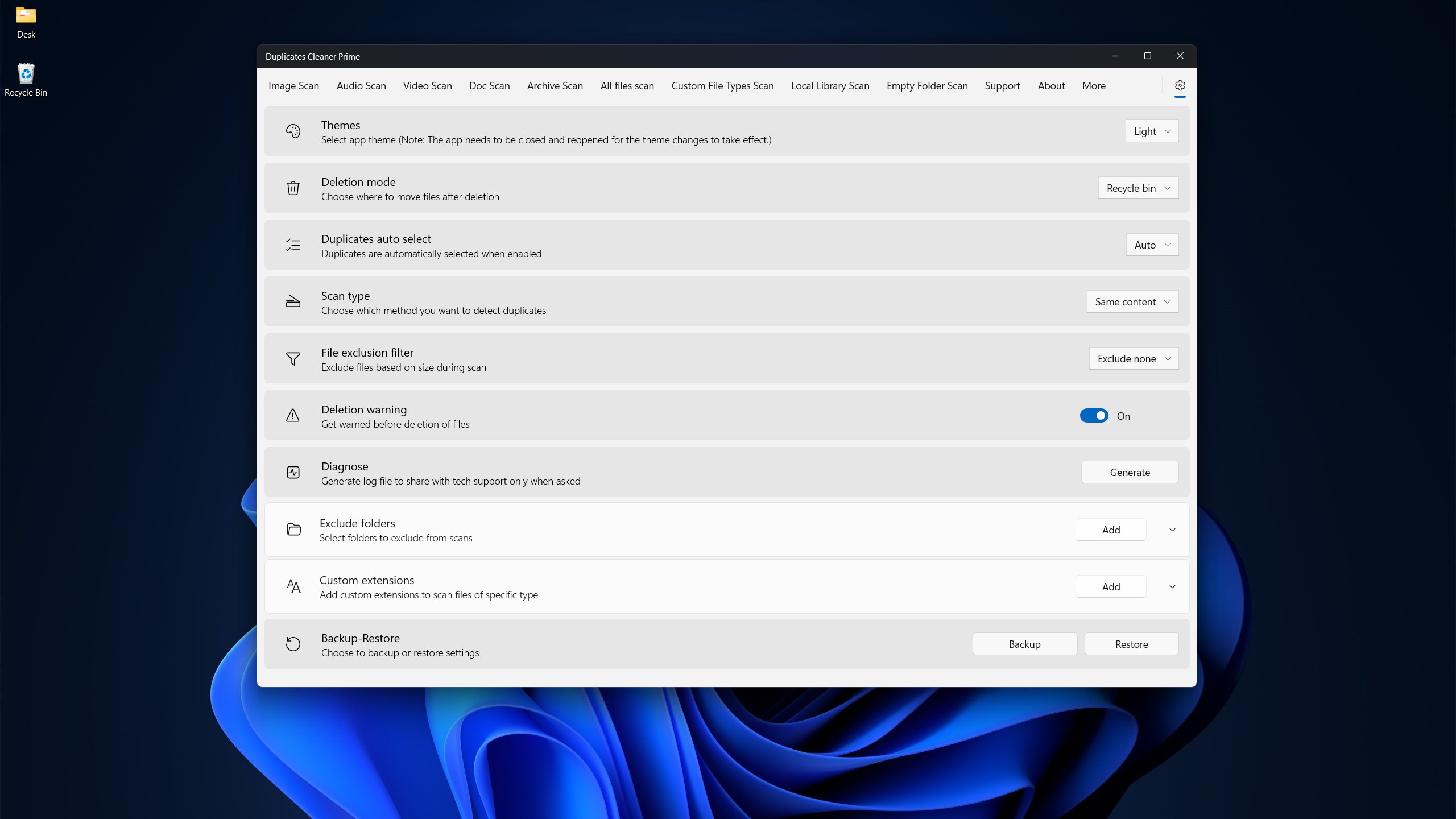
One size doesn't fit all—this app understands that perfectly. It offers flexible search options, letting you tailor scans to specific folders, file types, or sizes. Whether you want to clean up old photos, duplicate music, or redundant documents, you can focus your efforts without wading through the entire system. After scanning, the results are organized with categorization and star ratings, allowing quick prioritization. The interface's drag-and-drop functionality and clear action buttons make cleanup an intuitive experience—almost like sorting your closet but in digital form. Plus, the app retains your preferences for future scans, reducing repetitive setup, akin to having your custom cleaning playlist ready to go every time.
Compared to similar utilities, Duplicates Cleaner Prime shines with its blend of speed, accuracy, and user-centered design. Its detection algorithm not only finds exact duplicates but also intelligently spots near-duplicates, a feature many competitors lack. This means you save more space and time, especially in large media libraries. The safety features—like the preview mode and selection options—offer peace of mind that your important files won't be tossed by mistake. Additionally, its lightweight footprint and smooth operation make it suitable even for systems that aren't cutting-edge. Overall, it's a tool that combines technical prowess with friendly usability, making duplicate file management less of a chore and more of a streamlined process.
If decluttering your PC feels overwhelming, Duplicates Cleaner Prime offers a balanced approach of power and simplicity. I would recommend it to anyone who regularly accumulates duplicate files, from amateur photo organizers to busy professionals. Its standout features, especially the smart detection of similar images and the safe preview system, make it particularly effective. While it may not boast overly flashy marketing claims, its dependability and thoughtful design speak volumes. For daily digital housekeeping, this app is a trustworthy companion—and a handy choice for keeping your Windows system lean and organized.
Efficient Duplicate Detection
User-Friendly Interface
Customizable Scanning Options
Fast Performance
Safe Deletion Process
Limited Free Features
False Positives in Duplicate Detection
Lack of Cloud Backup Options
Slow Initial Scan on Large Drives
Limited Support for Non-Windows Devices

for Windows
 5
5

for Windows
5

for Windows
5

for Windows
5

for Windows
5

for Windows
4.9

for Windows
4.9

for Windows
4.9

for Windows
4.9

for Windows
4.9

for Windows
4.9

for Windows
4.9

for Windows
5

for Windows
5

for Windows
5
for Windows
5

for Windows
5

for Windows
5

for Windows
5

for Windows
5

for Windows
5

for Windows
5