Educational
RV AppStudios
PC
Windows 10 version 10240.0 or higher
Version 10
Afrikaans, Albanian, Arabic, Bangla, Basque, Bulgarian, Catalan, Chinese (Simplified), Chinese (Traditional Chinese), Croatian, Czech, Danish, Dutch, English (United States), Estonian, Filipino, Finnish, French, German, Greek, Gujarati, Hindi, Hungarian, Indonesian, Italian, Japanese, Kannada, Kazakh, Kiswahili, Korean, Latvian, Lithuanian, Malay, Malayalam, Marathi, Nepali, Norwegian, Persian/Farsi, Polish, Portuguese, Punjabi, Romanian, Russian, Serbian (Cyrillic), Sinhala, Slovak, Slovenian, Spanish, Swedish, Tamil, Telugu, Thai, Turkish, Ukrainian, Urdu, Vietnamese
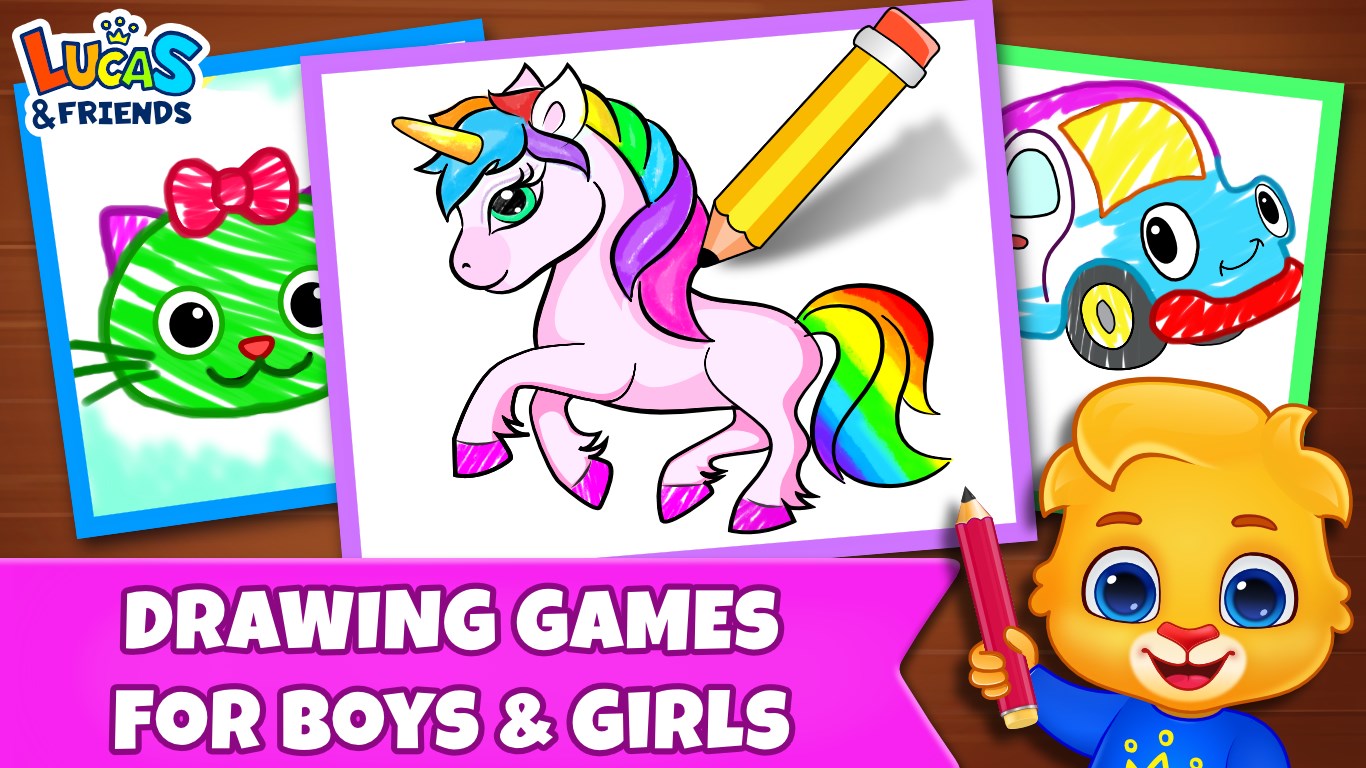
Drawing Games: Draw & Color For Kids by RV AppStudios presents itself as a playful digital canvas designed to inspire young children's artistic talents while offering a safe, engaging environment for creativity and learning. It's a delightful app that aims to turn screen time into a colorful adventure, perfect for little hands eager to explore their imagination through drawing and coloring.
Developed and published by RV AppStudios, this application is tailored specifically for young aspiring artists. Its main features include a diverse collection of drawing tools and coloring pages, an intuitive interface optimized for kids, and a rewarding environment that encourages creativity through playful interaction. Designed to be accessible for children with minimal guidance, it provides an ideal platform for early art education. The target audience primarily includes children aged 3 to 10, along with parents seeking a constructive activity for their little ones.
Imagine a world where every blank page is a new adventure, waiting to burst into color—this is exactly what Drawing Games offers. From the moment you open the app, it feels like stepping into a vibrant art studio designed just for kids: simple, bright, and inviting. Whether your child wants to sketch their favorite animal or fill in a pre-made coloring page, the app transforms digital drawing into an enjoyable, frustration-free experience. Its engaging interface encourages children to experiment with colors, brushes, and shapes, turning digital doodles into masterpieces with just a few taps.
The interface of Drawing Games is crafted with young users in mind. Large, colorful buttons and straightforward navigation make it easy for little fingers to explore different drawing modes without confusion. The layout minimizes clutter, ensuring children can focus solely on their creation. Transitioning between drawing tools and coloring modes is smooth, akin to flipping through a storybook—simple, intuitive, and engaging. This reduces the learning curve significantly, letting kids dive into their artistic journey immediately.
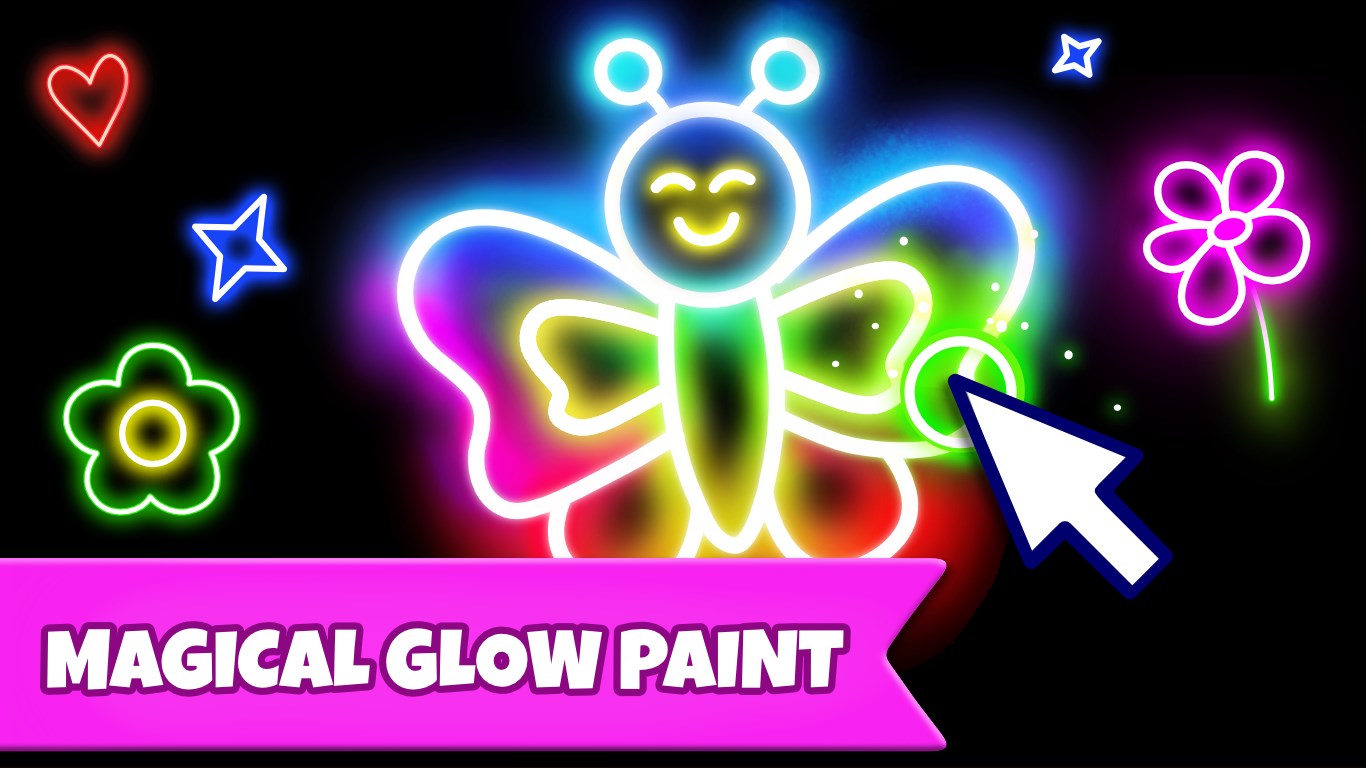
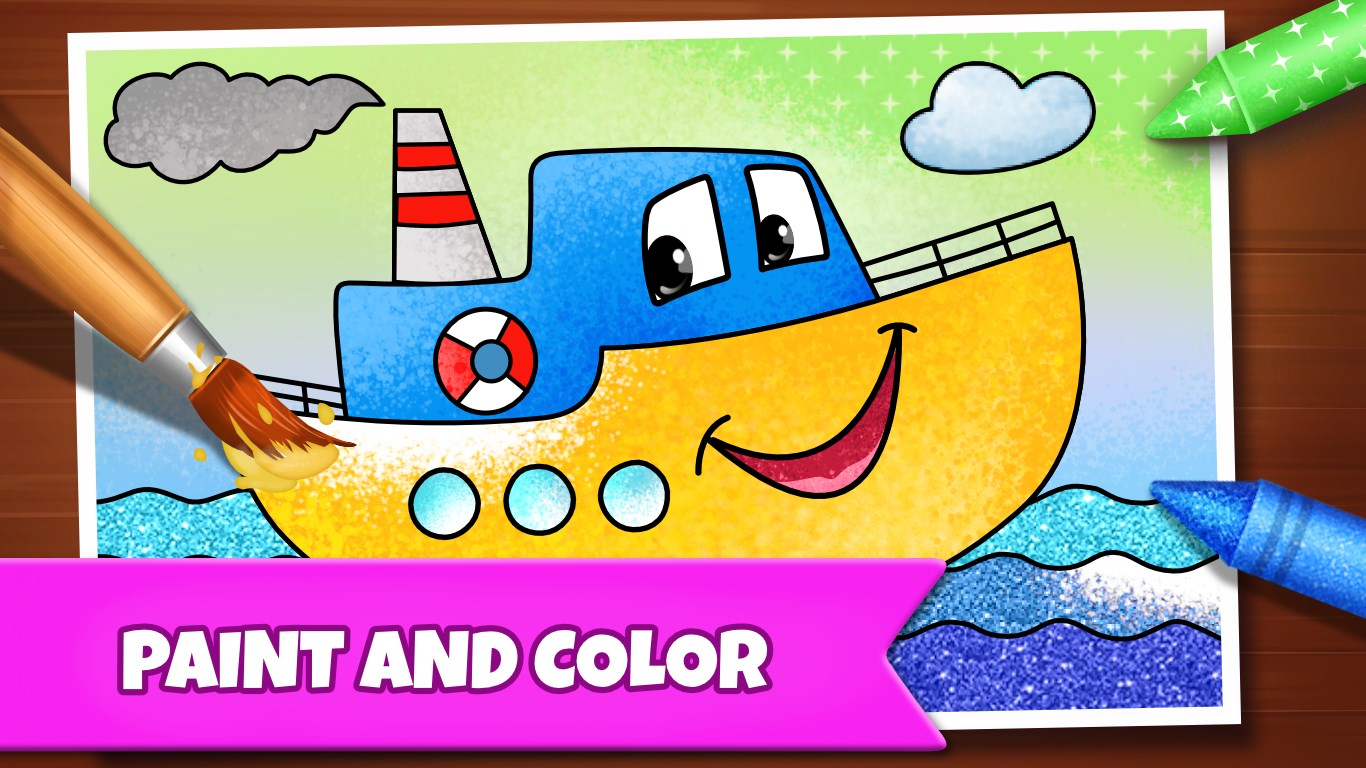
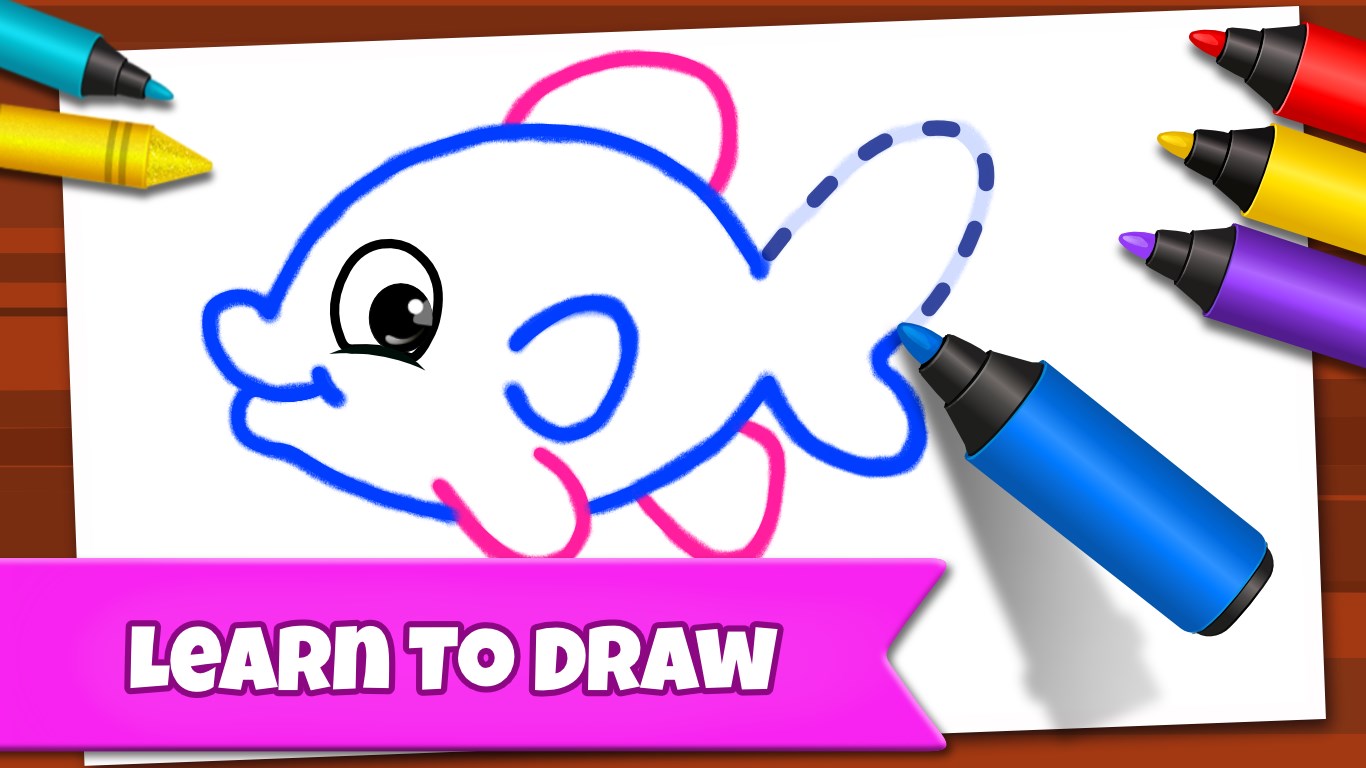
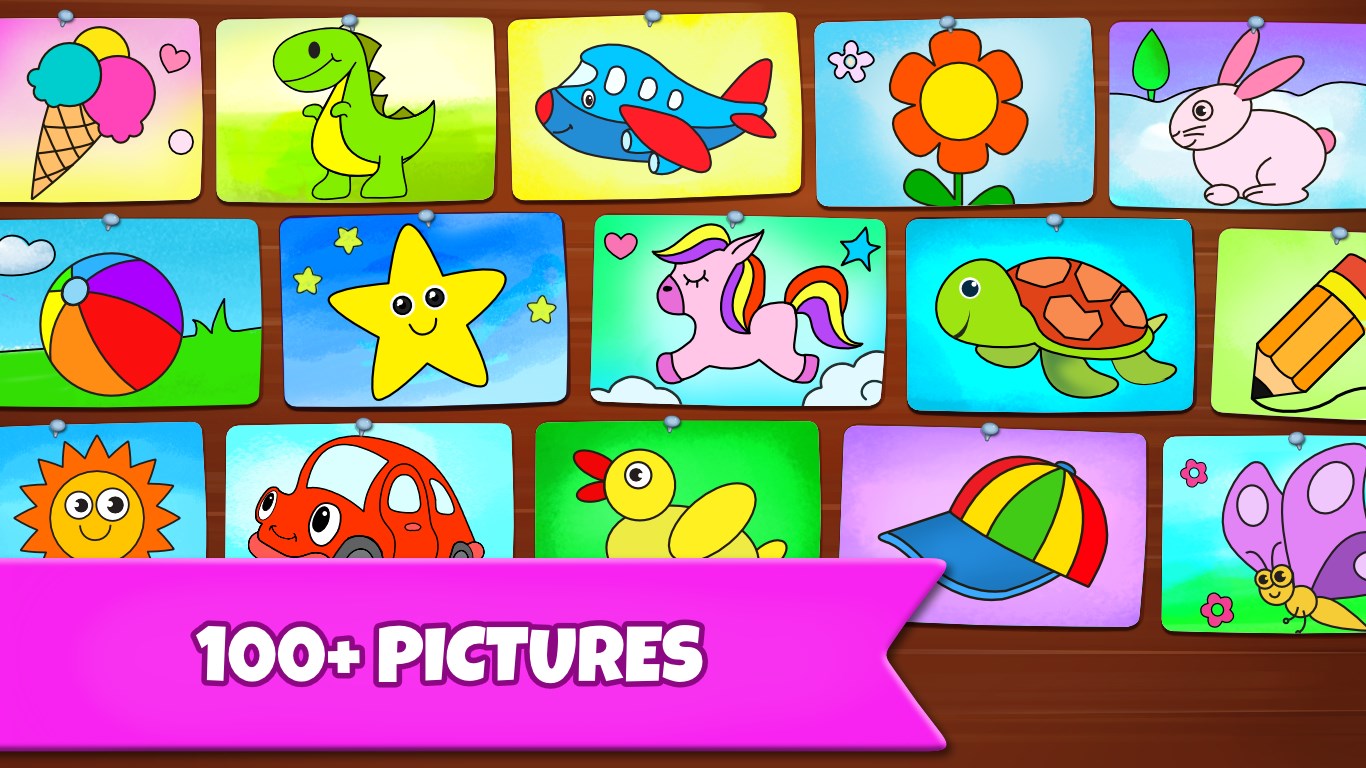
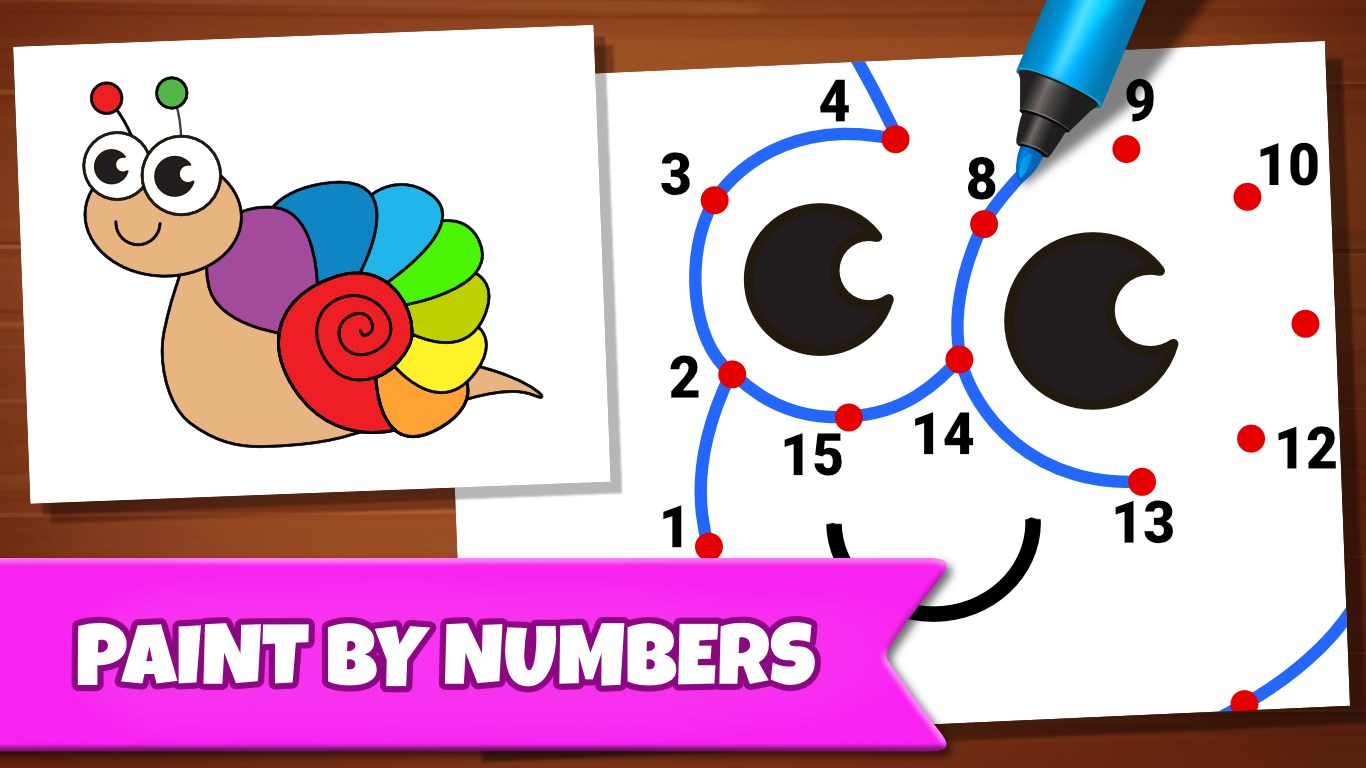
What truly sets Drawing Games apart is its rich selection of tools tailored for children's budding skills. From playful brushes that mimic crayon, pastel, or watercolor textures, to easy-to-use color palettes, the app offers a spectrum of options to bring any idea to life. The highlight is its 'auto-fill' feature, which allows children to quickly color in large sections—making the process fun and rewarding, especially for younger users just learning fine motor skills. Plus, the app provides pre-drawn outlines and simple templates, which are perfect starting points for kids hesitant to draw freehand.
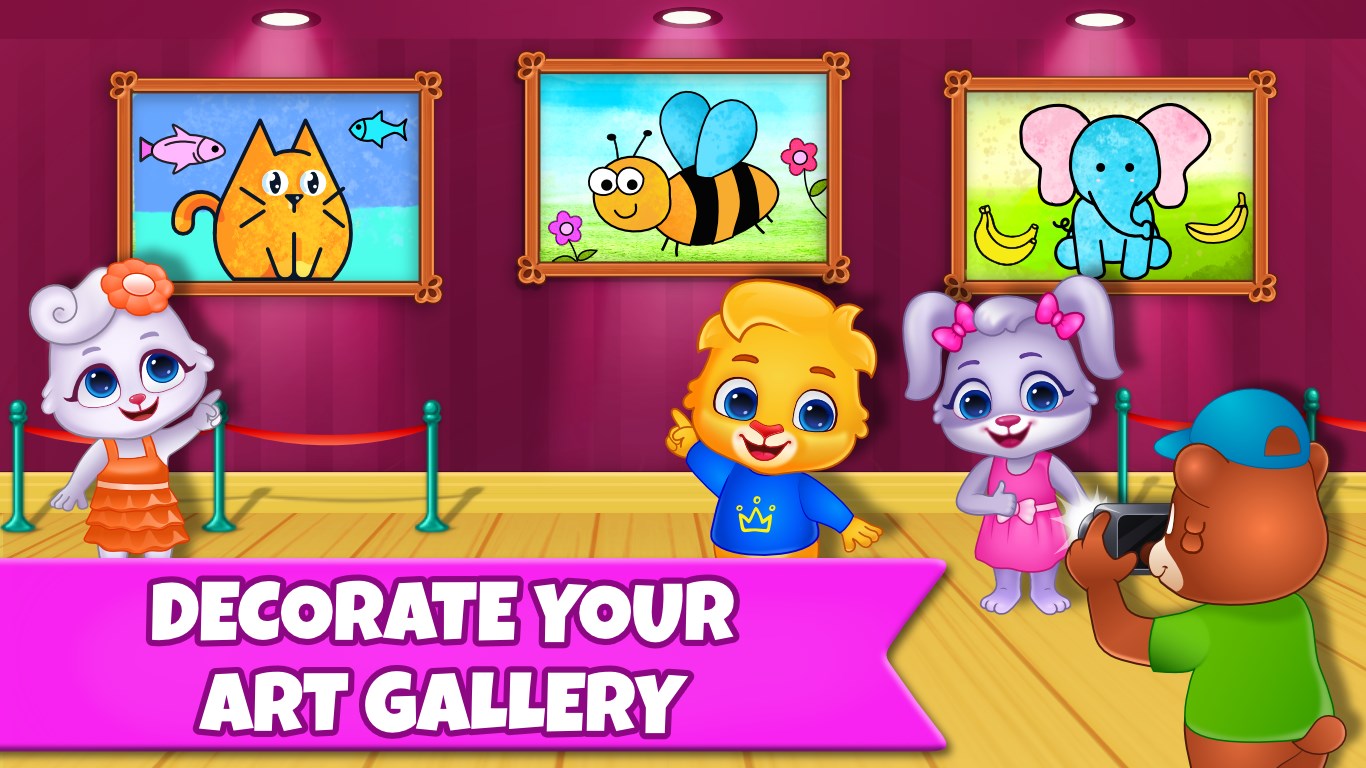
Unlike many educational apps that focus solely on skill acquisition, Drawing Games strikes a commendable balance between learning objectives and fun. Its design encourages children not just to create but to explore different colors and techniques, nurturing their artistic curiosity. Unique to this app is its subtle integration of progress tracking—parents can view completed artworks or even save milestones—giving a measure of knowledge retention and skill development over time. This focus on both engagement and educational value makes it stand out among other digital drawing platforms for kids, which often compromise one for the other.
Drawing Games: Draw & Color For Kids offers a straightforward yet engaging platform that makes digital drawing accessible and enjoyable for children. Its intuitive interface, diverse tools, and thoughtful balance of learning and play make it an excellent choice for parents seeking a constructive activity for their kids. While it may lack some advanced features found in more sophisticated art apps, its focus on simplicity and fun is precisely what makes it special for early learners. I recommend this app for children aged 3-10, especially those just starting their artistic journey. Parents should consider integrating it into daily routines as a playful yet educational activity—to foster creativity and motor skills without the hassle of complex controls or distracting ads.
User-Friendly Interface
Variety of Drawing Tools
Educational and Entertaining
No Advertisement Distractions
Progress Saving Feature
Limited Advanced Features
Few Printable Options
Performance on Older Devices
Limited Content Updates
Minor Stability Issues

for Windows
 4.8
4.8

for Windows
4.7

for Windows
4.6

for Windows
4.5

for Windows
4.4

for Windows
4.4

for Windows
4.4

for Windows
4.4
for Windows
4.3

for Windows
4.2
for Windows
4.2
for Windows
1.5

for Windows
5

for Windows
5

for Windows
5

for Windows
5

for Windows
5

for Windows
5

for Windows
5

for Windows
5

for Windows
5

for Windows
5