Simulation
Social Point
PC, Mobile, Surface Hub, HoloLens
Windows 10 version 17763.0 or higher
300 MB
Not specified
Not specified
English (United States)
Dragon City for Windows by Social Point offers players an engaging fantasy world where they can build, manage, and nurture a sprawling dragon metropolis on their PC. It's a blend of city-building and creature-raising that combines vivid visuals with a strategic gameplay experience, making it suitable for casual players and dedicated gamers alike.
Developed by Social Point, a well-established developer known for their engaging mobile and online games, Dragon City for Windows delivers a seamless port of their popular mobile title. Key functionalities include:
The game targets both younger audiences interested in fantasy worlds and veteran simulation players who enjoy complex management mechanics and collection systems.
From the moment you launch Dragon City, you're greeted with a colorful, cartoonish interface that feels like opening the door to a magical playground. The graphics are crisp and lively, with animated dragons that breathe fire and flap their wings, immersing you in a whimsical universe. Navigation feels smooth, thanks to an intuitive menu layout that minimizes clutter, making it easy for new players to pick up and start building within minutes.
The interface design effectively balances aesthetic appeal and usability. Icons for breeding, building, and battling are clearly labeled, and the touch/click controls respond swiftly without lag. The onboarding tutorial provides helpful guidance without overwhelming, ensuring even newcomers grasp the core gameplay mechanics quickly. Overall, the learning curve is gentle, while providing enough depth to keep more experienced players engaged. The game feels well-optimized for Windows, with transitions between menus fluid and loading times minimal.
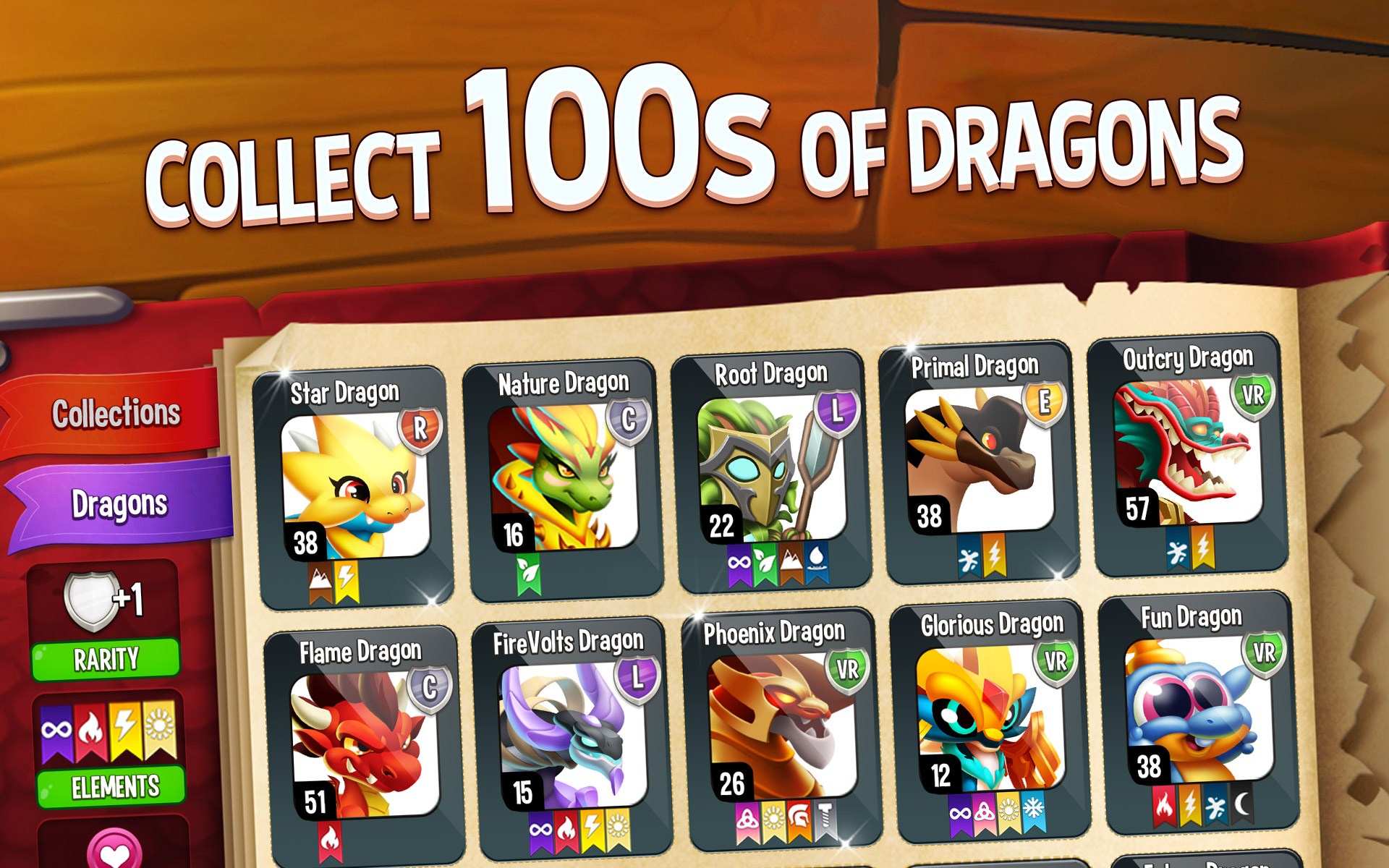
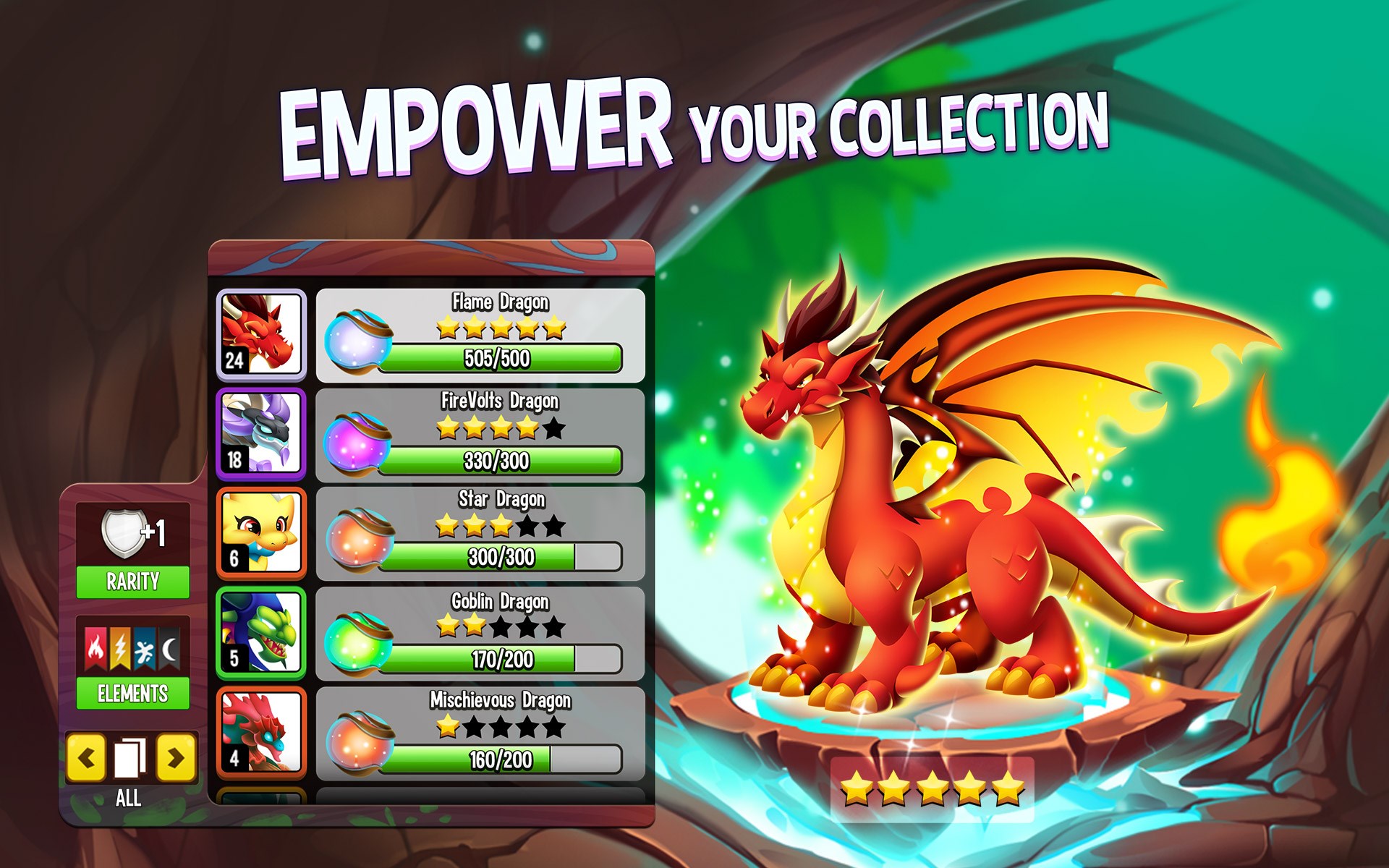
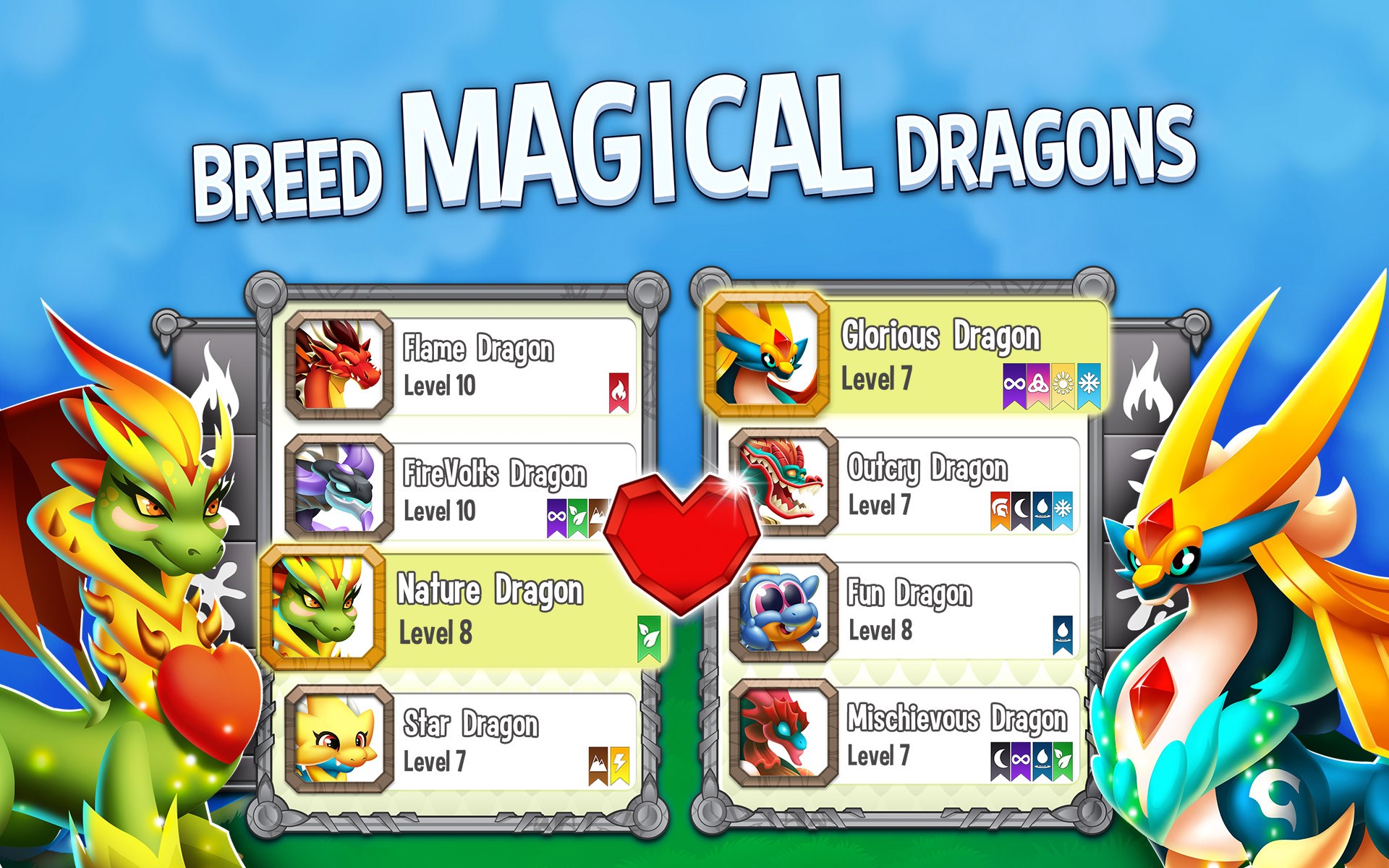
One of Dragon City's most distinctive features is its intricate breeding system combined with a realistic ecosystem simulation. Unlike other city builders or creature collection games, Dragon City emphasizes the physics and mechanics of dragon management—balancing attributes like fire strength, flight duration, and elemental affinities. This creates a layer of realism that enhances the strategic depth. Additionally, the game promotes actual learning transfer; players develop planning, resource allocation, and strategic thinking skills—akin to managing a real-world farm or zoo. Its emphasis on ecosystem dynamics and breeding genetics makes it stand out from more straightforward simulation titles.
If you enjoy vibrant worlds, collection mechanics, and strategic management, Dragon City for Windows is a solid choice to add to your library. Its engaging graphics, smooth gameplay, and unique breeding mechanics make it a compelling option for fans of simulation and fantasy genres. For best experience, dedicate time to explore breeding combinations and participate in regular events to unlock new content. It's also advisable to connect with online community features for multiplayer battles and trade opportunities, which can greatly enhance your gameplay experience.
In conclusion, Dragon City for Windows combines charm, strategic depth, and ecosystem realism into an accessible package. Whether you are looking to unwind by nurturing your virtual dragons or seeking a game that challenges your planning skills, this app offers a well-rounded experience worth exploring.
Engaging gameplay with vibrant graphics
Wide variety of dragons to breed and evolve
Regular updates introduce new content
Built-in social features for trading and battling
Free-to-play with optional in-app purchases
In-app purchases can be costly
Progression can be slow without spending
Ads may interrupt gameplay on certain versions
Storage and resource management can become complex
Some devices experience lag during intensive battles

for Windows
 4.8
4.8

for Windows
4.8

for Windows
4.8
for Windows
4.8

for Windows
4.8

for Windows
4.7

for Windows
4.7

for Windows
4.7

for Windows
4.7

for Windows
4.7

for Windows
4.7

for Windows
4.6

for Windows
5

for Windows
5

for Windows
5

for Windows
5

for Windows
5

for Windows
5

for Windows
5

for Windows
5

for Windows
5

for Windows
5